Hi, thanks for the feedback.
Input exposure range is the same as in filmic, yes, although it’s more conservative in the blacks.
The curve is new, it’s different from that in filmic.
The primaries section is much like in sigmoid (sigmoid’s solution was inspired by Blender’s AgX).
look allows some post-processing. Yes, those controls are not scene-referred, but let’s not forget that display-referred is not a swearword. 
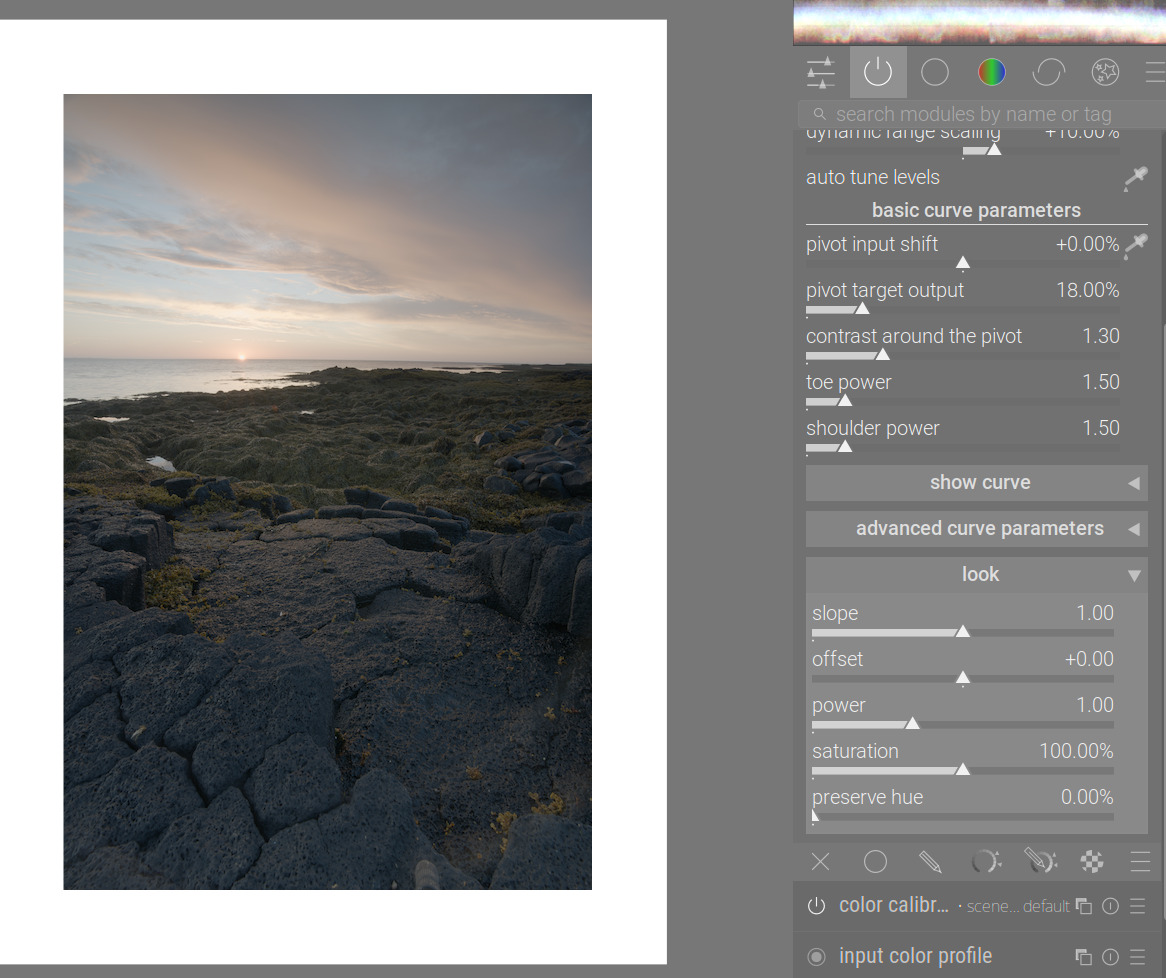
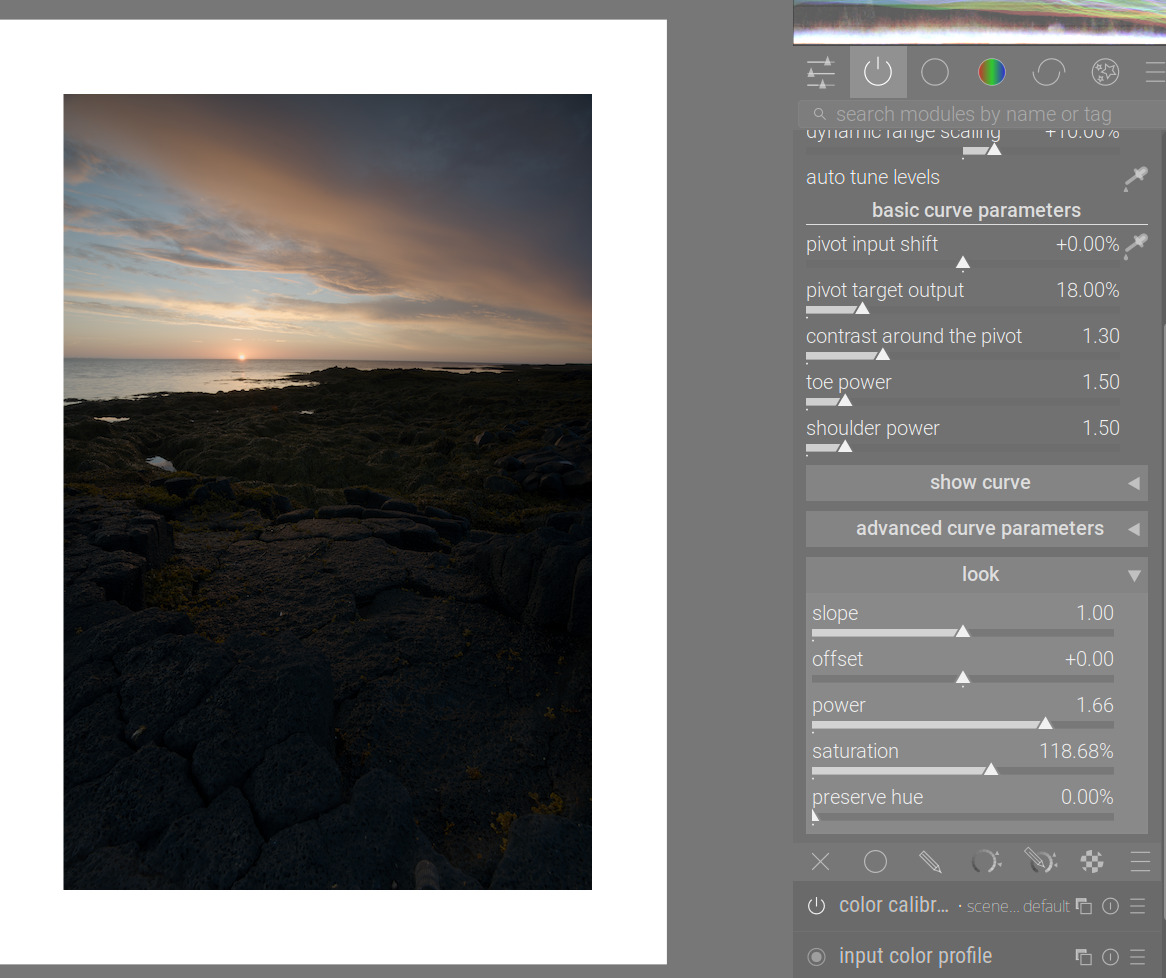
(Image: [PLAY RAW] Vulcan stone sunset)
Pivot input shift: it doesn’t redefine what mid-grey is; you can use it to move the point of highest contrast (as long as the curve preserves the S-shape, contrast is highest around the pivot).
Target output: set the brightness for the selected pivot point. I’m not as opinionated as Aurélien; use the control when needed.
keep pivot on the identity line: it’s related to filmic’s auto adjust hardness. Adjusts curve y gamma:
curve y gamma: it’s somewhat like filmic’s hardness. It has a strong effect on apparent contrast, even with some contrast-compensation code in place (I’ll try to have another look at that as time allows). It can be used in cases when the curve loses the S-shape, and toe or (more frequently) shoulder power stops functioning.
Have you looked at the work-in-progress manual page yet? It’s here: dtdocs/content/module-reference/processing-modules/agx.md at agx · kofa73/dtdocs · GitHub (a bit too much math, probably, also working on simplifying that)