I don’t understand what ‘mid-gray from the exposure module’ or ‘some pseudo absolute value’ should mean.
However, the slider does not adjust mid-grey. Mid-grey, by definition, is 18% absolute value, R = G = B = 0.18 linear, in any RGB space.
The input slider positions the pivot relative to mid grey; it shifts the point of highest contrast.
The output slider sets the output (luminance) the given input should be mapped to.
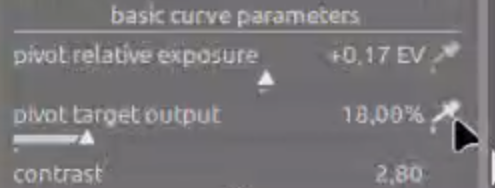
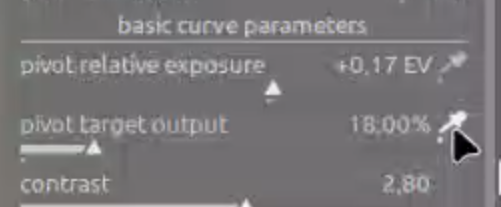
By default, the input is at mid-grey (0 EV shift), and the output is also mid-grey (18% linear output).
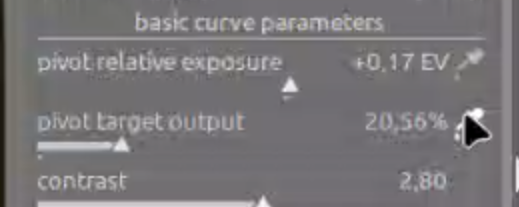
Using the ‘output’ picker, you can shift the point of highest contrast to another part of the image, without changing its brightness. Unfortunately, due to technical limitations (if used for the first time, darktable always sets the picker to cover almost the whole frame), unless the average of the image is initially 18%, you do get a shift the first time you enable it.
After the 1st application, when you move from area to area, the output should be preserved quite well.
In previous implementations, the output was always recalculated as if the pivot was in the original 18%->18% position. That means, once you moved the pivot, the output would always change compared to what you saw on the screen.
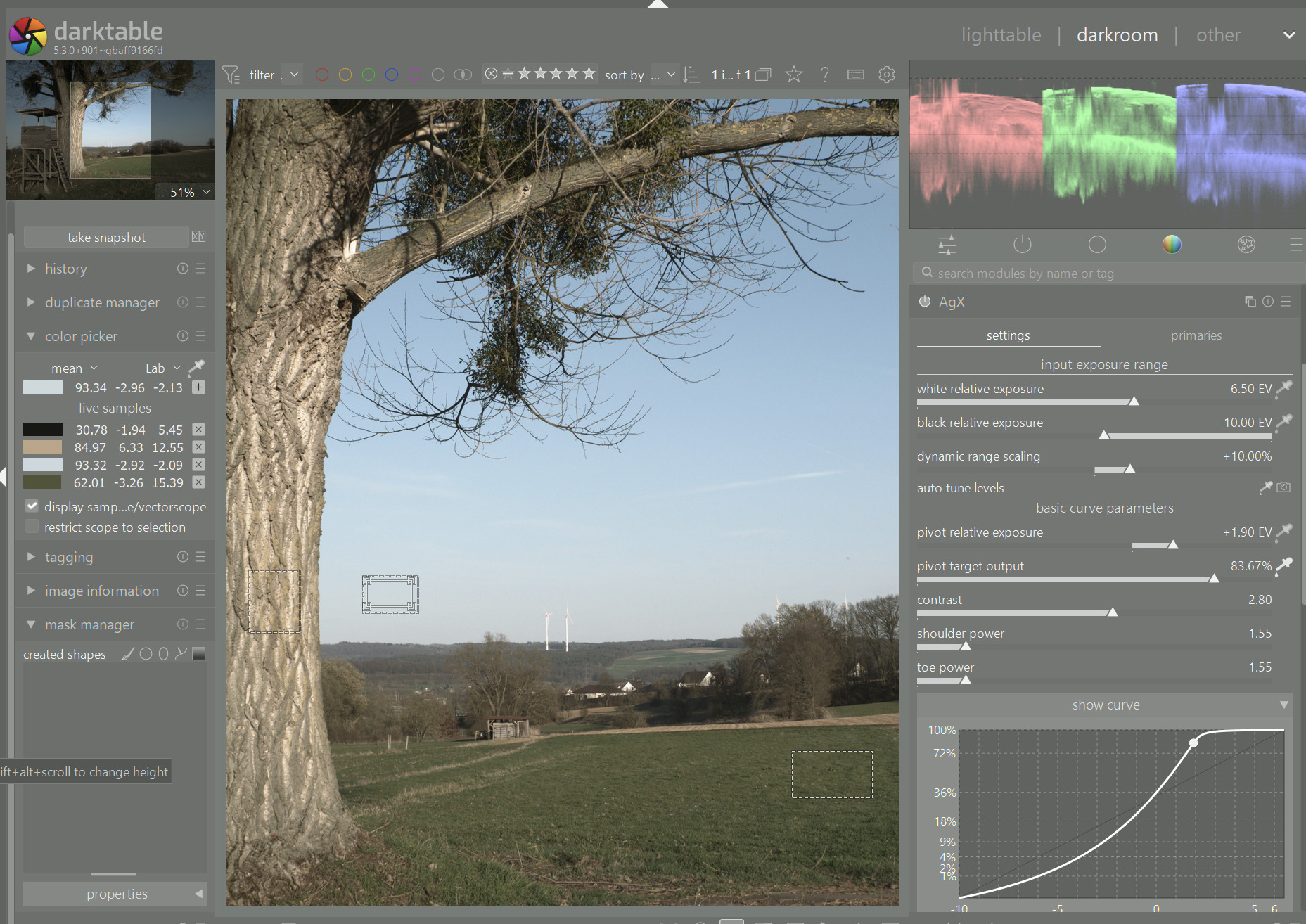
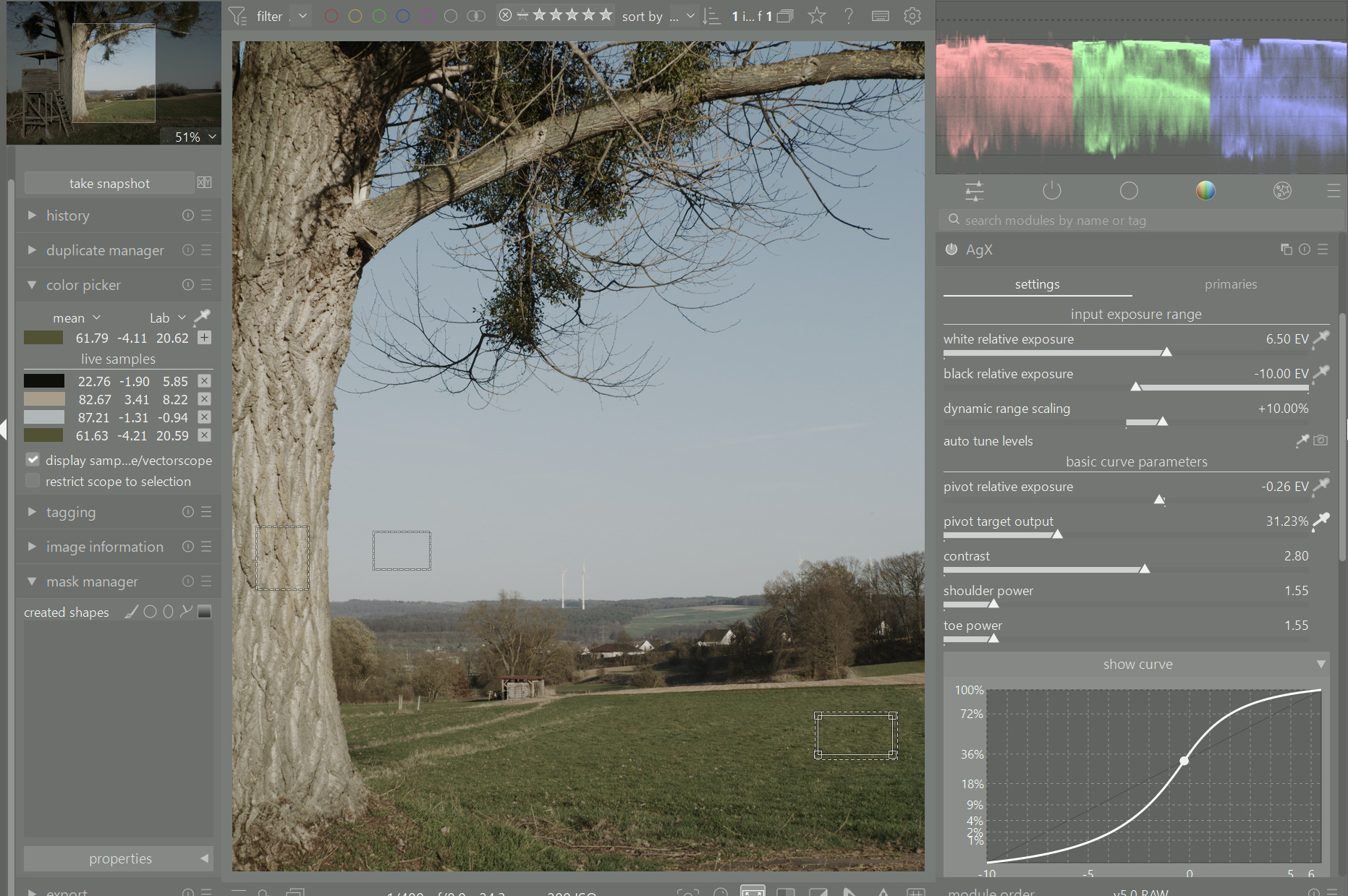
For example, here I picked the pivot from the sky, L=93. The green patch in the bottom right corner measures at L=62:
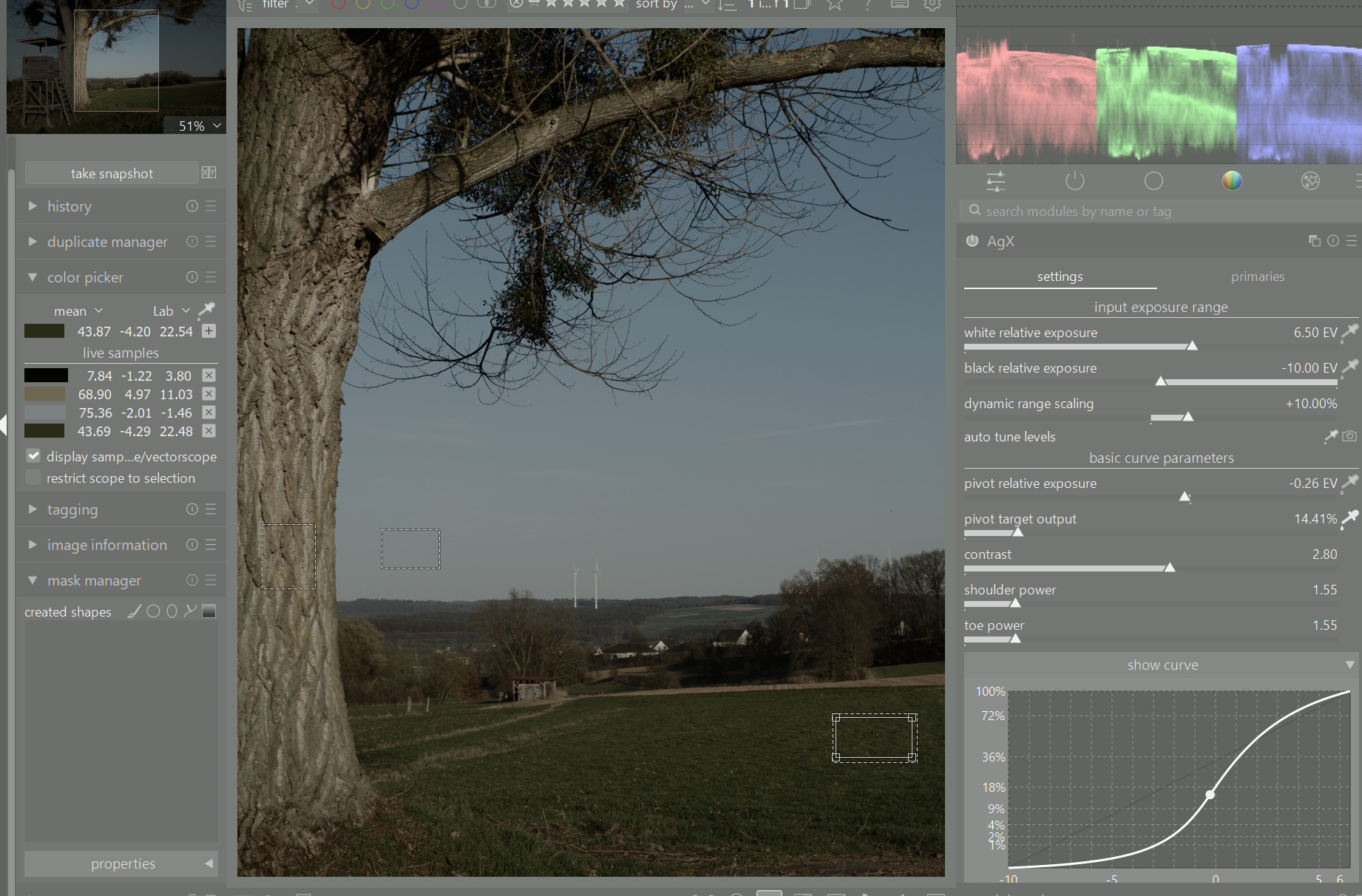
If I pick from that green patch, its L=62 is kept almost unchanged, instead of being set to whatever it would end up with the 18%->18% pivot:
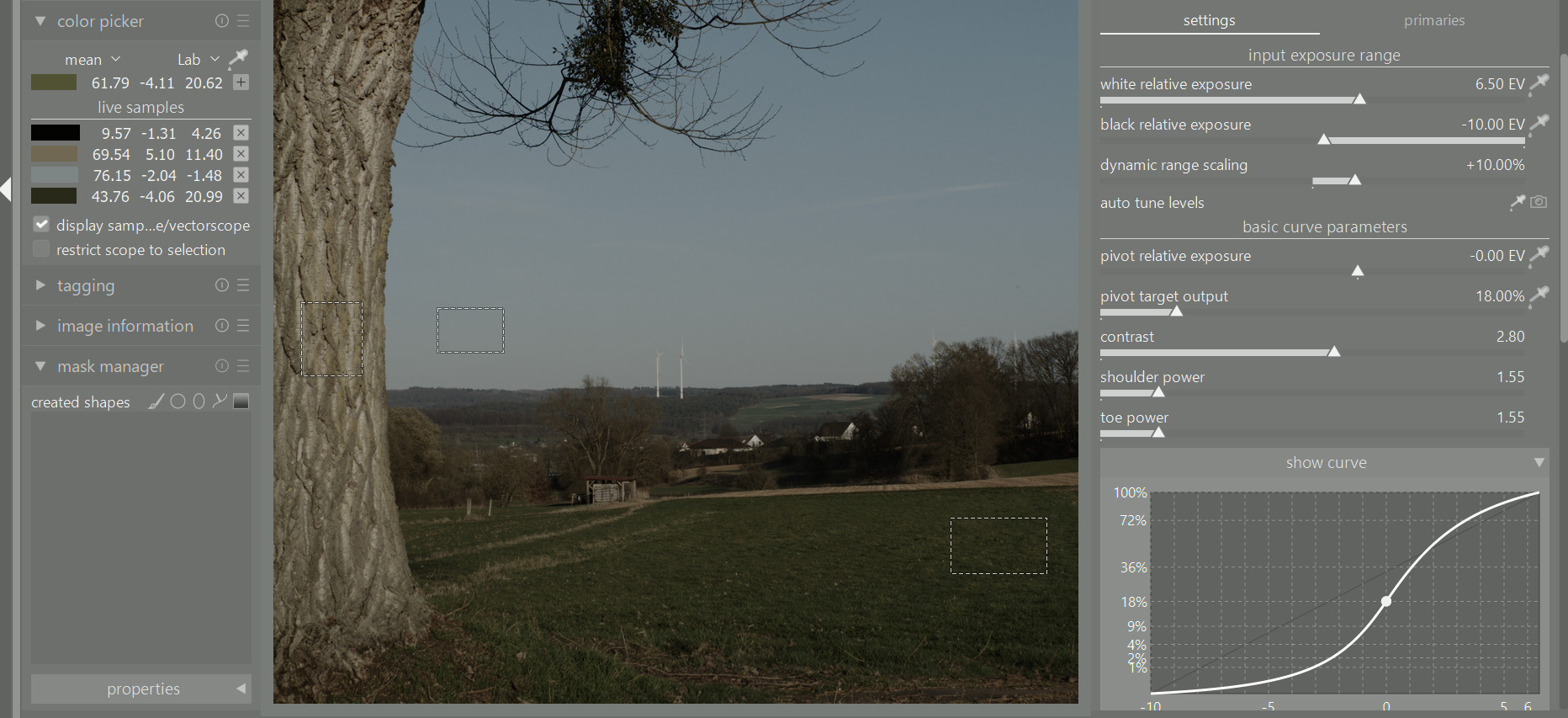
Calculated with old method, using the 18%->18% mapping, L would be 44:
And the image after moving the pivot would look like this:
So, to reiterate: the aim is to keep the current luminance of the area selected for the pivot, only shifting the contrast there.
So, new method:
Old method: