here the macOS arm64 build:
darktable-5.1.0+705~gf9dcc3d866_arm64.dmg
same comments as in Blender AgX in darktable (proof of concept) - #181
here the macOS arm64 build:
darktable-5.1.0+705~gf9dcc3d866_arm64.dmg
same comments as in Blender AgX in darktable (proof of concept) - #181
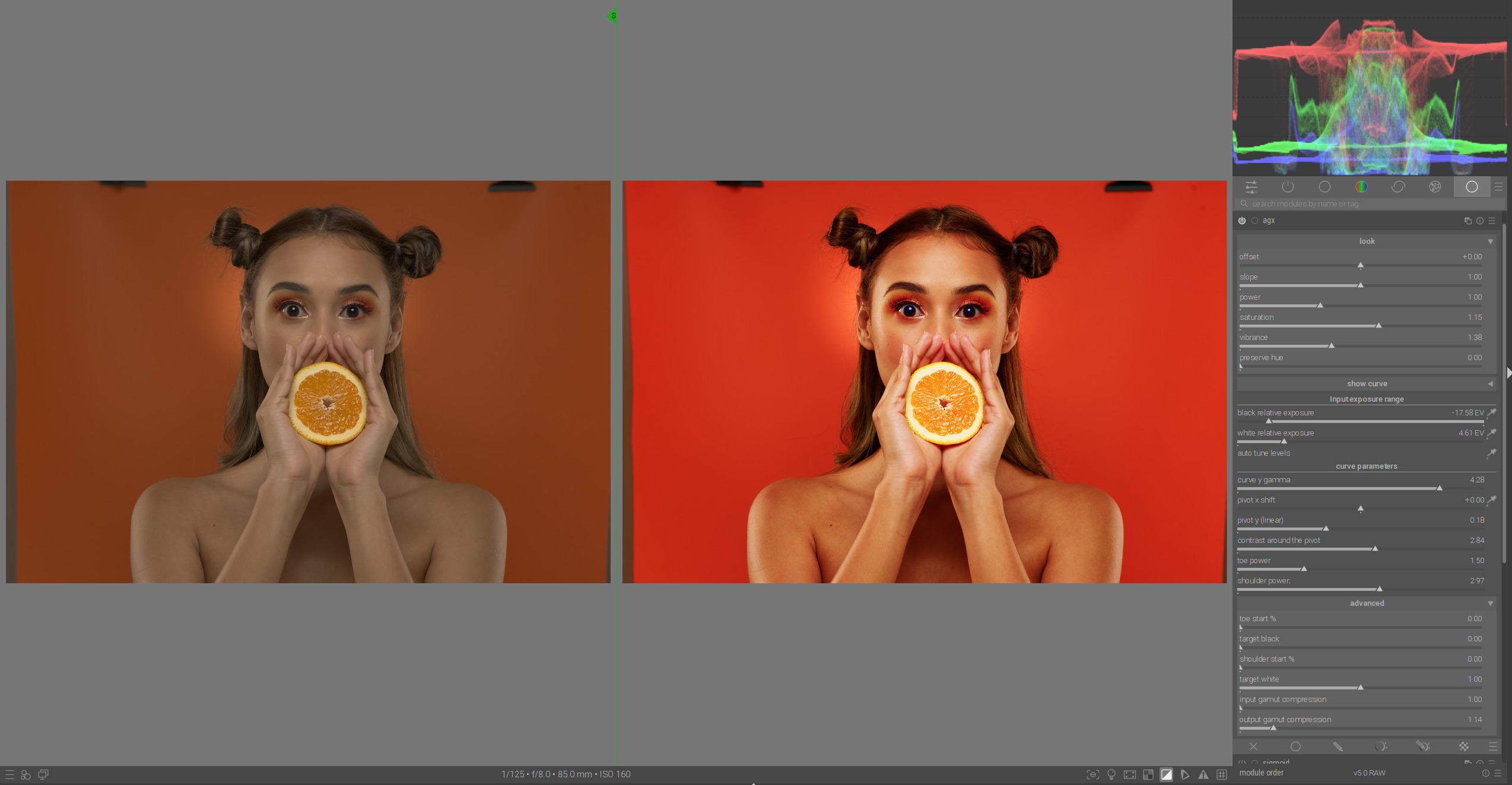
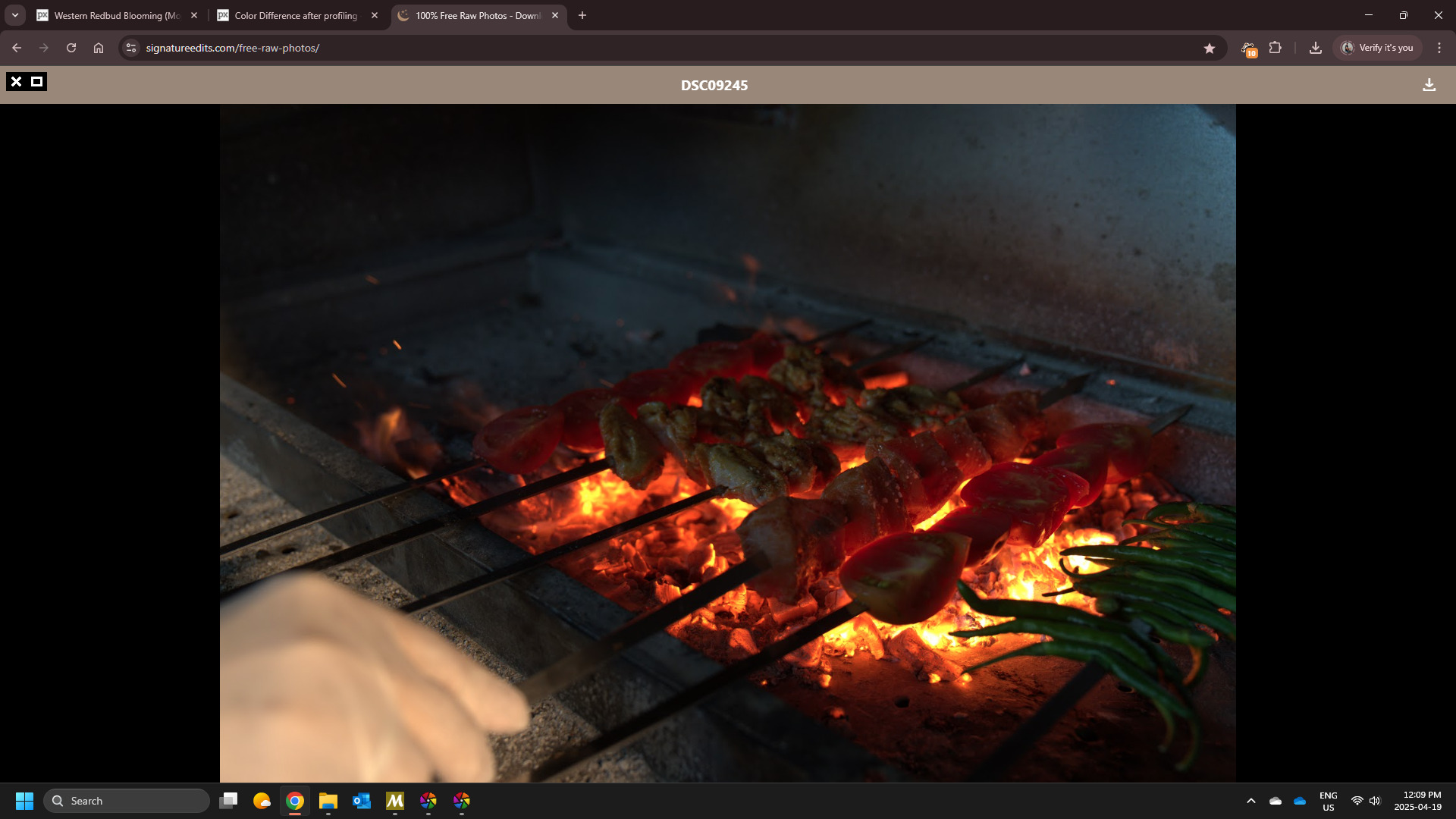
Now it is interesting to see how much saturation can be squeezed out of the very limited color space without clipping. This photo would burst at the seams without gamut compression:
It’s time to learn how to do it best.
And this one:
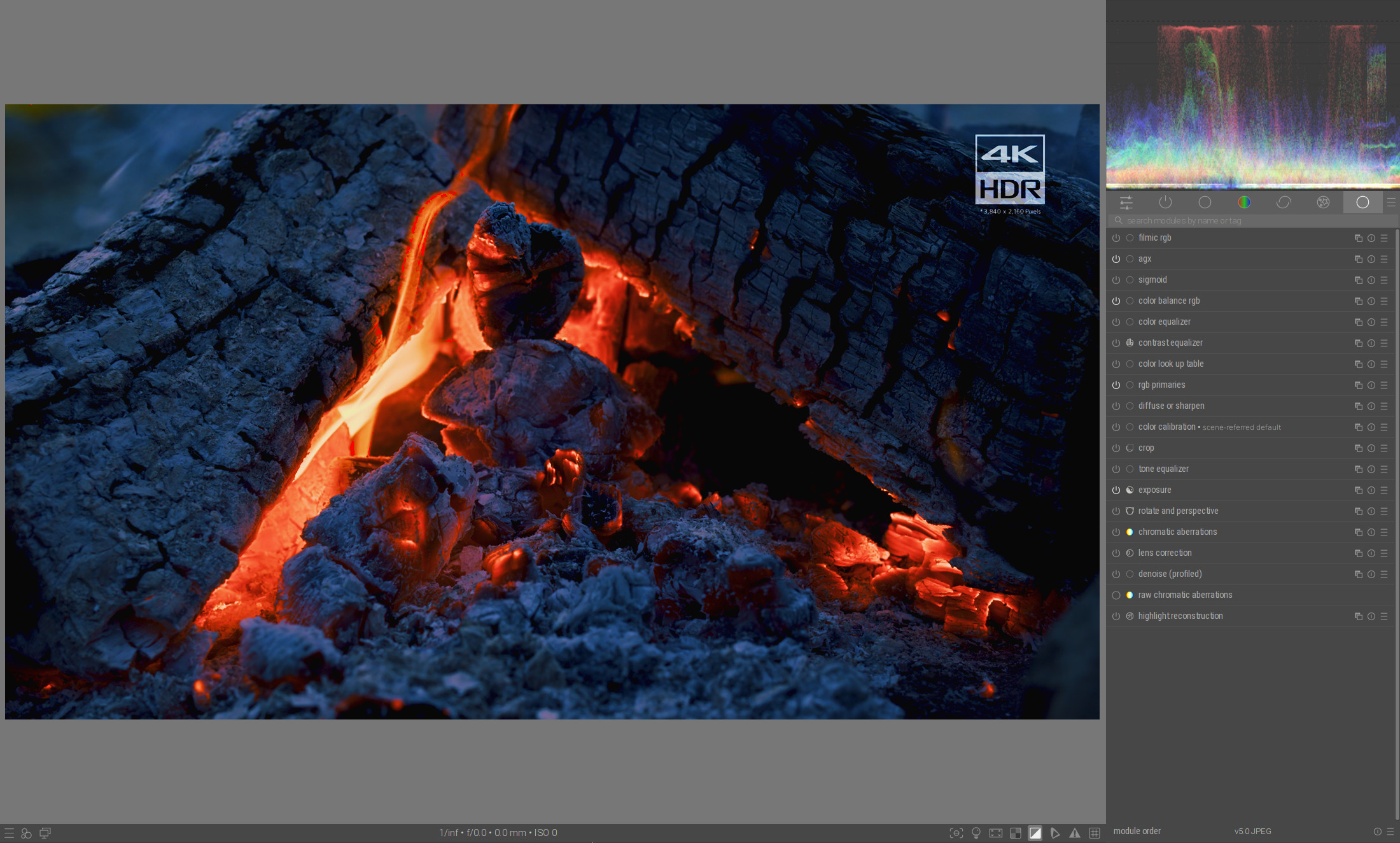
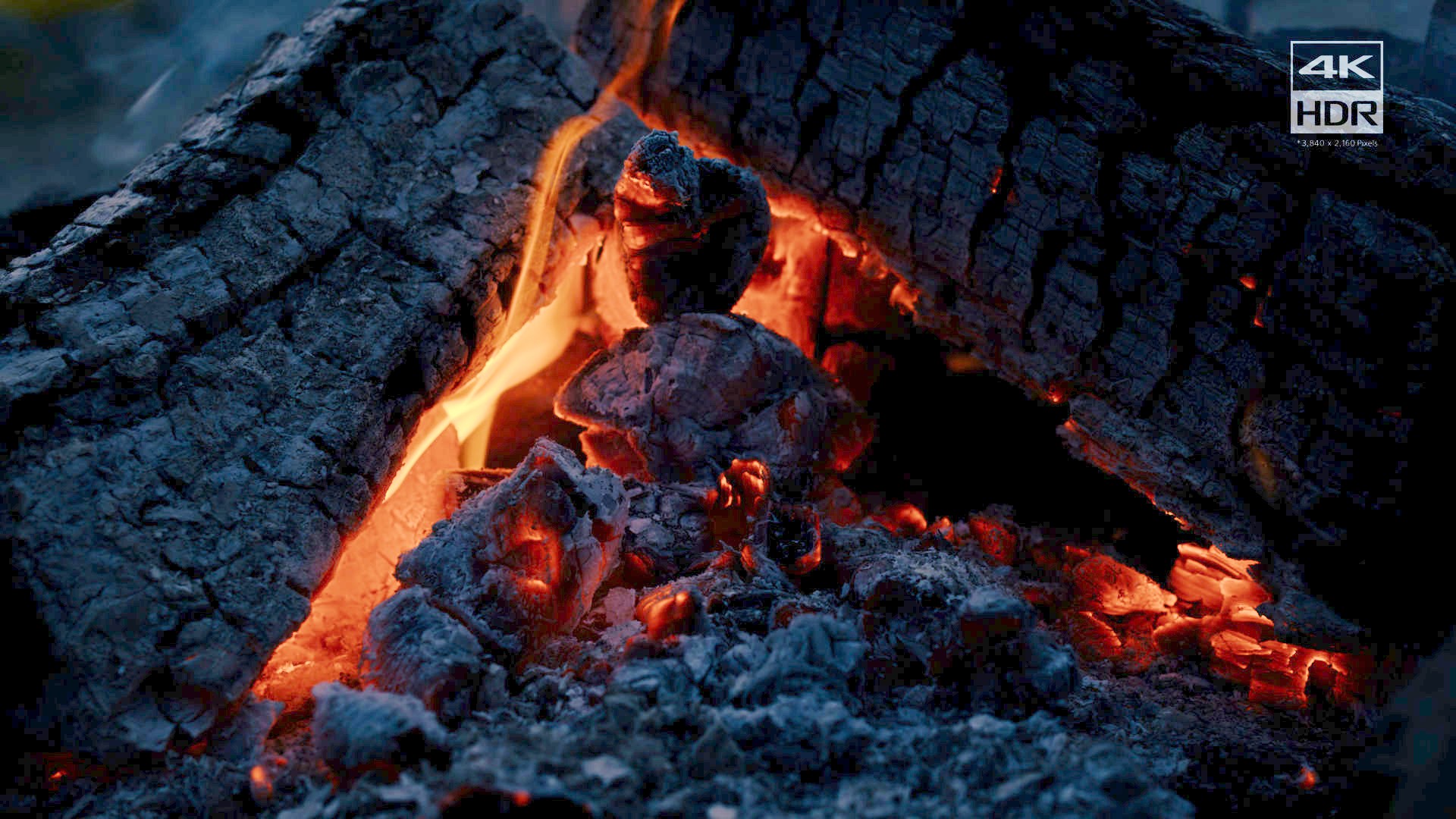
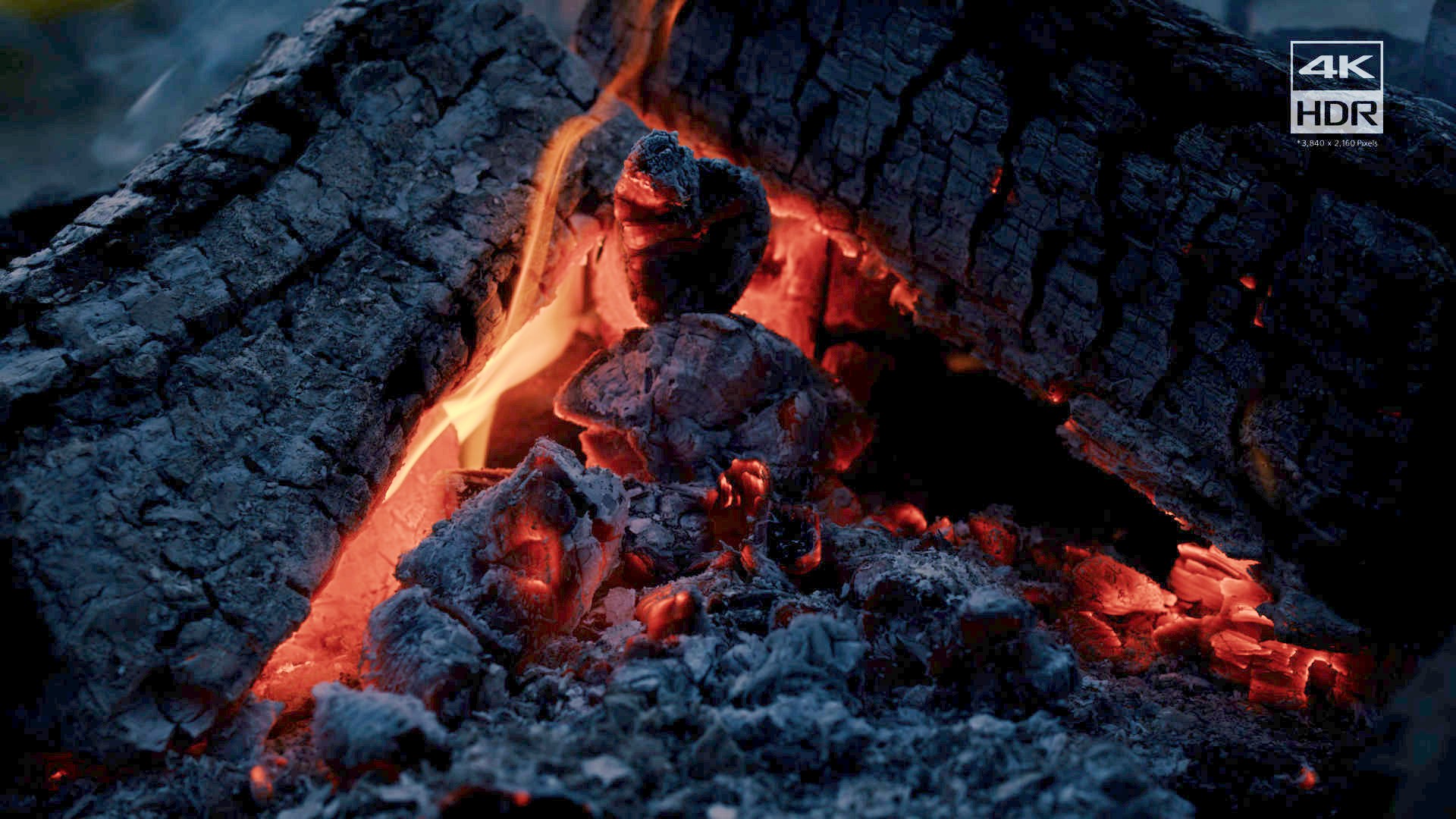
e class='quote' data-post="72" data-topic="31646">A real hdr image from a Sony hdr video demo (4000 nits peak brightness),I have extract a frame and done the conversion to rec2020 floating point : Sony 4K HDR Demo - Camping in Nature.mp4.7z (10.8 MB) the frame [t004100or] My version (actually it is sigmoid ) hdrframe.pfi (16.1 KB) [t004100pf] RGB per channel tonemapping [t004100rgb] Darktable no preserve chrominance [t004100dt-no] Darktable preserve chrominance [t004100dt] Sigmoid with film-like hue preserve (the same used i…
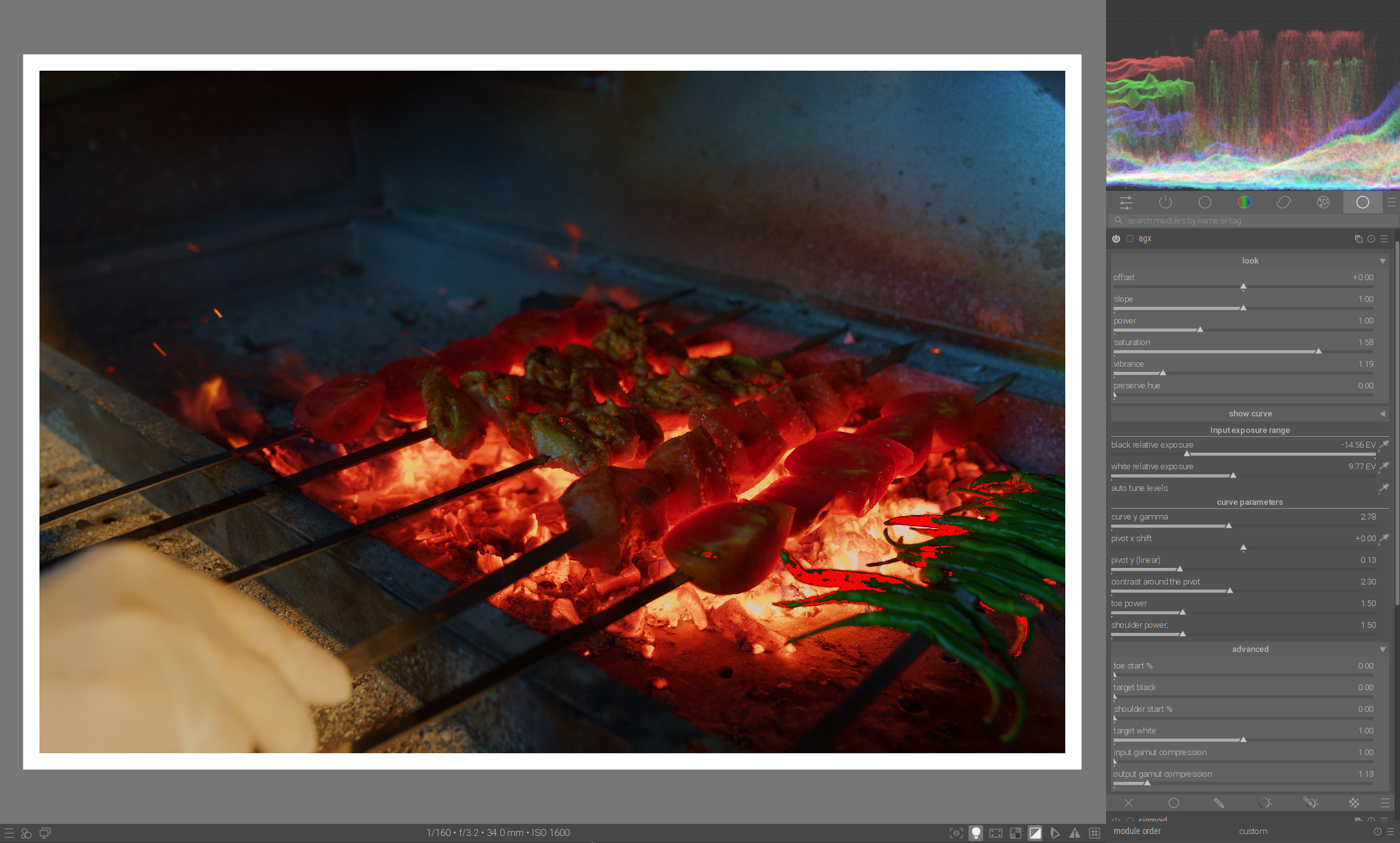
For such an example, you need the control for individual primary colors.
With output gamut compression you have the red and secondary color yellow under control:
The green, however, needs more compression.
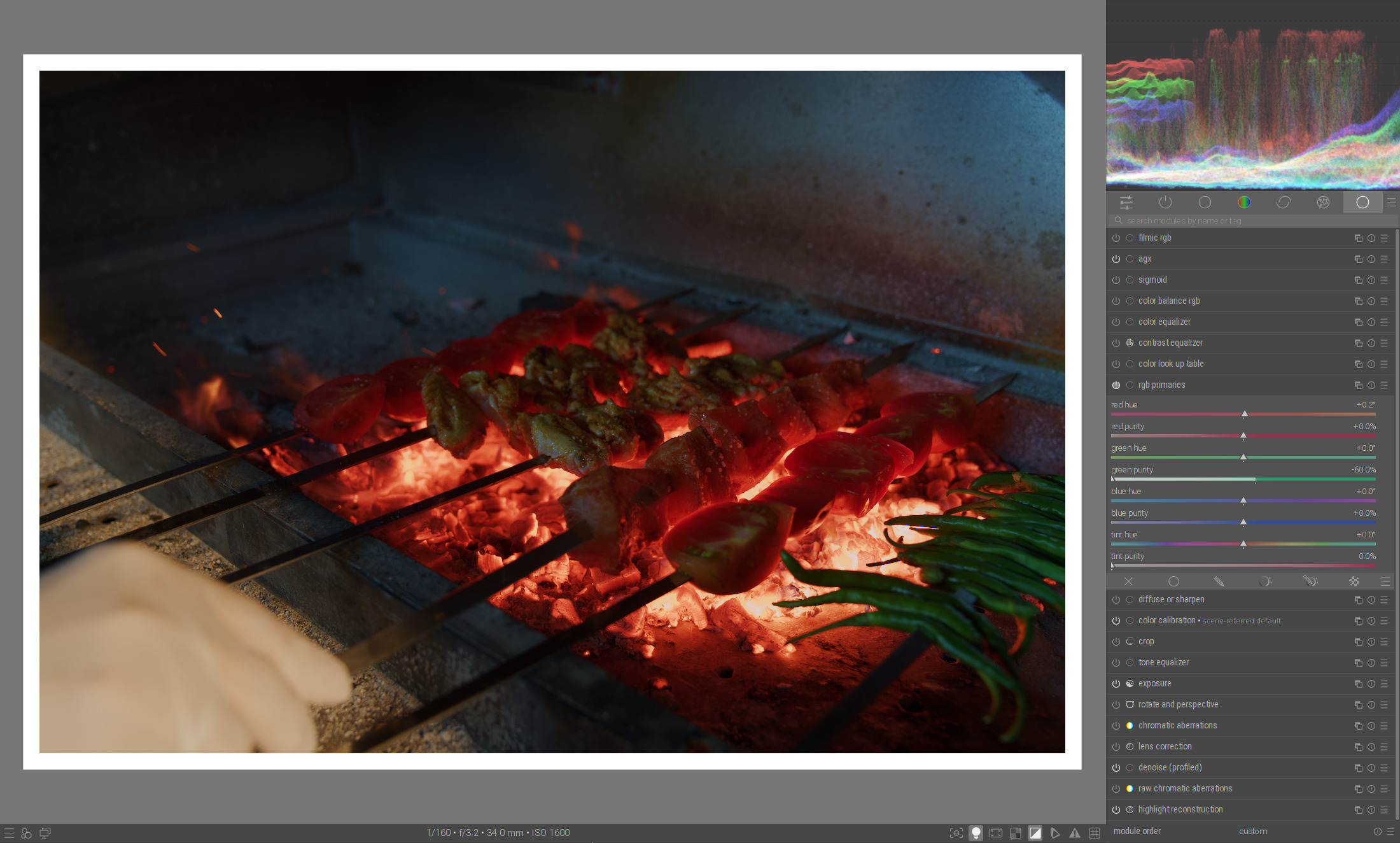
Instead of increasing the output gamut compression in Agx, you can use RGB primaries to reduce the purity of the green to bring it back into the gamut:
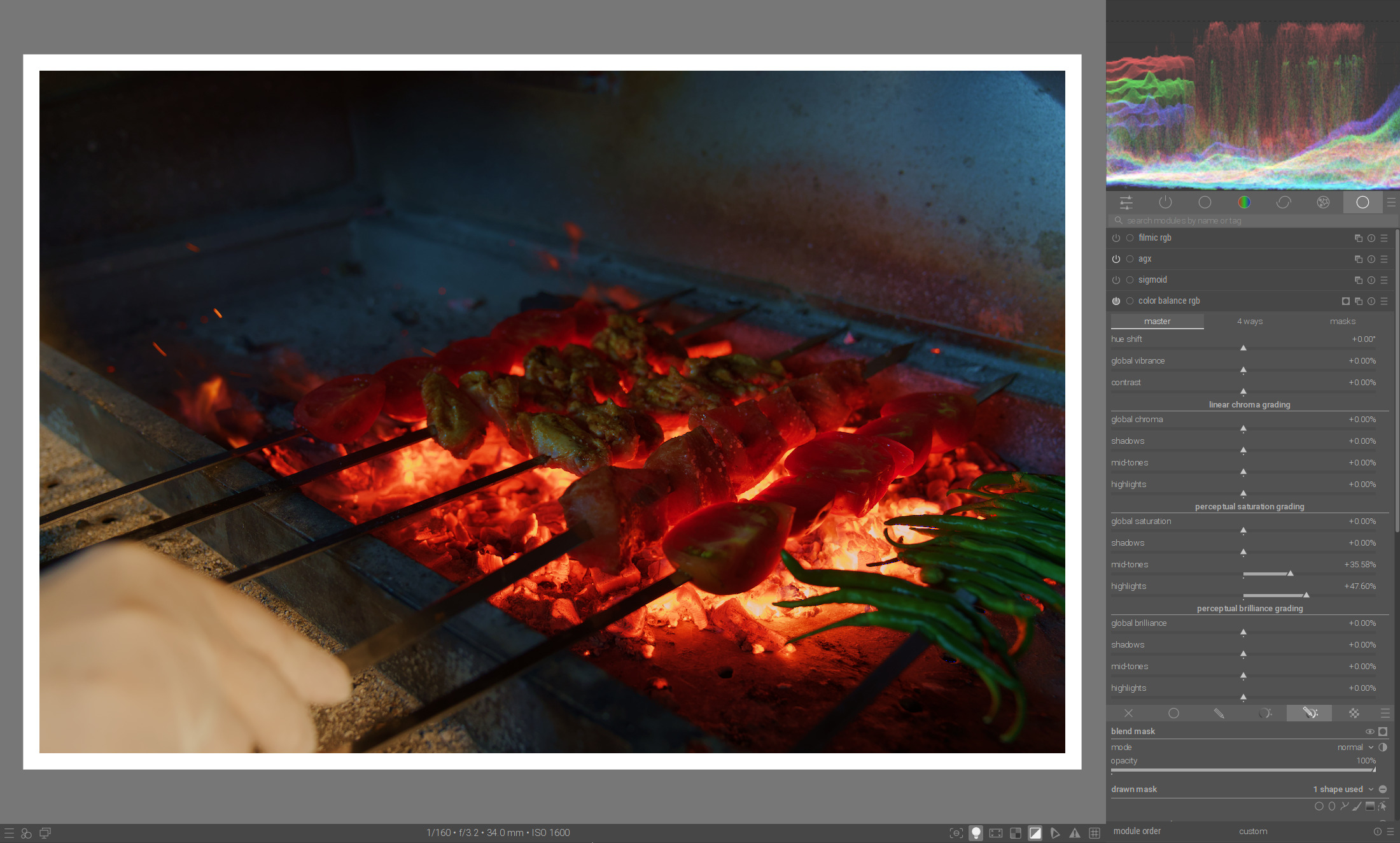
And finally, you could increase the saturation in mid-tones and highlights in Color Balance RGB:
Here again the game with Agx, color balance RGB and RGB primaries:
AgX, using Blender’s default primaries:
And, just for fun, AgX, Blender’s defaults primaries, Punchy:
Great results!
Are you playing with the new version now, or with the one we already have?
The new one. I’ll create a build after some more testing / clean-up.
A new build with the long-promised primaries functionality, and more detailed gamut compression. We now have a lot of sliders; let’s see if we can get rid of some of them.
Ignore the one I called ‘vibrance’, it’s really broken, will be gone, but I’m too tired to do it now.
https://tech.kovacs-telekes.org/dt-agx/Darktable-5.1.0%2B790~gbe4413b36c-x86_64.AppImage (based on 8bbdd58 from master)
@MStraeten , @Dave22152 , @priort , please update your builds once again.
About the new gamut controls: it’s a lot of sliders (12, to be exact). You really don’t need to modify them all the time.
A synthetic example: a colour wheel in Rec 2020, brightened using exposure.
Without tone mapping and saturation control:
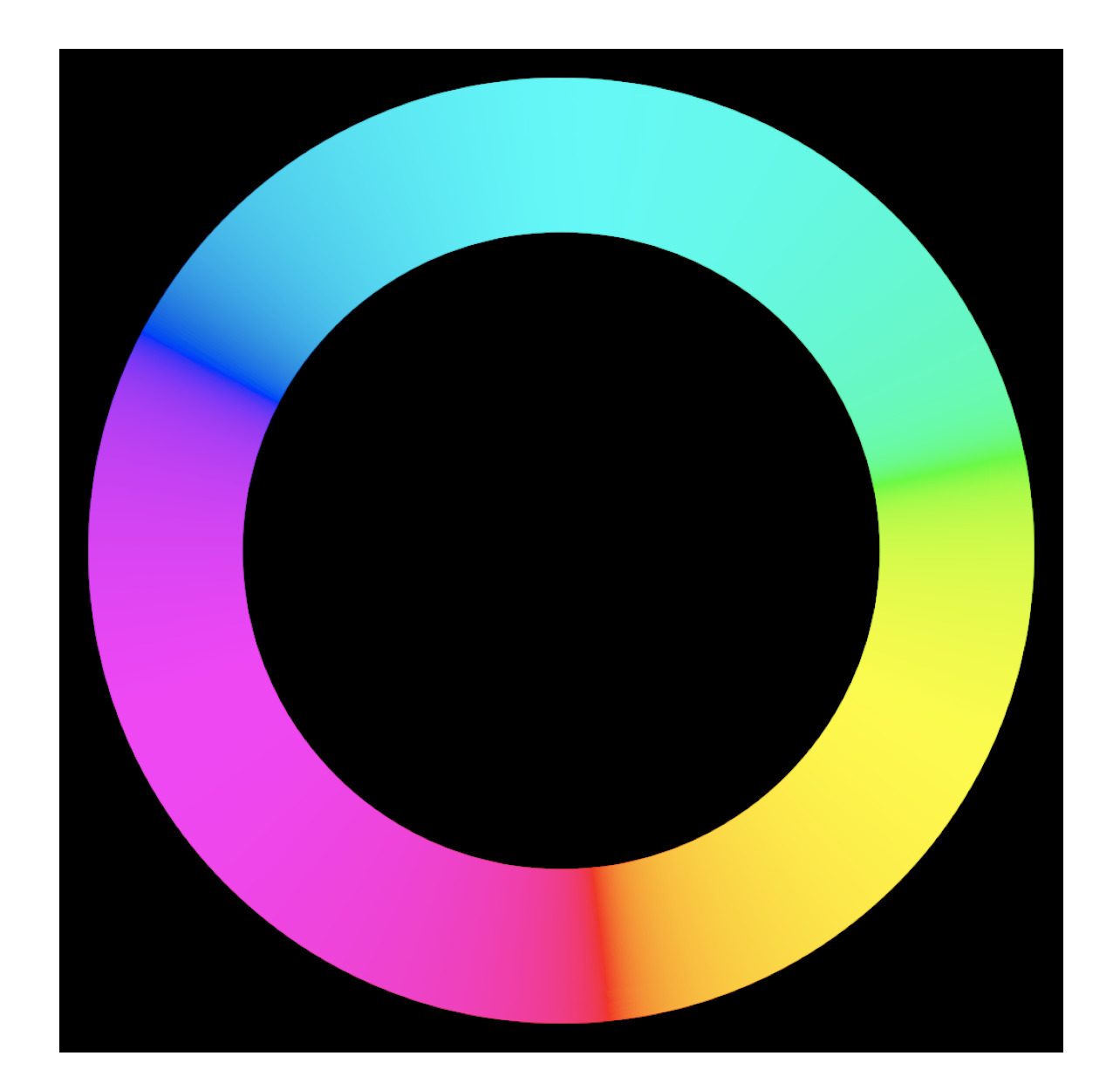
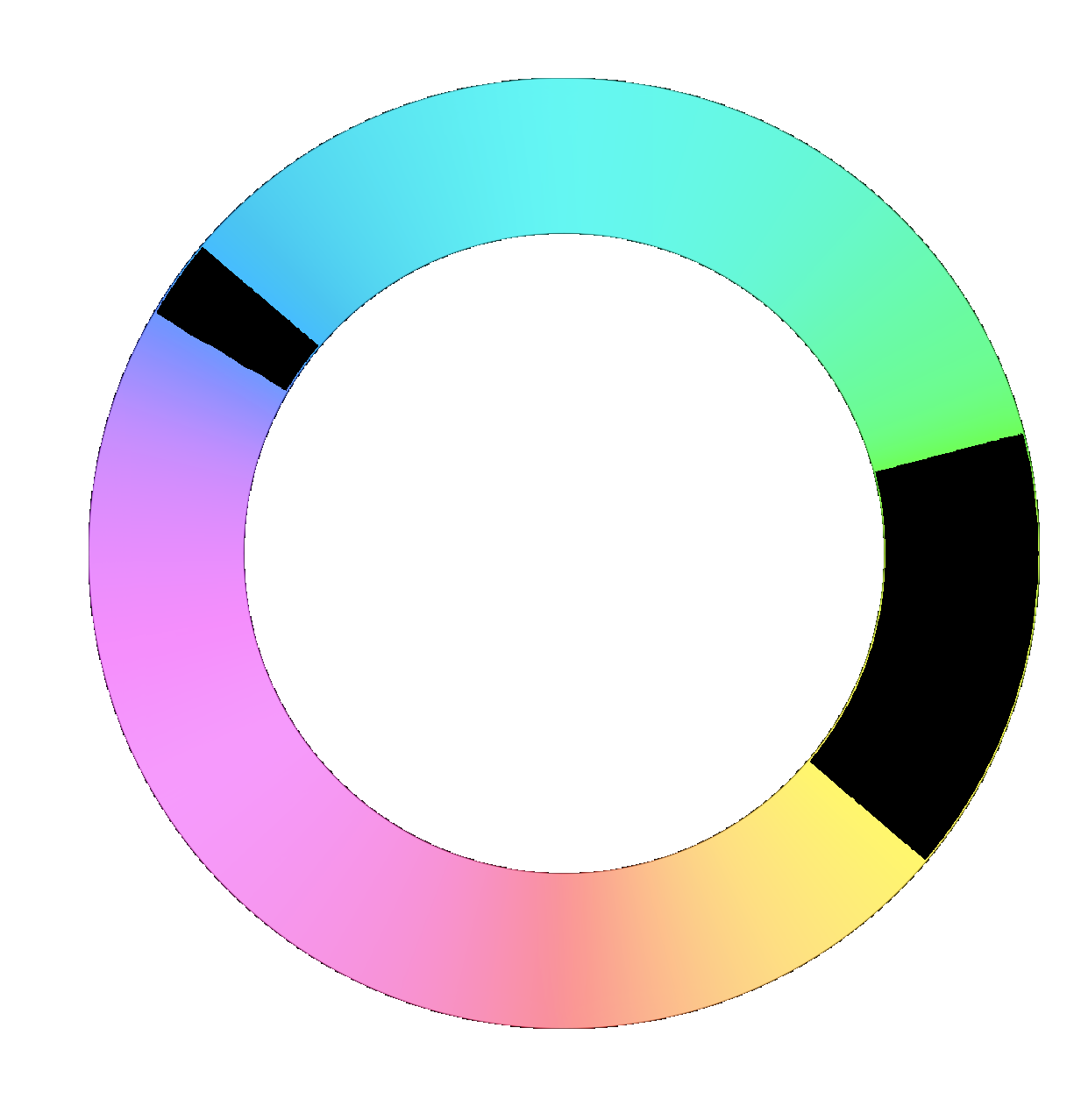
With clipping indicator: ‘white’ indicates black, black indicates clipping. Almost the whole wheel is out of gamut for sRGB:
sigmoid with the smooth preset, sRGB base:
Almost the whole colour wheel has collapsed to the secondaries.
The agx module, with defaults (no compression, no insetting, no rotation), picking auto exposure only:
We don’t get a gamut warning, and the image is more saturated that with sigmoid, but transitions are ugly and abrupt.
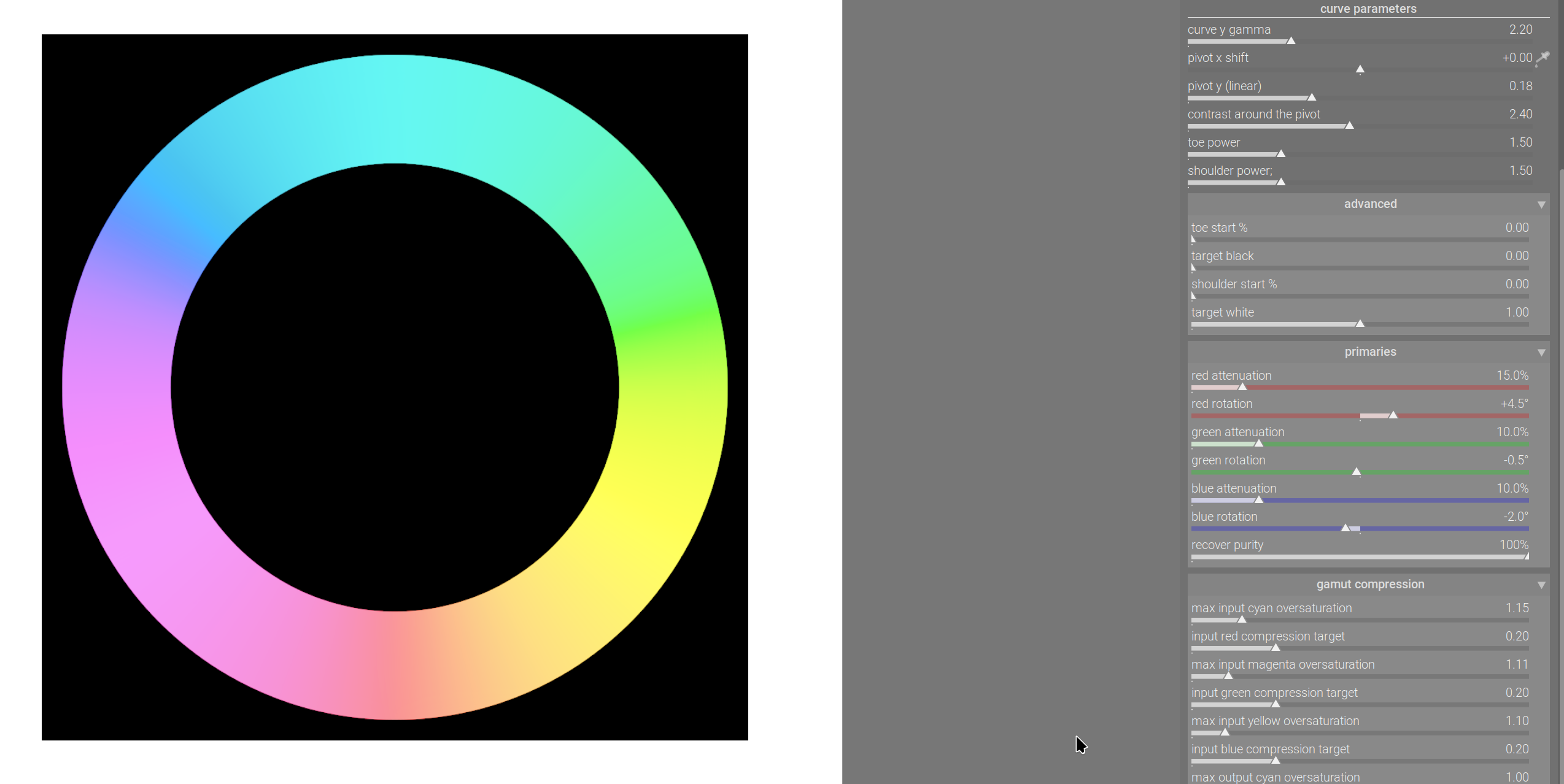
Blender-like primaries insetting / rotation, recover purity at 100%:
The transitions are still quite abrupt. We can increase attenuation:
The transitions are nice and smooth.
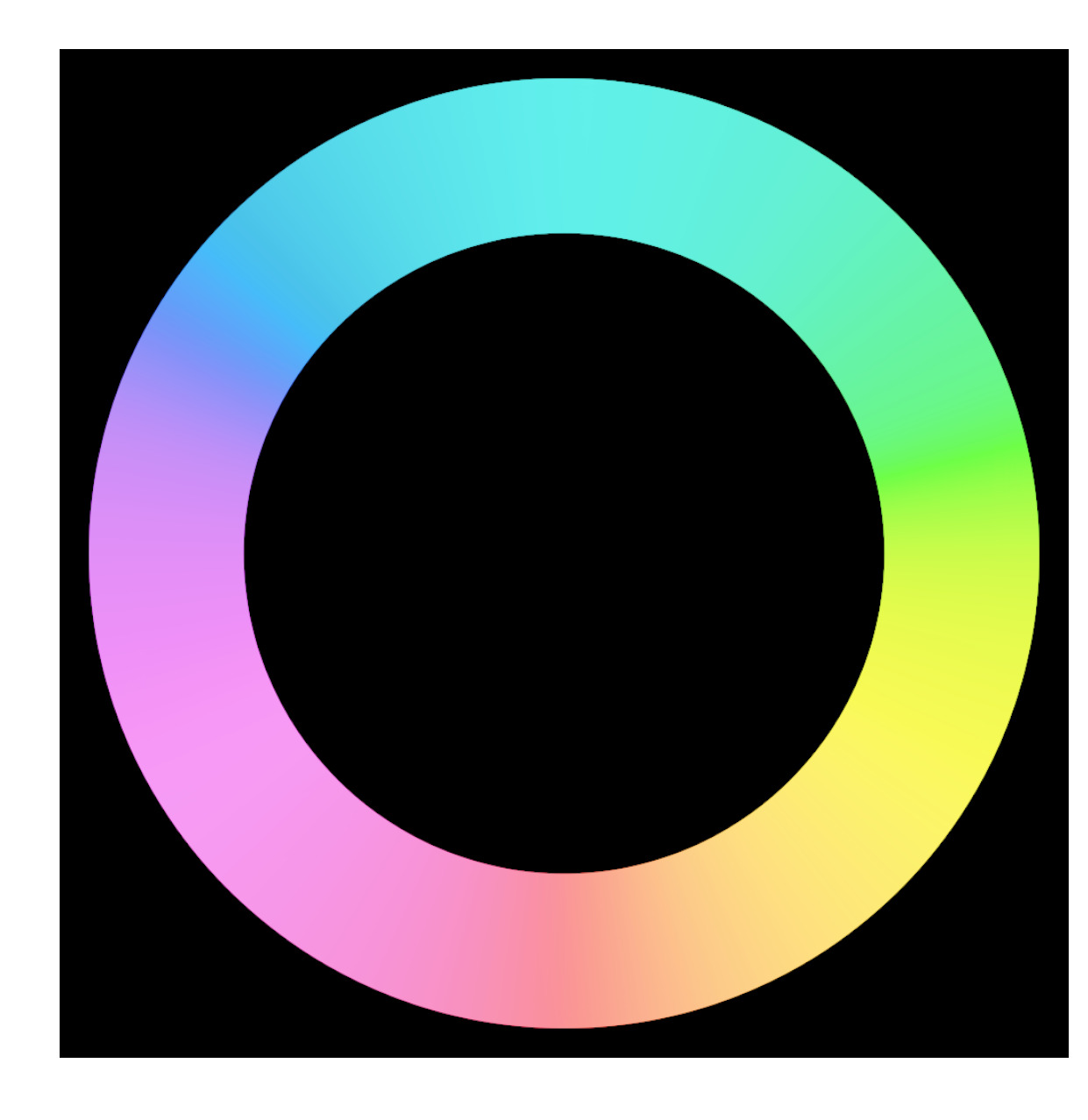
Or, we can adjust the input oversaturation controls:
We still have out-of-gamut colours, but it’s because components are > 1 → too bright.
With a small increase of relative white exposure:
The major differences:
The primaries shifts / insetting from sigmoid seem to work very well for LED lights, so I’ve provided those, as well.
Much of the code was taken (almost) verbatim from sigmoid, where it had been added by @flannelhead – huge thanks for your work (and that of @jandren as well, of course).
As said earlier, the gamut compression code comes from @jedsmith. Plus, there is also the lower guard rail from Sakari, so even if you don’t compress the gamut, negative values are avoided.
The whole compression / handling of negative is done after insetting / attenuation, as attenuation may avoid negative values.
I’m the proud owner of all bugs I introduced, and all the stuff I misunderstood.  The rest belongs to the clever people mentioned above.
I just happened to be on my PC when your latest message came in. Here’s the latest Windows build:
– deleted –
Kofa, why does the first image show a lot of the secondaries and only a little of the primaries pls?
Because everything is clipped. I’ve started writing an article about it, and cannot explain it now, it’s past 10 PM here. I’ll post details later this week.
Maybe search for “Notorious 6” or N6 tone mapping.
I didn’t think y’all slept over there… 
Thanks @Dave22152 , but I’m not seeing the new controls in this build. Is it working for you?
I just noticed that myself. It looks like its the previous build. I’m checking into it.
All - it looks like something’s wrong with my build, so don’t download it just yet. I’ll check into it and provide a new link.
Sorry for any confusion.
No problem. I guessed it was probably just the old build. No rush!
Let me know if it’s broken after the check, I can have a look tomorrow night.
Nope, I goofed. Here’s the correct build:

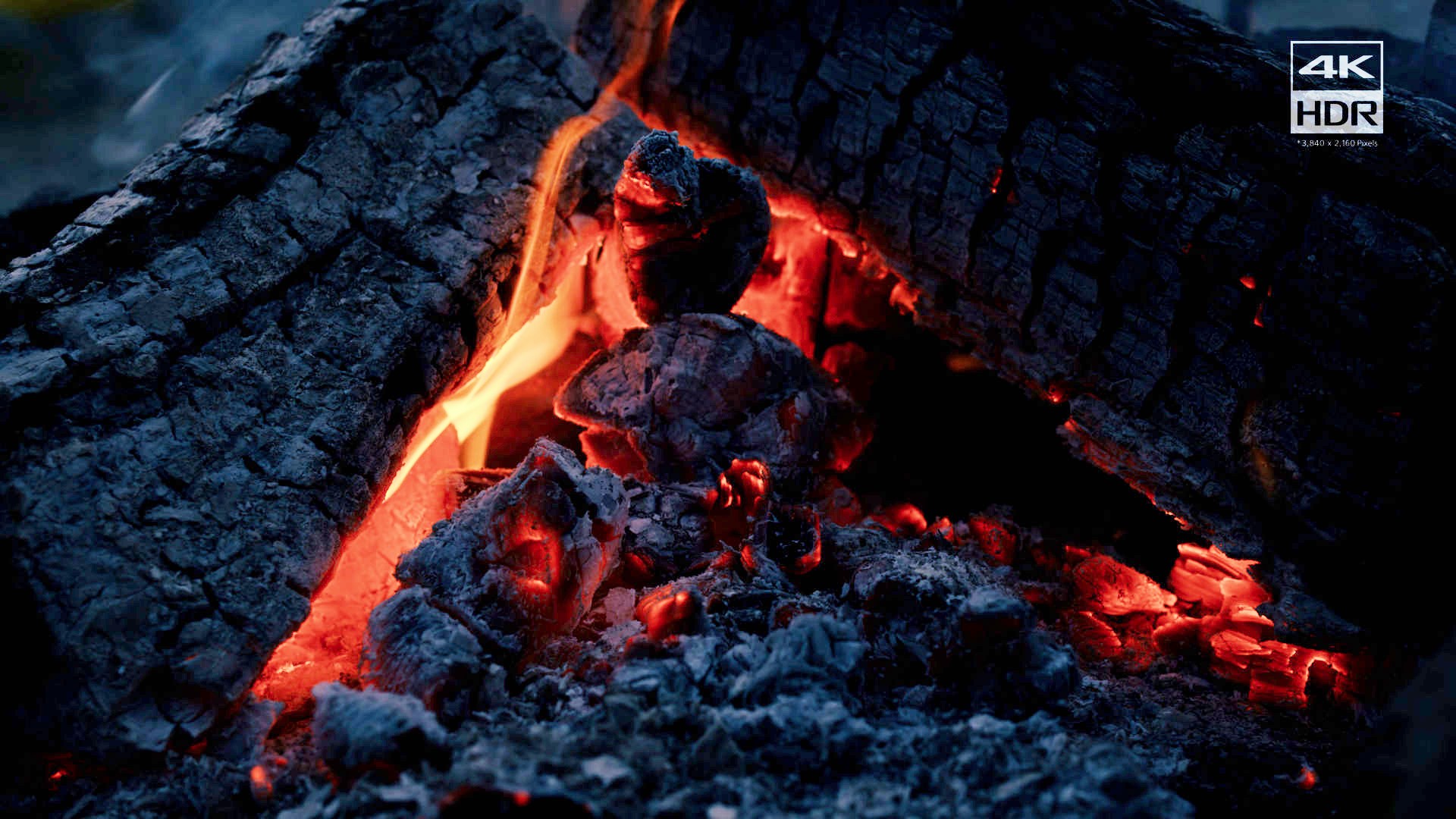
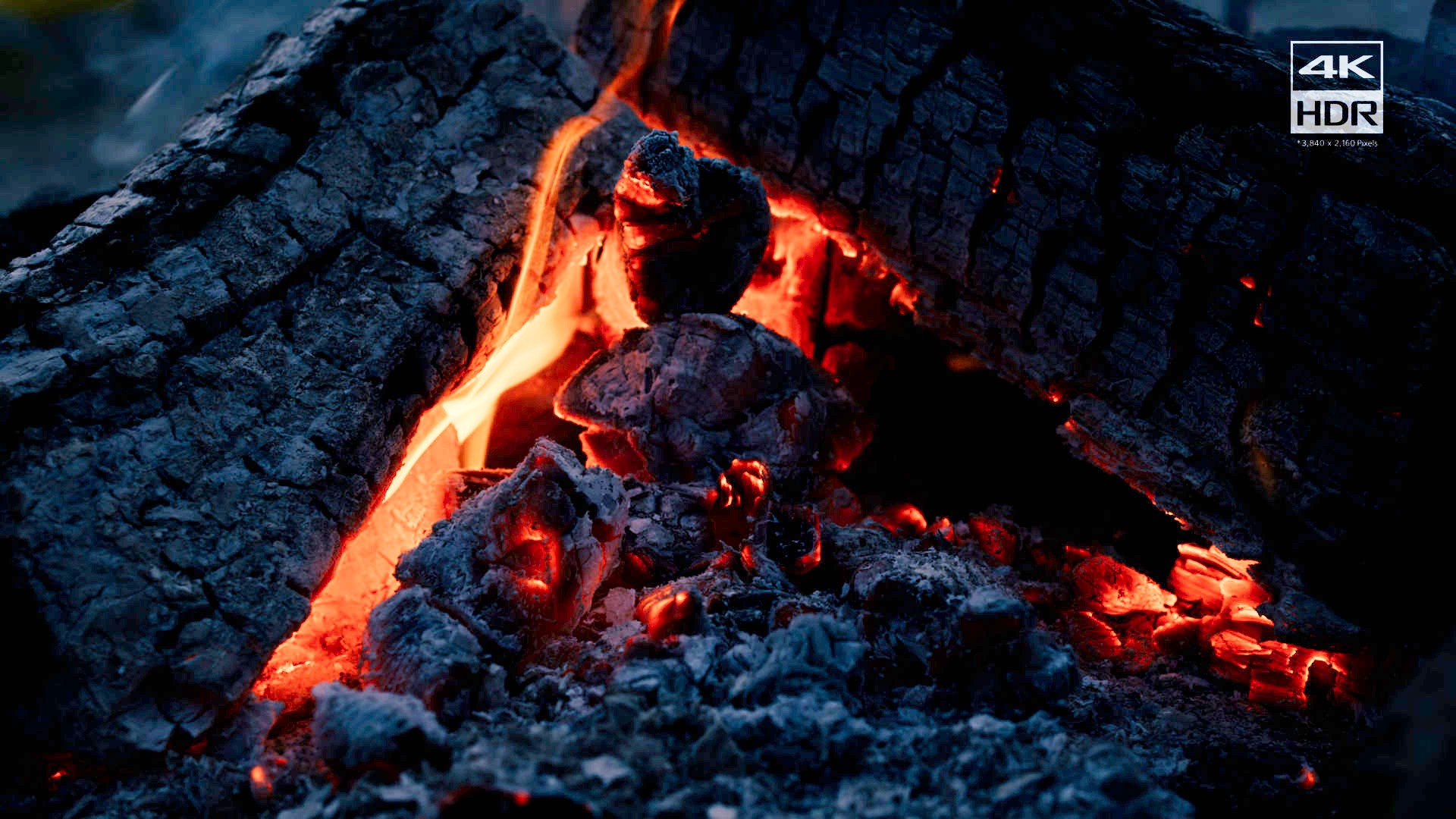
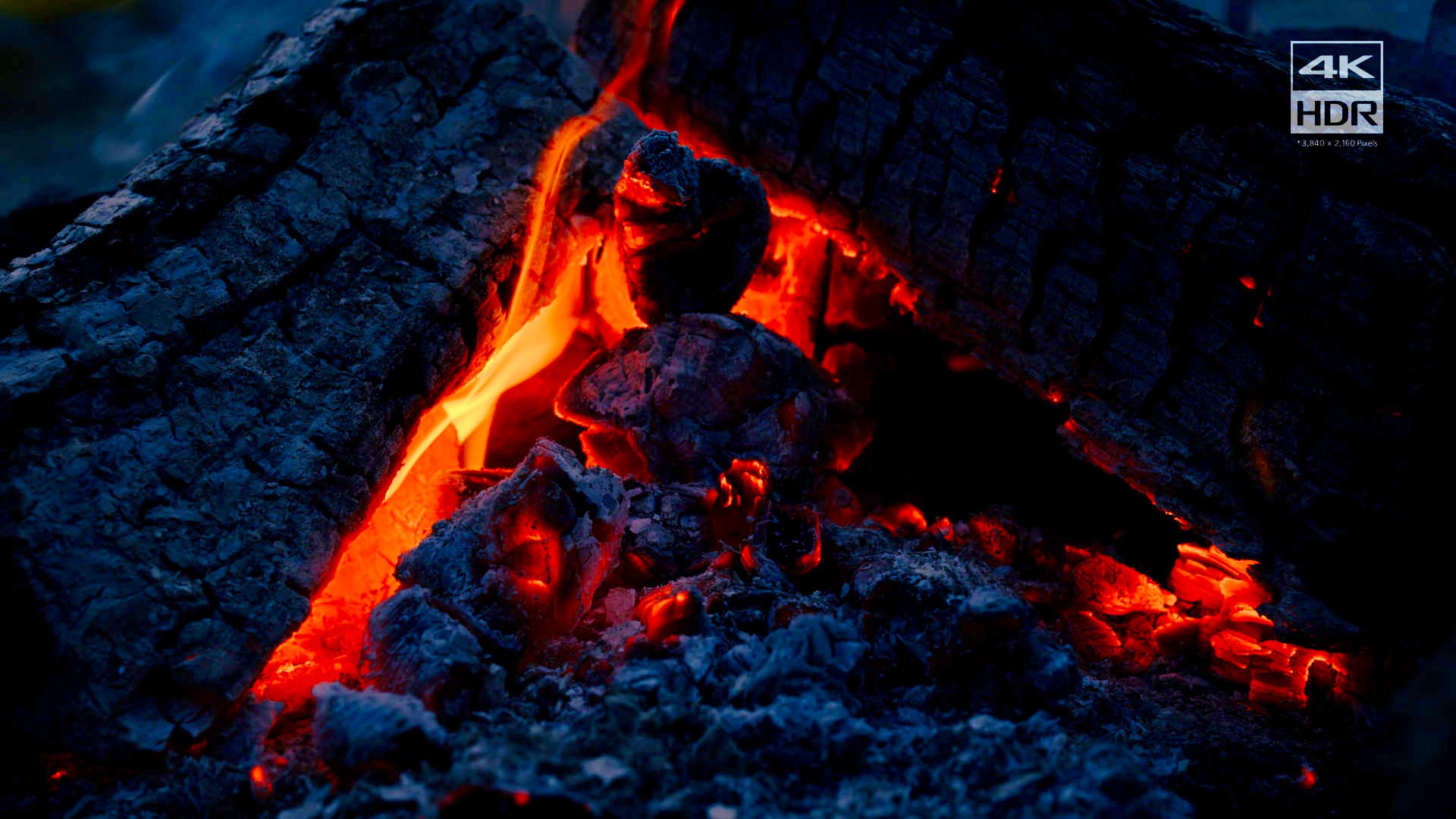






![[t004100or]](https://d2x313g9lpht1q.cloudfront.net/original/3X/9/7/9792cb7b9b9ea4c2af3a2eb7eacf6b0555f2797b.jpeg)
![[t004100pf]](https://d2x313g9lpht1q.cloudfront.net/original/3X/3/e/3e6c04458089db83452eb0c4724c15cffa419d05.jpeg)
![[t004100rgb]](https://d2x313g9lpht1q.cloudfront.net/original/3X/7/f/7f4135110ea798b6316e3d9604c9bc5a80f8f55a.jpeg)
![[t004100dt-no]](https://d2x313g9lpht1q.cloudfront.net/original/3X/3/c/3c9fff81a7efd899d3c2591ab73aaa32e87e1141.jpeg)
![[t004100dt]](https://d2x313g9lpht1q.cloudfront.net/original/3X/9/0/909e9da3af1c9e804c0187ffe9fedc958d7de8ba.jpeg)