Yep, this one is working fine, thanks very much!
1 Like
I agree that this module now has a lot of sliders, but when I started thinking about which to get rid of, it’s a lot harder than I thought! And I’m sure @s7habo will probably agree and/or not want to get rid of any…
So, I’m not going to advocate for getting rid of any, but what I will do is share my experiences so far and say which sliders I’m using the least:
- To my surprise, I’m actually not using the Look sliders much at all now. I really enjoyed the early versions of AgX and how you got great results with just Slope, Offset and Power. But I’m finding I’m almost exclusively using the controls in the Sigmoid Curve section. That said, the Look controls can be hidden with the dropdown, so it’s not a problem to have them there.
- Of the sliders in the Sigmoid Curve section, I use all the sliders to varying degrees, but the main ones are the Black/White relative sliders, pivot x/y sliders, contrast around pivot, and toe/shoulder sliders. I am using Curve Y Gamma as well, although I don’t find it quite as intuitive, so I’m not sure we need it as well as the contrast around pivot slider.
- Other than that, do we need pivot X and pivot Y? Or would just having the auto picker do the job there (because it auto selects both X and Y from an area you sample)?
- I rarely use the sliders in the Advanced section. I’m still finding the toe/shoulder start sliders to have limited usefulness. They just seem to work as a booster for the toe/shoulder power sliders. Again, this section is collapsible, so not a huge need to remove it.
- I’ve barely used the Primaries section, but I’m familiar with it from Sigmoid. Even though I don’t always use it, I like it to be there as a collapsible option for those times when it is needed.
- I haven’t used the Gamut Compression section at all, and I find it a bit overwhelming. It’s not an area of processing I obsess over, so I don’t have strong opinions about it. I would be happy if this were either a single slider, removed, or handled elsewhere in the pixelpipe.
- Vibrance/Saturation: We only need one I guess. I generally prefer the Vibrance control in Colour Balance RGB to the global Saturation one, but otherwise I’m not too worried about either. I do most of my colour work in other modules, so I don’t feel I need it at all in AgX.
TLDR: The Sigmoid Curve section is what I use the most, and I’m happy to either keep all the sliders in that section or just reduce it by 1 or 2, max 3 (Curve Y Gamma, Pivot X and Y).
Interested to hear what others think. Thanks again @kofa for all your work (and others for their contributions). It’s such a powerful module now.
1 Like
I haven’t had much time to work with the latest build, but I think I found something that doesn’t seem right. When I reduce the Look offset or the black relative exposure I get purple fringing in pure red regions:

The left is the unedited shot and the right is with the latest AgX module activated (black relative exposure is at -3.65). With AgX off, the inner petal is 165, 0, 2 in RGB. If I darken with offset or Black rel exp then the blue suddenly jumps at the affected zone becomes 154, 1, 154.
Its worth noting that Red matches Blue when this happens.
This occured in Build 766, but only in the blacks:

I only noticed it now because of what I just saw.
Adjusting the new red attenuation and red rotation controls will control the effect, but the blooms become too unsaturated and restoring them under the Look tab restores the problem.
Oddly, neither the red nor the purple indicated out of gamut.
Photo was from the difficult orange flower play raw
1 Like
These days I’m also using the sigmoid section most of the time. I use all the sliders there.
Pivot x and pivot y are important for me. I use pivot x to select the subject of the picture (around which contrast is the prettiest) and use pivot y to darken or lighten the overall image. Auto selecting these would mean that your subject is always middle grey. But I mean it’s so much easier to move pivot x back and forth to find the goldilocks zone of where your subject is then going to the exposure module, try making the face middle grey (I know there’s an auto picker for that too but sometimes it’s still slightly off) and then coming back to agx and pressing the auto adjust again hoping this time it will result in your subject having nice contrast.
I like that you can auto pick white/black relative exposures but I find myself sometimes adjusting them after the auto pick too.
I have good intuition of gamma and the contrast sliders too. Gamma is much more tame. It stretches the histogram kinda evenly. While contrast is a much harsher effect and it will add tons of contrast around your pivot while not affecting highlights and shadows that much. Usually I use gamma to stretch my histogram and use contrast for some extra punch for my subject. Would be sad to see gamma go I adjust it often and adjust it a lot.
Even though I rarely use slope, power and offset there are still some pictures where only using the sigmoid section is much more difficult then using it in combination with the look sliders.
I really enjoy the vibrance slider too. Not sure how it’s broken currently but I had a couple pictures where they’ve become really pretty after playing with that slider. Now usually I use a combination of saturation and vibrance.
As @europlatus I don’t use toe and shoulder start sliders at all but their presence do not bother me at all.
I used gamut compression a lot. It’s often time a lifesaver. Sometimes you can add saturation and then end up with everything nicely saturated except one annoying thing in your picture (like a red hat) burning a whole into the screen because of extreme saturation. You can mask it out, sure but sometimes there are more items like this and masking and reducing saturation that way can introduce artifacts. With the gamut compression slider you can fix those cases in an instant. It’s really so convenient! I love it.
Haven’t tried the newest build with the primaries yet but as long as they’re in a separate section I would say let’s keep all the sliders! I really like them all!
1 Like
hmmm…the new module creates a massive color shift.
I also think that the “gammut compression” section “over-engineers” the agx module as a whole.
and when it comes to reducing controls i’m in favor of the offsel, slope and power controls in the look section, i never really touch them and have much more control with the tone curve module 
greetings
and again … many thanks for this great module and especially for the hard work
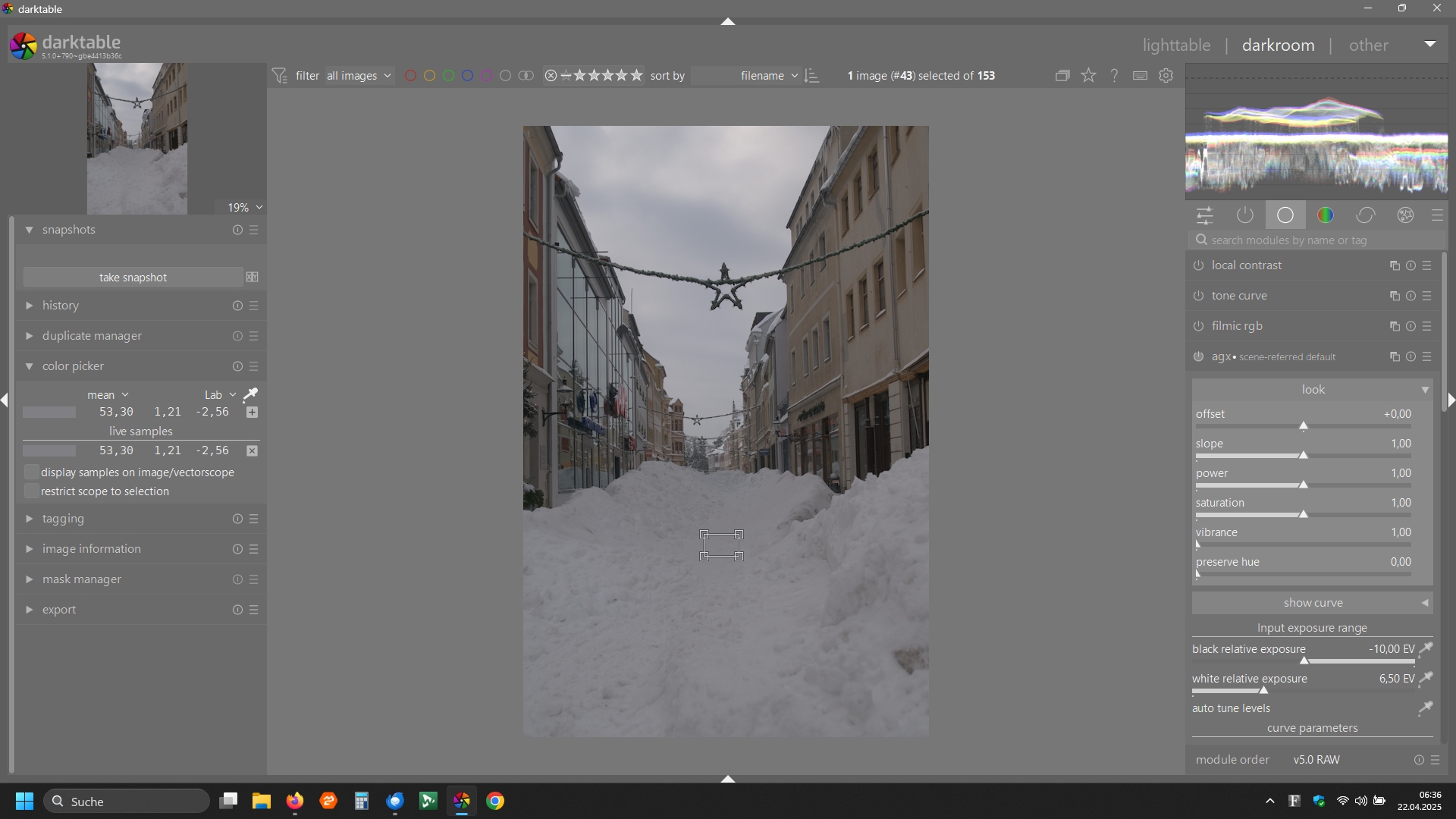
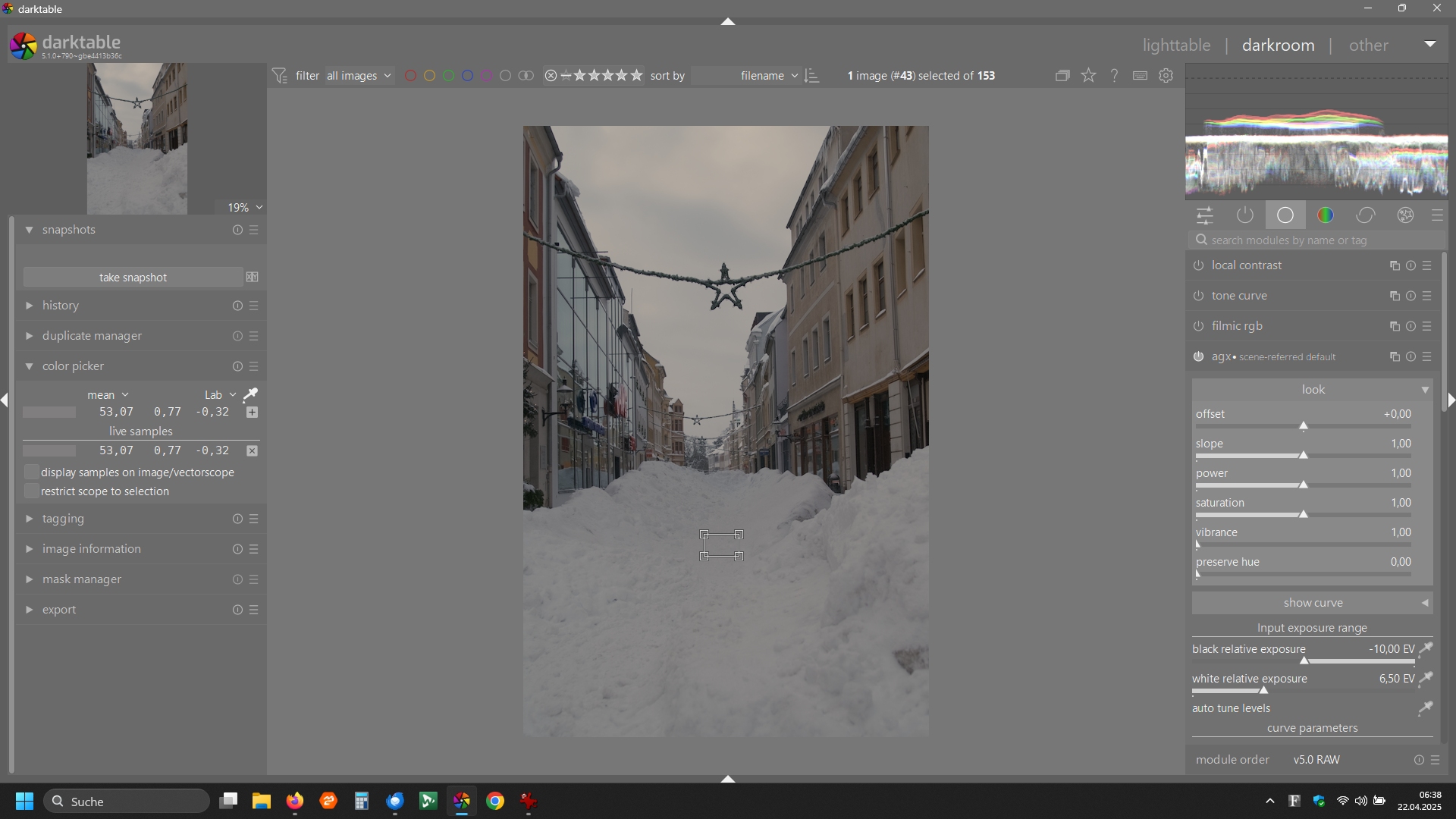
DSC_1186.NEF (10.9 MB)
DSC_1186.NEF.xmp (11.2 KB)
1 Like
That’s definitely an issue, I’ll have a look. Not today, though.
3 Likes
Now, with so many sliders in one module, we definitely need a video tutorial. @s7habo , are you reading this 
The module now also suggests that some of the earlier modules we used have become superfluous, like CB-RGB, TE and RGB primaries. @s7habo, @kofa and others, you may also like to reflect of this aspect as well. Thanks
1 Like
Please, keep in mind, this is proof of concept. There is not even a PR or discussion on github. In my opinion way too early for any kind of tutorial or similar…
6 Likes
It’s even too early to discuss details of the GUI:
@kofa is busy putting in place the machinery, with all the required low-level controls.
Once that’s in place, it’s possible to think of a higher-level interface. Working the other way around sounds like “premature optimisation”…
The same holds with respect to other modules becoming superfluous or not: until the machinery is finalised, speculating about effects on the rest of the pipeline sounds premature. That’s ignoring the compatibility with old edits (i.e. TE, RGB primaries etc. won’t disappear…)
2 Likes
Personally, as long as a module works and isn’t broken, it should never be considered superfluous and deprecated.
Greetings,
Christian
I also think that users are not going to be using multiple instances of this module ie agx and so mentioning that we would remove key tone and color modules that are used with masking and often as multiple instances to tweak edits is not taking into account the pipeline and how it gets used and the great flexibility that this introduces
1 Like
There is also an issue with tonemappers like AgX, filmic, sigmoid, and that is that they apply a log transform. I’m not sure how that works when you start using such modules with masks, but I can see problems with one instance unmasked and a second with a mask (where some areas would get the log transform applied twice).
But I still think that all discussions of this kind are premature. (and regarding removing modules: unrealistic: so far, deprecated modules had serious technical issues)
1 Like
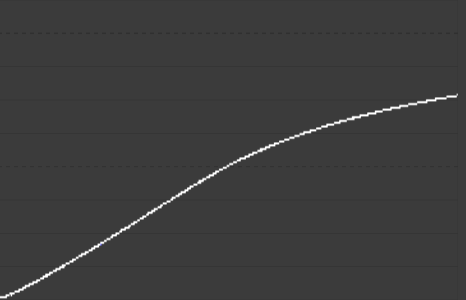
On my linear grey gradient image, I’m getting a hue shift to red in the highlights when the module is just enabled (i.e. at default settings):
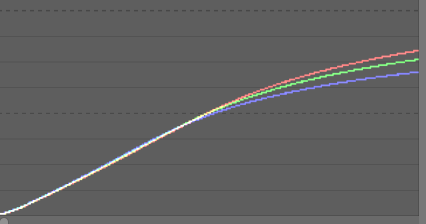
So there’s definitely an issue with this build.
1 Like
Thanks for the nice demo, it should help to track down the issue.
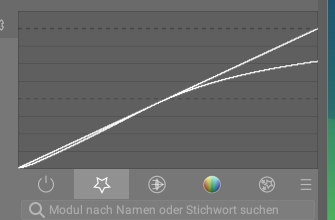
here the macOS arm64 build:
darktable-5.1.0+698~gebb2cb4fbb_arm64.dmg
same comments as in Blender AgX in darktable (proof of concept) - #181
1 Like
Interesting. I’ll have to try that with the previous build.
I had seen the issue with pure red where blue was getting introduced I wonder how this might look with a red scale pattern
Have you confirmed it with the latest build on Windows?
I don’t have the previous build anymore, but I’ve not noticed this channel separation before, so I’m thinking it’s a new issue.
But strange that it’s Windows specific…
Hello,
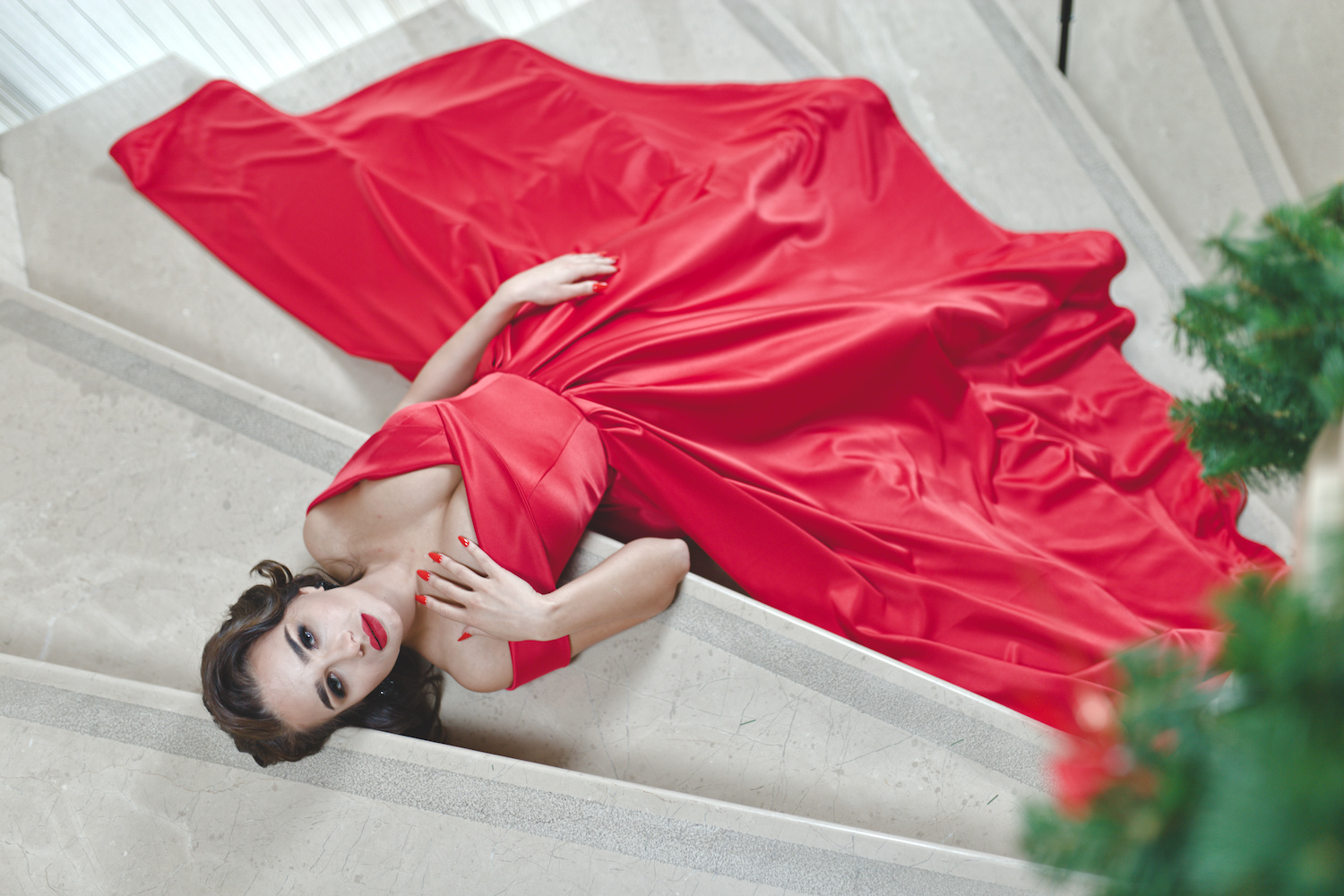
Here’s the result of my first tests with a photo from 100% Free Raw Photos - Download Raw Files For Editing Now
To get a nice red (according to my personal vision) I added one of my RGB Primaries module presets.
I took a lot of time to try and achieve a result that I dare to publish.
I have the impression that every slider in the look section or the curve has an influence on the color.
I easily obtained a salmon color in the highlights and they are much less saturated with sigmoid.
Here’s a version with AGX and one with Sigmoid.
file000551_07.cr2.xmp (9.5 KB)

file000551.cr2.xmp (11.1 KB)
Hoping to have been of use to your project,
Greetings from Luberon,
Christian
2 Likes