I don’t see this in Win 11 …just checking now…I was at first checking on a vm at work and I did see this however I realized it was not using my proper monitor profile but simple srgb…when I set the display profile correctly in DT this went away…solid white curve…
Odd… I just fired up the version that I made yesterday and don’t have the problem with grey scale:

Here’s the image I used, if anyone is interested:

I was unable to reproduce the issue with the grey ramps, but I was able to get the purples:
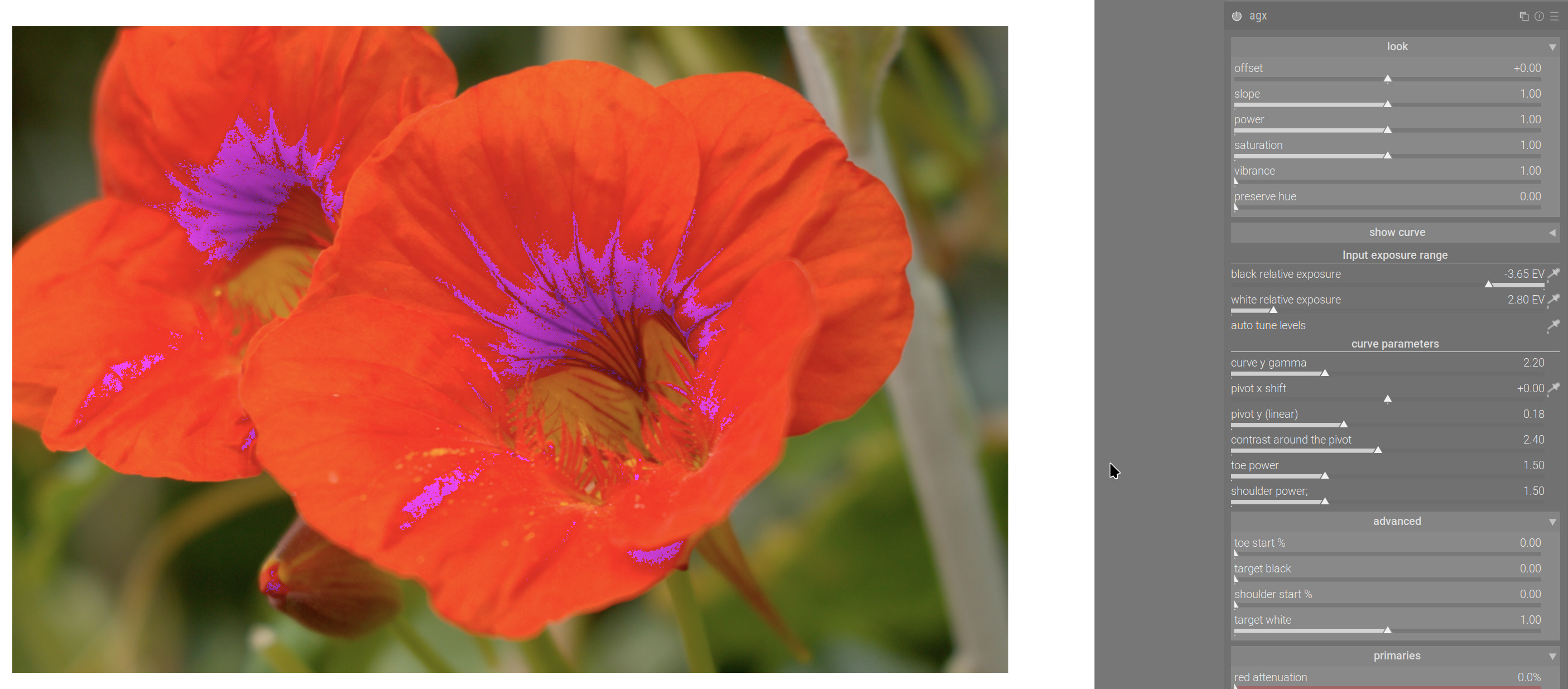
I’ll look into it.
2 Likes
I didn’t see an issue when using grey ramps, but I’m seeing some odd behavior with ramps in red, green and blue. I don’t have enough information to report, but I’ll follow up if you think it would help.
Another data point for you… I didn’t see the issue with the flowers on build #766, but I just found it on the lady in red:
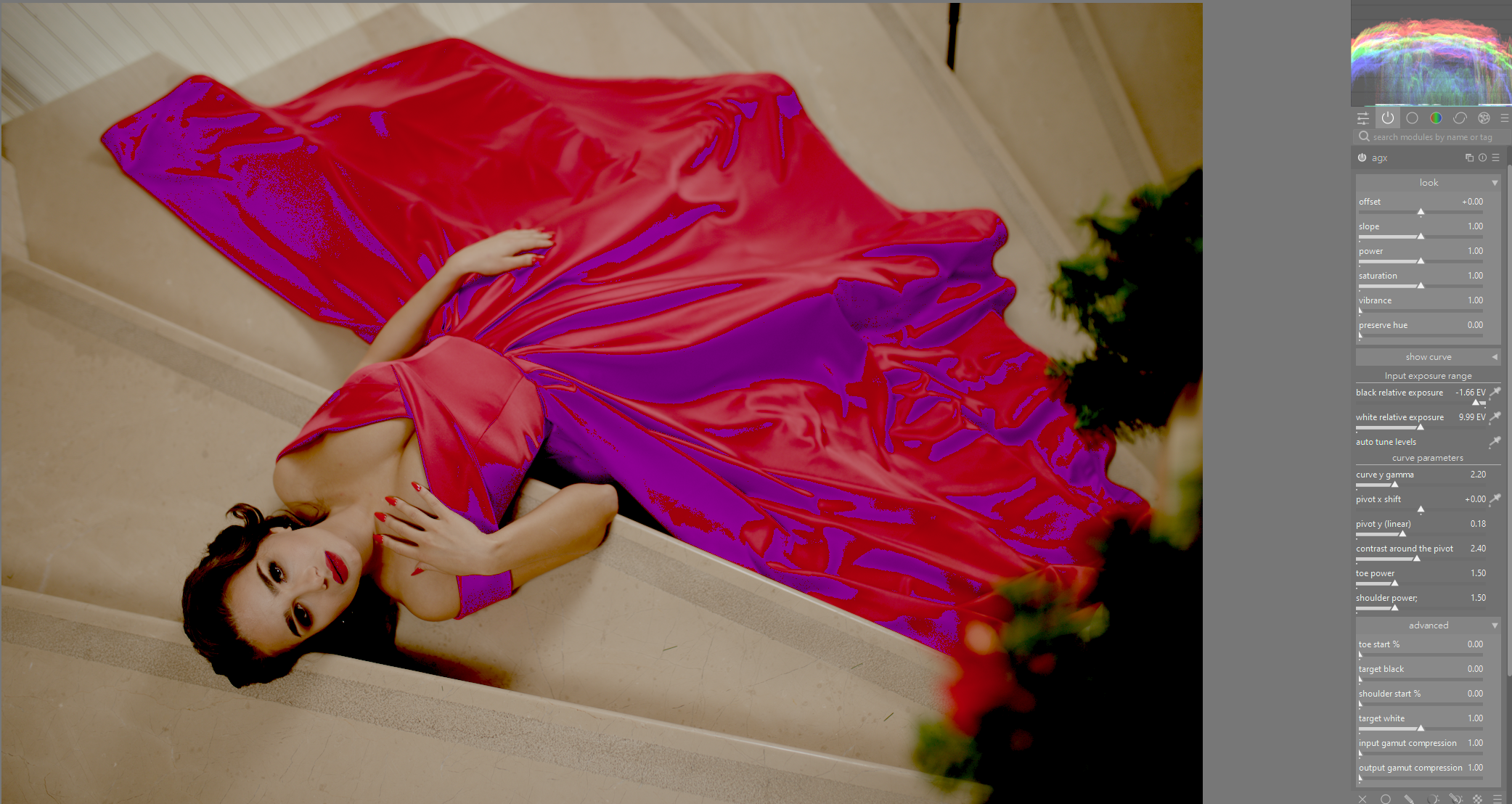
I think its some sort of clipping problem. Reducing black level correction in exposure eliminates the problem (but of course it nullifies the black relative exposure
Wow I was just playing with that image…I did two versions…one with punchy and one with base preset…then I go to sigmoid section and use the auto pickers and then tweak power and slope in the look…I have been really impressed by this simple approach most times… I’ll have to see how you land on this result when I get home…
Probably something introduces negative values. I will try to track it down, but probably won’t find it in the next 10 minutes, and then I need to stop. I’ll try to check tomorrow during the lunch break.
My current idea is that I somehow broken the matrix creation that I lifted over from sigmoid, or I use it wrong.
1 Like
I think people should also check their display profiles when testing your gamut and primaries and I think given the DT pipeline and that issue with the display profiles that can happen its worth changing your display profile to linear rec2020 to check the gamut… I know my display profile from display cal can and does show a little impact…
Very odd! I just completely uninstalled my build, then reinstalled your last build. I then downloaded your grey gradient to check on that image.
I still have the problem with the red tint in the highlights:
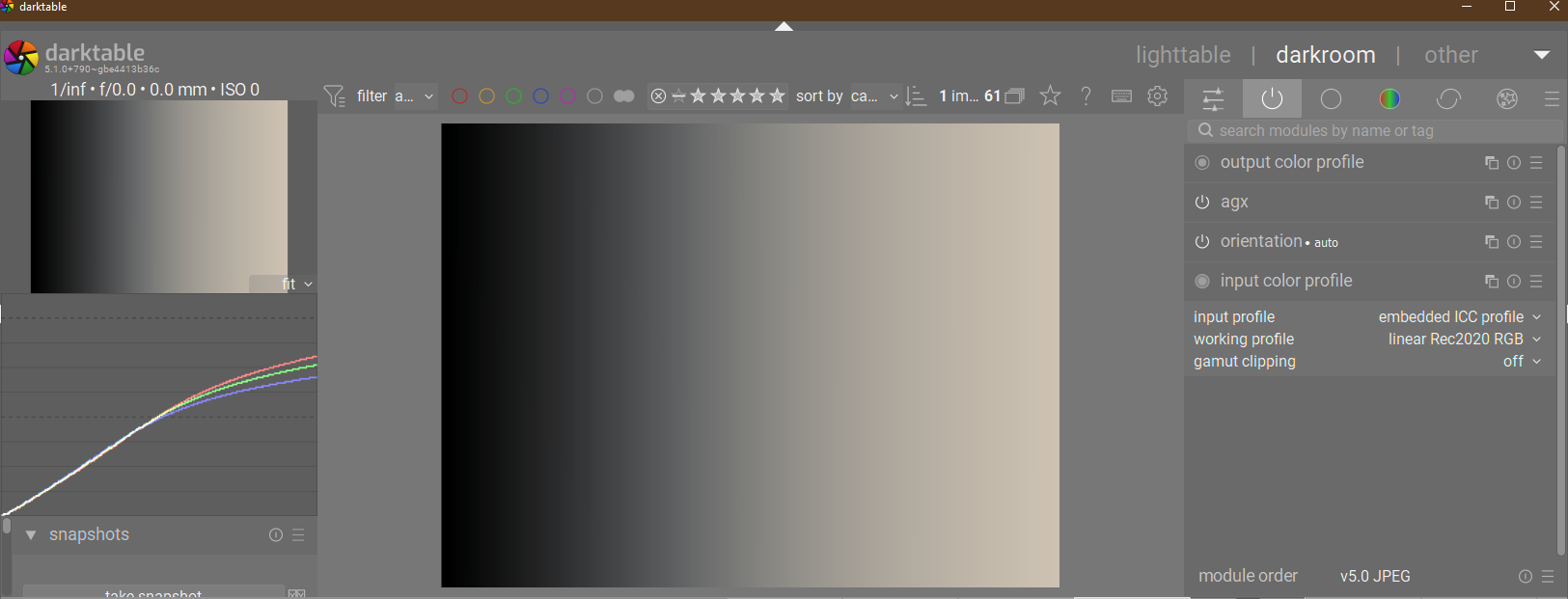
I don’t know. I don’t have anything like that. What happens if you turn AgX off?
It becomes a normal black to white linear gradient. The hue is definitely introduced with AgX.
I’ve just reinstalled the previous build, and that one is working fine.
Hopefully it’s get worked out once kofa gets to the bottom of the purple fringing.
I also noticed this magenta color phenomenon, but also when I used the vibrance slider, I got black spots in the highlights.
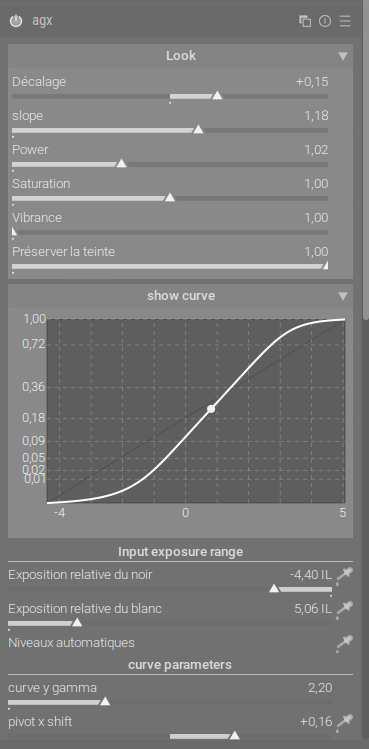
As a user, not knowing the mathematics behind it, I get the best results when the curve is in “S” and I don’t use the automatic levels.
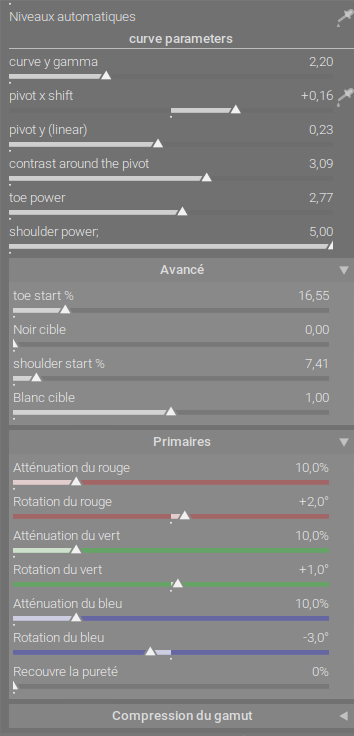
I used the same settings for the primaries part as in sigmoid but with recover purity at 0%.
Salutations,
Christian
1 Like
Thanks. I’ve done well with just the look controls and then using the power controls to tweak the toe and shoulder, although the contrast sliders are also coming in handy. I haven’t had much need for the primaries or gamut controls, but I might feel differently as the proof of concept gets worked out.
1 Like
What image is this because I used the one used by @agriggio, a tif called mid.tif and I see no evidence of any cast in the highlights for me with version 790…if this is the latest …
I just tried @Dave22152 's image as well and no tints…
I reinstalled build 790 and then downloaded mid.tif.
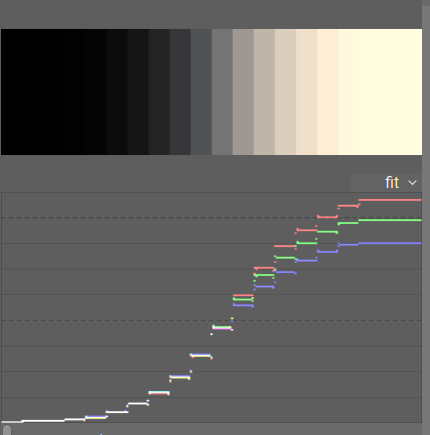
Am I really the only one experiencing this? I have checked and made sure there are no rogue modules active, made sure the history is reset, checked the settings in AgX, but it still always has this problem. I’ve checked multiple images, tried Sigmoid and Filmic… it’s just AgX doing this.
It’s not a big deal in that I’m expecting a subsequent build to sort out the issue, but I am baffled if I’m the only one experiencing this.
But @Suki2019 did say this:
Ya I don’t see that at all at home. Are you using a 2 monitor setup by any chance or any chance there is a display profile issue.??
Agx on mid.tif
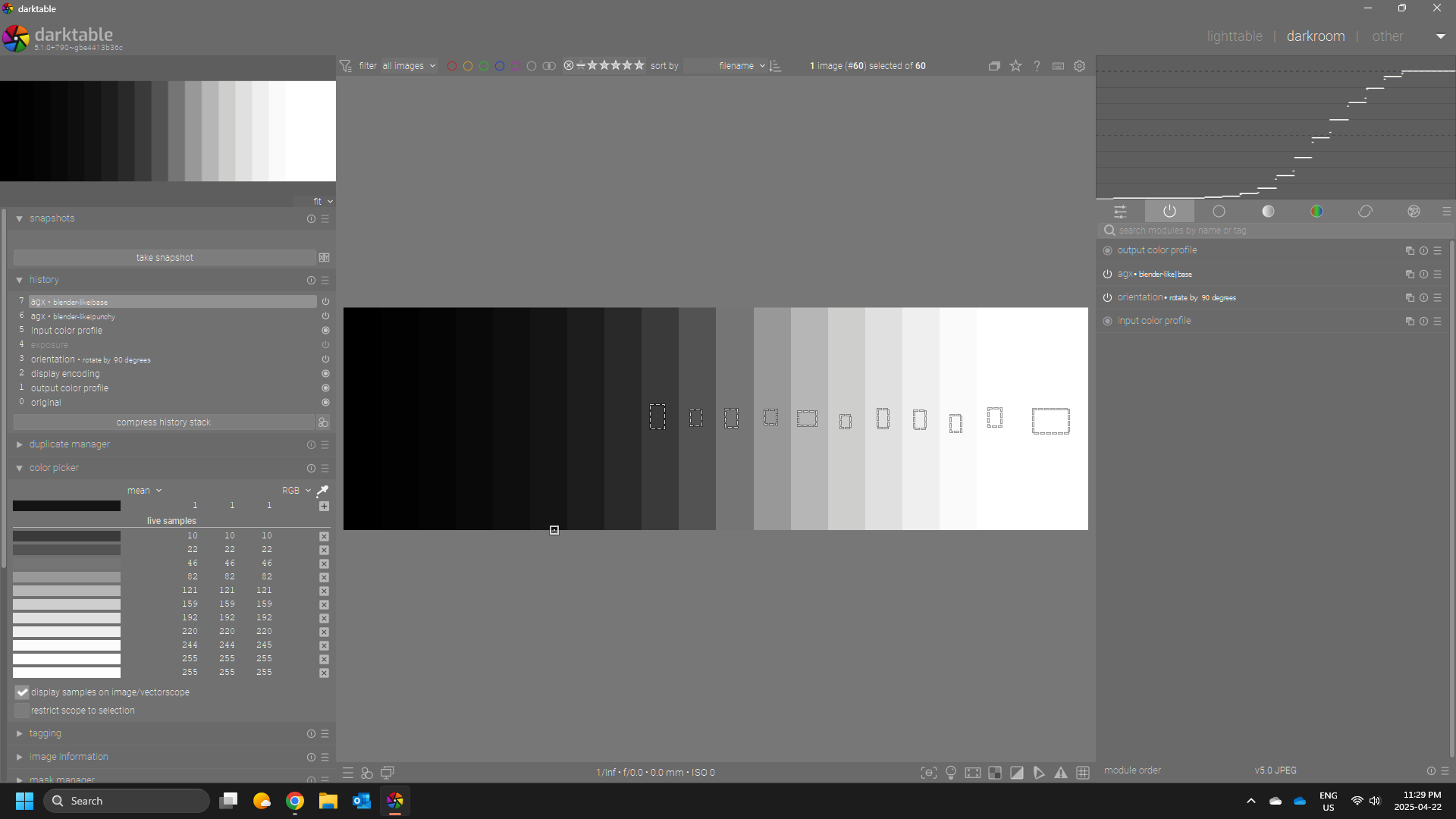
And this one…no agx

Agx default
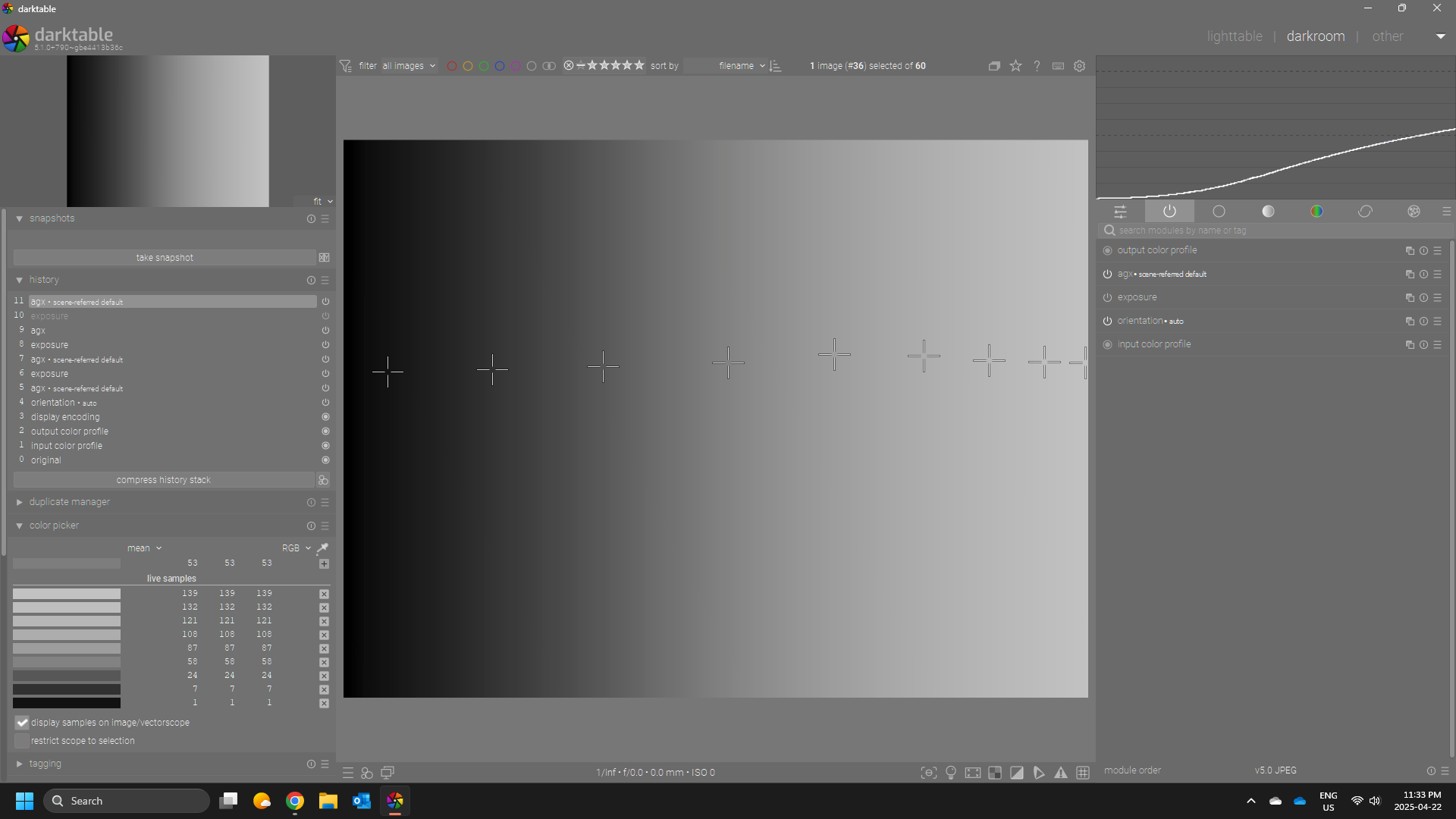
And then setting things with the pickers…
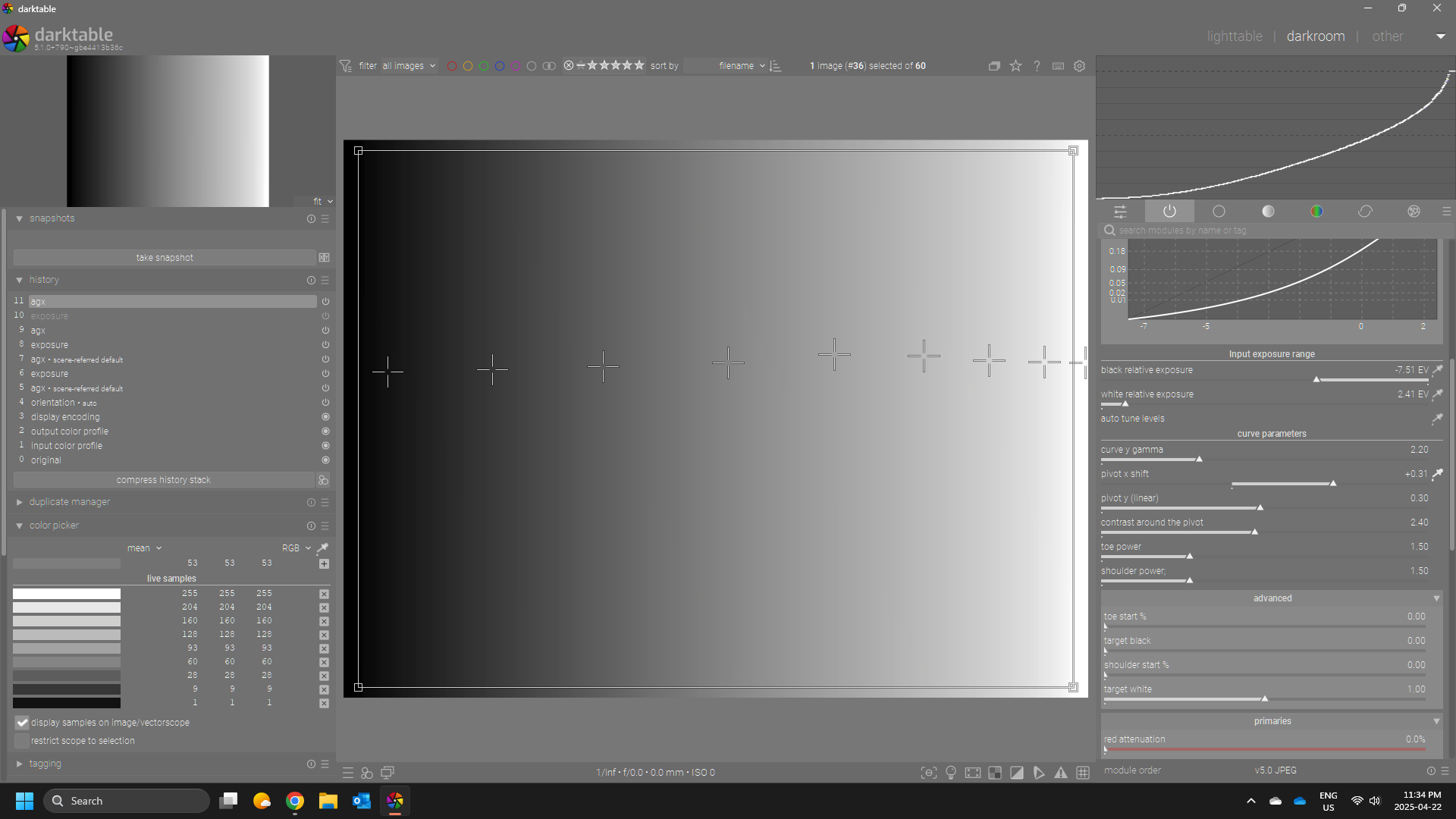
If I use a matrix based display profile…I can show this…

but matrix plus Lut or the default profile created from the calibrite software don’t have this issue…as I think they likely clip the negative values maybe or with the lut mapping??
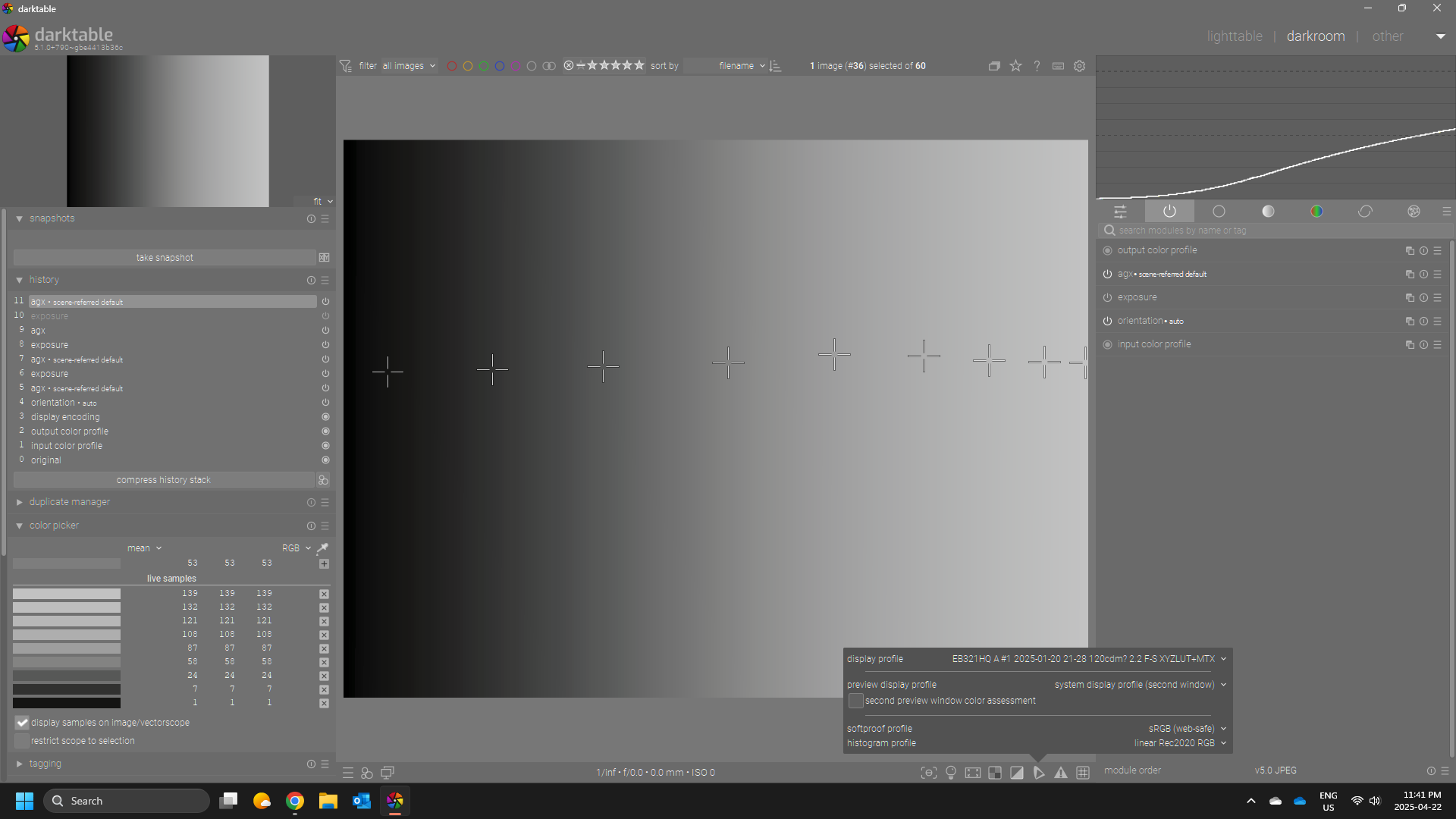
Finally the same with mid.tif if I use the matrix display profile
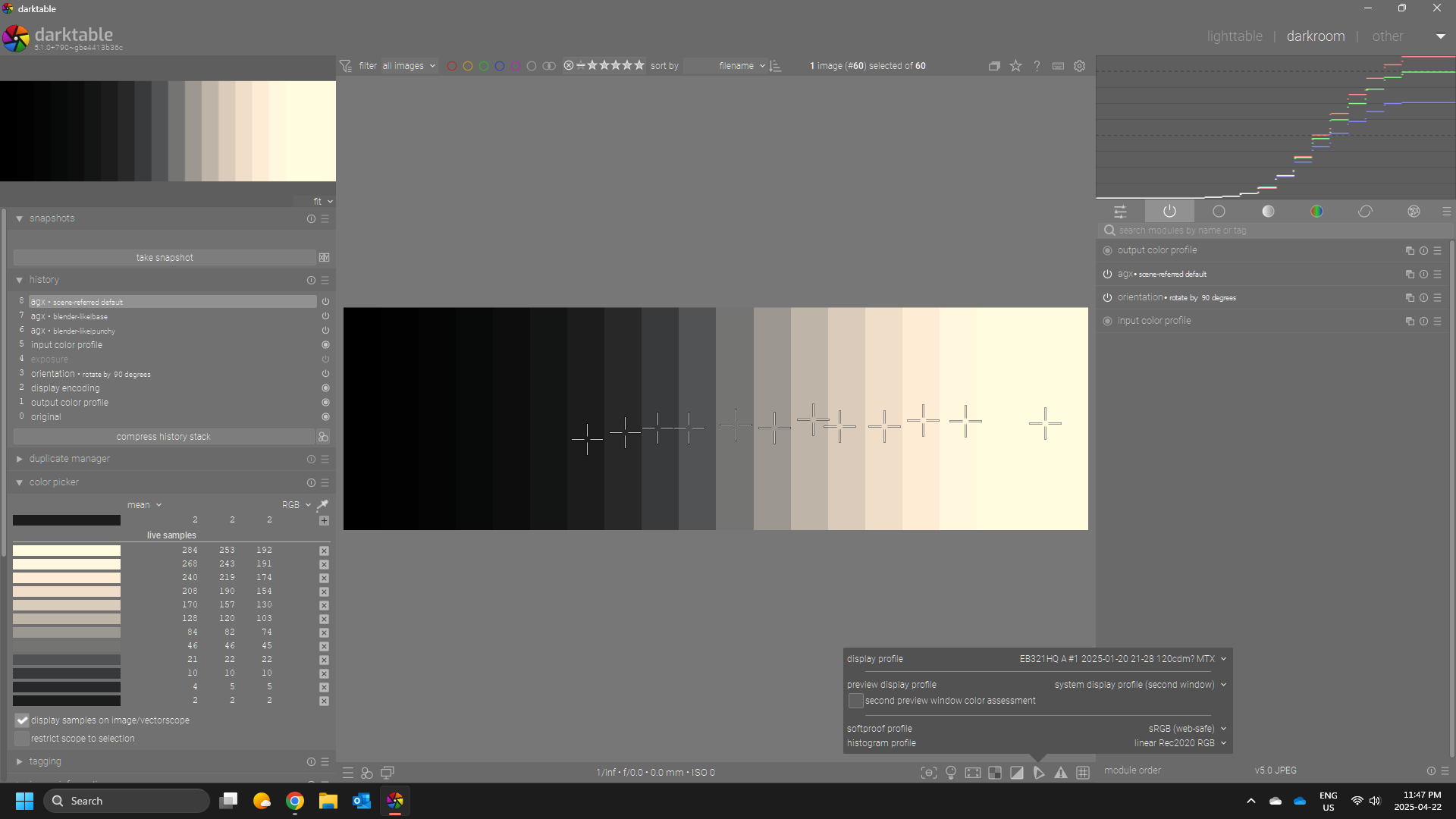
Actually its not even a matrix profile as my calibrite ones and the acer one for my monitor also dont’ show it so its only 2 profiles that I have that were done in displaycal as matrix only that show the shift…
As I have always perceived the instructions, without exception, to be “use only one tone mapper”, and also that the tone mapper must work globally, I’ve steadily wondered why not just remove masking section from tone mapper modules, and (if possible) also the multiple instances button.
I have never masked filmic but I have blended v7 in lightness as an experiment around the gamut handcuffs so to speak… I think maybe sometimes people will tweak the impact of sigmoid on the darker tones also but for sure it would be interesting to know why you would use one of these in a multiple instance scenario…
So it has something to do with the display profile? Very interesting. I work in the output profile, but the last few versions all did that. The only major change I can think was the custom matrix/space from sigmoid (it’s clearly not an issue with sigmoid, as it works there, but with one of my modifications … but which one?)
I’ll investigate this when I have time.
@priort , could you please send me one of the display profiles that trigger the issue?