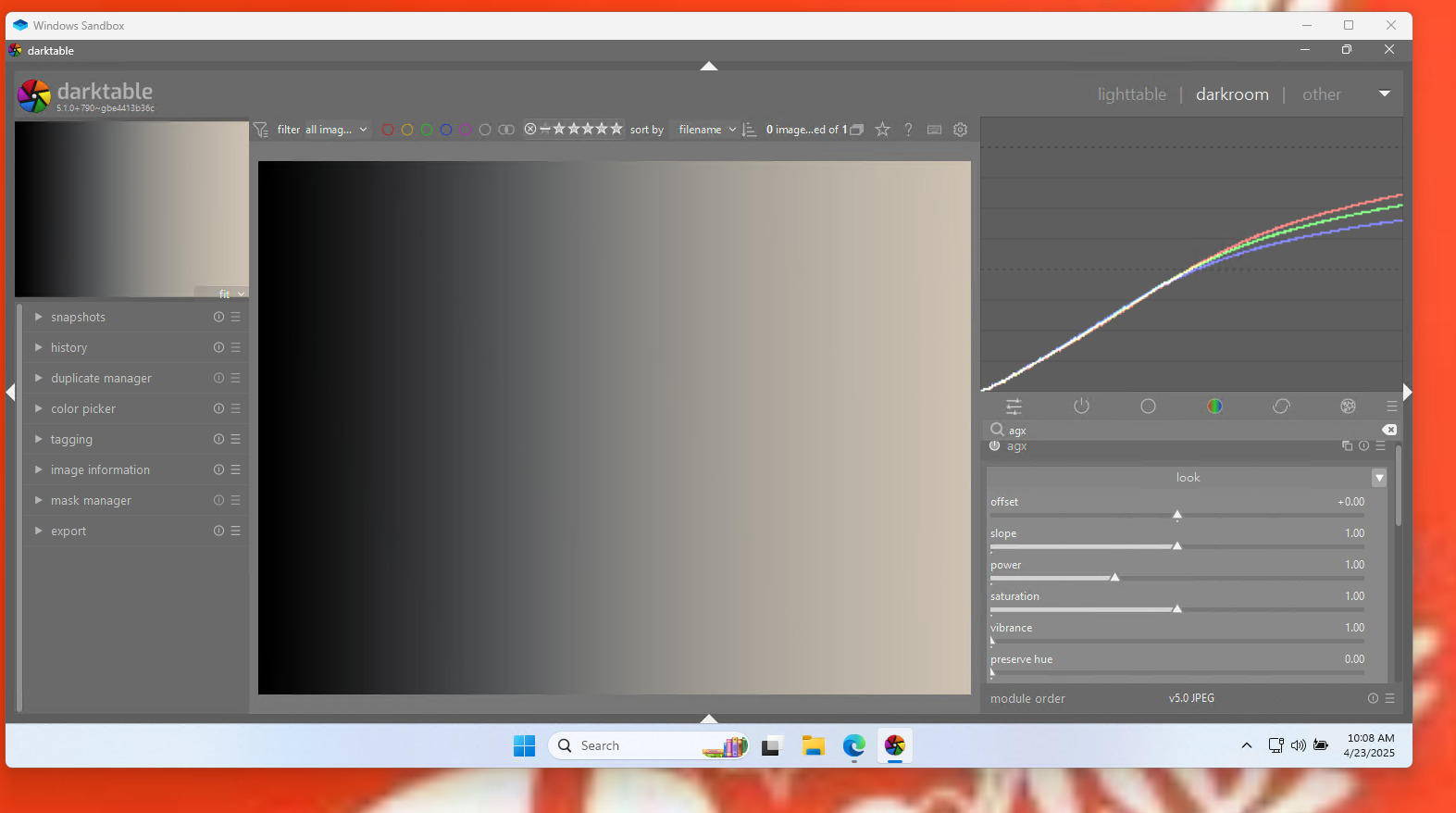
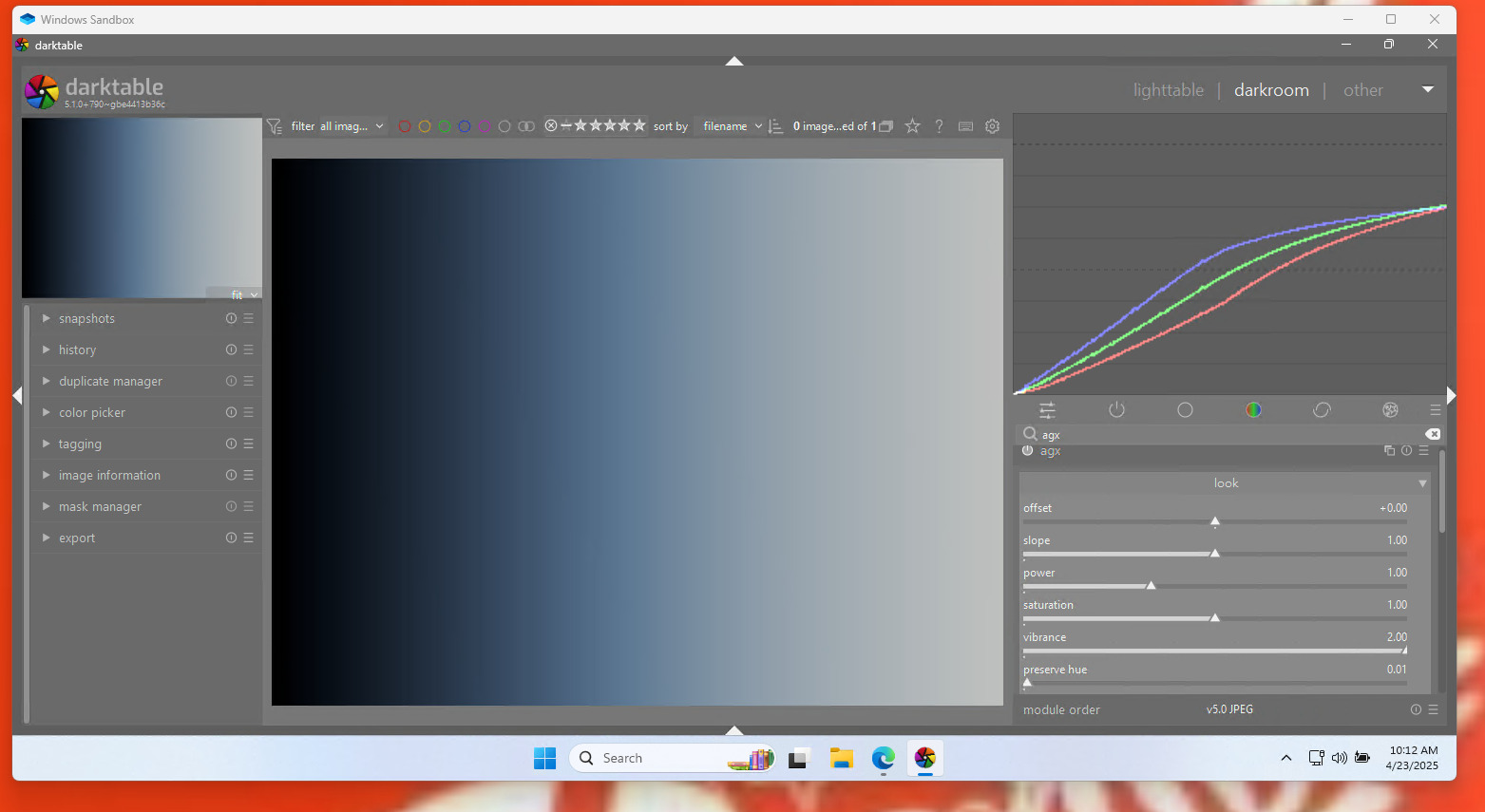
To the people who experience the grey ramp colour distortions:
- does zooming in to over 100% change the issue?
- does high-quality processing in the darkroom affect it?
- is export (with and without HQ resampling) affected?
Thanks for any info!
To the people who experience the grey ramp colour distortions:
Thanks for any info!
I didn’t follow discussions here and also did not test any builds here but a few things come to my mind.
I will have a look again if/how we can safely interpolate while keeping negative values …
There shouldn’t be negative values, I have code in place to prevent that, but I’ll double-check.
It’s interesting that the display profile may have something to do with it – but it only started happening when I replaced a hard-coded inset/rotated-primaries matrix with one built on the fly, so I’m pretty sure I was the one to break it with that change. I’ll have to time today / tonight to look into this.
Some progress, I think I found a bug during the lunch break, but that didn’t eliminate the problem, so there’s probably more (or I’m completely mistaken).
has anybody made tests concerning the saturation slider - is it better to use the saturation slider in agx or the module color balance rgb?
I found the AgX saturation is a bit stronger seems to produce more vibrant colors, while CB RGB is a more restrained where you have to push the saturation and chroma to get the same effect. So I think which is better is going to depend on personal choices. FWIW, I prefer what AgX does as a starting point.
I’ll send those tonight…sorry I am at work now on a coffee break and just saw your msg…The two that would trigger the hue shift/highlight tinting were made with displaycal choosing options to generate a matrix profile…all my other profiles seem to work fine…
As for the other issue I noted that the blue channel/image was fine but when the relative black was dropped enough at blue=0 then it would jump almost instantly to like 40… I could make that happen in a number of images …so relative black set low enough to drop blue below zero trigger the swing in the blue channel…
I will test all this tonight unless somebody beats me to it… another place I did see it and again it was a profile issue…Yesterday during coffee break I fired up the windows sandbox (vm) and installed DT there as my computer is really locked down security wise at work. At first I saw the color cast but I have a laptop and I was using a secondary monitor…in the vm the system profile for WIn11 was that old standard srgb one that windows has used for years…as DT defaulted to use the system profile it was using that and I saw the channel separation and color cast…but when I set the vm to the manufacturer’s profile for my monitor all was good…
relative black set low enough to drop blue below zero trigger the swing in the blue channel
That would be a side-effect of negative avoidance, I think.
BTW, @flannelhead : EaryChow has shared some thoughts related to the low guardrail: Luminance compensation bug · Issue #2 · EaryChow/AgX_LUT_Gen · GitHub
I’m not sure it’s the same thing, haven’t had time to read it.
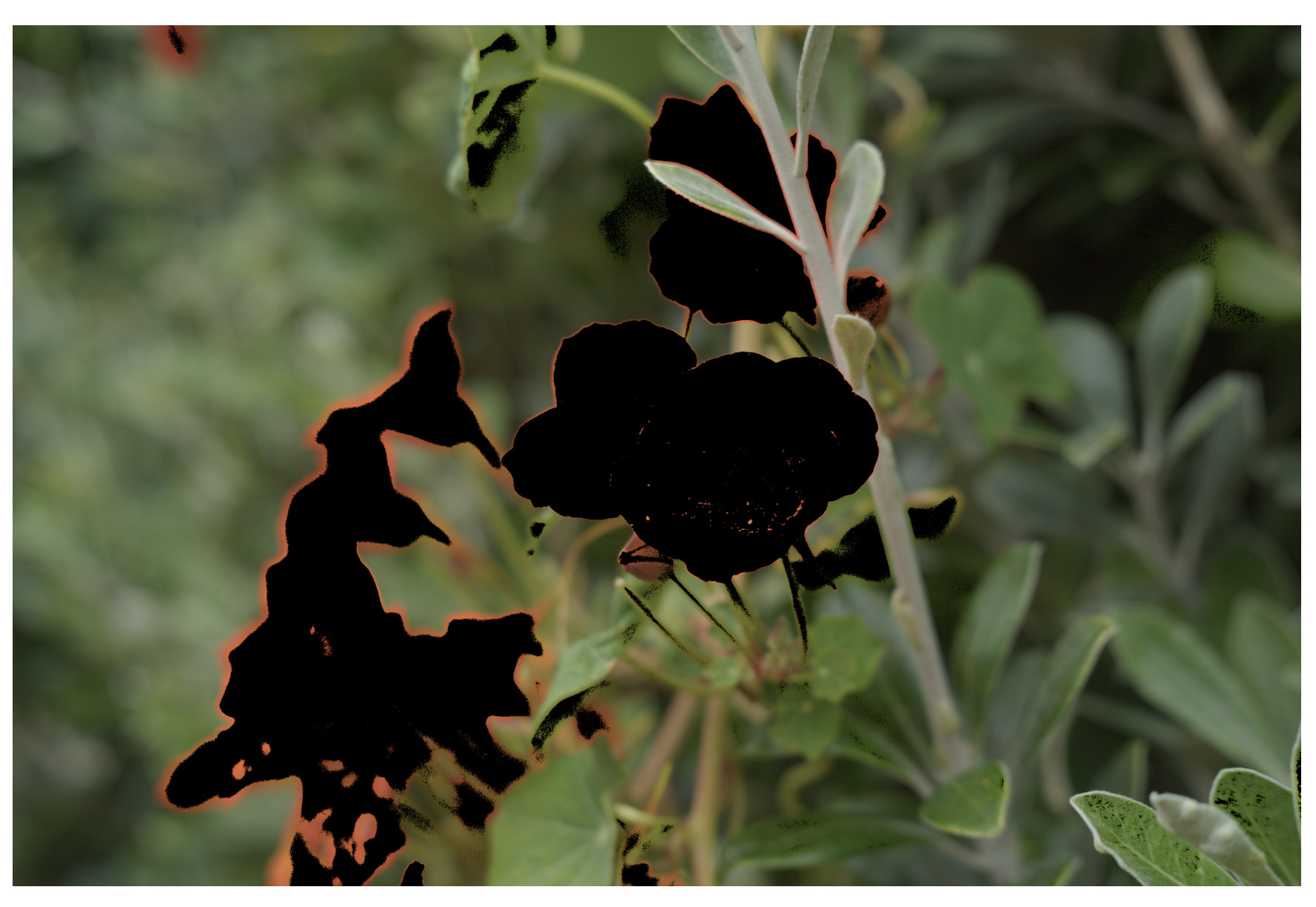
At least this is what clearly happened in the red dress image that Dave shared and a couple of others that I tested…it happened around the 3EV mark and as the slider goes lower it gets worse…just for reference…
Ah and that artifact or result did not appear to be display profile related as I could try various ones and also use linear rec2020 and still see that… if any of those trivial observations help…
I can’t check currently but looking at the channels as displayed in the histogram they seem to separate with certain profiles and looking at the pattern…is green maybe okay and red get bumped up and blue attenuated causing thing to diververge??
I also came across this post…
It may have nothing to do with it but it does introduce the fact that profiles will handle the data differently based on those options and one line in here noting the way the displaycal does BPC with a progressive transform that is zero at white and increases to create this compensation looks a bit like something in the histogram…if the profile is say a shaper curve and matrix and if it uses 3 curves or 1 there could be all kinds of things going on in that case… so its important I try to see what settings were used in those profiles that I found…I called them matrix but they might be shaper/matrix…
This was that passage…
"“If by BPC you mean “black point compensation” option present in dispcalGUI in contrast to the “black point correction” option (they are very different things, black point correction is an Argyll CMS option that corrects black point hue, while black point compensation as implemented in dispcalGUI I’ll describe here briefly):
I’ll be frank, what black point compensation in dispcalGUI does is it will take the characterization measurements and then blatantly lie about them by mapping the actual measured black XYZ values to 0, scaling all other values accordingly. This has the effect that when a profile created with that option enabled is used in a transform with a source profile that has “perfect” zero black, black crush is avoided even in “dumb” matching scenarios (ie. when there is no other more sophisticated gamut mapping used, like the gamut mapping options involving a source profile when creating a LUT profile, or the BT.1886 option when creating a 3D LUT). This of course reduces the profile accuracy somewhat, with the error introduced by BPC being zero at white, and then progressively increasing towards black. This effect is greater the lighter the actual measured device black was. The main reason I implemented this option was because that’s how most commercial display profiling software seems to operate, and for “dumb” matching scenarios it eliminates black crush (at the expense of accuracy like I mentioned). Because I wanted to prevent the actual measured display response being totally lost, the measurement data (TI3) that is embedded in the profile is always the unaltered one, so one can create a profile without BPC from the BPC-enabled one (the way this works in dispcalGUI is by setting the desired profiling options, then selecting “Create profile from measurement data…” in the options menu and finally selecting the existing profile).”"
I was working with some settings and found that setting hue preservation to a non-zero corrects the purple fringe. The minimum setting of 0.01 restores the colors.
@europlatus, could you see if that has any effect on your grey scale image?
At least for the case that I can try it doesn’t…I am at work where I can’t install DT except in the sandbox…there the default windows srgb profile is the display profile and it shows the color cast…
If I download the one for my acer 272HL that I have here at work it correct that and all is good…so this default windows profile will introduce or produce that…its also interesting if you crank up the vibrance… I think @kofa said it might be broke but with this profile the green channel is untouched and red and green swap…
It makes no difference for me.
I’m not using a 2-monitor setup. From your last post, it seems you have reproduced the issue. Hopefully @kofa has enough to go on now to see where the problem lies, but let me know if you want me to test anything else.
Is your display profile made with displaycal… you could try to just set your display to rec2020 …it will be dark but you should be able to see if the cast goes away or if there is a default icc profile that comes with your monitor you could try that one as your display profile…if things go away then its similar to what I have seen but if not then it might even be something different for you…my profiles made with the calibrite software also seem fine so for me its just a variant using some settings in displaycal which I can confirm later that shows that color cast…
@europlatus I have some older builds in my drop box account if you want to see if they behave differently:
Just after I cleaned up the old builds, we need them. 
You can get the code from github, e.g. darktable-5.1.0-732-g9596b9237d corresponds to commit 9596b9237d (without the g prefix).
If anyone needs an older Linux build, please let me know the commit ID, and I’ll re-create the AppImage.
I don’t use any specific display profile, just the default Windows one. It has worked perfectly for close to 10 years, so I don’t want to mess with this now. It’s obviously a change in the latest build and doesn’t really indicate a problem with my system.
Thanks Dave, but I have all the older builds already. I reinstalled the previous build (766) yesterday, and the problem was not there. It’s definitely a problem introduced with build 790.