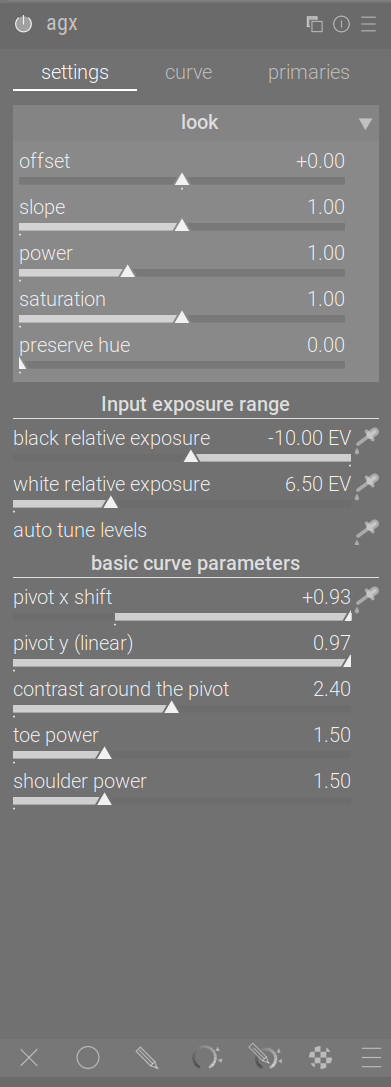
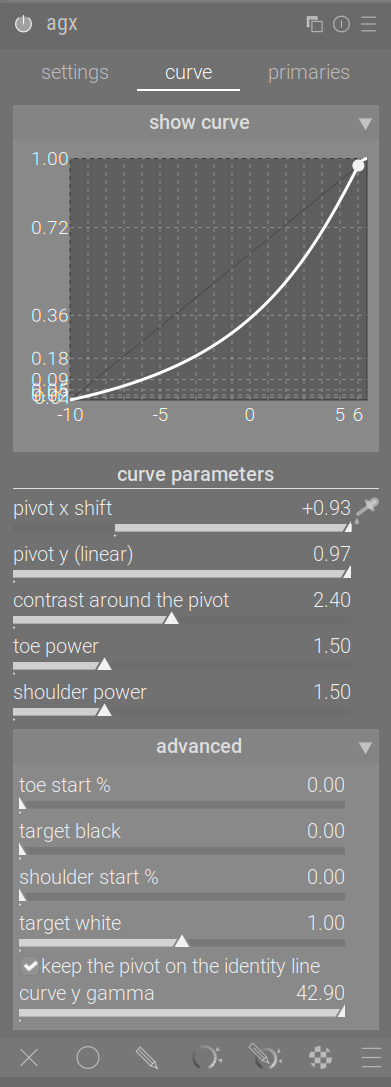
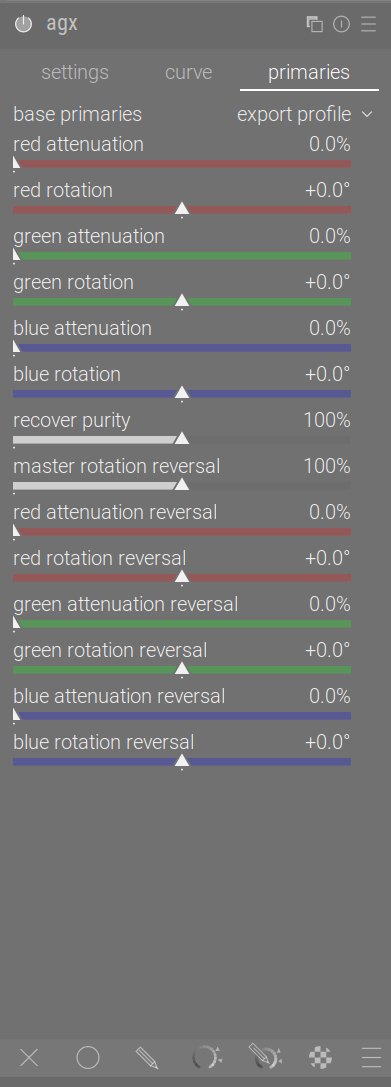
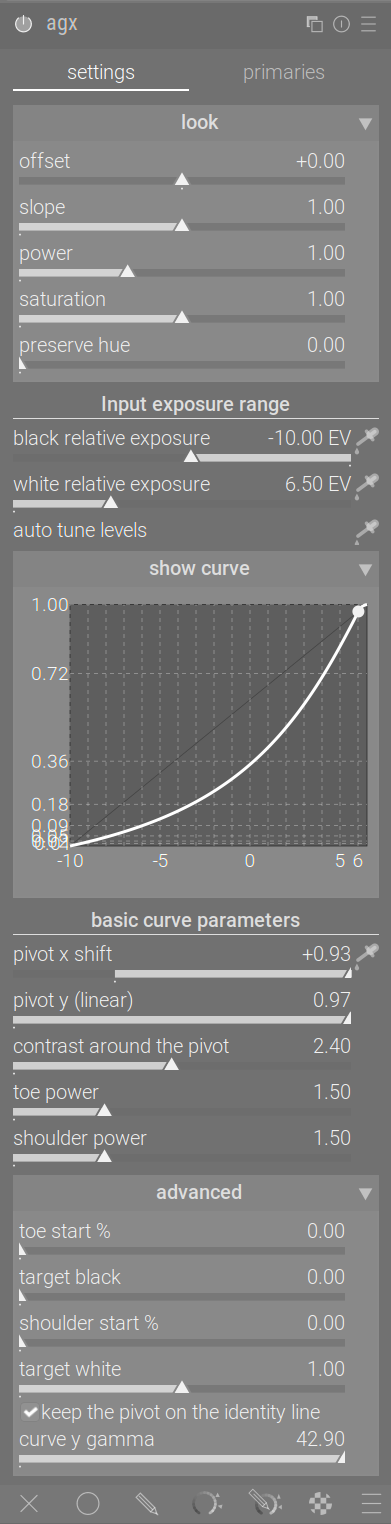
So, after a longer pause, a new build. No change regarding functionality.
The crash has been fixed: besides the general protection added by @MStraeten (thanks!), you cannot resize the graph beyond a minimal height.
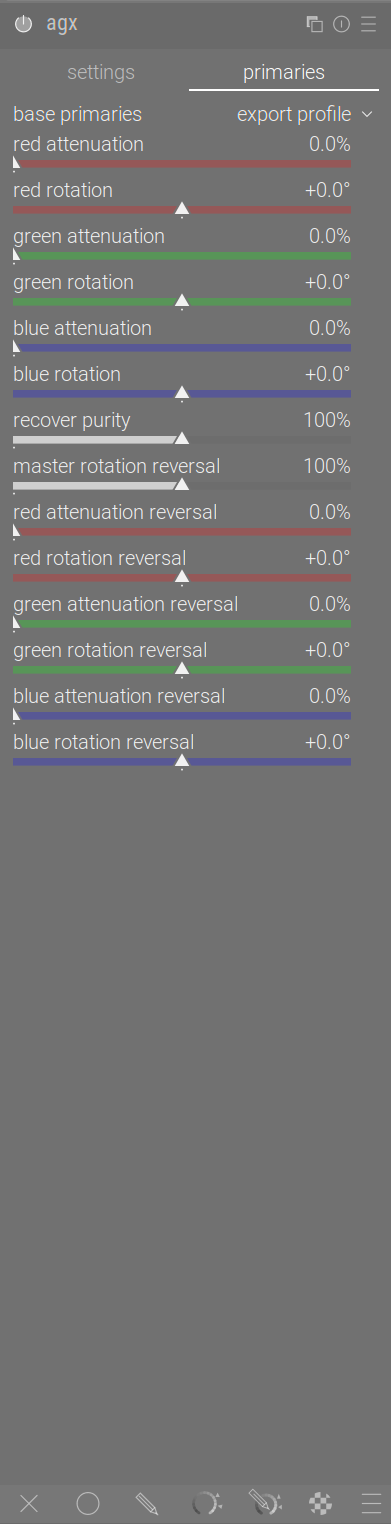
A new config option (you need to manage this manually in darktablerc – remember to quit darktable before you touch that file). You can still further collapse certain sections (the look, the graph, and the advanced curve params):
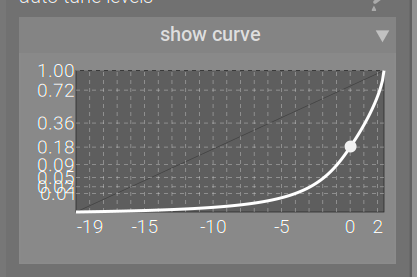
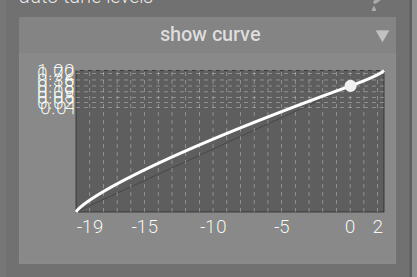
plugins/darkroom/agx/curve_tab_enabled=TRUE results in 3 tabs:
hmm, i would keep the curve y gamma slider in the main section, since thats an easy way to control contrast in a compact form without having look or advanced section expanded …
Correct me if I have the wrong understanding here, but it seems to me the ‘keep pivot on identity line’ acts as a kind of auto button for ‘curve y gamma’. In order to change ‘curve y gamma’ I have to uncheck the ‘keep pivot on identity line’ box. That’s not ideal since its a fair bit of clicking to compare with box ticked, to without box ticked and custom values entered (especially as custom values are lost once box is ticked again).
If so, it would take up one less line by having an auto button beside ‘curve y gamma’ rather than a checkbox above. I guess that would negate the box being ticked by default which may not be desired, unless you could trigger the auto button by default by somehow. Just thinking out loud.
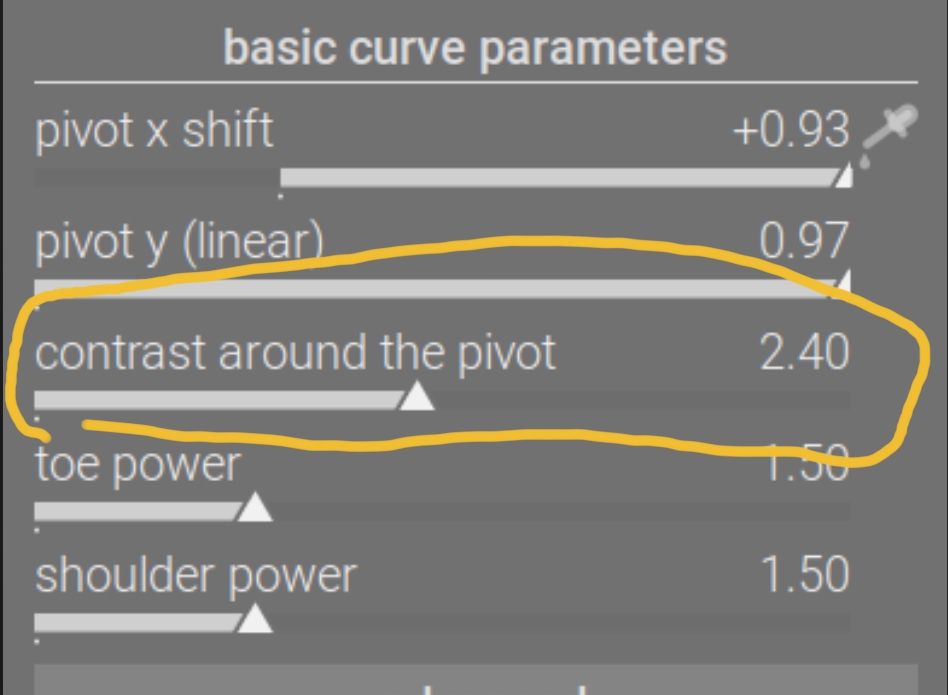
There’s also the contrast for that, see Blender AgX in darktable (proof of concept) - #1213 by kofa. I thought if the auto-gamma (keep the pivot on the identity line) is on by default, people would just use contrast.
If others agree to have it back among the basic settings, sure.
That is correct, yes.
I never realised people actually used that control so much. Isn’t contrast enough in most cases?
But then it won’t adjust while you drag the pivot controls, which may lead to some back-and-forth (drag the pivot controls, then drag the gamma, then drag pivot again for a subtle adjustment, then pivot…).
How about this: I leave this as it is for a week; next Friday, we (you) vote on the behaviour.
Where is that “contrast” control in AgX?
At least the “keep pivot to the identity line” is quite ambiguous. While it’s fine for evenly exposured raws it fails if the mood is more low key resulting in quite harsh contrasts
further aspect: a control that changes neutral settings shouldn’t be hided in a collapsible section - i found it a better starting point to have this unchecked
I’m not sure that power/‘gamma’ of 2.2 should be treated as ‘netural’. It was the power ‘built into’ the original curve (which targeted the display directly, so its output had to be linearised to match darktable’s pipeline), but we have pretty much taken that curve apart, using custom parameters for everything instead of the baked-in, fixed values.
As I see it, that control is similar to hardness in filmic rgb, and there:
it is enabled by default
is ‘hidden’ among the advanced settings.
Of course we don’t have to do things the way other modules do it.
Could you (others are welcome, of course) please share a few examples?
I’m not against having it more visible (like it was before), if we agree it’s useful to do so; however, I’d like to hide it if it’s rarely needed.
What if you first leave the checkbox unchecked, tune gamma, make a snapshot, then tick the checkbox, enable comparison with the snapshot, and tune contrast?
it’s not about if there’s an alternative solution for that, it’s about simplicity in the workflow. Unchecking a checkbox, that’s hidden in a collapsed section requires additional steps.
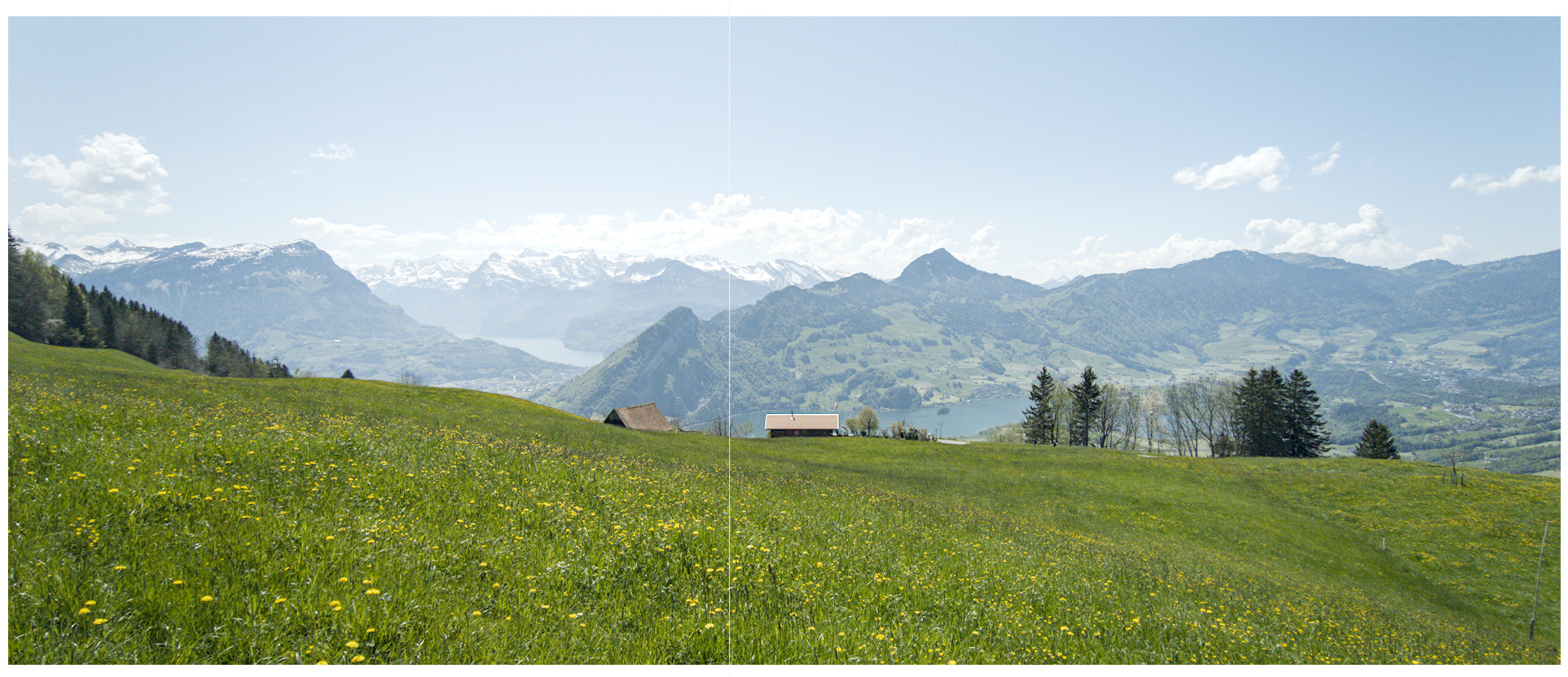
I’ve just developed a series of 18 images, mostly flowers/insects with the previous version of AgX. Natural lighting.
I usually start with ‘keep pivot on identity line’ checked and uncheck it if I can’t get a good result quickly. I left it on on 11/18 cases.
The sliders/check boxes I used most are black and white relative exposure, all basic curve parameters, ‘keep pivot on identity line’ check box and slope, saturation and preserve hue in look, sometimes offset and power.
To me it would be an advantage to have the ‘keep pivot in identity line’ in the basic curve parameters and have it on by default.
Thanks for the feedback. That would indicate the option is useful.
If, and only if, the equivalent cannot not be achieved with the option on, in a high percentage of the cases. Again, I’m not against it (I was the one who introduced it, after all). I’m just wondering if we could have one checkbox + one slider less on the screen (them being hidden in the advanced section).
The question is: when you get ‘better’ results with the option off and adjusting gamma, is it really a substantially different look, or simply you found the ‘right’ contrast somewhat later. That is why I asked you to make the experiment:
adjust with the option disabled, playing with all the controls as you like;
take a snapshot and enable comparison mode;
enable the option, and try to compensate using contrast only.
I’m not editing by numbers or curve - usually the curve is hidden to save space. So the result counts - if it’s good enough then i don’t bother about the curve or different ways to achieve the same or a similar result.
It’s just about the workflow - having the right tools at a proper place is crucial for me.
Martin, I’m also talking about the simplicity of the workflow. The question is: can you get the same result with auto gamma + contrast as with free gamma + contrast in the large majority of cases? If yes, there’s no point in having yet another checkbox + slider available among the basic controls. I don’t edit by numbers, either; I only quoted them for reference.
On the videos, in one case, you dragged the gamma slider; in the other, the contrast slider. It was the same kind of workflow, the same effort (in the 1st image, you only used the exposure picker for the ‘contrast’ edit; in the 2nd video, you used it for both). To me, the results look nearly identical; that’s why I’m doubting if the extra controls add value.
checkbox ticked + adjust ‘contrast around the pivot’
checkbox unticked (custom ‘gamma’ value) + adjust ‘contrast around the pivot’
checkbox unticked (default ‘gamma’ 2.2) + adjust ‘contrast around the pivot’
In all three cases I could achieve very similar results 9 times out of 10, and the other 1 out of 10 it wasn’t so far off. Based on this, I don’t think I’d miss it if ‘gamma’ was left at default 2.2 and removed from the GUI.