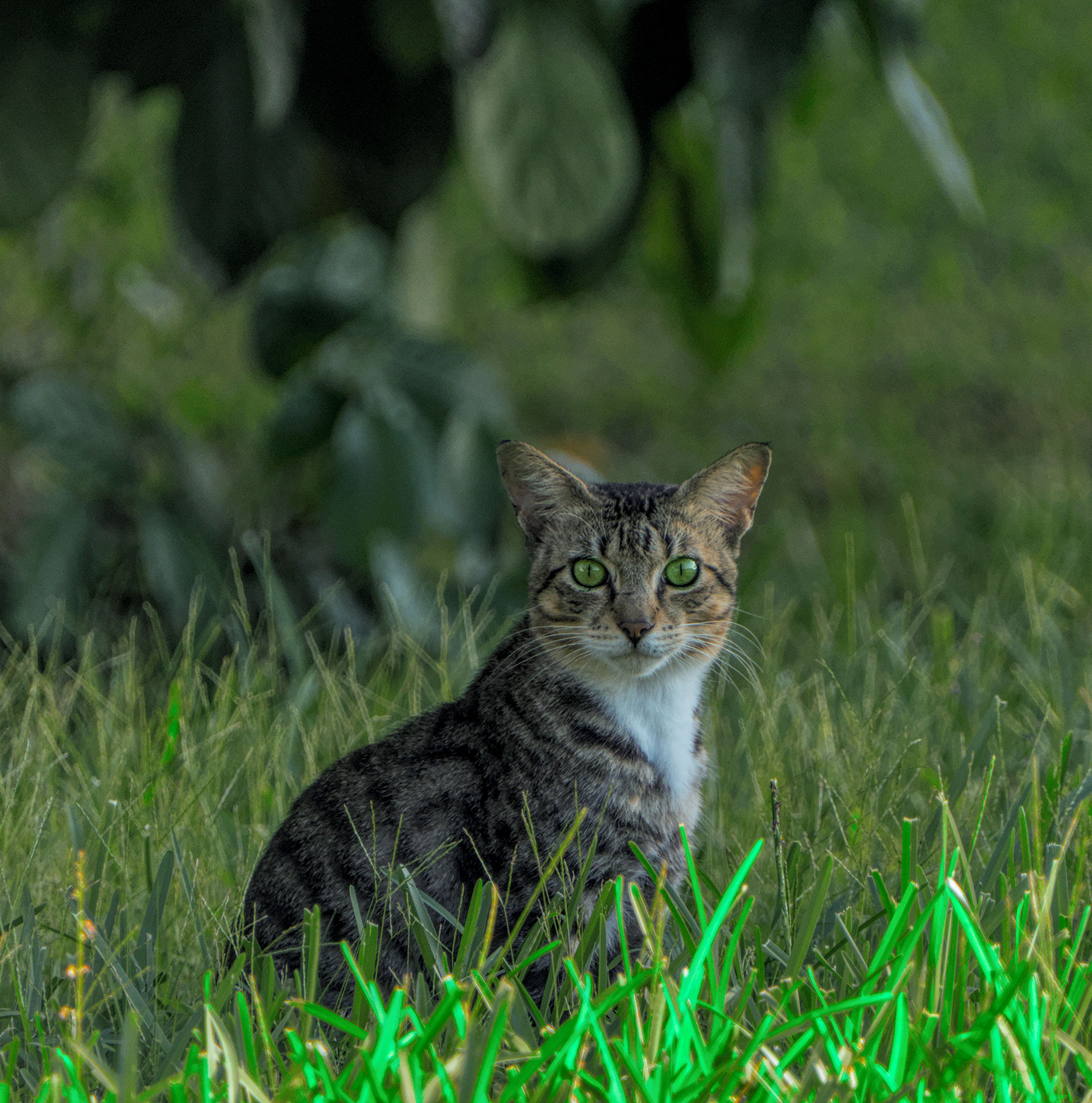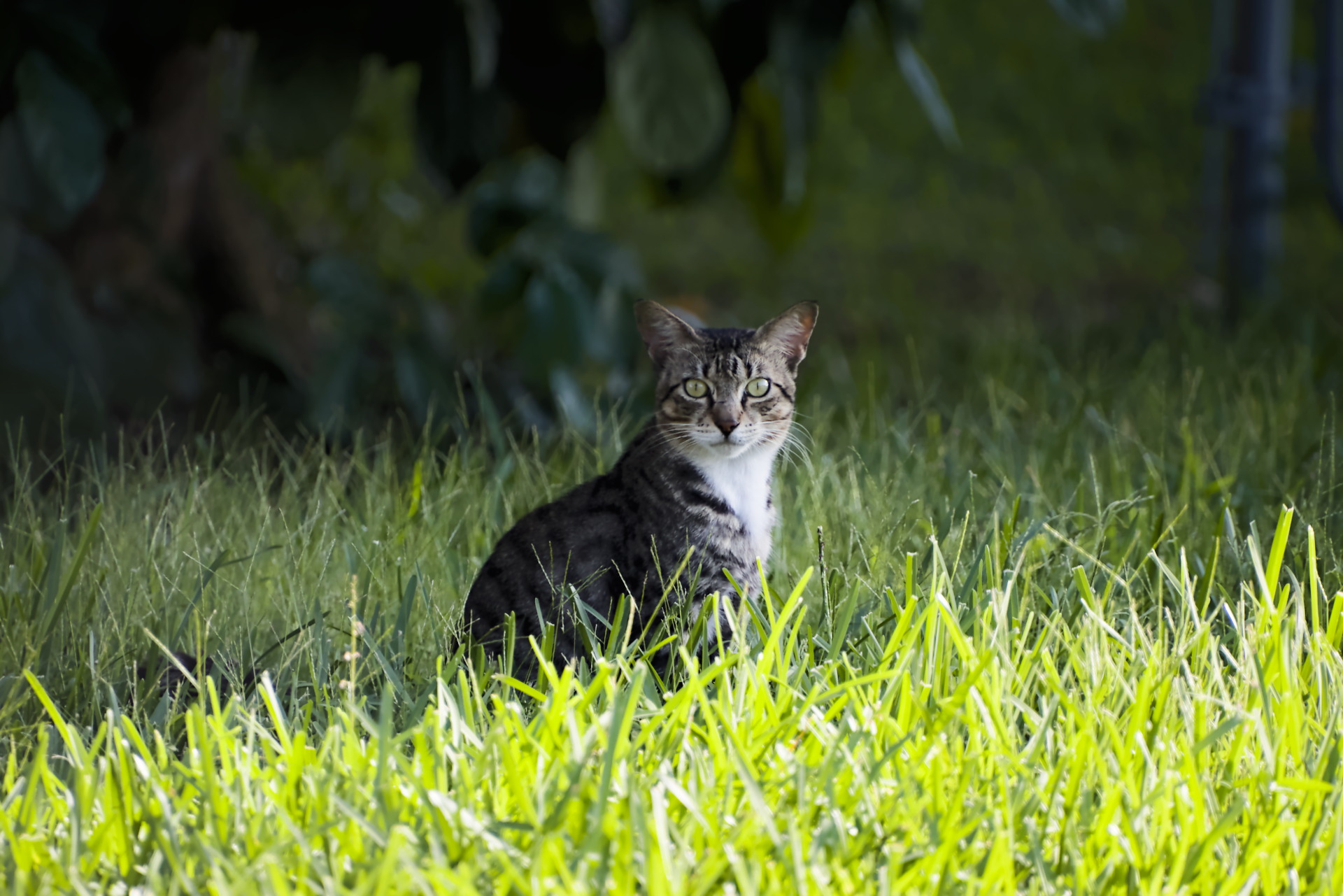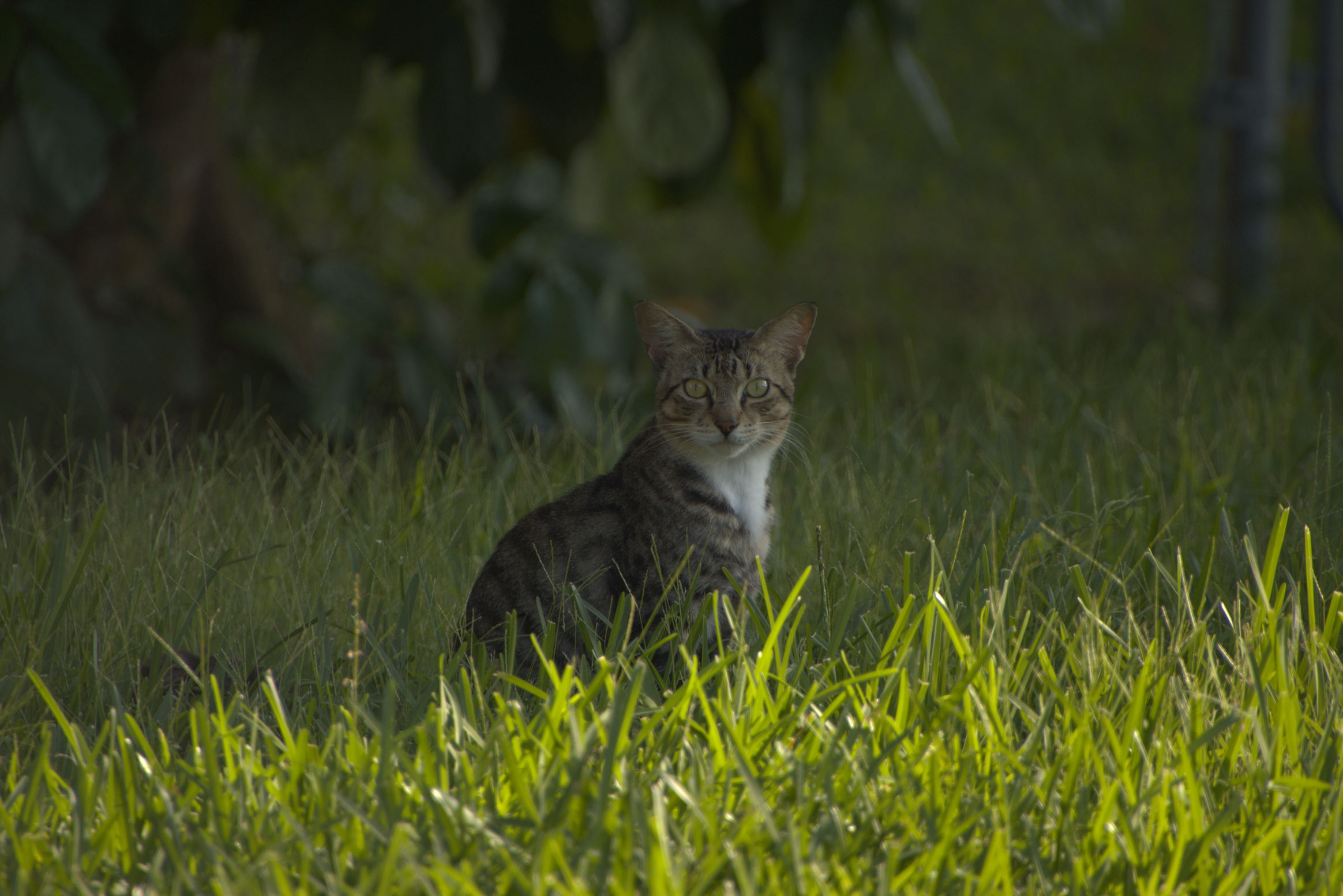
RAW:
7E4A3725.CR3 (38.6 MB)
RAW made by Reptorian (Here) / MLVisionnaire (BlueSky)
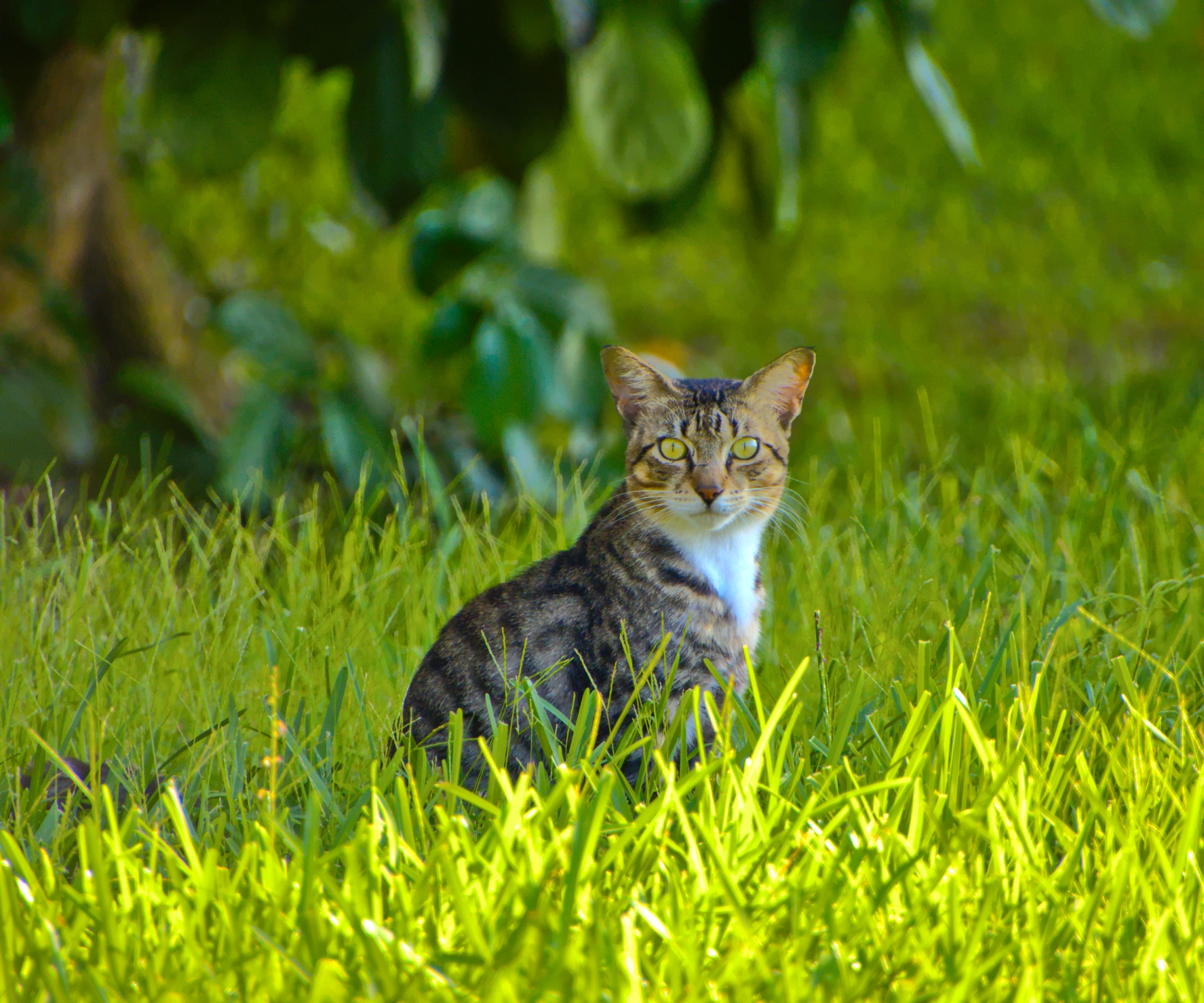
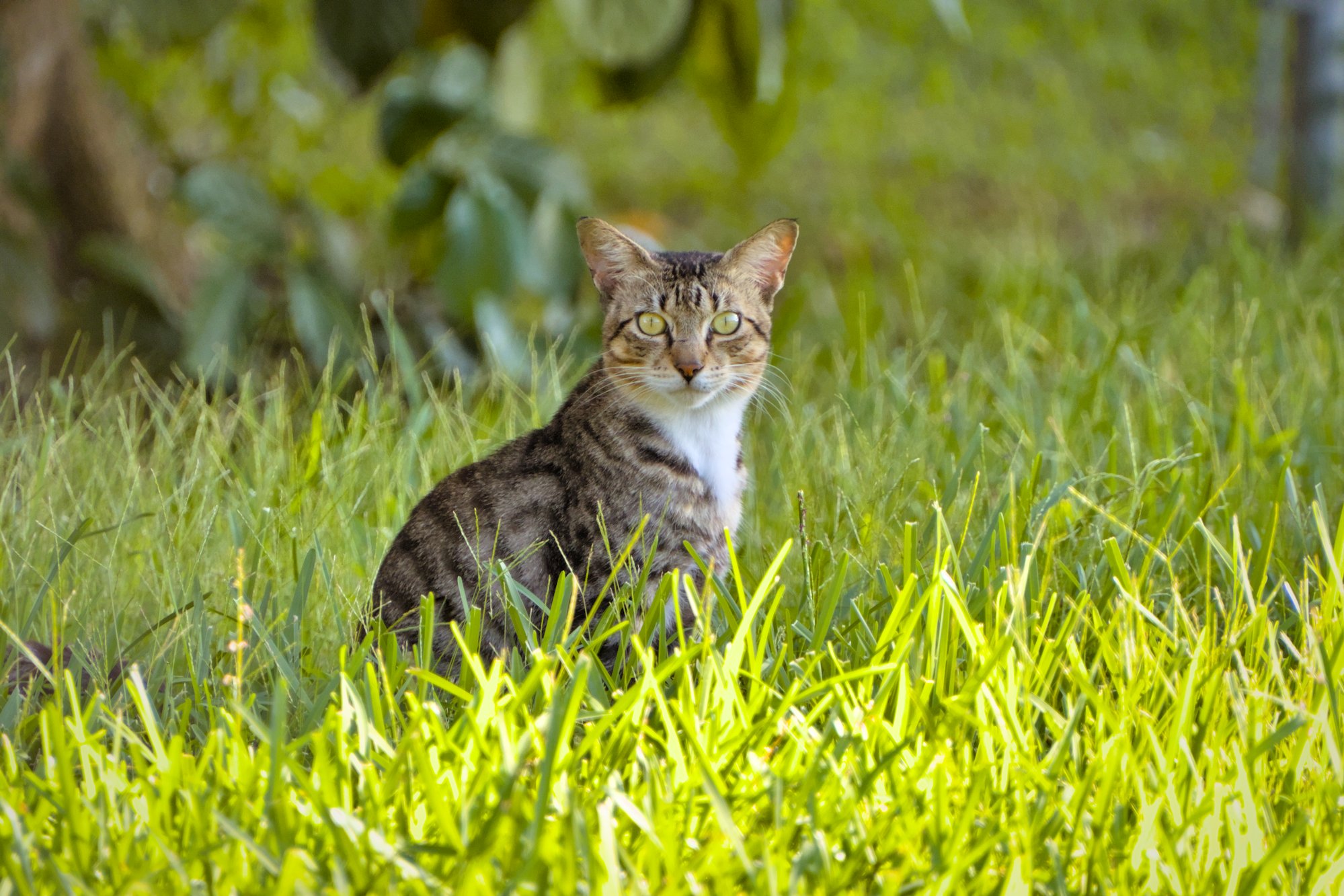
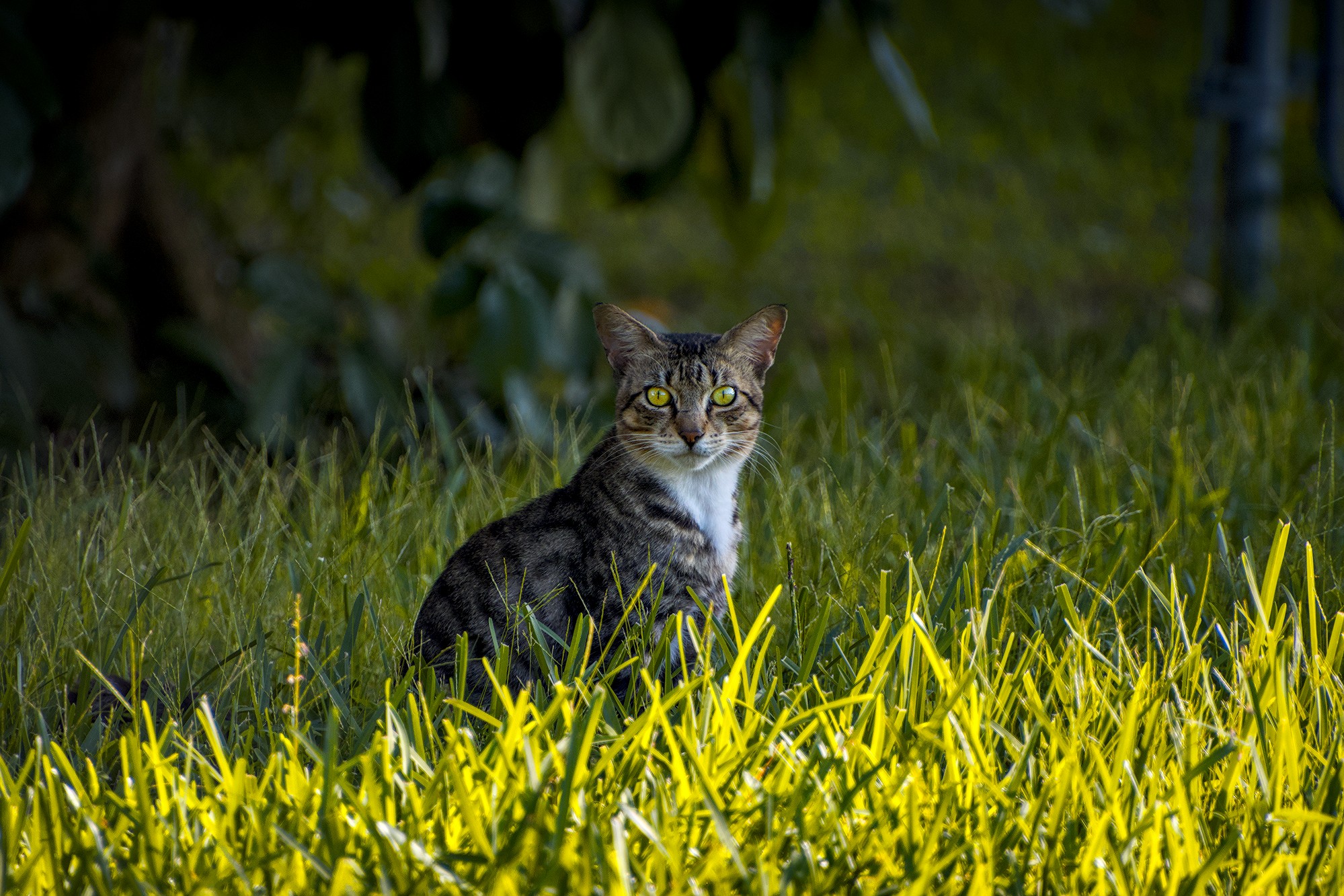
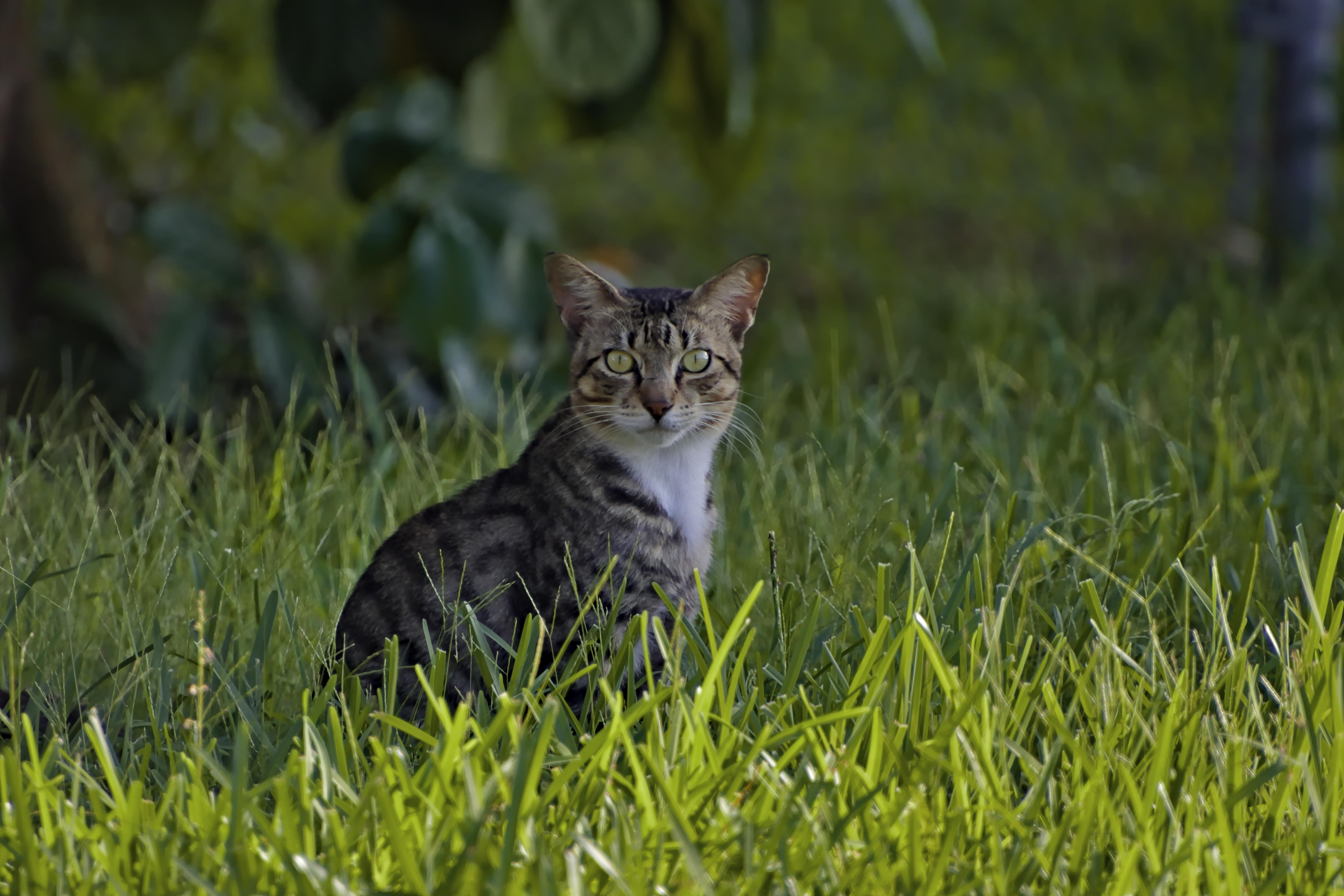
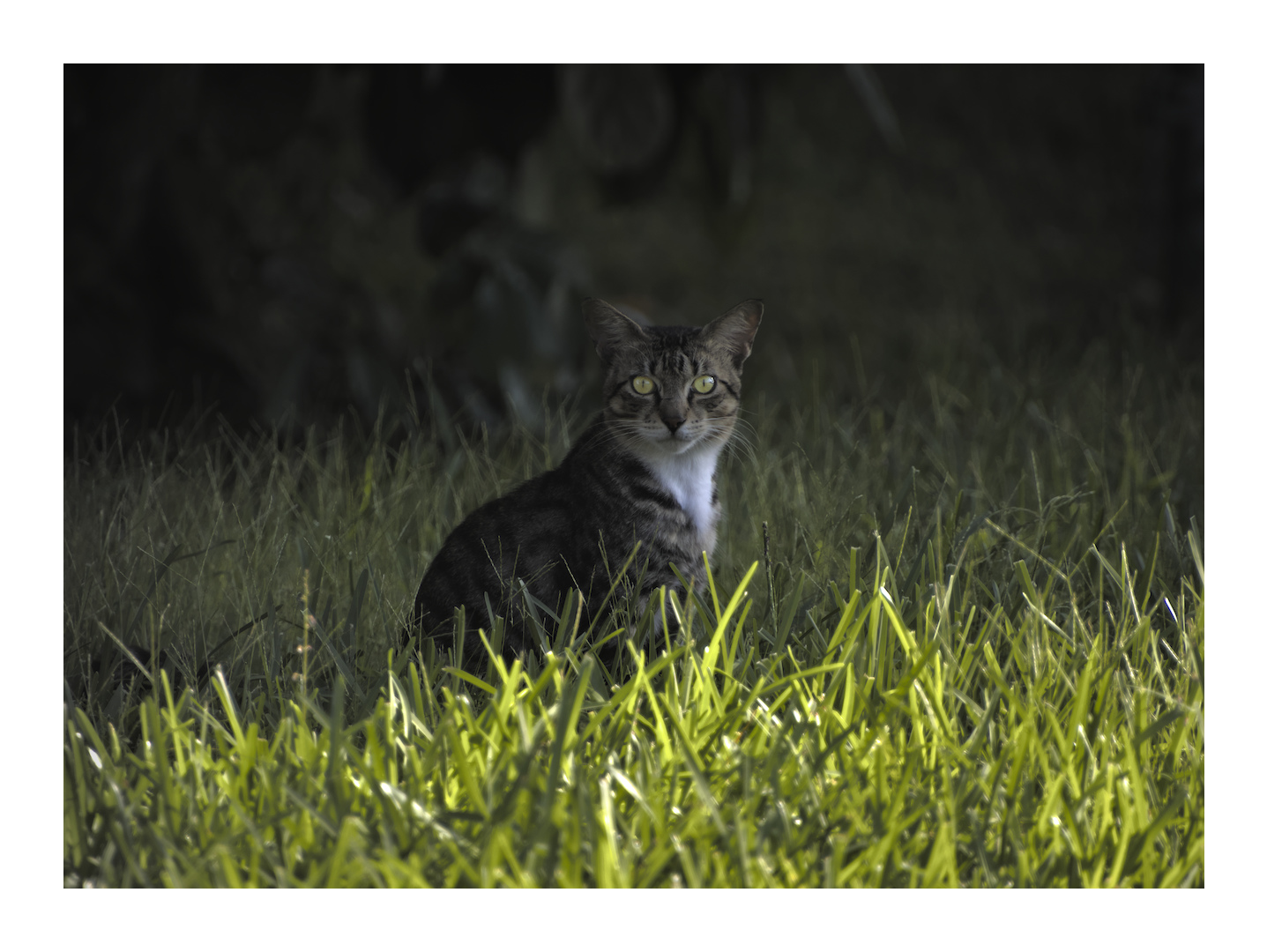
Goal: Try to make this picture look much better
This file is licensed Creative Commons, By-Attribution, Share-Alike.
RAW:
7E4A3725.CR3 (38.6 MB)
RAW made by Reptorian (Here) / MLVisionnaire (BlueSky)
Goal: Try to make this picture look much better
This file is licensed Creative Commons, By-Attribution, Share-Alike.
a7E4A3725.CR3.xmp (13.7 KB)
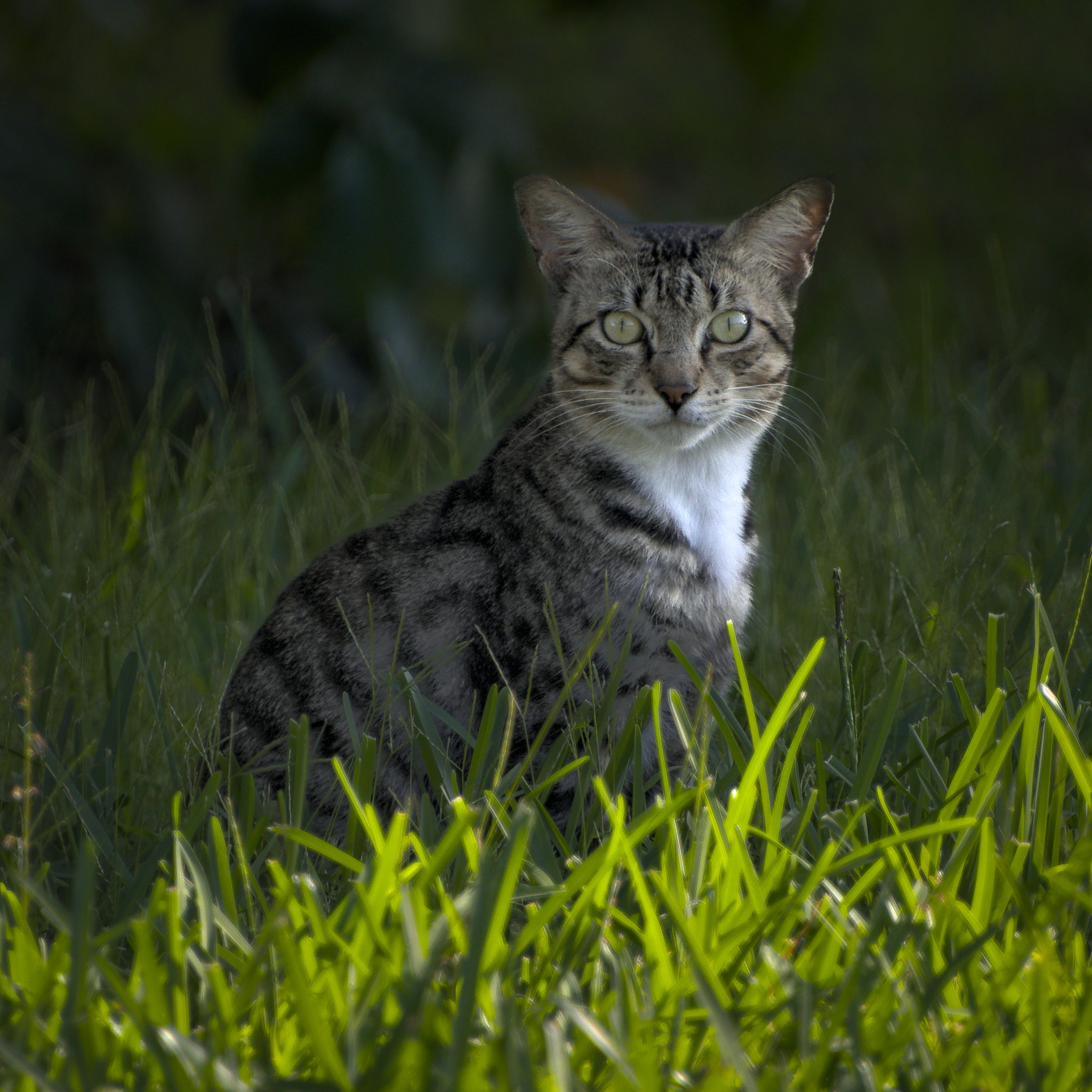
I wouldn’t lift the shadows too much. Aren’t they an essential part of this beautiful cat portrait? They are giving depth and atmosphere.
Ok, this was a interesting idea. I didn’t thought of this.
I agree with @Popanz. That would have been my approach.
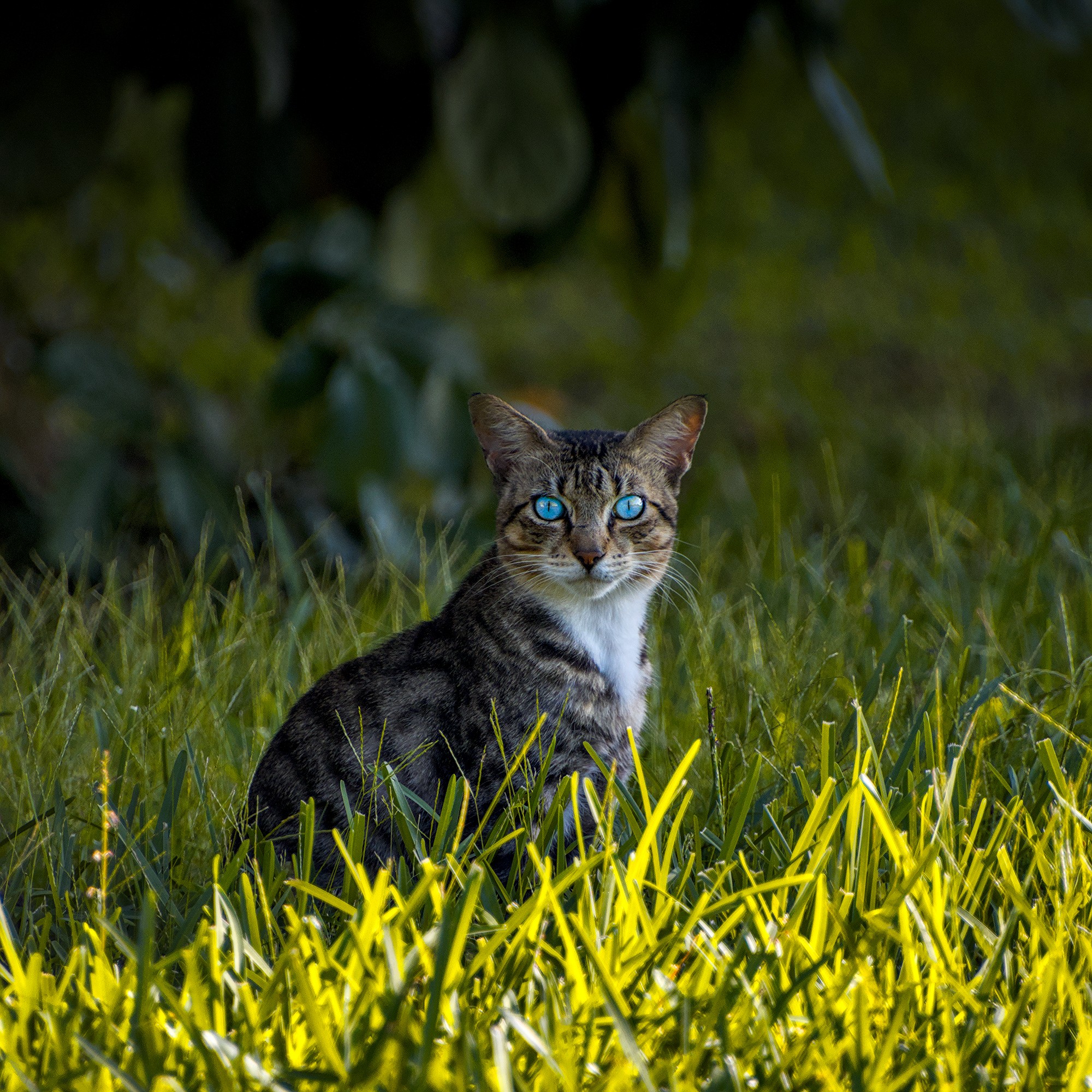
The eyes seem to be the part of the cat that is not turning out that great.
Thanx for pointing to the eyes. I did a bit of rework.
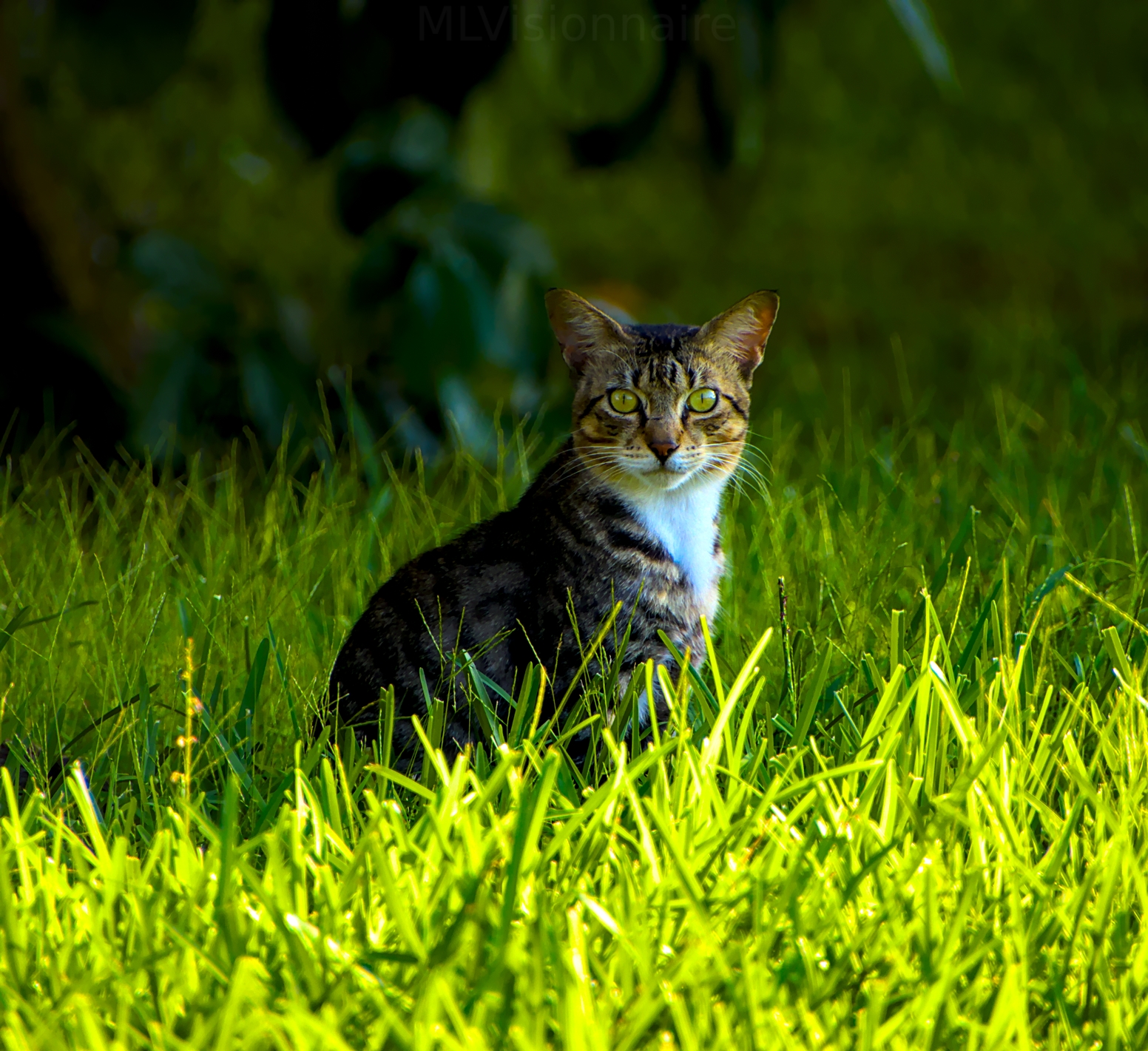
Fun one. Filmic adjustments to white and black point, two exposure instances…one drawn mask for the eyes, one for overall exposure. Tone eq, two instance of color balance, rgb primary adjustments, and then contrast eq, diffuse and sharpen, vignette, and denoise as well.
I still think I could do as much with less modules, but I’ve really locked in to a habitual process and don’t really think I cam break the habits now.
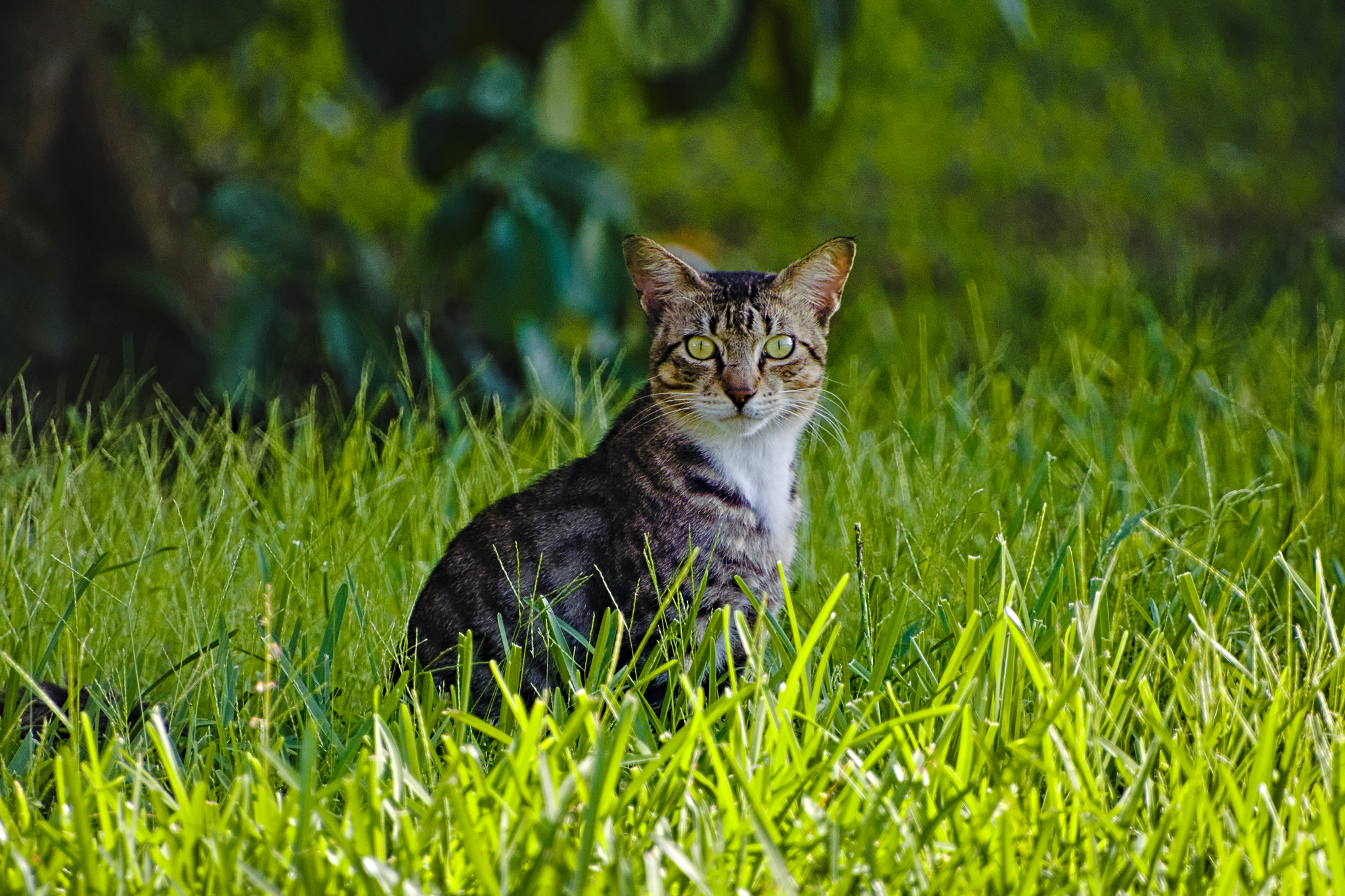
Done with dt 5.0, Windows
ART 1.25.6
With challenging images, it’s always tempting to go too far. I usually notice I did somewhere past the point of no return, hopefully not here.
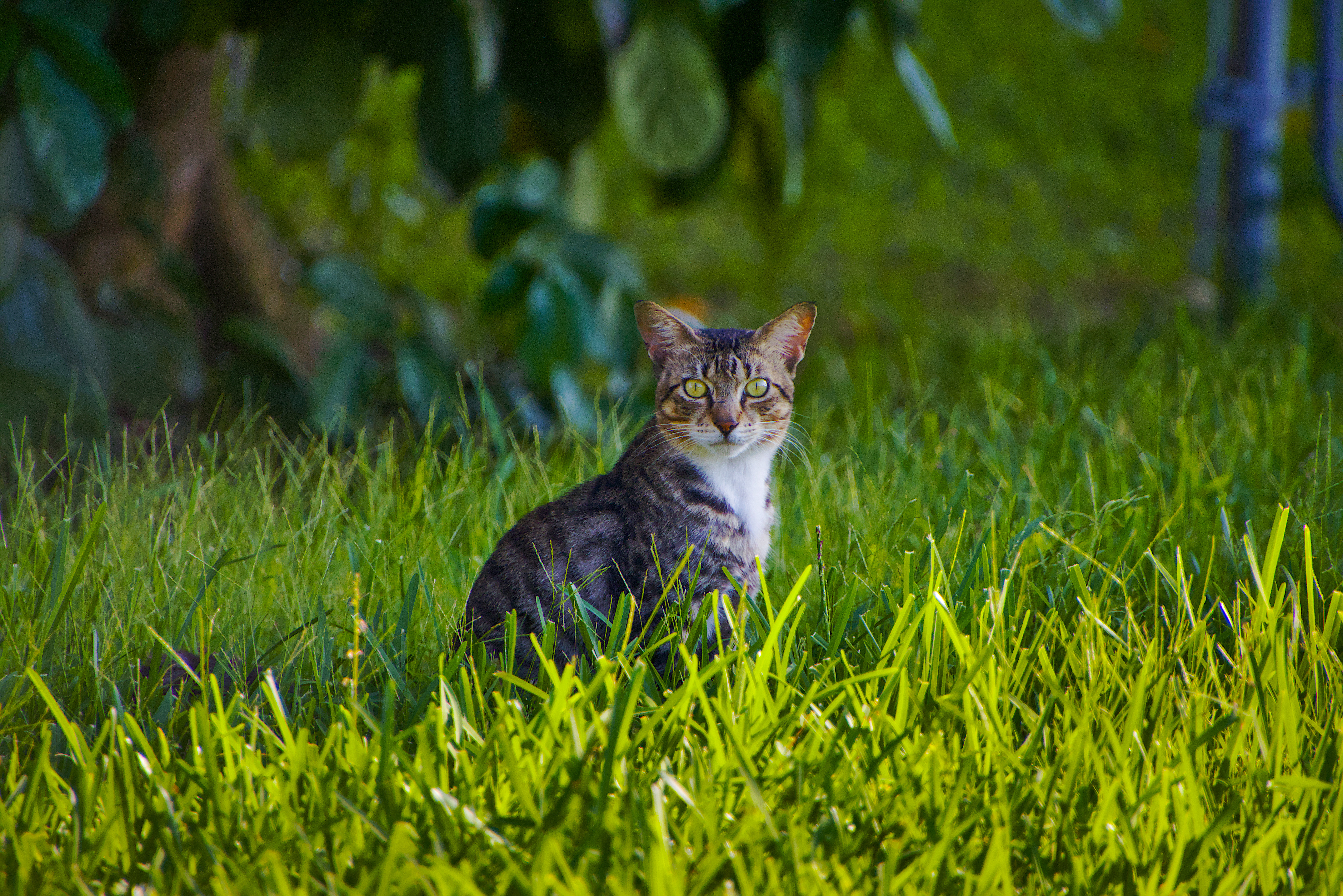
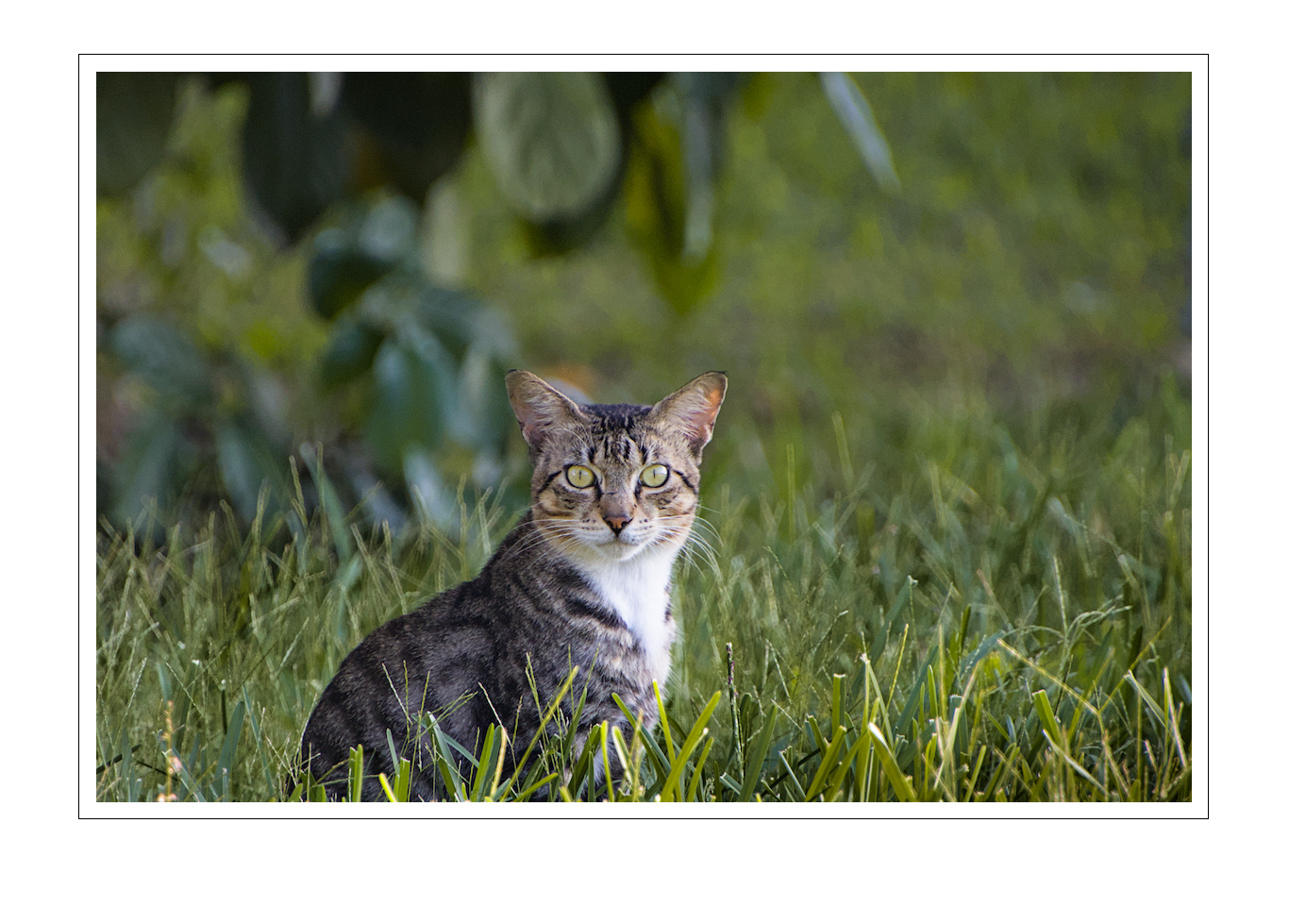
Here is my try using RT 5.12-103
Possibly a bit overdone
First thing I tried was Graduated Filter, then added Shadows/Highlights, Removed Graduated Filter, added a local spot on the cat’s face, reduced Shadows/Highlights again, another local spot to brighten the dark area and finally a local spot for the cat’s body
7E4A3725.CR3.xmp (19.1 KB)
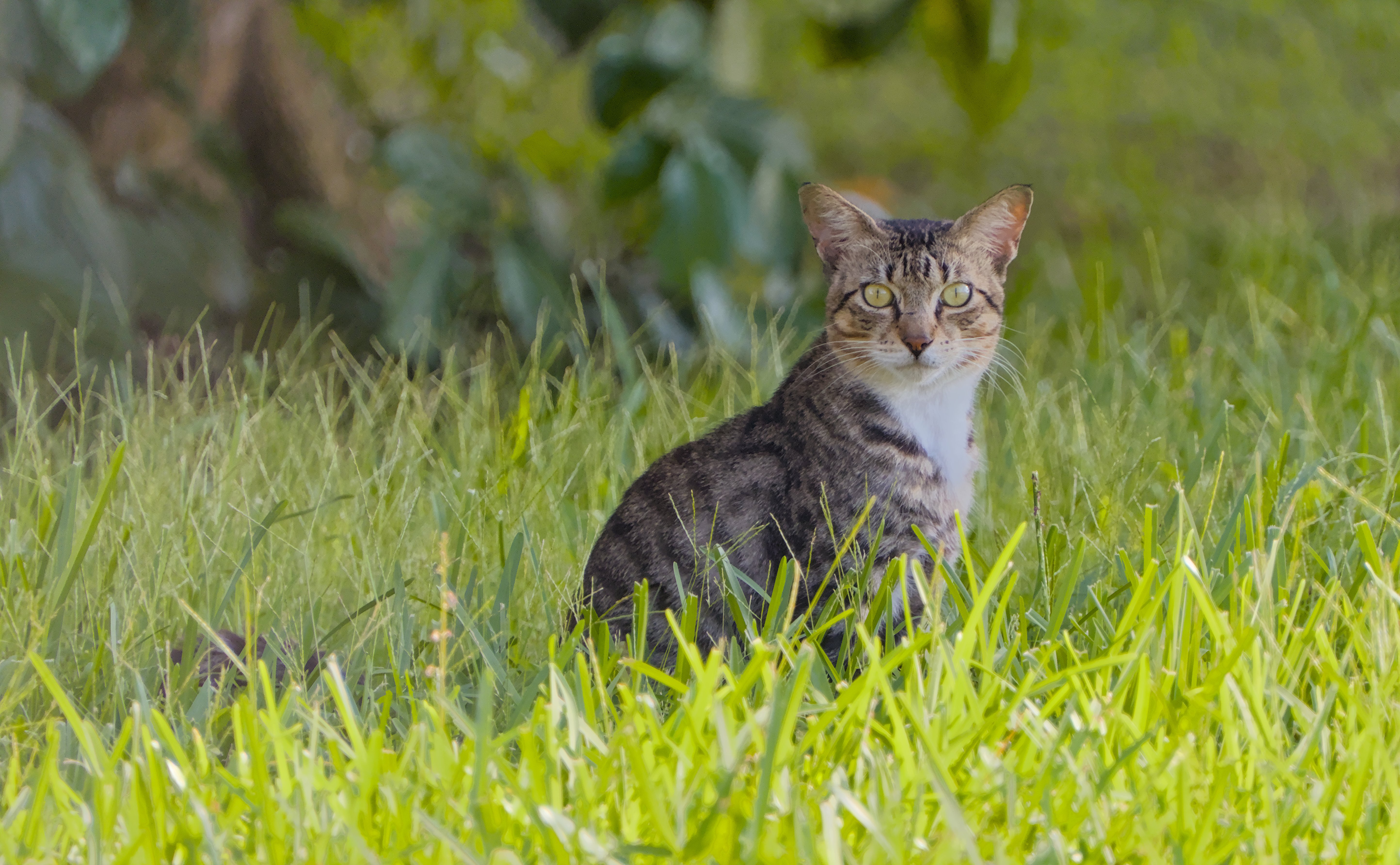
The beauty of the picture lies in the spread of luminance between the shadows and the highlights, just as @Popanz suggested. That is what I have tried to do; keep it as simple as possible
Cat in Shadow_7E4A3725.CR3.xmp (11.2 KB)