7E4A3725.CR3.arp (12.7 KB)
7 Likes
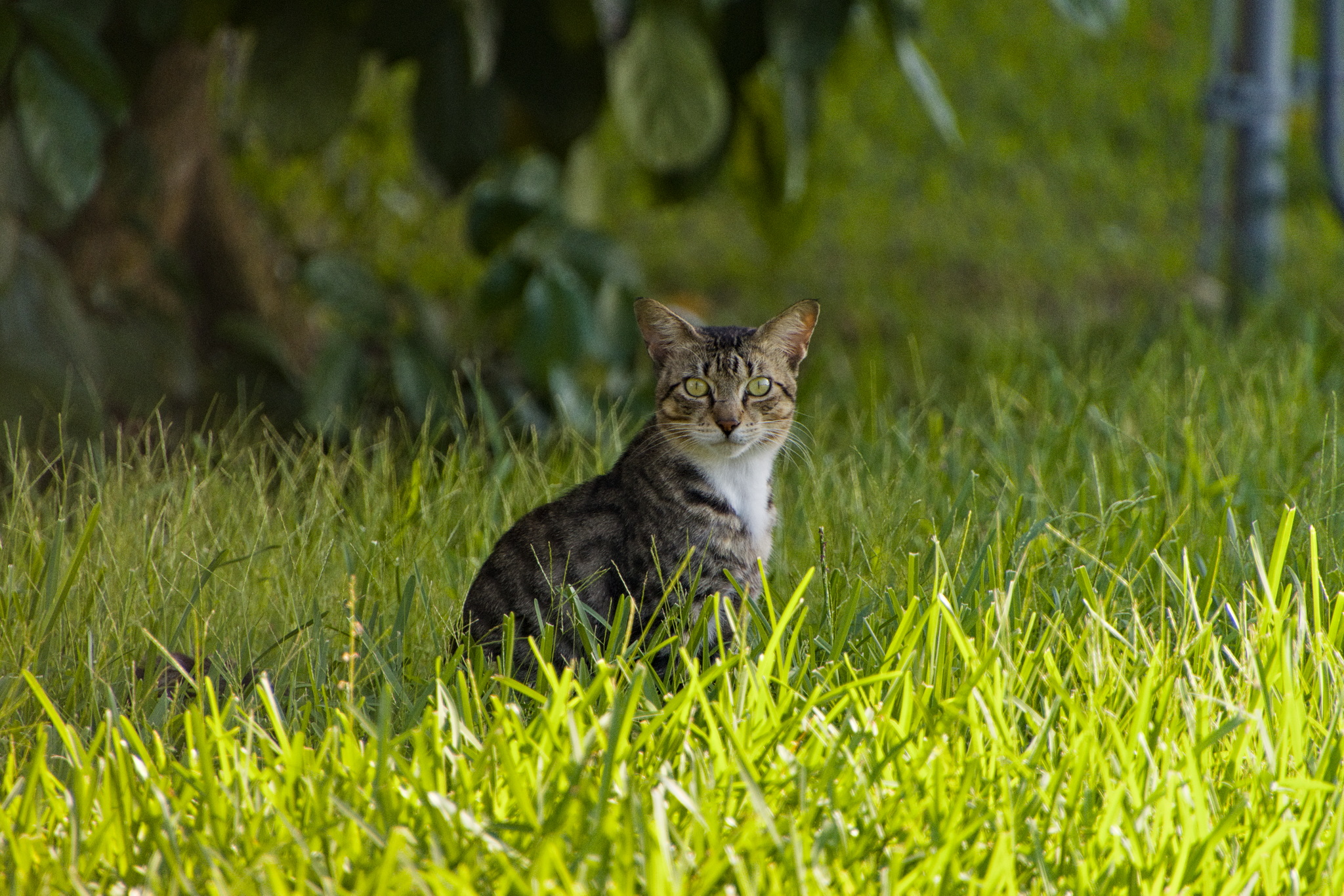
Hi all,
new one here. I’m still learning Darktable masking. I thought a kind of “day for night” look would be nice for this one:
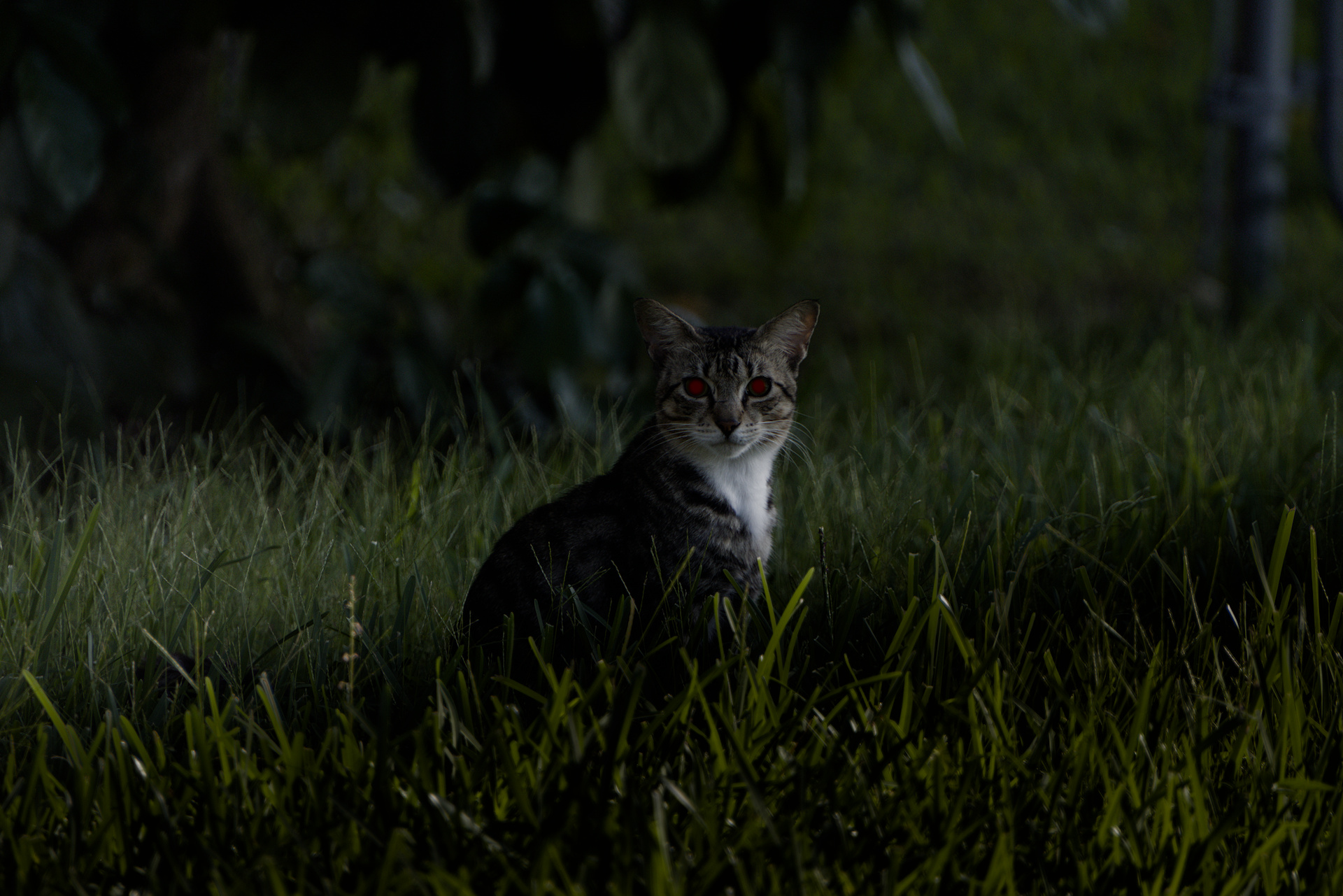
Masking for eyes is not perfect.
7E4A3725.CR3.xmp (70.8 KB)
2 Likes
This cat is now prescient.
But your username is. Another Terry Pratchett fan - very nice. Welcome to this forum.
3 Likes
7E4A3725.CR3.xmp (32,7 KB)
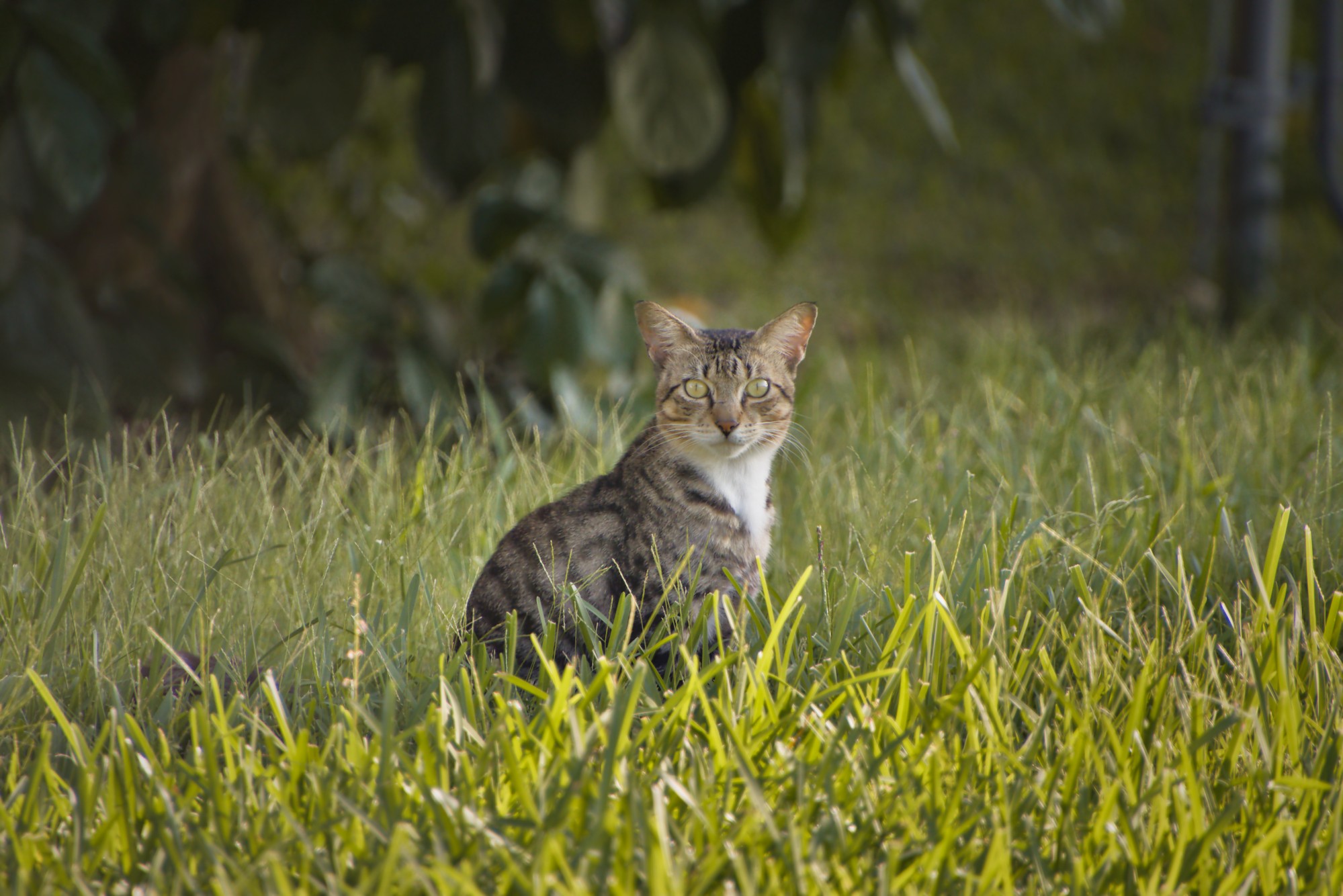
I darkened the front strip grass, increased the exposure in the cat’s grass strip and darkened the bottom with drawn masks with three different Exposure module instances. With that I got my base photo to edit.
In the end I used an Exposure module with an inverted vigneting mask to the cat to attract the attention and give it the greatest interest.
I hope you like it!
6 Likes
I really how my photograph led to so many interpretations, I was not expecting the diversity in interpretations.
1 Like
That’s exactly so and why I like such a forum very much. It is inspiring! Kind regards, Jetze
1 Like
Thank you! Although it’s been many years since I last read Discworld books. Maybe I should try again 
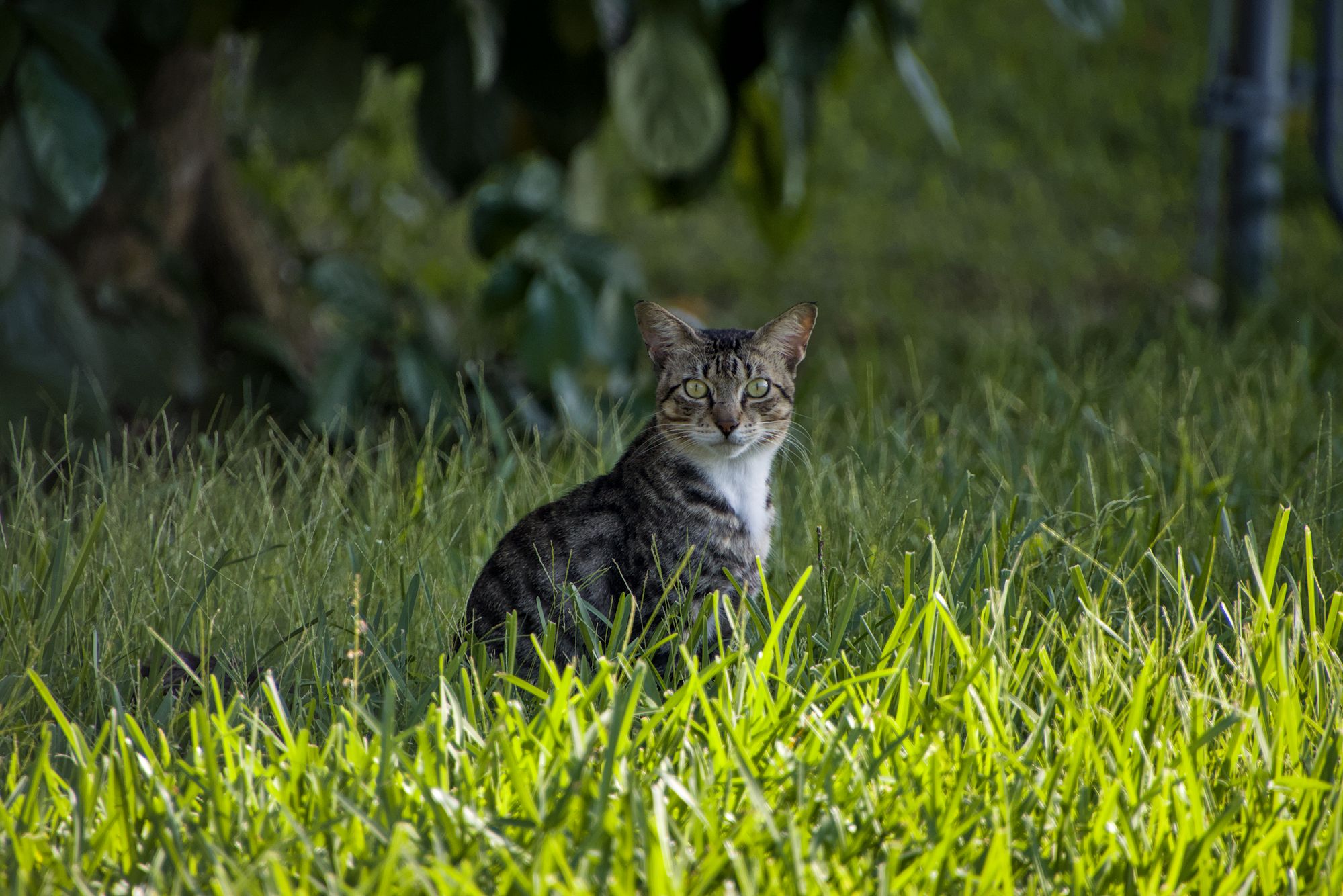
I too have a Canon R7 and the only edit I have applied here is a style I created as a starting point for my R7 edits. Clearly this image needs some more work but I thought R7 owners might like to test this style and see if it gives them a good starting point.
7E4A3725.CR3.xmp (11.2 KB)
3 Likes
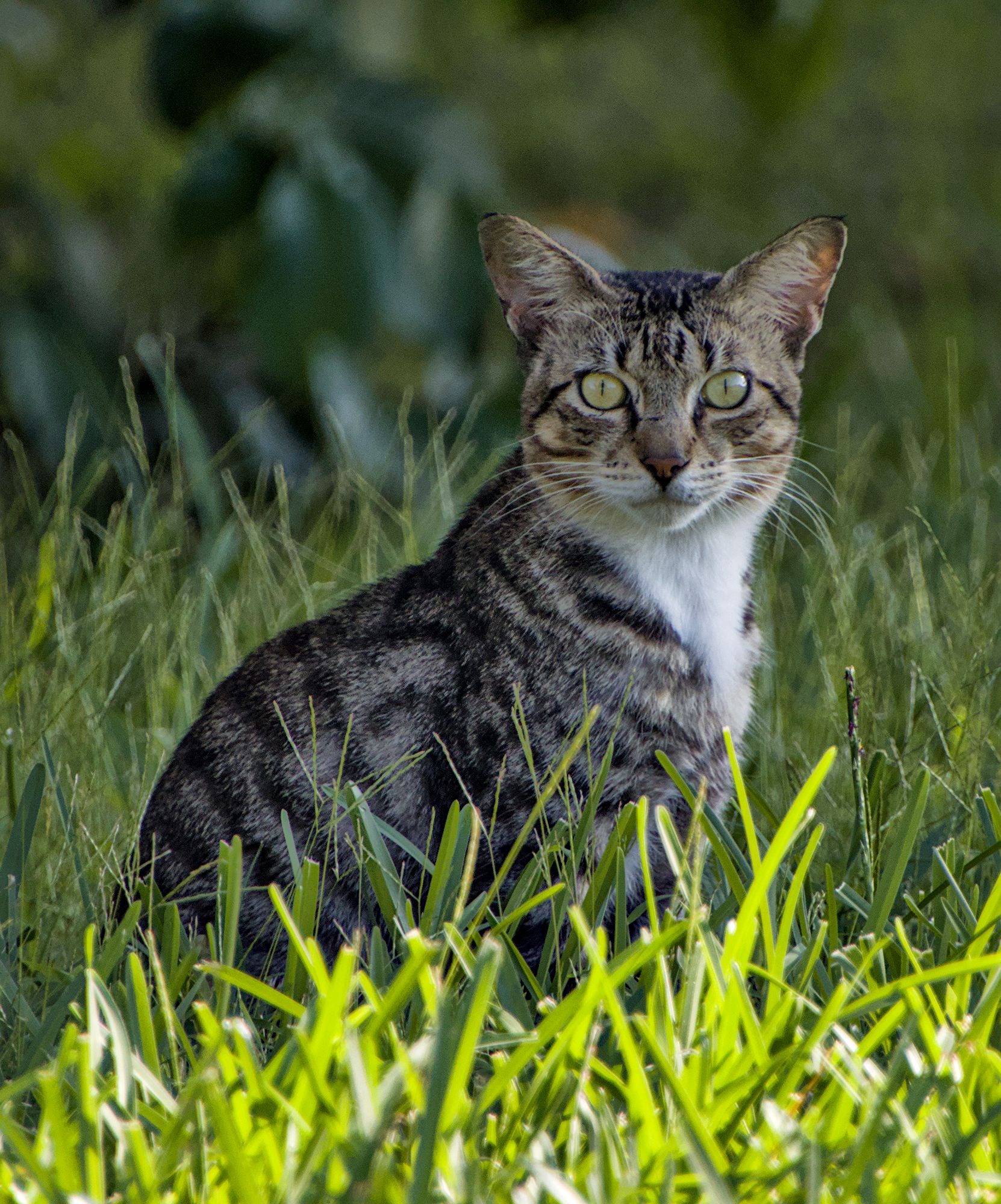
My above edit with a few more steps and cropping.
7E4A3725.CR3.xmp (15.1 KB)
8 Likes