I’m open-minded about this (I think!) Hopefully you’re aware of rendering intent when images are output. I just posted about this here -
1 Like
See
1 Like
That was a very interesting and insightful read for me. Some questions I had were answered there. Thanks for linking it @kofa .
2 Likes
filmic is a pixel-wise operation, so halos are unlikely, most of the time. CA can result in halos; the other possibility is highlight recovery. What happens if you apply (just as an experiment) very strong CA correction, and crank up the HL recovery threshold to +6 EV? ‘Of course’, the norms can also play funny on harsh transitions.
HR makes no difference. It does not go up to 6 EV but turning it off should do as well.
Massive CA reduction appears to help at first but after applying +2 EV exposure (which the example image certainly needs to resemble reality) it’s obvious that the problem does not lie there because the result looks very artificial.
So this is CA on full, +2 EV, no HR:
Preserve chrominance: MaxRGB

Preserve chrominance: No
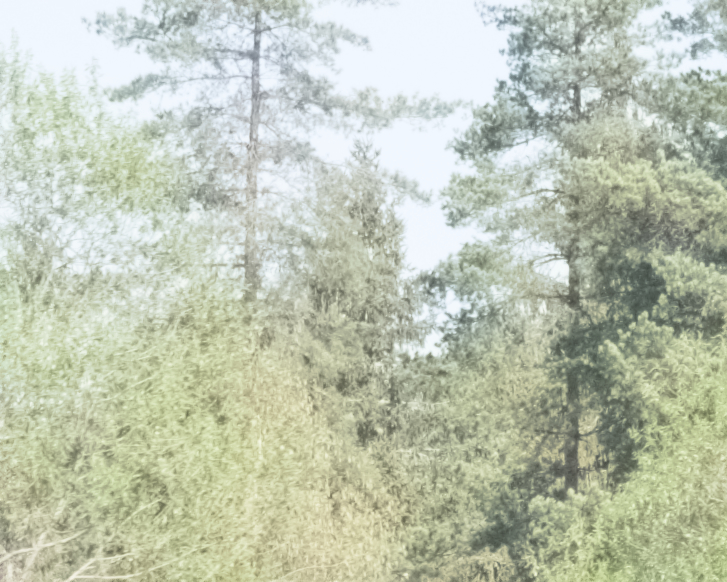
What I’d expect from the effect applied would be smooth transition from blue sky to green branches.
I’ve been experiencing this since using Filmic RGB. It’s not a new thing, it’s just more obvious with MaxRGB. And I was always stomped here that I use it wrong, too much CA, etc etc, you name it. 
Oh well. Do any of the other norms give better results?
And/or, if, instead of boosting exposure everywhere, you use tone equalizer to only shift midtones or to tone down the highlights?
Some do, some don’t. Yes, there’s several ways around this (color balance RGB for example). However the starting point when working with Filmic has always been to fix the exposure first and then deal with the consequences.
For me it’s easiest to set the preservation to no. After all, in reality the sky isn’t usually that blue and if I want to make it so, I can use different tools.
I also use no and luminance Y quite often with v6.
My render of the very image:

P1220719.RW2 (18.8 MB)
P1220719.RW2.xmp (7.3 KB)
License: Creative Commons, By-Attribution, Share-Alike.
At this level of detail, the demosaic algorithm probably can’t produce accurate colour information.
1 Like
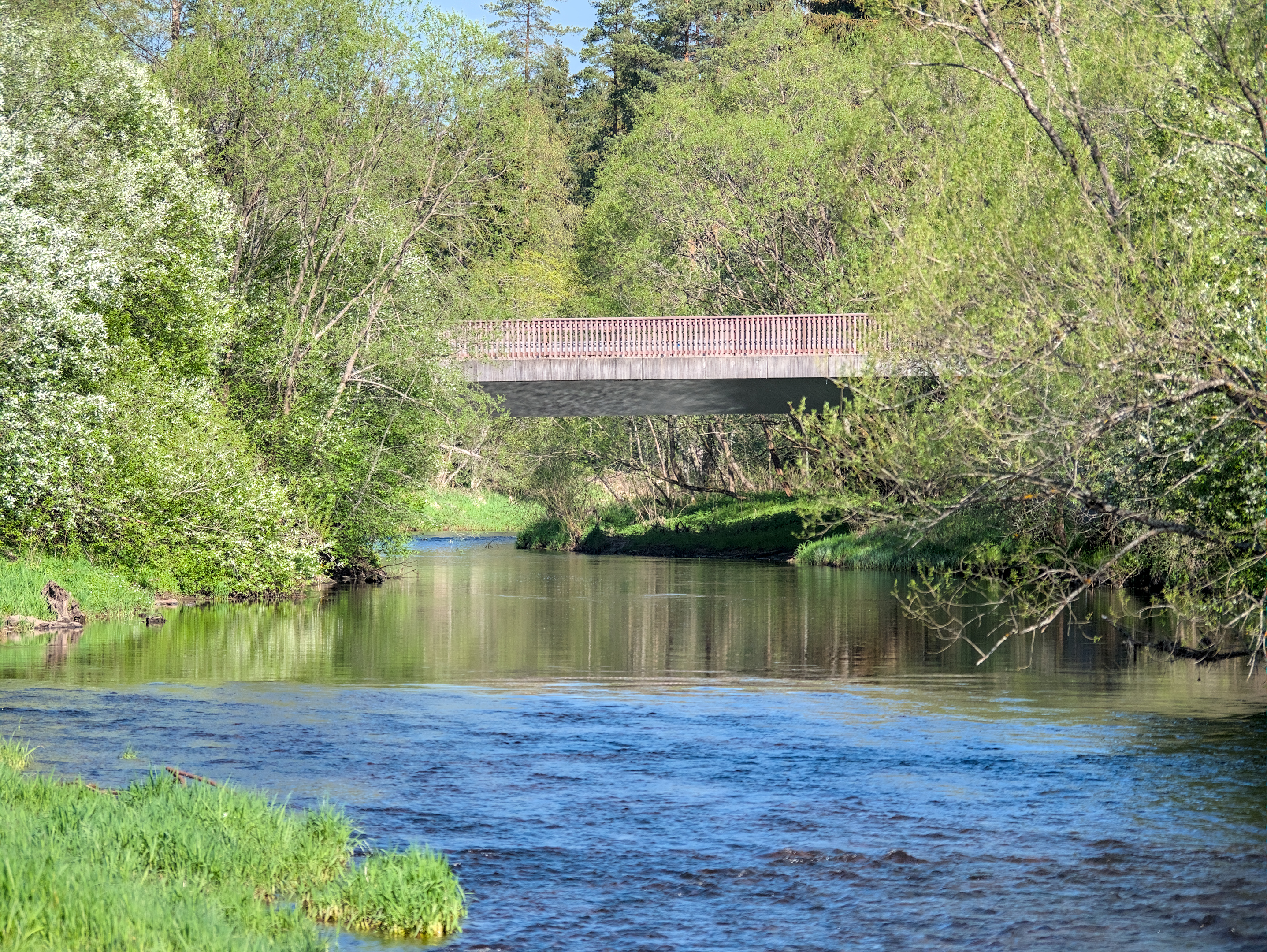
P1220719_01.RW2.xmp (13.7 KB)
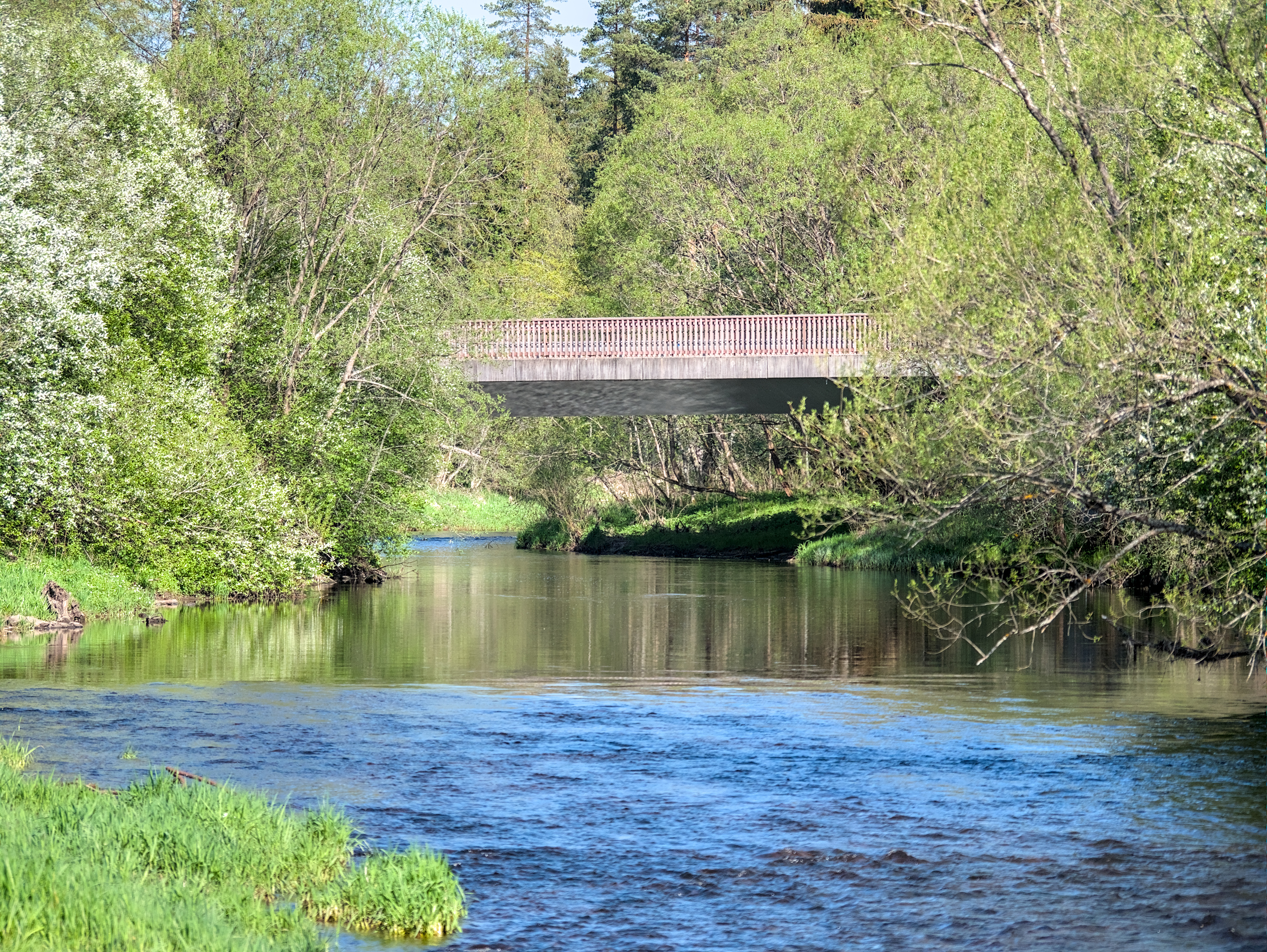
This is with maxRGB. I think Eucledian looks decent (more believable):
Which color managed viewer do you recommend?
I’ve been using gThumb for a while now for viewing and importing.
If there is an embedded profile an the image, it will let you toggle between that and the system profile.
1 Like
I use geeqie
2 Likes
An embedded profile tells software how to interpret the pixels’ RGB values (so it’s an input profile); if the ‘system’ profile is a display profile, then it’s about output. Or does gThumb use some other definition?
Sorry, but I don’t know, I just noticed the button and the tooltip to enable/disable embedded profile…
I’m using IrfanView (free, but not open source) on Windows. Besides color managed view for JPG and TIFF and a slideshow mode, a lot of features and batch processing of pictures are available. It’s still a very lightweight and fast program that can also be used portable, i.e. without the need of being installed 
1 Like
Oh, then it’s not a ‘system’ profile: if disabled, it’ll probably ignore the embedded profile and treat all images as sRGB.
Hello everyone
Interesting post, I’m also wondering about the Filmic V6 module, and I also notice colour problems in the yellow to red tones.
Here are my three versions with Filmic, the Basecurves and a test with DXO
-
Filmic
-
Basecurves
-
DXO

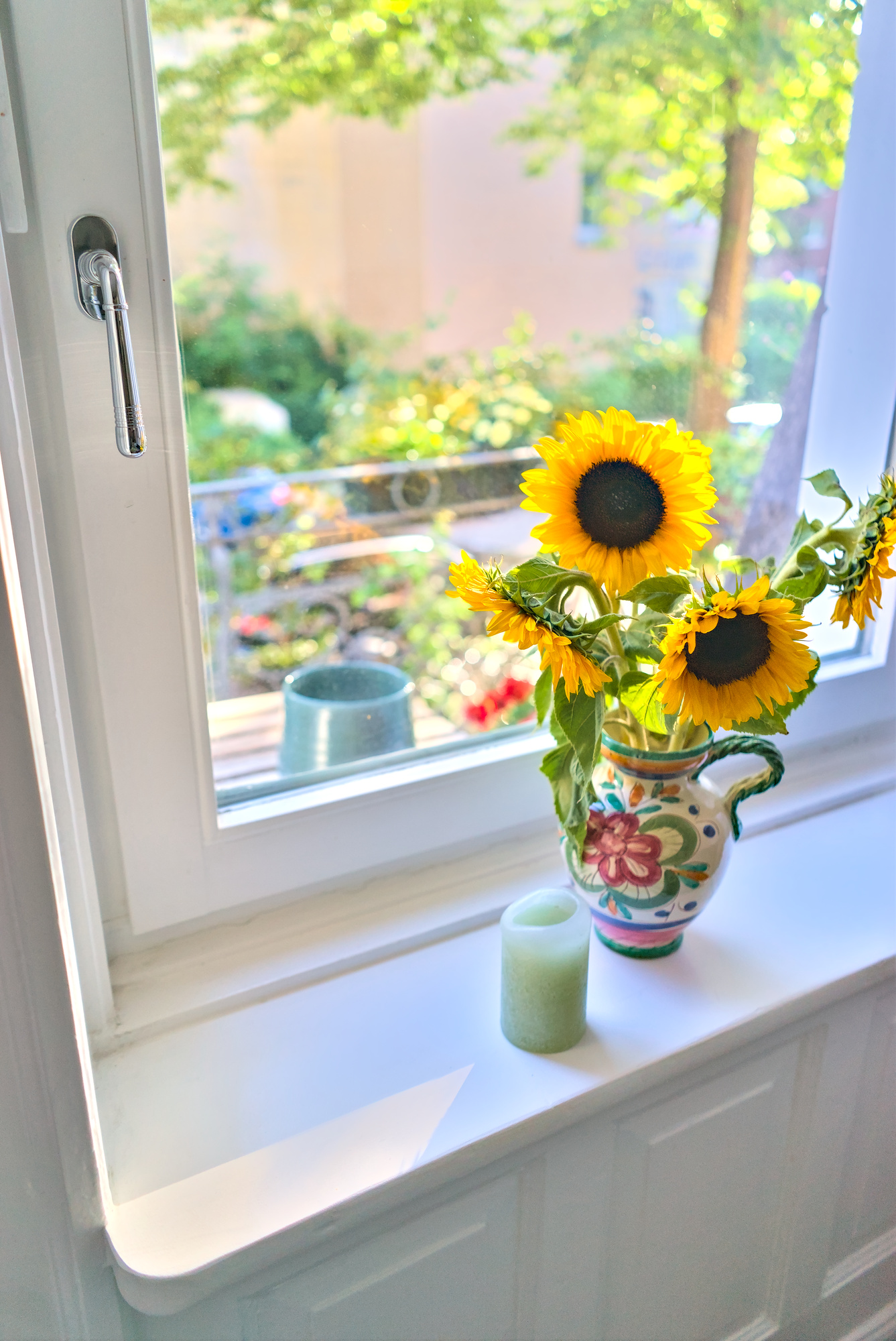
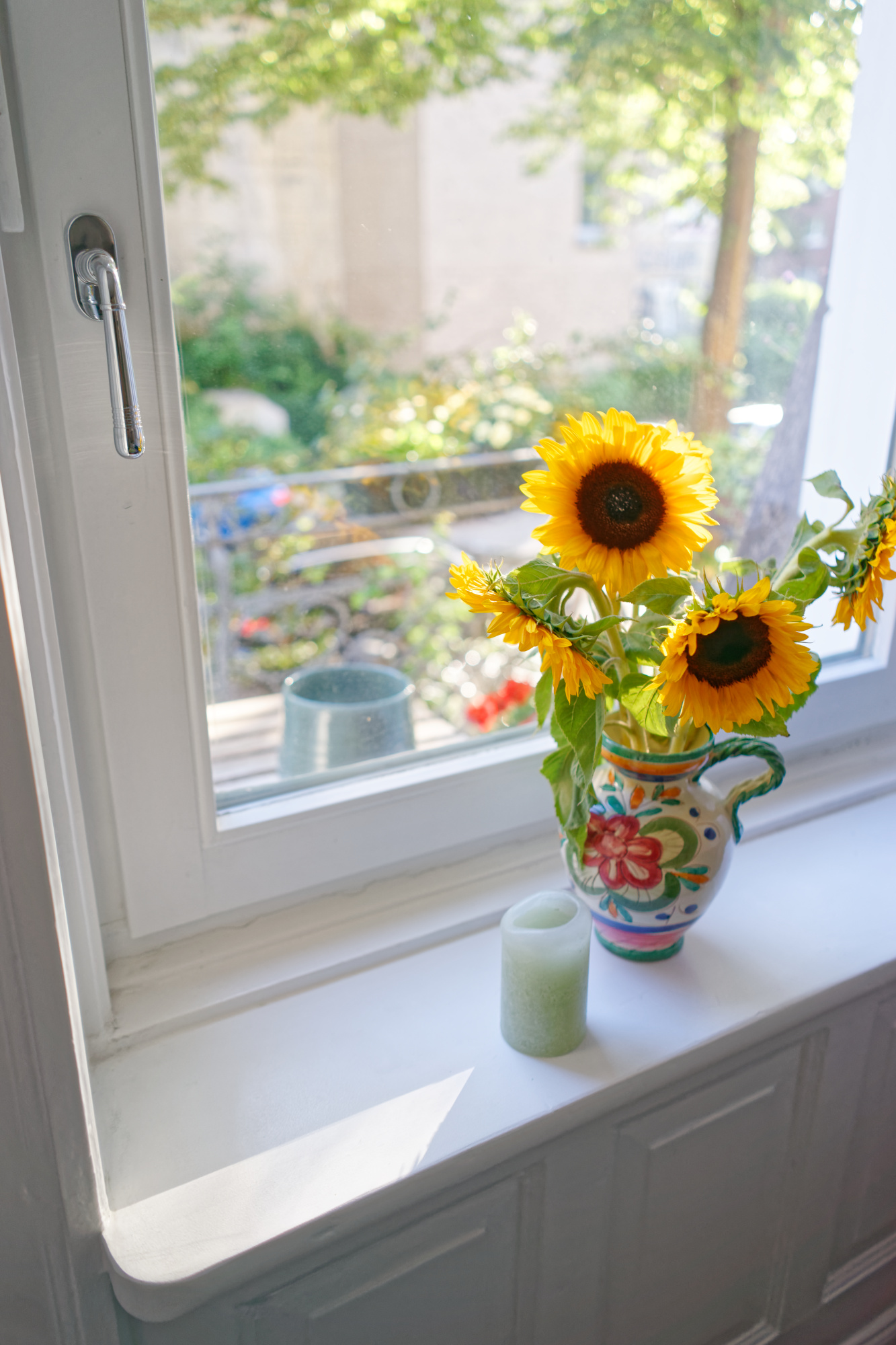
DSC09445_02.ARW.xmp (12.5 KB)
DSC09445_03.ARW.xmp (12.5 KB)