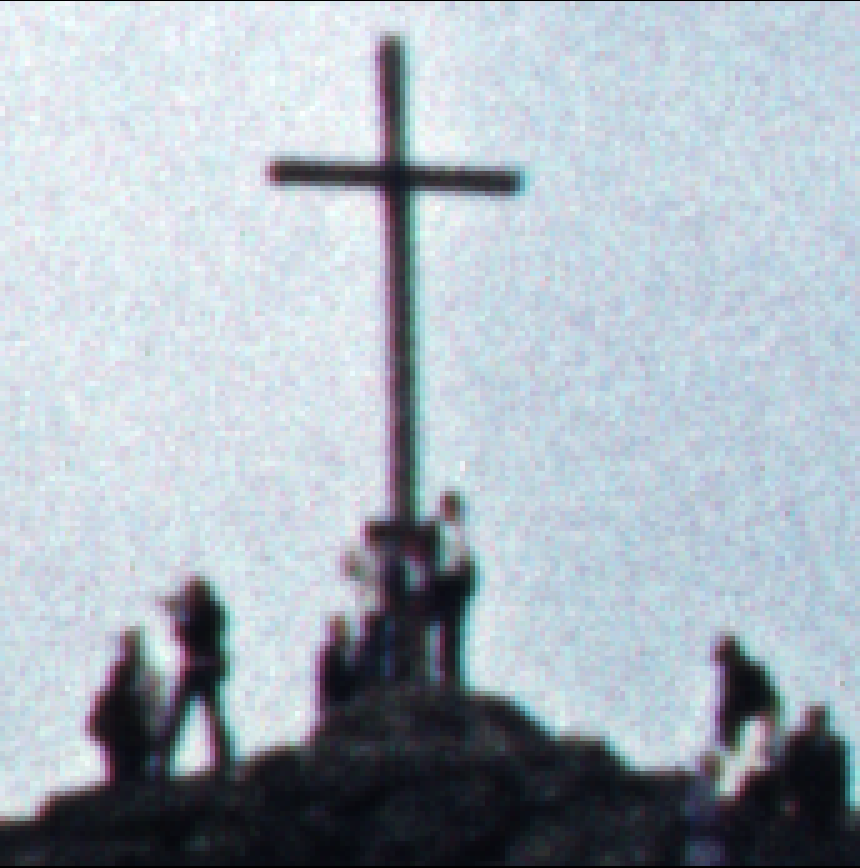
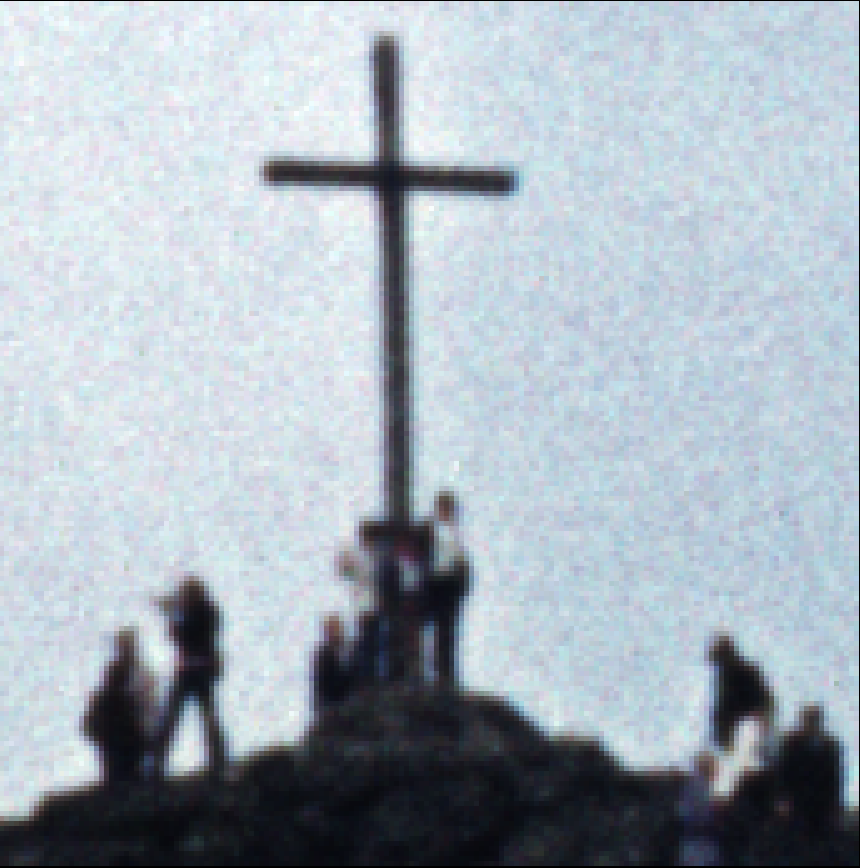
Hello everyone,
Inspired by this discussion, I have now developed a tool that corrects such errors: Scan Image Colour Aligner.
It delivers truly perfect results for my Braun MultiMag SlideScan 6000.
You can even use it to straighten the IR channel in RGBI TIFFs generated by VueScan, which could then improve the dust and scratch removal performed by VueScan after this intermediate step.
So if you still have RGBI raw TIFFs, feel free to run them through it.
I look forward to hearing your test reports.