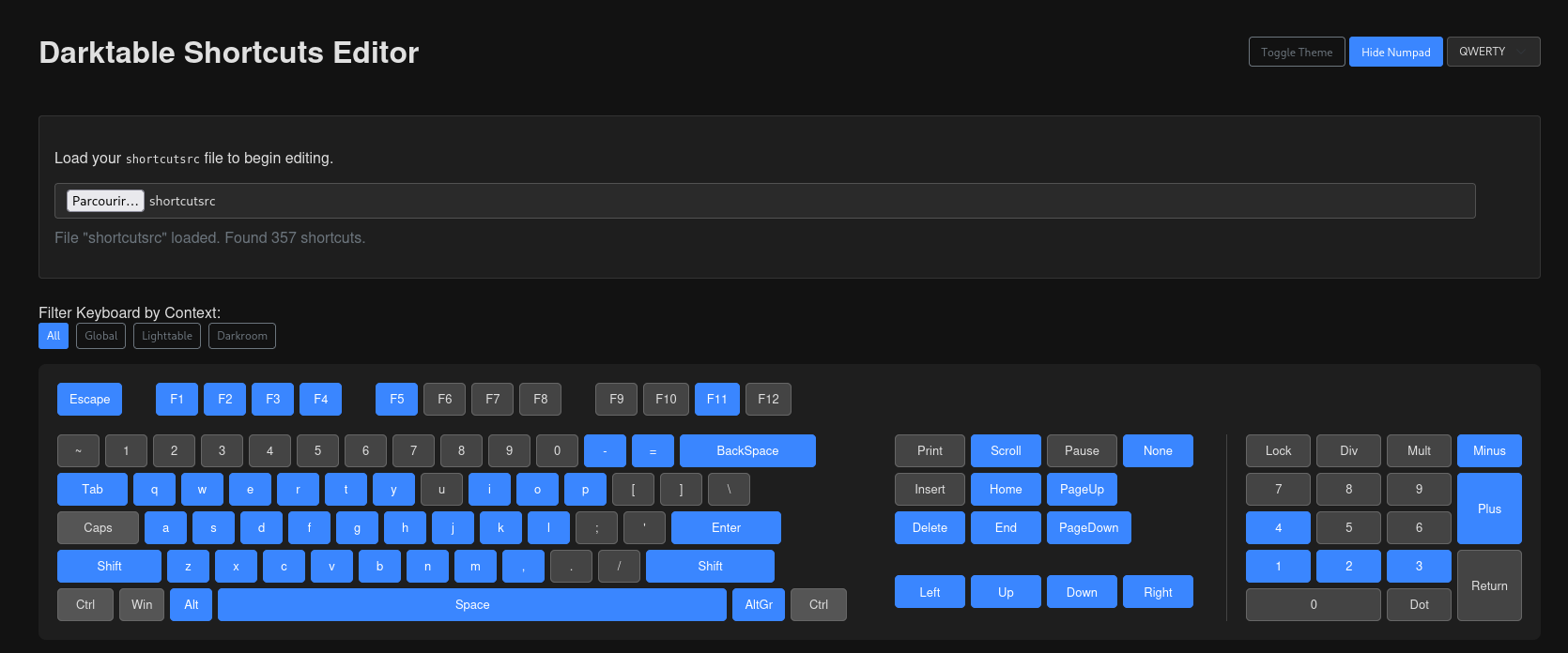
This is fantastically useful - and should be incorporated into the build. It’s better than anything adobe offer.
You have saved me SO much time, as I’m setting many slider keys for logi creative console.
Thank you, again, and the other contributors. 
This is fantastically useful - and should be incorporated into the build. It’s better than anything adobe offer.
You have saved me SO much time, as I’m setting many slider keys for logi creative console.
Thank you, again, and the other contributors.
Can I confirm that changes you make in Editor don’t update the actual ‘shortcutsrc’. You have to save out your changes by Download > overwriting ?
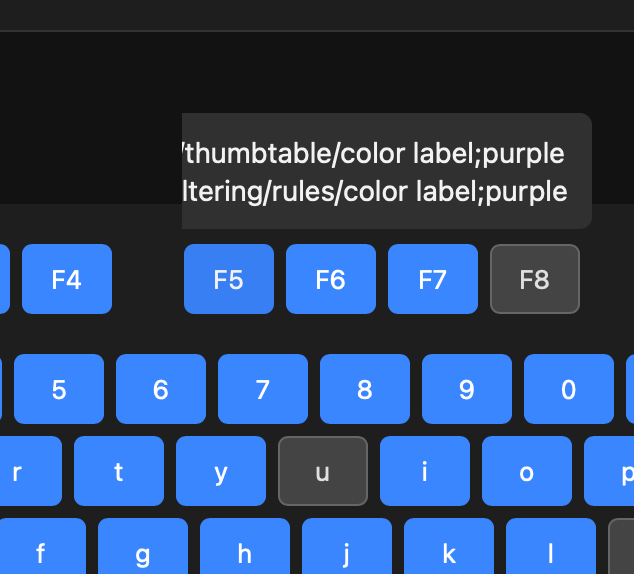
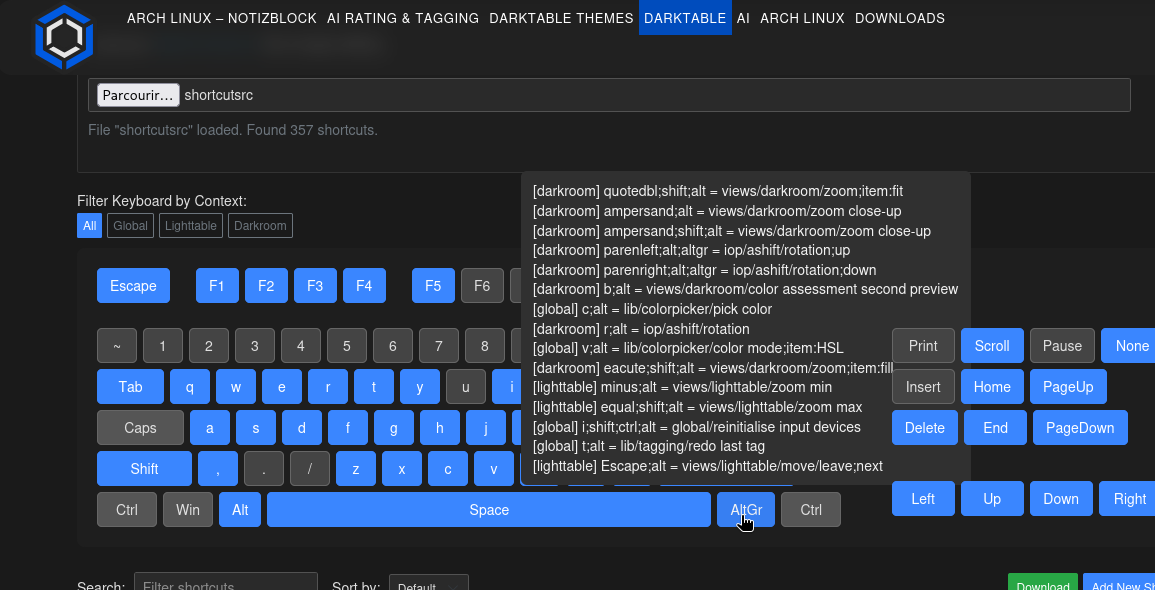
There a formatting bug in safari, where the button tooltips get cropped out, after momentarily appearing properly (see pic).
Works fine in Chrome, which I’d rather avoid.
Thanks again for such a fantastic solution.
Mac OSX 26 Safari
I particularly like the way we now can input mouse and trackpad command without having to dance around with the keyboard ‘helper’. IO wished the developers just added an activation type in the shortcut listing, rather than having to trigger it - which could very fiddly, as it often assumed long press or increases mouse movements.
Your solution makes it easy to do this, without going into the weeds in textedit!
I have on my too long to-do list adding SVG support to “h” to show layouts for midi or game controllers with the mapped actions overlayed. It would be strictly read-only (I’m not aware of a way in gtk to determine where SVG elements end up to make them clickable) and possibly get too crowded. For keyboards finding the correct layout is exactly the issue that made this feel like a less fun project.
I think your approach of reading and parsing an existing shortcutsrc is very smart and best suited for this cool editor. I wouldn’t change that to “reading and injecting” shortcut definitions to the HTML via Lua, as it would just be duplicating the information already available.
I already find it very comfortable to load your editor from darktable via a shortcut. Adding the possibility of passing over a parameter like <...>/shortcut_editor.html?path=/home/someUser/.config/darktable/shortcutsrc (or something towards this direction, I’m not sure, what can be easily achieved, perhaps it’s far easier trying to load shortcutsrc from the default path) would simply put the cherry on the cake 
This is great @Qor , very helpful and useful! @Christian-B thanks for the zip version as well!
@Macchiato17 any chance you can do a Windows LUA script? I really need to sit down and figure out LUA scripting…it’s been years since I’ve done any coding, but it doesn’t look too hard (but I’m lazy  ).
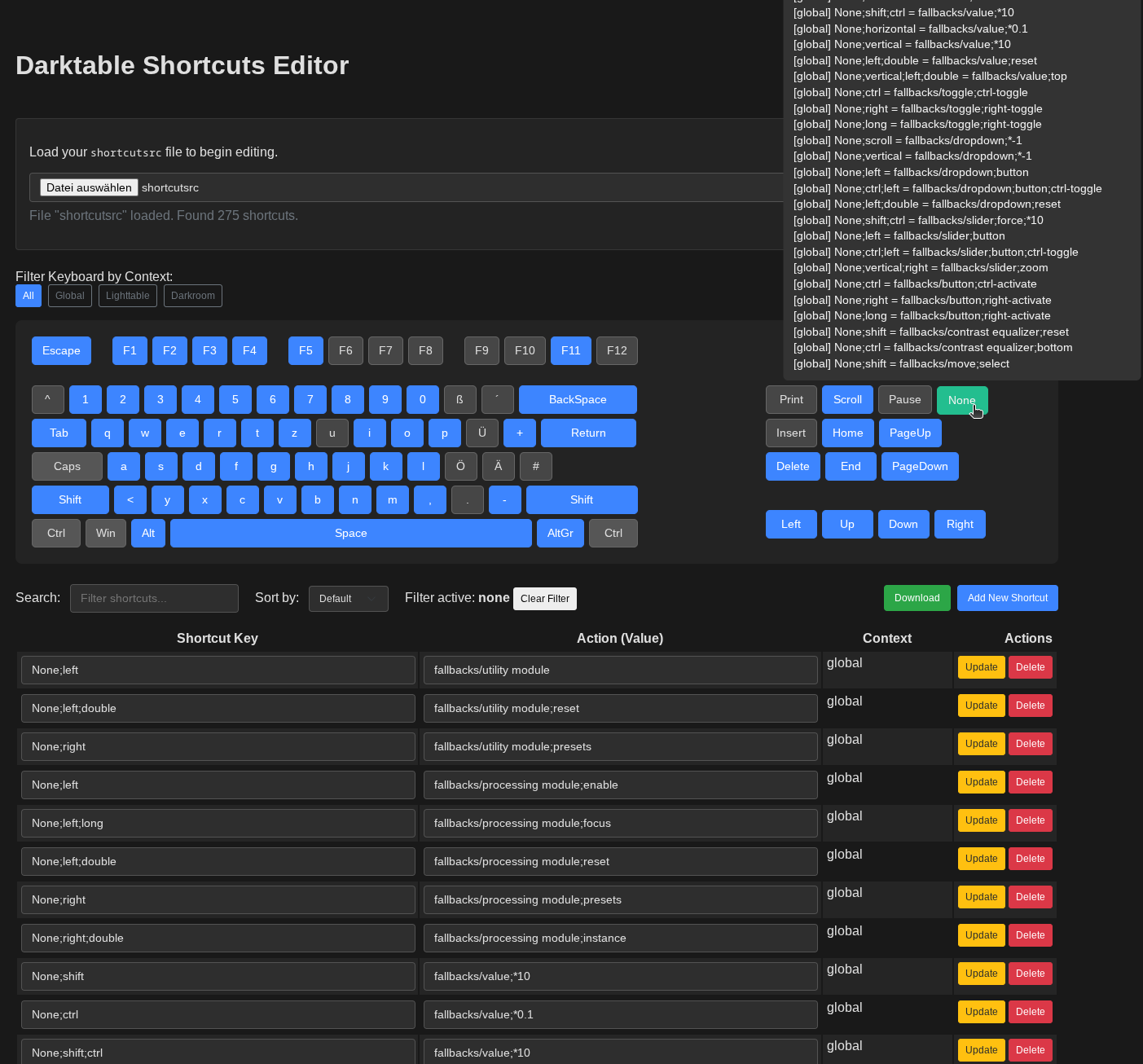
Question: Some of the fields say things like, None;left whereas other fields say simply Left. There is a “None” key on the virtual keyboard. What does “none” mean in the keyboard shortcut context?
The idea is good and it would be very practical.
Unfortunately, the browser’s security settings prevent this. That would be “automatic” access to a local file. I don’t know offhand how to solve this using only HTML with JavaScript.
Of course, one could also create a small web server using Python and read the file that way. However, then the web server would have to be started every time.
“None” primarily affects global settings. For example, you can adjust the increment in a slider using Ctrl, Alt, or Shift. However, this doesn’t affect a specific key, so it’s marked as “none.”
The left/right concept can be a bit confusing, as it’s sometimes used for the arrow keys or the mouse, depending on the context. Both, however, are left/right.
Thank you so much for your feedback. I’m very glad it’s helpful and that you’re using it.
Unfortunately, I can’t help you with the macOS issue, as I don’t have the means to test it.
However, if you find a fix, I’d be happy to see if I can incorporate it.
For security reasons, direct overwriting at runtime is not possible.
Therefore, the only option is to download the file and overwrite the existing one.
An alternative would be a version that runs via Python - Flask.
Ah, I think I’ve got it, thanks! Just to be sure, something like None;left;double probably means double left mouse click (since it has the word ‘button’ in the action)? And None;horizontal probably means a horizontal movement of the mouse?
yes, you are right.
I will give it a try and post it here. Unfortunately I have no Windows machine running darktable anymore for testing, but if you don’t mind perhaps having some ping-pong game… 
edit 1: @EmerS please give this a try on your Windows machine…
edit 2: updated code
shortcut_editor.html, if one doesn’t like to have the file stored in the config directory (thanks to @EmerS, also for testing).shortcut_editor.html in the config directory if the file set in preferences doesn’t exist or no preference has been set at all.-- required for including this script in darktable
local dt = require "darktable"
local dbug = require "darktable.debug"
dt.configuration.check_version(...,{9,6,0})
-- check for OS, this script supports Linux/MacOS and Windows
local function checkOs()
local osType
local pathSeparator = package.config:sub(1,1)
if (pathSeparator == "/") then
osType = "Linux"
else
osType = "Windows"
end
dt.print_error("found "..osType)
return osType
end
-- check if targetFile is available
local function checkForTargetFile(targetpath)
local handle = io.open(targetpath, "r")
local success
if (handle ~= nil) then
io.close(handle)
dt.print_error(targetpath.." was found")
success = true
else
dt.print_error(targetpath.." was not found")
success = false
end
return success
end
-- call targetFile
local function callTargetFile(targetPath, osType)
if (osType == "Linux") then
local handle = assert(dt.control.execute('open ' .. targetPath))
else
local handle = assert(dt.control.execute('cmd /c start "" "' .. targetPath .. '"'))
end
return result
end
-- start of everything
-- register a Lua pref in dt preferences to store the path to shortcut_editor.html
dt.preferences.register(
"ShortcutManager",
"html_path",
"file",
"Path to shortcut_editor.html",
"Specify the location of your shortcut_editor.html file",
""
)
-- set default paths depending on the OS we are running, if no preference is set
local osType = checkOs()
local targetFilePath = dt.preferences.read("ShortcutManager", "html_path", "file")
if targetFilePath == "" or targetFilePath == nil or not checkForTargetFile(targetFilePath) then
if (osType == "Linux") then
local homePath = os.getenv("HOME")
targetFilePath = homePath .. "/.config/darktable/shortcut_editor.html"
else
local localAppdataPath = os.getenv("LOCALAPPDATA")
targetFilePath = localAppdataPath .. "\\darktable\\shortcut_editor.html"
end
end
-- check if (default) targetFile exists
if not checkForTargetFile(targetFilePath) then
dt.print_error("target not found")
return
end
dt.print_error("OS and target found, now registering ourselves")
-- register ourselves as a shortcut
dt.register_event(
"Shortcut Manager",
"shortcut",
function(event, shortcut) callTargetFile(targetFilePath, osType) end,
"openShortcutManager"
)
--that's it for now
dt.print("(-: Shortcut Manager is ready to run :-)")
Thanks for attempting this!
I’ve created the lua file with the code. I started the script in darktable and it said that it loaded, then showed: (-: Shortcut Manager is ready to run :-)
I assigned it the shortcut keys [ctrl][shift]s
When I press the keyboard shortcut, it launches the Windows cmd window (which it always does when launching LUA script), but then nothing happens.
The file ‘shortcut_editor.html’ is in the following Windows path:
C:\Users\Scott\AppData\Local\darktable
Now what?
Wonderful (in general, as it initializes, finds the html file and registers). May you please try by changing the line
local handle = assert(dt.control.execute('open ' .. targetPath))
to
local handle = assert(dt.control.execute('start ' .. targetPath))

Hello,
What do you think about integrating HTML into a standalone application using Electron, so that we can create an AppImage or other Windows or macOS format?
Greetings from Brussels,
Christian
Thanks, @Macchiato17 I sent you a PM.
The idea is good, but I want to keep it simple.
Here’s a small update:
Drag & Drop
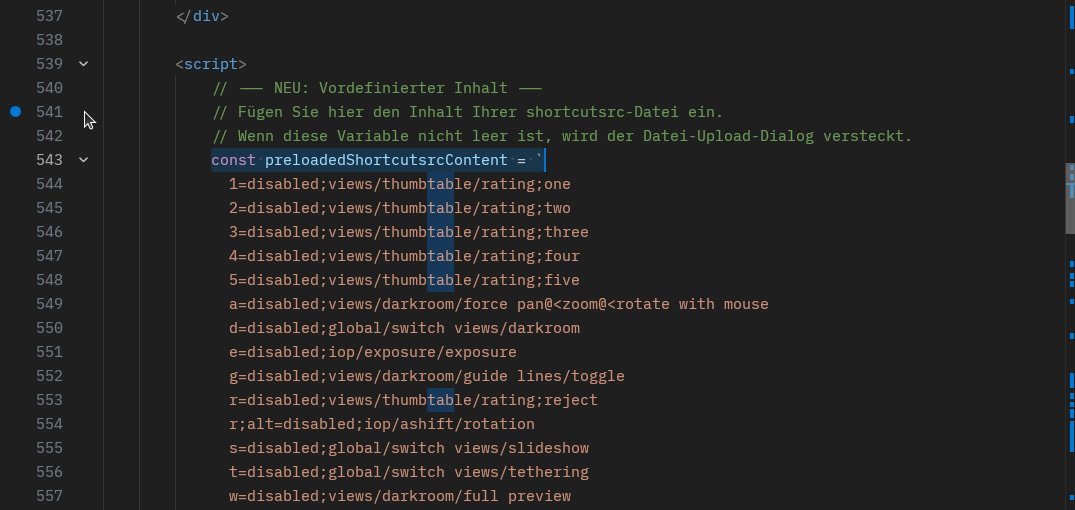
Variable in the code to insert shortcuts.
If the variable is empty, the page will be displayed as before.
If there are shortcuts in the variable, the upload option will be hidden.
Shortcuts are already included in the example file.
shortcut_editor-v7.zip (11,9 KB)
Hello,
I played around with your project a little more.
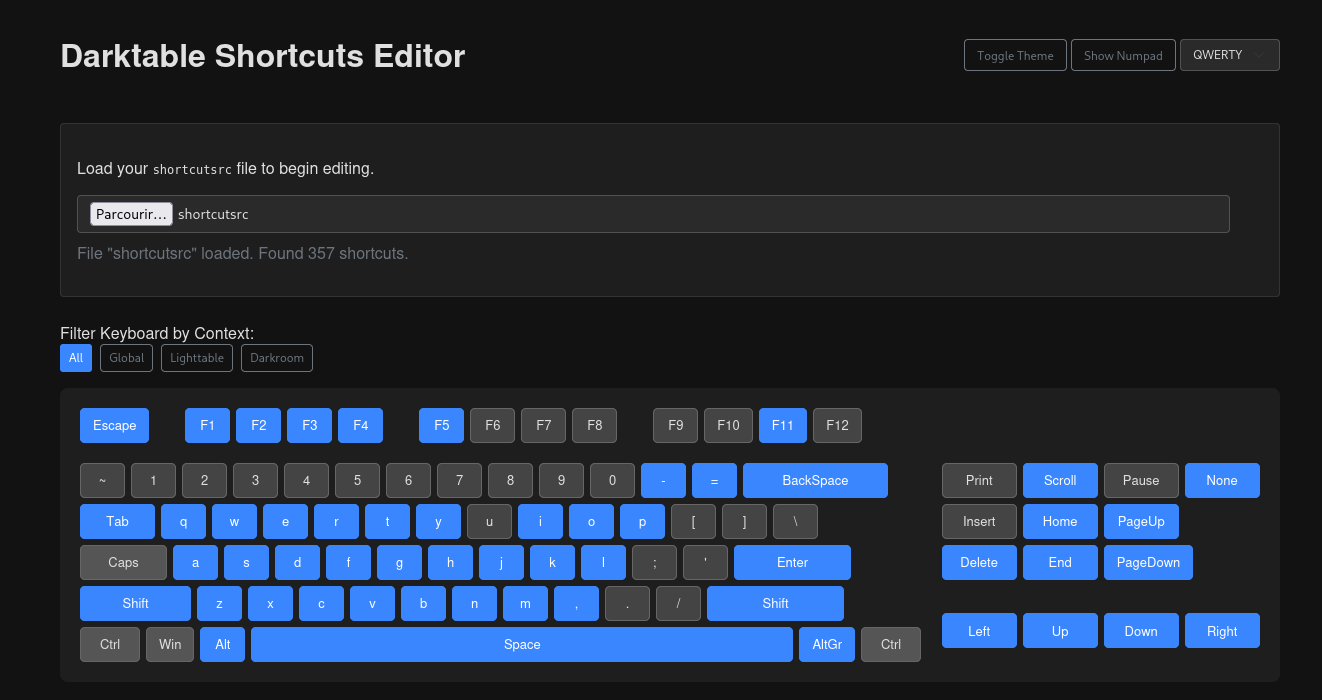
I added a button to hide or show the numeric keypad. When the numeric keypad is hidden, the width is also reduced for a 1280px screen.
I also fixed a small display bug.
I added a div. line 150
div.key.assigned:hover{
position:relative;
z-index:100;
}
Here is the file.
shortcut_editor_-_numeric-keypad_V3.html.zip (10.4 KB)
Greetings from Brussels
Christian
Thanks so much for your help. Your number pad looks way better than “mine” laughs. I fixed the z-index bug.
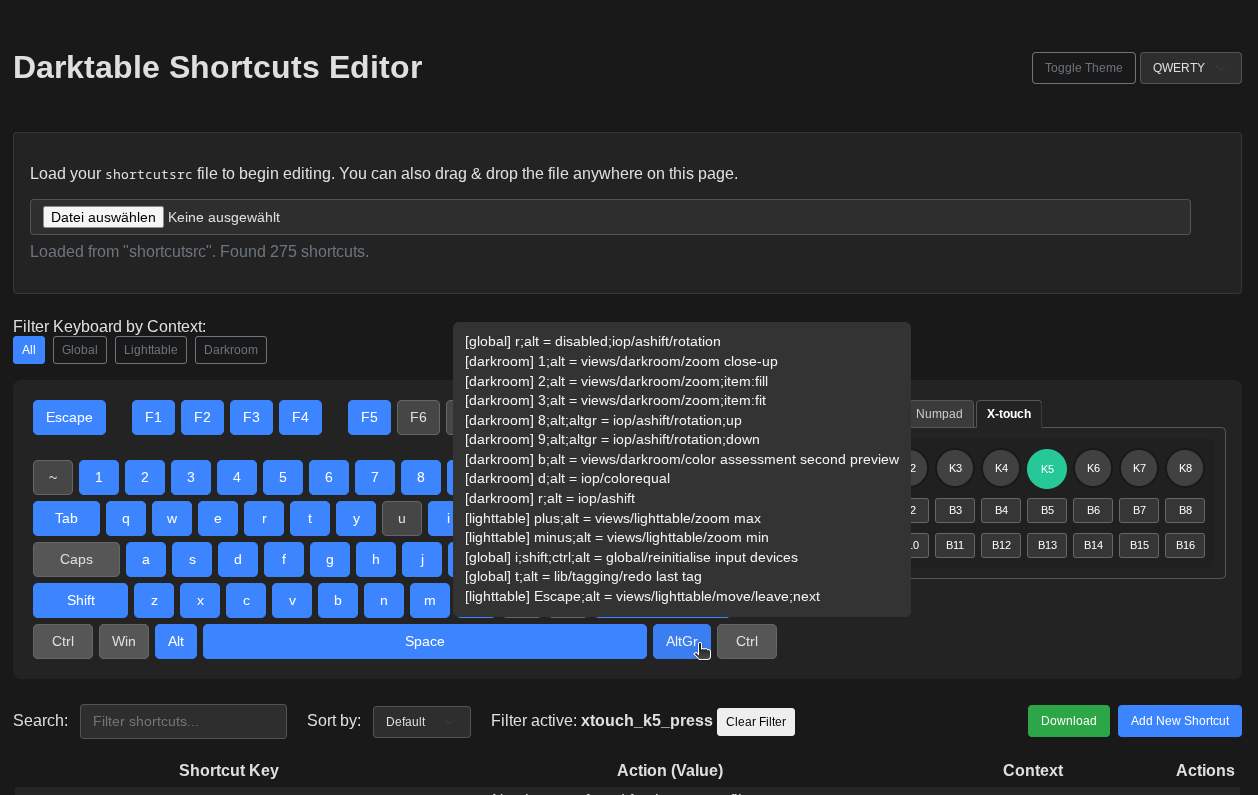
I’ve now tried adding a section for the X-Touch Mini. There aren’t any proper labels yet, just a first attempt.
Btw. You need the software way more than I do with your 357 shortcuts laughs
shortcut_editor-v8.zip (10,4 KB)
Yeah. Thanks a lot indeed for this further addition