darktable strange overblown red

I have a strange behavior of the “red color fraction” with a picture of sunflowers. OOC-JPG looks very near to perception at time picture taken. RAW development in darktable fails the second sigmoid is activated.

Setup:
On Debian 12, darktable 5.2.1 and working with a Canon 70D
Color profile set up XAtom due to a darktable-cmstest message.
Standard sigmoid scene related workflow (but result with flimic RGB almost the same).

In

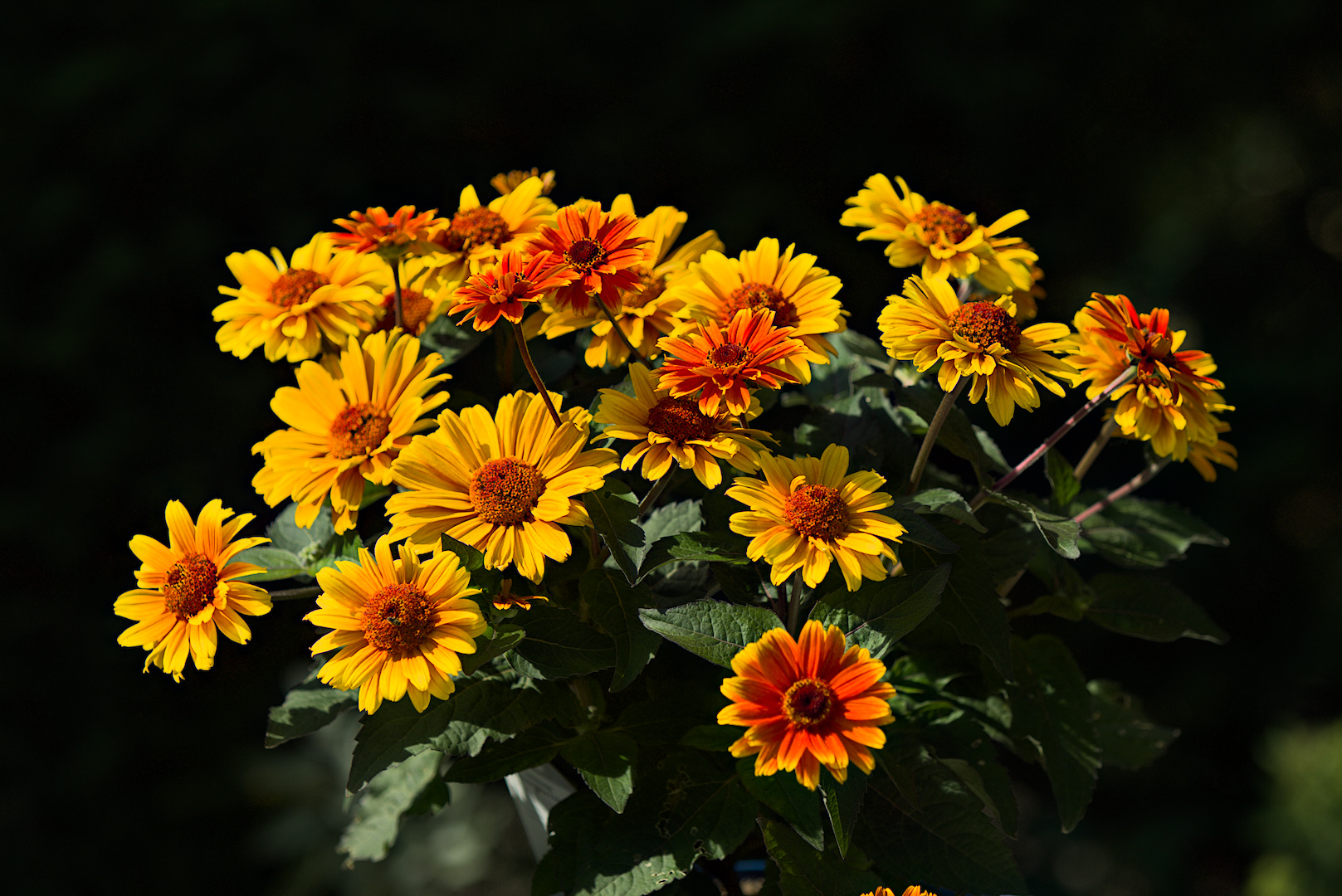
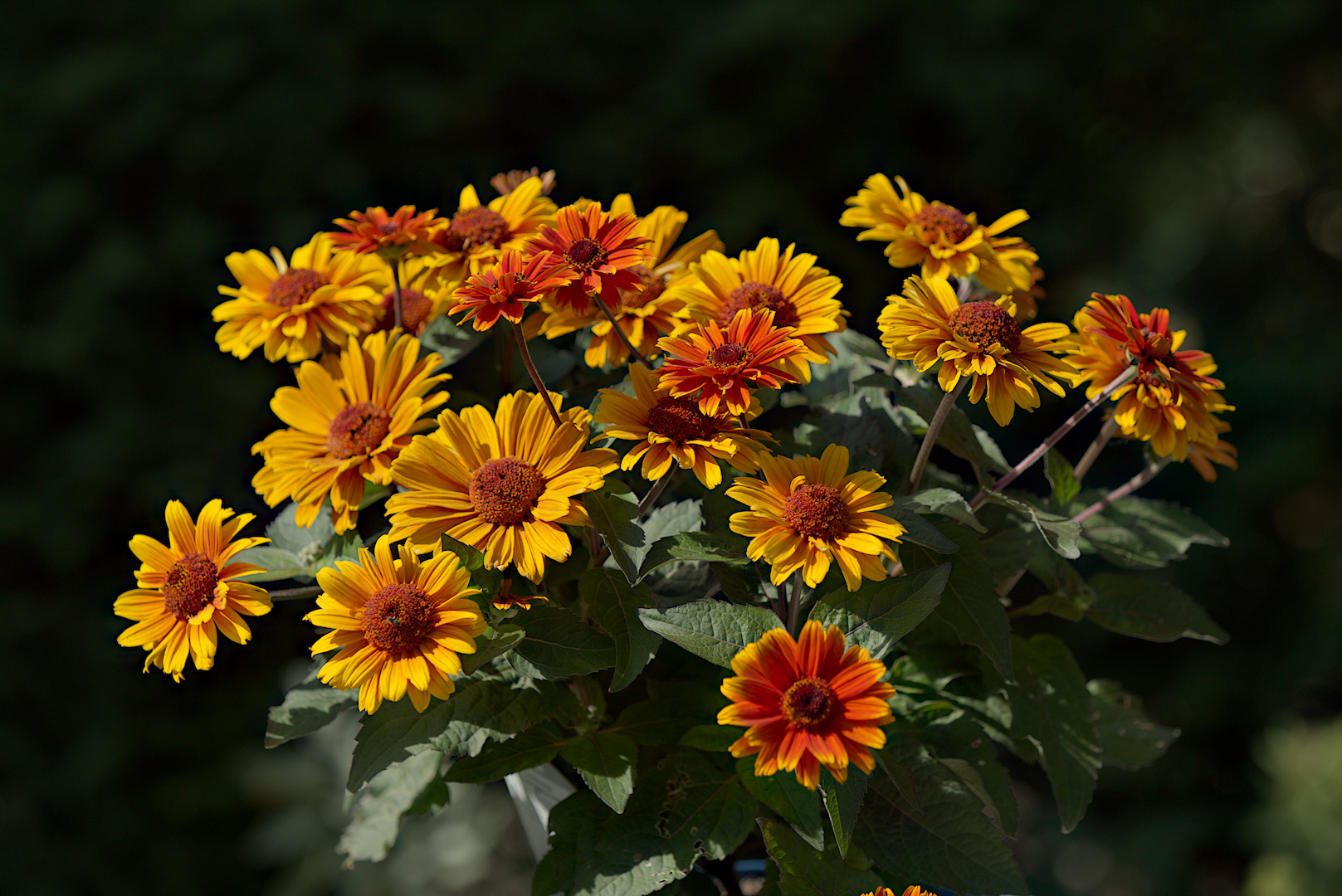
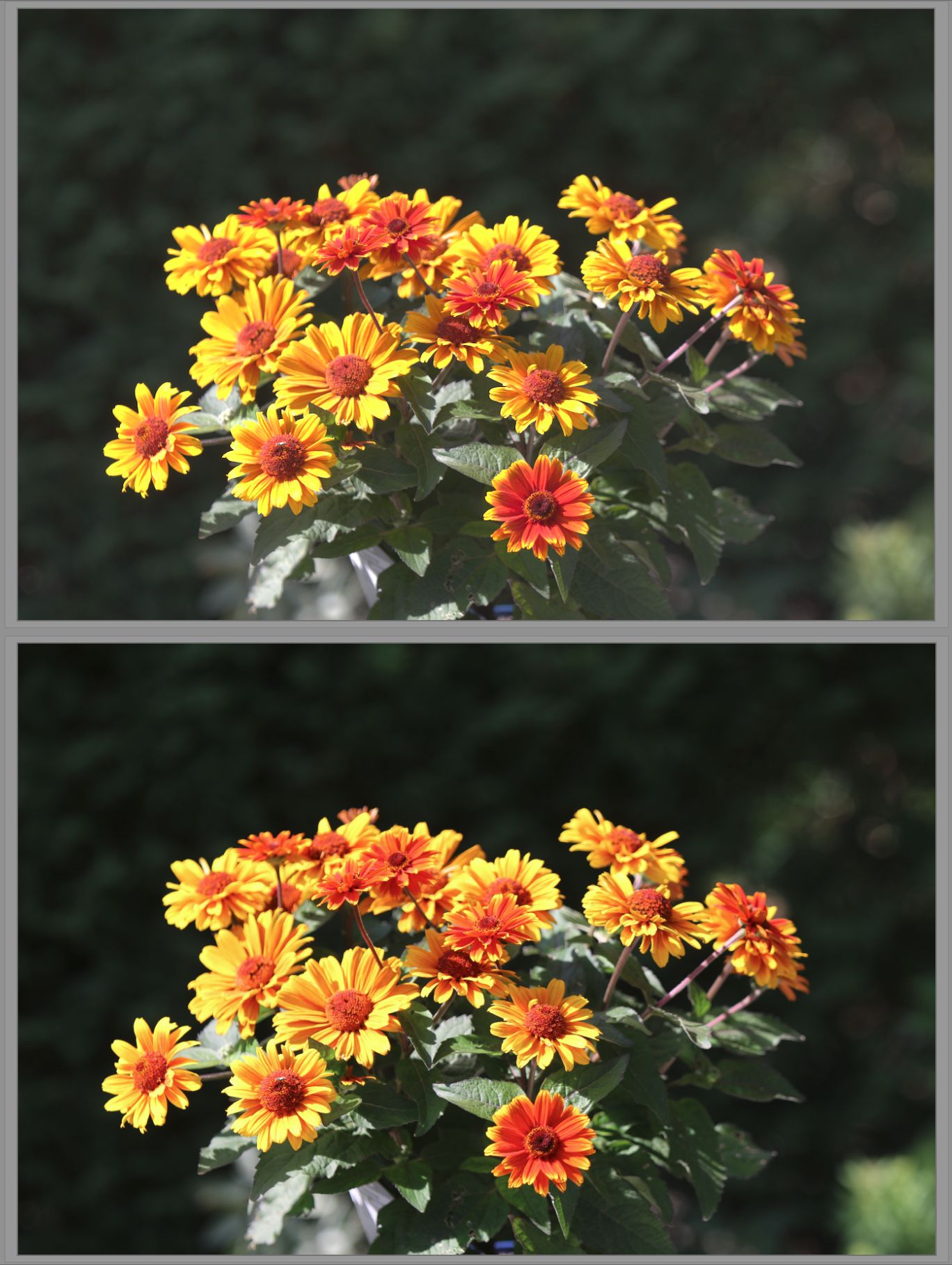
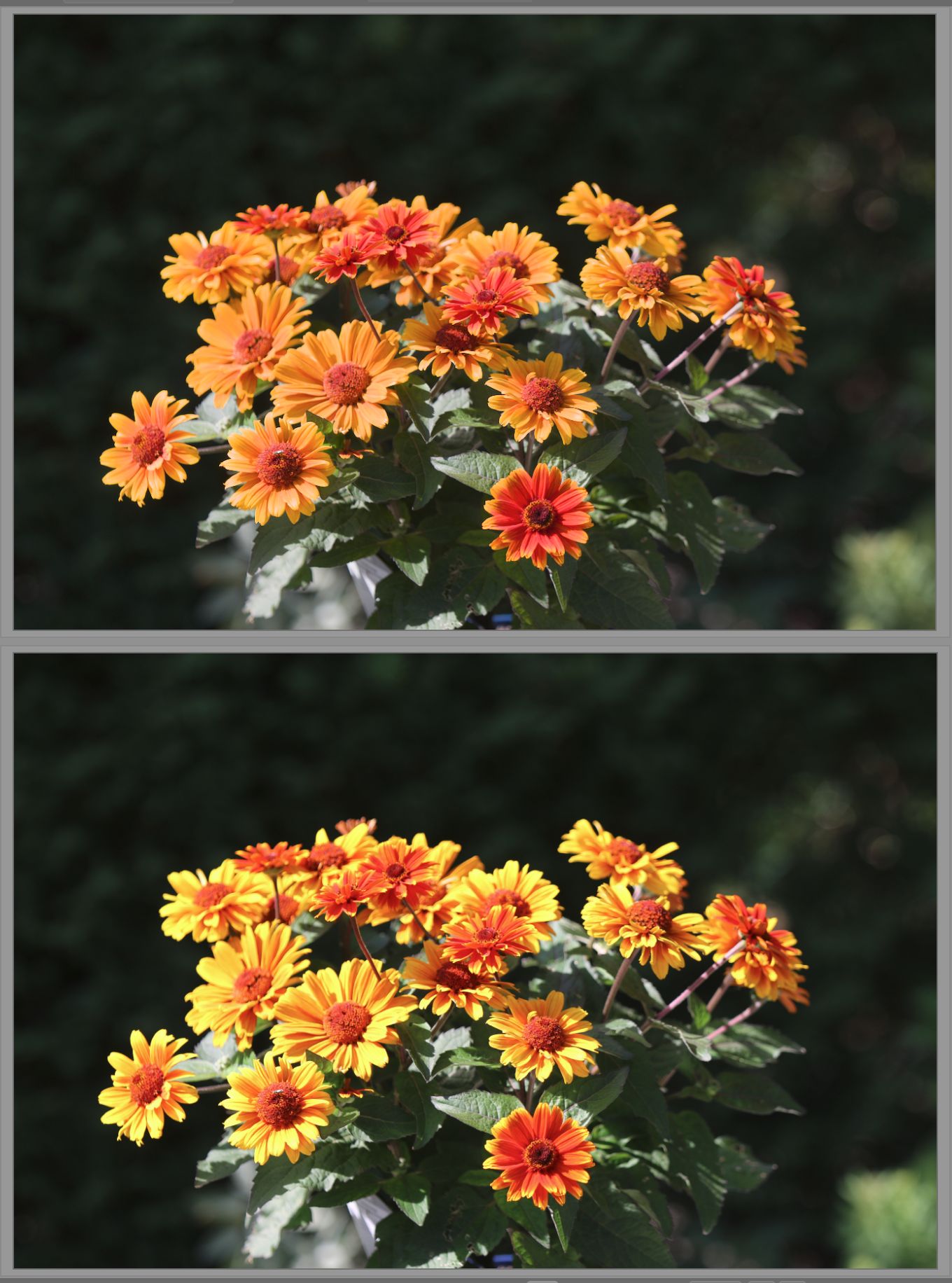
the upper picture is the raw file without sigmoid. In the second screenshot sigmoid ist activated.
.
Darktable is set so preview at this level is including full processing.
Rawtherapee does not show this behavior.

Anybody has an idea what is happening?
Anybody able to reproduce or not reproduce the issue?
Any hints welcome!

I attach sidecar file and raw file as well.
IMG_9510.CR2.xmp (7.8 KB)
IMG_9510.CR2 (22.1 MB)

All files given licensed under Creative Commons, By-Attribution, Share-Alike.

Update: Checked the result on an other computer (Debian 13 + darktable 5.x): Same result.

I don’t see the problem. I’ve opened your RAW with RawTherappee and I have the same output. What’s wrong exactly?

1 Like

Looking at the second Screenshot „with simgmoid“:
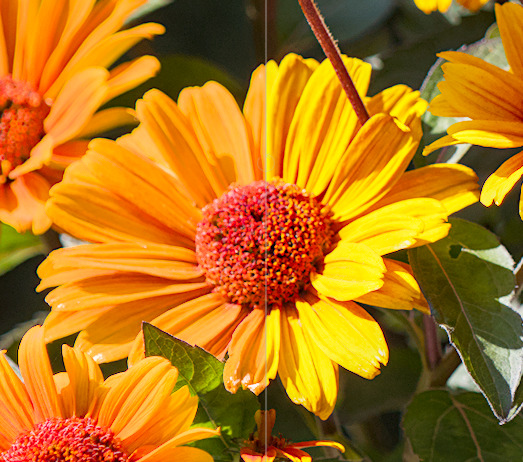
the Upper picture Shows the raw file - the yellow in the flower is gone into an non natural red tone.
The lower picture (jpg) gives a good Impression of the scene during capture.

This „Color Shift“ happens the moment sigmoid or filmic RGB are activated.
I hope this explains better.

1 Like

Because Sigmoid (must be activated as part of the scene referred workflow) is recovering the highlight (you have some pixels clipped) and preserving colors.

If you don’t like the color preserving done by Sigmoid, just lower the corresponding slider. At 50% it may look better to you.

1 Like

Great hint! I will try this out and get back.

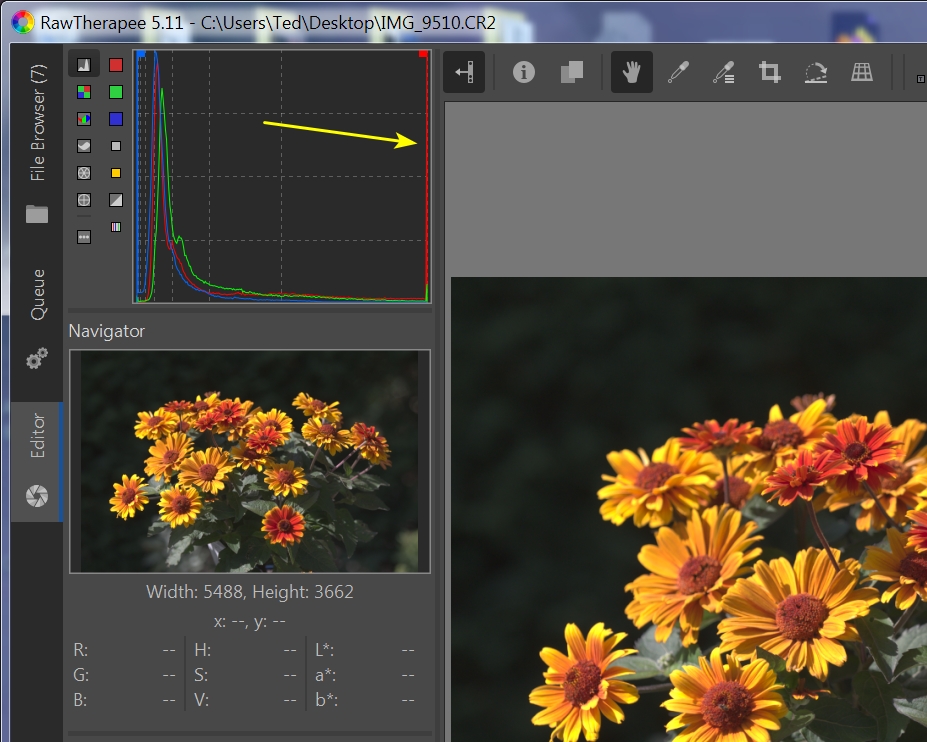
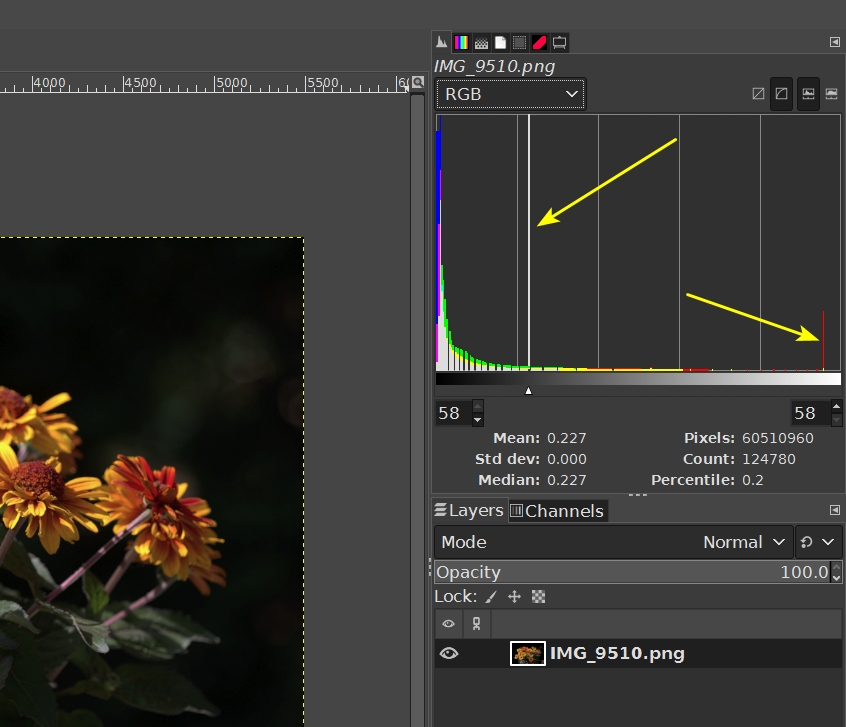
In RT 5.11, the raw histogram shows blown reds:

In another raw viewer, the red and green histogram channels are clipped in the logarithmic view.

2 Likes

It does it on my system, too. And it is very similar with FilmicRGB.

I do note that much of the yellow petal area is out-of-gamut.

1 Like

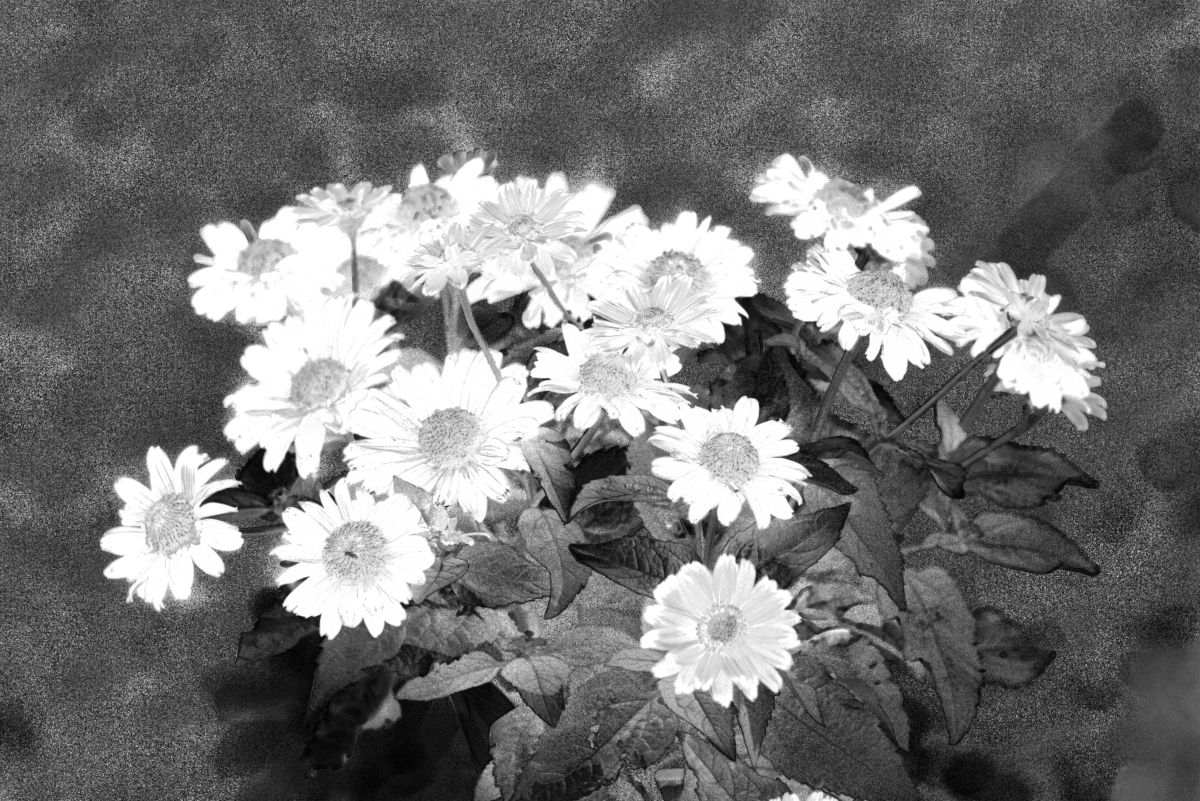
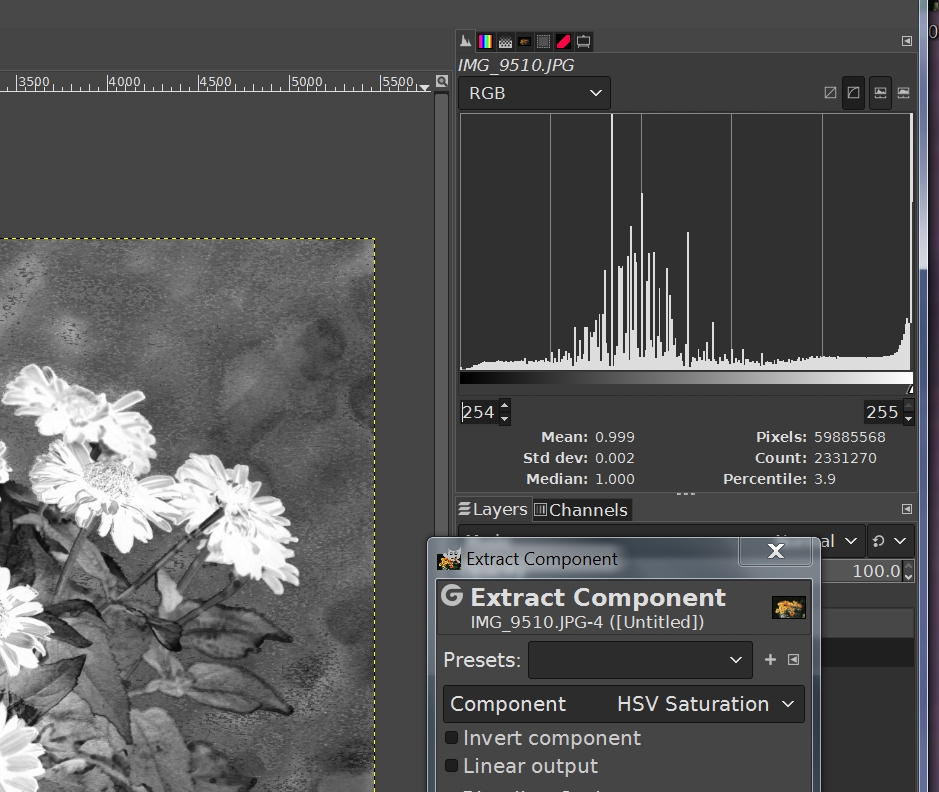
Here’s the HSV Saturation Map from GIMP 2/10.34. White means saturation-clipped.

1 Like

How did the flower colors really look? I would suspect something like this. 1st version with sigmoid second with agx.


IMG_9510.CR2.xmp (10.0 KB)

IMG_9510_01.CR2.xmp (8.9 KB)

3 Likes

Definitely something funny going on with the capture:

1 Like

GIMP 2.10.34

That is the „correct“ look. Amazing. Thanks

I agree. The histogram looks not normal.
I will try GIMP to teach me this analysis and apply that to some other pictures to check it out.

Are you able to post the cameras JPG for a comparison?

1 Like

This is the difference I get using sigmoid and moving the preserve hue slider. right is 0% and left is 100% and there is a whole range in between.

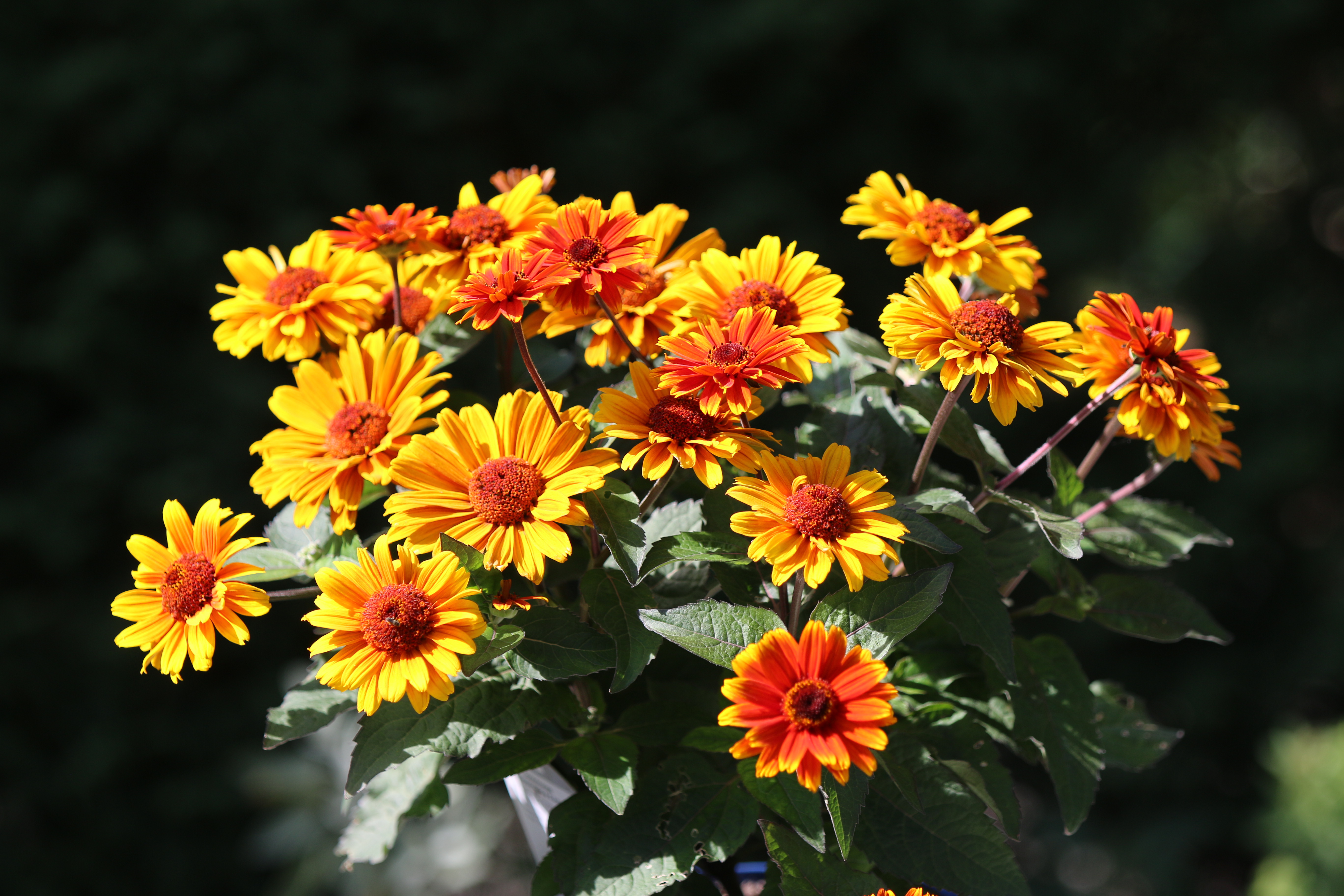
Here comes the OOC-jpg.

1 Like

Thank you all.
Preserve hue around 20% does a very good job for me.

What have I learned?

  • Pay more attention to overblown areas?
  • I have never used the preserve hue in sigmoid → good to know now
3 Likes

Thanks for the OOC JPEG. Here is the GIMP saturation map. The histogram is set to the 254-255 … more or less 100% saturation. The root problem seems to be in the raw capture which makes it difficult for any application to produce good scene petals RGB.

Note that 3.9 percentile (2.3 MP) are blown or close to blown. HSV saturation is blown (100%) when one or more channels are forced to zero - in this case, the blue channel. That means that maybe 3% of the pixels in your OOC are bichromatic (only red and green) which is not right for natural stuff like flower petals.
Hope this helps …

2 Likes

[edit]The histogram is set to analyze the 254-255 range statistics[/edit]