Editing shots illuminanted by strongly colored light

Hello,

It seems to me that there exist two approaches to editing shots illuminated by light with a strong color cast:

  • white balancing technically, and then re-introducing an artistic color cast (mainly for the midtones),
  • keeping the color in the pipeline, but desaturating highlights in the tonemapper.

I would like to better understand these approaches, when to choose them, and how (perhaps) to mix them.

Here is my motivation: In a recent discussion, @priort linked to an interesting article by Aurélien Pierre on technical vs artistic white balancing.

In his article, Aurélien makes the point that photographs are constrained by the native white of the display medium: warmer (or colder) whites can be represented, but at the double cost of (1) diminished contrast, and (2) clash with the surrounding white (e.g. of the wall, if the photograph has been printed and is hanging on one).

I think that Aurélien’s approach must have limits of validity. Let’s imagine the extreme case of an interior scene illuminated by monochromatic colored light. What would be an appropriate “technical white balance” in that case? One that turns the color into white? I would say that the correct approach in that case would be to leave the color, but then desaturate the highlights in the tone mapper. (Isn’t it that what AgX sets out to be especially good at?)

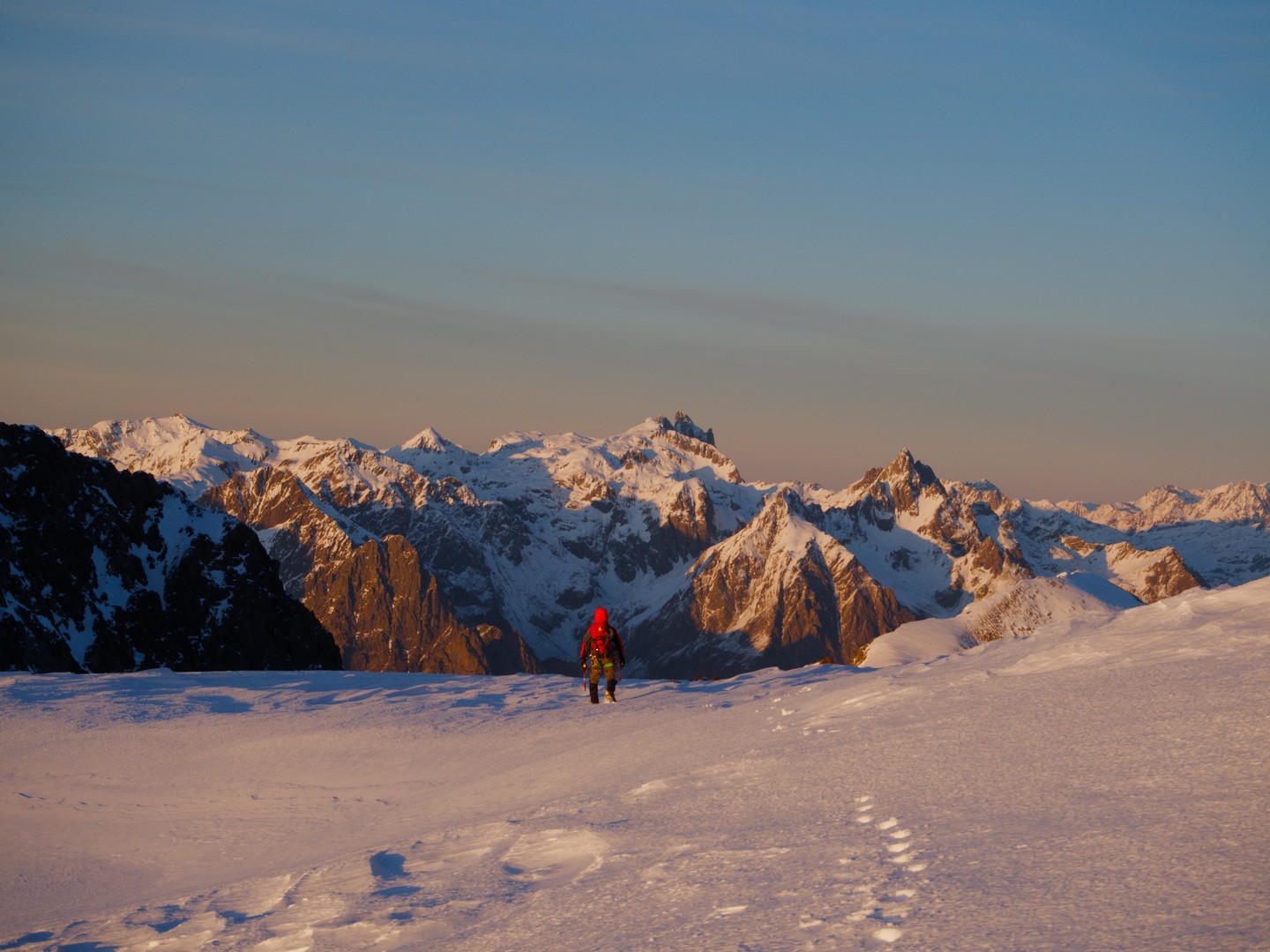
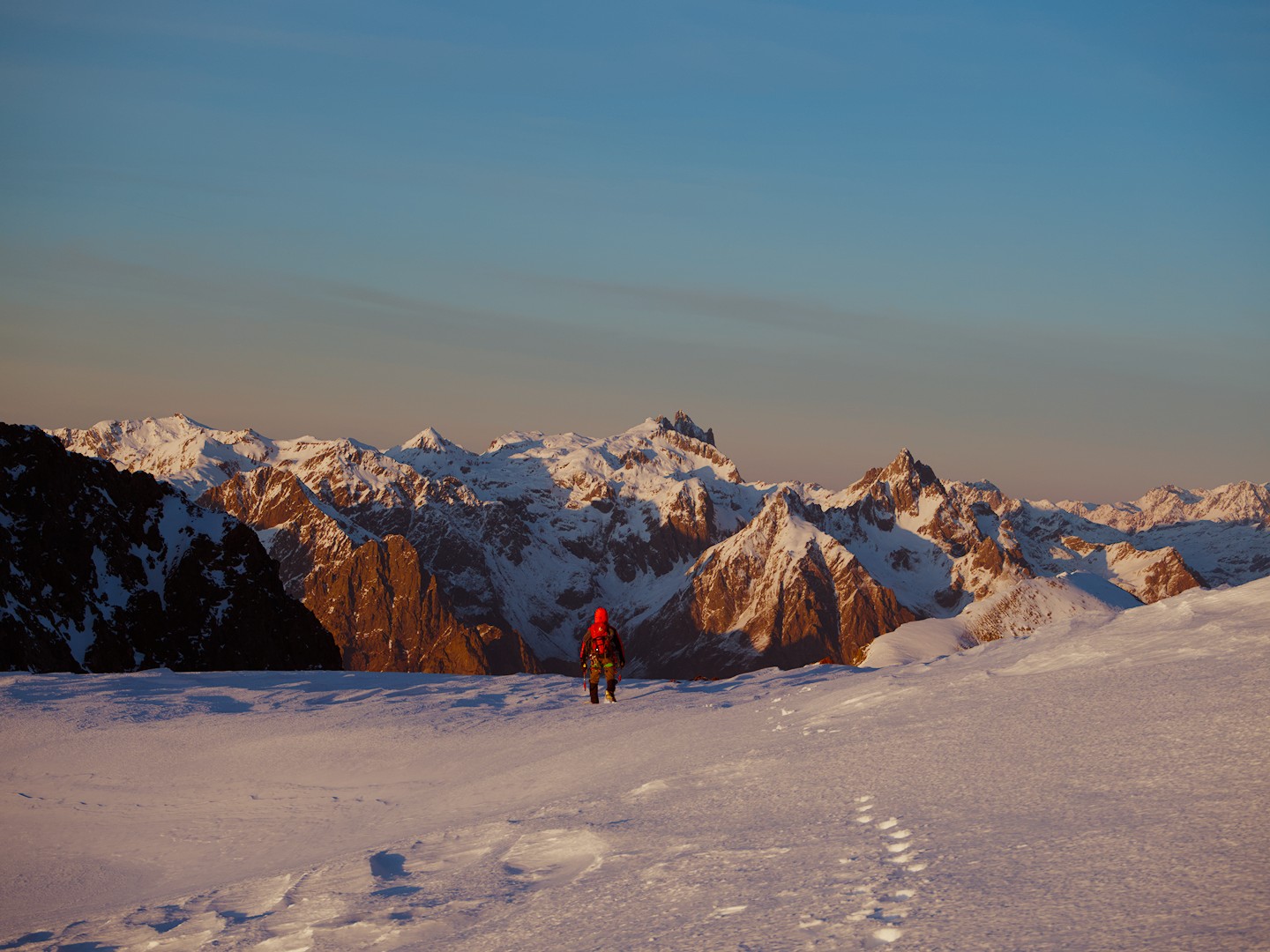
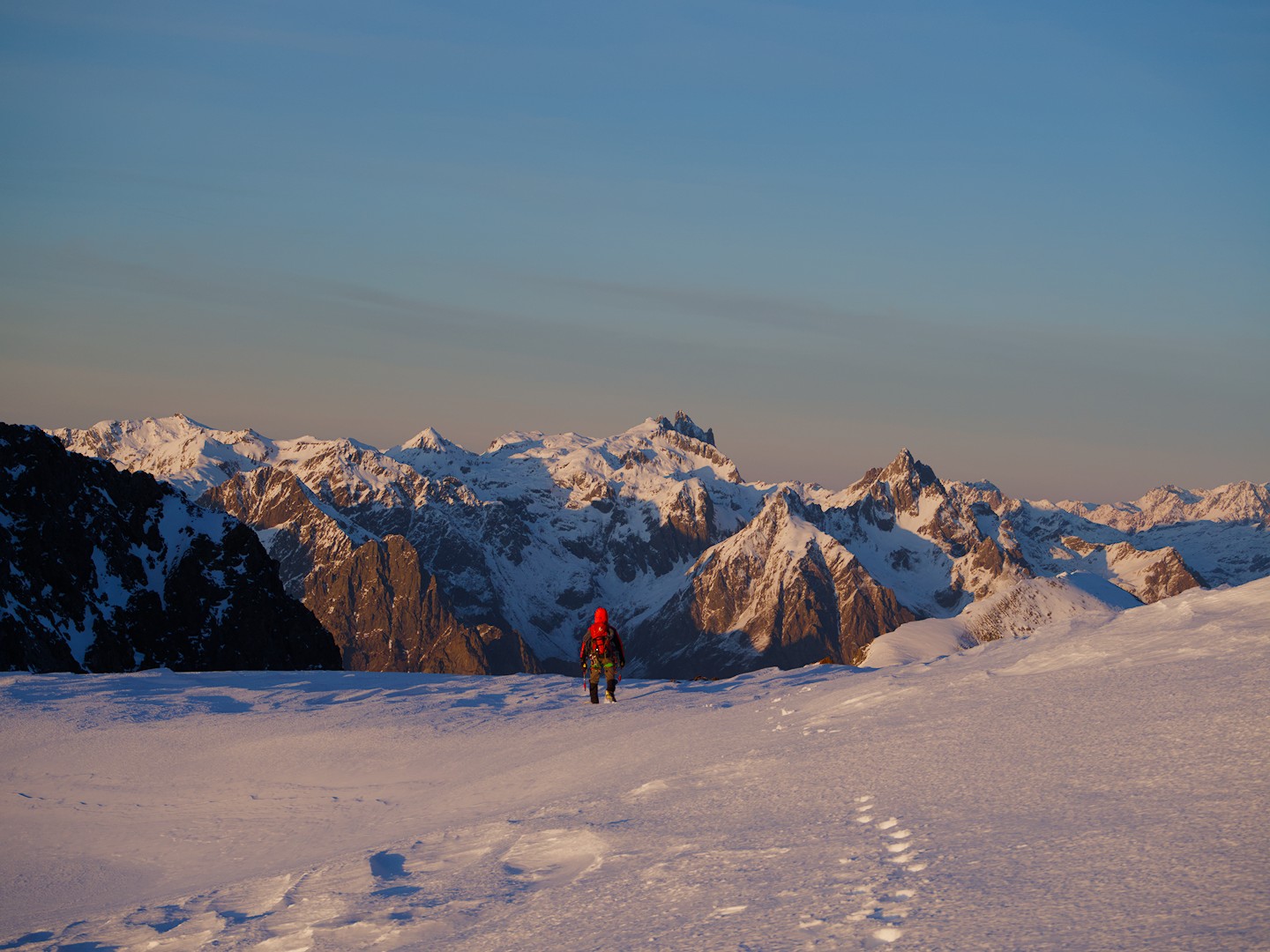
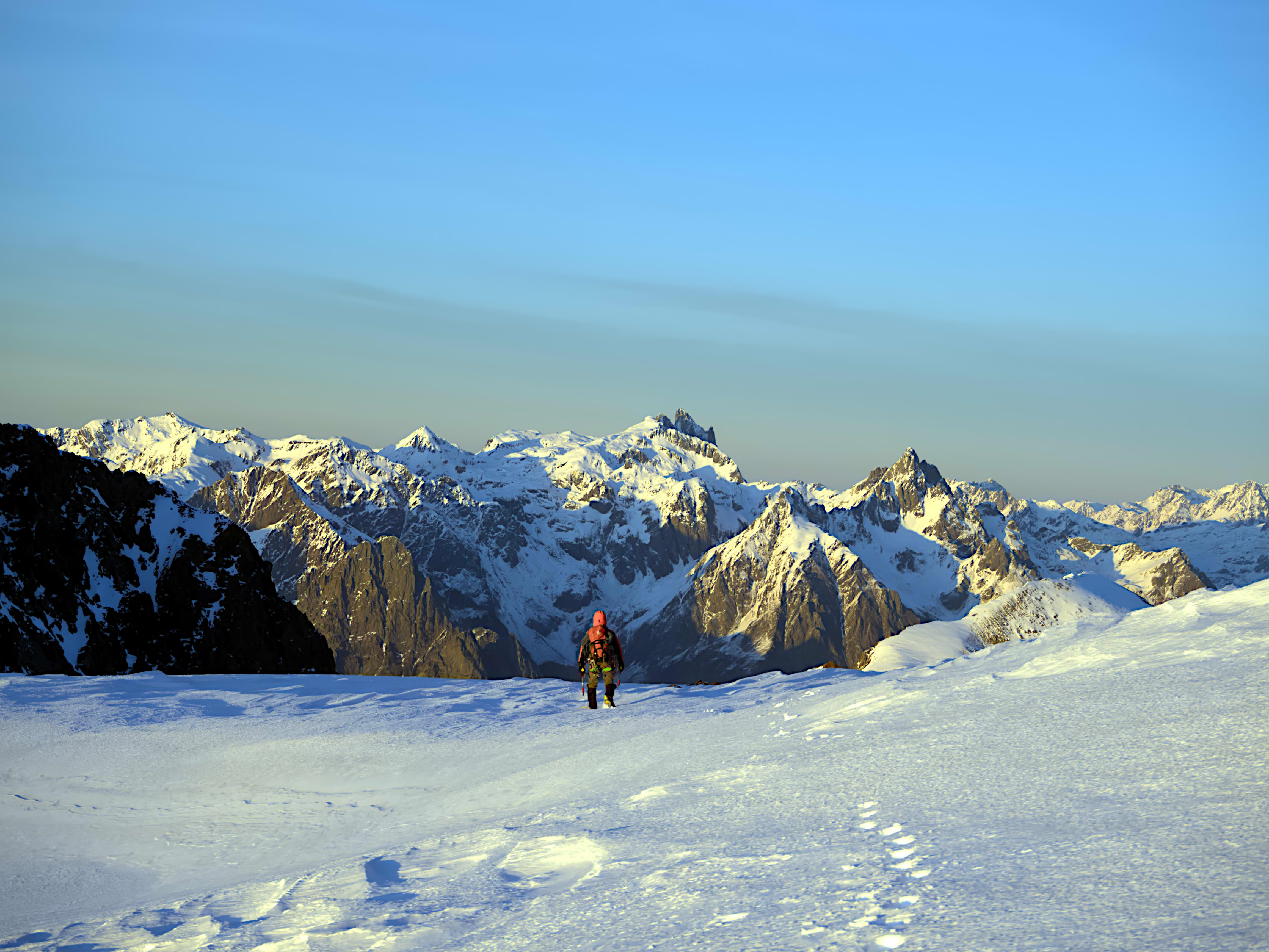
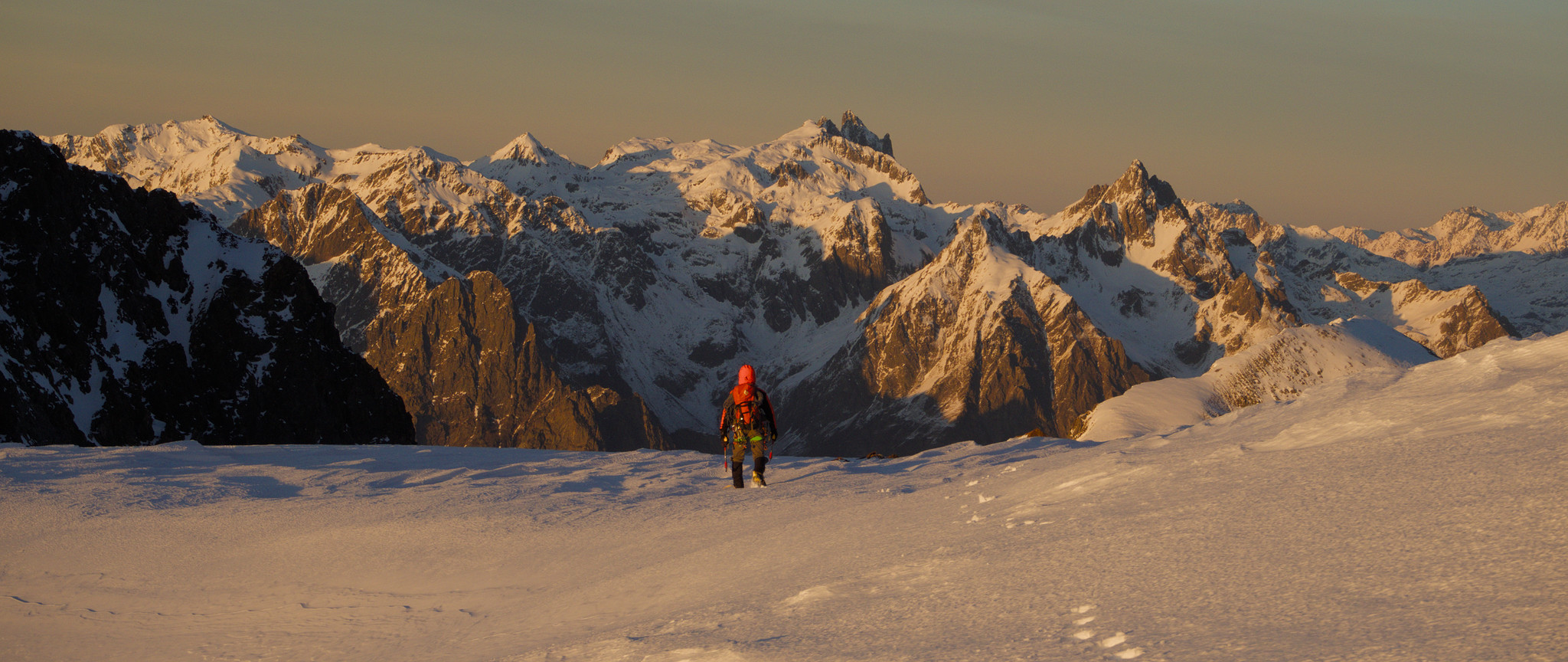
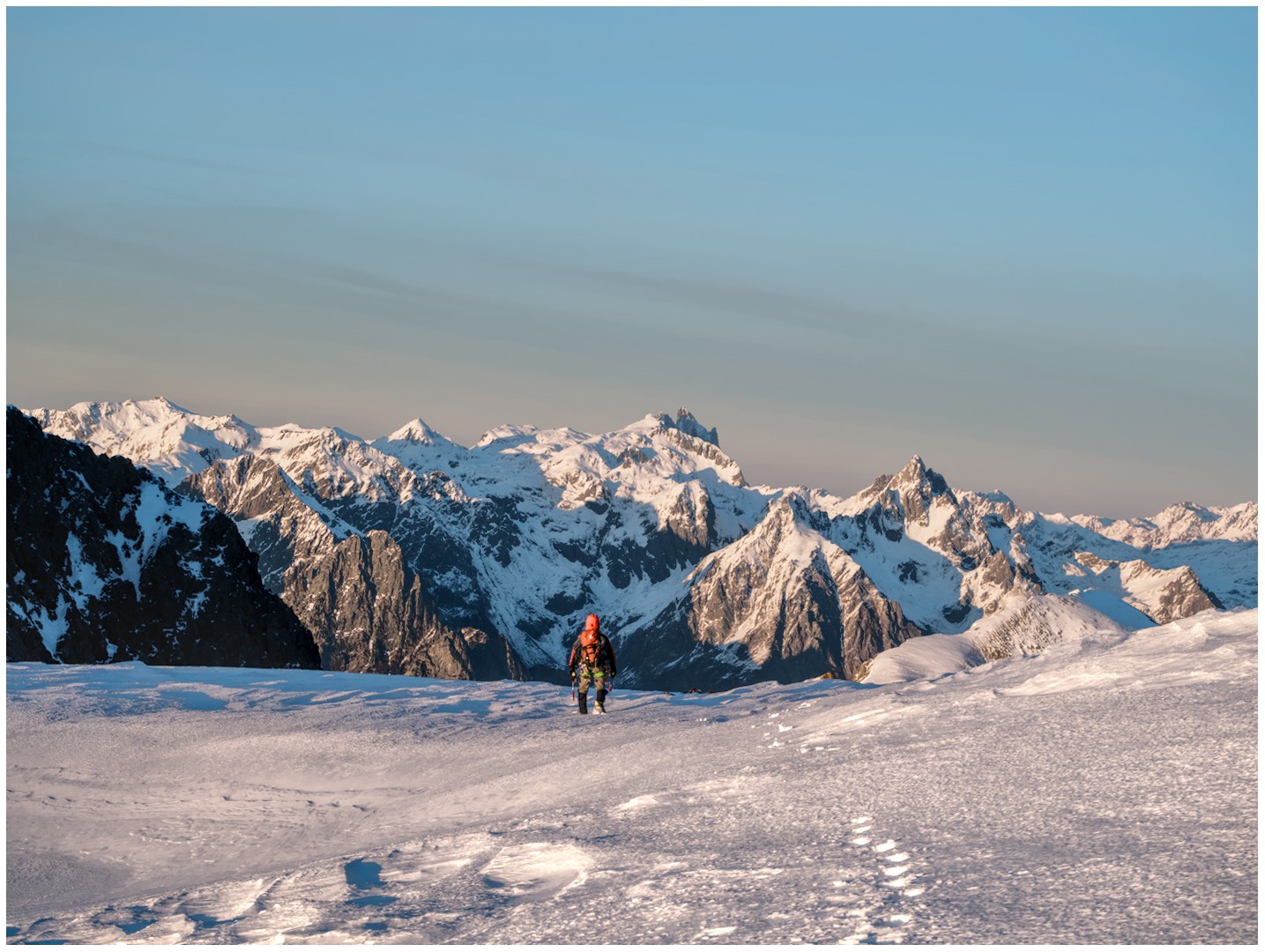
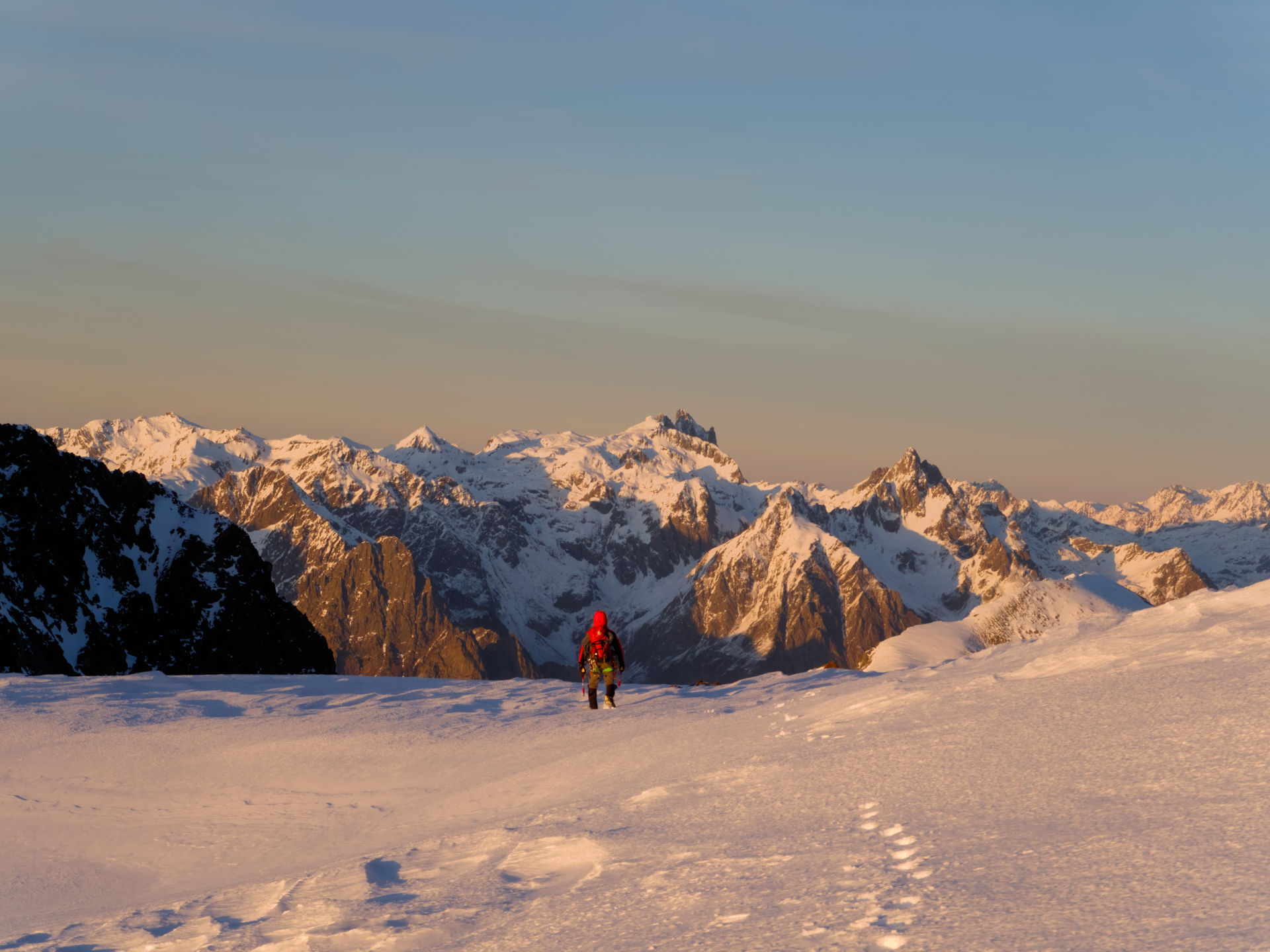
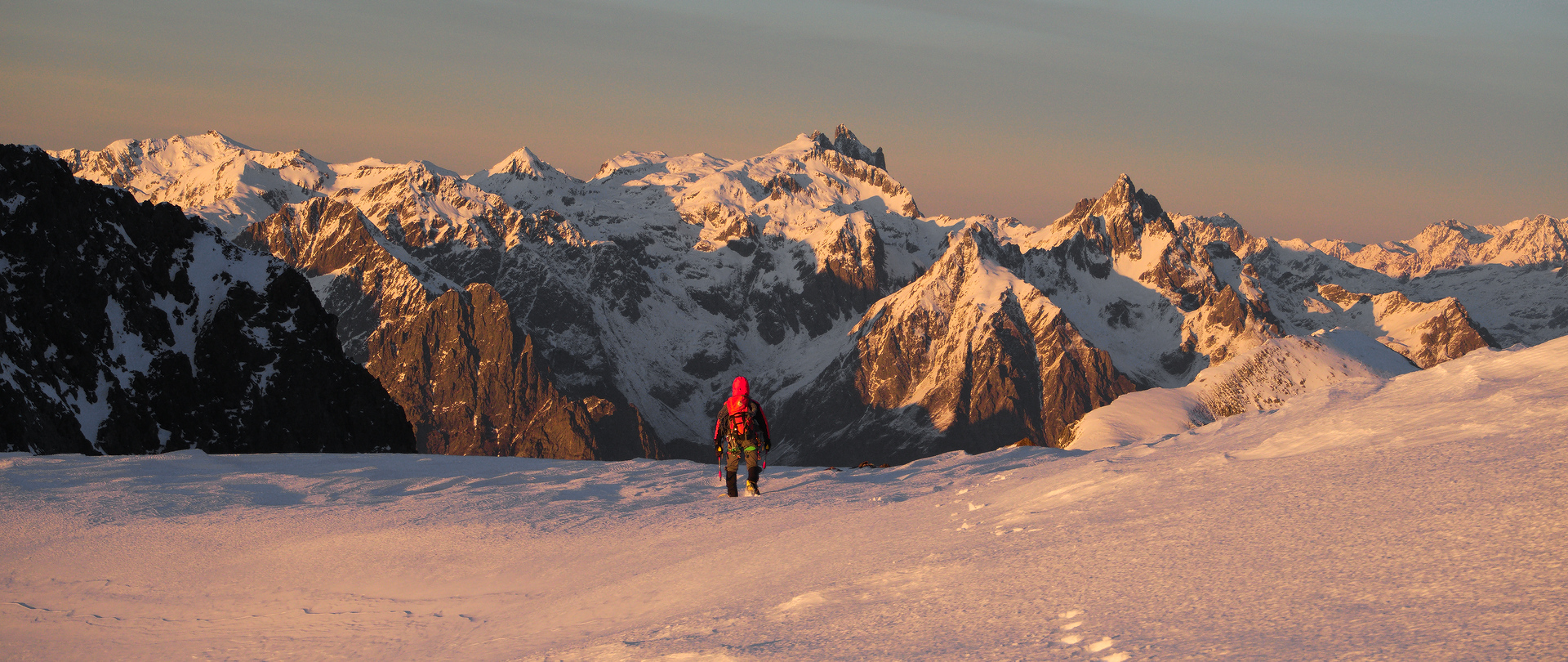
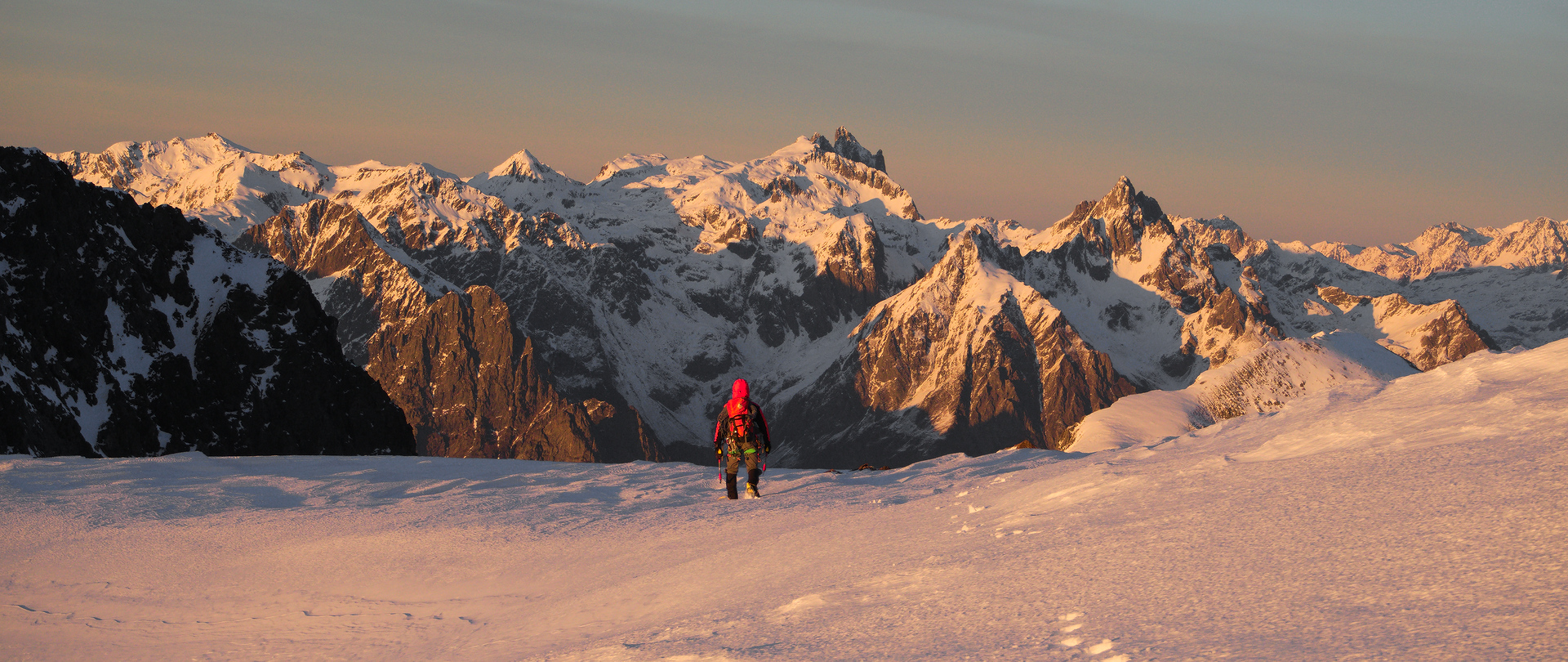
The above made me think about one of my most treasured shots, a print of which hangs on a white wall in our house. Here is a downscaled version of the file that was actually printed (followed by the raw file and the Darktable xmp file):


141221_164425-cg-orig.orf (13.6 MB)
141221_164425-cg-orig.orf.xmp (10.7 KB)

The image files are licensed Creative Commons, By-Attribution, Share-Alike.

(By the way, this was shot using a compact micro-four-thirds camera with a mediocre kit zoom.)

I still think that my edit conveys the colored glow quite nicely, but I guess that AP would say (quoting from the above article): ‘The conflicting white references between “paper” and image content make it look like a clumsy amateur shot.’ I remember having doubts about the lowered contrast when I made the print.

With the insights gained from Aurélien’s article, I tried to re-edit the shot in a way that separates technical and artistic white balance. But what would an appropriate technical white balance be?

If I want the brightest parts of the image (i.e. the mountain tops and the sun-reflecting chunks of snow in the foreground) to roughly have R=G=B after the “color calibration” module, I have to set the illuminant to something with a CCT of about 2700 K (where 5000 K is white, since this is the white point of Daktable’s pipeline at this point, see the first link for a discussion of that). But this completely removes any orange glow from the image and makes it very blueish.

So I tried to follow Aurélien’s advice and used the module “color balance rgb” (four-way tab, in particular “power”) to bring back the orange glow, and on the plus side this indeed preserves the brightest parts of the image as white. But overall I was not satisfied with my results: the brightest parts of the scene had a strong orange glow in reality, but in this shot there is just nothing that is bright but could be displayed as pure white (like the sun disk in Aurélien’s example).

How would you edit the above image in the spirit of Aurélien’s article? Please don’t simply suggest to modify the white balance of my above edit (it might well be that it’s overall too warm). I’m interested in particular how Aurélien’s suggested technique of (1) applying technical white balance, and (2) artistically correcting the image using “color balance rgb” could work when applied to the above image.
8 Likes

I am confused by this part. Is it a plus that the bright parts are white even though it does not match “reality”? Or are bright parts being white part of the complaint?

It seems to me that if you want the brightest parts to have a strong orange color, then you probably want to use the highlights portion of the 4-ways tab. Dont forget to adjust the settings in the Masks tab to fine tune things. Then let the tone-mapper help with the saturation roll-off.

I am on an uncalibrated laptop, so i don’t have a render to offer atm. Great image btw!

I wave the white flag. I am defeated trying to follow AP’s suggested technique. I will be interested if anyone else succeeds. For my interest, what color do you remember the scene looking like?

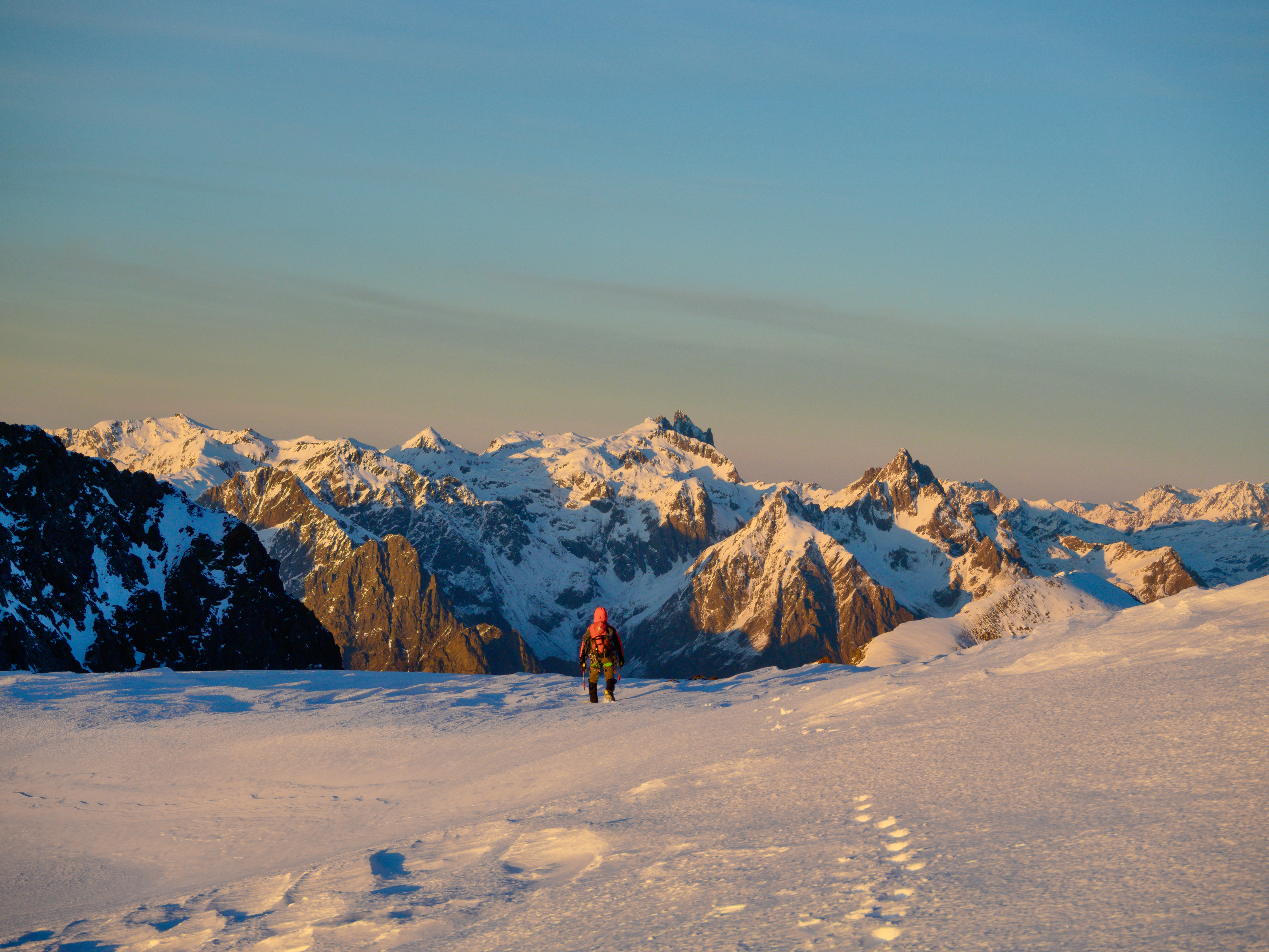
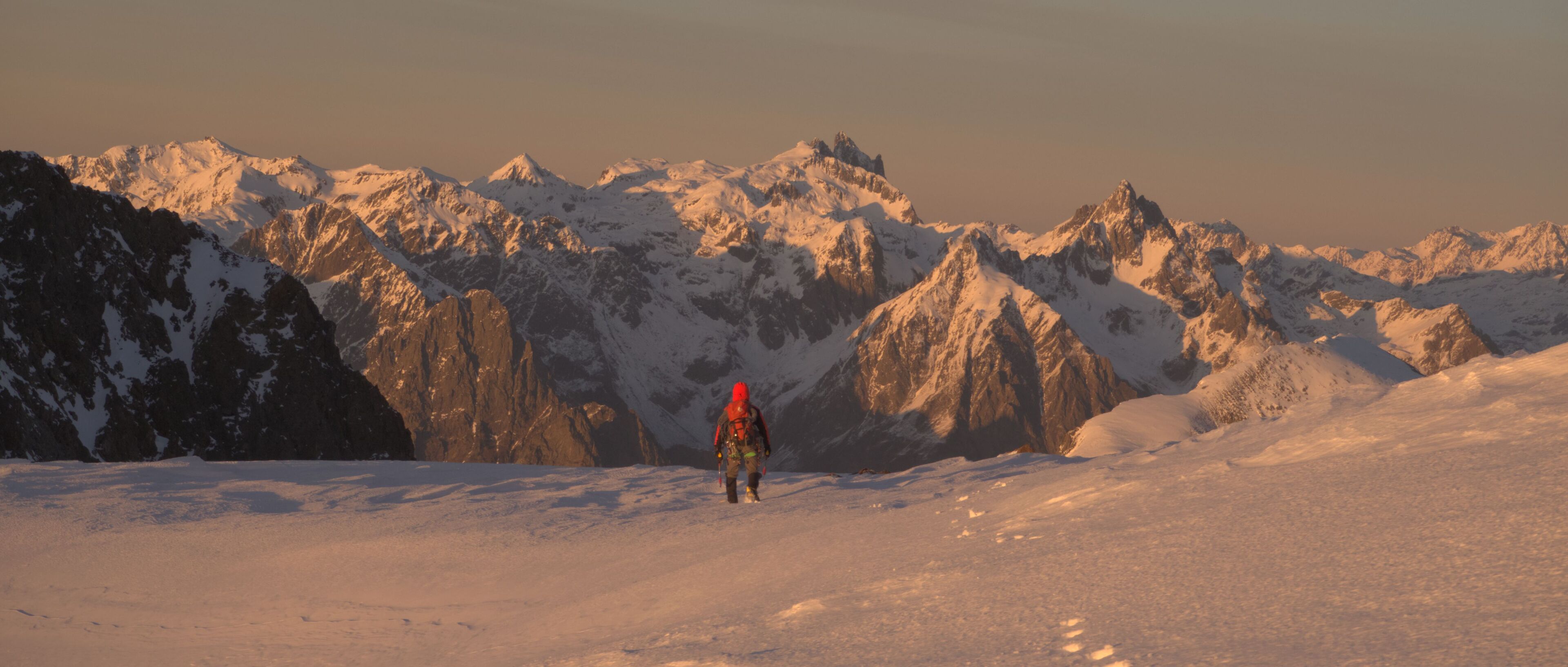
Perhaps surprisingly, the captured scene does not have an enormous amount of dynamic range, so it’s feasible to display it as-shot, i.e. disable the whole pipeline (notably “color balance” and the tone mapper), and only keep that “white balance” module in its technical “as shot to reference” mode.

Then look at the resulting image (attached below), fullscreen with a dark background on an sRGB monitor, from a close distance, in a darkened room (like in a cinema). Let your eyes adapt to the reddish light.

I believe that this recreates the original impression pretty well. (Anyone please correct me if I’m committing methodological errors here.)


141221_164425-cg-orig_01.orf.xmp (9.0 KB)

But the point of Aurélien is that such an image is not useful for printing and showing on a white wall…

4 Likes

In my understanding, the philosophy underlying Aurélien’s article (and shared by other artists, see below) is as follows:

Photography as an art form is about displaying images using a limited output medium (both in terms of dynamic range and color gamut). The limitations are most severe when images are printed, but even screens have limitations.

However, this is not a problem: for centuries painters were able to convey their vision of scenes through the even more limited medium of oil paintings. The fact that even an oil painting can convey such a “realistic” impression of someone’s (e.g. Rembrandt’s) vision is surprising. It’s possible because the images we see are actually created in our brains.

In fact, even if we had the greatest full-gamut HDR monitors that could exactly recreate the sensory experience of watching a given scene, this would not convey the vision of someone else. This would not be art, only reproduction of the physical reality. See, for example, the video linked in this post: Processing RAWs for HDR displays in Darktable - #98 by EspE1.


When we watch a painting or a printed photograph hanging on a white wall, our eyes are adapted to the white of the wall, and that white is the brightest color that the painting/print can display. Therefore it is natural to display the brightest elements of the scene using this white.

But then, Rembrandt’s painting I linked above contains no white!

Thanks! It was a nice adventure. As you can imagine, the descent was long and dark…

3 Likes

I will have to go back through APs document and your posts above… but going from memory back when AP was active developing DT I think he was a big proponent of using wb to set a technically correct wb to anchor the edit and then use other tools to color grade and make artistic interpretations from there whereas others will use wb often as an artistic choice … for many all that matters will be results… not how they got there… I guess you can focus on technical aspects if you are not getting results you want and something you are doing or not doing is holding you back

Guilty as charged.

3 Likes

This video by @s7habo shows this concept quite well:

1 Like

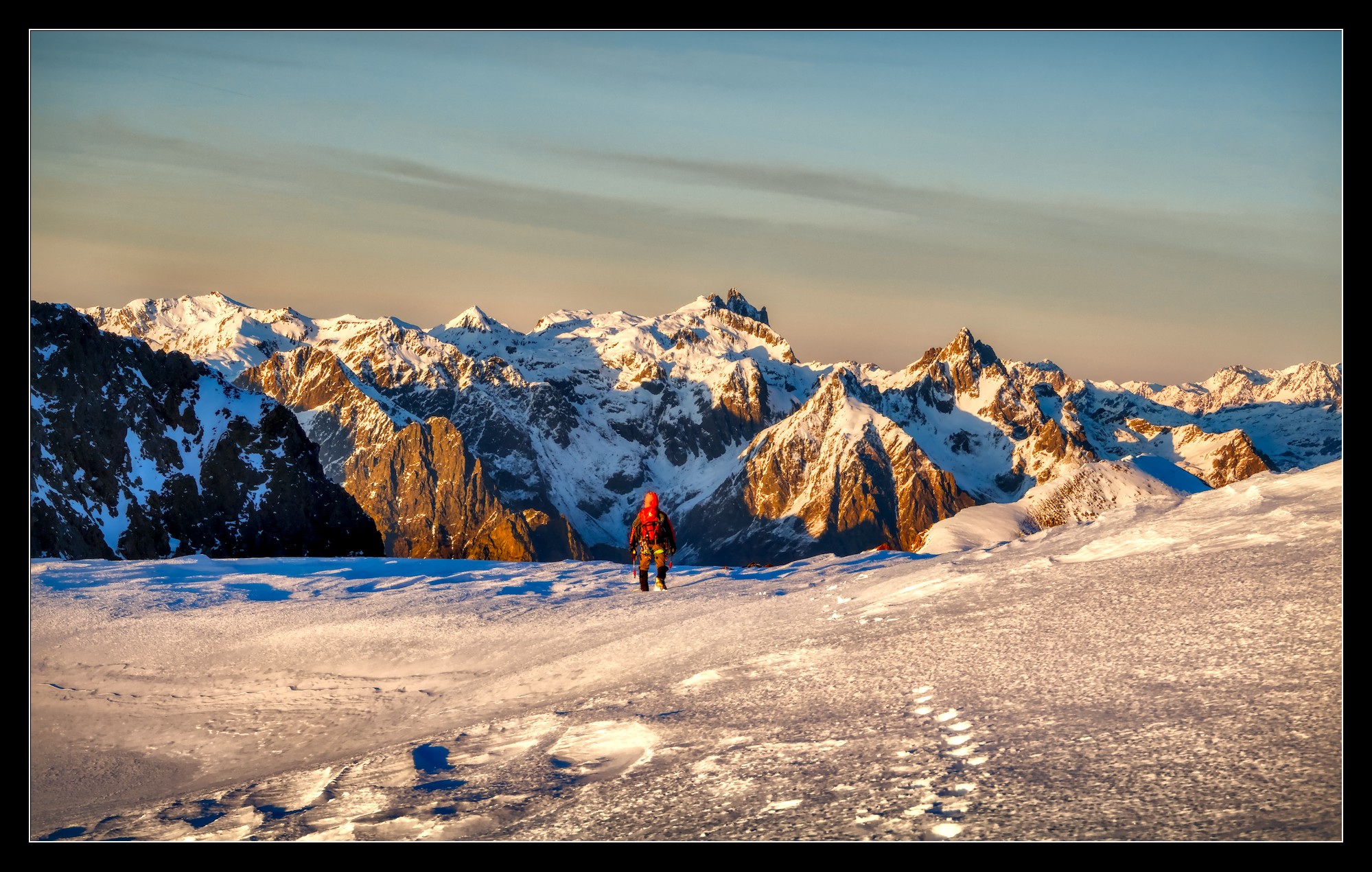
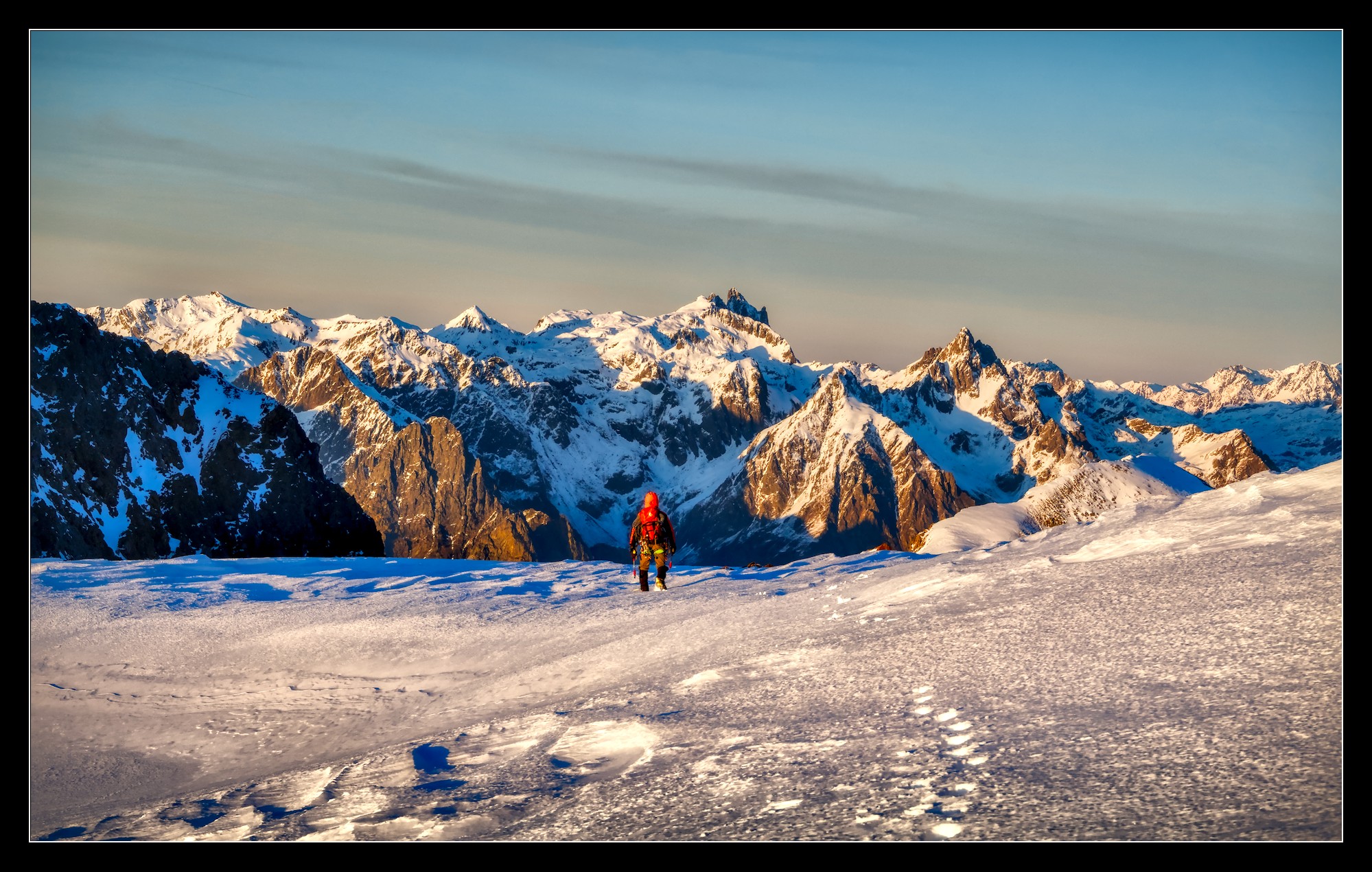
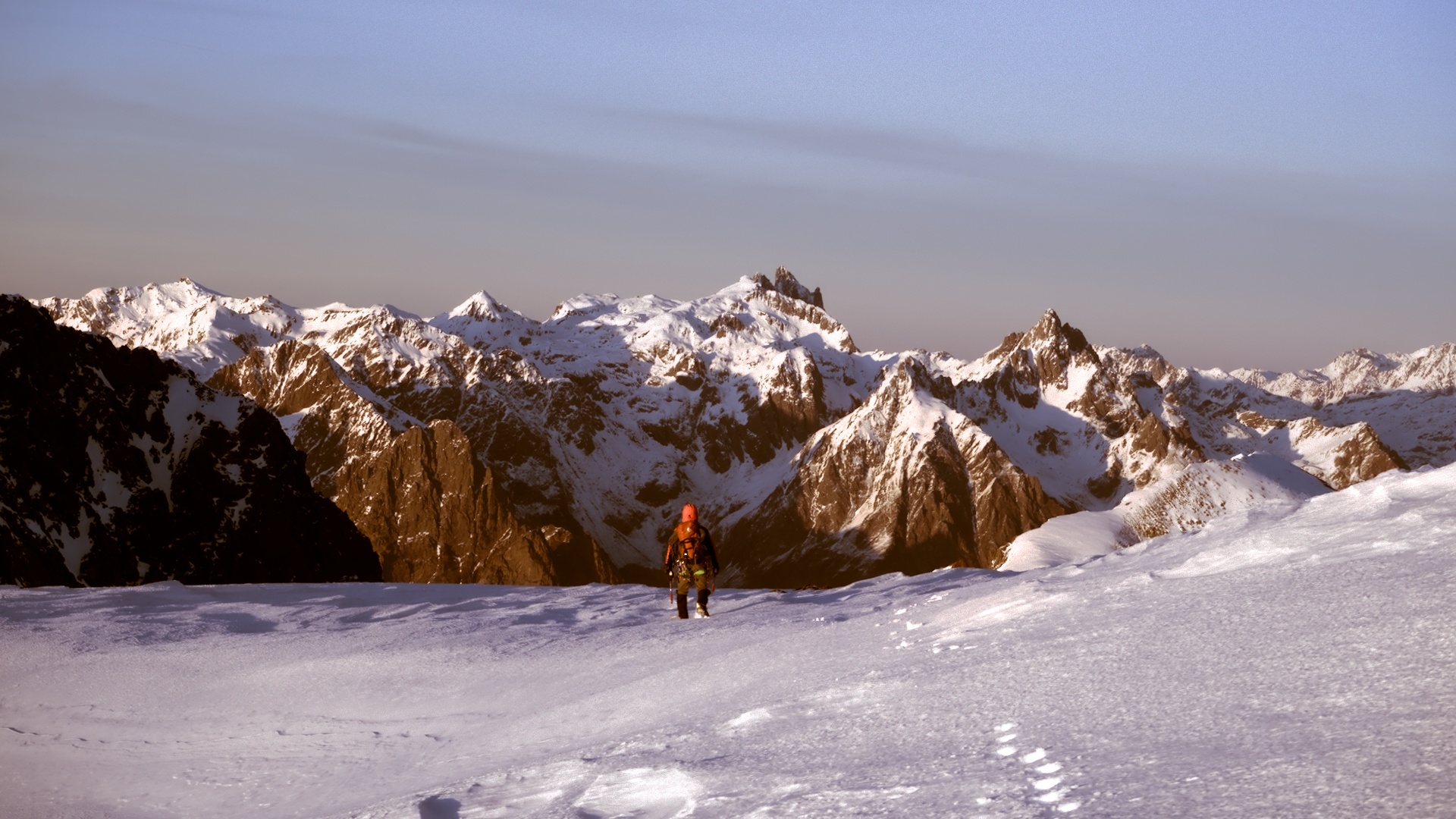
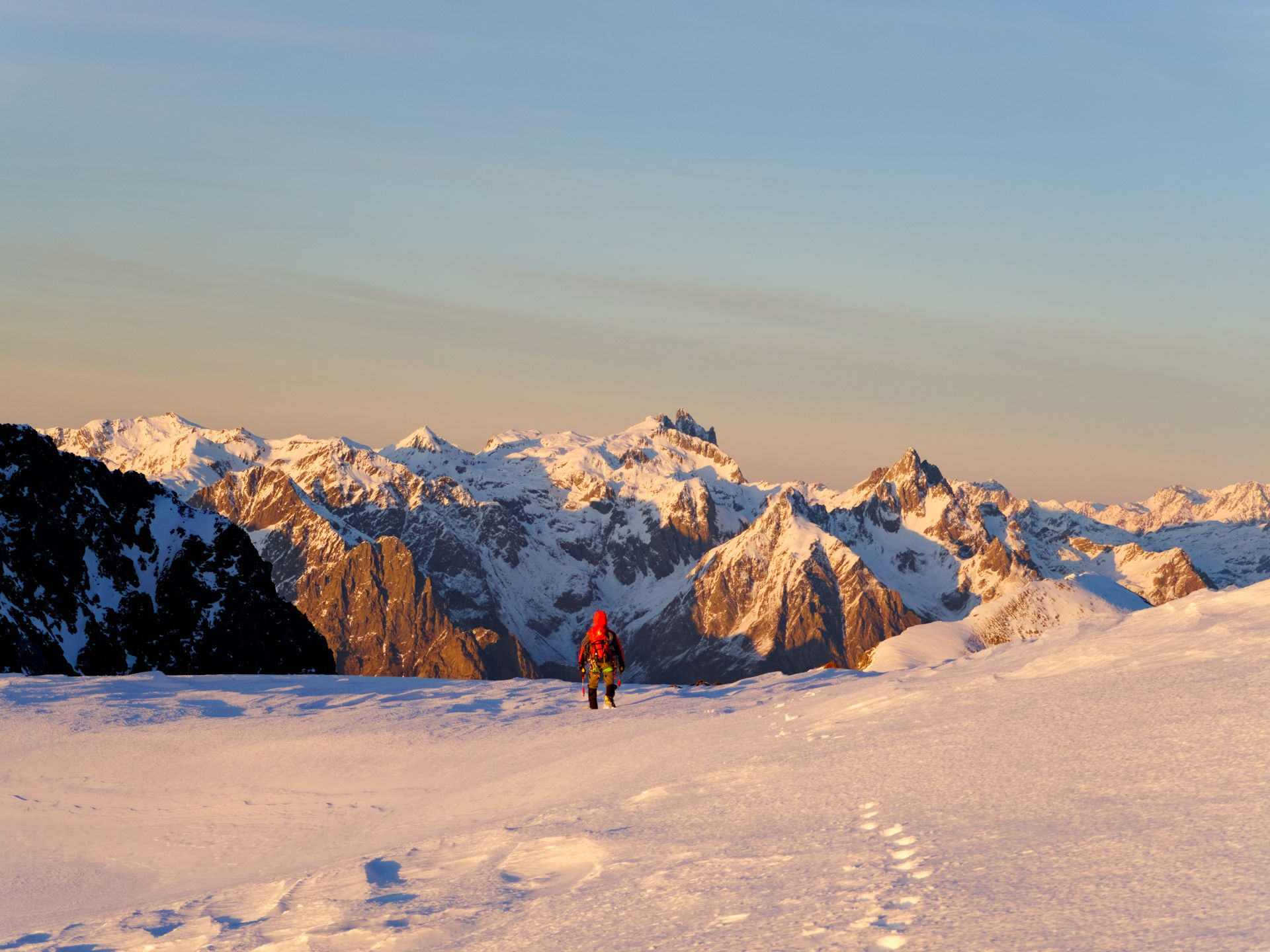
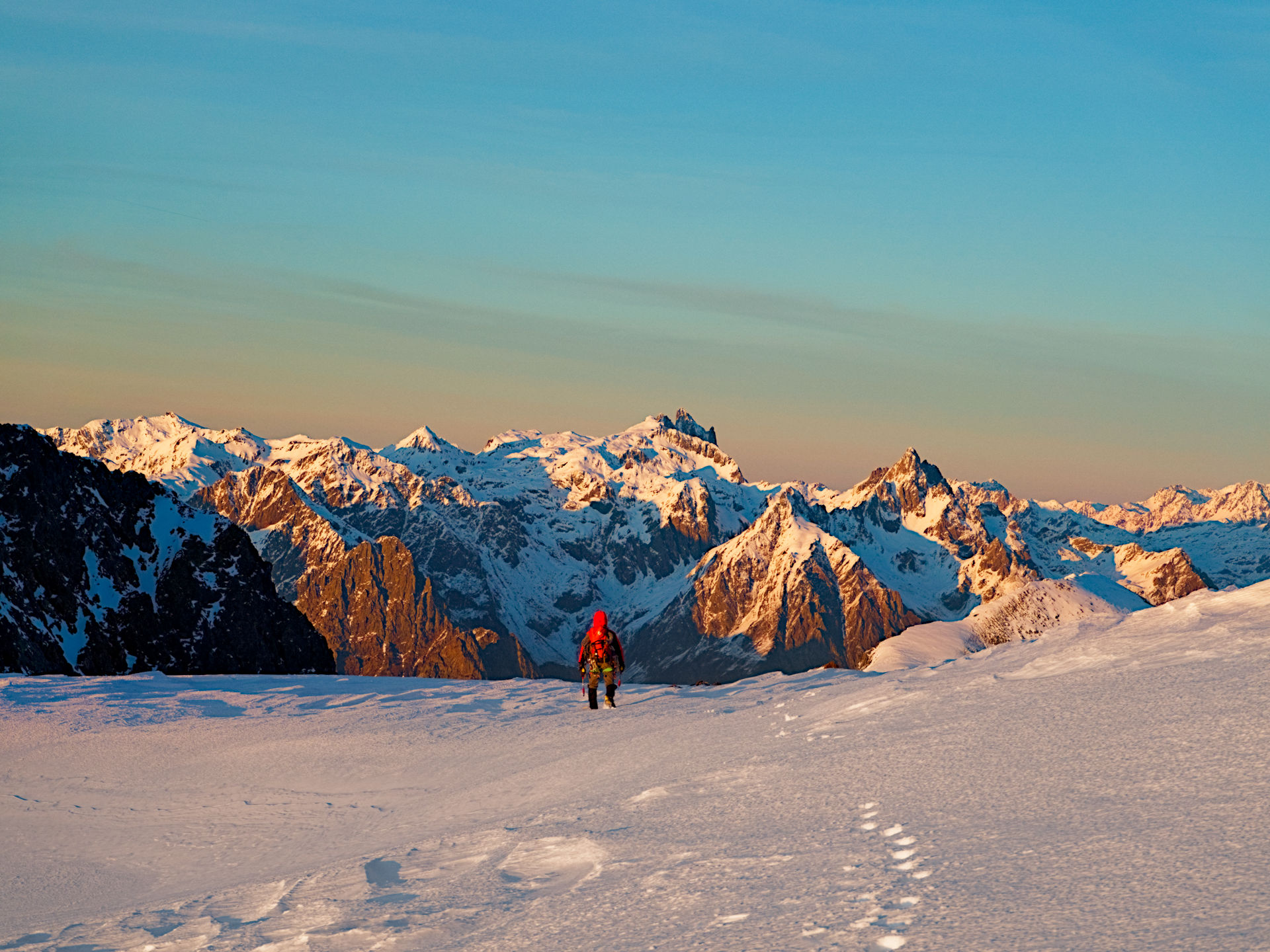
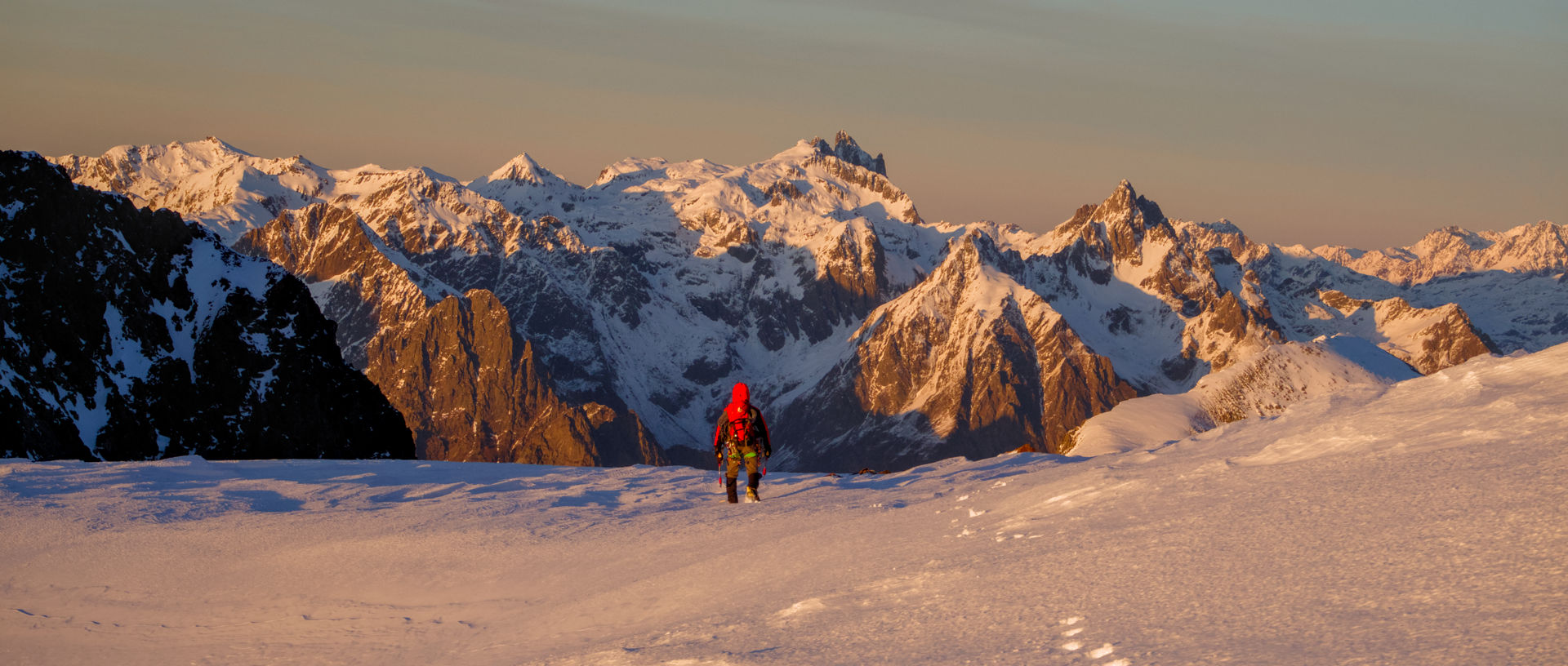
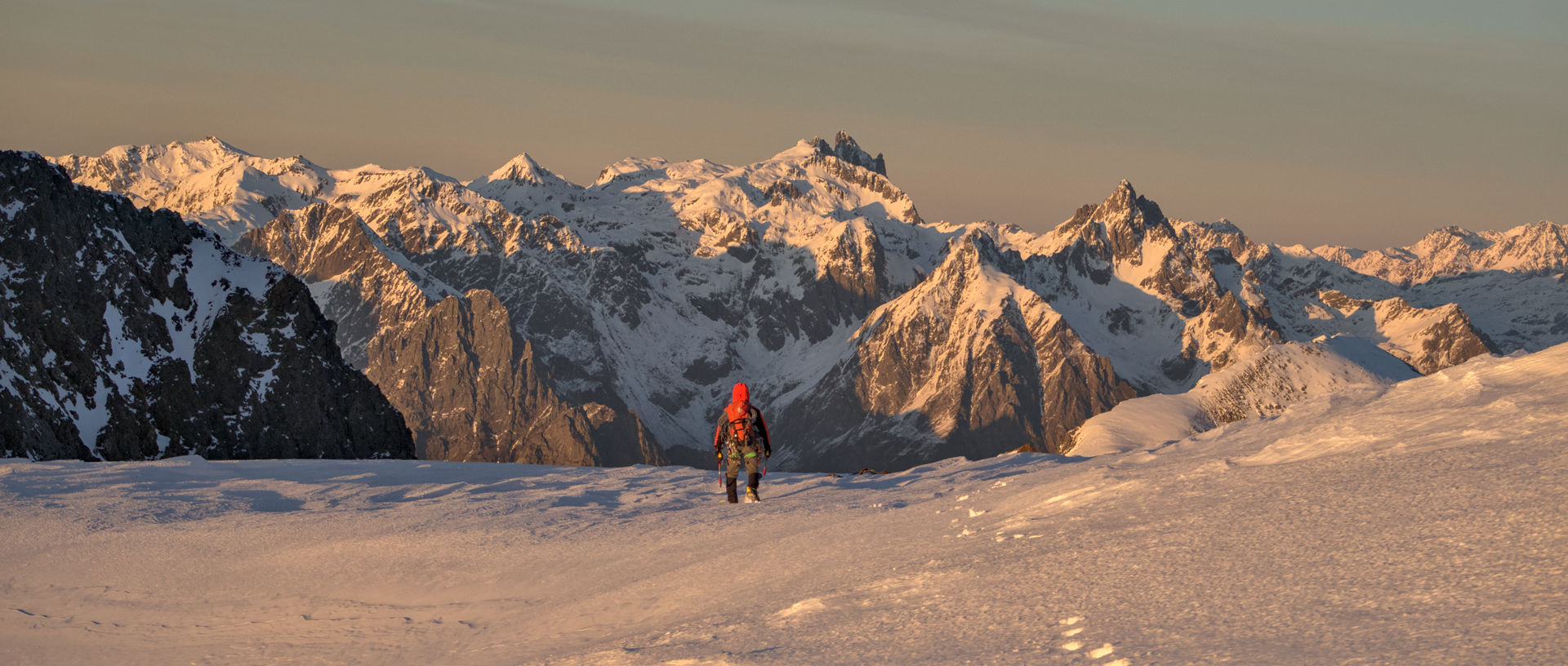
Here are my attempts, using different ways to color grade. They are all edited the exact same way with AgX. I tried to keep chroma the same for the snow in the foreground.

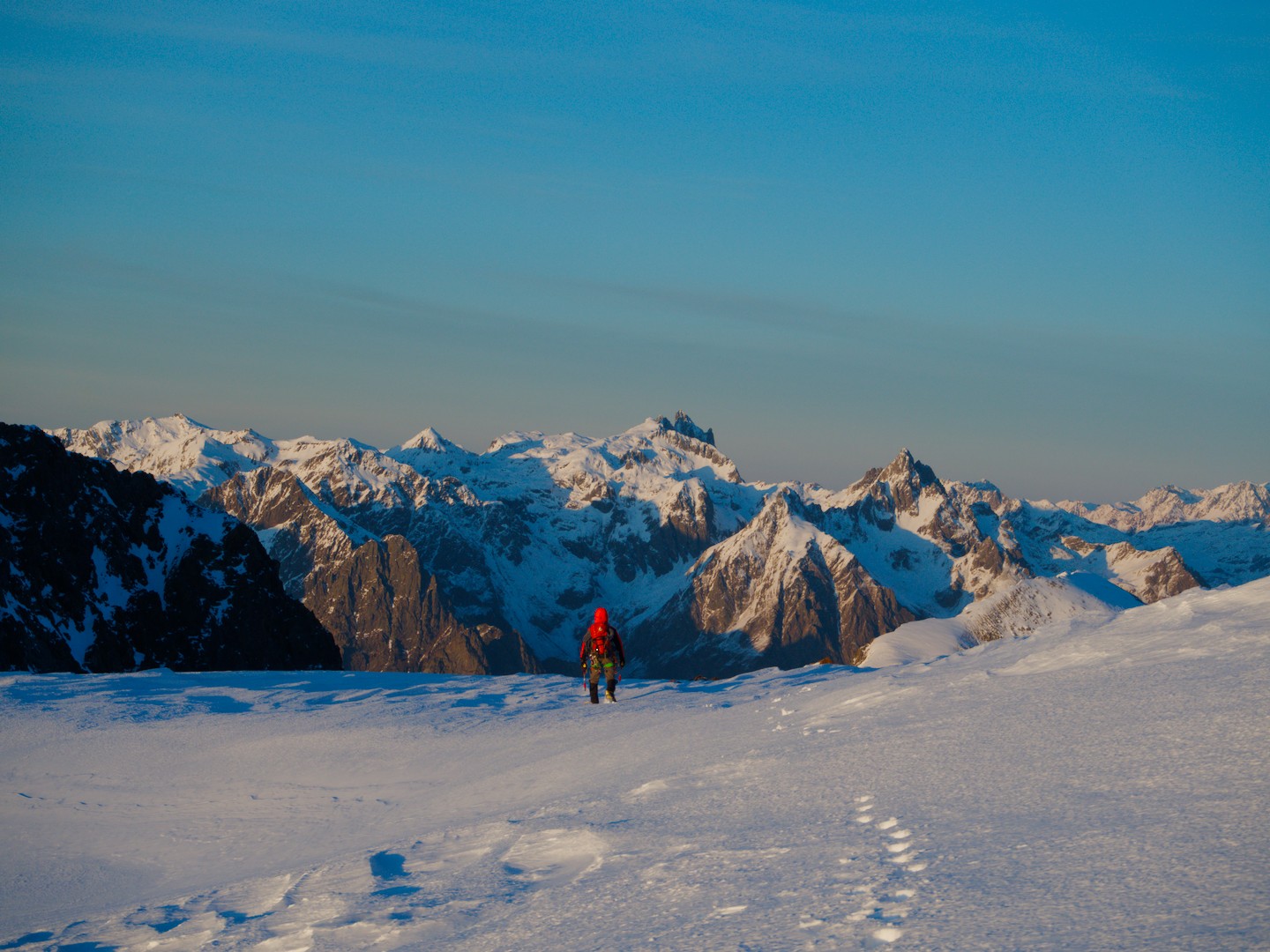
The technical WB:


(54269) 141221_164425-cg-orig_07.orf.xmp (10.1 KB)

Setting Color Calibration to a warm WB, instead of technical:


(54269) 141221_164425-cg-orig.orf.xmp (10.6 KB)

Technical WB, graded with Color Balance RGB:


(54269) 141221_164425-cg-orig_02.orf.xmp (14.3 KB)

Technical WB, graded with RGB Primaries:


(54269) 141221_164425-cg-orig_03.orf.xmp (13.8 KB)

I know which one I prefer: Color Balance RGB
What about you?

6 Likes

ART and GIMP 3.2RC1- Levels


141221_164425-cg-orig.orf.arp (11,9 KB)

Snow is white rather than brownish

1 Like

I went in the opposite direction


141221_164425-cg-orig.orf.arp (16.2 KB)

I think it’s a matter of taste.

141221_164425-cg-orig.orf.xmp (19,0 KB)


141221_164425-cg-orig.orf.xmp (19,0 KB)

ART with AutoMatched curve and Auto White Balance:

141221_164425-cg-orig.orf.arp (12.1 KB)

My version…

141221_164425-cg-orig.orf.xmp (18,1 KB)

I was trying to figure out what you didnt like when you tried AP’s process. If someone is going to try and create a “pleasing” result, it helps to know what your expectations are.

Since @Donatzsky has already done a nice comparison set, I don’t think I have anything to offer to this thread.

2 Likes

Interesting request. I think @Donatzsky has already said what there is to be said. My only difference is the usage of filmic instead of agx.
My steps are:

  • Raise expo. +1.8
  • disabling wb instead picking the wb from color calibration (and checking it with the color picker to be 176 / 178 / 175)
  • using filmic with white exposure raised until it almost clips and the highlight saturation mix to -50%
  • bring back the warm colors using color balance rgb to taste

my goal was to preserve pure white on the peaks (225/220/226) yet giving the mid-tones some warm color.


141221_164425-cg-orig.orf.xmp (14.3 KB)

Hopefully, this goes a bit into the direction you are looking for but I guess you wanted it much more colorful …

1 Like

I see your edit was with v6 of filmic…and you are trying to manipulate the color esp of the highlights. With those color preservation modes and the gamut “handcuffs” in v6 the module at times might be working against you.

If you moved that to filmic v7 color science for this sort of edit, or for me even better, I always found v5 with no color preservation was really good for crafting a wide range of “looks”. You can introduce a latitude section and shift that towards the highlights or shadows. This would place and adjust the saturation curve which can be increased or pulled back to get a variety of looks…

Sigmoid is also great…the skew can help determine the contrast of the brightest highlights on the peaks and the contrast can soften or pump up the entire look… Then you have the primaries and the tint that you can introduce if needed to get the warmth…

Agx offers all kinds of control beyond both of these…

I was messing around with your edit and I also one thing I noticed (maybe by intention) you had not adjusted the black and white levels for filmic. I think you mentioned contrast losses at some point and if it was low just auto picking those adds a nice punch to your existing edit…again maybe you didn’t want that…I forget now… Any way here are a few edits that I did very quickly using filmic, sigmoid and one with AGX…in each case I did not tweak wb if I recall I just left it at what is applied by default and then edited and graded to try and get a some degree of sun on the snow and peaks… All of them could easily be dialed back or bumped up from where I landed as well as made darker or less contrasted…

141221_164425-cg-orig_04.orf.xmp (12.5 KB)
141221_164425-cg-orig.orf.xmp (12.5 KB)
141221_164425-cg-orig_01.orf.xmp (10.0 KB)
141221_164425-cg-orig_02.orf.xmp (10.2 KB)
141221_164425-cg-orig_03.orf.xmp (13.9 KB)

4 Likes

141221_164425-cg-orig.orf.xmp (16.5 KB)

I believe v7 did not change the algorithms. The slider just shifts between two of the v6 modes.

The approach in v7 is to offer a mix between the max RGB norm and the no-preservation option (where the output hue and saturation are still forced to their input values). The proportions of the mix are driven by the highlights saturation mix setting as follows:

  • -50% is strictly equivalent to the v6 no-preservation option,
  • +50% is strictly equivalent to the v6 max RGB option,
  • 0% is an average of no-preservation and max RGB,
  • intermediate values are weighted averages between no-preservation and max RGB,
  • values beyond ±50% (up to ±200%) are linear extrapolations.
    (darktable user manual - filmic rgb)

RT 5.12


141221_164425-cg-orig-1.jpg.out.pp3 (17.1 KB)

Not sure what aspect ratio the original has, so I used 64:27 to approximate the original edit for better direct comparison.


141221_164425-cg-orig-1-1.jpg.out.pp3 (17.1 KB)

A few pixels higher.


141221_164425-cg-orig-1-2.jpg.out.pp3 (17.2 KB)

1 Like