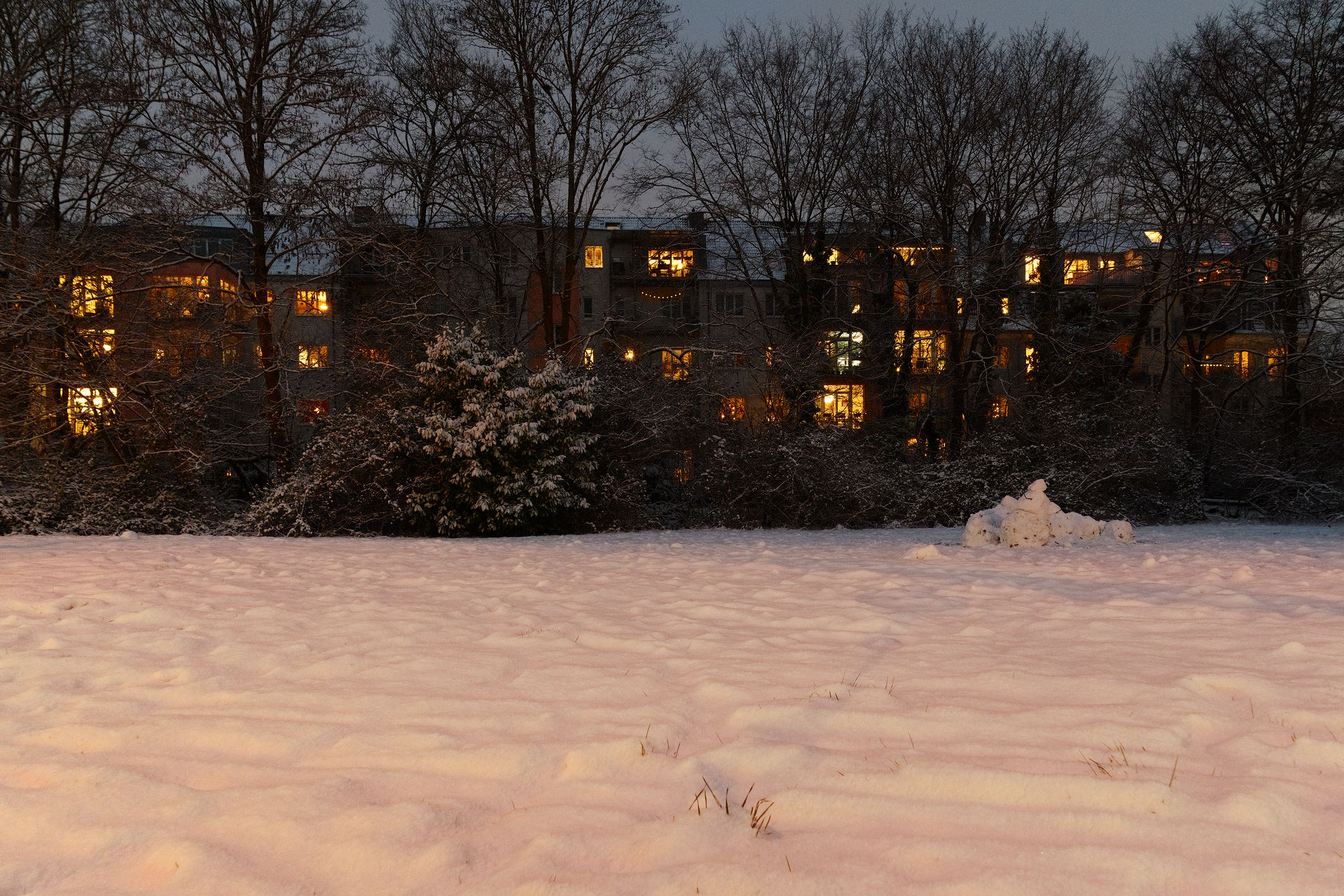
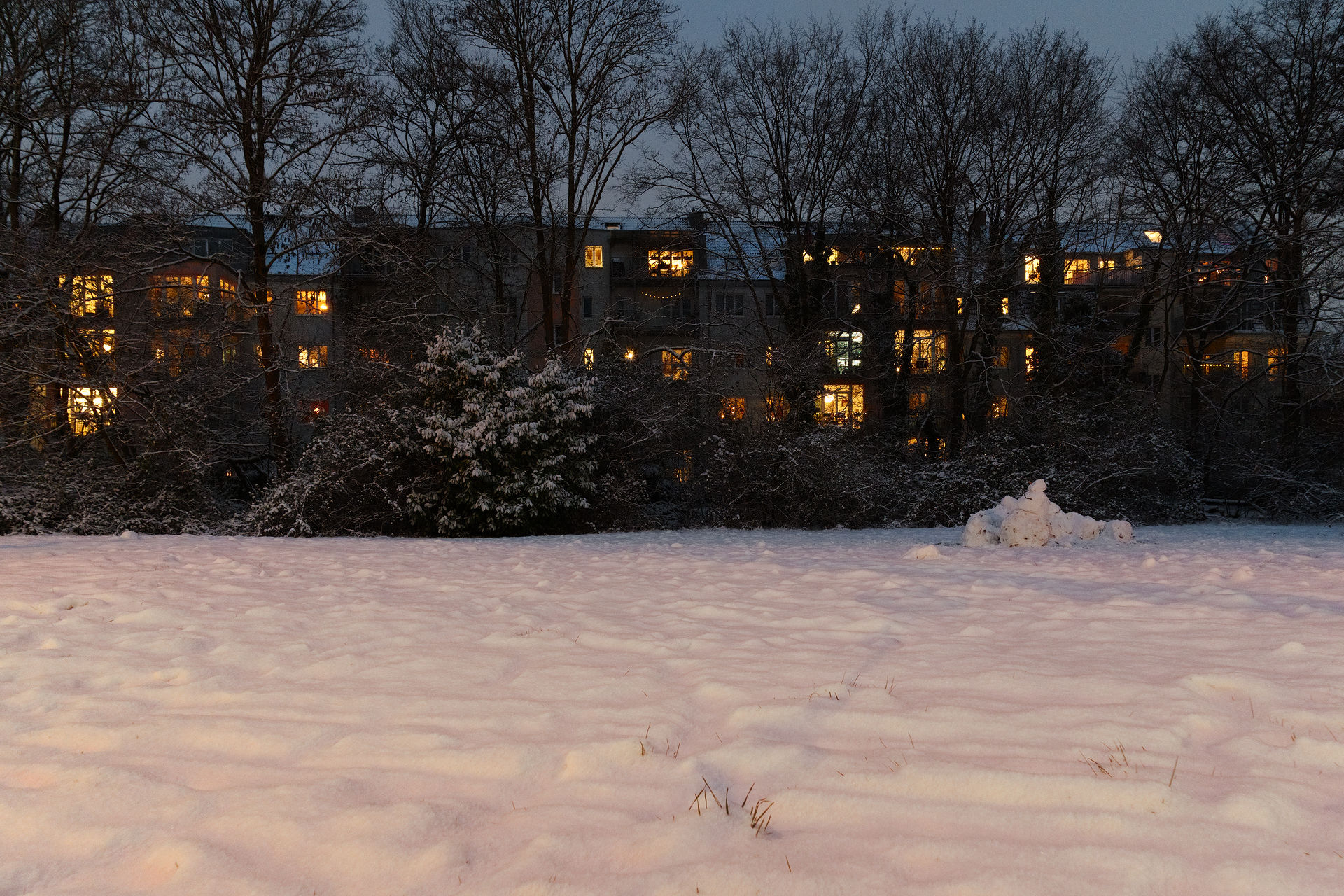
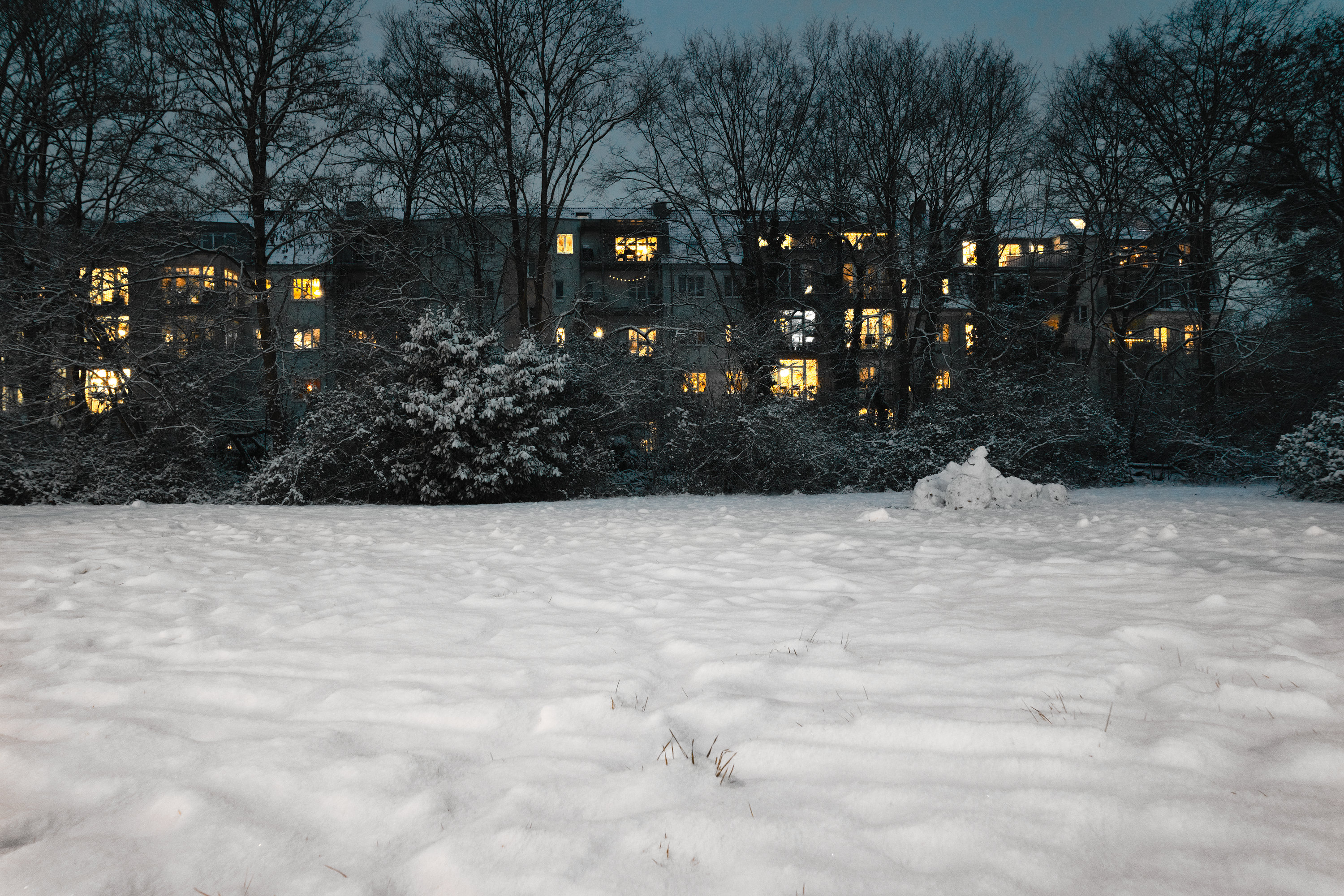
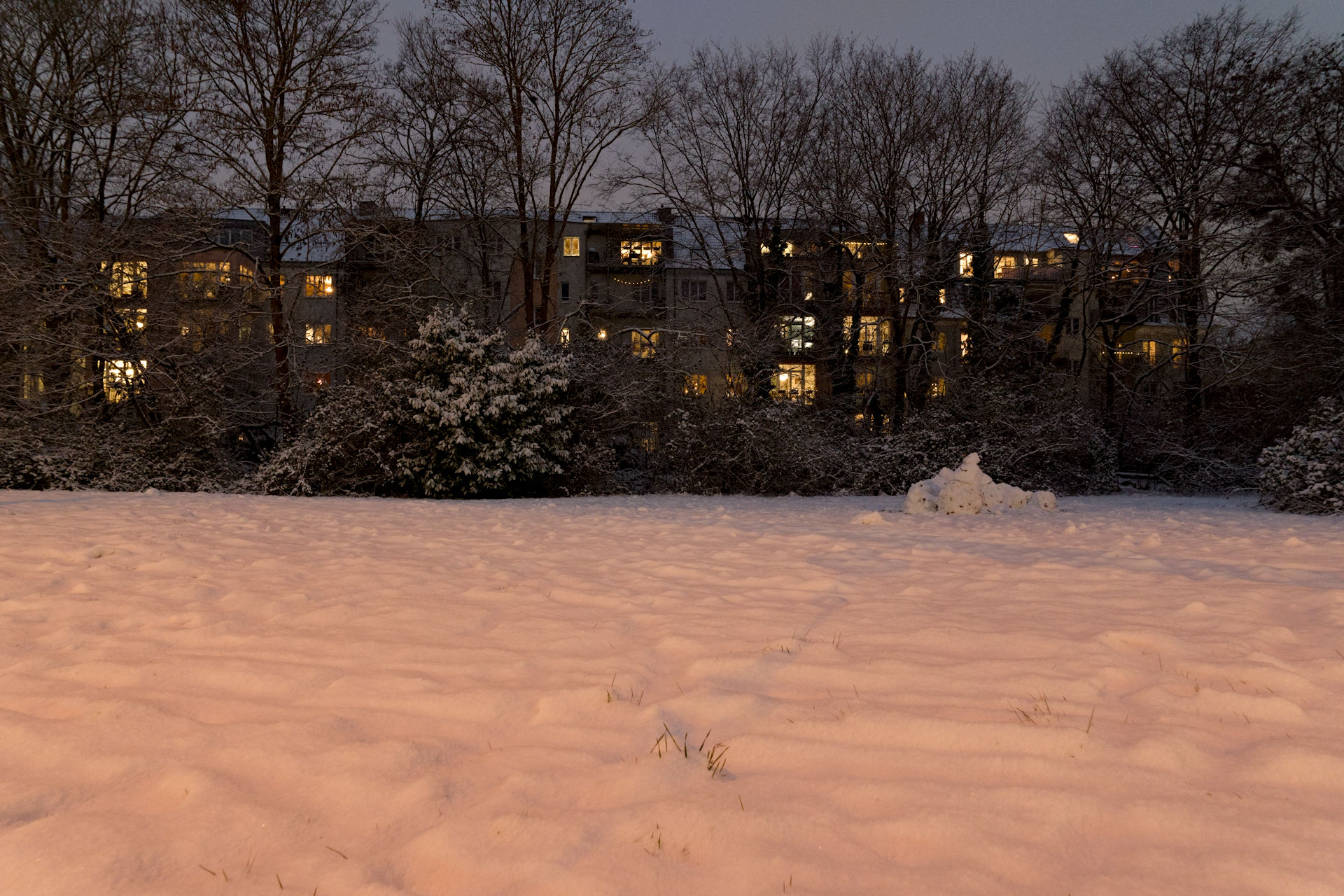
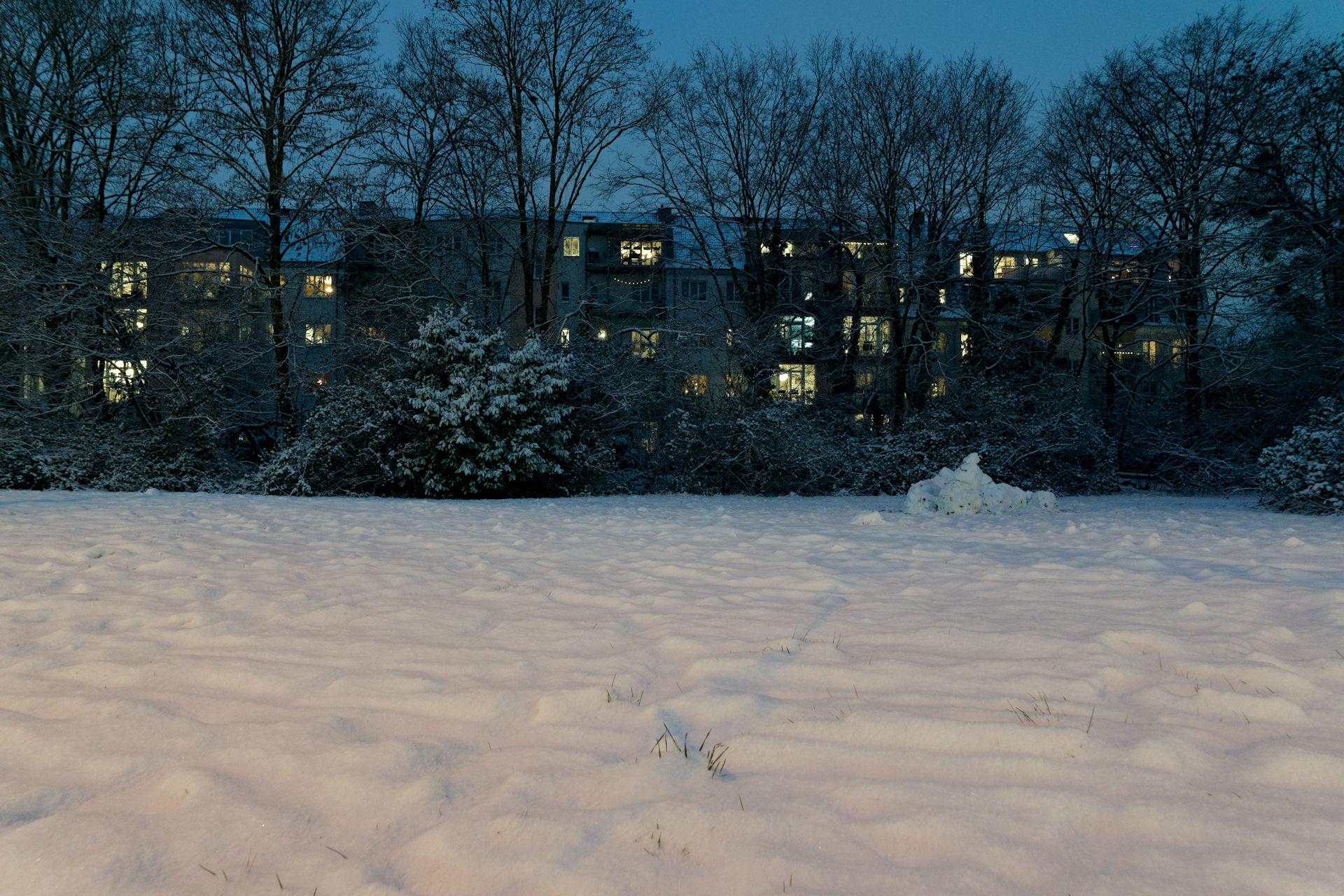
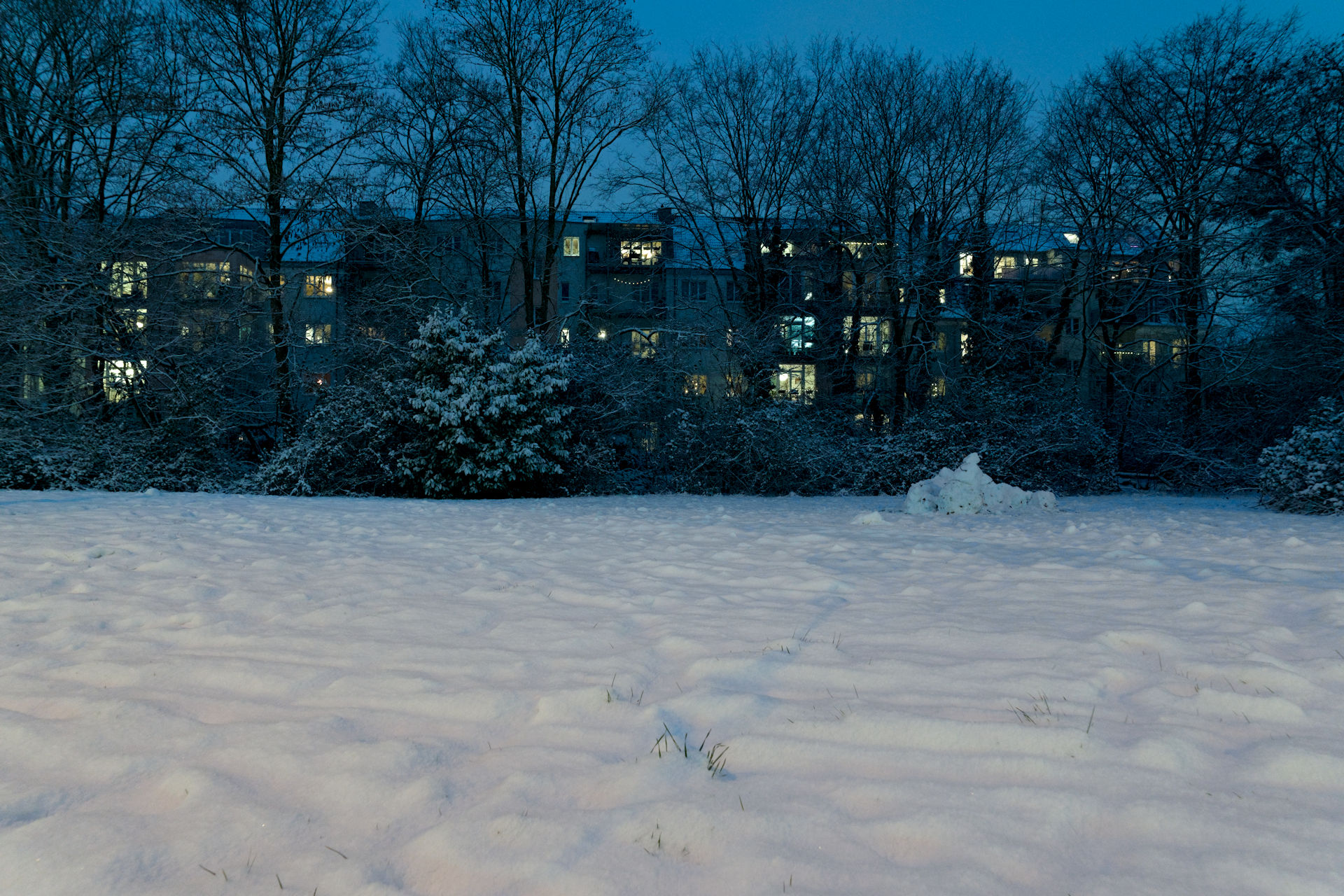
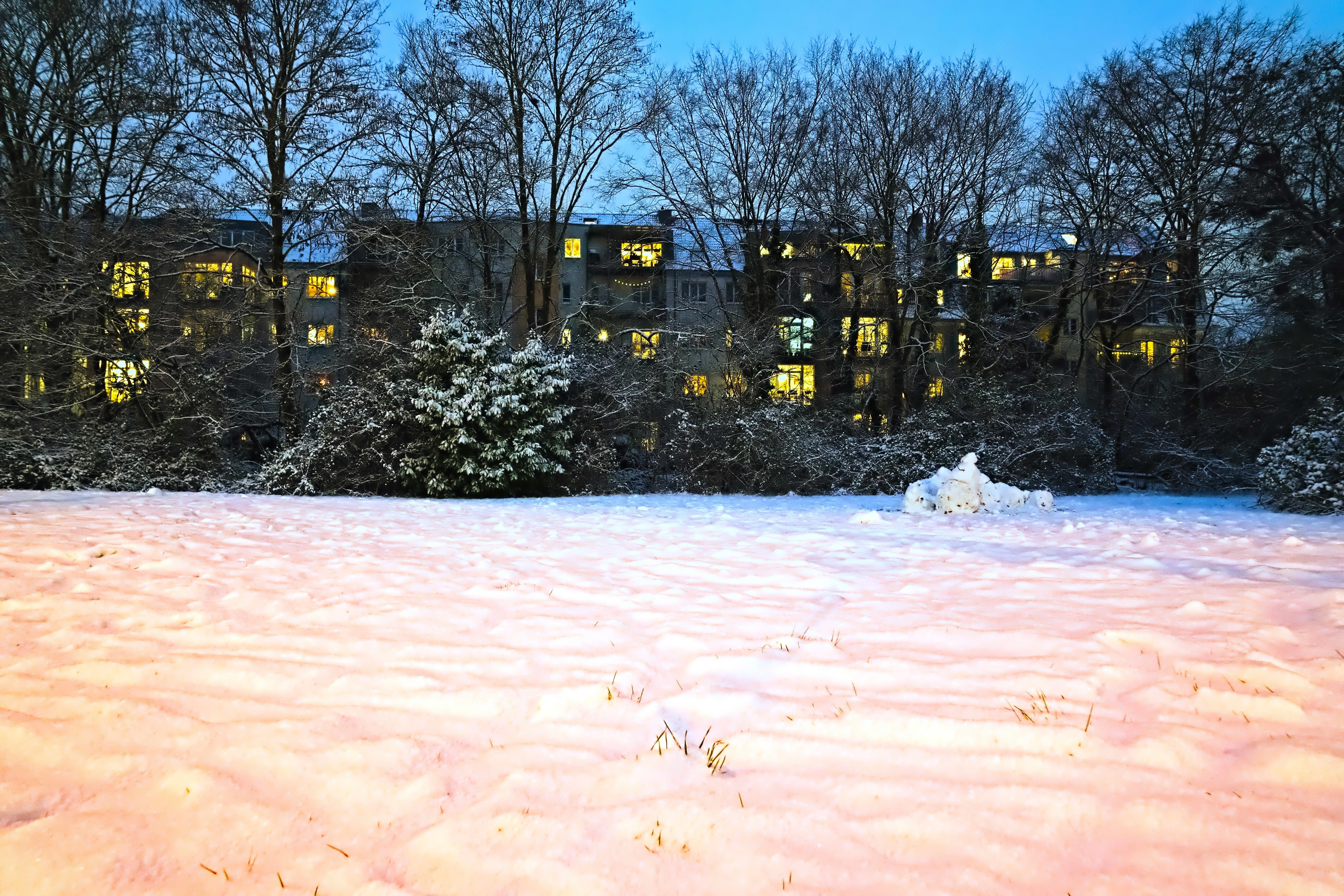
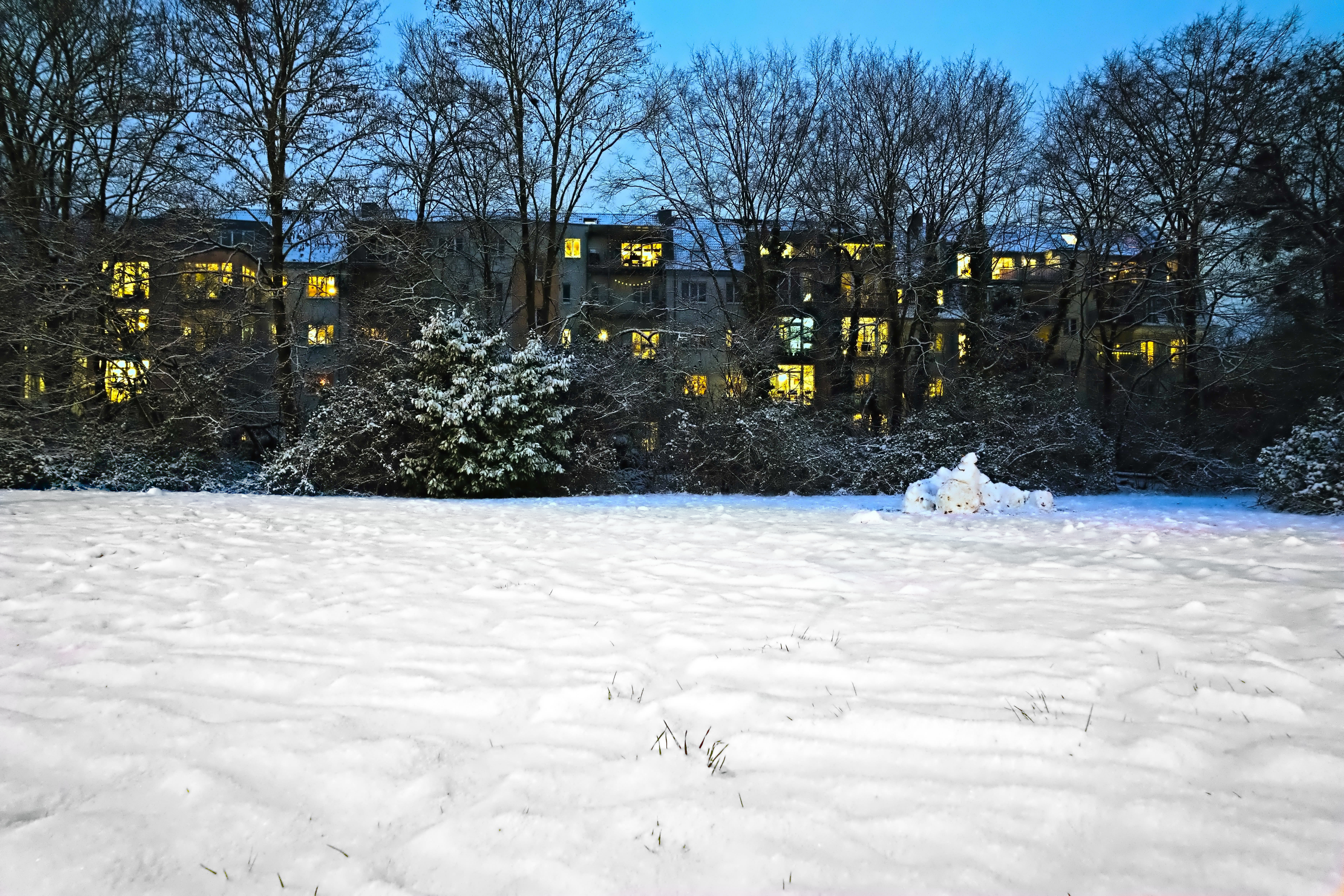
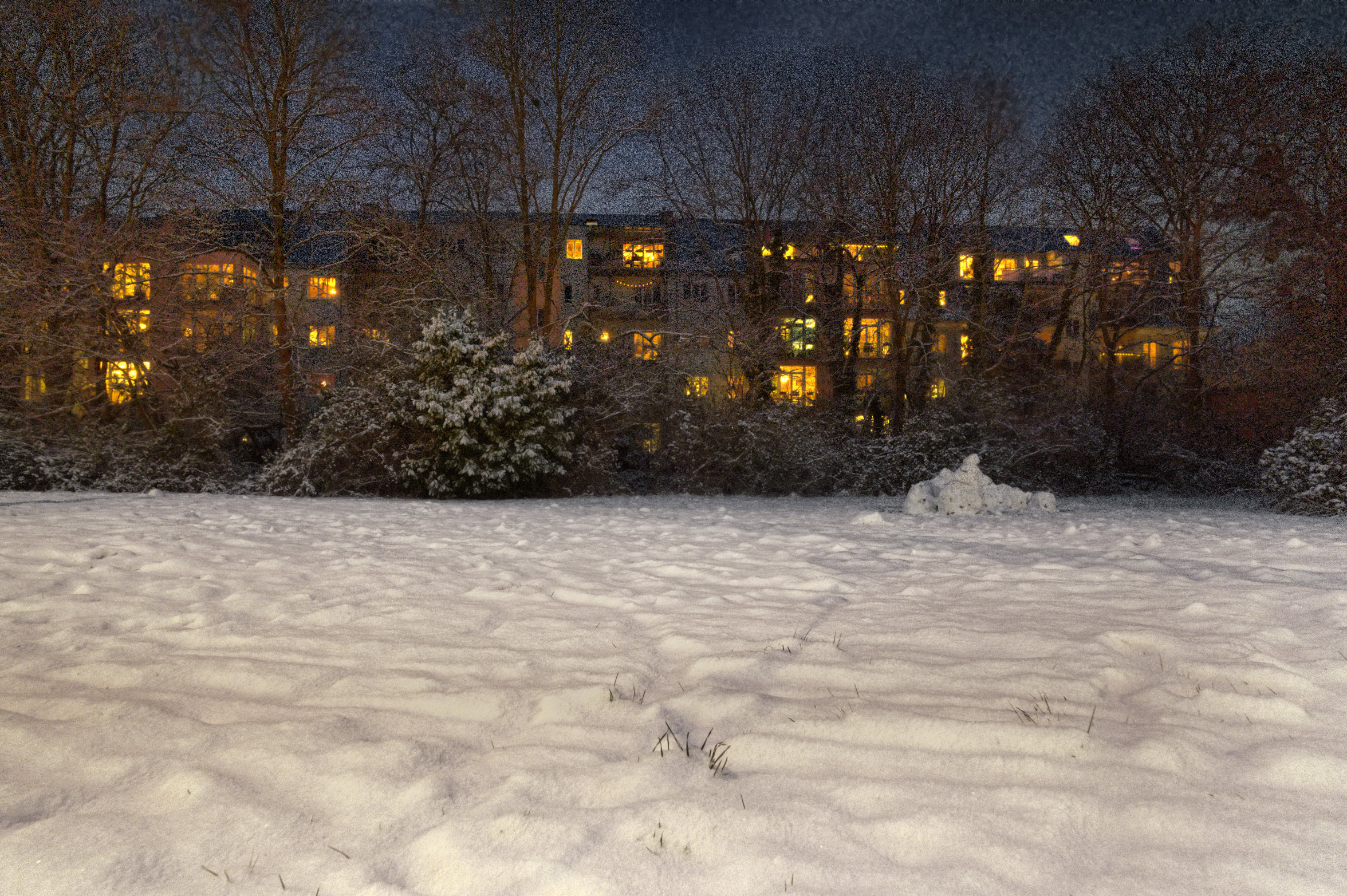
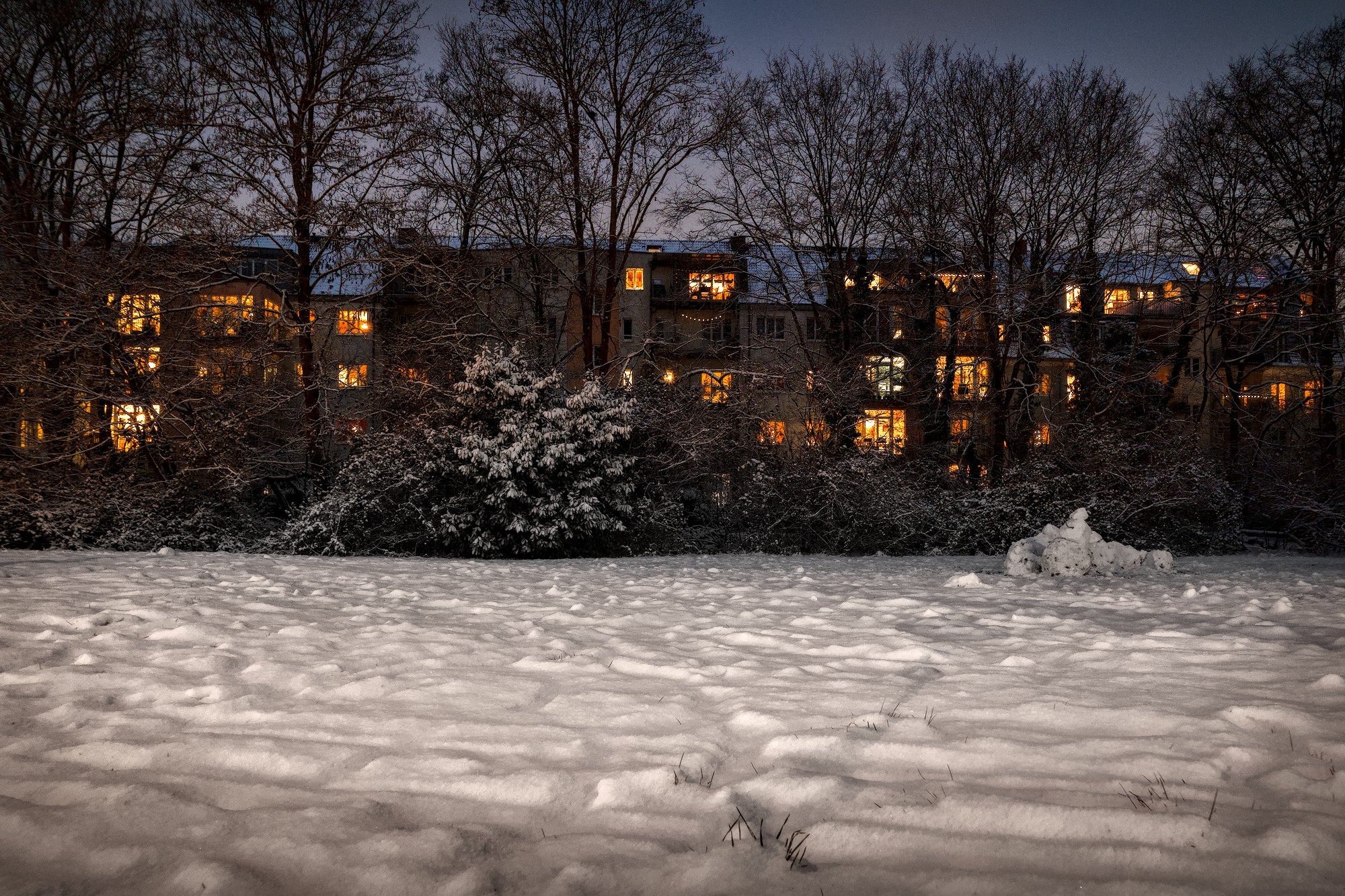
Inspired by this thread, I edited out most of the scene-light color cast on the snow (illuminated by orange street lights) simply because the color on the snow doesn’t add to the image in a meaningful or pleasing way.
I found no good global way to set WB and colors, so I settled on several local adjustments along the horizontal layers of the image instead: reducing the color on the snow, increasing vibrancy and warmth on the row of houses and slightly desaturating the sky and also slightly darkening it with a graduated filter.
The photo is nothing special, but imho it provides good practice on how to gently edit an image away from the scene light, to give it a more evocative appearance.
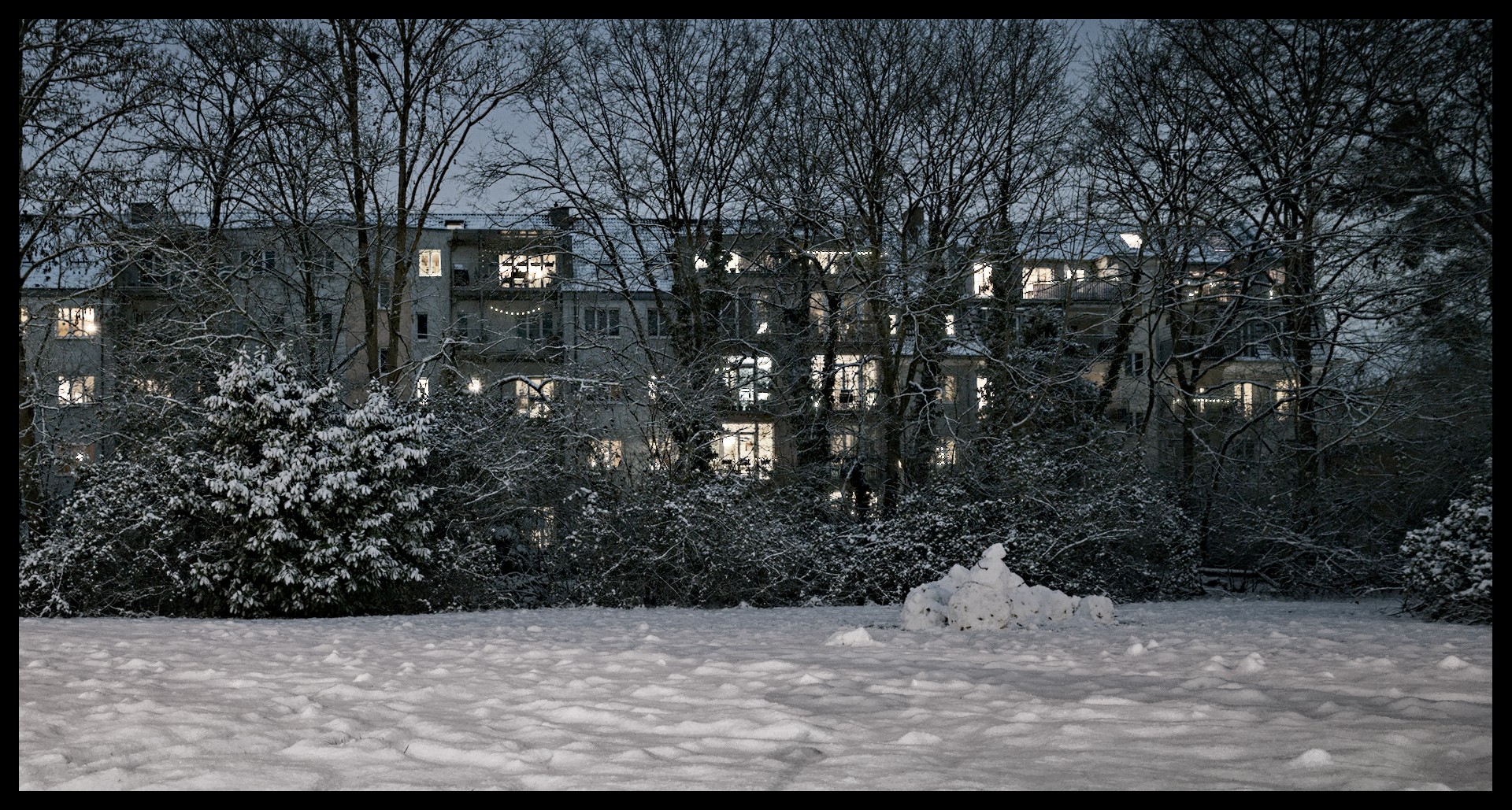
But if anyone is bothered by the tarnish from the street lamps you can remove it in GIMP.
Duplicate the layer and set to Color Lch mode, paint Color Cast with a a white brush.
Thanks for the GIMP idea, works like a charm! For some odd reason I had never used layer masks in GIMP specifically to selectively desaturate an image. I ended up setting the LCh color layer to 50% which imho is a good balance before the desaturated snow becomes too implausible, to my eye at least.