I think that using the slider value as a exponent, 2^{slider}, would do the trick for centering the UI around zero. -1 would map to 0.5 and +1 to 2 in that case so we half och double the effect with the same step size in both directions. Easy to make a percentage as well.
I would also like to make a counter proposition to the internal module duplication by instead testing color based control of the detail/contrast effect. I think its important to remember that complexity can grow over time with new perspectives and its therefore better to keep a module as simple as possible. Take into account that edits has to be possible to open years from now!
I made a quick implementation based on earlier experiments I haven’t shared before where the effect is calculated from the normalized weighted sum based on those sliders. Imagine a plane being held by three pillars of the sliders value as their heights. Code here: GitHub - jandren/darktable at local_contrast_rgb
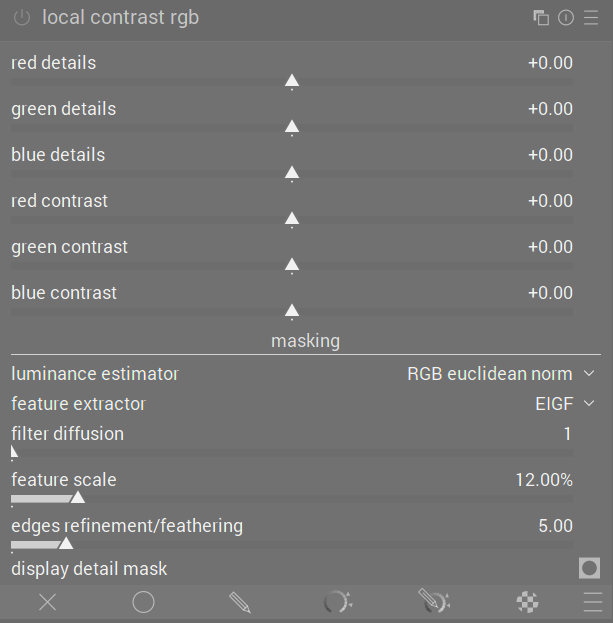
Here are some example images with my version of the local contrast rgb on/off.
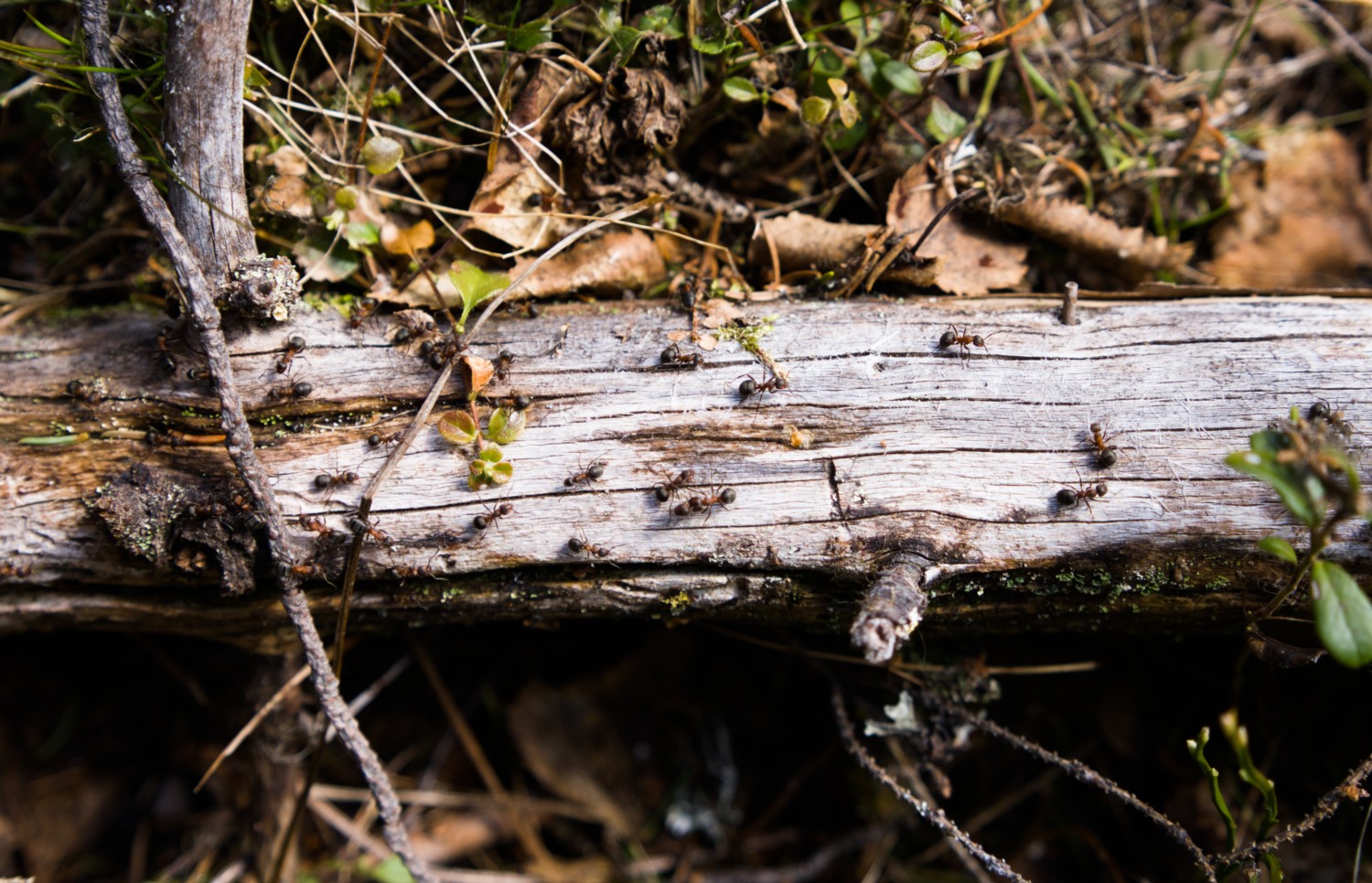
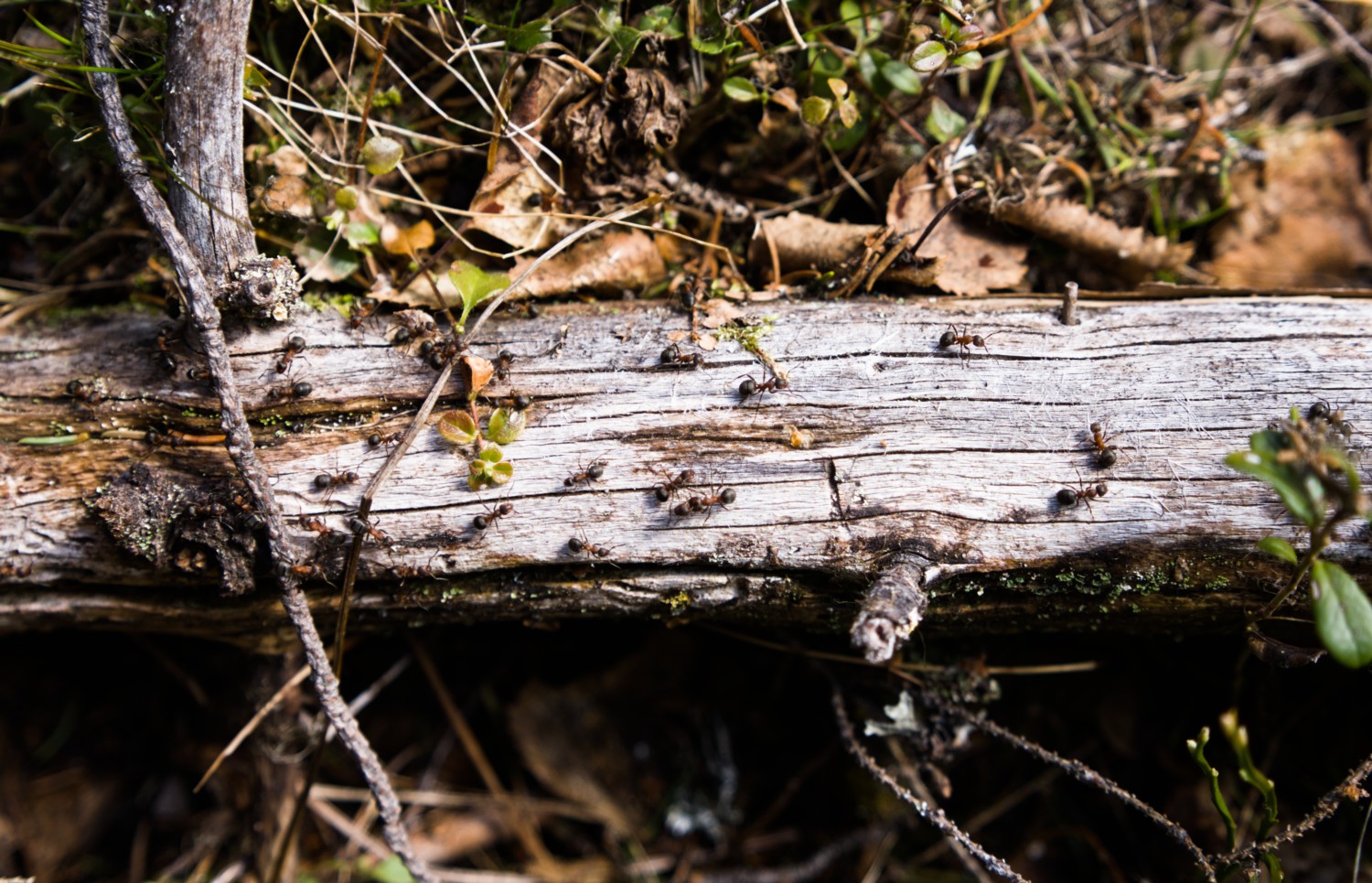
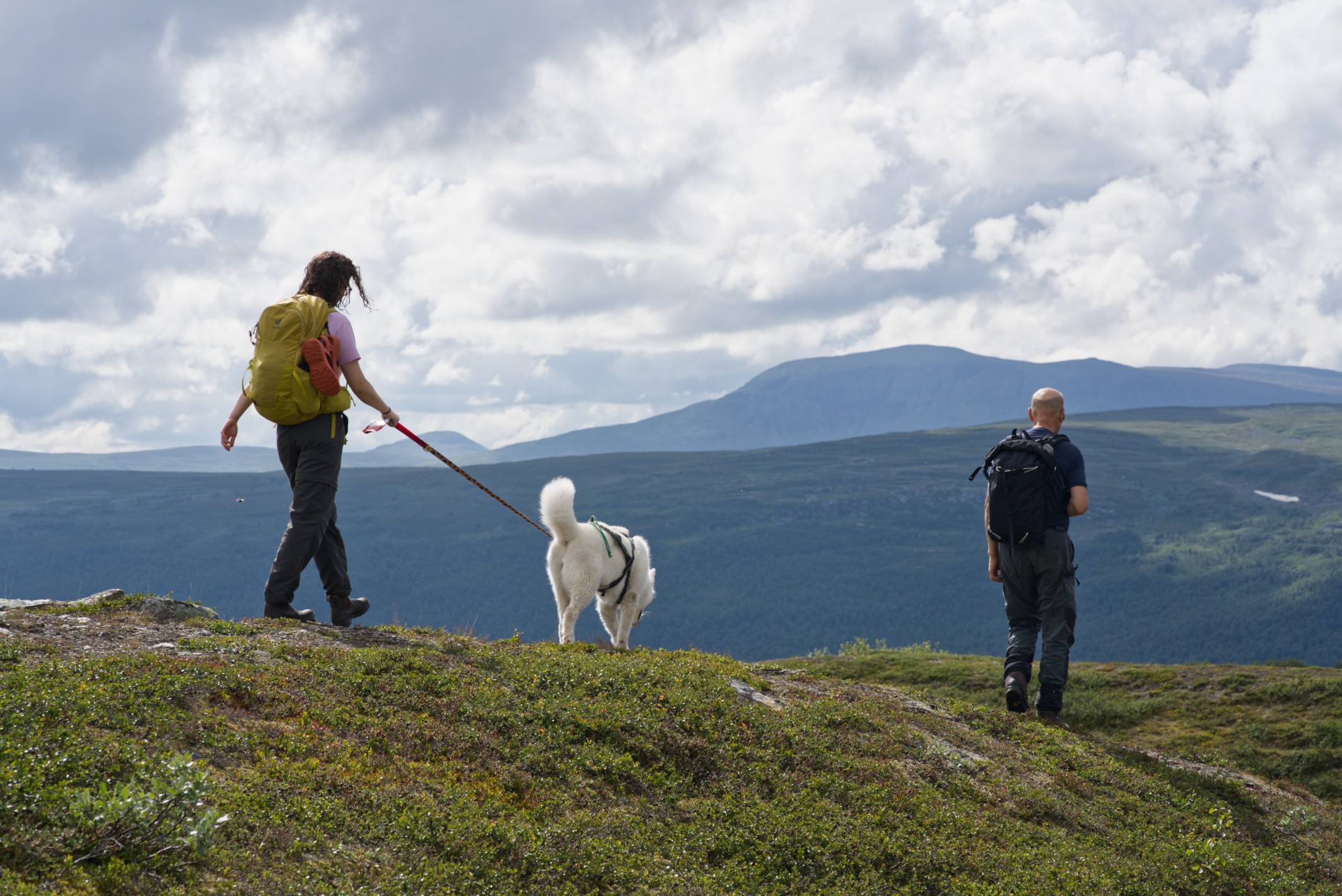
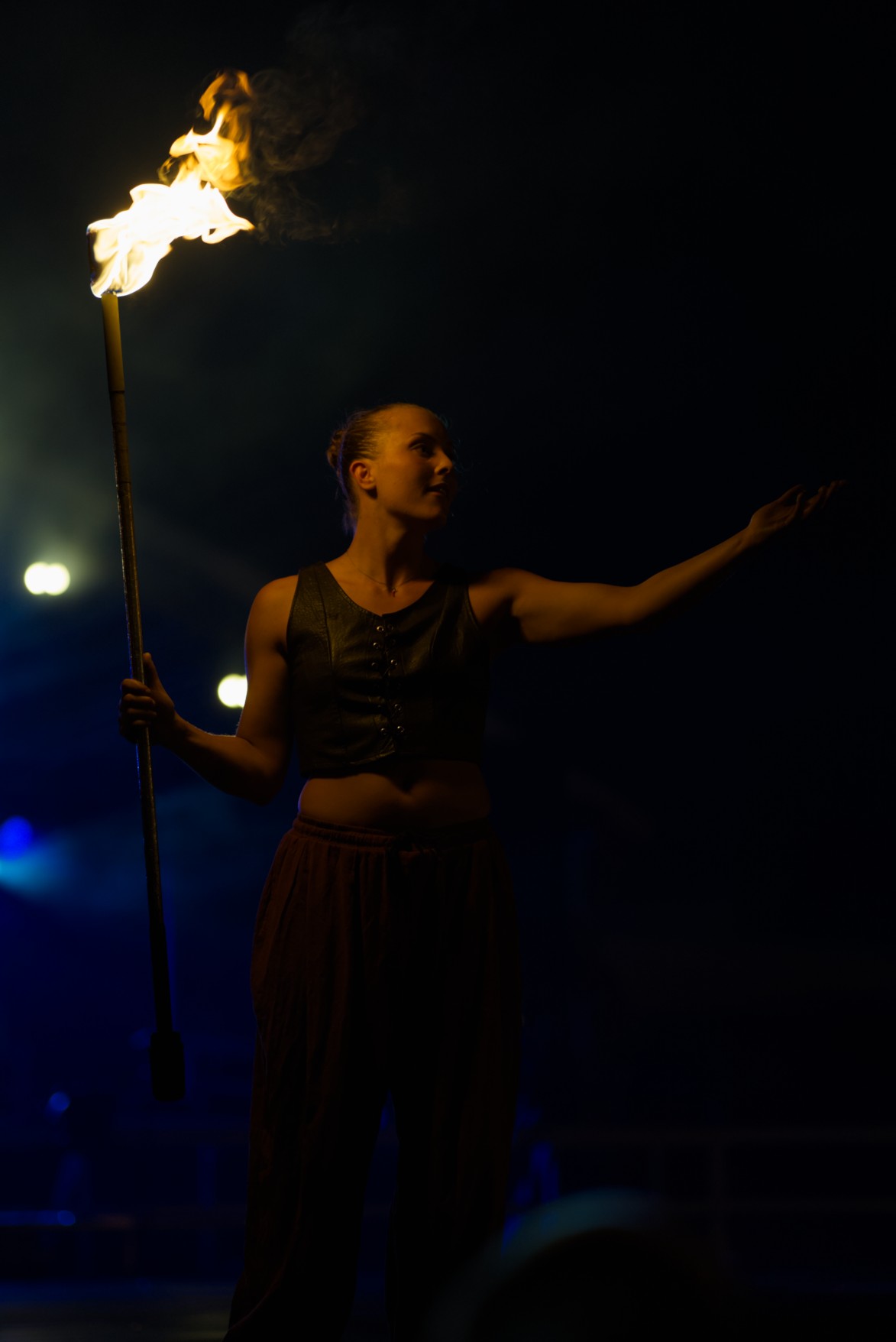

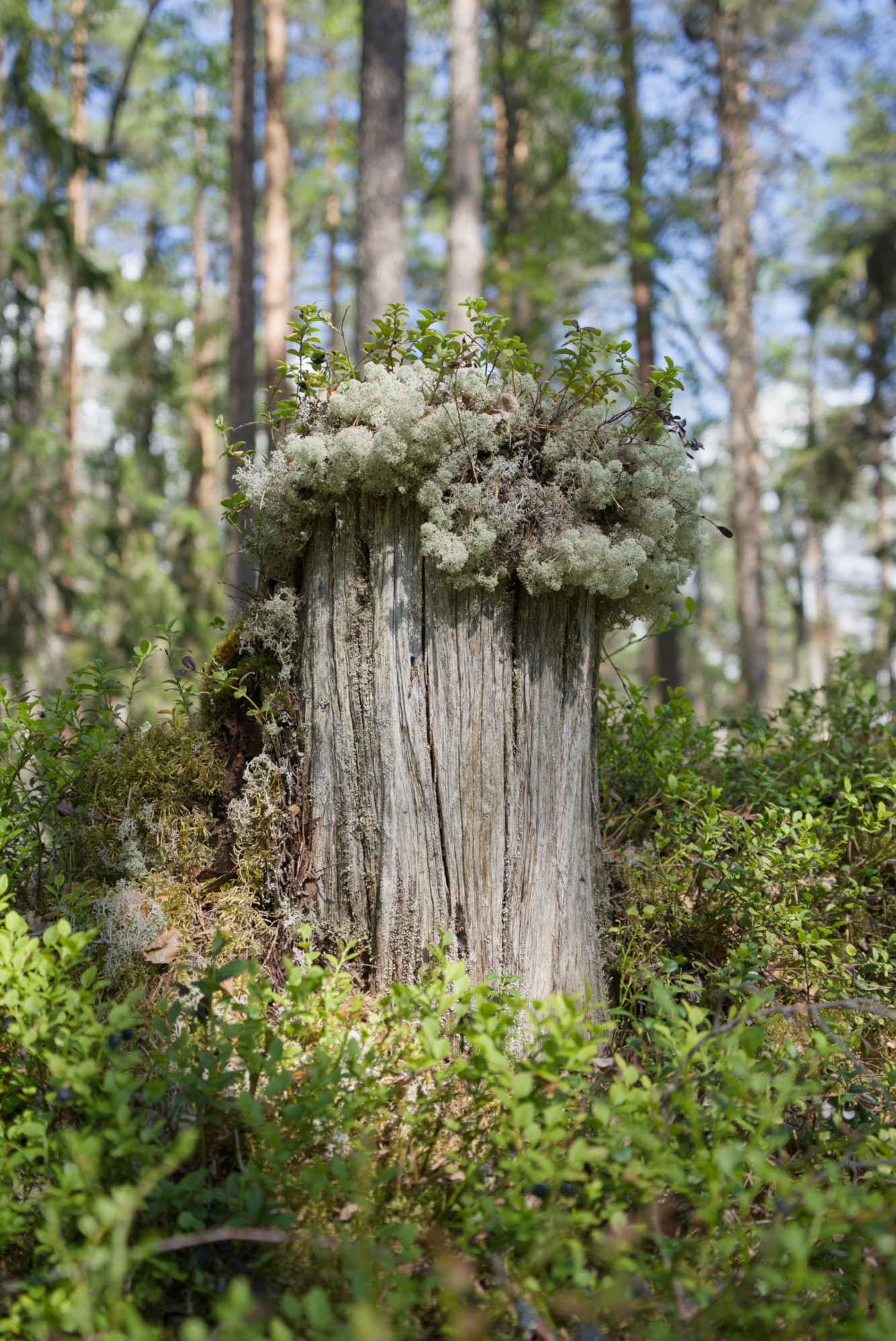
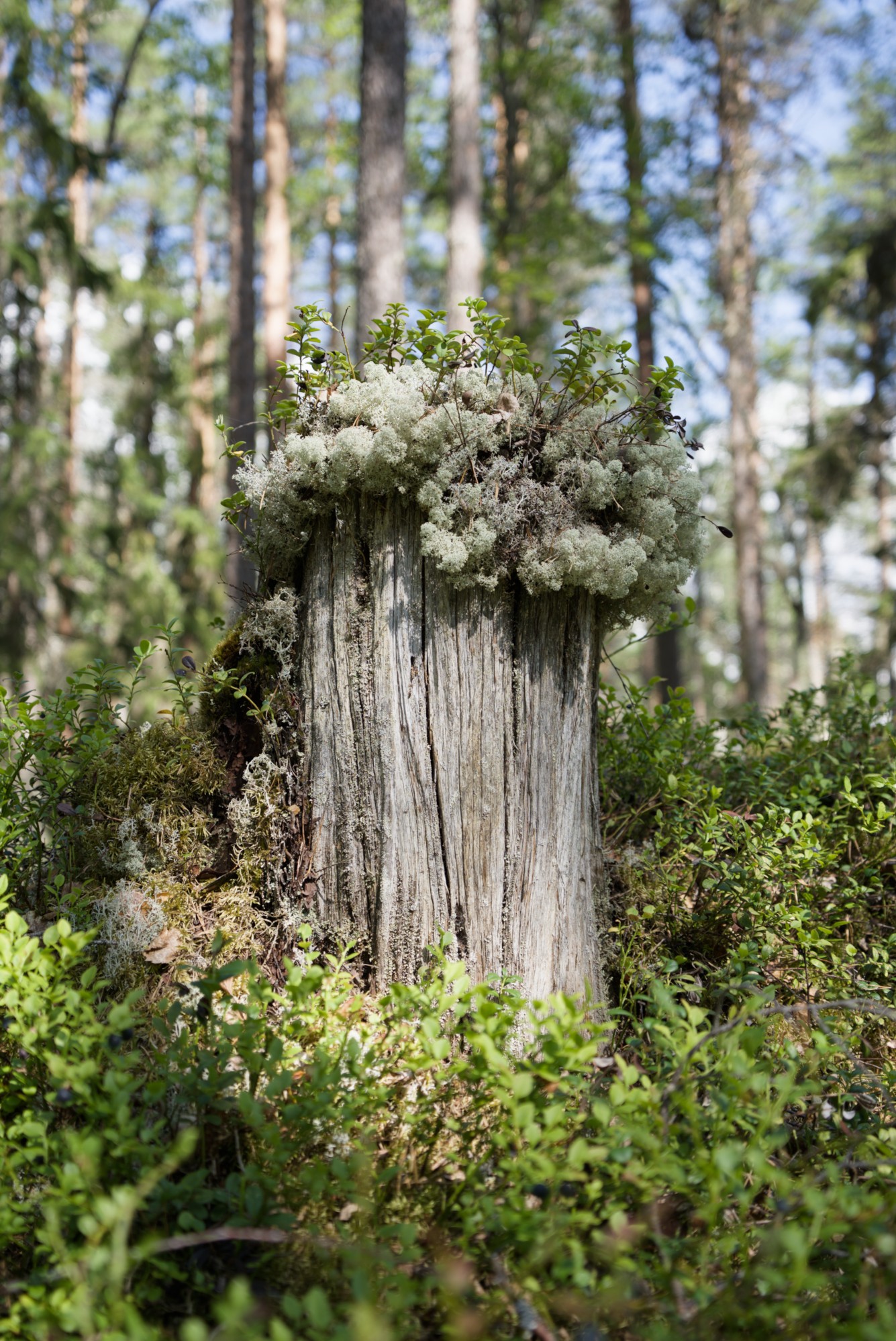
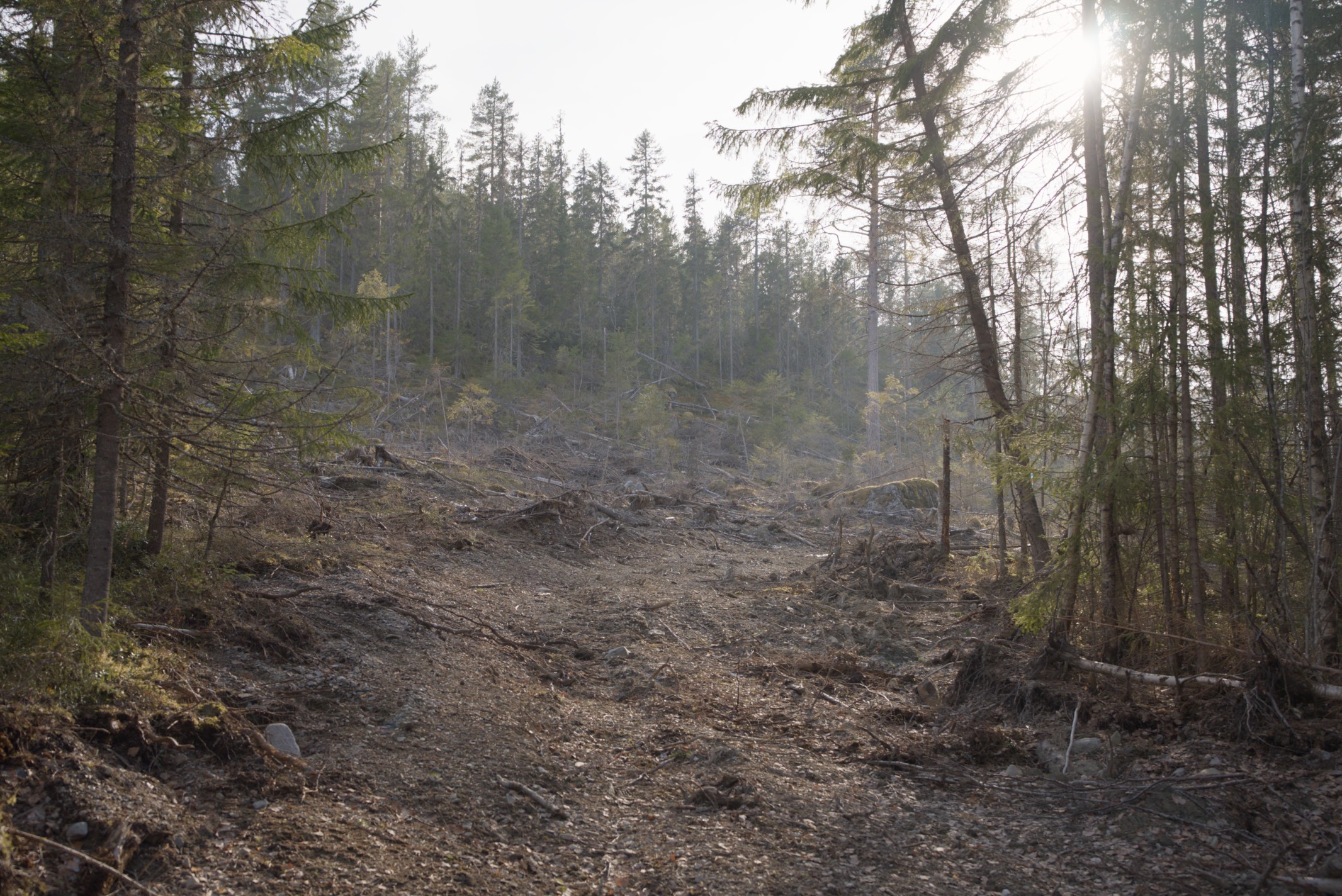
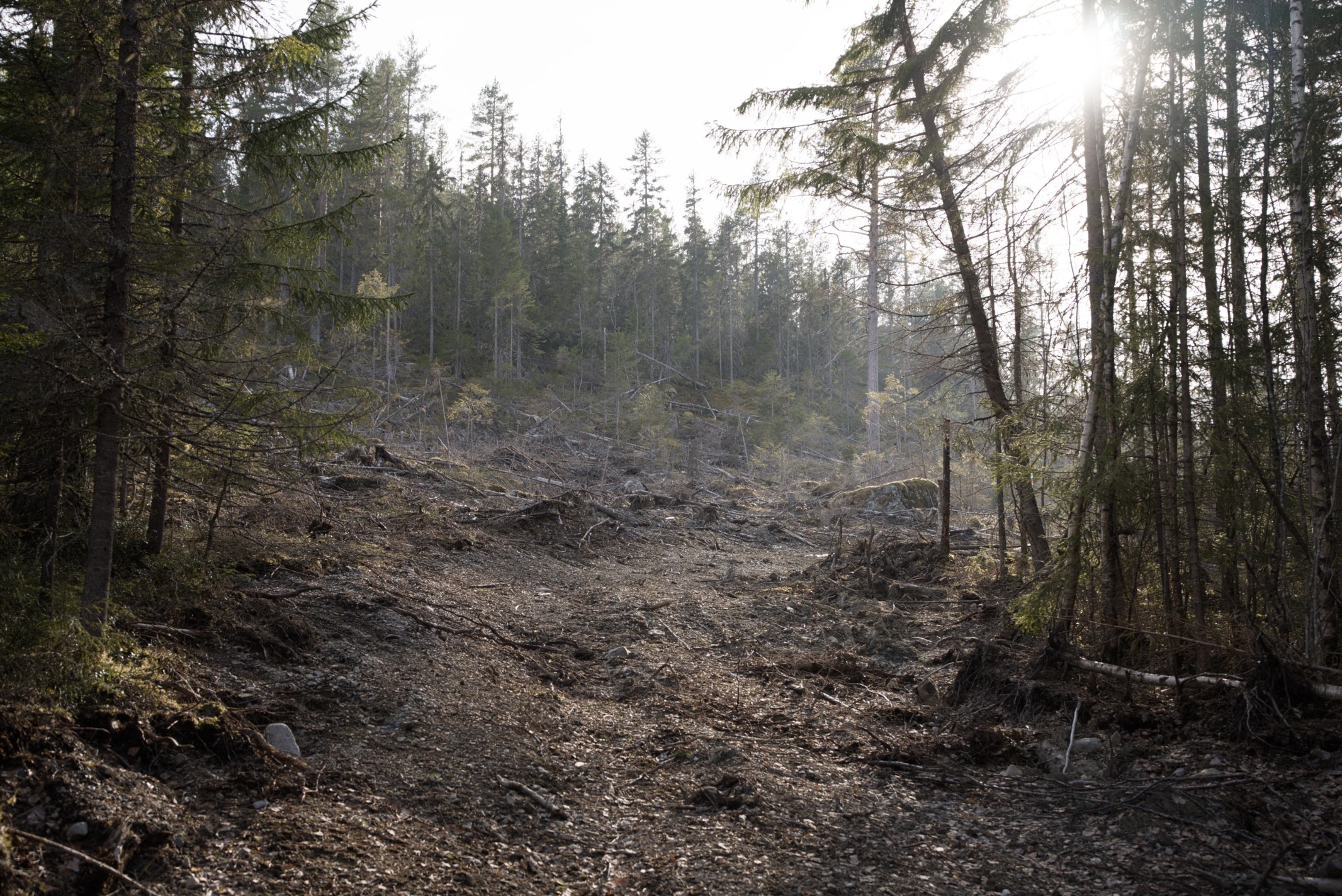
Ants: Increase blue details, decrease green.
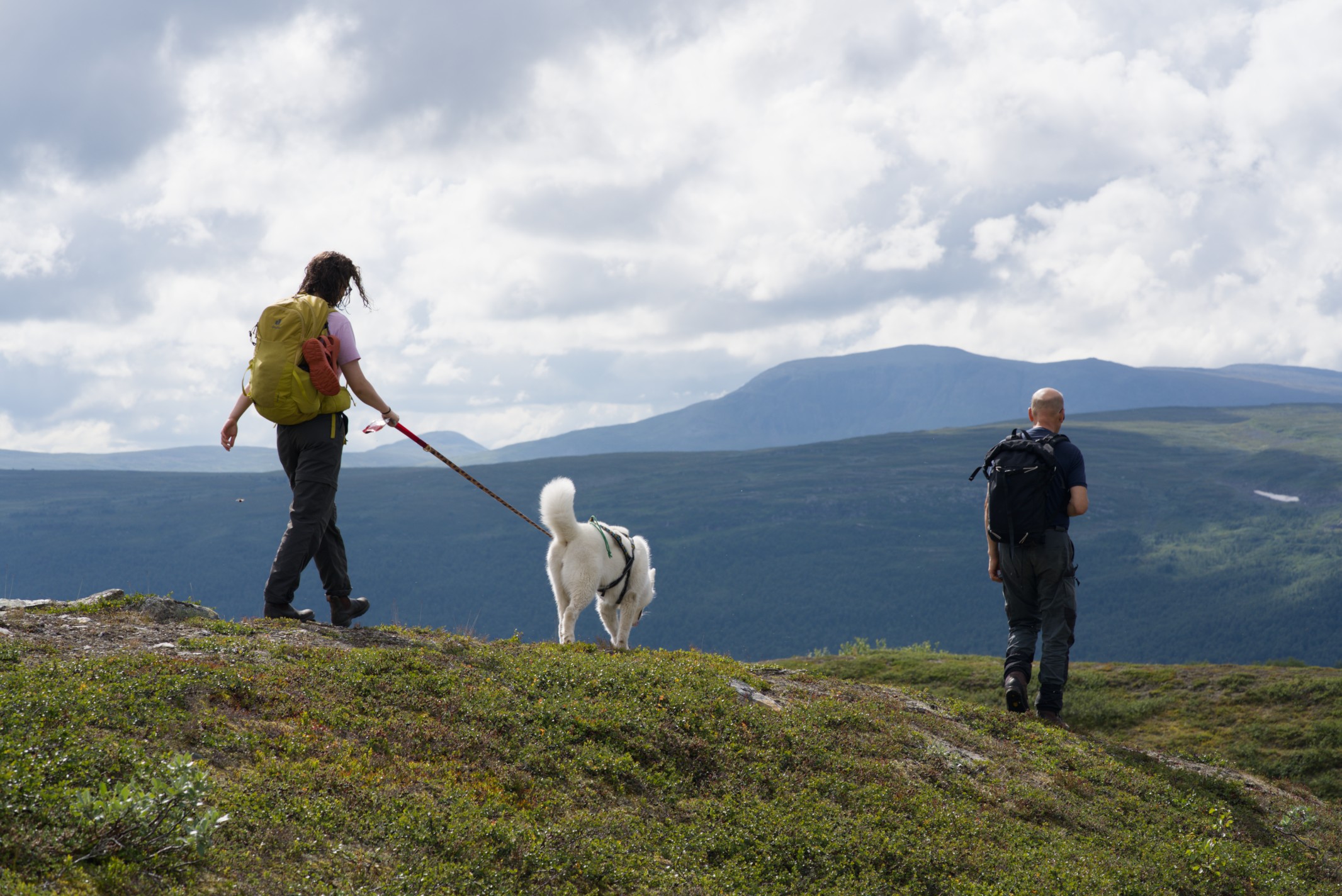
Hike: “HDR” on blues i.e. reduce contrast and increase details. Compensate green to stay untouched.
Fire: “HDR” on red, keep blues!
Tree stub: Mute contrast and details in greens, push the rest.
Clear cut: Push reds more than the rest.
I rely on the contrast/saturation trick by adjusting my per channel tone mapper (sigmoid/agx) to a saturation I like and then use this module to tune in the contrast. Its a surprisingly pleasant way of both increasing and decreasing saturation!
Can’t say I’m 100% sure about having to adjust R + G + B to just get a normal effect but its also a fun type of control when possible to exploit. Mostly wanted to give a hands on reason to keep the module simple to begin with so that new things like this may be added in the future!