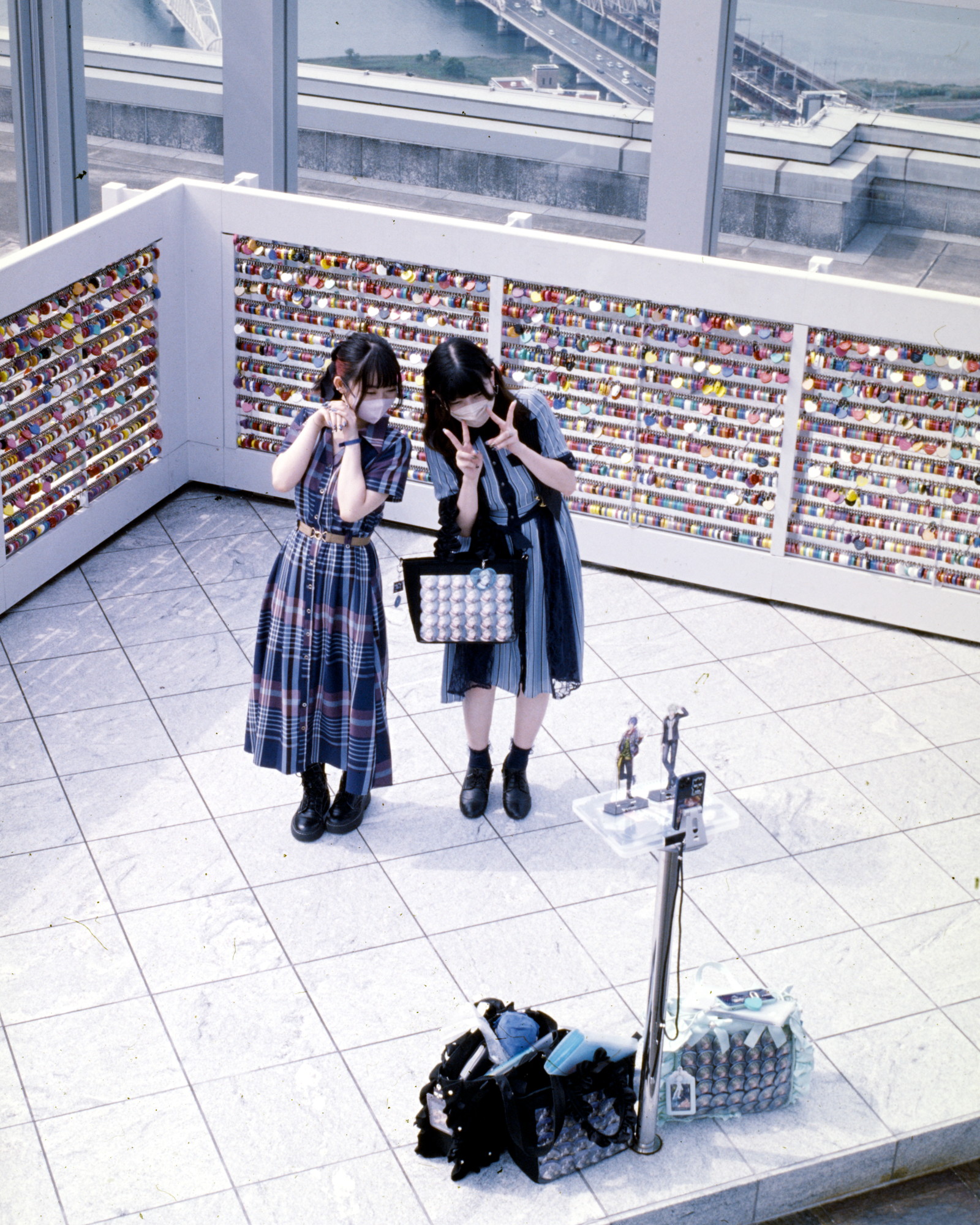
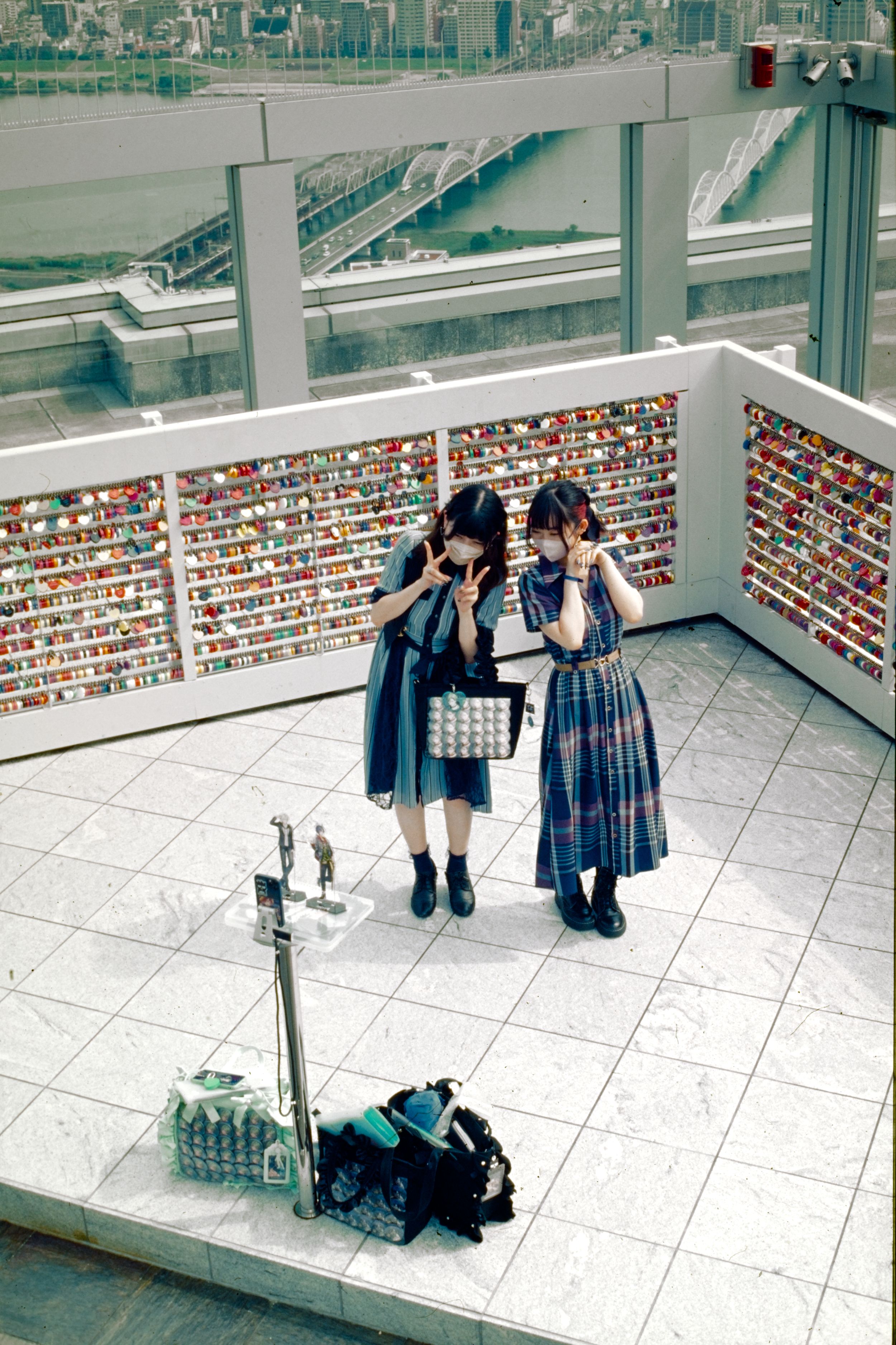
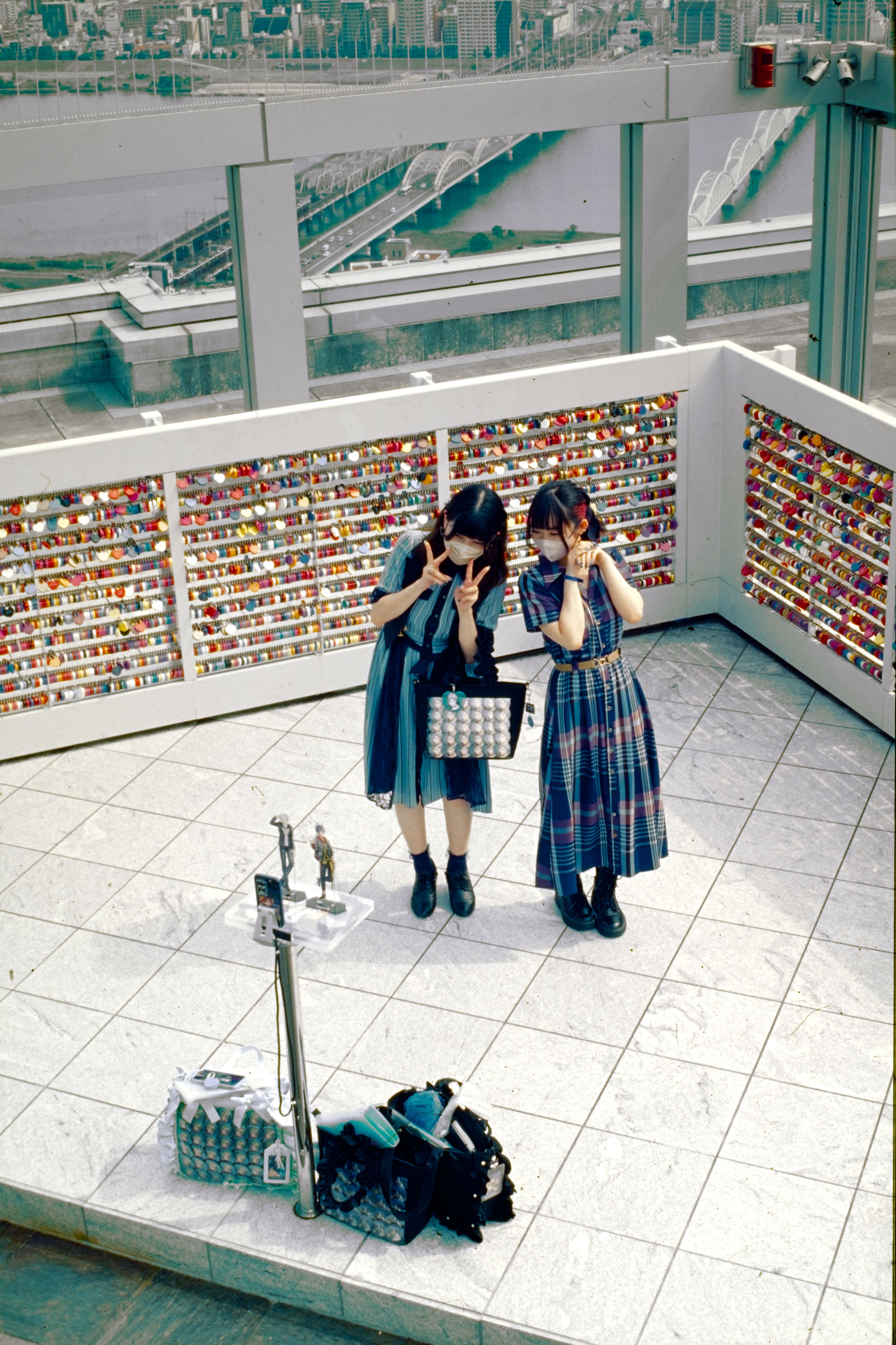
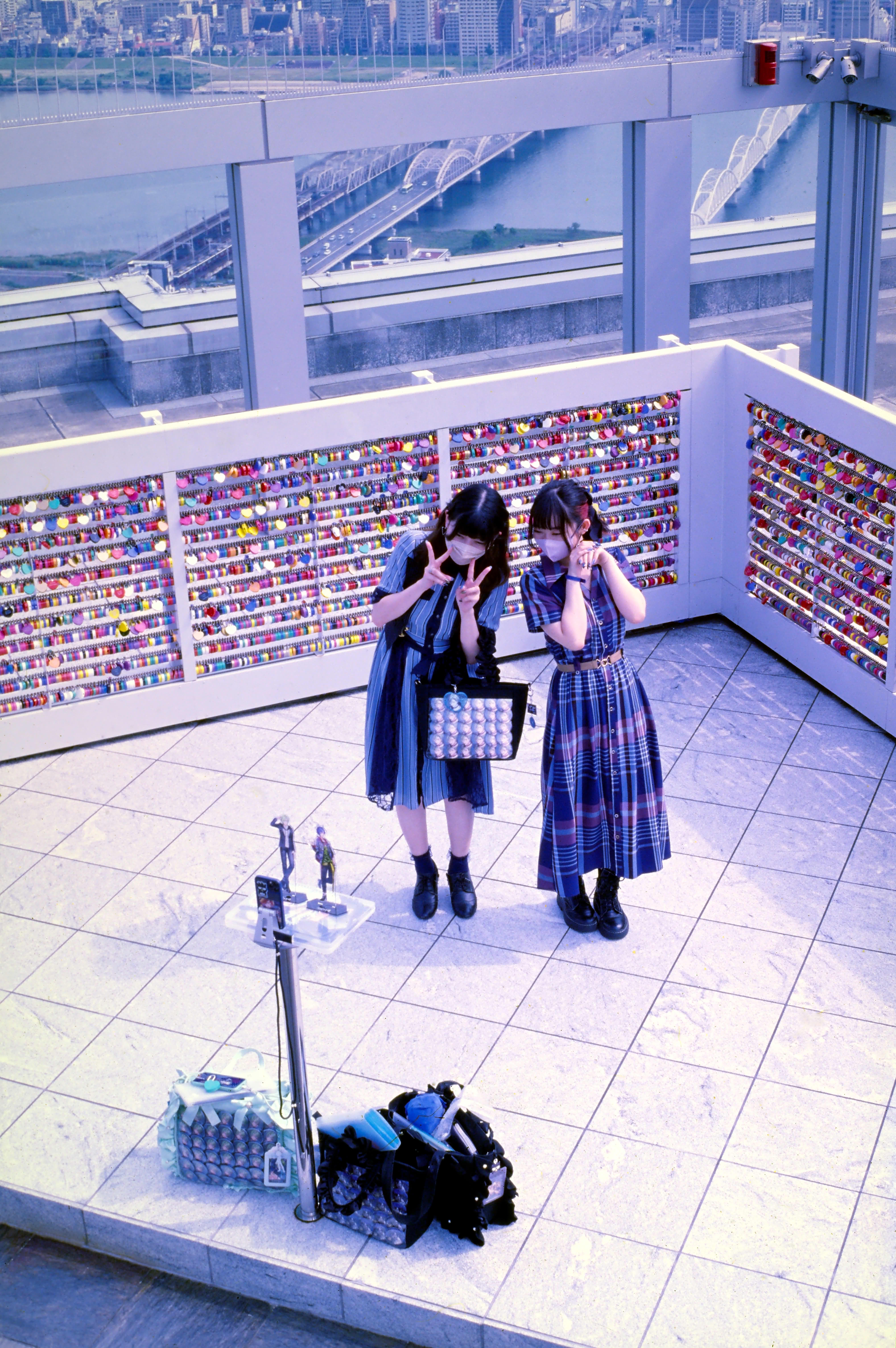
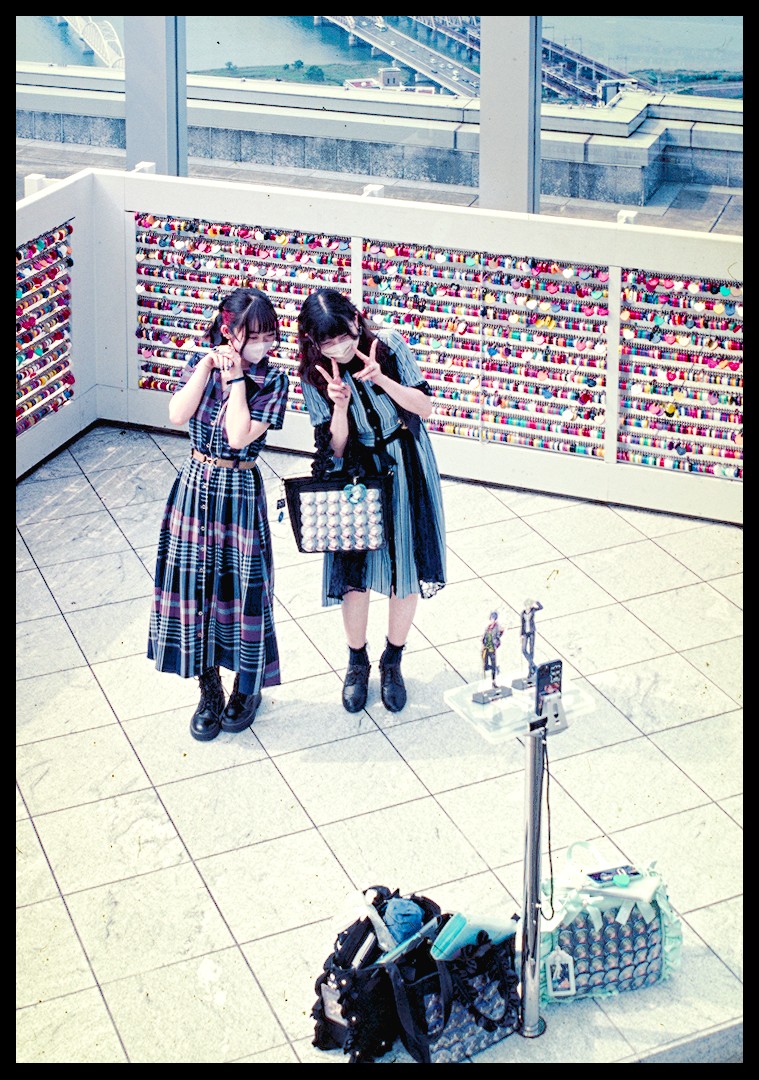
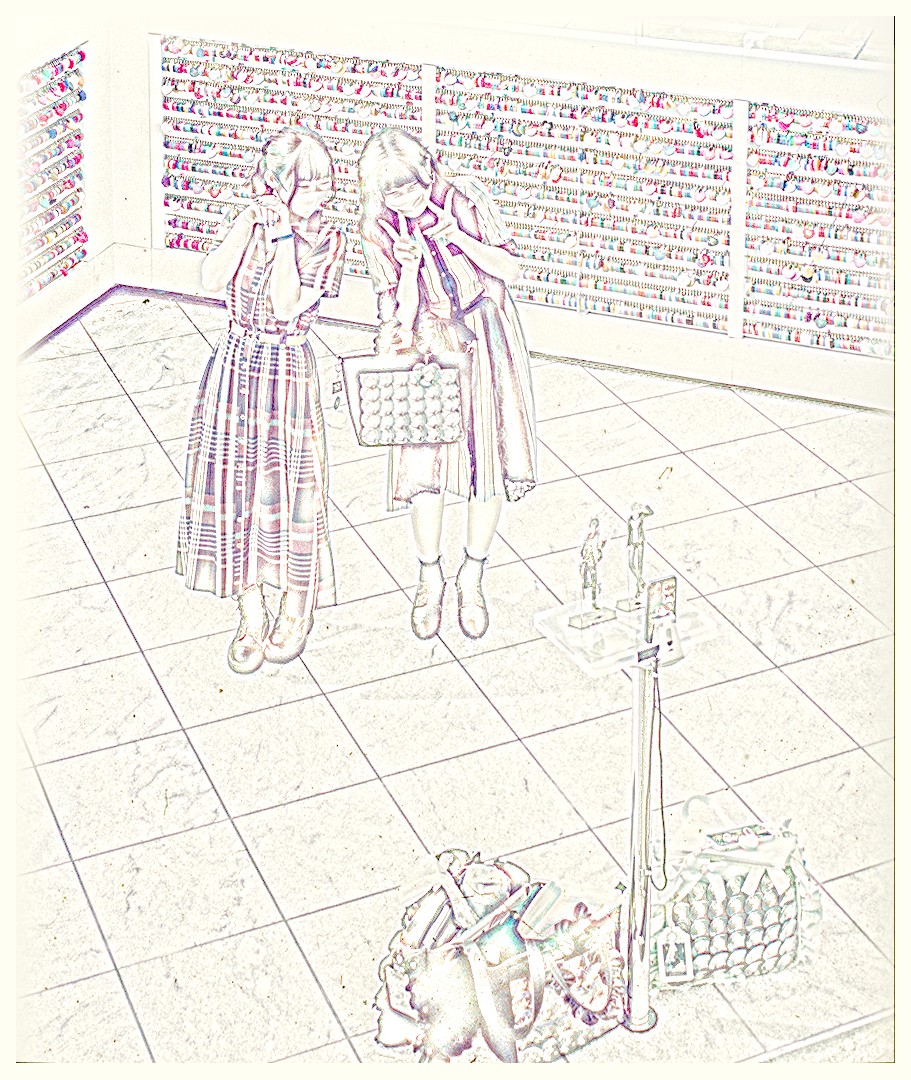
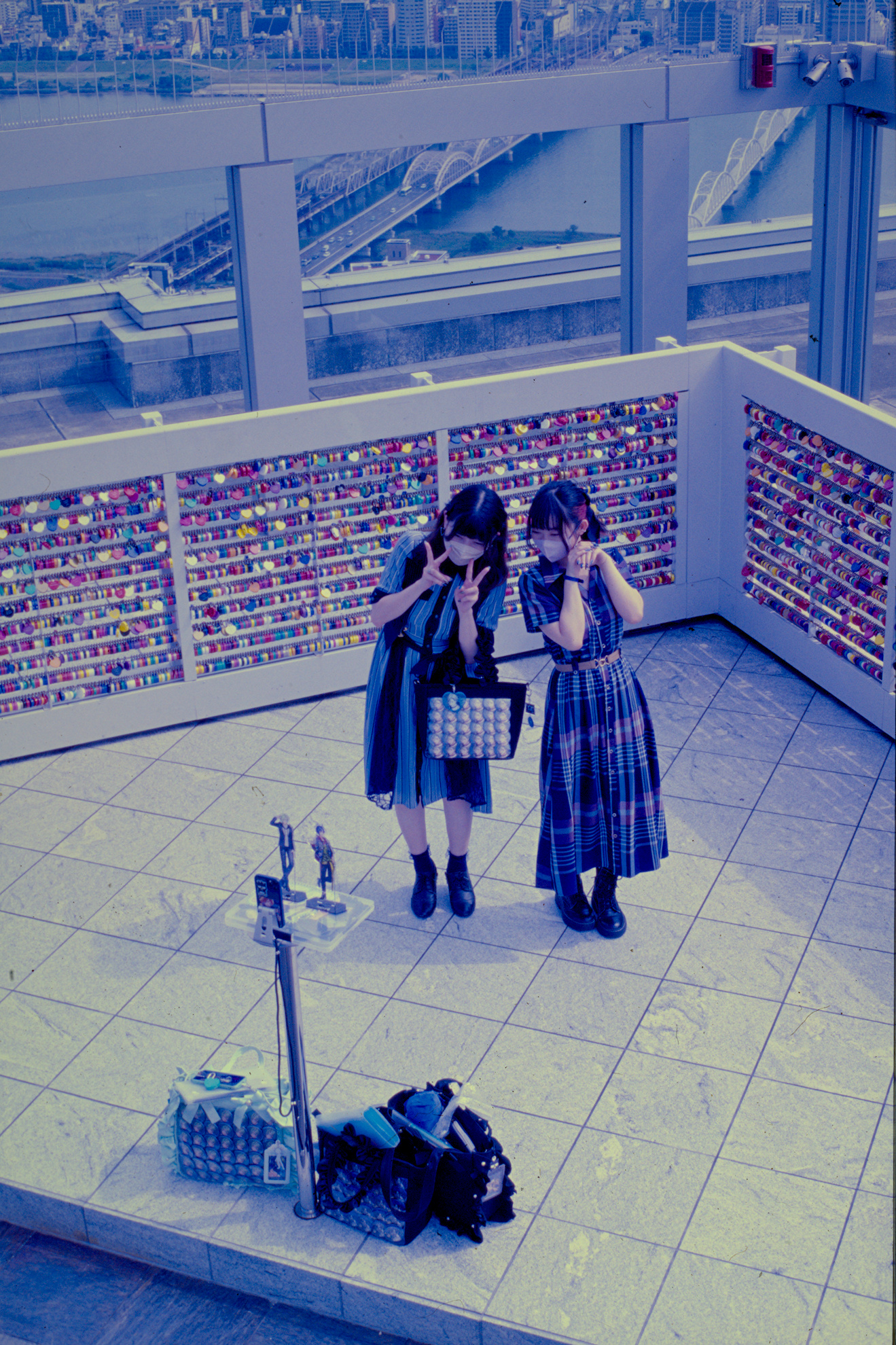
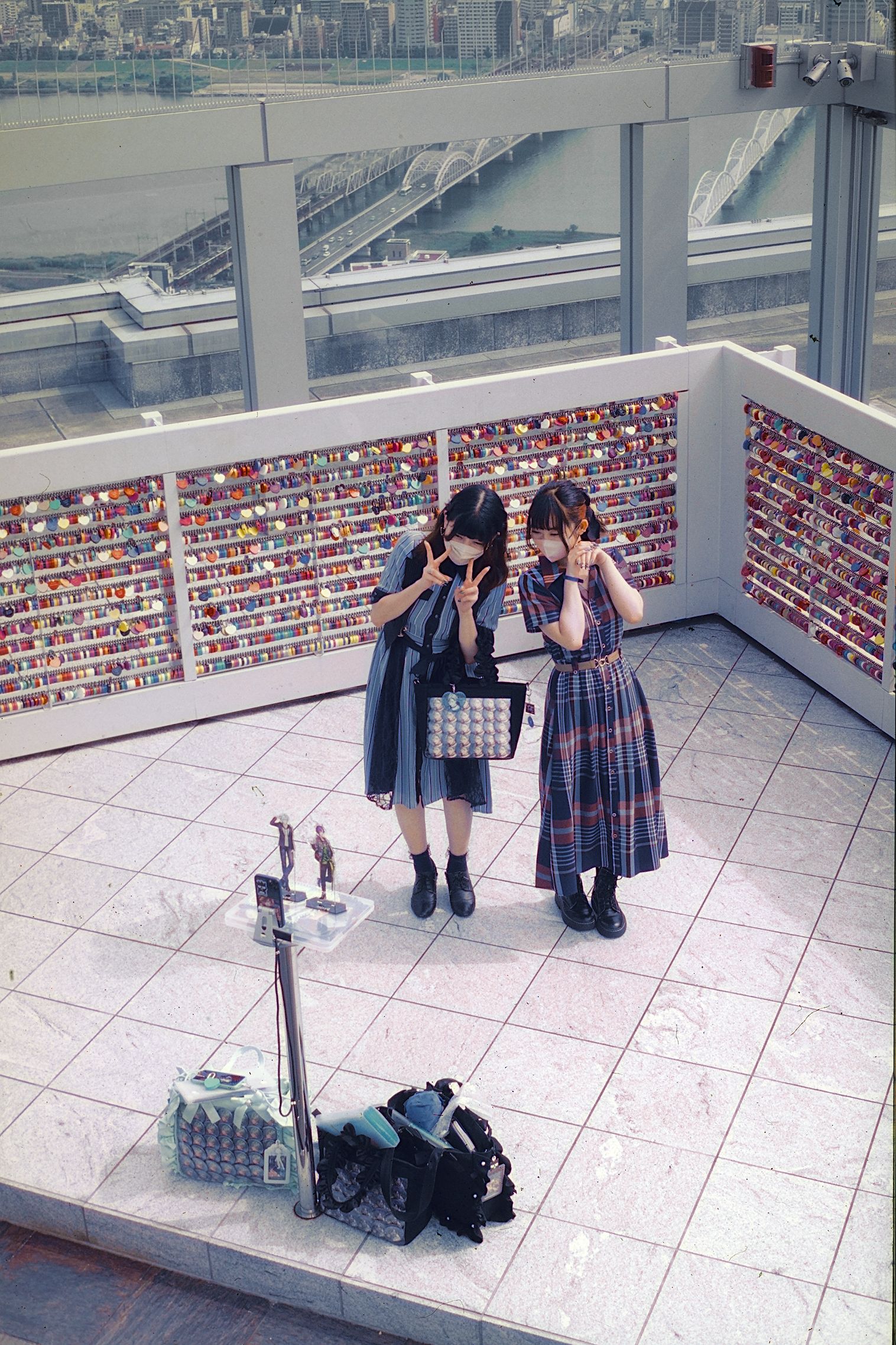
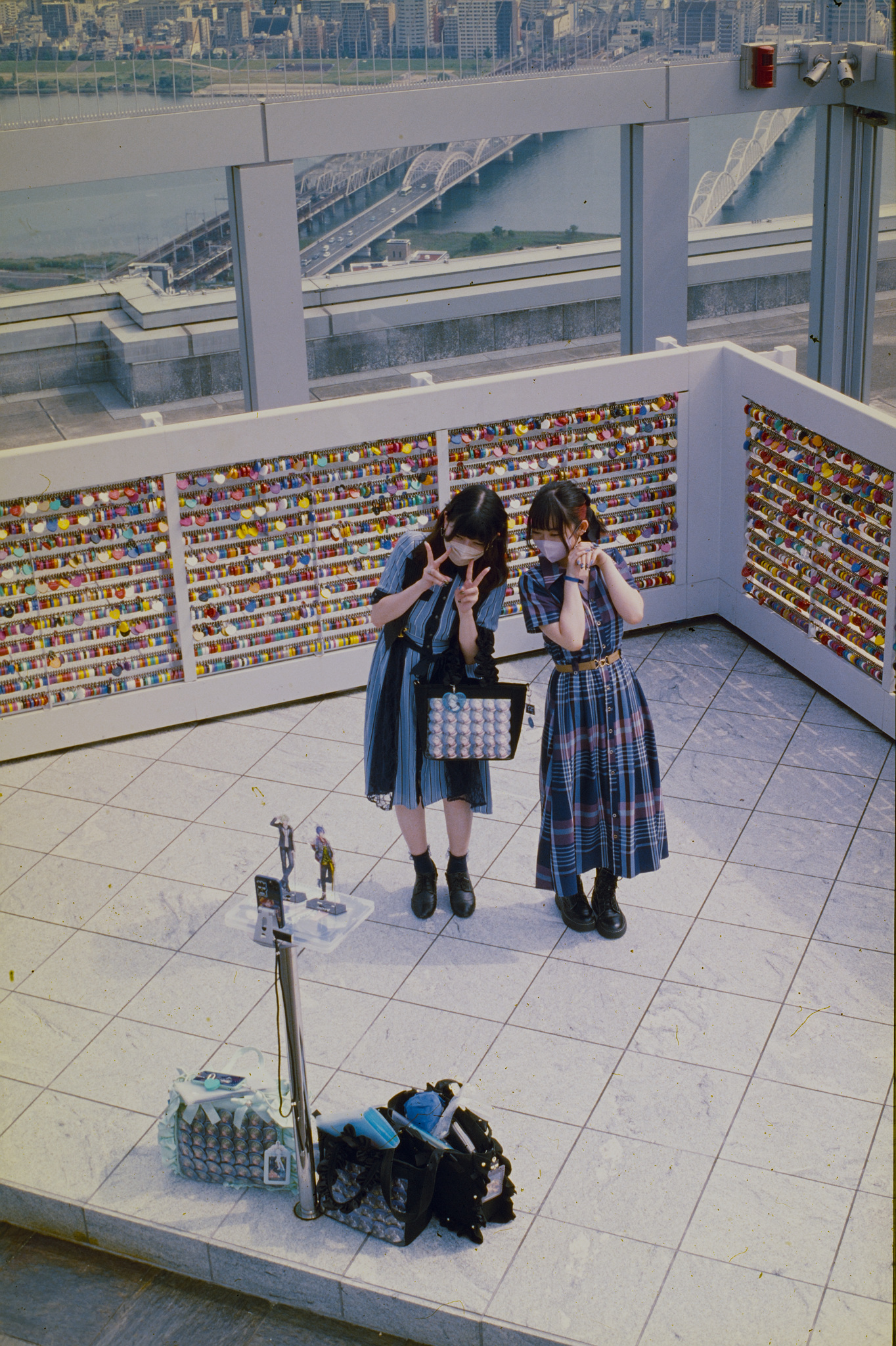
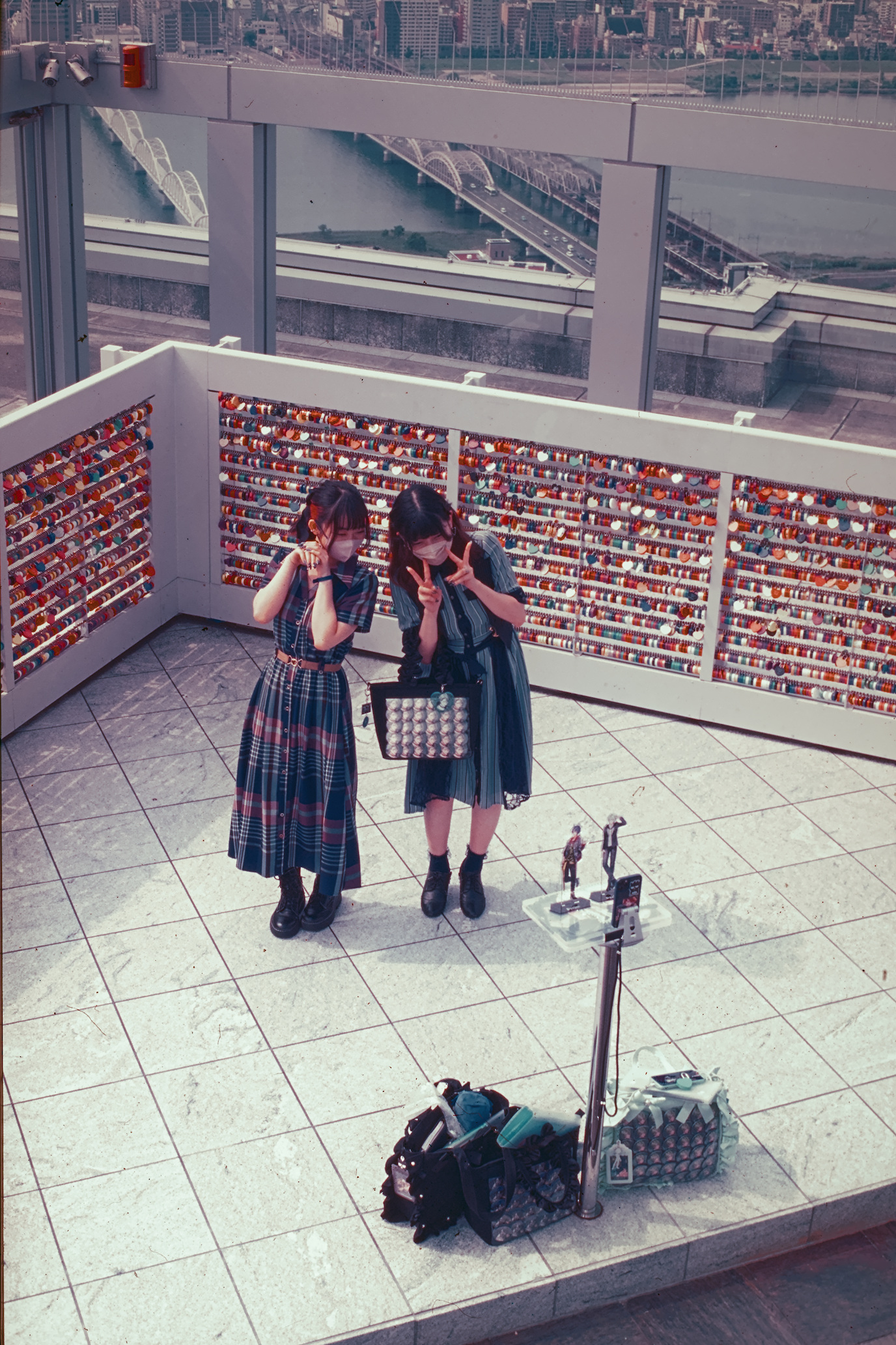
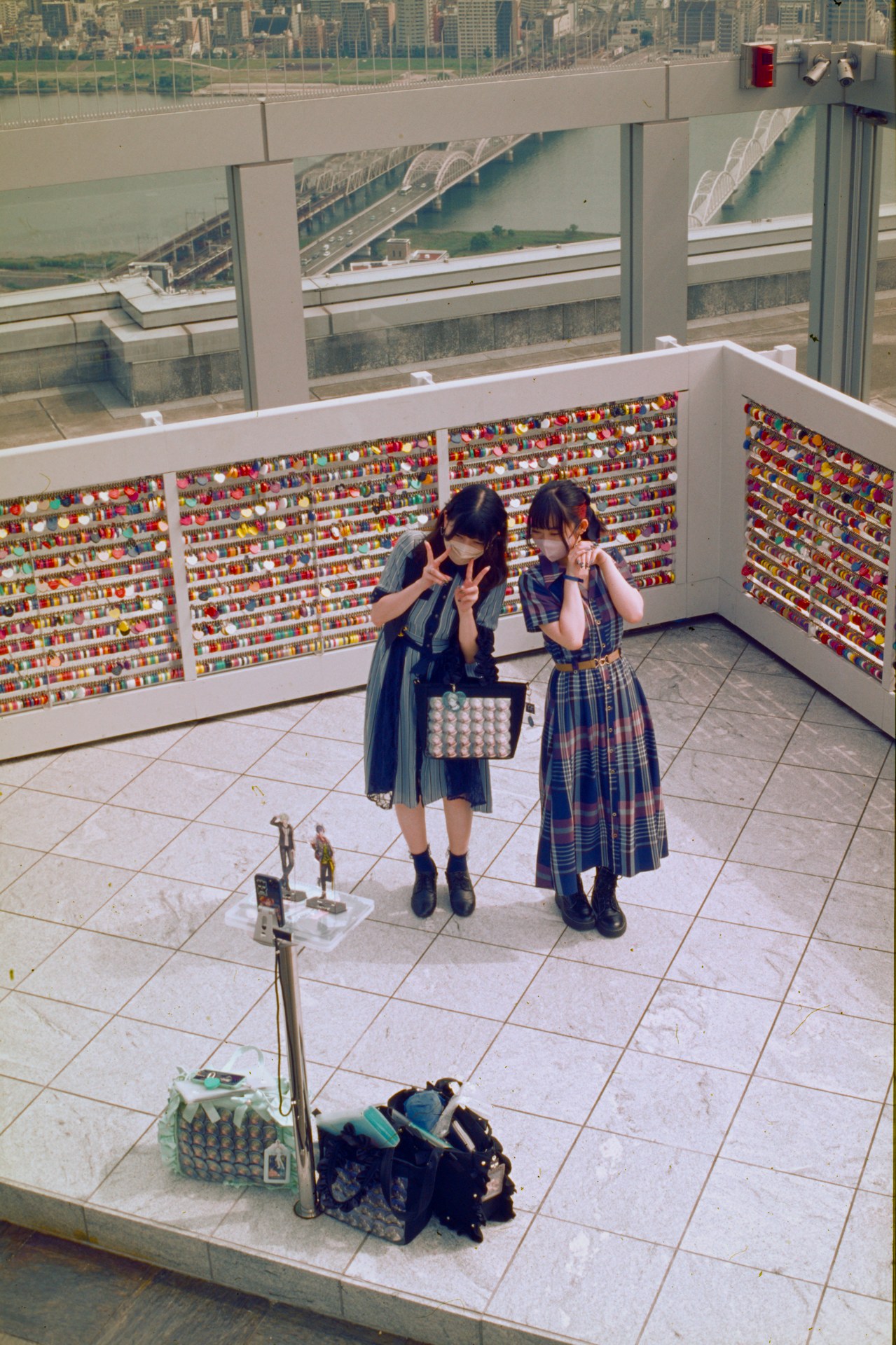
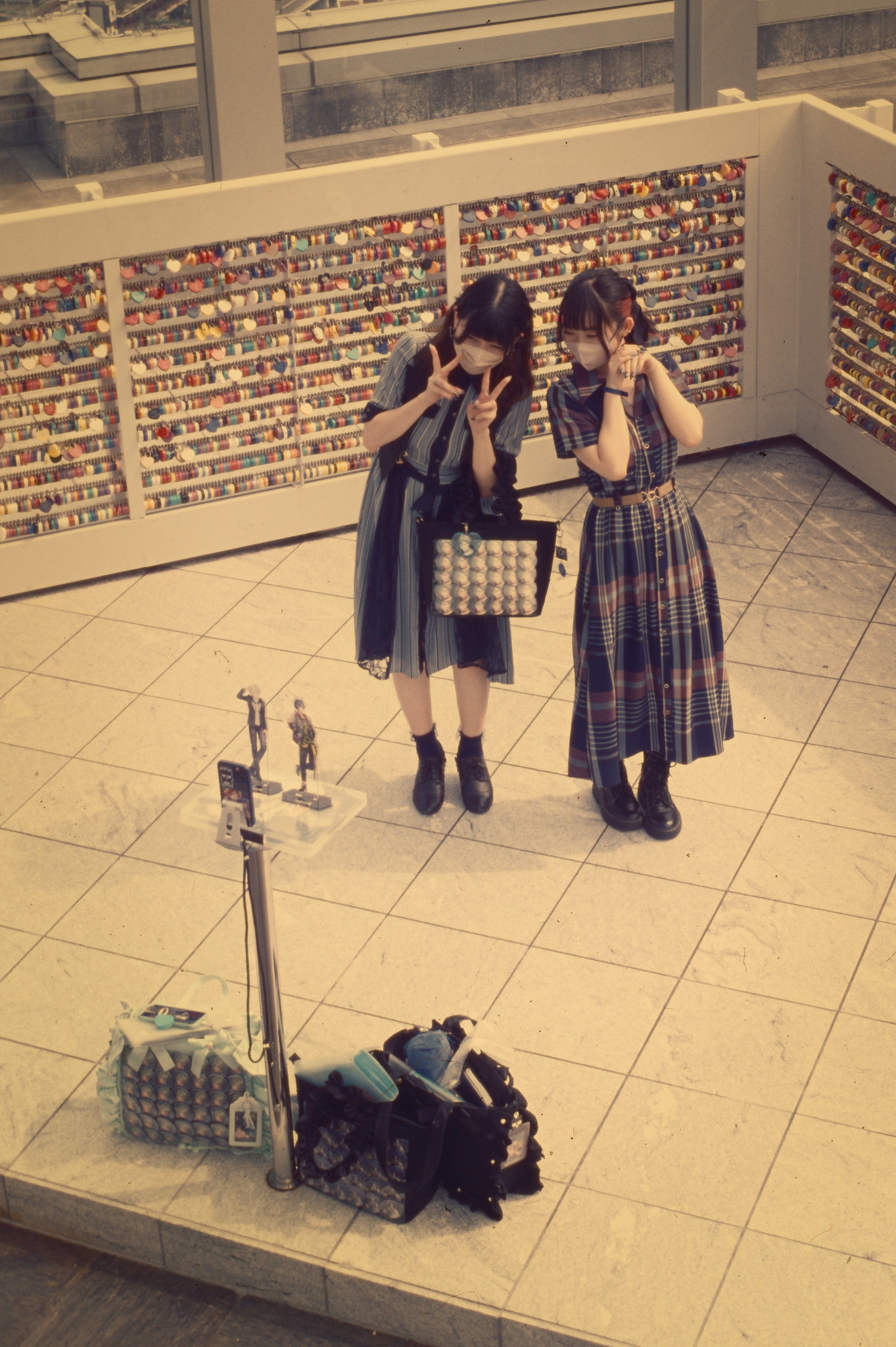
Here’s some expired slide I shot in Japan a couple years ago. The raw is a straight off camera scan, and in the nextcloud link there’s a correction done via Film Can Converter and ART Raw editor sidecar from that point that got me to my edit.
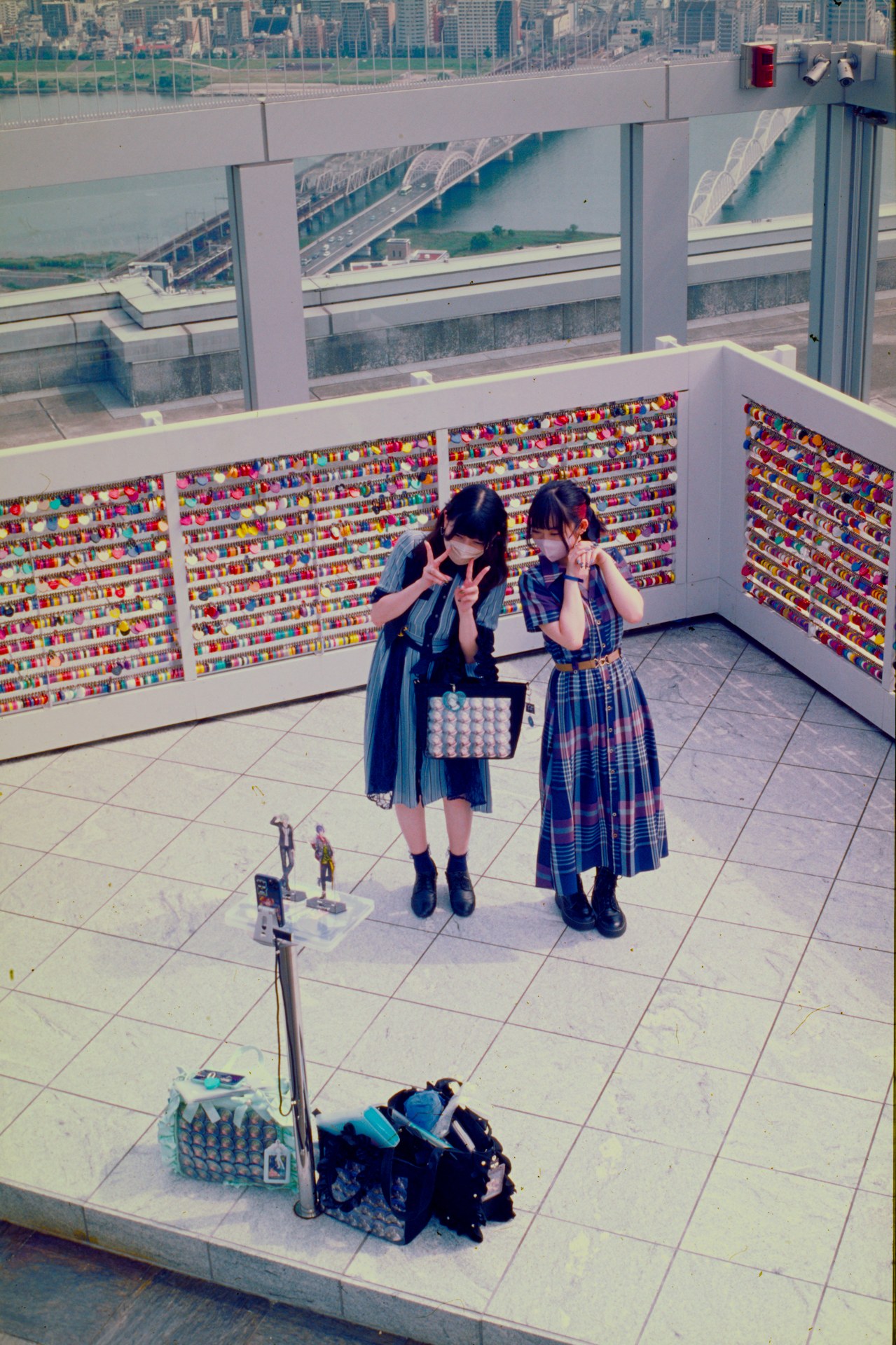
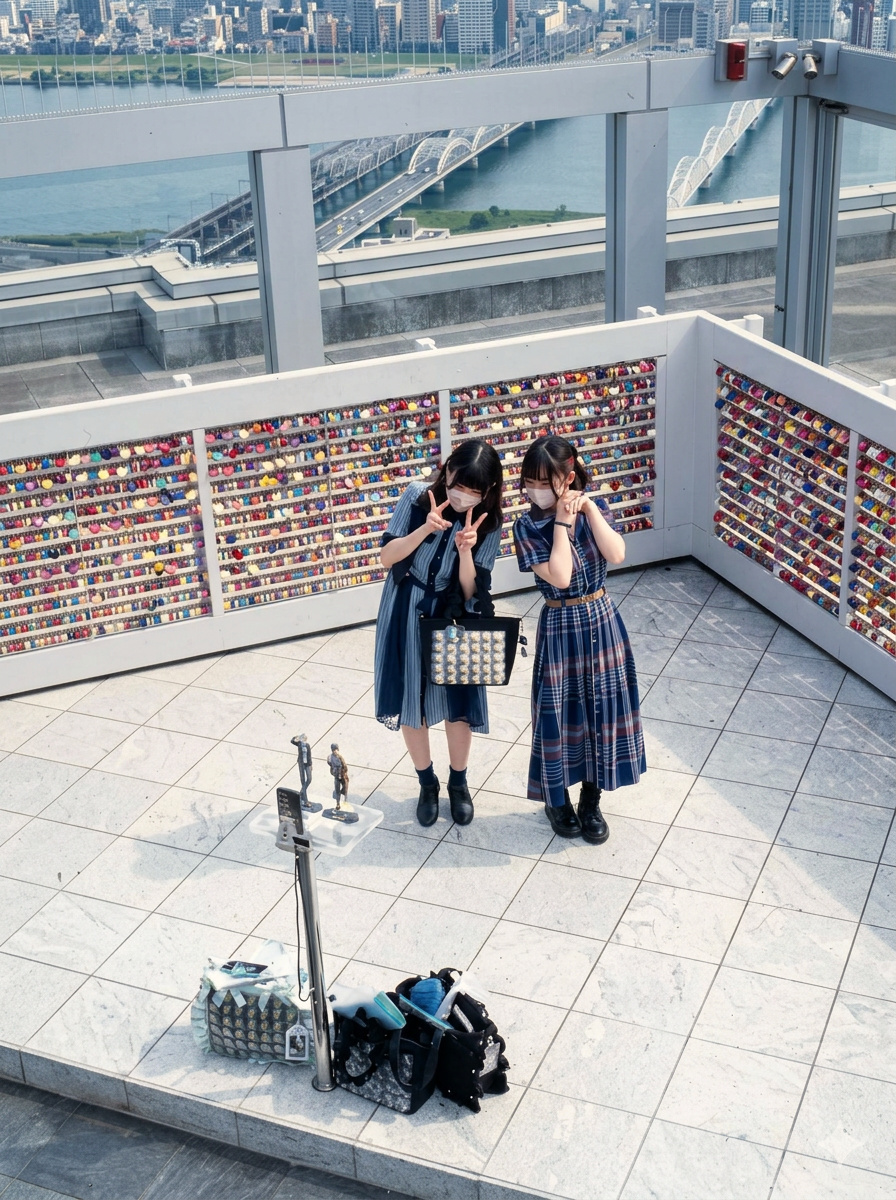
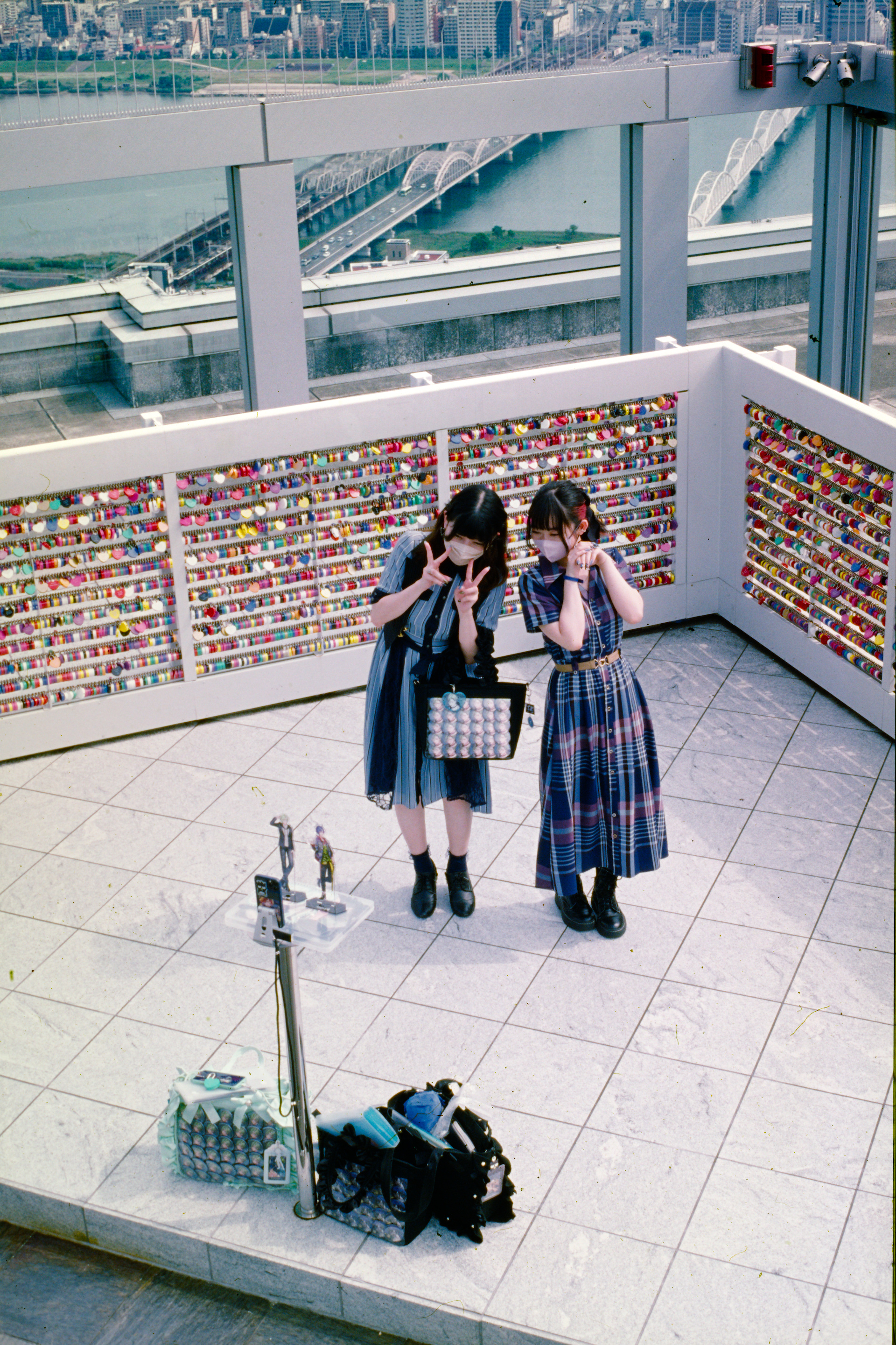
Thanks for sharing. I feel like I got better white balance somewhere during the edit but then lost it again, it’s so hard to get it right. At least I think the girls turned out okay skin color wise
CA module did not wanna cooperate on this one. Couldn’t quite get all the aberrations without affecting lots of other parts. Left most of the grain, did a little retouching. Didn’t use a tonemapper because it’s film, so it should have a bit of compression near the extremes already, right?
All the colour casts were a monumental challenge. かわいい regardless!
I think I’m happy with this result.
There was a LUA script made for this sort of problem. I previously had it installed and it worked well. I wonder how it will tackle this image. I am travelling at the moment so I can’t try it but maybe someone else has this lua script loaded.
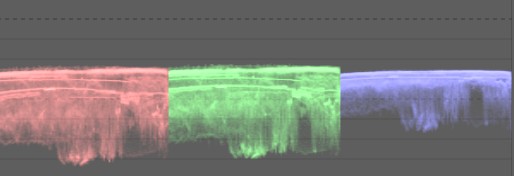
This was brutally difficult. The key was in understanding that it’s not a channel weight problem, but the fact that highlights were yellow and shadows were blue. I used color balance RGB 4 ways to add color to the highlights (it still needed a mask) and color calibration (in CAT mode) with a mask to remove blue from the shadows. All this was done with Agx bumping up the saturation to make things clearer. It’s not perfect but the technique seems sound and not too hard, once figured out.
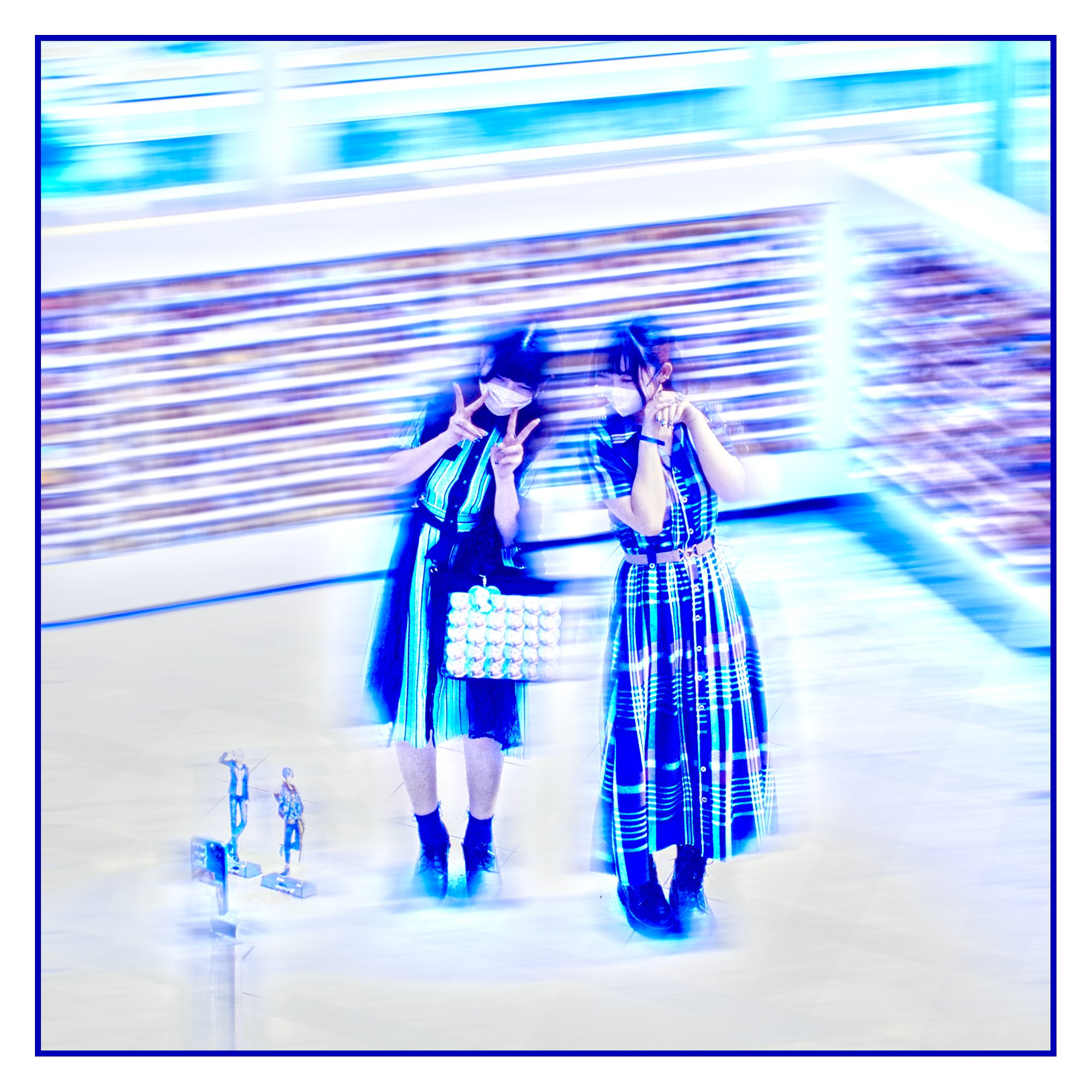
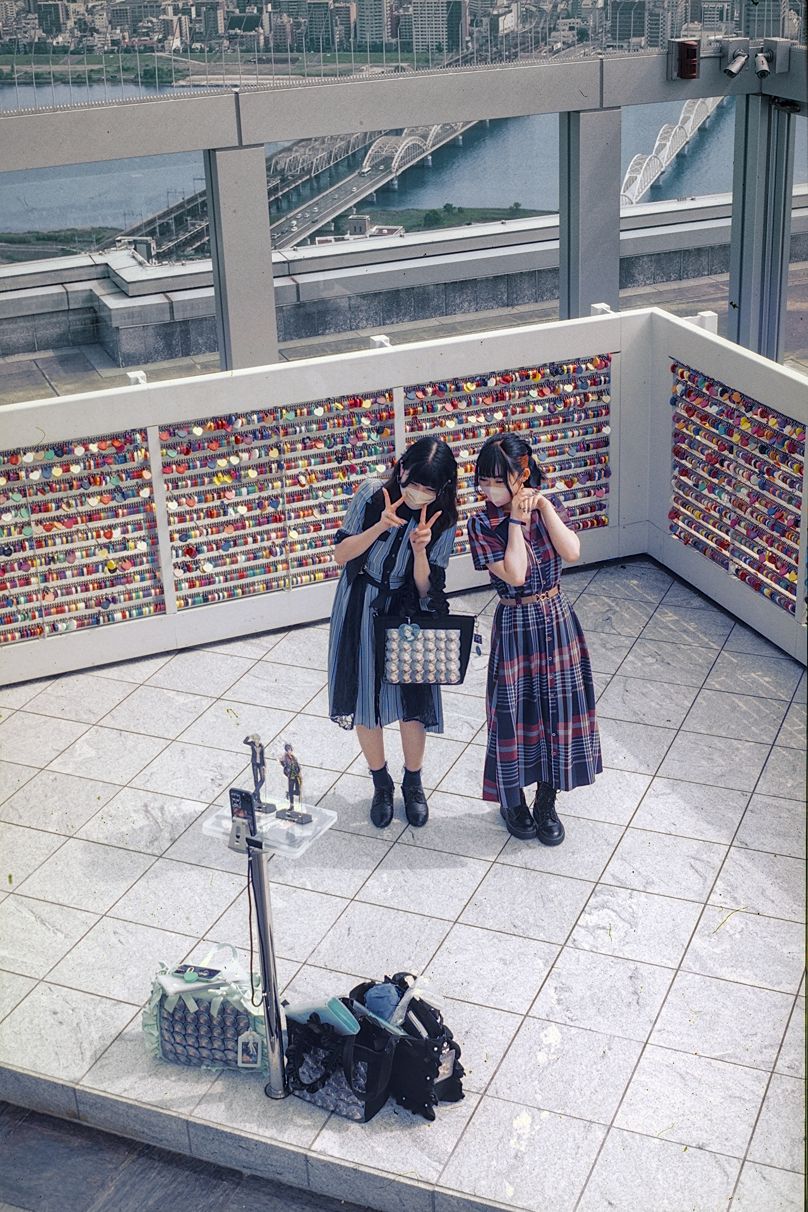
I’m more (or is that less?) than terrible with this sort of thing, but here’s my attempt using ART. Best I could do it getting kind of smoggy / filtered sunlight looking.
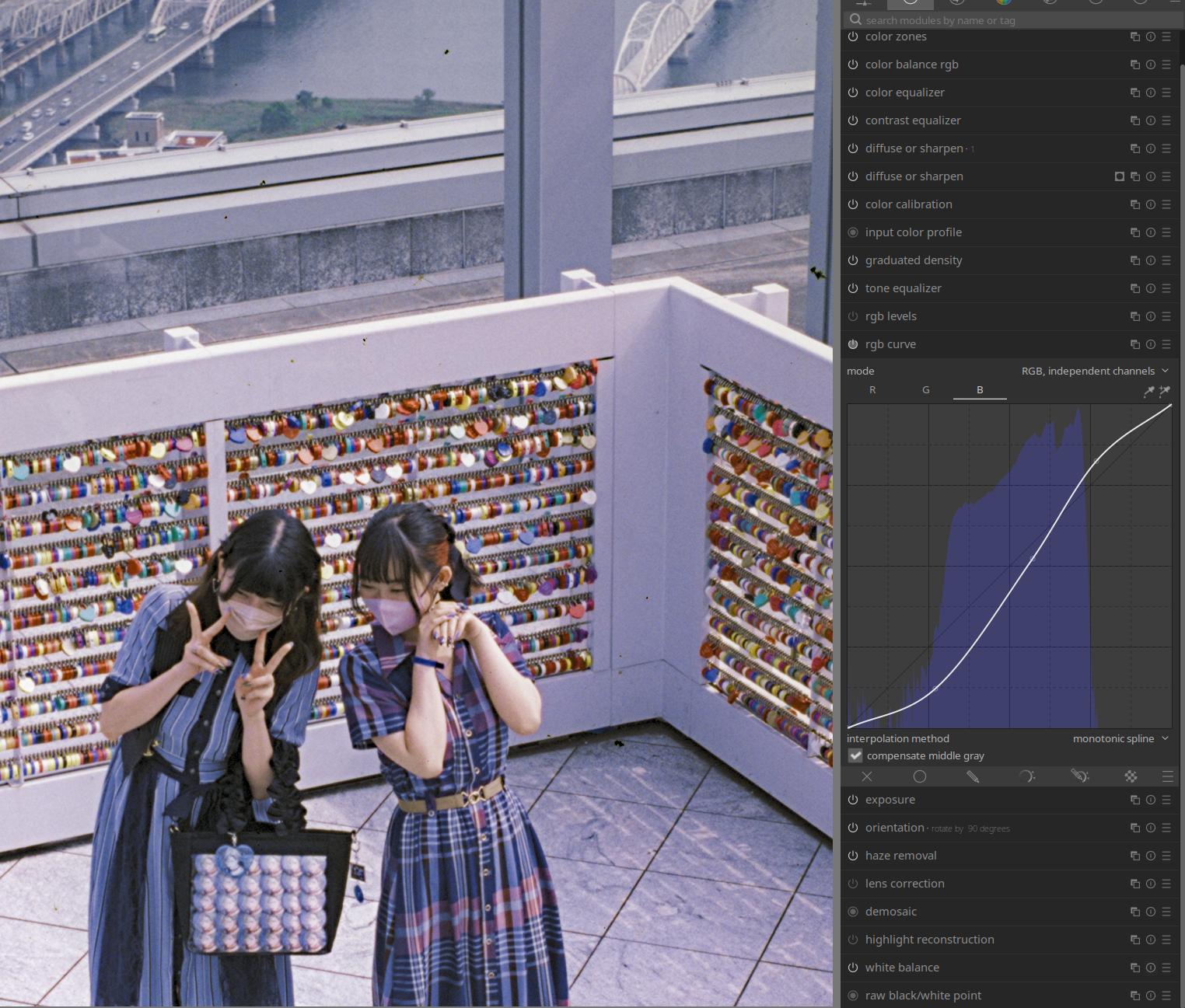
Went through rgb curves, rgb levels, cb rgb myself too. Also noticed that some modules affected other channels and some of them not. Did not care much at the time, but maybe it is worth an investigation.
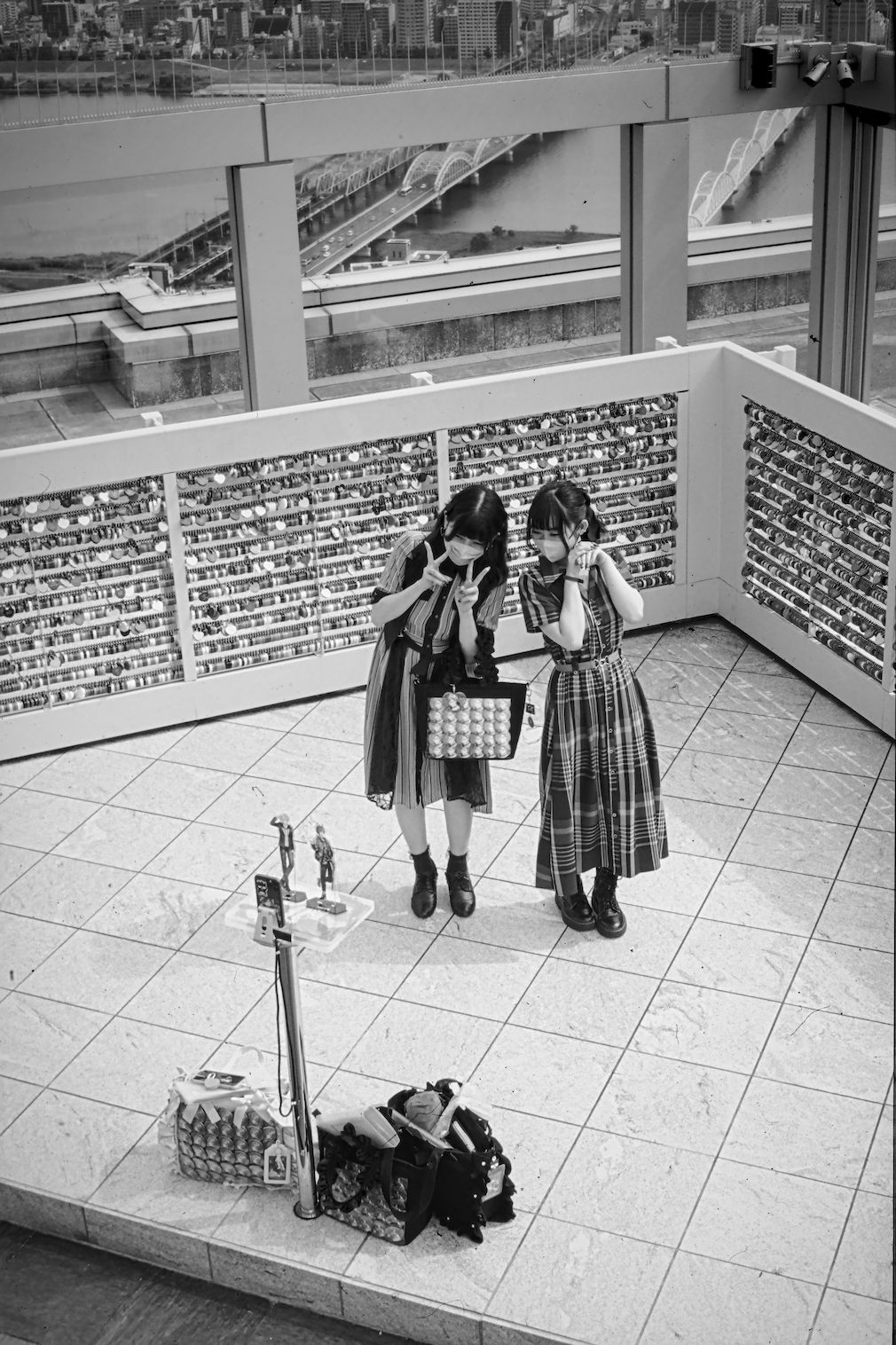
I think those seven instances of cc is still the second best interpretation after the ai one
To be honest I didn’t even recognized them as love locks. While I think love is always better than hate. Love love locks are another pest of modern times. So no regret this time.