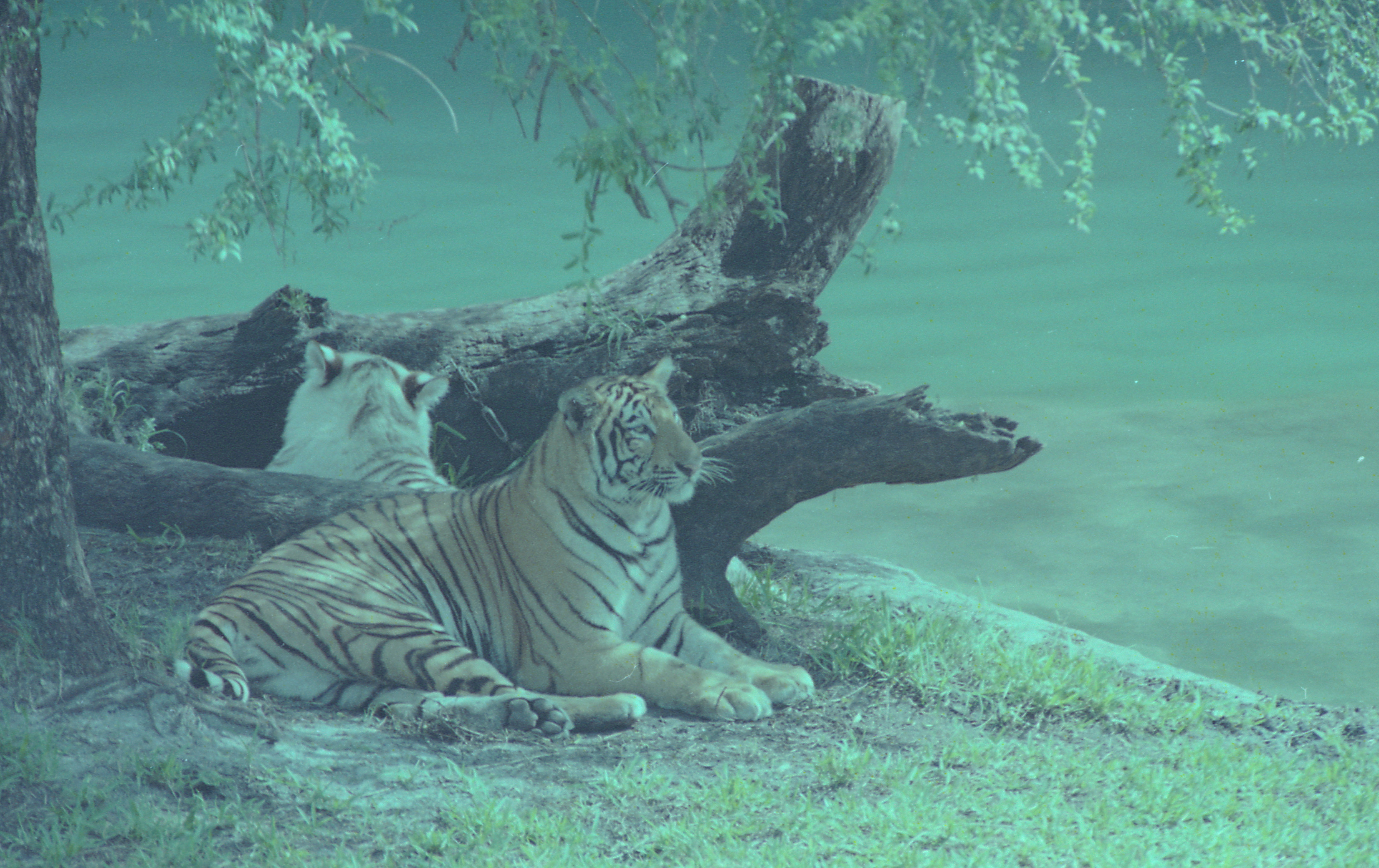
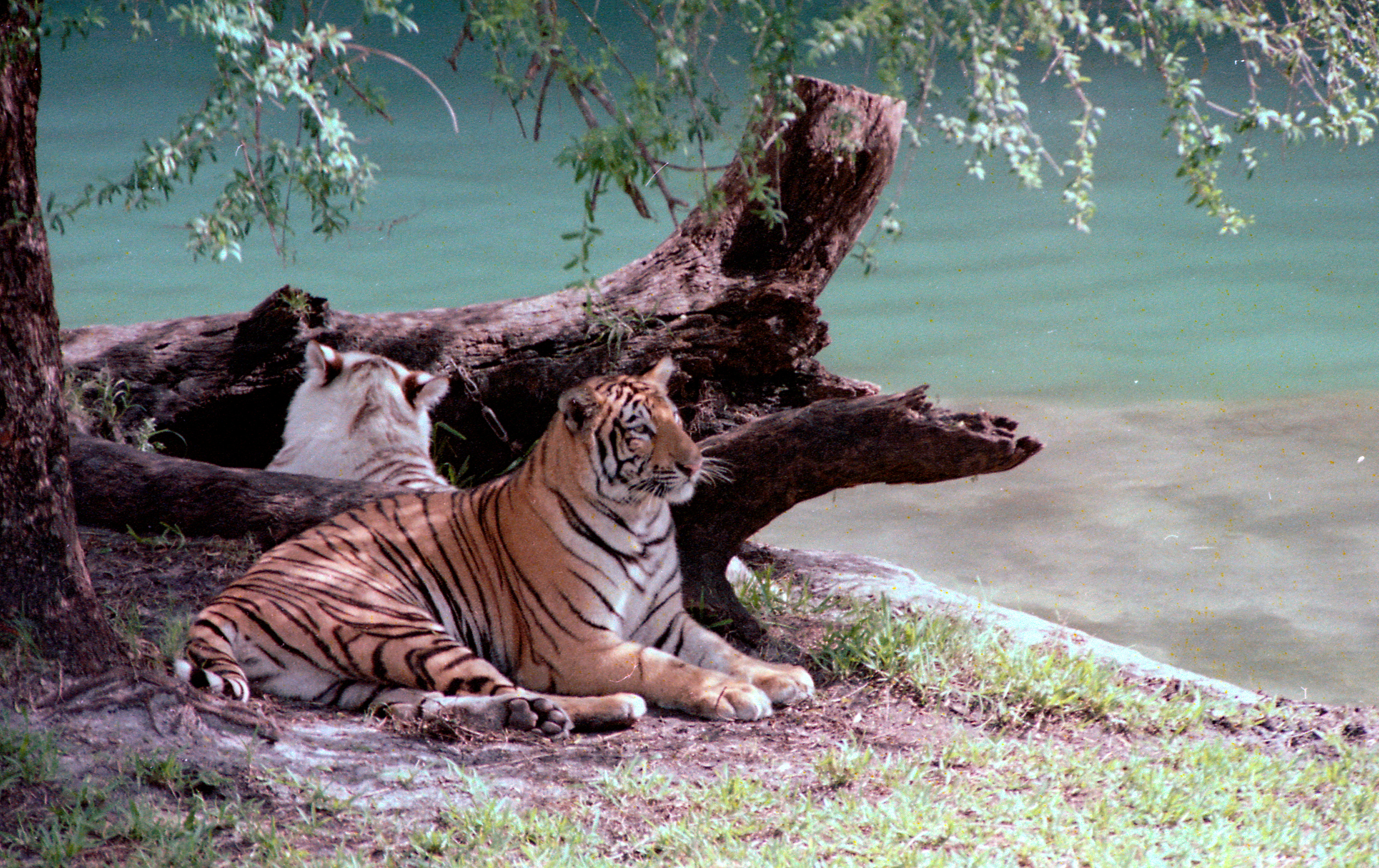
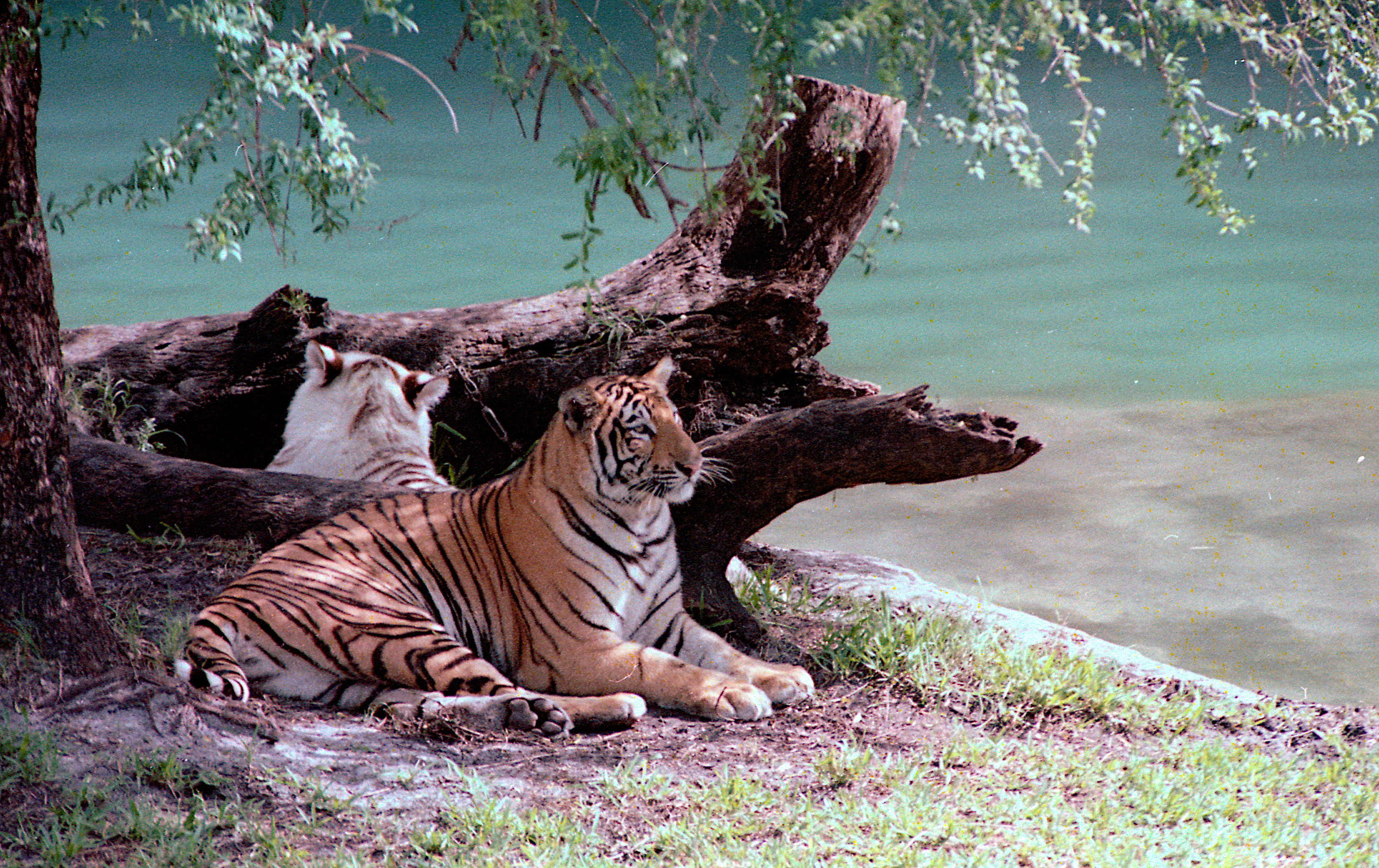
I use various different open source software programs for image processing. A useful tool found in other programs (than GIMP), for example Rawtherapee (RT) and Darktable DT), is called Local Contrast. It is an operation intended to be applied at the end of pipeline. In that, after using whatever tools the program offers for editing photos (or developing raw files) it can be applied and may improve the result.
I’ve tried to find such a tool in GIMP but have NOT been able to find anything that goes by the name Local Contrast. As a result I’ve done some research to try and learn more about what is really being done to the image with the idea that GIMP may use a different term for the same kind of tool. It appears as though in other programs, such as RT & DT, the Local Contrast tool has similarities to Unsharp Mask which of course GIMP does include. However, for Local Contrast the parameter values are set quite different than for sharpening. In those other programs they have default values for the Local Contrast tool that almost always, at least in my case, make some improvement to the image. Therefore, using it can be a simple as turning it on and off and reviewing the preview image.
Therefore, my first question would be, "is GIMP expecting users to use the filter called “Filter>Enhance>Sharpen(Unsharp Mask)” to perform local contrast adjustments. If so might there be some documentation that informs about how the parameters (Radius, Amount, Threshold) apply to local contrast adjustments.
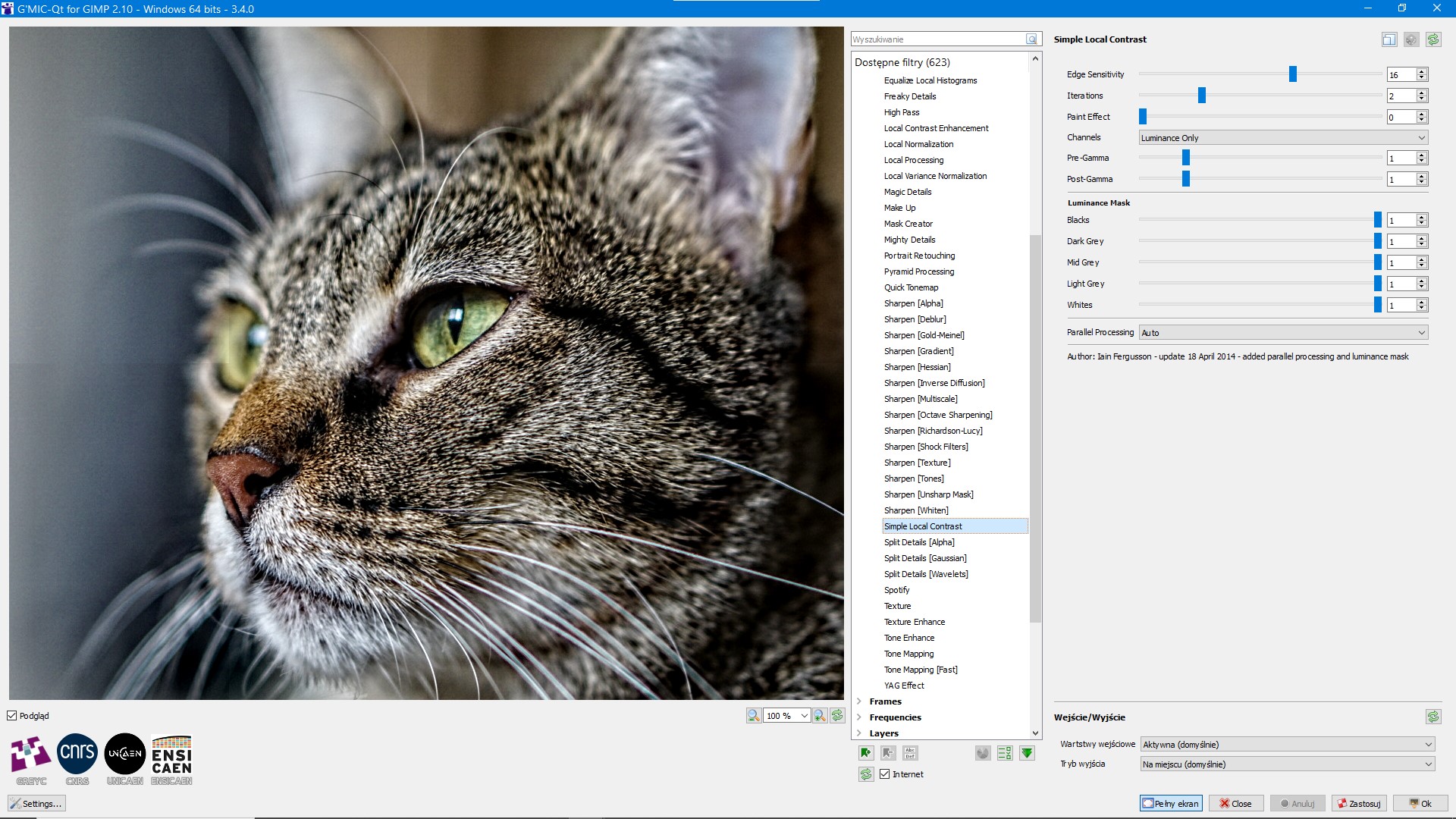
Note: I am aware that the GMIC Plugin for GIMP includes a tool called “Local Contrast Enhancement” that seems to have characteristics similar those those I’ve found in RT & DT. However, it has effectively become unusable in recent versions of that Plugin because the zoom factor for the preview image must be kept at 100% or more. For my display screen and photos, with more than 50MP, you are limited to previewing a very small portion of the picture and as previously mentioned what I like about local contrast tools is the overall affect.
My recent research has caused me to learn that the parameters used for Unsharp Mask, no matter what program I’m using, are related to overall resolution of the image file being processed. Since I have several cameras that produce files of different resolutions I’m thinking that even default values ought to be adjusted accordingly. Does that make any sense? If so this is another reason for finding some more in depth documentation on what Unsharp Mask is actually doing. Could use some help on that?