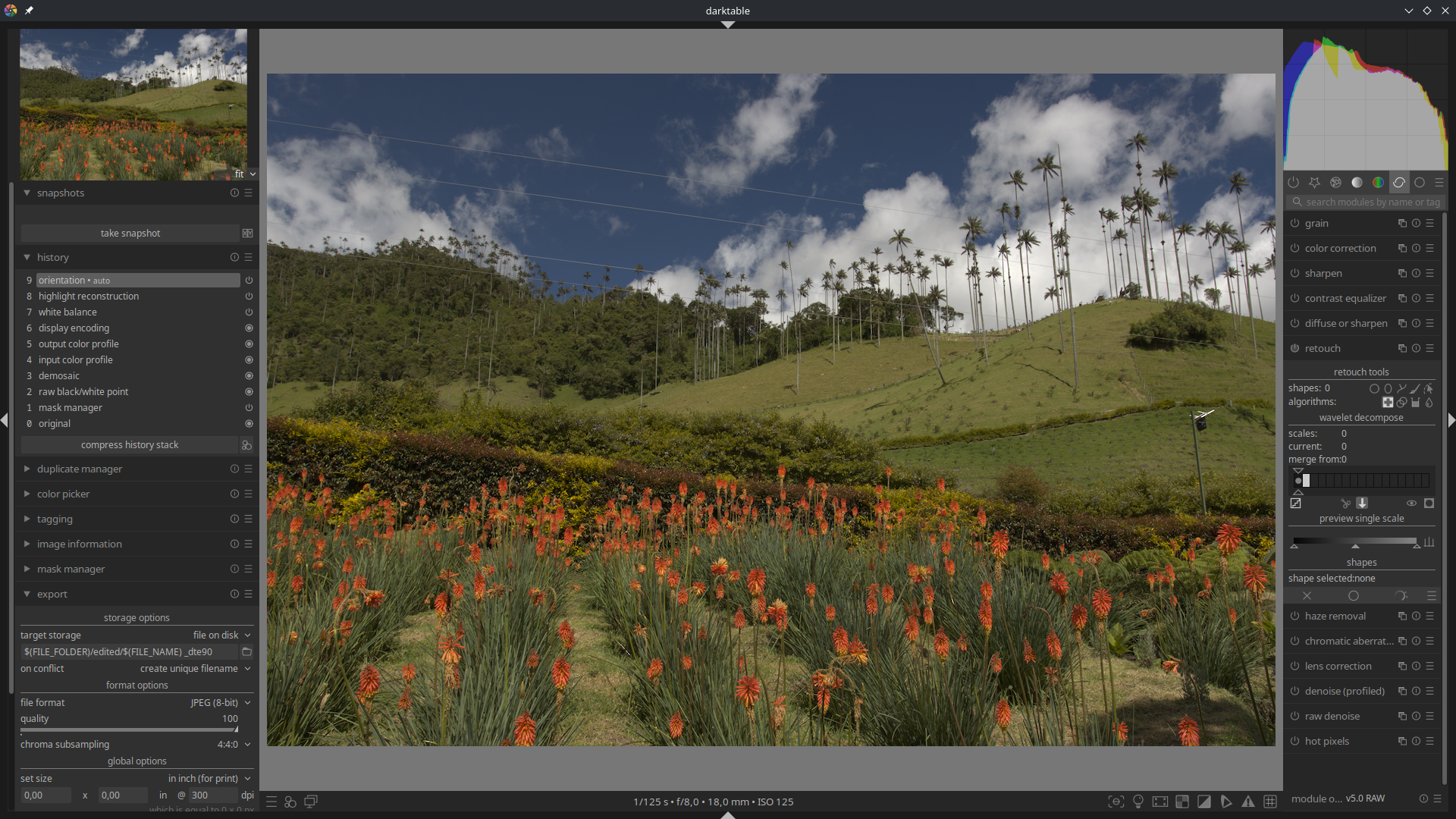
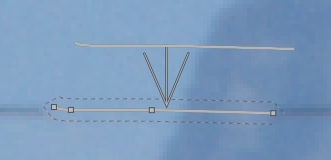
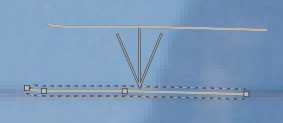
I have a photo (raw) with the electrical cable in the scene that i want to remove (i couldn’t find the right angle to just leave them out from the image).
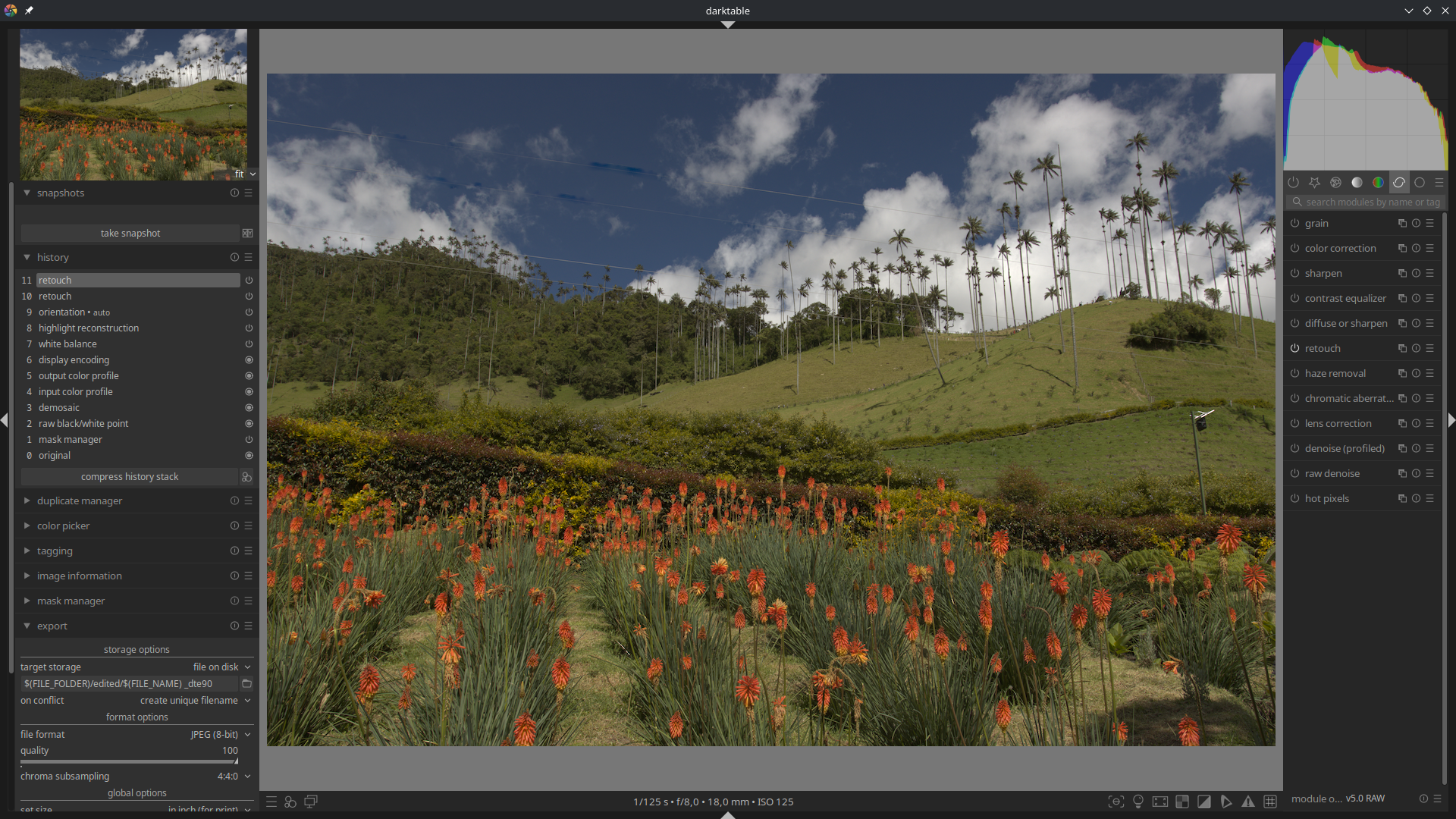
Is there any ‘easy’ way how to do that in darktable. I saw few tutorials and i tried the ‘retouch’ module, but the result is not good (see the screenshots).
Is dartable even good tool for that? If not, could you please suggest something else (ideally working on Linux).
I don’t see any immediate reason why the retouch module can’t work here, but you have to use wavelet decompose and the right brush size. It will also be very tedious.
If you CTRL click using the drawing tool in retouch, it will draw a straight line. Is it possible to draw a straight line along the length of the wire, then “close the loop” by drawing another straight line back to the starting point? I’ve never tried this. Just trying to think of a way that doesn’t involve trying to trace a line by hand.
Having a second look at your screenshot, it seems you did try to use wavelet separation, but clearly didn’t understand how to do it.
Here I’m using the photo from the discussion I linked.
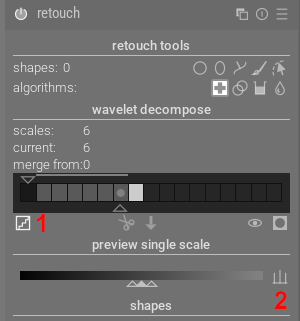
First click on display wavelet scale (1), then start adding more scales. You need to find the last scale where the wire is still visible. Select the last scale (the one before the light grey box) and click on auto levels (2) to improve contrast - if the wire is visible, add another scale and repeat. In this case it’s scale 6 we want.
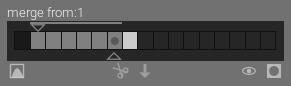
Drag the upper triangle to the first scale:
This way any paths you create are automatically applied to all lower scales as well.
Click on display wavelet scale again so you can see what you’re doing and make sure the last scale is selected (has a dot).
Using a brush set to healing, draw a short line over some of the wire, stopping when it has something like four segments. For longer paths, use more segments. Now drag the points and segments so that the path is exactly on the wire. The length depends on where you are going to sample from - if it is too long it will be difficult to find suitable sampling areas, and if it’s too short you will have to create many more paths. Make sure opacity is 100% and adjust the size to the smallest possible.
You have some good answers here about DT which should manage this job well. Another program that is also good for this sort of work is GIMP. I mainly use GIMP for photo restoration to remove scratches and spots. Between DT and GIMP you should be able to get the job done on LINUX with FOSS.