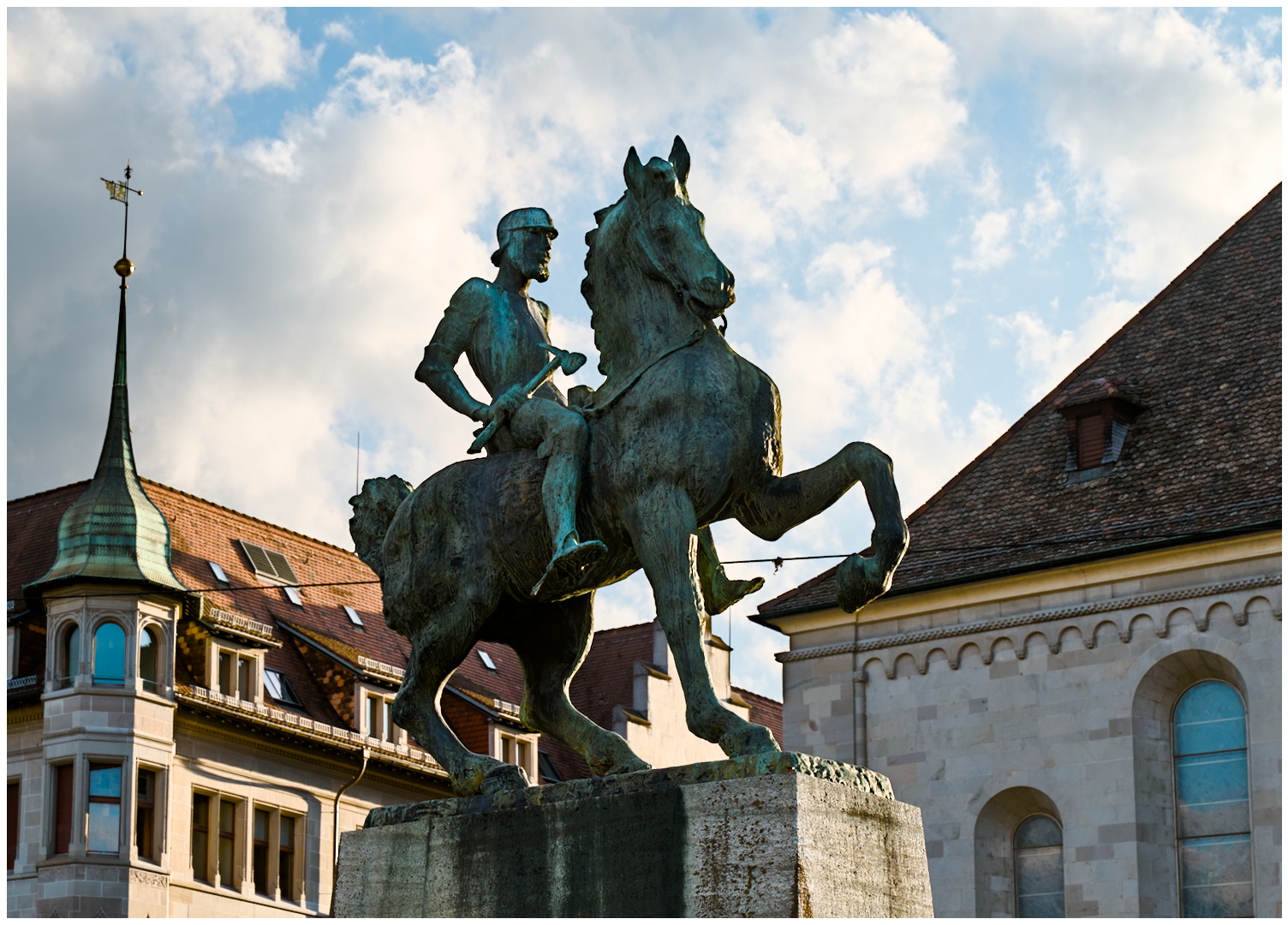
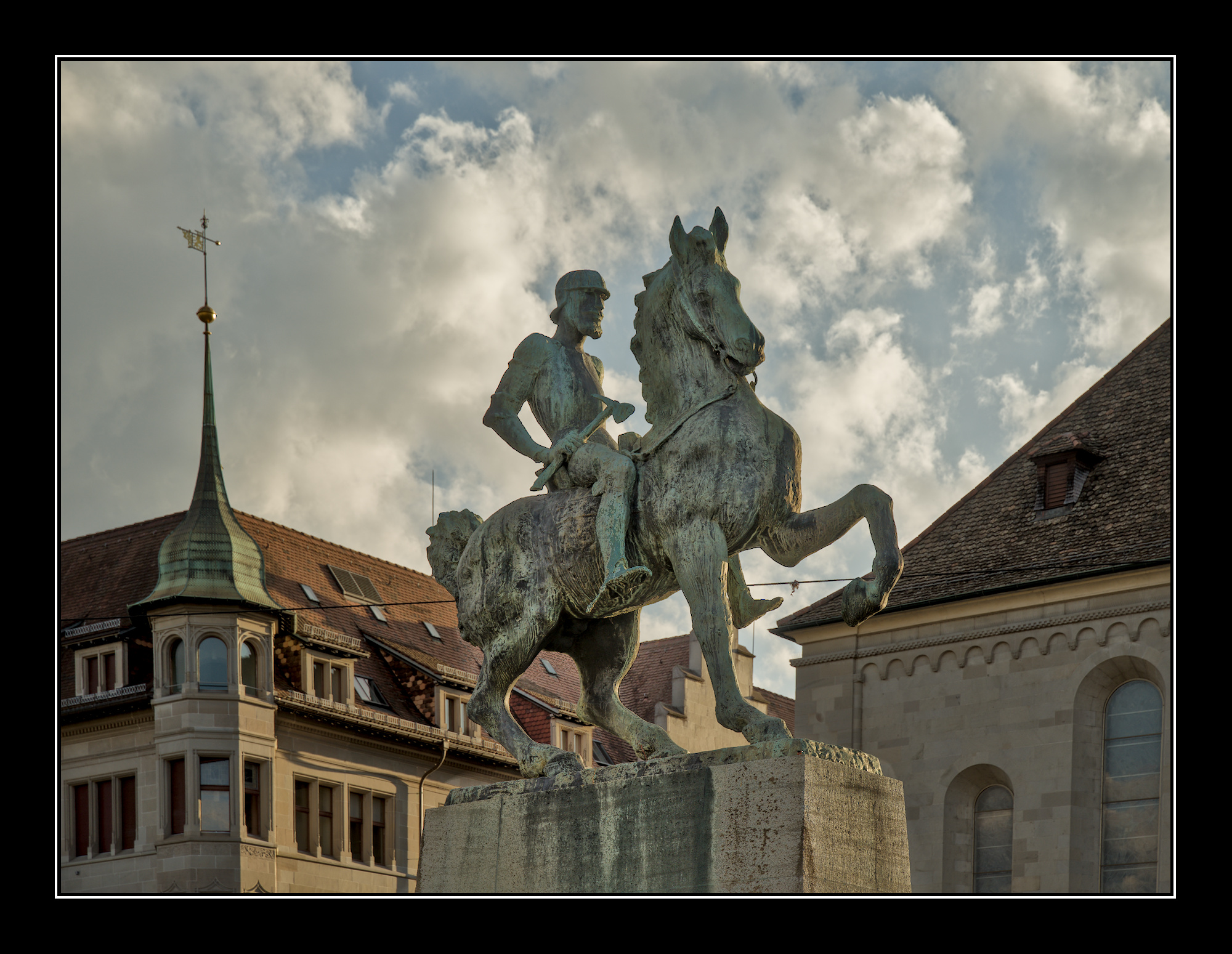
@roberthoell, thanks for your comment. I am sorry not being able to provide a xmp-sidecar. As @paperdigits already mentioned, i only use RawTherapee (now Version 5.13), so the sidecar is a pp3.
Texturewise …I think my edit was similar, just color graded differently…but for a DT example you could take a look…
If you have specific questions I’m sure DT users could look to try and work torwards that RT example sharing the key elements to get there…
If you want to bring up something like that in DT you can use the HD preset in the local contrast module and then dial it back…combine with the tone eq and diffuse or sharpen and you should be able to get that look then color grade it to taste from grey to something that has color that matches your vision of the scene
I have one. Certainly a pretty bad one from the perspective of how things should be done, but it’s pretty simple, very very fast, and has worked for me so far:
if I want to reduce contrast, I turn on the ‘shadows and highlights’ module. I like it so much I’ll sometimes turn it on even if I don’t specifically want to reduce contrast. It’s my “make it better module”
In tone equalizer, I pick one of the compress contrast modules. I don’t know when to use GF or EIGF, so I just use the one on top. It’s pretty strong, so usually ‘soft’ is enough, but sometimes I’ll go with ‘medium’
High contrast unfortunately often means the subject is too dark - like here. So I’ll use AI mask to select my subject in a new instance of the tone eq module, apply the ‘relight fill in’ preset, realise I lost my mask, and recreate the mask again with the preset already applied. The effect also can be too strong, so I might dial the mask back.
For more manual control, tone eq is too much for me with its 9 bands, so if I want to play with sliders, I’ll use colour balance rgb brilliance section with its shadows and highlights sliders
By now I probably lost too much contrast, so I will add it but at the local level with the local contrast module clarity preset, the contrast equalizer using the 2nd or 3rd node from the left, or both of these modules.
For particularly complicated edits, I get lost with all the AgX options, so I’ll revert to sigmoid just to avoid having too many sliders to mess up.