@Kazuo One thing I realized is that the styles use AgX not just for the tone curve but also for slight colour adjustments.
That’s probably not technically necessary, but it simplified writing the solver. AgX has a mode where you can do rgb primary rotations/scalings which are applied before the tonemapping and reversed after the tonemapping. Having these two things bundled is something which is sometimes useful and it helps the solver to have the active choice between the automatically-reversed primary adjustments vs. the non-reversed adjustments in the rgb primaries modules.
So if you tear out AgX from any given style, the colours will likely subtly change.
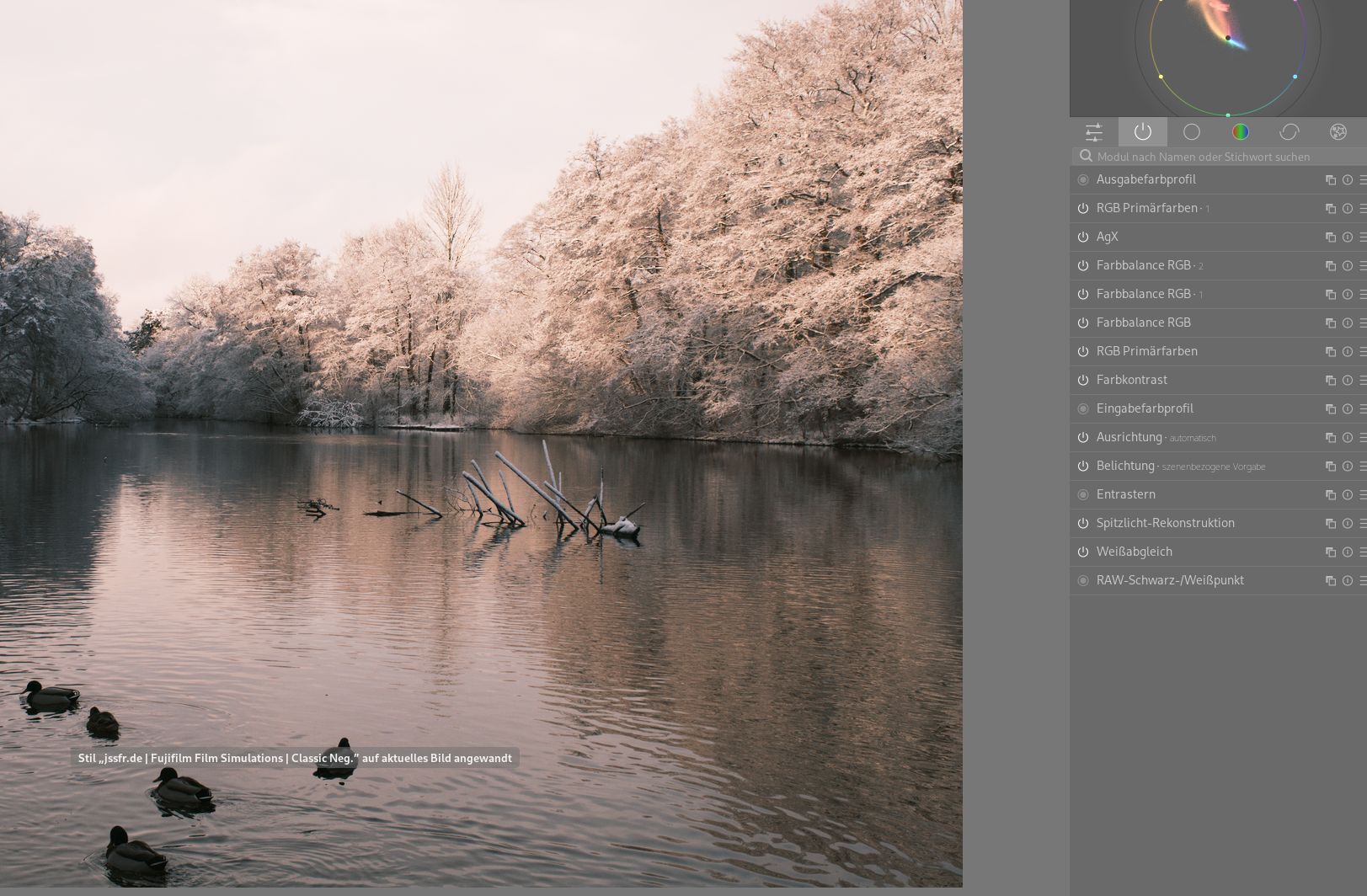
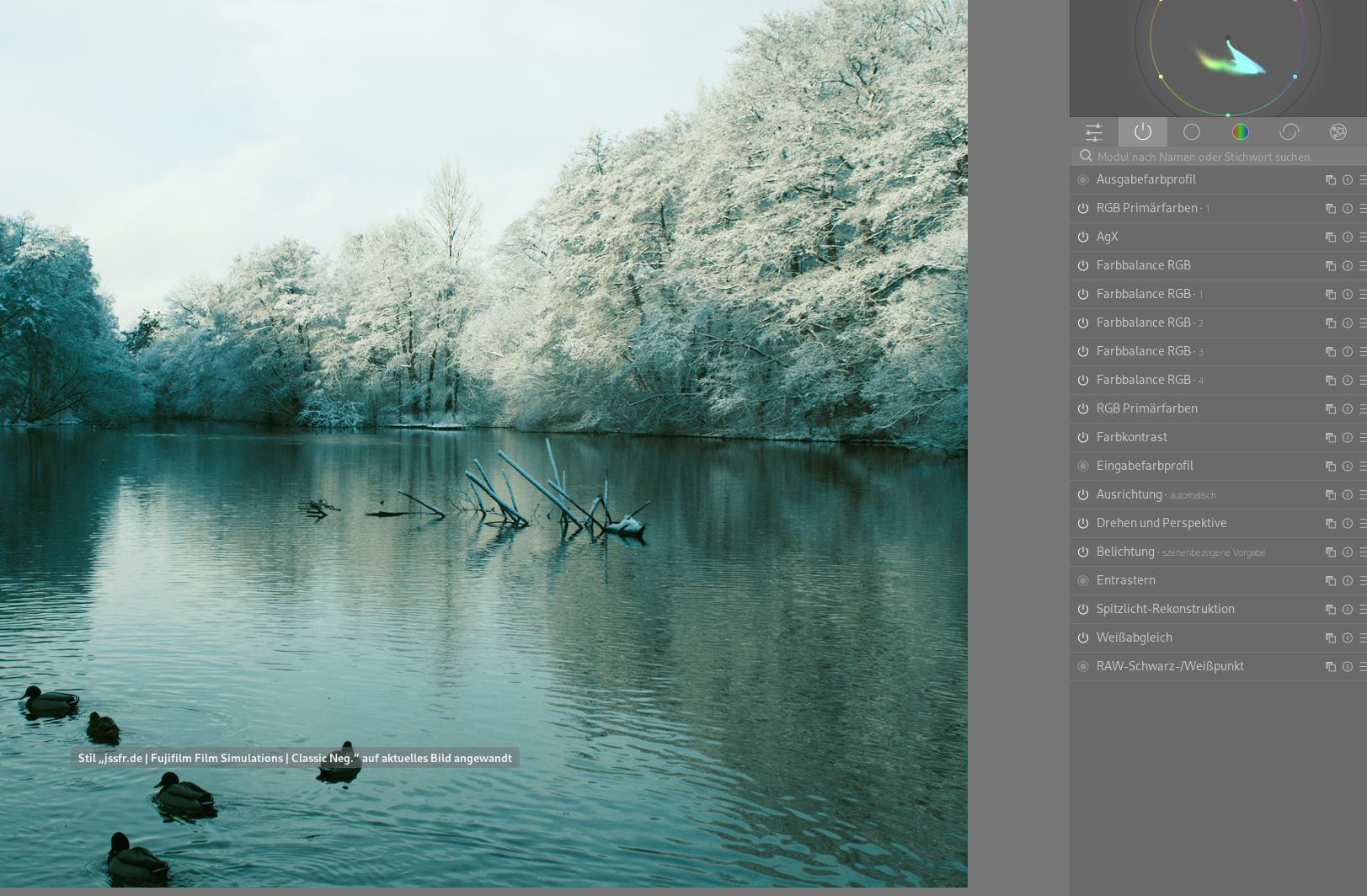
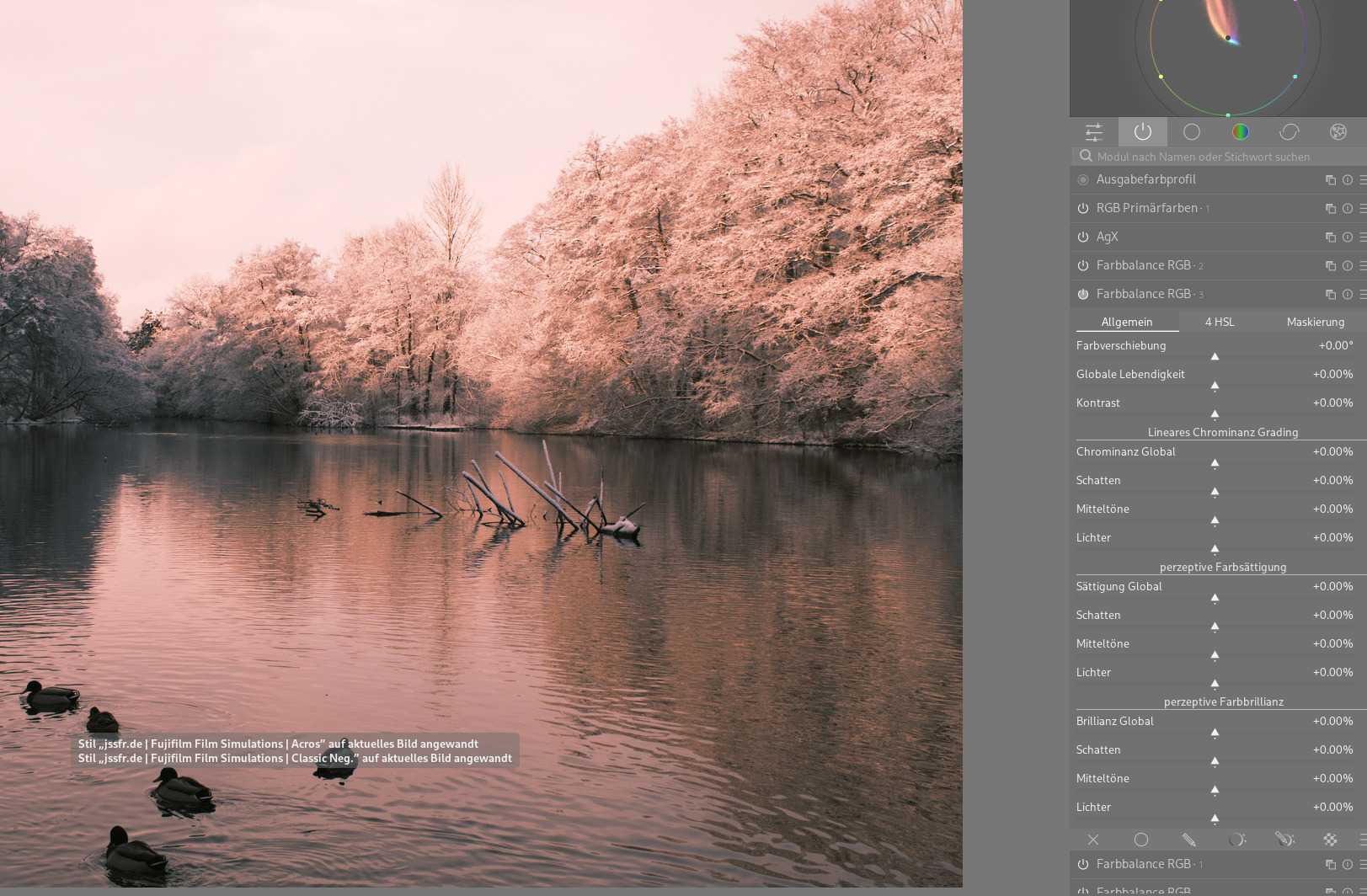
I just installed the 1.1 update. When using e.g. classic neg, acros and then classic neg again the colors are completely different than on the first application. I guess its easy to work around that but maybe it can be fixed in the styles themselves
Interesting! Would love to try and generate one from a TIFF made with agx-emulsion.
But then, to simulate film you need properties like halation and proper grain too. Both darktable and Lightroom provides only monochrome grain. Color photographs deserve color grain.
Thanks for the reasoning. I was trying to understand why you use both RGB primaries and AGX in the colour.yaml, bow I understand!
Having these two things bundled is something which is sometimes useful and it helps the solver to have the active choice between the automatically-reversed primary adjustments vs. the non-reversed adjustments in the rgb primaries modules.
Taking this to an extreme, could a new module that bundles some operations from other modules be used instead? Could it make the solver better/easier? This would allow the use of presets instead of styles.
Or some changes to RGB primaries that allow the solver to work without touching AGX?
This could be just a matter of adapting my workflow, but because, AFAIK, AGX is not supposed to have multiple instances active, the need for AGX for the solve is somewhat “intrusive”.
that’s because the curve might be an indicator if something in the image looks weird, but not an indicator that something has to be wrong…
If the image looks ok, then you don’t need to care of the curve - that’s a reason why it’s collapsible…
The point is that we need to do some rgb primaries changes before the tonemapper (AgX) and some after the tonemapper.
That cannot be done by one module alone, because a module can only be before or after the tonemapper, but not both.
So the only optimization possible here is to try to factor out the primaries adjustments from AgX to allow people to do more tweaking with AgX (or sigmoid or filmic or w/e).
If I am doing that esp from DT ie one after the other, and I am testing a whole stack sort of style I will place the cursor on original in the history stack and then apply the style…I feel like this avoids module holdover or other issues like what you are seeing here… its just what I do…not saying it a good or the best solution…
That’s weird, you somehow end up with four color balance rgb modules. I’m not sure how that’s even possible given that the styles only ever create instance 0, 1 and 2, but then again I’m not 100% sure how darktable handles styles with instanced modules…
But you don’t get more than two rgb primaries modules, which are also instanced, so huh.
@piratenpanda What I found is that when you’re switching between styles you need to make sure to reset your history stack, and also if you have any auto applied modules (outside the default ones like color calibration) you need to turn off those too. I think by either having your auto applied defaults combined with the style modules or having a previous style modules combined with the new style modules will cause these artifacts.
In regards of to many color balance instances I played around: After applying e.g. Astia I identified relevant modules and created a style “Astia_2” directly below Styles (no tree structure). After discarding history stack and applying “Astia_2” everything is fine. No additional instances anymore
 .
.