How I can see the preview when I put framing in the photo?
Welcome aboard…which product are you using?
Sorry, I’m using Rawtherapee
I can’t see just is possible when I save the image
I haven’t used RawTherapee, so I’ll leave it to someone else to give you a better/current answer.
1 Like
I think you only see the frame after saving the image
1 Like
Hey @santiago_olaran I don’t think you can. I use RT, and adjust my frames as required… but don’t get a preview. I kind of know when I want black, grey or white, or none. Often based on my preference for background colour whilst editing and changing the background colour of the editor to suit.
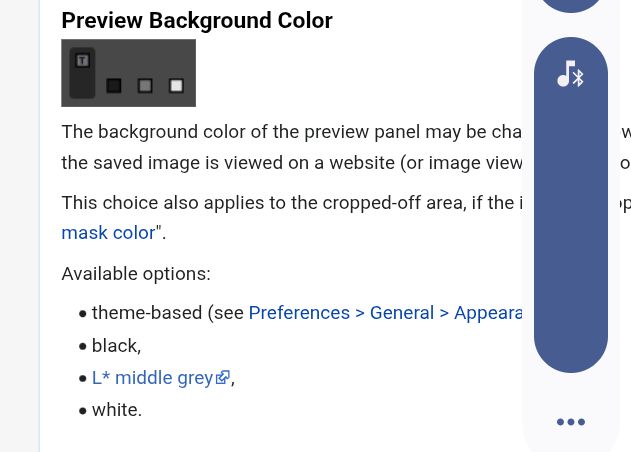
Oh, and I generally like thin frames, adjusted down to 0.02 or 0.04. After playing a bit you can do fancy things with colour, but I just go with a few options.
Anyway, welcome… There are a good few RT users here on this forum and always happy to help. Have you seen this post regarding new developments, there is a good link embedded to the Hugo site, which has the latest tutorials (and hopefully be publised soon)? RawPedia - Hugo - News
Hopefully to you’ll find this helpful, even though it’s not specific to frames 
Ask away if you have other questions… I’m not expert, but happy to chat 
1 Like
I do my processing in RawTherapee first, because it’s the best raw convertor, - but all my images then get framed in Gimp. If my image is approx 5000pxs on long side I usually have a first border black at 6pxs - to contain any light parts of image, & my second border is approx 17pxs, white. Only because thats about the width of white that suits me. But you can have any colour & width you choose from the palet.
I don’t often join in writing here but on a different note: Thanks to Desmis on his work on GHS & MM. I’m getting my head round it slowly especially from his tutorials on this forum. There’s a lot of work there.
Does anyone know where I can get more tutorials on the things he’s developed? My problem is that the pop up notes seem too tech for me & go right over my head. Even RawPedia is pretty heavy going although I know its (nearly) all in there.
Anyway, I’m grateful of alternative methods to edit my (extreme HDR) indoor images.
1 Like