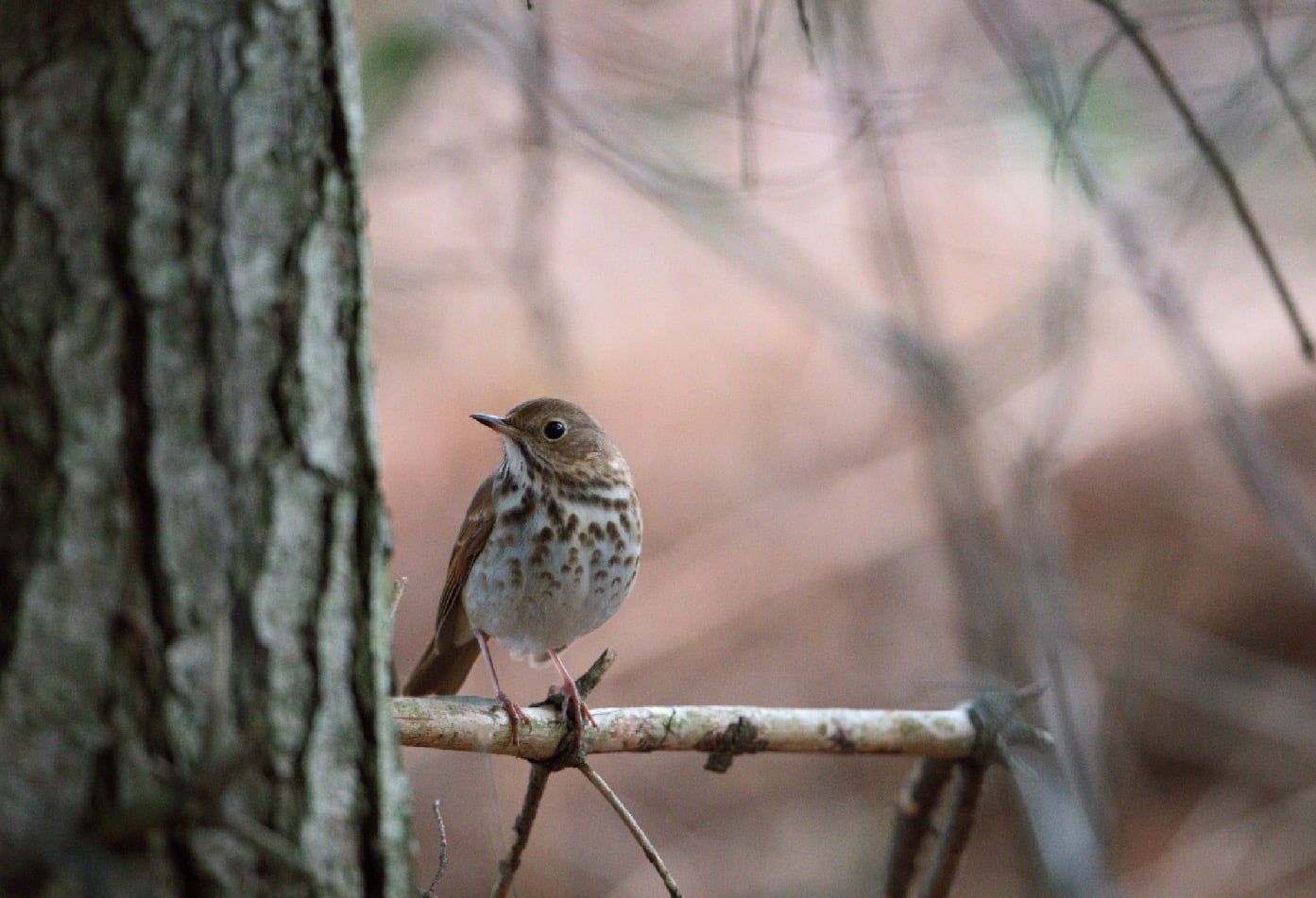
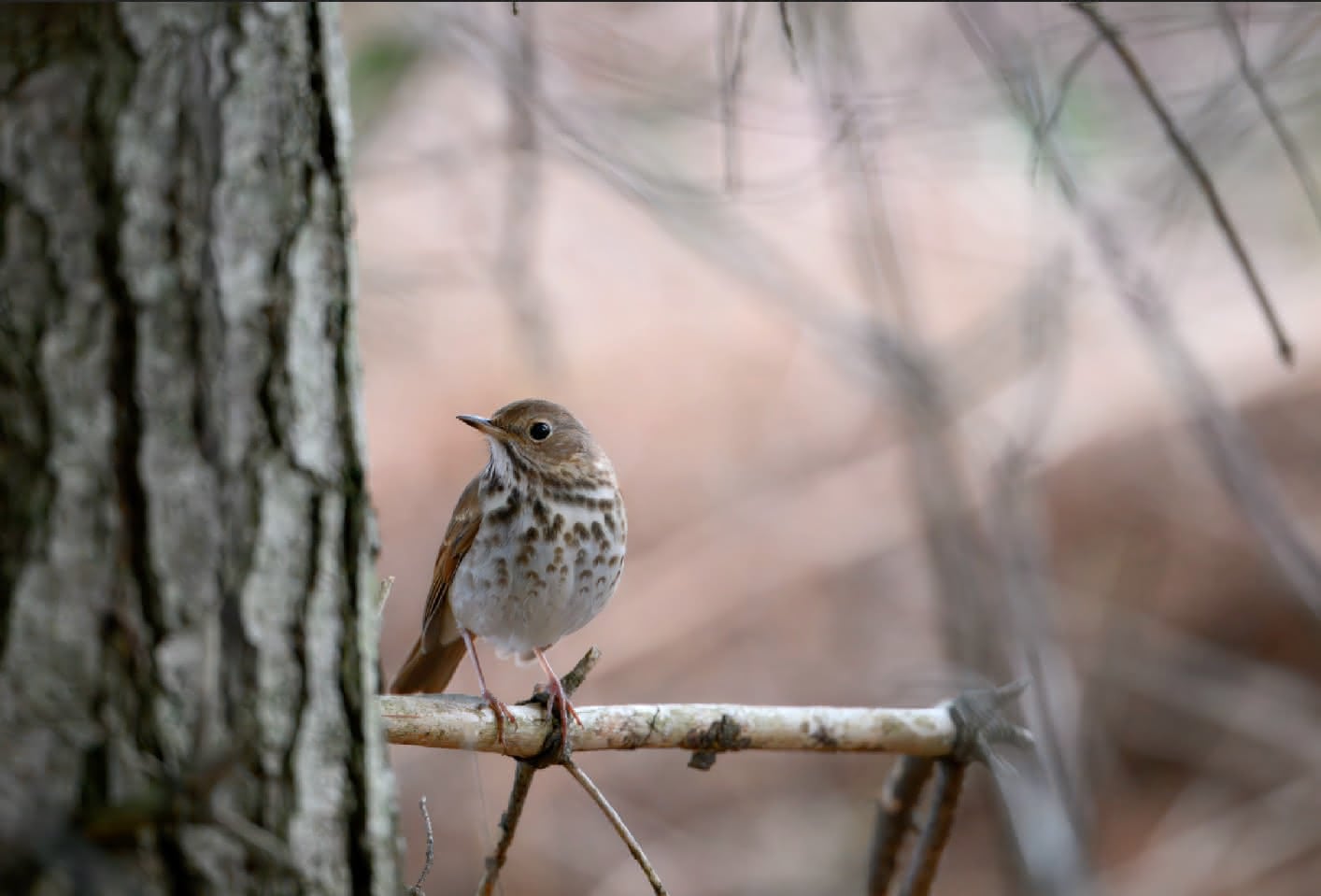
Introducing a new FOSS raw image denoiser, RawRefinery, and seeking testers.

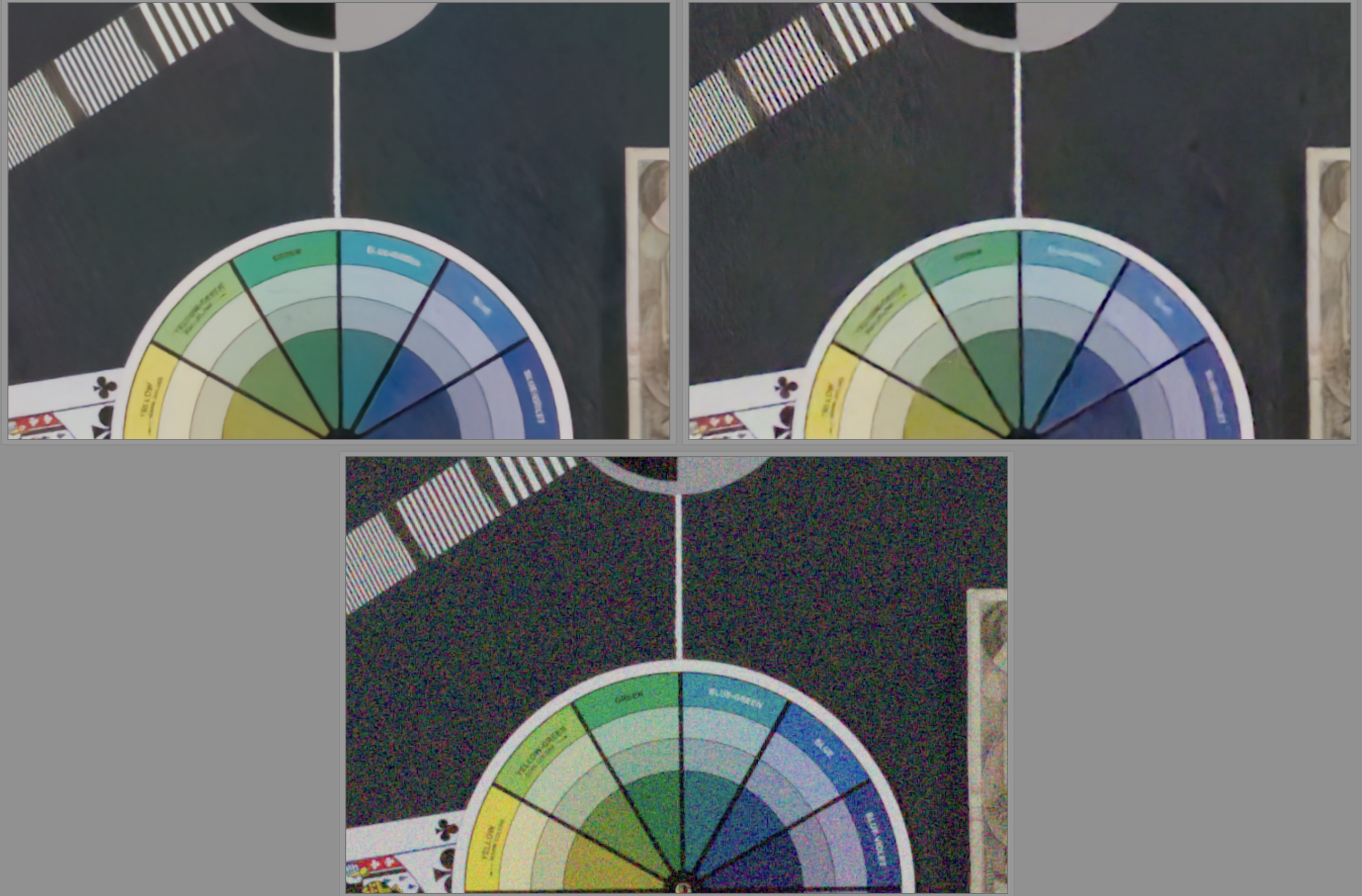
Just for further info about the XFormer model, here is the performance of the two xtrans models on an image the models struggle with:

The top left is XFormer, top right is TreeNet, bottom is original.

We can see that the TreeNet version is more susceptible to the “worm” artifacts as seen in the top left. The XFormer model also produces cleaner lines.

However, the XFormer model still can create weird artifacts and color casts. I think better training can improve that, and I have some plans for how I can improve my model training, but I won’t have access to the hardware needed for a week or so.

Eitherway, for those with a GPU, try out the XFormer model and let me know what you think! In some situations, it performs much better than any previous model.

3 Likes

Last note, I want to emphasize that the model works for both xtrans and bayer images, CR3 included!

1 Like

I totally get that not everyone likes denoising! I started making this because I did low light event photography and very much wanted a better open source denier, but whatever works for you is great.

3 Likes

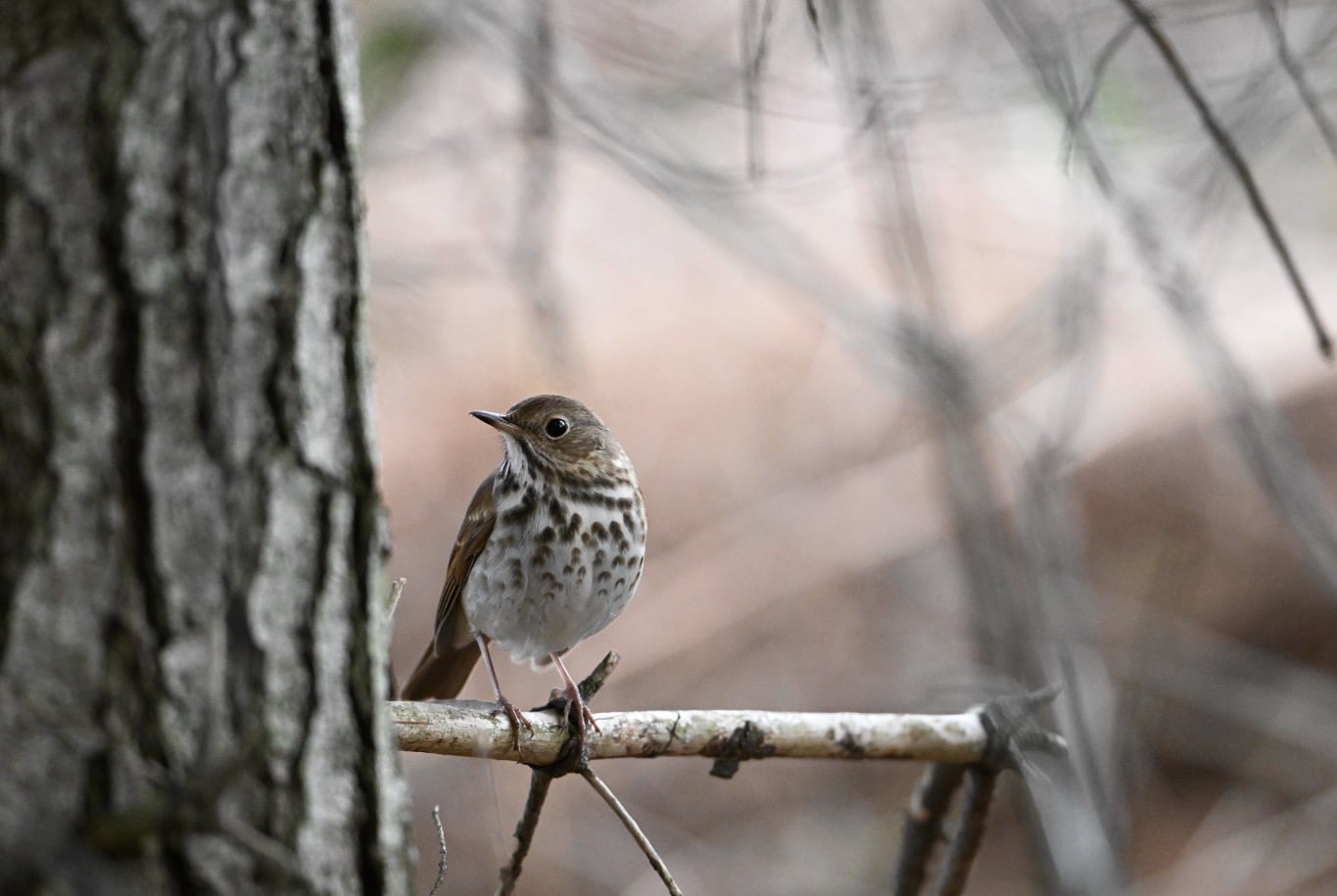
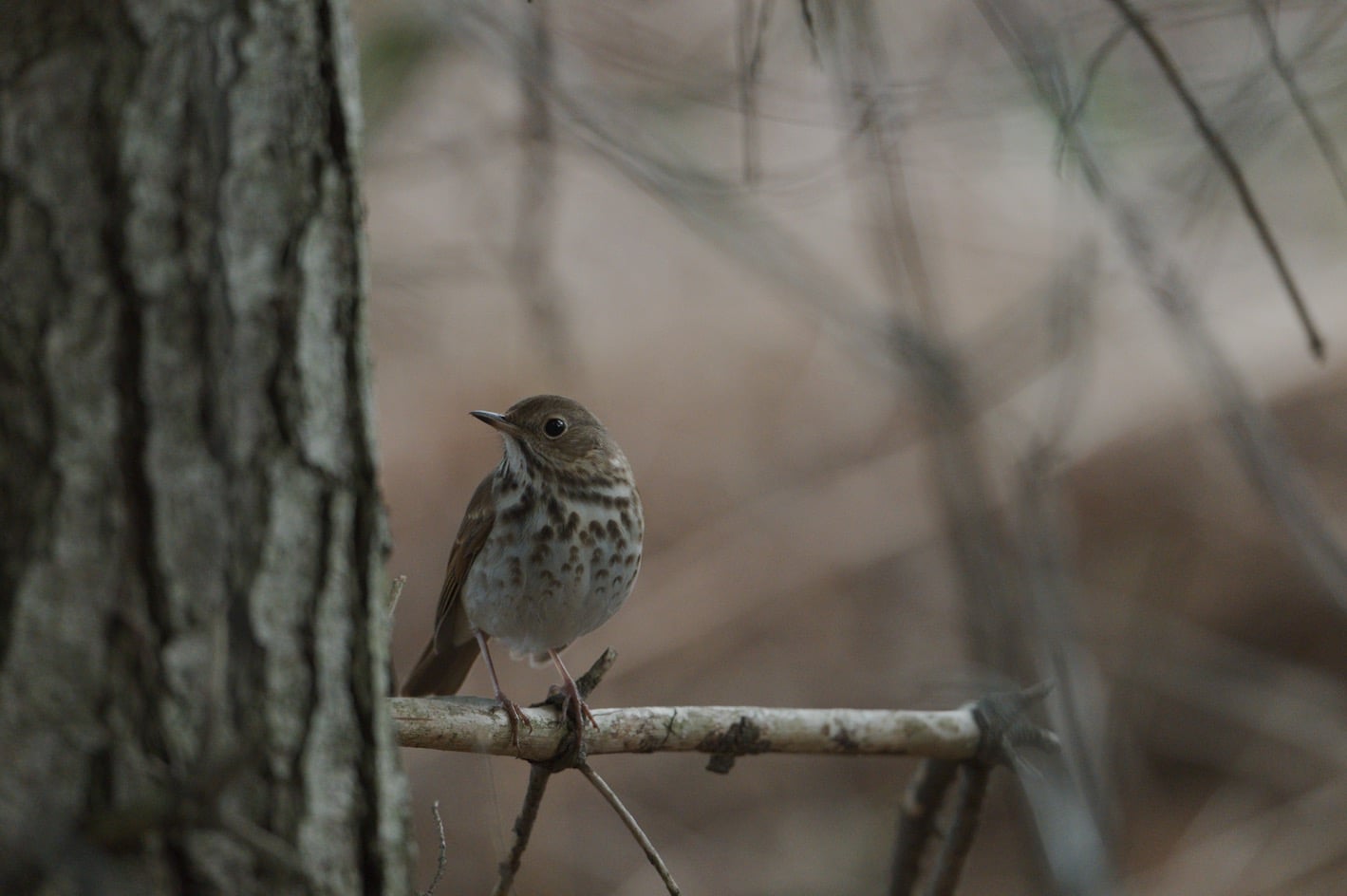
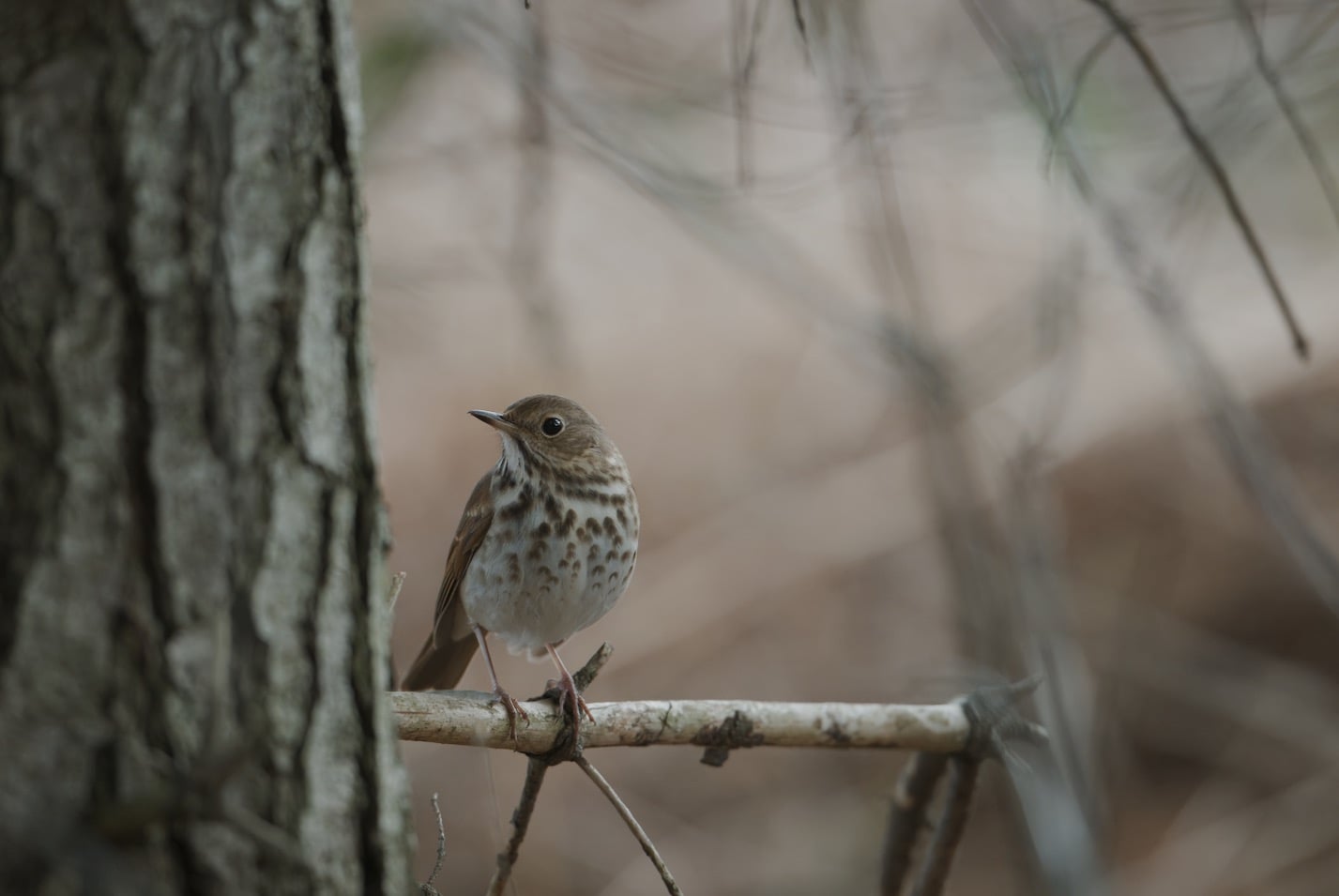
Compare above

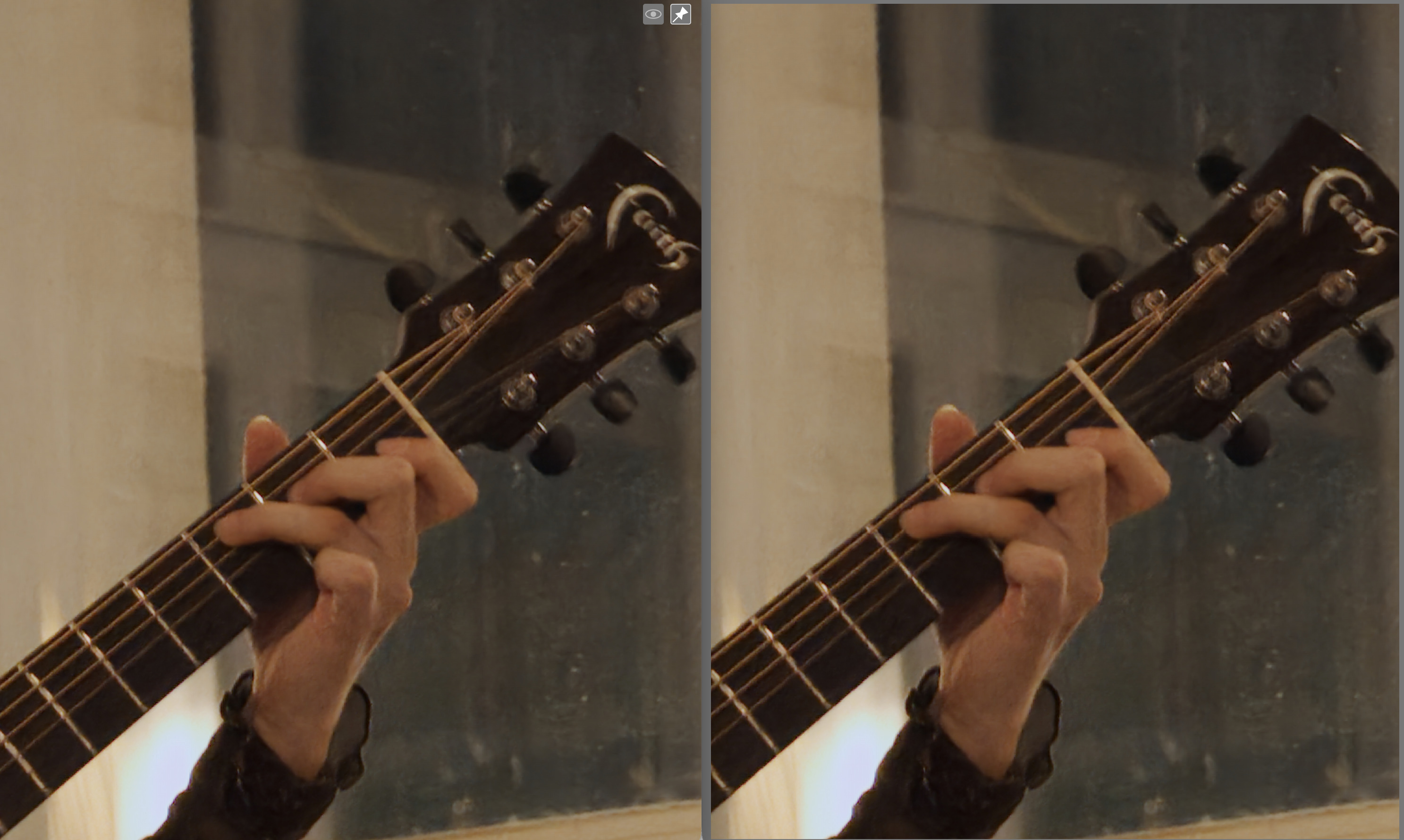
Here is a comparison (200% zoom) between Topaz Photo AI with the default raw denoise model (Left) and RawForge

1 Like

I just pushed a new version of rawforge as the original models did not like the updated iso conditioning. It was a rather silly bug, but v0.1.0 fixed it.

Always appreciate comparisons like that, thanks for posting.

Well not sure what you are trying to show here , to be honest .
Still the same unsharp image … with truck loads of motion blur and other technical shortcomings .
Why should I take this a reference how good or bad … a noise reduction software is ?
Not even a commercial piece of software … will make a technical faulty image any better .
Take a pin sharp image , well exposed and make a decent comparison , well at least I would work that way .

1 Like

How can I run this on my Mac? I want to test and see how it is doing…

What stop you from trying it yourself? Take a pin sharp image , well exposed and make a decent comparison, and tell us the results.

As a note, this is a command line only version, and it’s great for integration into darktable. The changes will be propagated to the GUI version, but only after I finish the ONNX part I think.

Easiest method at the moment is pip. You have a couple options, but I recommend the pipx option as you can then use it to integrate in to darktable later on if you wish using the scripts linked early in this thread.

  1. If you want a minimal install (assuming python and pip are already installed), I’d do something like this in your terminal (I’ve tested both in python 3.12 on the Mac laptop I’m typing this out on):
python3 -m venv rawforge
source ./rawforge/bin/activate
pip install rawforge
rawforge TreeNetDenoise <input>.CR3 <output>.dng --cfa 

Line, by line, we create a python3 virtual environment (venv), start the environment, pip install, and then run the model on an image. Of course, one could also use conda or another venv manager.

The disadvantage is that it requires the venv to be active to run. To fix that, you could pip install rawforge outside of a venv (just omit the first two lines), but that is often undesirable as it could conflict with other python applications.

Better would be to install with pipx.

  1. Install with pipx.

pipx works like pip, but it automatically installs the software in a venv and makes the command available system wide. All you have to do is first install pipx:

brew install pipx
pipx ensurepath

Then, you need to close and reopen terminal and install with pipx:

pipx install rawforge

I should print out:

(base) ryanmueller@Mac ~ % pipx install rawforge

  installed package rawforge 0.1.0, installed using Python 3.12.9
  These apps are now globally available
    - rawforge
done! ✨ 🌟 ✨

This is preferable because the command is then globally available, meaning you can easily use it without setting the venv up each time.

In the future, I will provide dmgs, but what I learned with my first release is that I need to get the program mostly figured out before I do that, as each time I make some change it causes a lot of downstream work.

The good news is once it’s installed, you can get any updates easily with pipx.

Let me know if that works for you, and thanks for trying it out.
1 Like

I am not the author of this photo, and the topic of this forum is Noise Removal and not the correctness of the photo.
I just packed that more than 10 years old forgotten plugin G`MIC can also de-noise.

Ok … I got it .
I thought this thread is also about the quality of the used software …. specially when one is posting comparisons .
But hey we might have different expectations…
So I say sorry for my rough wording.

Yes it partly is of course. Rawforge / RawRefinery is a new FOSS denoiser. But please check it out yourself as well rather than just shouting and expecting that everyone will do the work for you

I followed your instructions. rawfroge has been installed. when I do rawforge -h I get output but also a warning $HOME/.local/pipx/venvs/rawforge/lib/python3.14/site-packages/colour/utilities/verbose.py:340: ColourUsageWarning: "Matplotlib" related API features are not available: "No module named 'matplotlib'". See the installation guide for more information: https://www.colour-science.org/installation-guide/ warn(*args, **kwargs)

Additional, if I try it… I can’t open the output DNG file in say ‘Preview’ or some other editors that are capable of reading DNG files…

1 Like

The warning should not cause an issue. It’s due to a demosaicing library used, which looks for matplotlib. I should probably look for a way to disable the warning.

Additional, if I try it… I can’t open the output DNG file in say ‘Preview’ or some other editors that are capable of reading DNG files…

Do you have darktable? The DNG spec is kinda weird, and I haven’t figured it out yet. Preview does not open it up for me either, but darktable does.

I could just write the output images as tiffs/exr, but some programs don’t interpret those as raw images and won’t apply the gamma/color matrices.

Incidentally, if anyone is an expert on file formats, let me know haha.