This looks like different levels of denoise on each image. Are you able to do the test again, but with one copy matching apparent noise to see what detail is left and another pass matching apparent detail to see what noise is left?
I am not sure, how this will help. If you increase the denoise strength in the DT module “denoise profiles” to an extent that the noise becomes invisible, the image is extremely blurred. Maybe you can get the same level of PSNR or any over method to quantify noise, but for sports photography the image is no longer a keeper. Rawrefinery is not doing sharpening and lens correction AFAIK but DXO normally does. So it’s impossible to get the same results.
However, I will continue playing with those tools and will eventually share some pictures which I can share within the next couple of days.
Thanks. I tend to use quite light de-noising, but never see examples of the AI tools set on low. Any de-noise set to remove all noise looks over processed to me.
1 Like
I wrote a wrapper script to do that:
1 Like
Completely no noise looks indeed over processed. But - and this sounds maybe counterintuitive - if denoising does not lead to artifacts, this can be combatted with a bit of grain. For me that often gives a very nice look.
I do the same with photos taken with my phone. They often look over-processed until I desaturate the colours slightly, and add a bit of grain. Then I crop to 35mm proportions and gone is the typical phone look
1 Like
Hi, all!
I’ll get to ya’ll’s questions in a bit, but because I can’t just stick to one thing at a time, I actually have a new model for y’all to play around with shortly. It’s heavier than the base model, but the performance in some ways is nicer. I’ve attached an example here with the original noisy image:
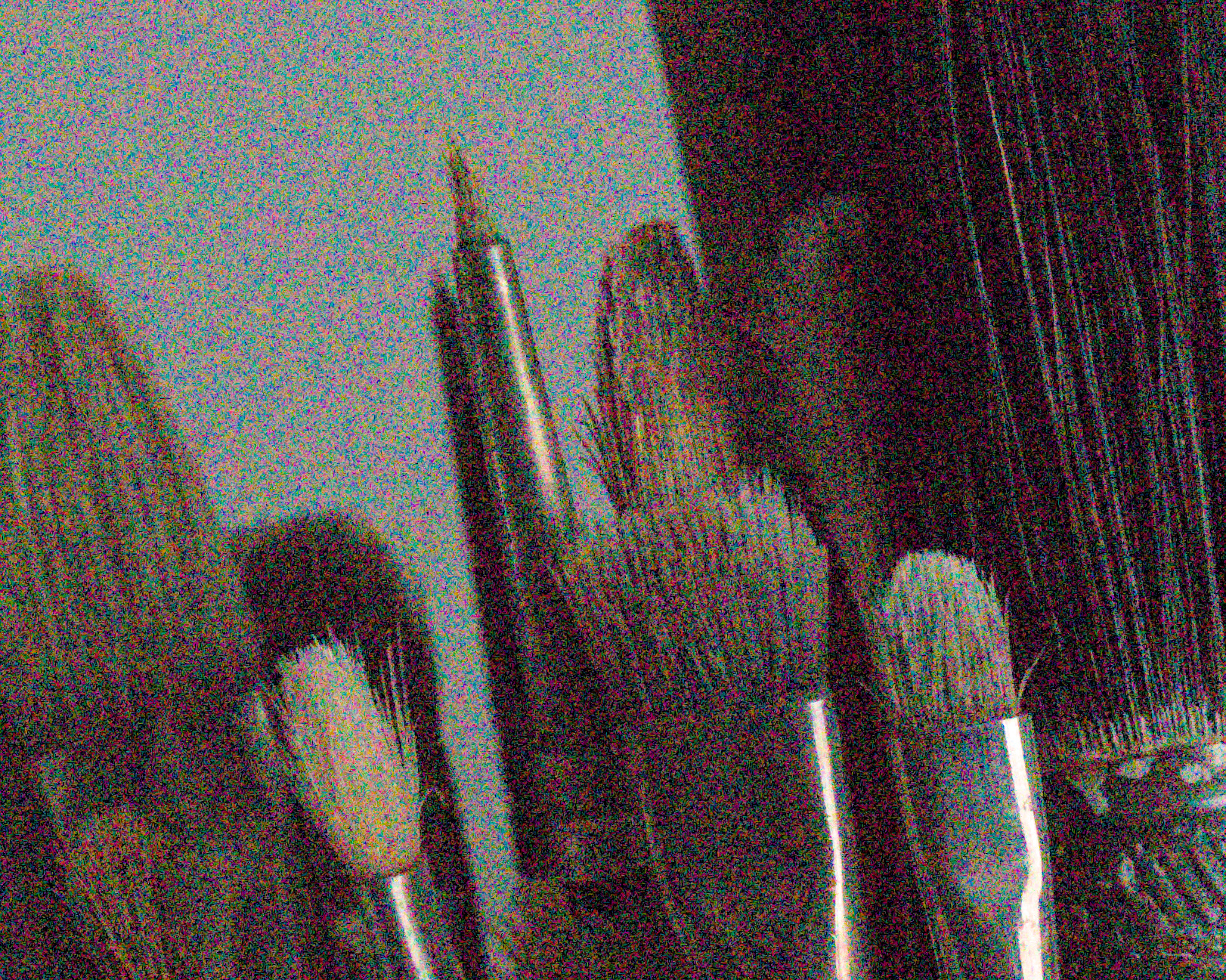
Original denoiser results:
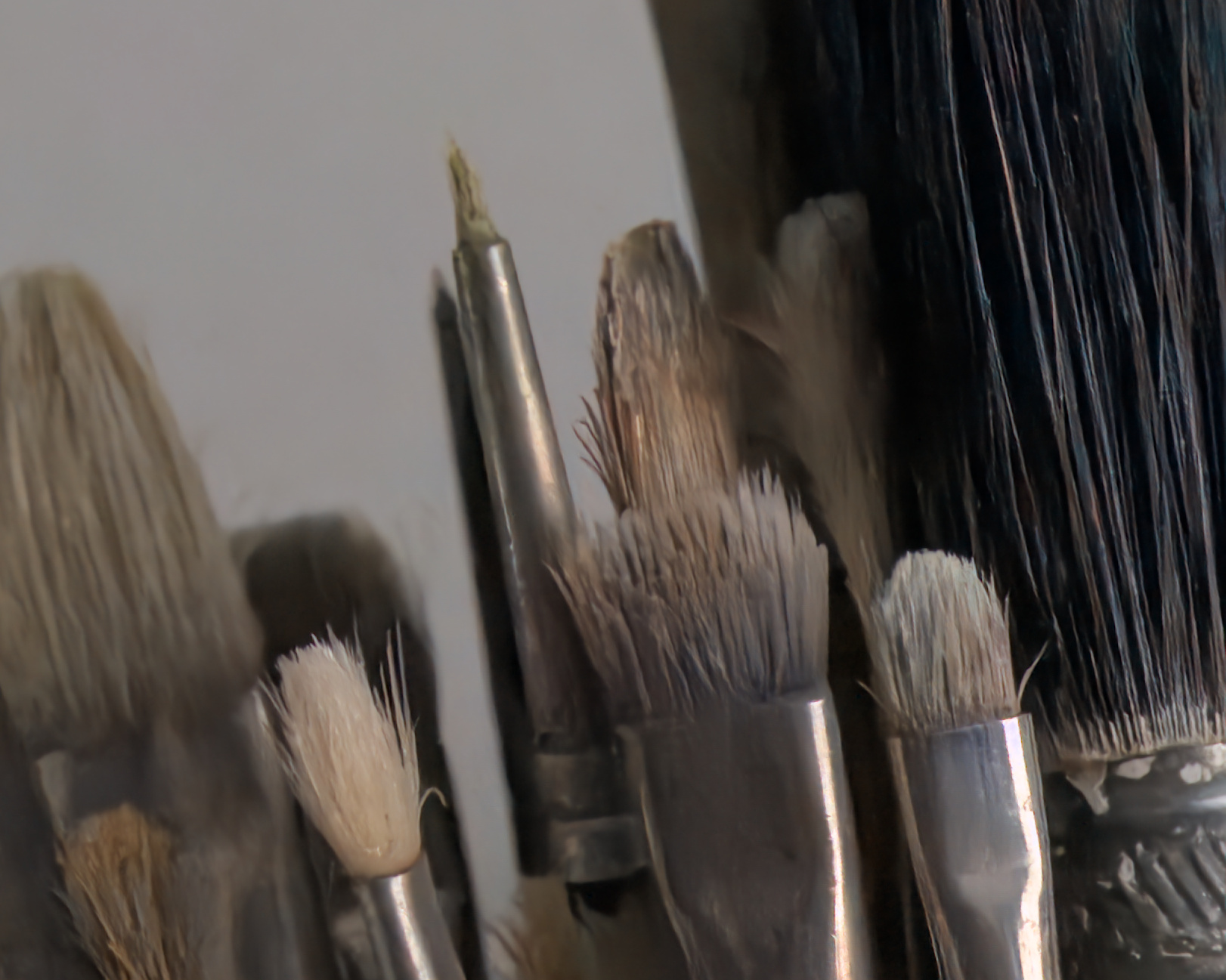
And new model results:
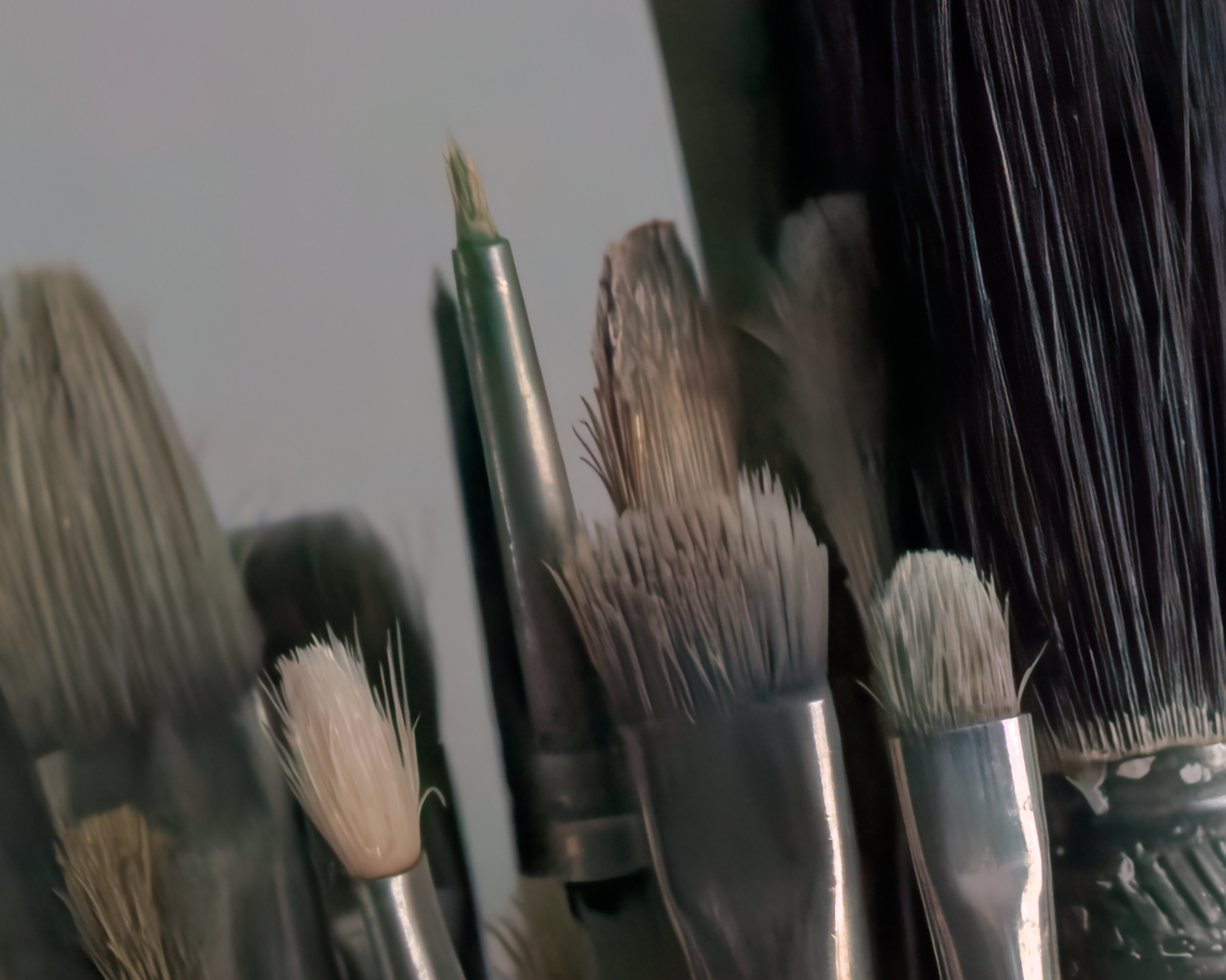
I find that there are fewer of the “squiggles” and weird textures (look in the bristles) in the new model, but there is a color cast.
Let me know what y’all think. Do you like the look? Is it worth a heavier and slower compute time?
Opening the images up in two tabs and switching back and forth makes the differences pretty clear in the black bristles, it’s just not clear to me if people are willing to wait ~ 4 minutes to denoise an image haha.
I have tried it as well. And the concept is very nice! I am running on Mac. And the results are nice, very nice.
However, since you are relying on PyTorch being installed on the system, I am afraid you will run in to countless problems when you will try to mature the program. You will need to bundle everything in the program. I have not seen often such a dependency distaster as PyTorch. I have tried it many times on my Mac, never got to something that did not break a couple of weeks later because of some dependency changed.
This and all the issues with cross platform running of ai models, made Microsoft build onyxruntime. And I think it was a very wise decision of the darktable devs to go with that, rather then relying on PyTorch…
2 Likes
Thanks for the kind words. I am working on an ONNX runtime, but it requires a bit more dev work to get working.
1 Like

4 Likes
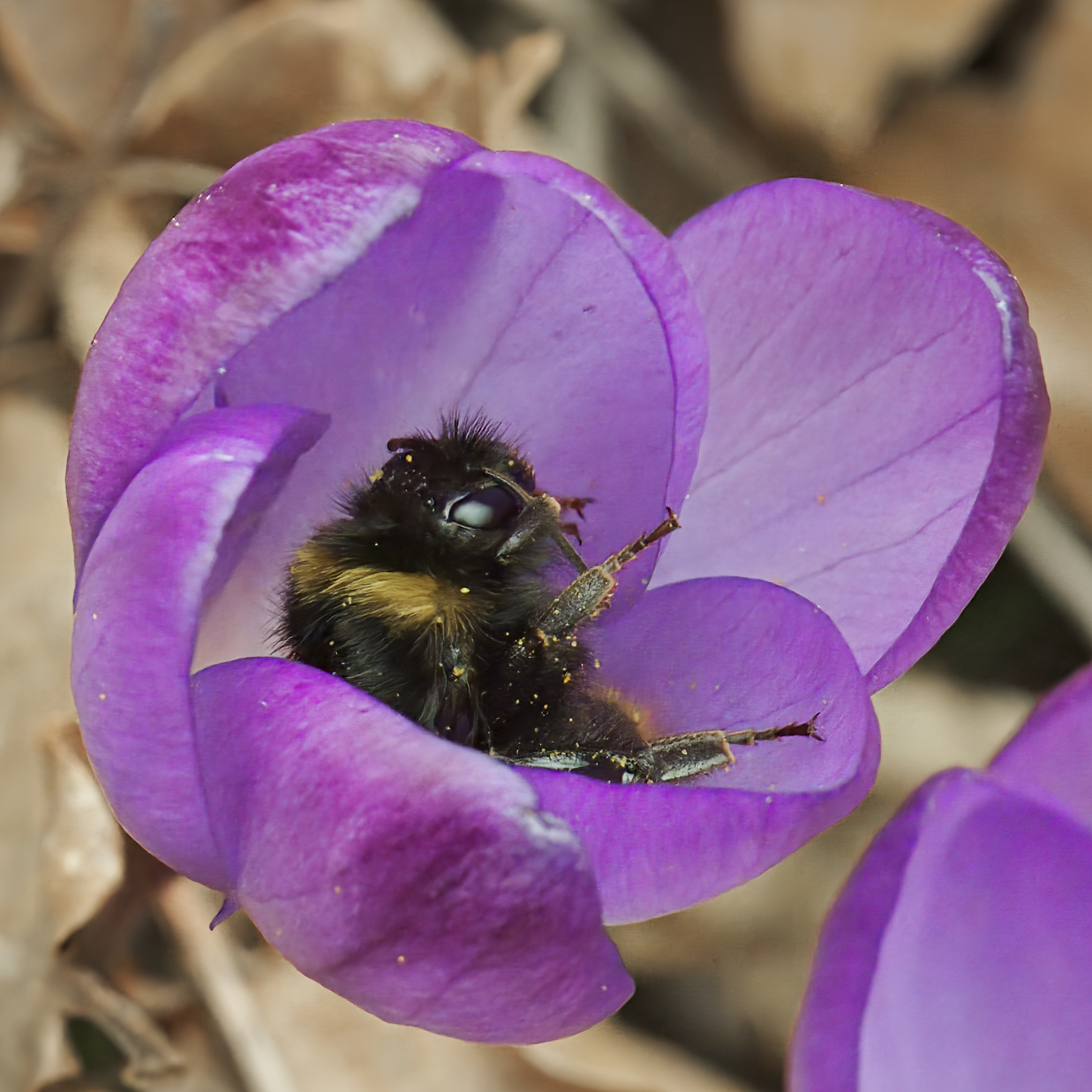
I’m seeing a lot of extra contrast due to darker shadows. Does this align with ground truth (the same image captured with ISO 100 and a longer exposure), or is it an artefact of the process?
Die this particular image, I prefer the previous method, due to the colours.
I could not copy the history stack directly onto the dng, because this gives weird results. So I did a quick reedit. Details as colors or contrast can definitely be adapted. This edit was just to demonstrate the denoising.
But I like it  .
.
I can’t speak for this image, but typically the GTs do contain deeper blacks, as noise “brightens” shadows.
Is it possible to specify the grain in RawForge?
You can get a grain effect with the lumi option.
Something like:
rawforge TreeNetDenoiseHeavy test.CR2 test_heavy.dng --cfa --lumi 0.2
I’d recommend starting around 0.2-0.5. Higher number will add more grain (up to 1.0)
Any news about xtrans? I still dont understand how I should create the rawforge version with support for it. Clone the branch and then?
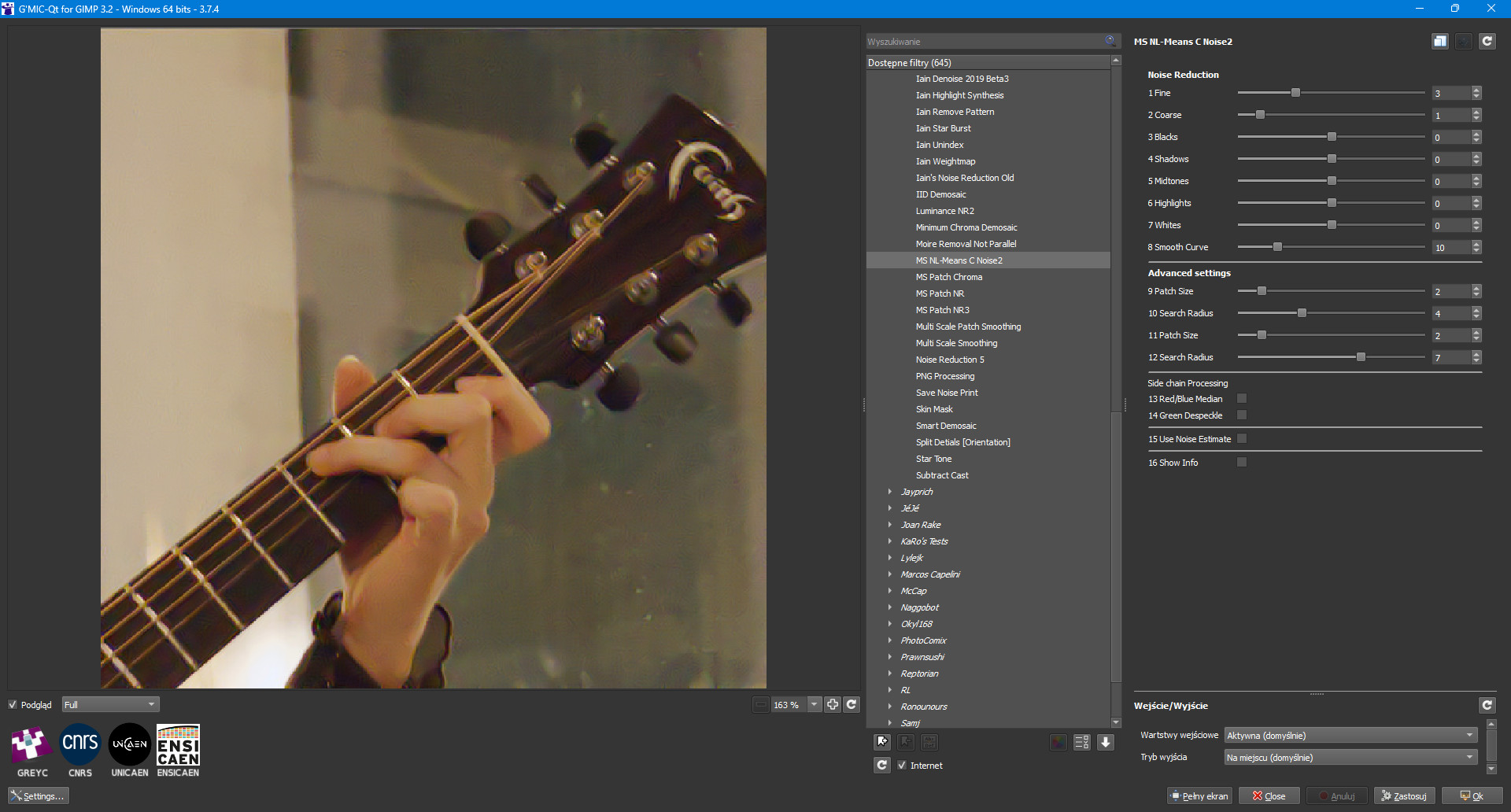
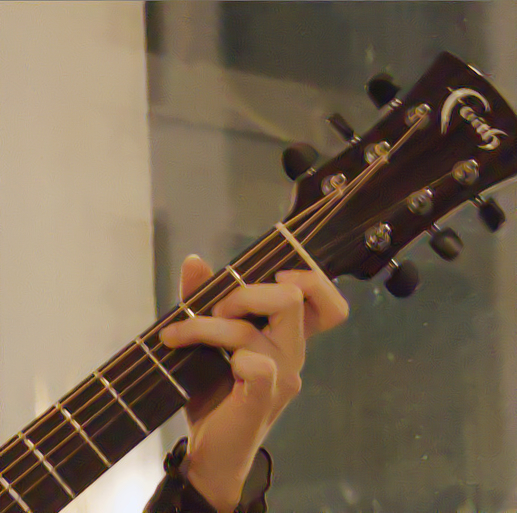
I am quite surprised that you think , the posted images are a good reference how good a simple filter can work .
At least I understood it that way …
Image is not sharp … with lots of motion blur , so no reference for me !!!
Background is full of weird artifacts … looks like noise reduction from the past . Well this is just my personal view .
1 Like
Hi! I just pushed the xtrans version to pip for rawforge!
No need to git checkout or anything, “pip install rawforge” will work now. Are you comfortable using pip?
Two new models are included:
TreeNetDenoiseXTrans and XFormerXTrans
However, in testing, the XFormerXTrans version did not trace properly and is adding in artifacts. However, the TreeNetDenoiseXTrans version should work. Let me know how the performance is if you test it, I’m hoping to improve it further shortly.
2 Likes