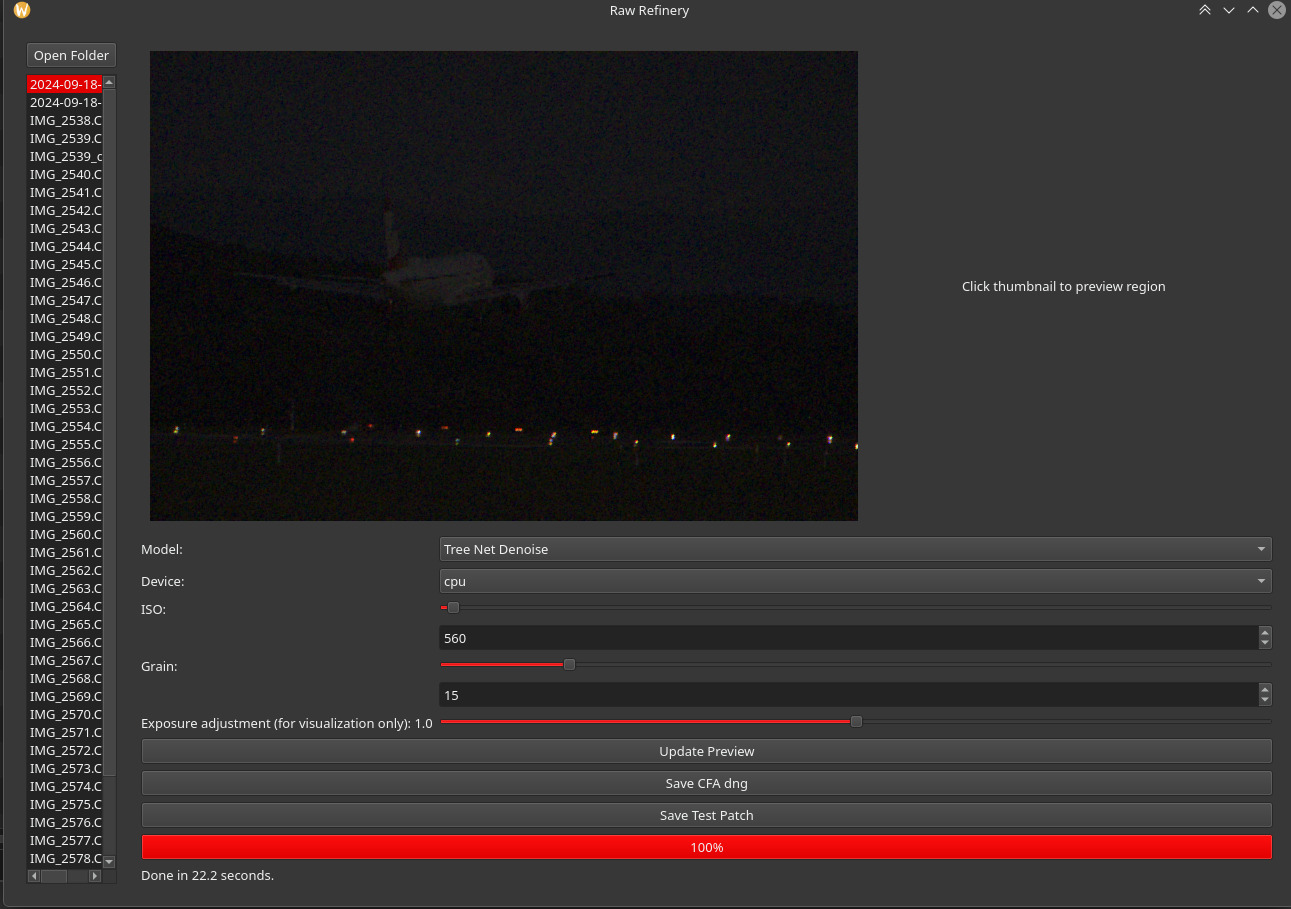
Introducing a new FOSS raw image denoiser, RawRefinery, and seeking testers.

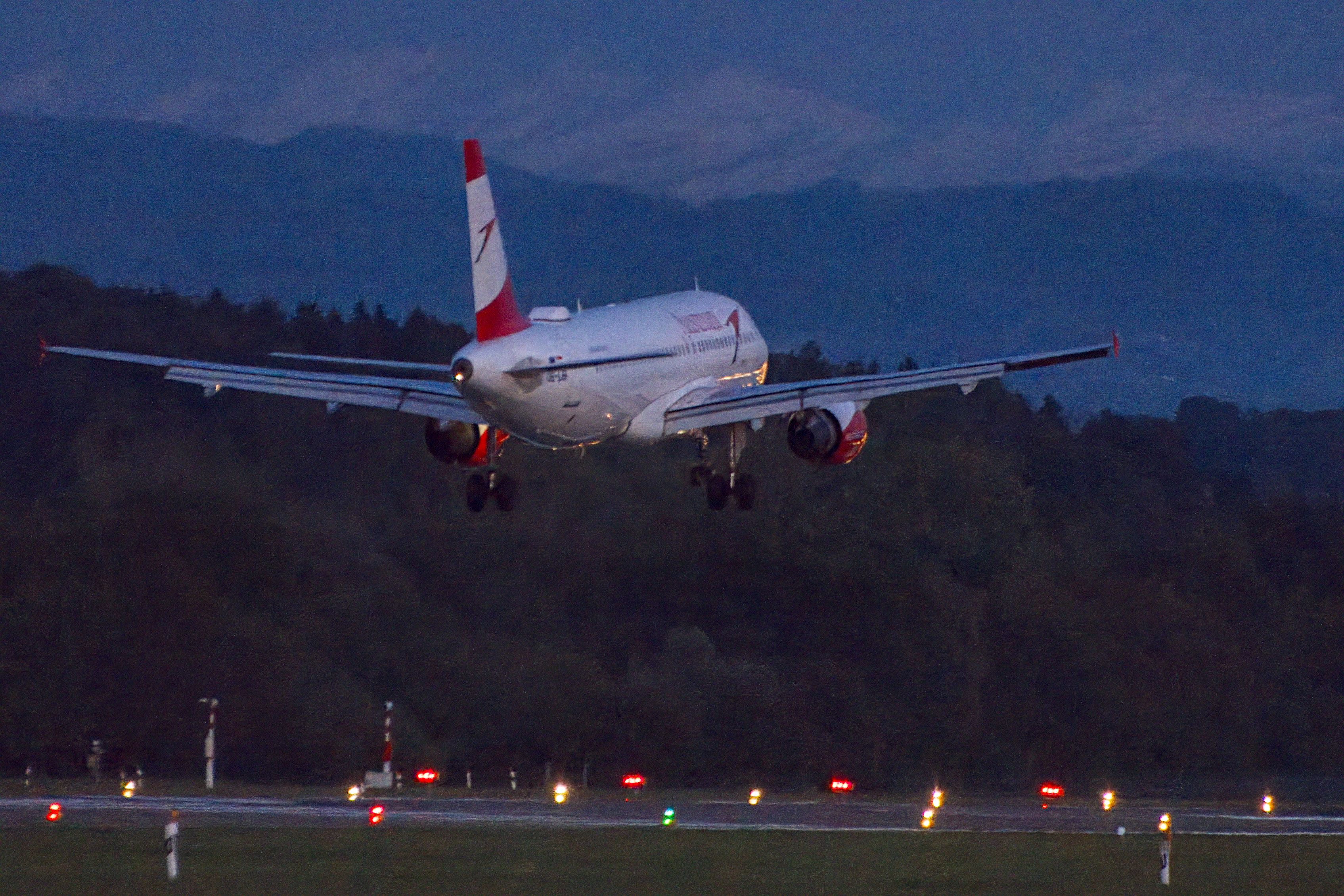
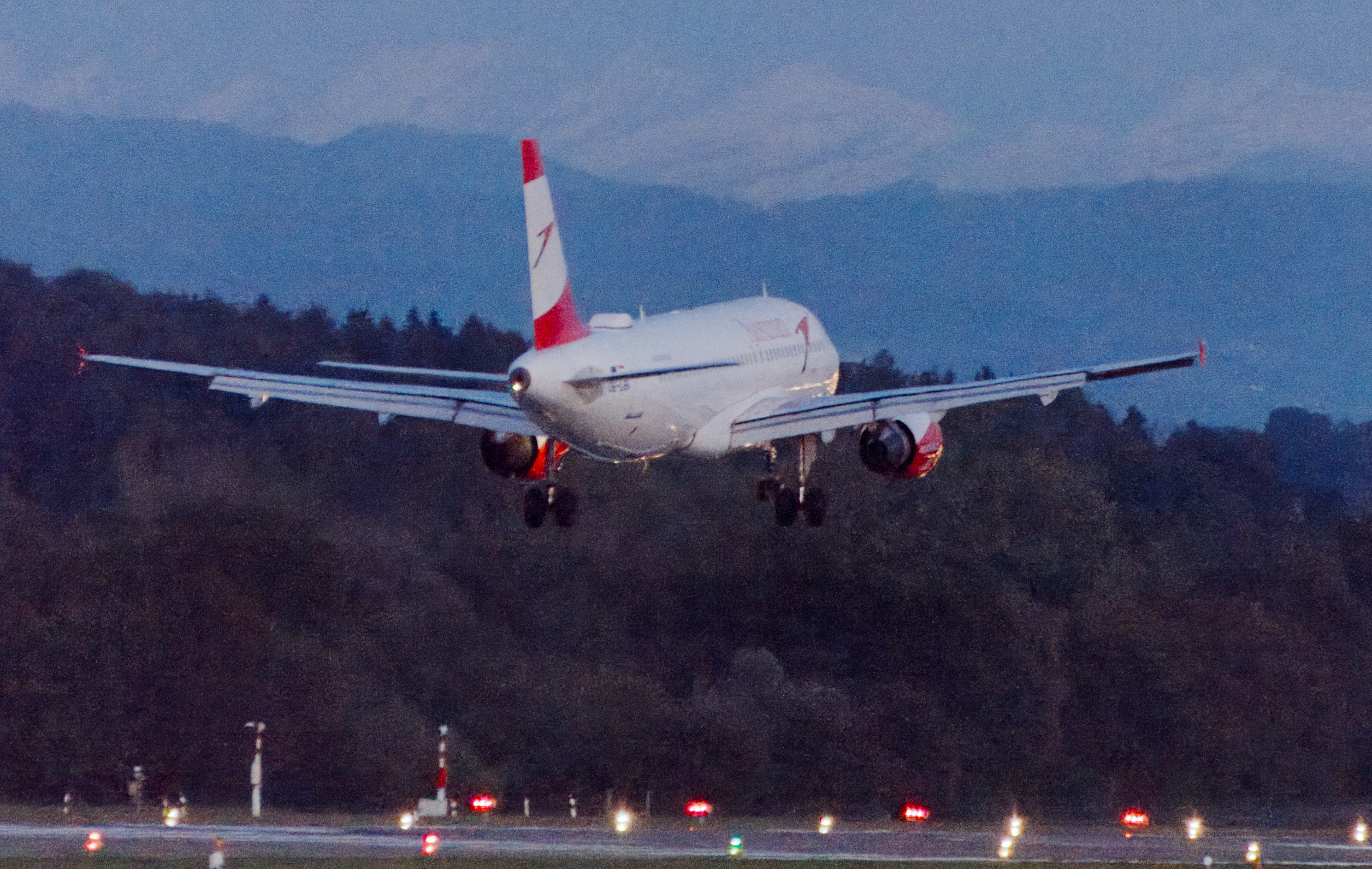
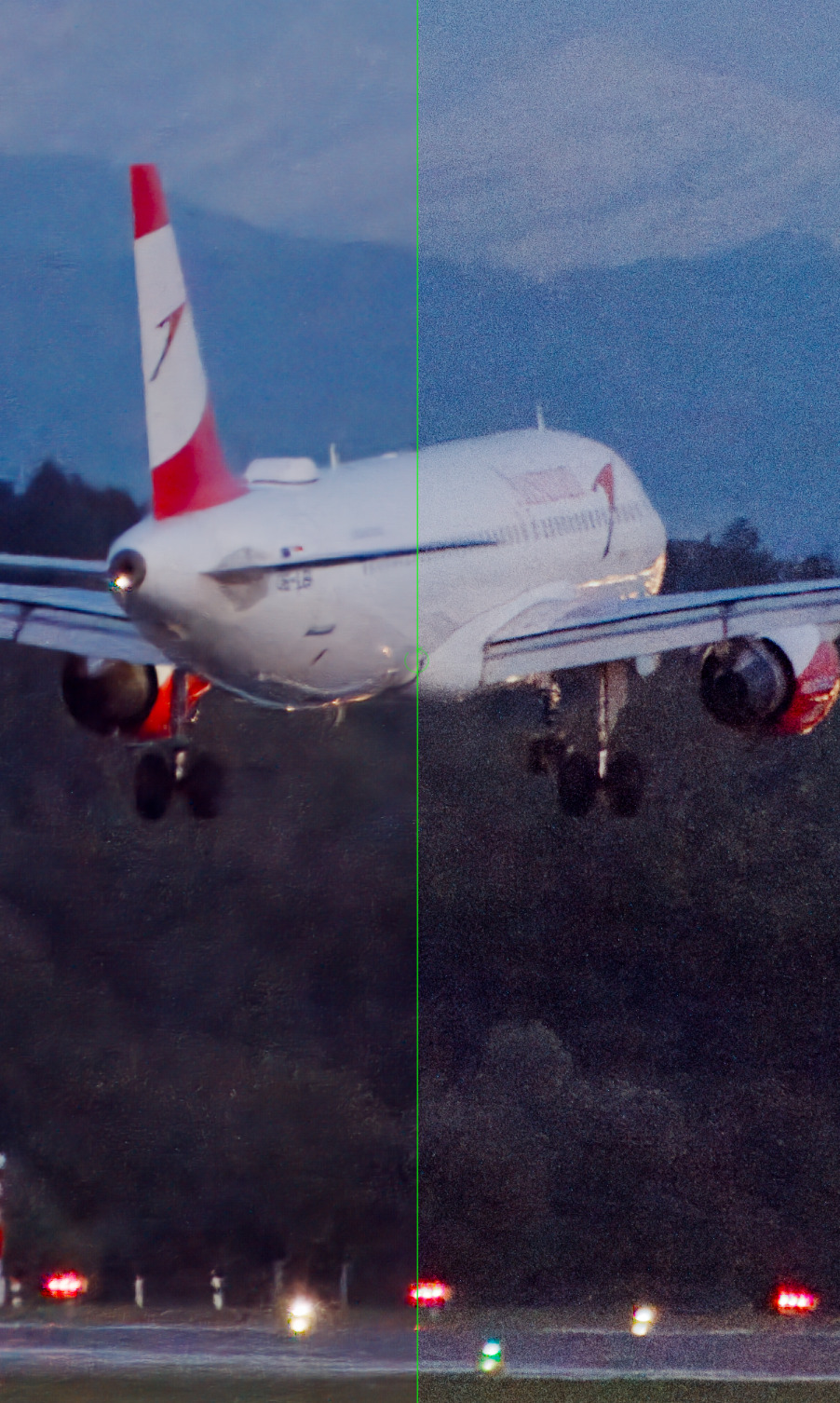
This is the denoised image at 100% view (set to ISO 100 instead of the real 1600), overlaid the original with 2 composites. The first instance is at 100% opacity, colour only. The second is also 100%, in normal merge mode, but with a drawn mask, refined using detail level so only the smoothest part would get the whole effect.

This helps avoid the plastic-y look (left: the denoised image; right: the composite).

Thanks, @RawRefinery !

2 Likes

To extend the list of accepted extensions, edit RawRefineryApp.py, and change this line:

exts = ('.cr2', '.cr3', '.nef', '.arw', '.dng')

For example, to add my Panasonic camera’s RW2:

exts = ('.cr2', '.cr3', '.nef', '.arw', '.dng', '.rw2')
1 Like

@RawRefinery

I’ll be happy to test a Windows AMD GPU version (and CPU) for you as soon as a build is ready. I’ll keep an eye on this post.

Looks great so far from what I’ve seen on this thread!

1 Like

Hi Ryan, same issue here on iMac intel (OS 15.7.1). Installed via .dmg.

1 Like

That’s my result on your night plane. I tried to keep the edit simple so just RawRefinery with this settings:


2024-09-18-18-53-01-DSC_0272_denoised.dng.xmp (9,3 KB)

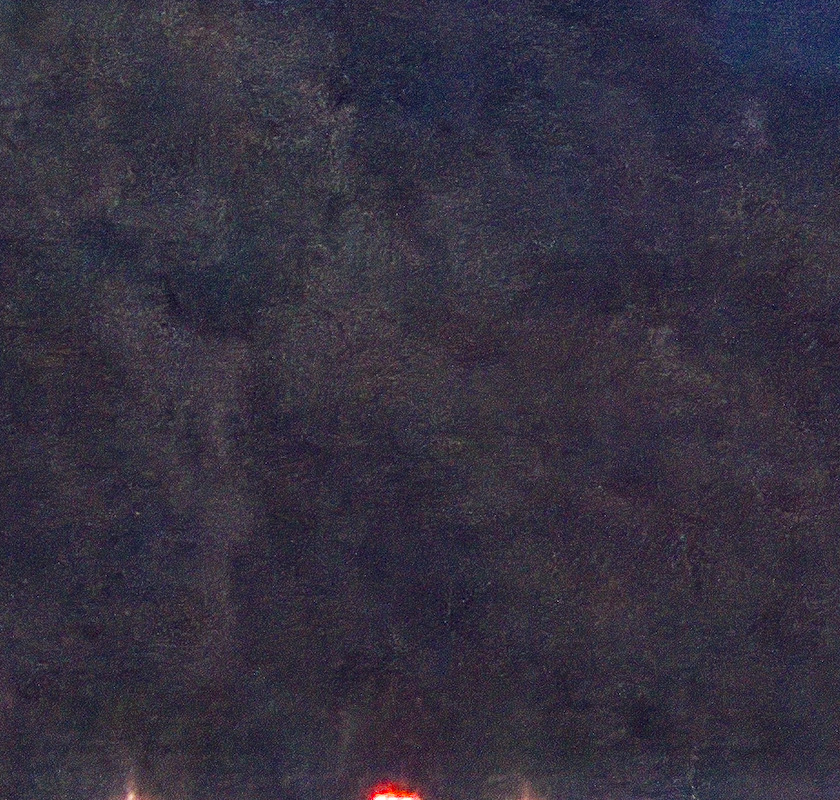
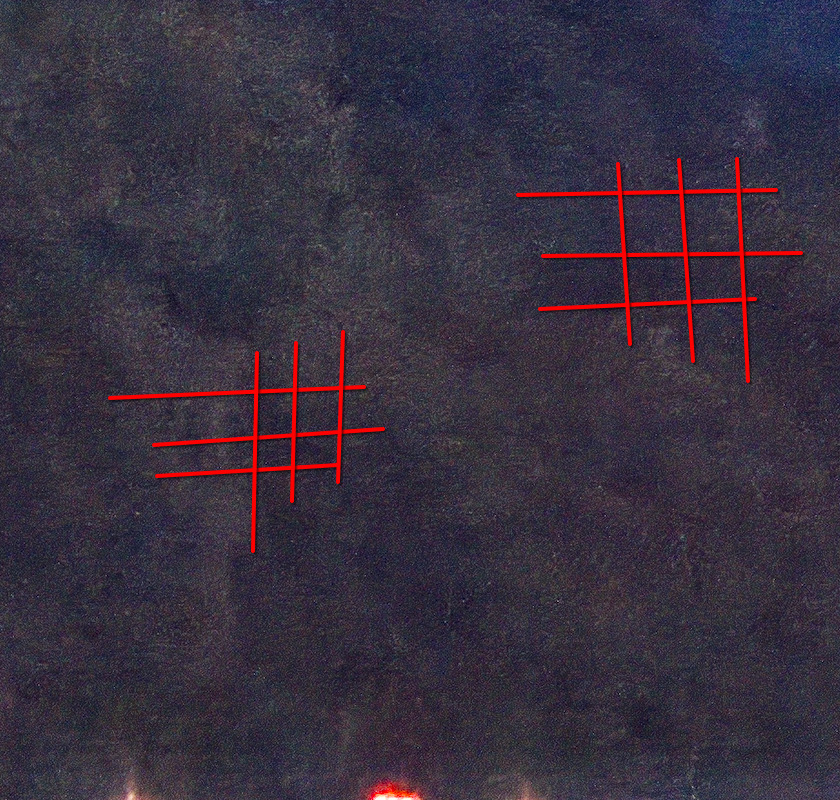
I think the result is quite good, even though there is still some room for improvement. There is still some pattern in the render, and for me it looks like there is still some underlying chroma noise.
But it doesn’t has the plastic look.

@RawRefinery
RawRefinery evertime crashes, when I touch the Exposure adjustment slider.

2 Likes

Hello Ryan, I installed the dmg.

1 Like

@paulmatth @zurdo

I am glad Paul got the dmg installed, did you do anything differently? Did it just work eventually?

It does seem like the dmg is not working optimally. I think for now I will recommend the pip way to anyone comfortable using it. I do want to look into improving the dmg, but it’s lower on the list of issues, since some other issues prevent people from using the app at all (e.g. no x-trans support, pidng doesn’t seem to work on windows).

Thank you both for your testing.

@kofa

Nice edits! I’m trying to take inspiration from your work flow. I could implement a smoothness map to help automatically blend noise in different amounts at different parts of the image.

Thanks for the heads up on rw2!

@europlatus

Thanks! I am still researching how to make AMD on windows happen. Windows CPU will be coming soon however.

@Popanz

Can you describe the pattern you see? I just want to make sure that I have the artifact noted correctly.

Sorry about the exposure bar. I’ll make a note to look into that.

1 Like

Nothing to be sorry about. It’s alpha state. So It would be a bit crazy to expect everything working flawless.

Regarding the pattern, I think in this area it si quite good to see:

1 Like

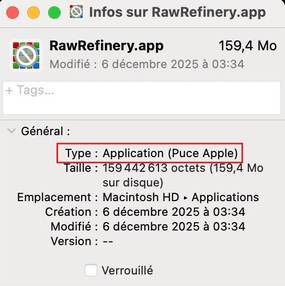
Hello, I just opened the dmg, moved RawRefinery to Applications, started RR from there and got that “Sorry, your iMac can’t handle this app” message.

Found out why. Your dmg is made for Apple silicon, not Intel.

1 Like

Thanks for the report, and that makes sense. I suppose I’ll need to make a dmg in a vm eventually, but for now will the pip install work for you?

darktable 5.6 feature candidate? I would be unspeakably happy to have this level of denoising in darktable (but it would have to work on AMD too).

no, that is probably quite a ways off.

Canon R5m2 files come out green. R5 files just work fine. How can I help fix this?

@huge_raw_tinkerer @paperdigits

Not particularly in my control, and Mica is correct. This is not ready for integration into more mature products.

@piratenpanda

Interesting. Do you know of any differences between the R5 and R5m2 files? I will test with an example file, I’m guessing that I’m not properly handling the color change matrix.

If you want to poke around, the first step would be to verify that the output of the “raw handler” library used is reasonable or not. You could essentially run this example Jupyter notebook in the same env as raw refinery, but with your local files and see if there are any visible issues:

For everyone else:

I have some updates in the work based on your feedback, but progress slowed down a bit as I’m visiting family. Thanks again for everyone’s testing!

1 Like

Tested on linux with rocm pytorch build, but only the cpu option was exposed again. I verified that pytorch rocm acceleration is working correctly in the venv, so must be RawRefinery not allowing it

Edit:
I believe it would work if the cuda check is modified, but I also found out that my igpu is only supported on rocm 6.3, not 6.4 which fedora 43 packages.

1 Like

in utils.py

 x = torch.zeros(1, device="cuda")

this line failed for me on rocm.

1 Like

@piratenpanda @BrafMeToo

Ah, I thought that line would be CUDA/ROCm agnostic. Do either of you have suggested modification? I do not have access to an AMD GPU, so it’s hard to test.

I read you can differentiate with:

if torch.cuda.is_available() and torch.version.hip:
    amd = true
if torch.cuda.is_available() and not torch.version.hip:
    cuda = true

that can be done via lua scripting in general: open a selected raw in RawRefinery and import the generated result (similar to lua-scripts/contrib/gimp.lua at master · darktable-org/lua-scripts · GitHub or ext_editor.lua)

that requires RawRefinery to be started with handing over a raw file (to get rid of that selection from a directory) or to be run as a commandline application that allows handing over the raw file, the processing parameters and save the resulting dng into the directory of the source raw
3 Likes

This would be a great addition to DT in my view. I can’t wait for RawRefinery to work on Windows let alone with DT.

1 Like