I see a lot of fuji color profiles for X-Trans sensors but none for for GFX which IIRC is Bayer type. Can anyone provide guidance here?
1 Like
Fuji recently published luts for most of their film sims for the GFX Eterna 55. They should work for regular GFX raws with some adjustments, might be worth looking into it.
1 Like
Would those be applied using the LUT 3D module?
Assuming the luts are supported, yes.
These appear to be the FLog/Flog2 LUTs for video, not the film color profiles. Can darktable use color profiles for LR/PS?
I see articles about the new film sim LUTs but the download links all point to Flog/Flog2 and none of the film sims. Am I missing something here?
Depends on what kind of “color profile” as that’s a pretty vague term.
cube LUTs from 3D-LUT | FUJIFILM X Series & GFX - USA work for me for my gfx 100s ii for the Eterna profile.
1 Like
I am looking for Provia, Velvia, Classic Chrome, etc to have them available for my GFX100RF in darktable. It is one feature I use regularly with LR Classic and Capture One.
You can make one, but I’m not aware of any from Fuji.
You can buy a color checker, and use darktable-chart to make your own. I’ve experimented with various methods, and found the simple 24-patch lookup and tone curve produced by darktable-chart more robust than bigger LUTs.
You can find my X-T5-derived styles here: Darktable-Film-Simulation-Panel/styles at master · bastibe/Darktable-Film-Simulation-Panel · GitHub (I’m actually not sure if these are current. They may be an older version)
1 Like
Darktable has its own logarithmic color space inside the unbreak input profile, for example it’s possible to use a lut for the conversion DT-LOG => Fuji f-LOG2 and after the conversion it’s possible to use the fuji film emulation luts.
1)download the luts from the follow link, we could use the luts intended to be used with “F-log2” color space
-
Open an image in DT and set the exposure to +0.95 (this parameter could be modified)
-
set the working profile to linear rec2020 rgb
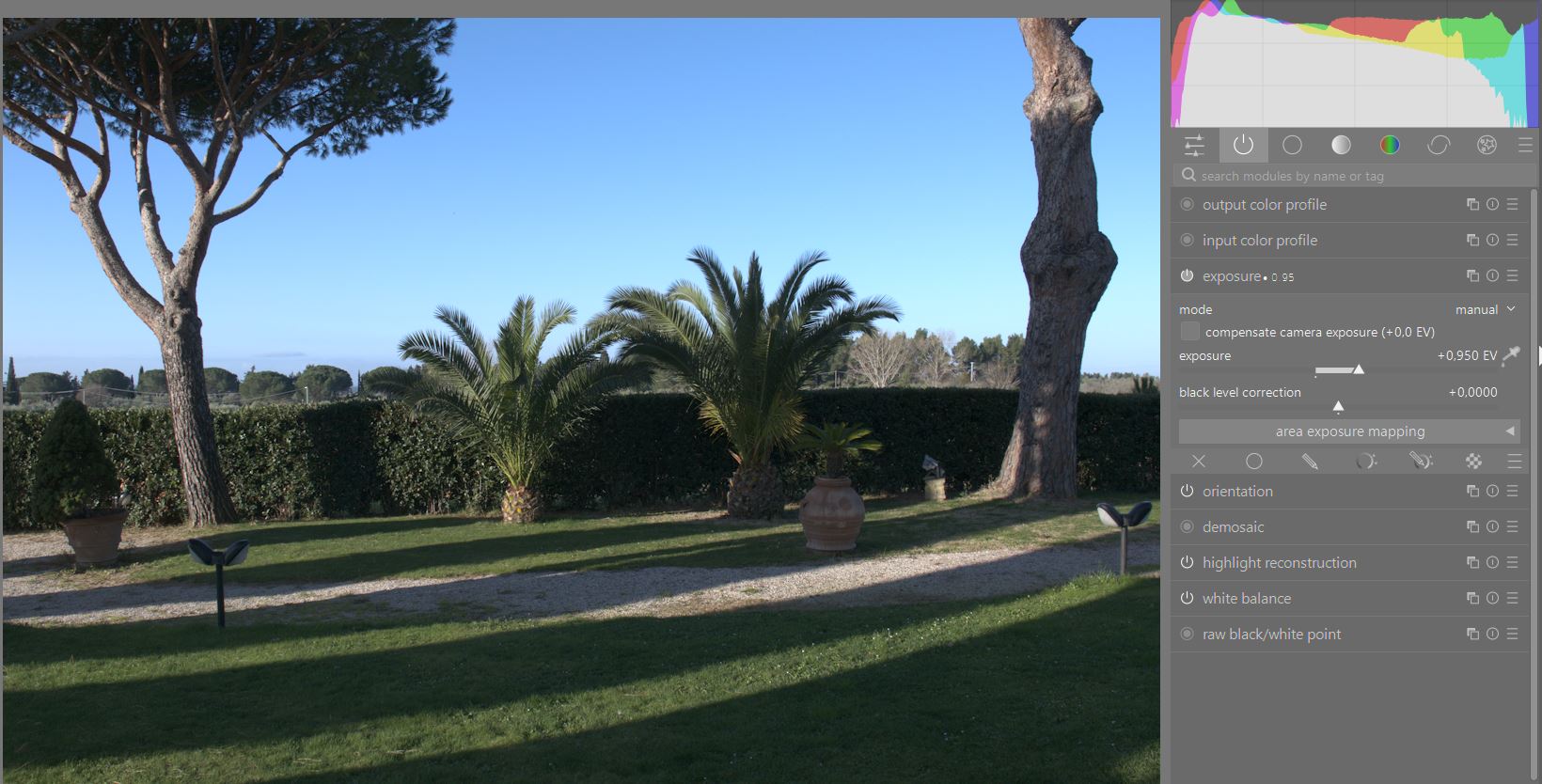
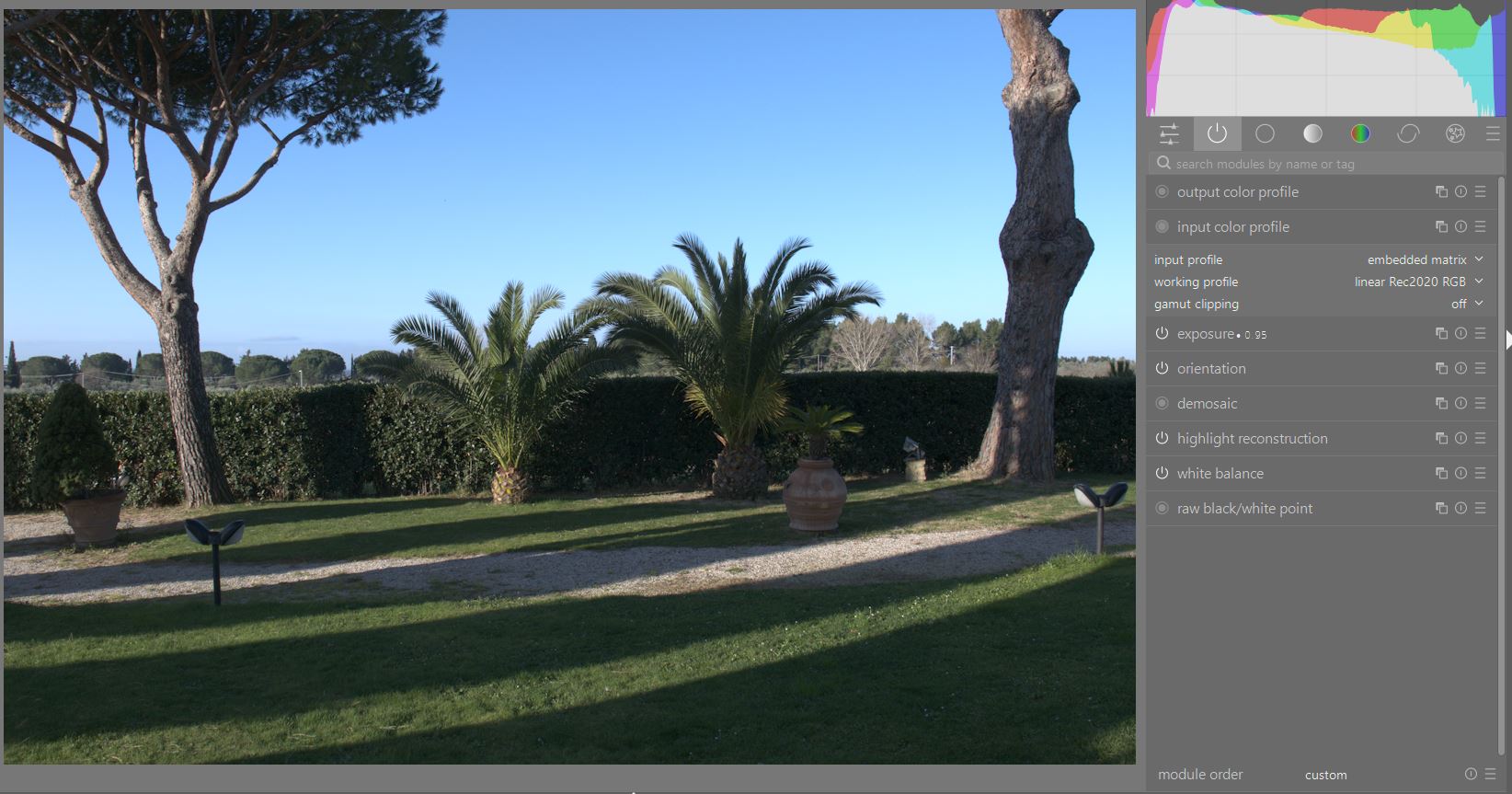
4 find the unbreak input profile , MOVE it AFTER the input profile and set:
gray=18%
black relative exposure=-8EV
dynamic range=18EV
(These parameters should not be touched)
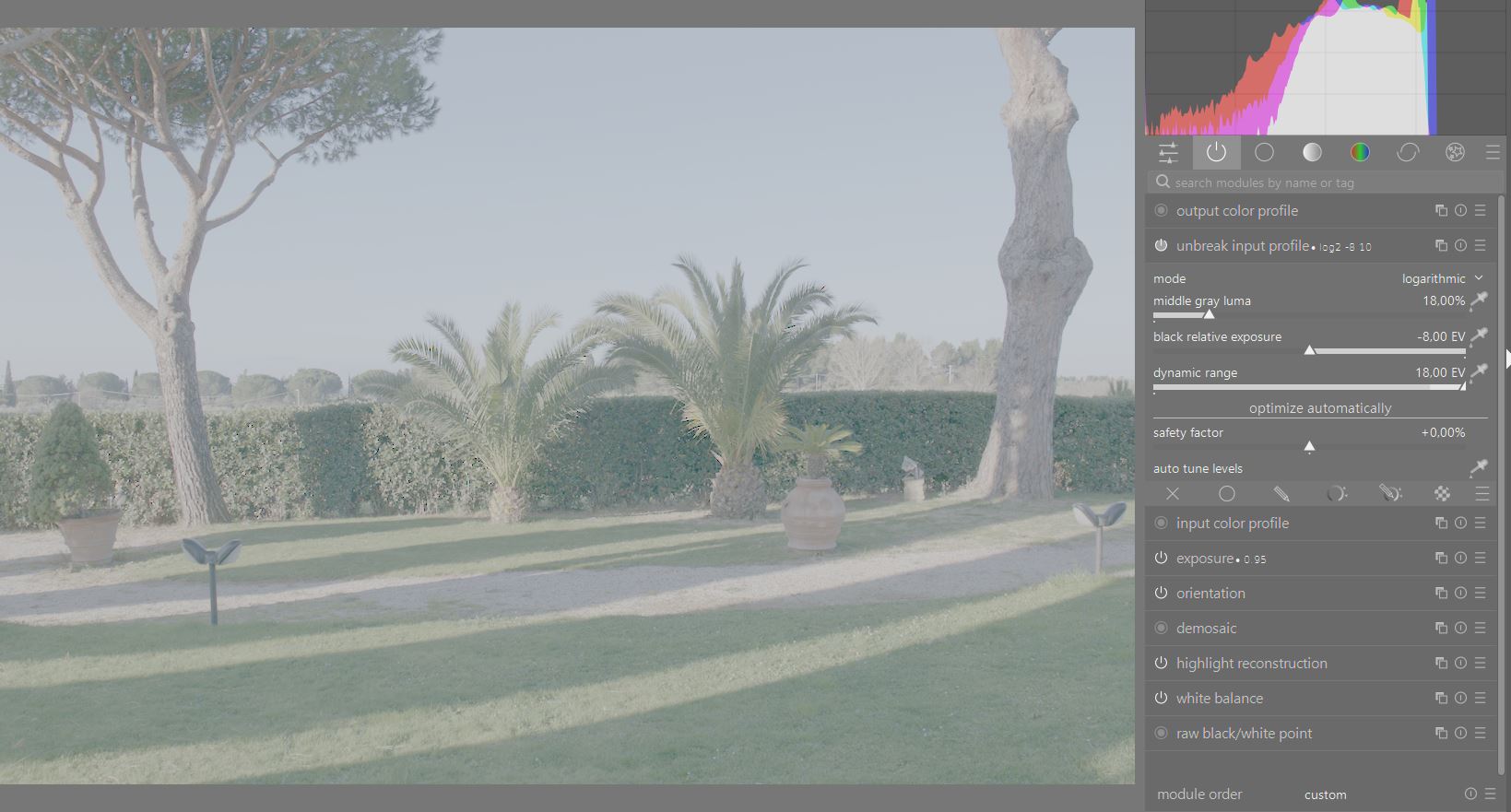
- activate the 3D lut module
set the application color space = linear 2020
load the following lut for the conversion to Fuji F-log2
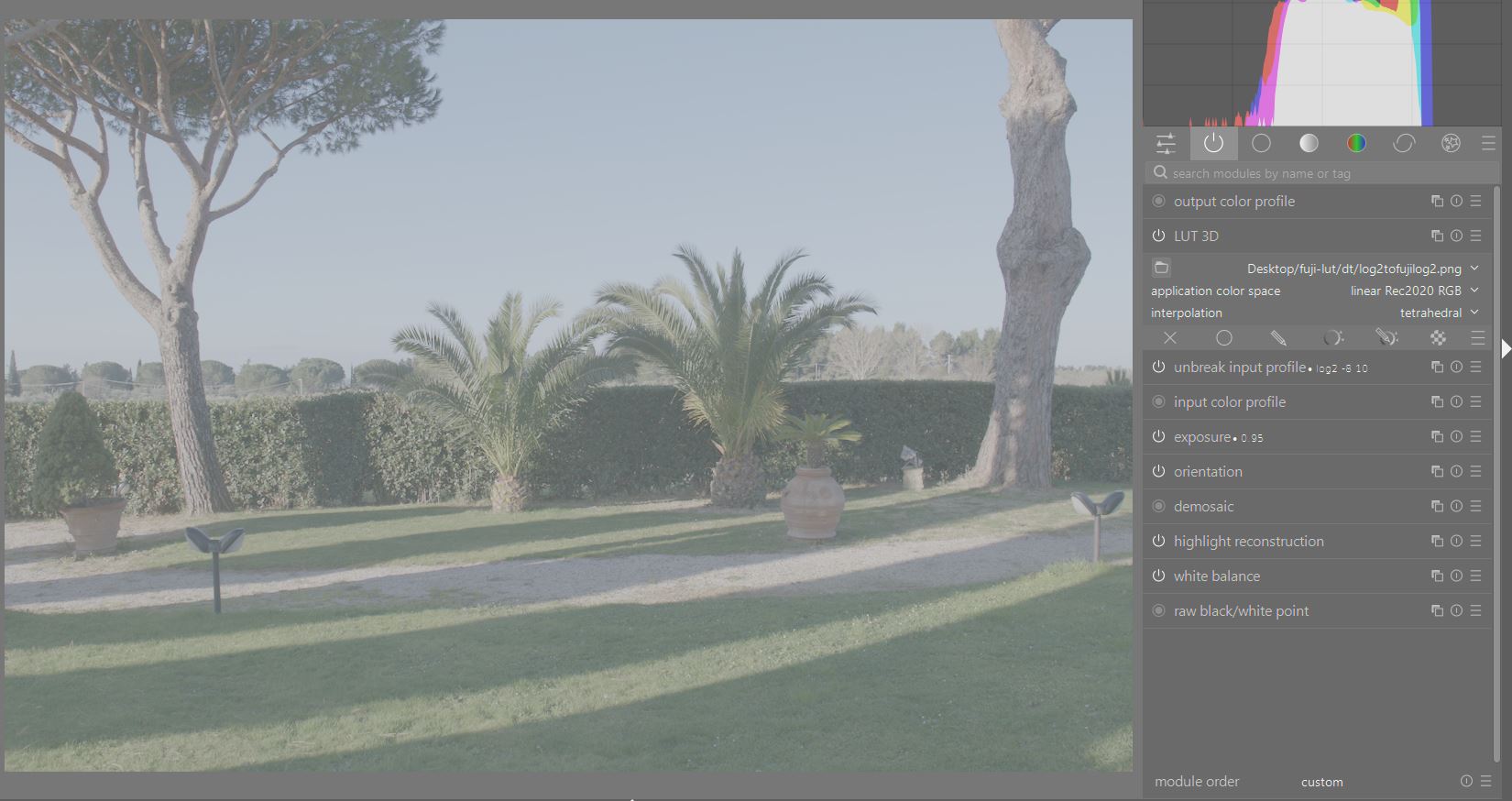
6)duplicate the 3d lut module, set again application color space to linear 2020 and load a fuji lut like for example this one:
FLog2_to_CLASSIC-CHROME_33grid_V.1.00.cube.zip (228.3 KB)
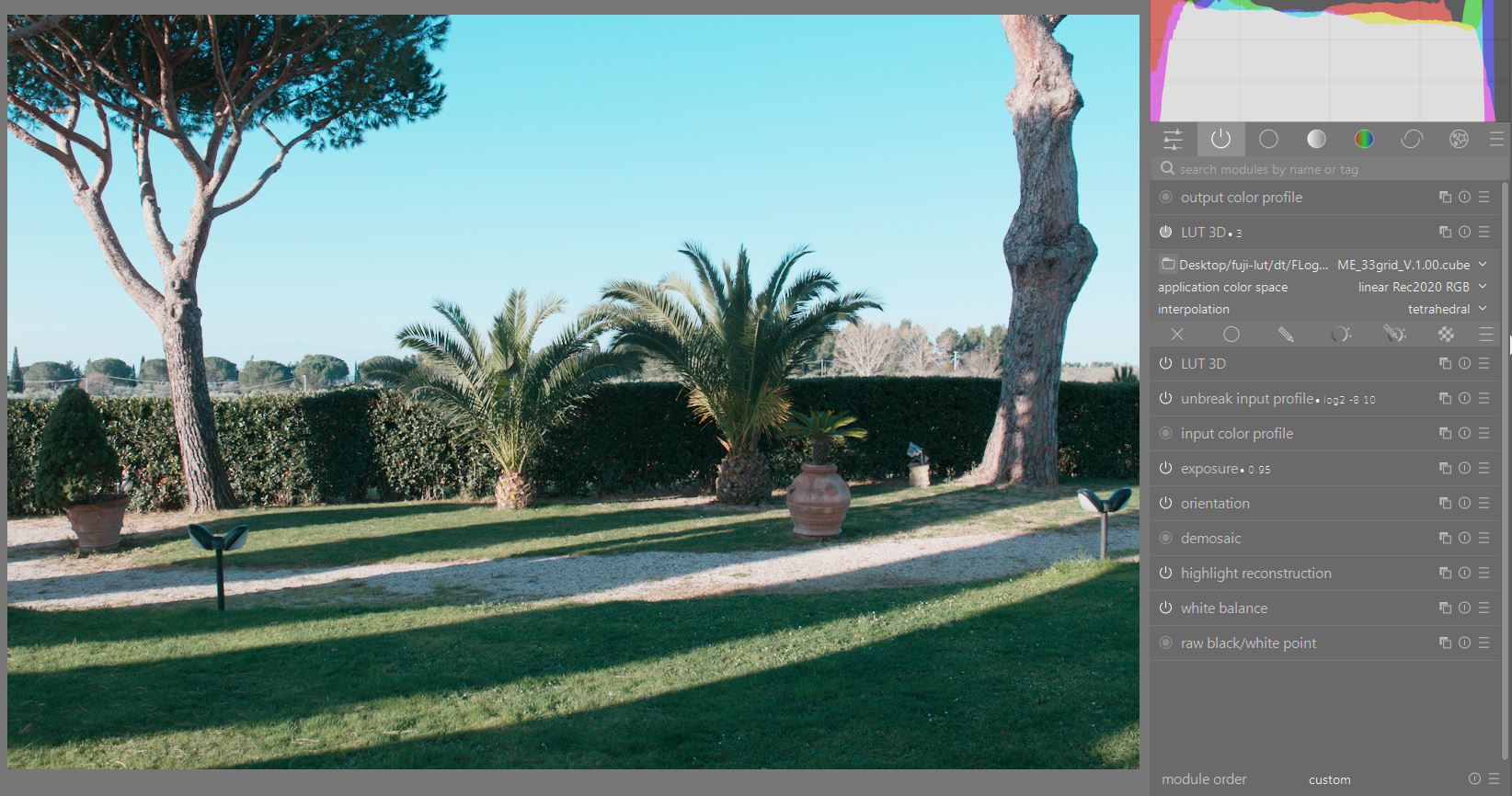
- now the image has rec709 primaries and transfert curve but it’s interpreted as linear rec 2020, we need a lut that tells Darktable how interprete the colors, we should convert rec709 to linear rec2020.
Open a third istance of the 3d lut module, set the color space to linear rec2020 and load the following lut
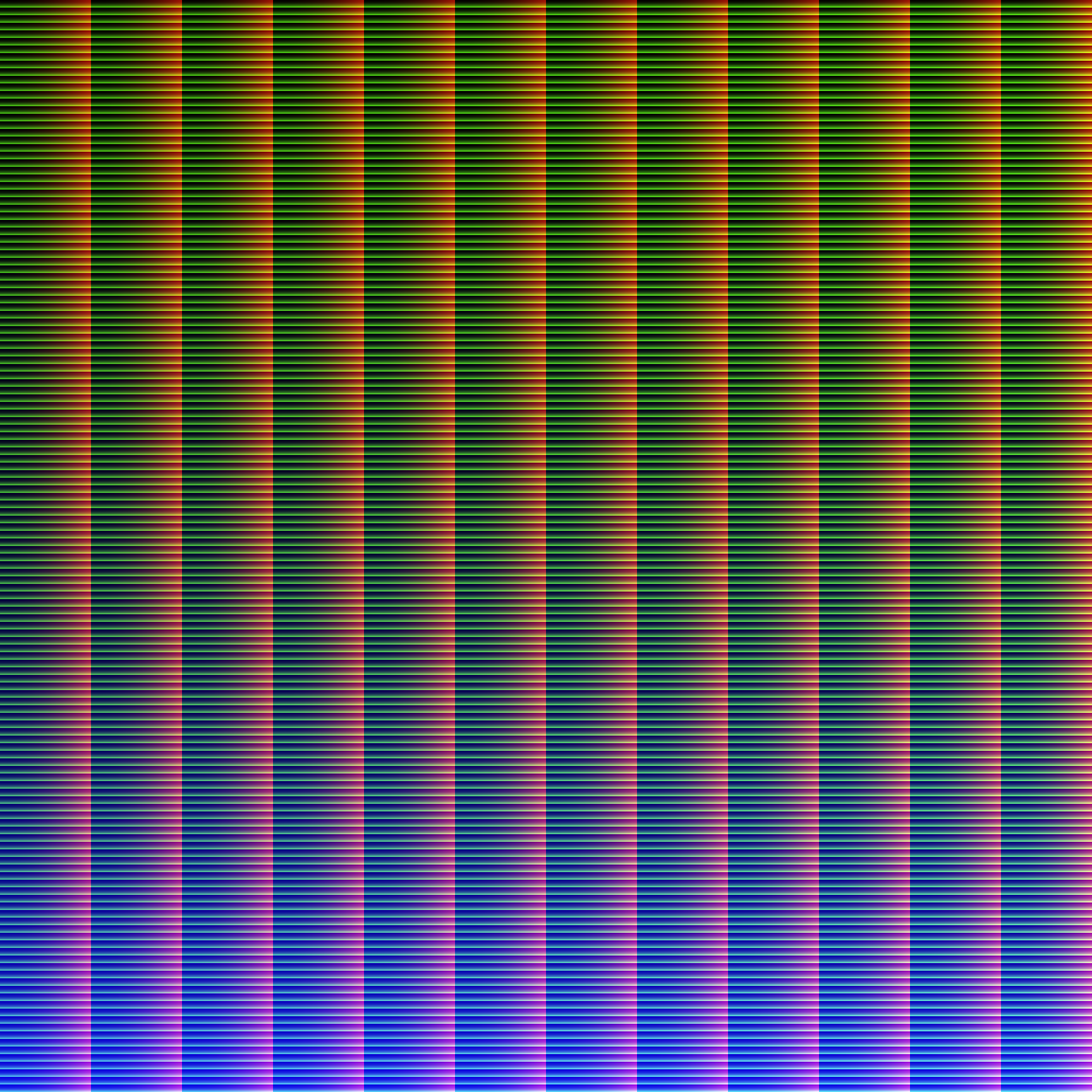

Enjoy the FUJI’s LUT 
4 Likes
I’ve adapted the fuji luts to work with the log2 color space from DT.
Follow the instructions up to point 4
5)activate the 3dlut module, set the color space to linear rec2020 and load one the following luts (sorry big file)
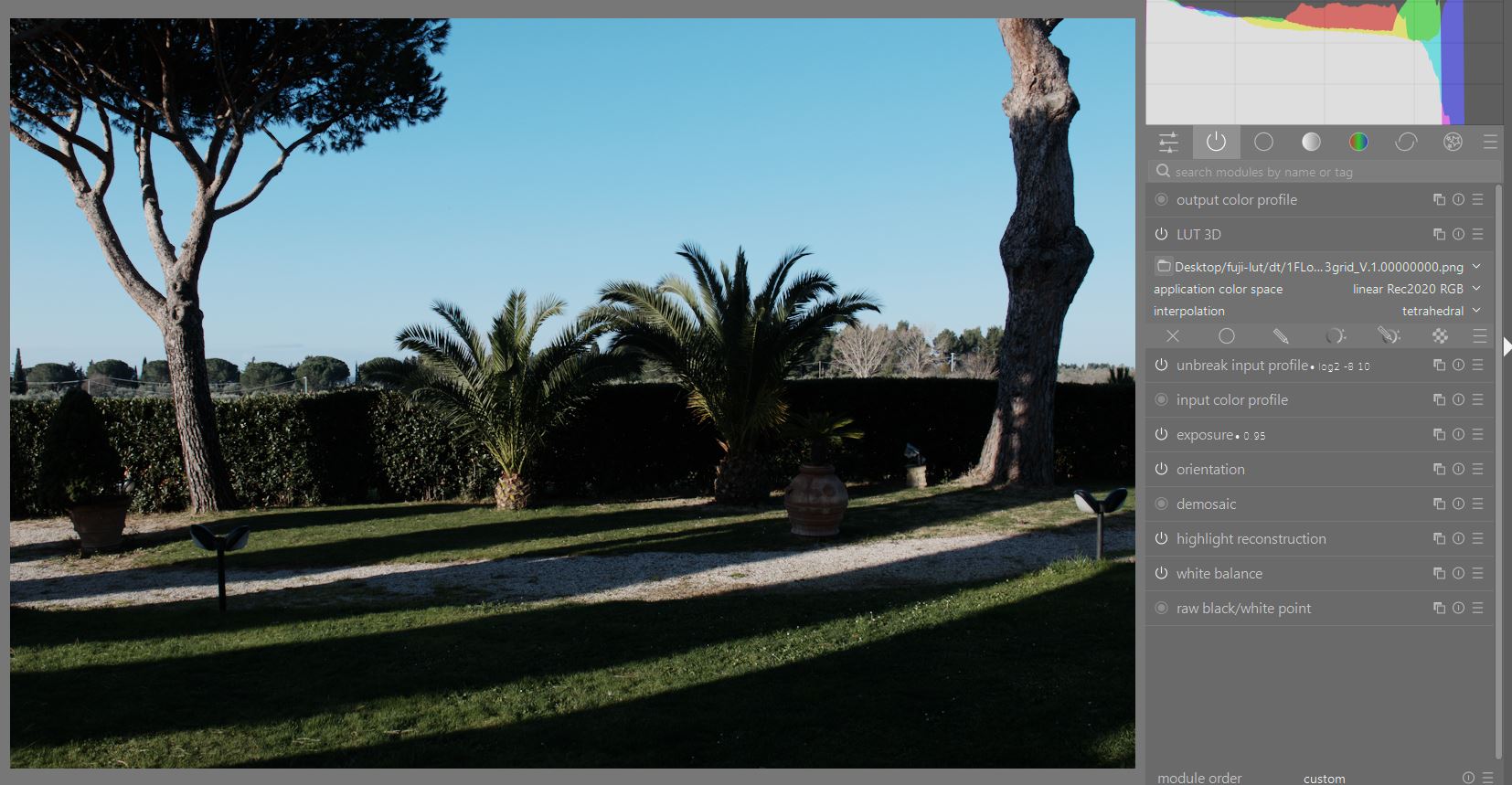
dt zip.zip (83.3 MB)
4 Likes
You are a hero!
After years of wanting to start using DT… I finally have a good reason to, ie. what seems like a proper match for in-camera colours. Happy new year!
1 Like
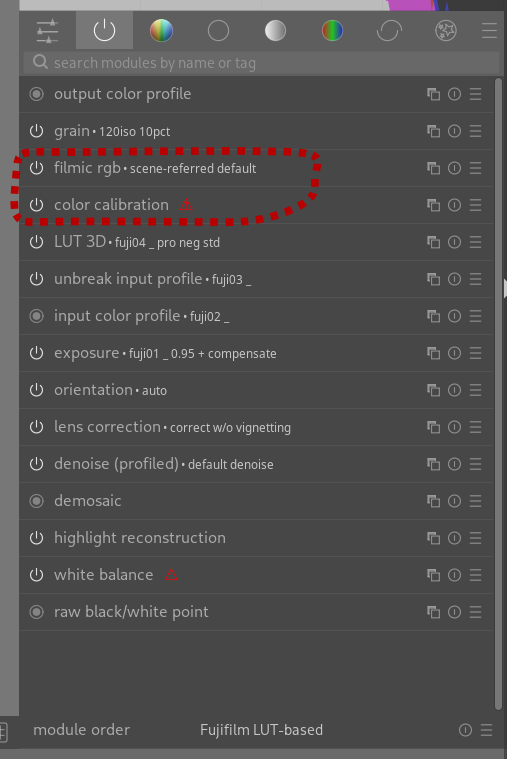
This is the first time I am really using Darktable, please bear with me: For this Fujifilm LUT-based workflow, I created named presets for selected modules as well as the changed module order. I made them auto-apply to %FUJIFILM% and the whole setup seems to work great for newly imported images, except for two modules that I do not need anymore.
- Please how can I disable these two modules (again only for selected images, eg.
%FUJIFILM%make)?
- How can you apply presets, settings based on other metadata fields, not just the few listed in the menu? That is probably an expected question as one may want to match the LUTs to the right film simulation. Is that a job for Lua scripting, maybe?
Personally, I could not try Reala Ace until now, with my older camera. To my surprise it actually behaves similarly to the way I usually tweaked my Classic Chrome. For example, I would therefore auto-apply Reala Ace onto my Classic Chrome raw files.
Make a style that turns them both off and apply it to fujifilm as well, or change your workflow preference in the settings. The later will disable for everything.
1 Like
Thank you, I will read up on styles!