Darktable has its own logarithmic color space inside the unbreak input profile, for example it’s possible to use a lut for the conversion DT-LOG => Fuji f-LOG2 and after the conversion it’s possible to use the fuji film emulation luts.
1)download the luts from the follow link, we could use the luts intended to be used with “F-log2” color space
-
Open an image in DT and set the exposure to +0.95 (this parameter could be modified)
-
set the working profile to linear rec2020 rgb
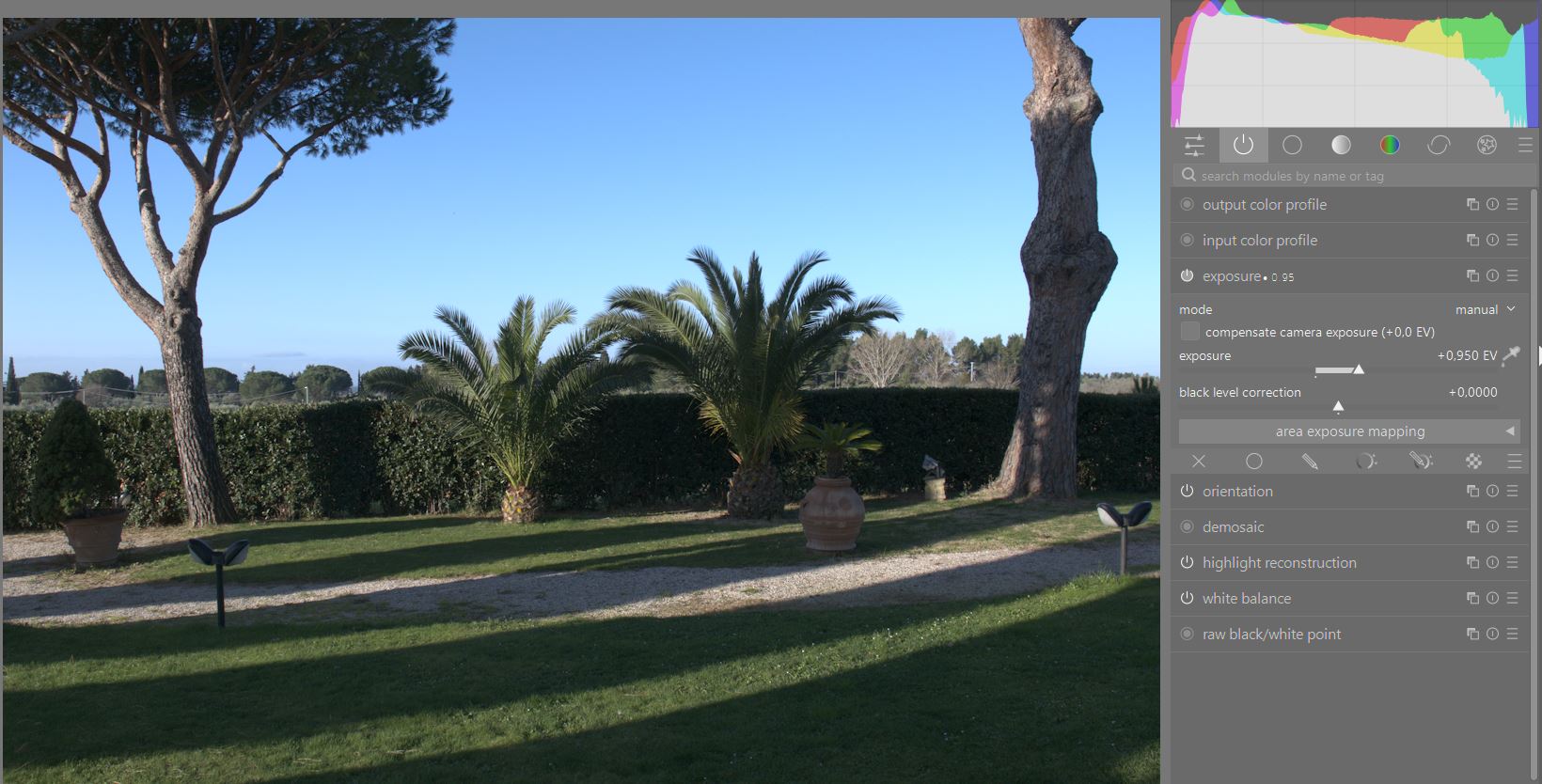
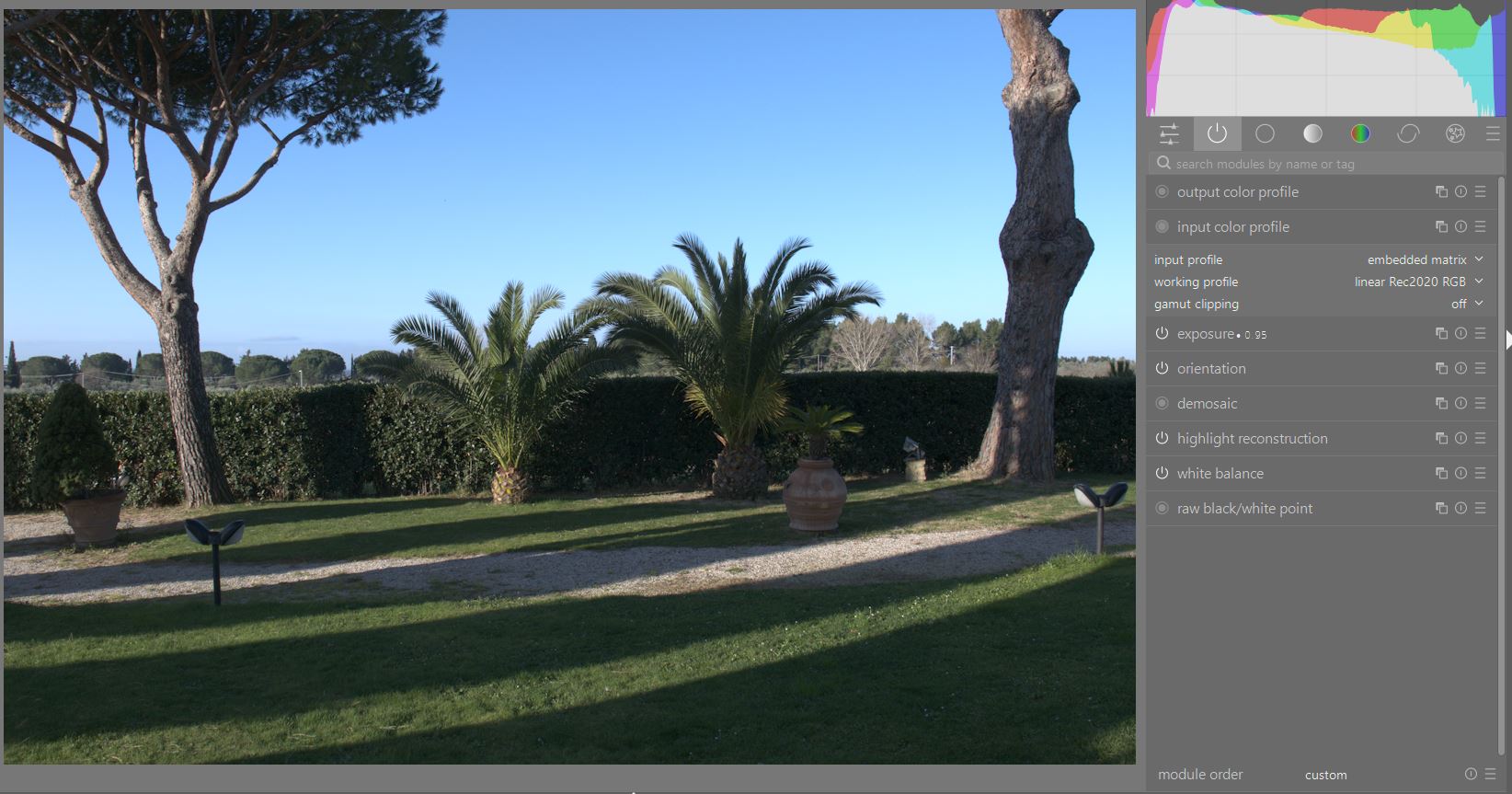
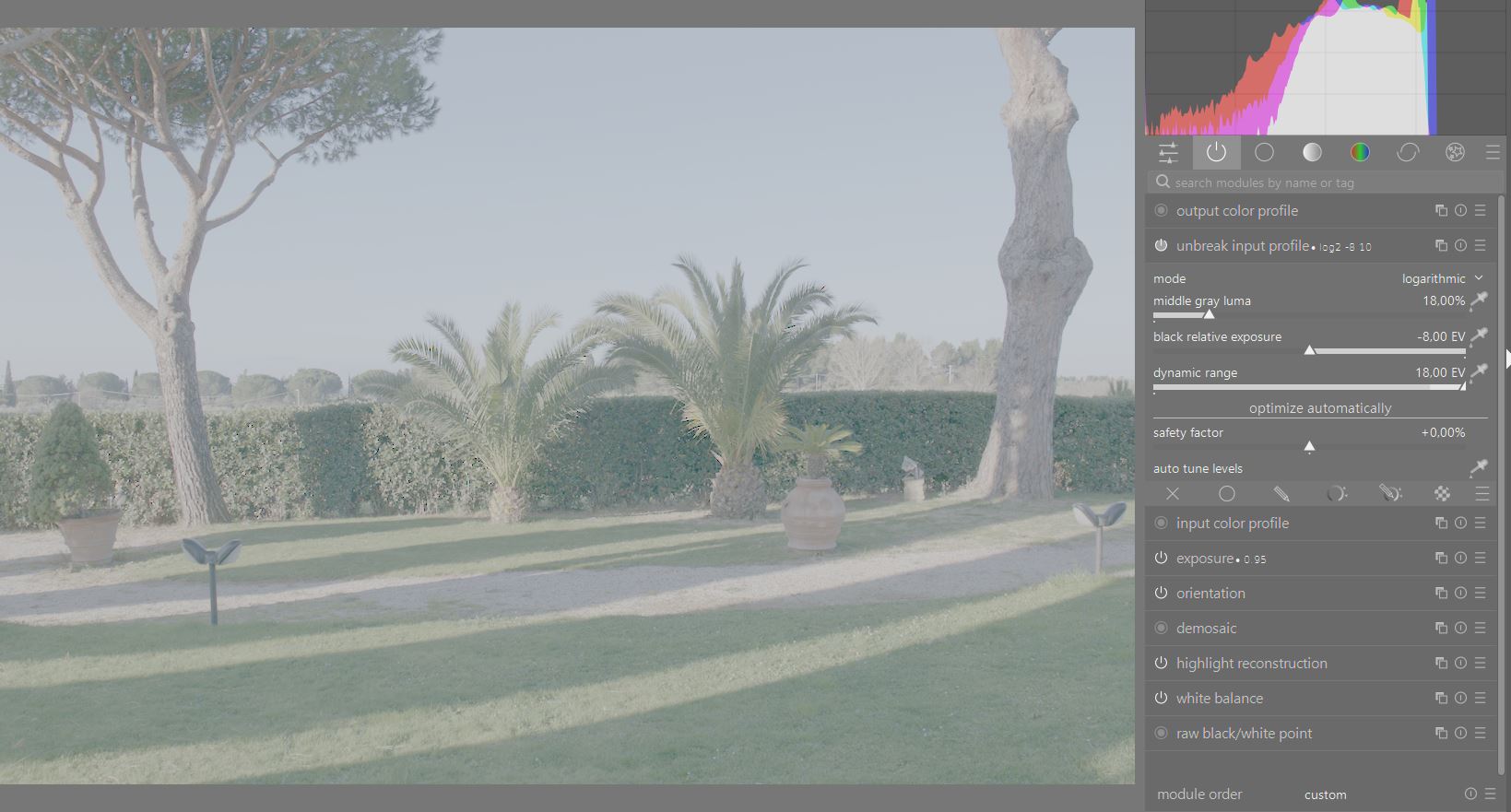
4 find the unbreak input profile , MOVE it AFTER the input profile and set:
gray=18%
black relative exposure=-8EV
dynamic range=18EV
(These parameters should not be touched)
- activate the 3D lut module
set the application color space = linear 2020
load the following lut for the conversion to Fuji F-log2
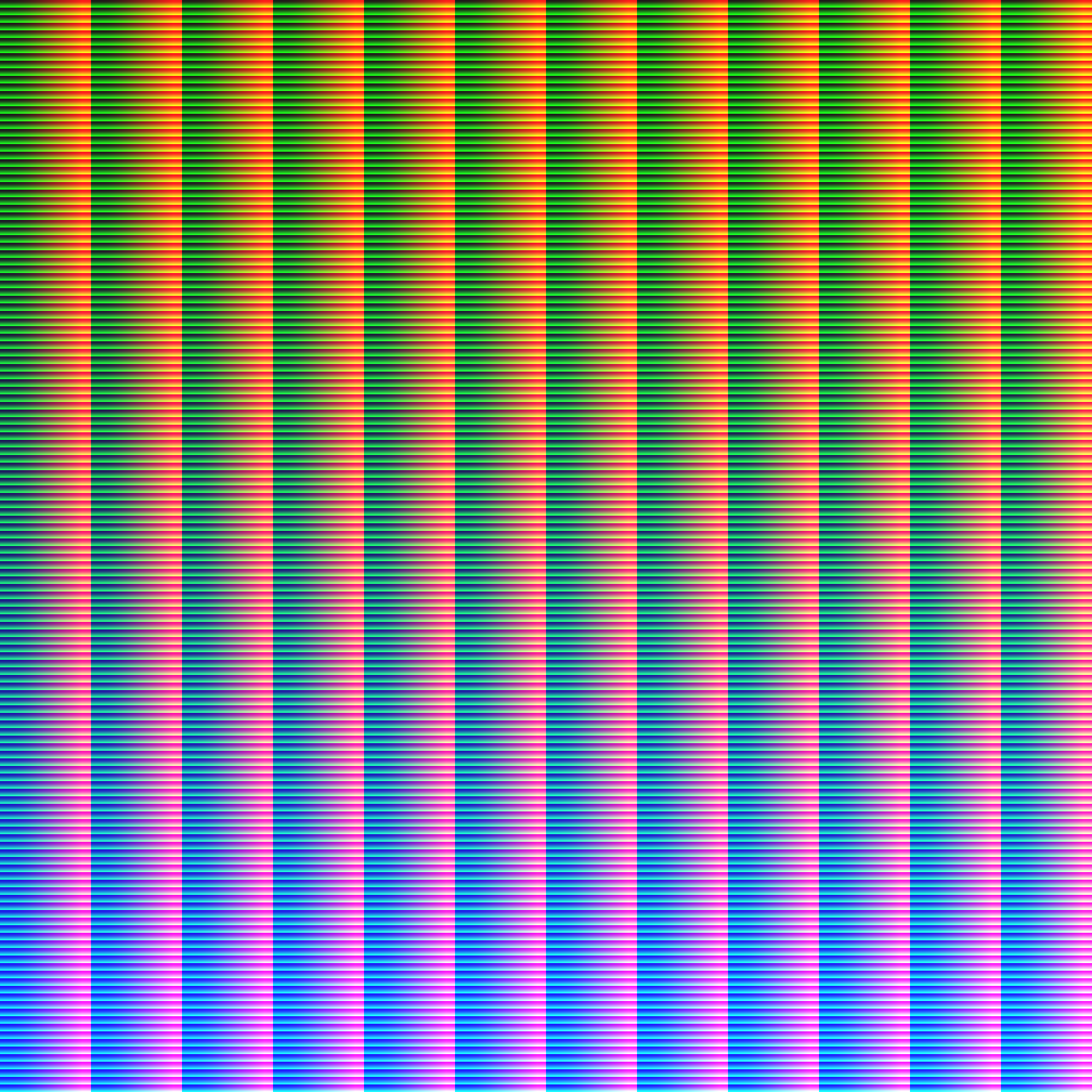
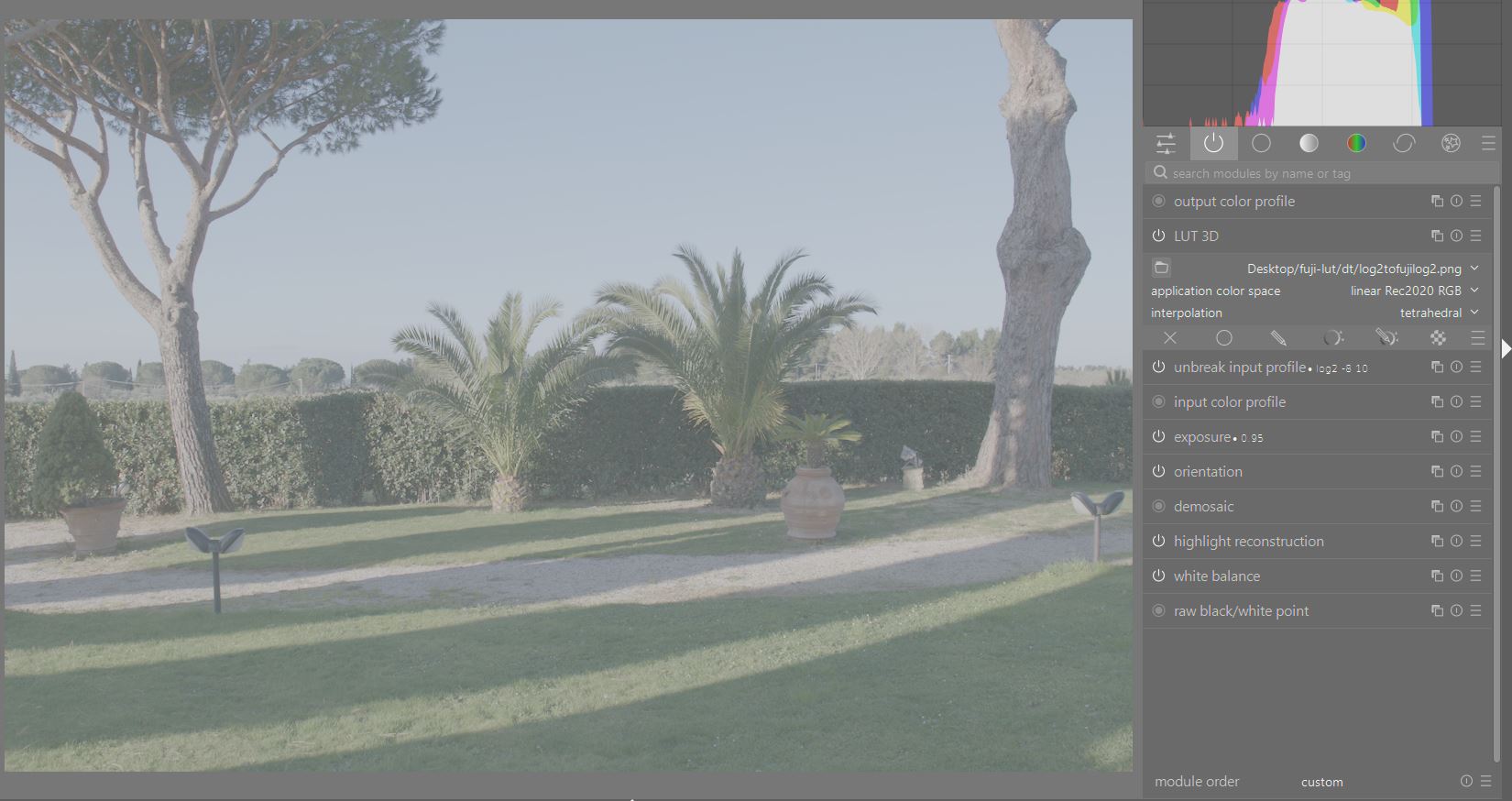
6)duplicate the 3d lut module, set again application color space to linear 2020 and load a fuji lut like for example this one:
FLog2_to_CLASSIC-CHROME_33grid_V.1.00.cube.zip (228.3 KB)
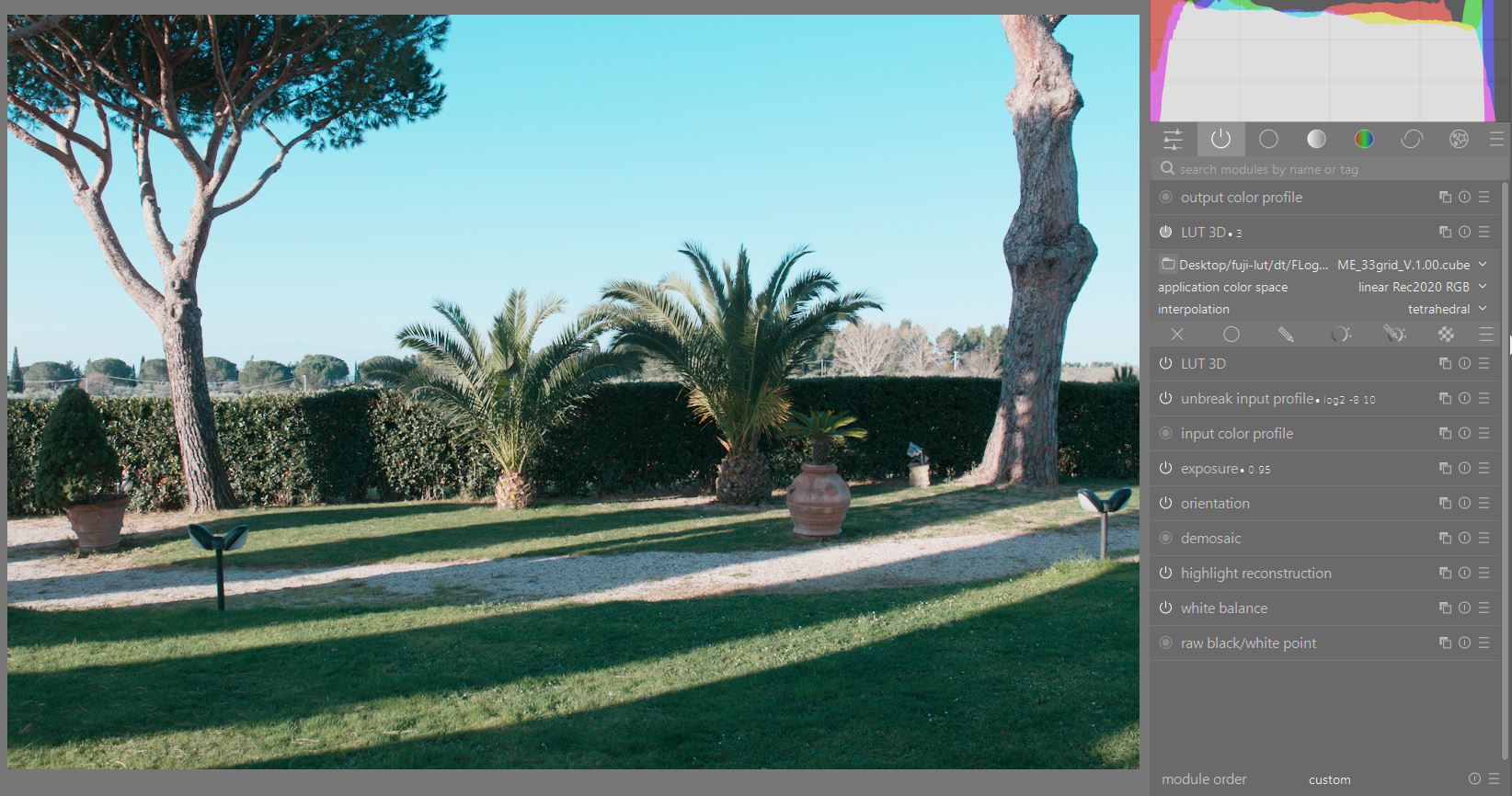
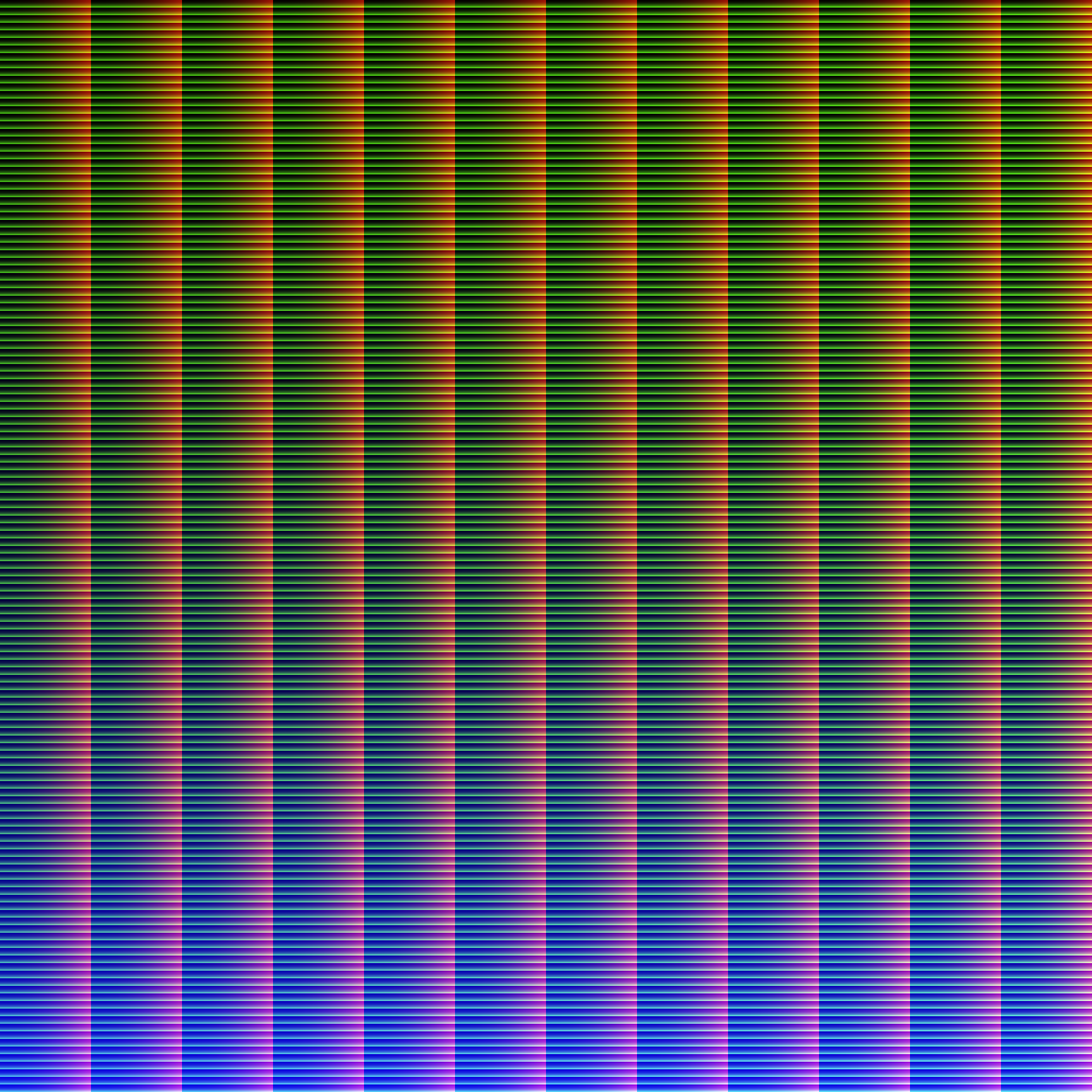
- now the image has rec709 primaries and transfert curve but it’s interpreted as linear rec 2020, we need a lut that tells Darktable how interprete the colors, we should convert rec709 to linear rec2020.
Open a third istance of the 3d lut module, set the color space to linear rec2020 and load the following lut

Enjoy the FUJI’s LUT 