After a bit of Googling, I found out that DarkTable, RawTherapy and SpektraFilm all use LibRaw to decode Raw file. Apparently, it seems like only Abobe does not, using their own proprietary component.
2 Likes
Regarding contrasts, the difference isn’t that huge, I would say.
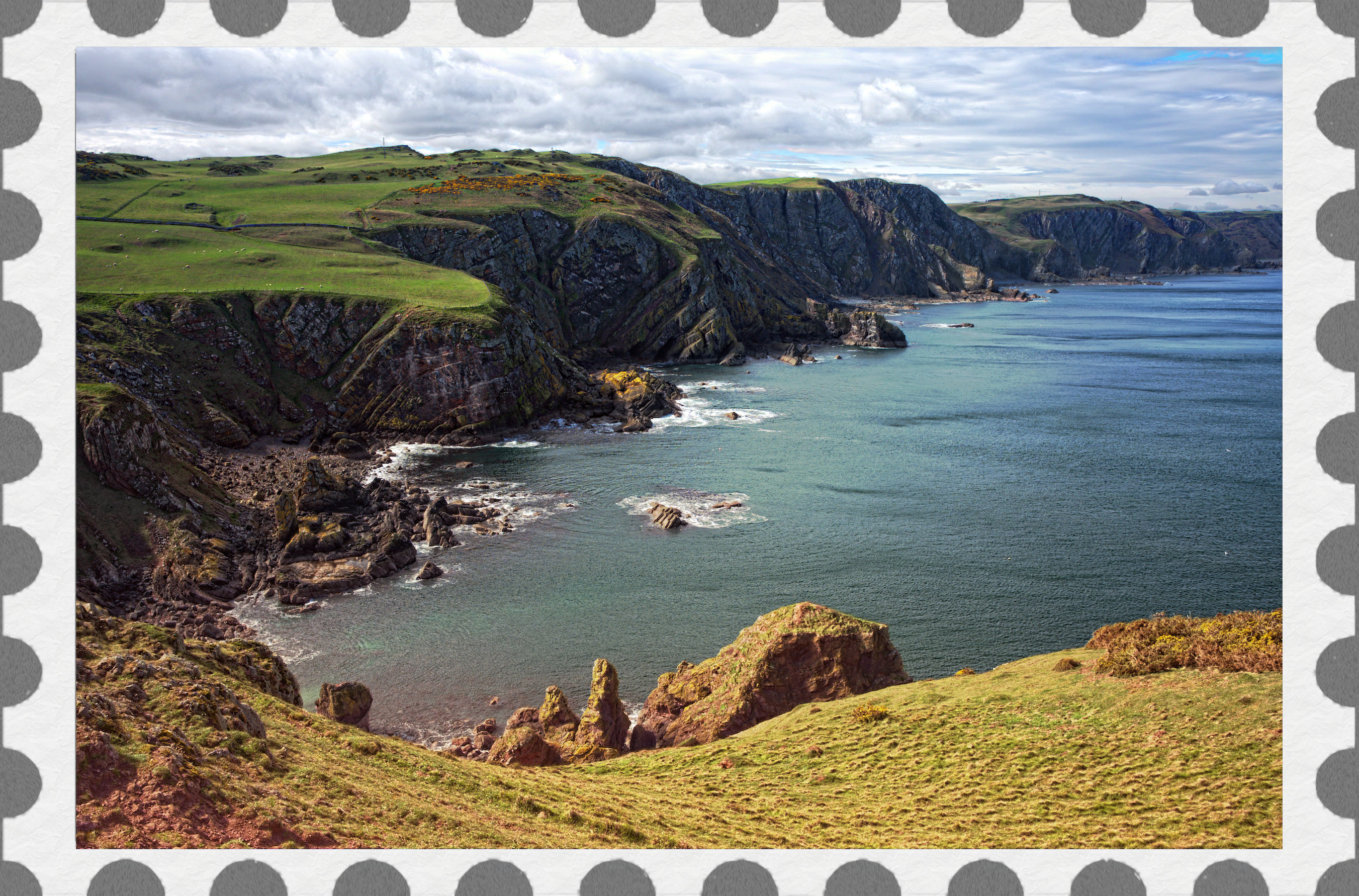
Photochrom script-fu and a few other G’MIC enhancements. 
edit: Decided it needed an appropriate frame. lol
Did a free to use and share search and then cropped and uprezzed the frame and then added some texture to it.
5 Likes
Nice… and welcome!
Let’s see one of your shots in a play raw! just for fun…
1 Like
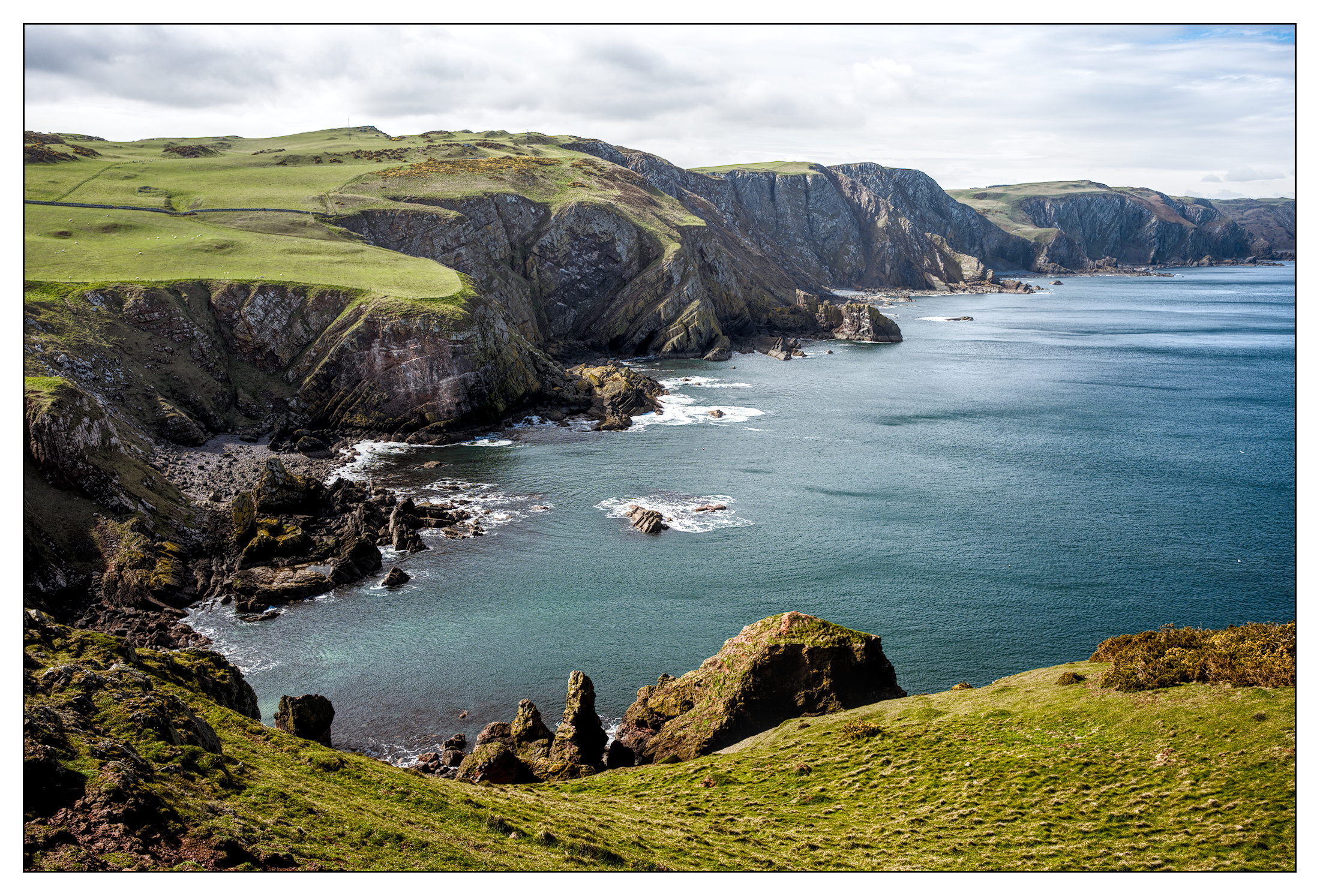
Nice, very fond of St Abb’s head. There are a few quiet spots for a picnic…
here’s my take with RT 5.13 rc1-30: GHS stretch and local intensity, then a bit of contrast to bring that back after the stretch, and a tad of chroma… hopefully a very natural and authentic look from my processing.
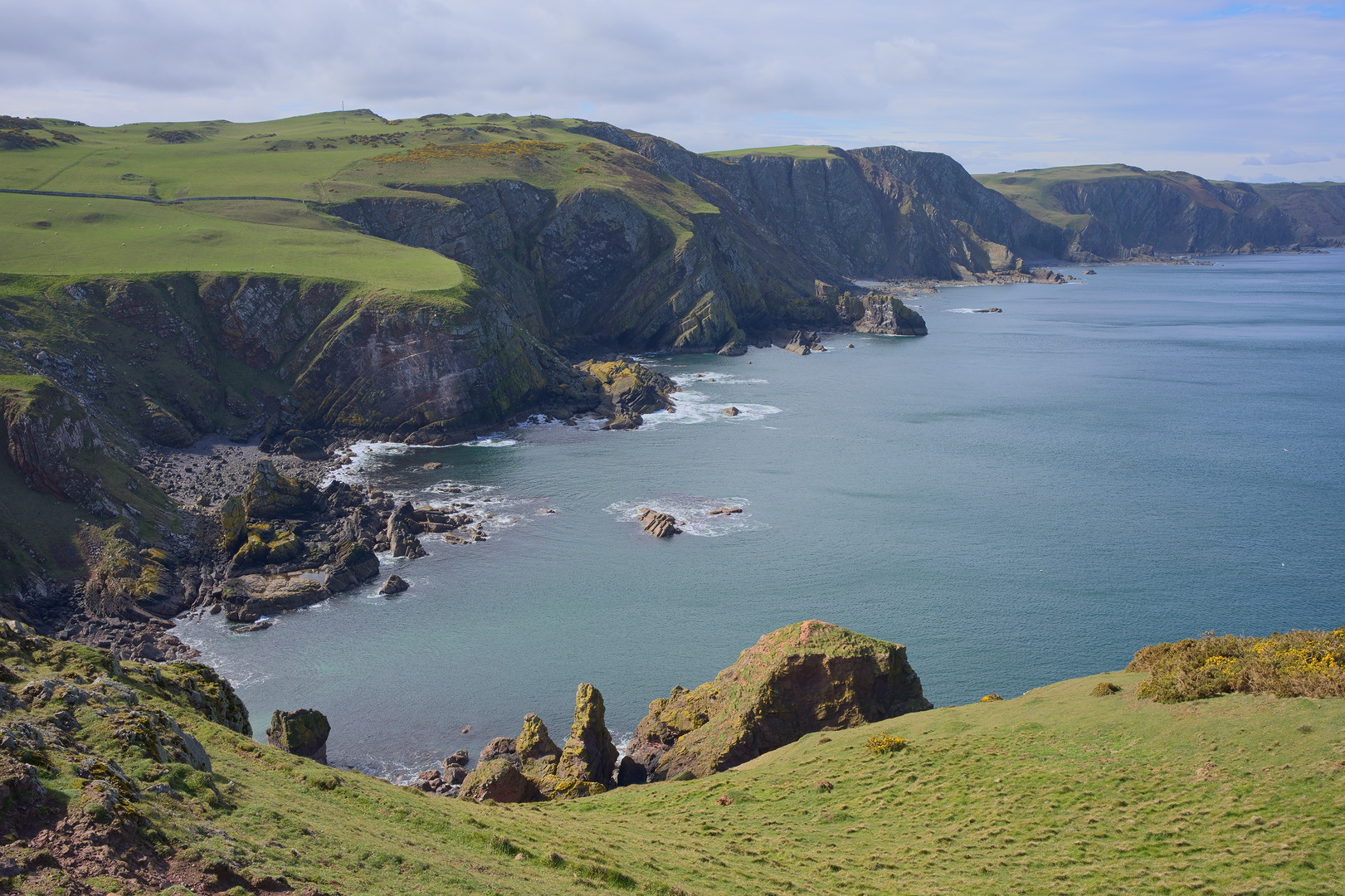
20260406-1259-00843.jpg.out.pp3 (19.2 KB)
3 Likes
5 Likes
Seems you hold back a lot of your - apparently still sleeved - tricks 
1 Like
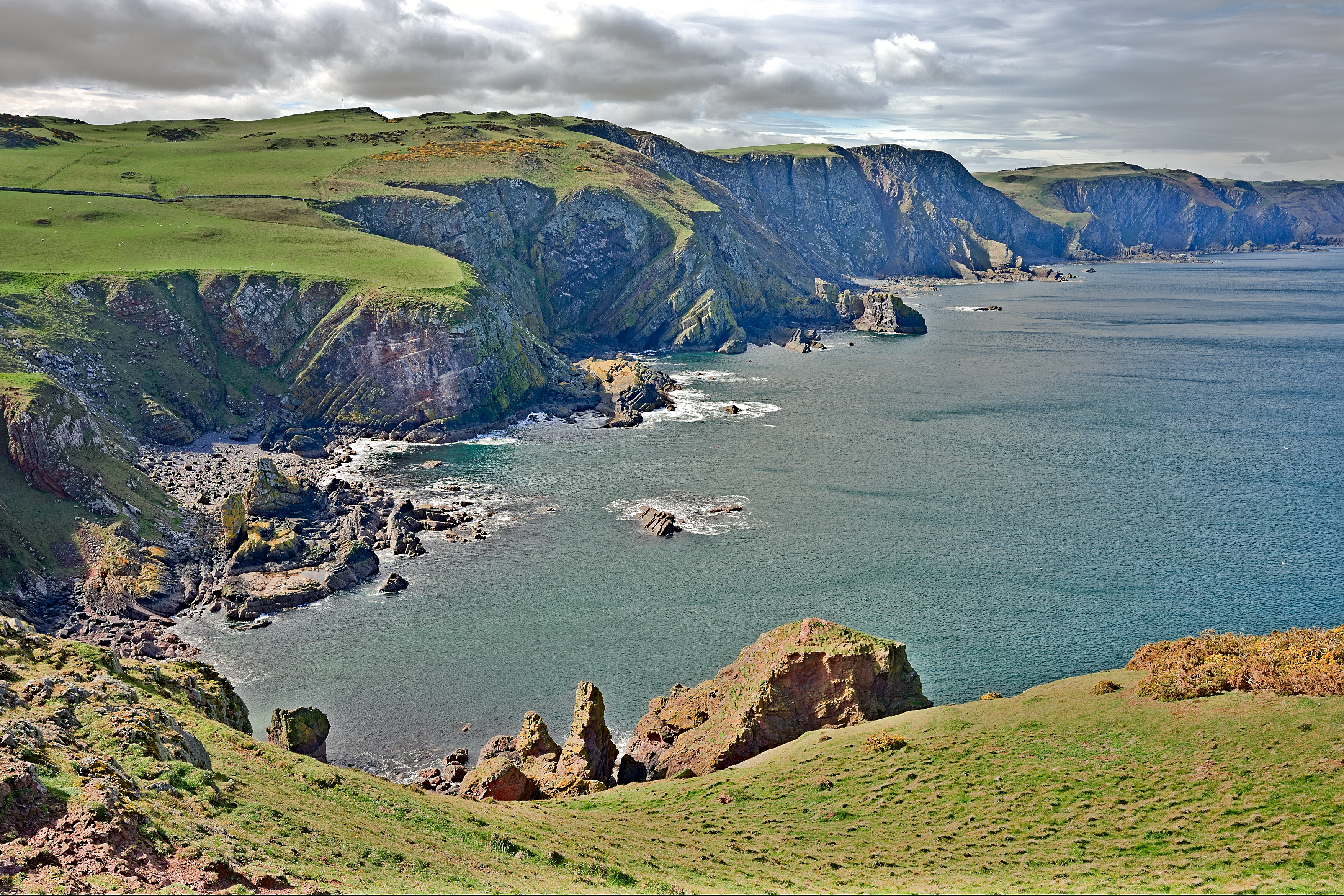
All my “tricks” lie on the table. I never made any secret out of them. You just have to use and combine them in the right way. 
2 Likes
20260406-1259-00843.arw.xmp (24,5 KB)
5 Likes
Here is a stupid question…and I am not actually sure even how to ask it On my computer, well I have 2 or 3 of them, but all only have a 1920 by 1280 resolution monitors and none are expensive . This image looks sort of artificial or there is just something about it which I struggle to put in to words… It surprises me because its coming from a really nice camera and lens.
Can it be that higher megapixel images will potentially lose visual quality when the pixels are compressed to fit standard resolution monitors??
I tried zooming 1:1 to see if I could remove my perception but it didn’t seem to help much…
Maybe I am going blind…
I need to find a nice 4K monitor to look at this image and see if it looks different…
For people that have access to both standard and high resolution monitors do you feel like there is such a visual impact ??
Mostly I am just curious…
I can’t really answer your question. For me everything looks nice.
But I don’t think the resolution is the culprit. There were already other pictures on PlayRAW with higher resolution.
How does this picture looks for you:
Same camera, same lens, same photographer. 
Its better, maybe because its a “tighter” crop, but still seems like there is something off with how it displays…
This one also looks like its a cracking good photo as do yours and they just look off when I display them…
I extracted the jpg and its not a raw issue or editing issue as for me they had sort of the same look…
I’m just going to leave it for now and if I land on any concrete reason other than my eyes are failing I will update the post…
Thanks for your response…
1 Like
Edit: wrong thread lol
It is but it is the wrong PlayRAW 
1 Like
Maybe an UI Scaling issue?
I’d get that PO/requisition request in to the CFO asap… tell them it’s mission critical 
2 Likes
I wonder…also I will go look at what the Nvidia settings are … I did download the sony software just or reference…the only thing I noted there is that it had d-light set on auto and I liked it better off but that is likely just a setting passed along to the jpg and not something…but maybe I have a scaling thing…thx I will check…
Year end was Apr 30…I missed my window
2 Likes
Repost over on the GAS thread… You’ll get lots of support 
1 Like