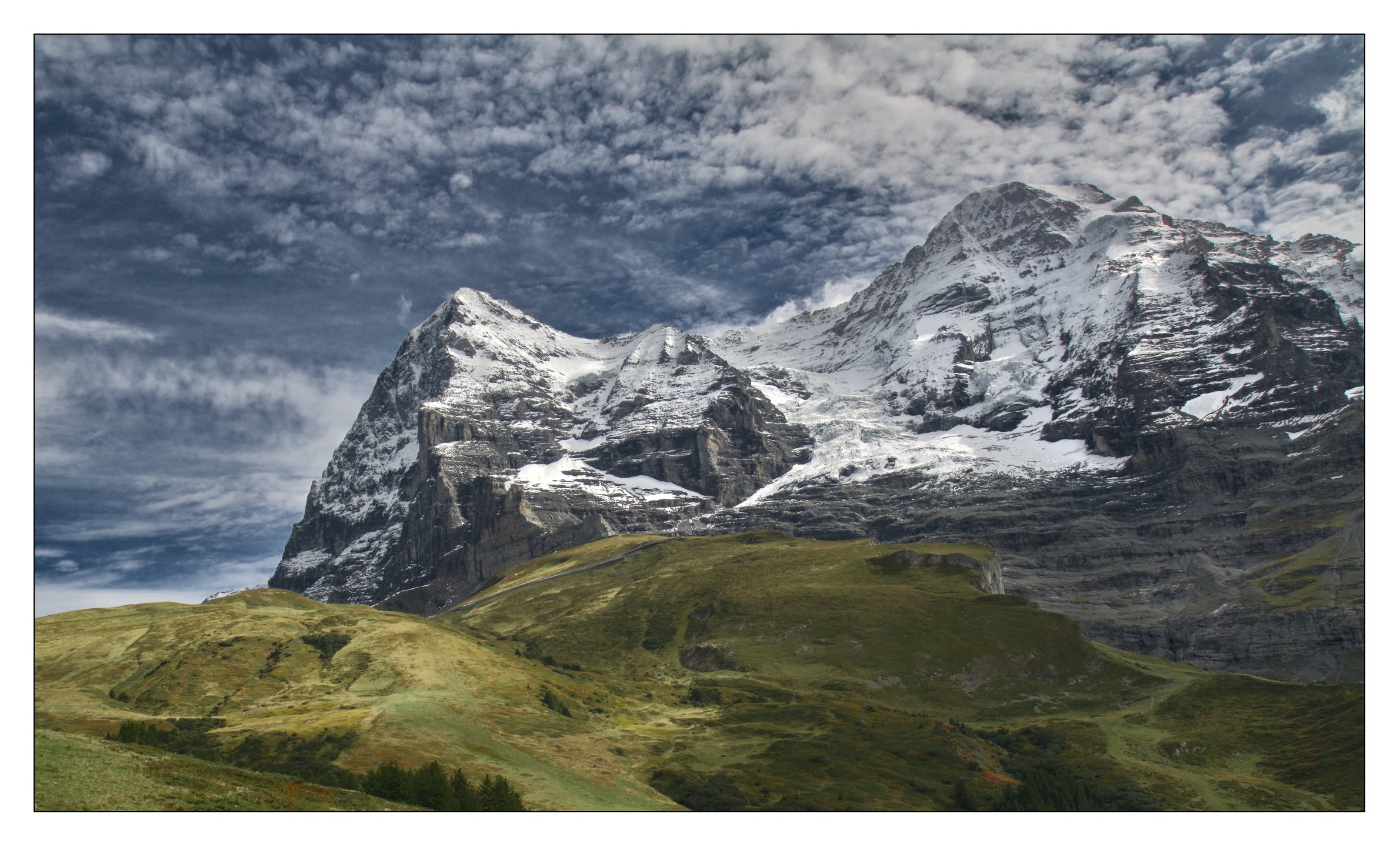
I’m an enthusiast regarding the local contrast module. It offers me endless possibilities. And yes I usually have two instances. One for giving skies more structure and one for giving some life and structure to the whole picture.
BUT, this has not really to do with dodge and burn. It lifts ONLY the local contrasts. Dodge and burn is treating larger areas and raise or lower exposure in this areas. Compare what I described in the post above. And compare with what I described here: How to bring life in a boring photo.
If you look at an edit you should not only look, but as well play with it to understand what was done. Switch on and off the modules you are interested in, look (and play) at each of it’s setting. Look if masking is used on it, what changes when you switch masking off…
If you look closer how I use the local contrast module you’ll see that I use this module typically far away from its default setting.
Yes, I print my photos from time to time. A photo shouldn’t look too differently when it is printed. So it shouldn’t be necessary to change the settings of local contrast. What changes on a print is the DR and the colours (regarding vibrancy). So depending on the photo I prepare my photos a bit before printing. But no general changes are made.
For what it’s worth (which is gonna be general and not specific since I moved from darktable to ART a few years ago), I basically never use local contrast without a mask – typically with a combination of a gradient and another limiting mask. Even then sometimes I dial back the opacity a bit.
So the result is, more local contrast gets applied to the foreground and progressively less to the background.
I also rarely use large scale LC unless I’m (very carefully) trying to emphasize bigger / diffuse structures, e.g., clouds. But large scale LC will easily band or halo so I have to be careful.