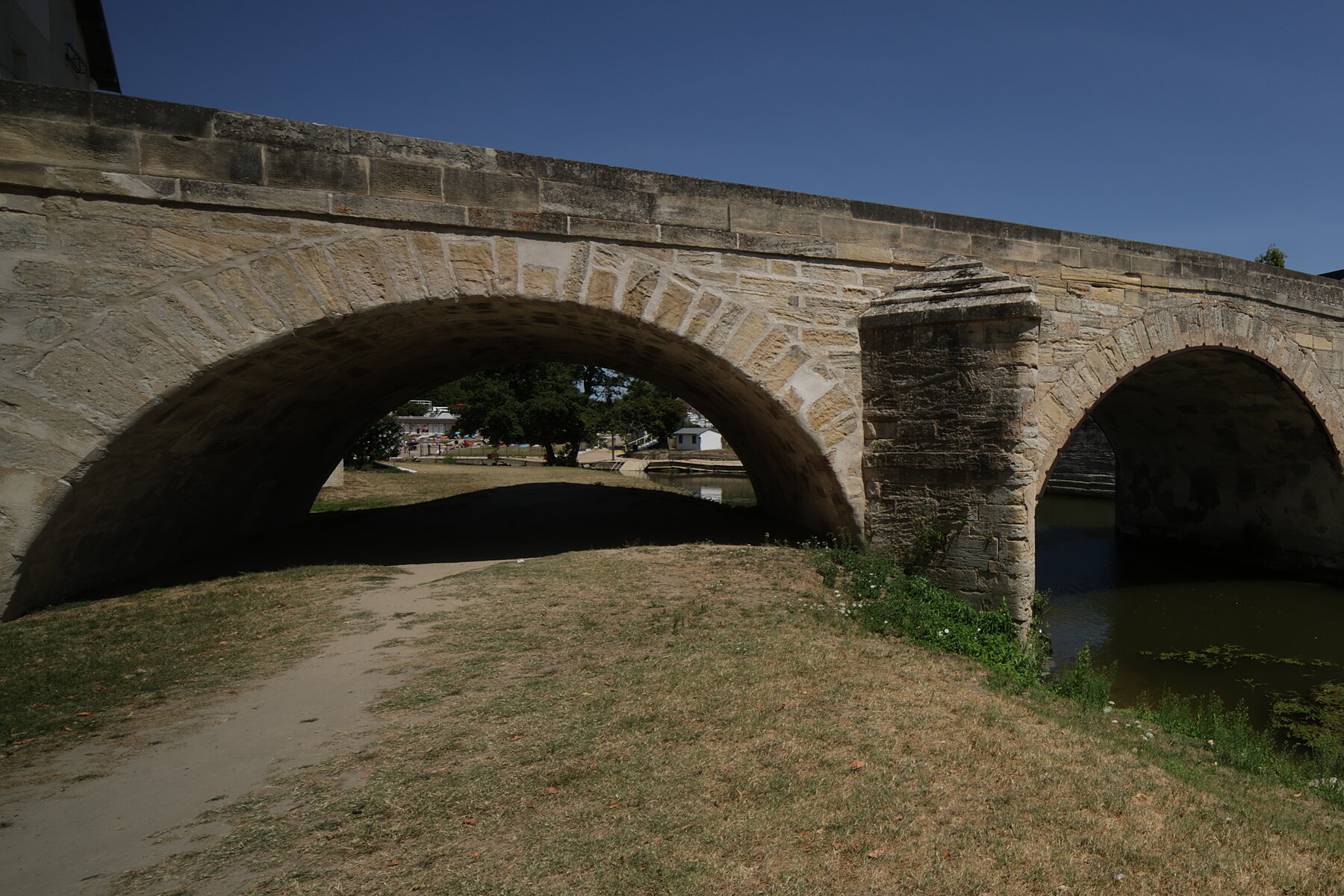
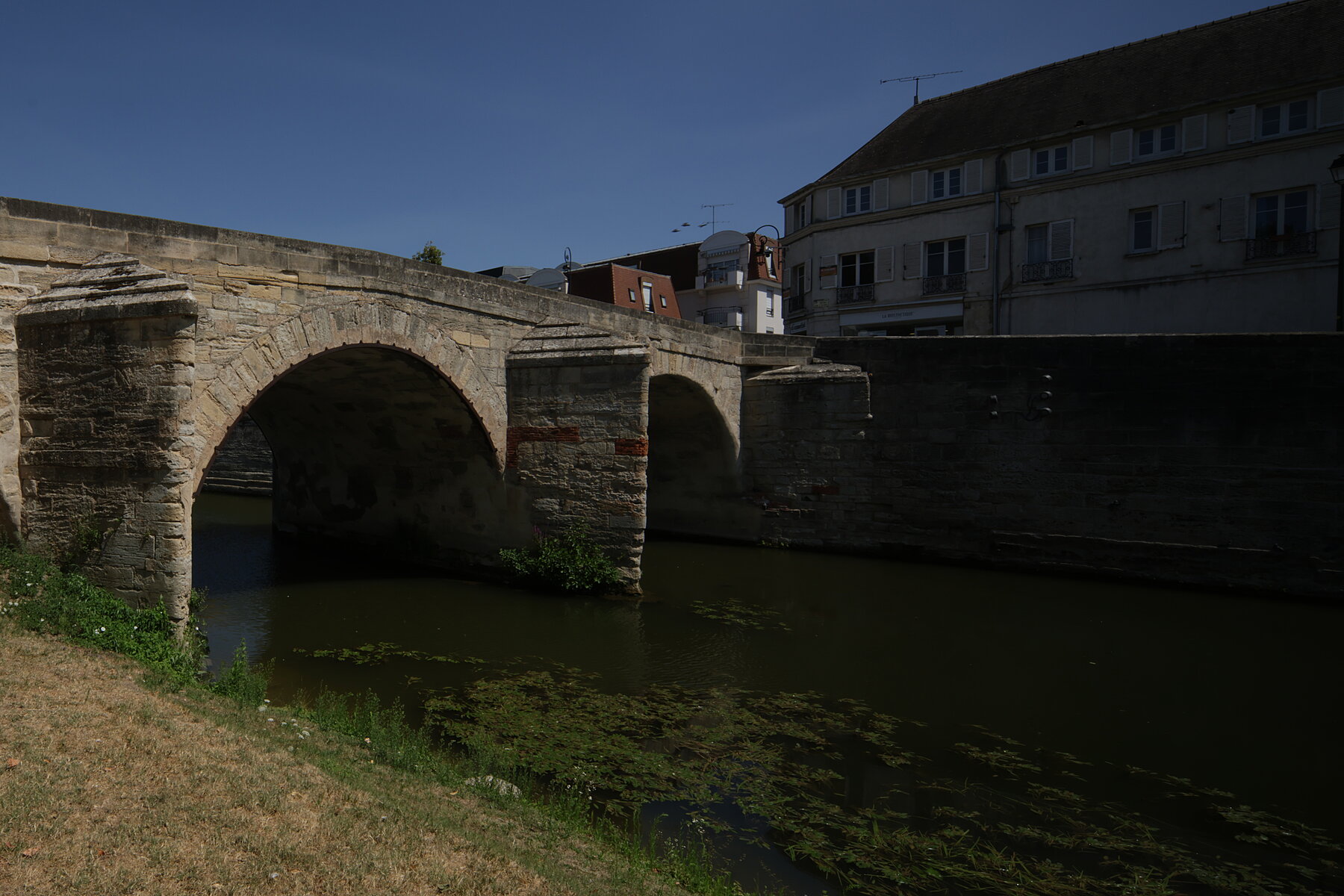
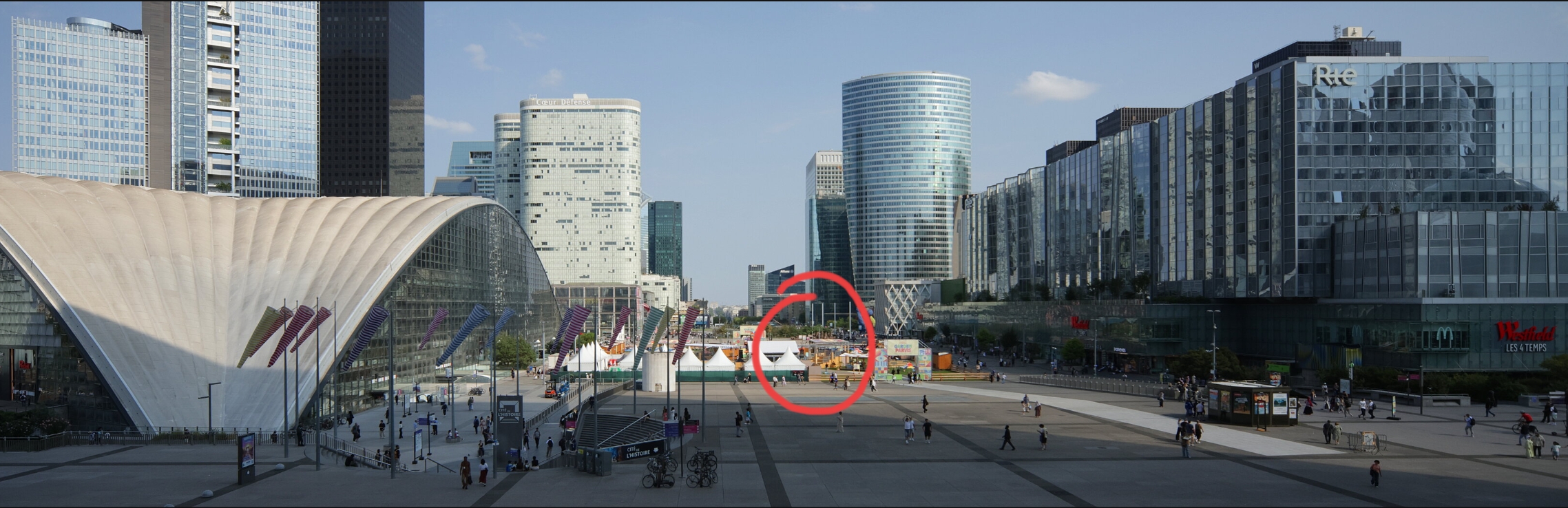
Treated myself to an “affordable” shift lens (Laowa 12-24mm Shift CF). It only does shift and no tilt, but it really makes a difference when you shoot pictures of architecture. And you can make wide pictures (let’s not call that panoramas) quite simply:
You take a first picture with the lens shifted to one side:
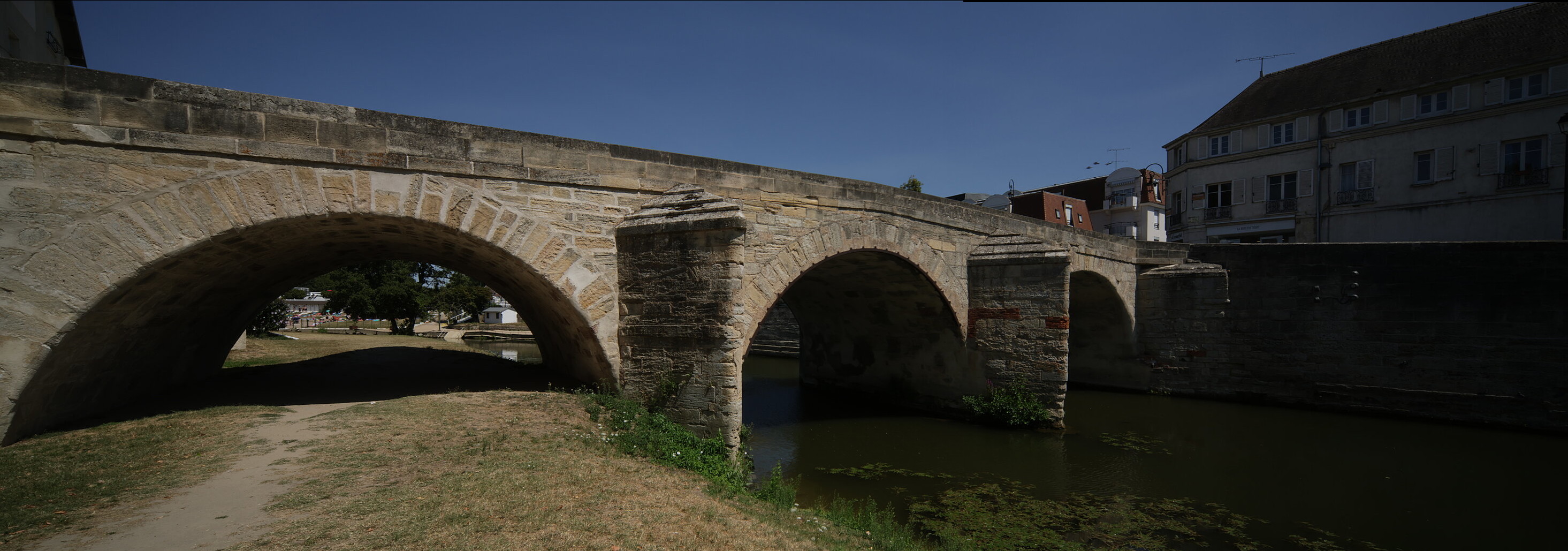
The two pictures are a near perfect overlap naturally, so you just load them in Gimp, add a gradient on a layer mask for a smooth transition, and voilà:
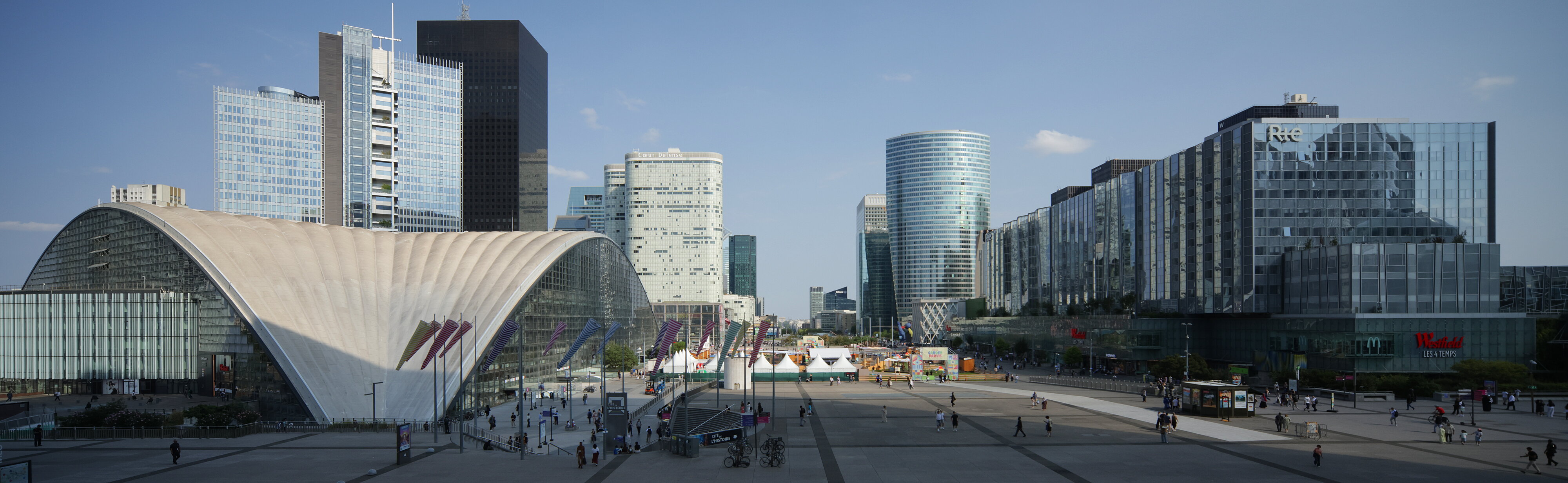
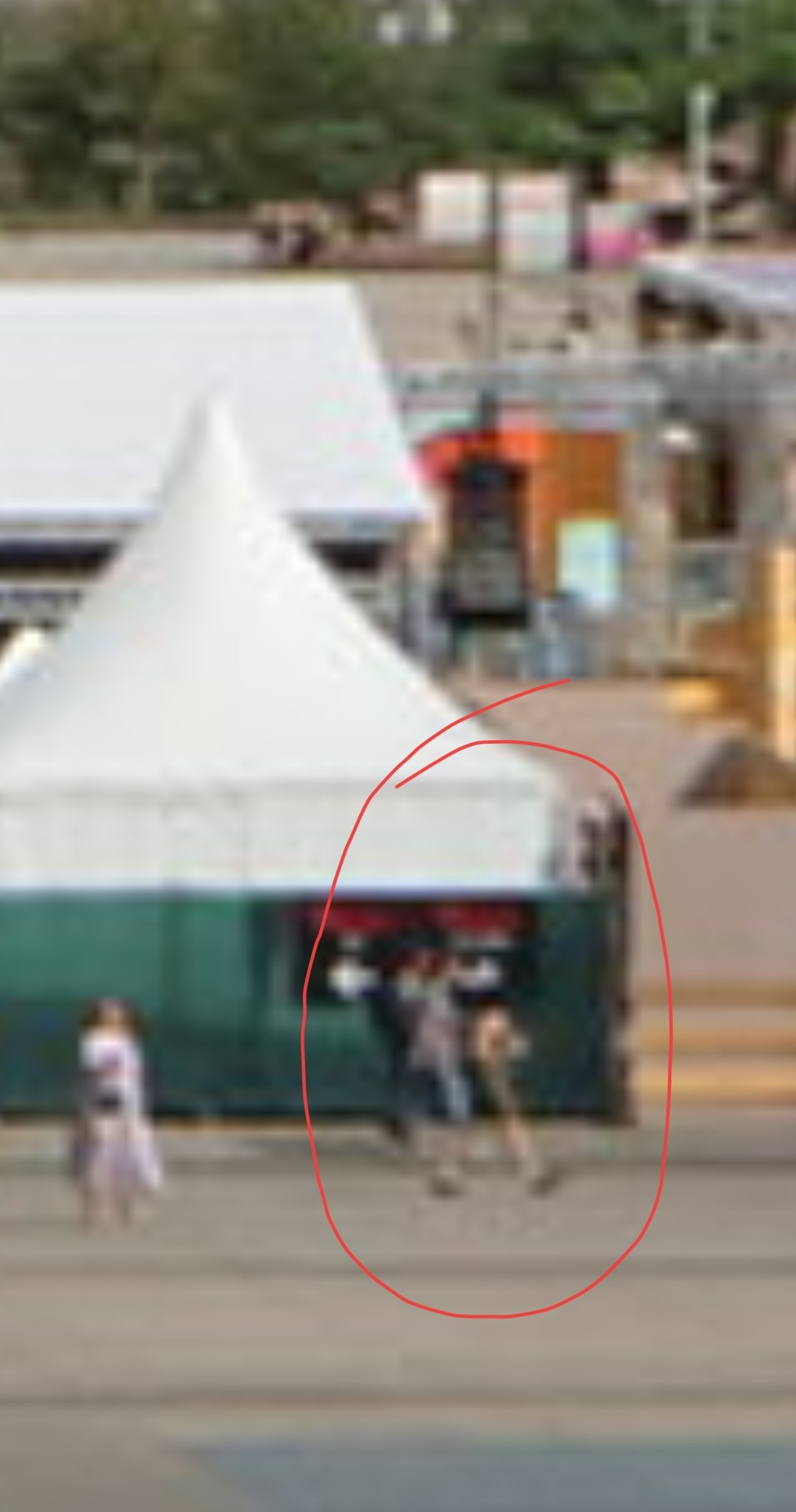
Changed locations. On this one the overlap was so good that I didn’t even need a gradient mask, I just fixed a couple of things that weren’t the same between the two takes. Can you guess where the seam is?
Very nice pano. And here is your seam… If you look closely in the middel of the cut there is a strait line in sky slightly darker then the rest, it is most noticeable just above the roof the build and below the cloud.
That is a new trick to consider with the lens. I probably would take the lazy way and let a panorama software merge the pictures, but this lens trick would help the software.
I would use G’MIC to transform it into something where the seams are more obvious, whether in a spatial or more abstract manner, but alas I am time and energy limited right now. Take this as a hint.
Nice pics! How would you compare it to the correction options in rotate & perspective in Darktable? I always use that, but I am wondering if I am missing something.
I stitch my panoramas, but I have been thinking about the Laowa 7.5mm for MFT, with its 110 degree FOV. That would be plenty for landscapes.
You lose definition because you interpolate pixels. The full size pano is 11322 pixels, all from the camera
I do use the rotate and perspective in DT(*) but to stitch a panorama you would have to eyeball how much to correct each image to make them both match. Probably easier to do in Gimp where you can handle both images
(*) Mostly the perspective because my beloved R7 secondarily uses the IBIS mechanism to automatically produce perfectly upright images.
One indication where to look for is the windsocks at the bottom; the ones to the right droop more than those to the left because the wind changed. The one that is fully in your cut is one of the two things I had to fix manually.
Thanks! Nonetheless very nice what you were able to pull off! I really had to ‘hunt’ for it. If you make a print, I am sure that if you would print it, it will be absolutely not visible.
Provided you have some consistency between images (eg shooting from a tripod), I guess you could figure out the tilt from one image and just copy the style over to another one? That’s what I do for panoramas anyway (ie develop the images in DT, do one and copy the style over), but I think that hugin makes tilt correction redundant.
That said, it is a nice thing when you can do this in hardware. The reason I don’t shoot so many panoramas these days is because I dislike the stitching.
Yeah, even with great tools it just takes too much time and effort.
About shooting, I occasionally do a handheld series that I – sometimes – get to actually stitch and it often turns out that I rushed the capture
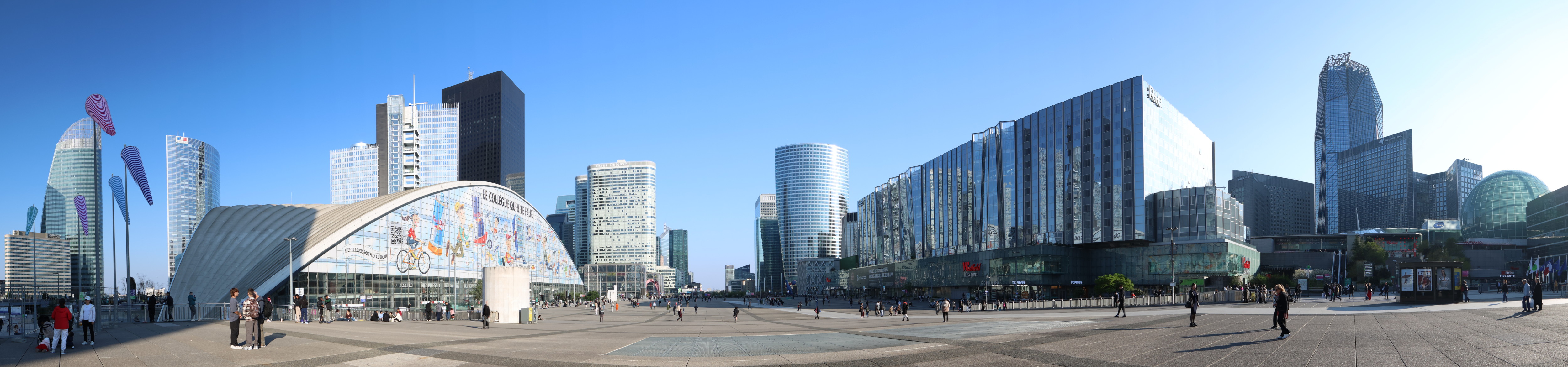
My R7 has a built-in panorama function. With the tilt indicator it is quite easy to do a proper panorama. Here is the same place with a plain 12mm lens and the built-in function (and a slightly different vantage point):