
2 Likes
@gwbarn We need a more grounded image. By that I mean we need a crowd of people to centre our attention. Ha ha.
E.g., [Play Raw] Sunset sea - #4 by Morgan_Hardwood and other great wonders from that Play Raw.
3 Likes
It’s incredible what people nowadays do to perform in a nice youtube vid…
For me this is the ‘champ’ interpretation!

1 Like
Best I can do is 500 drones in the shape of Pegasus!
…But that image doesn’t have a license attached
1 Like
Second version,
bit tighter crop and toned down from a rather extreme version I thought to be overdone (just set opacity sliders to 100% in AgX, col calib (Further darken blues in sky)and exp (Sky Gradient) and see…).
Just curious, @Fatality_strykes have you already made a second version? Care to show us?
Have fun!
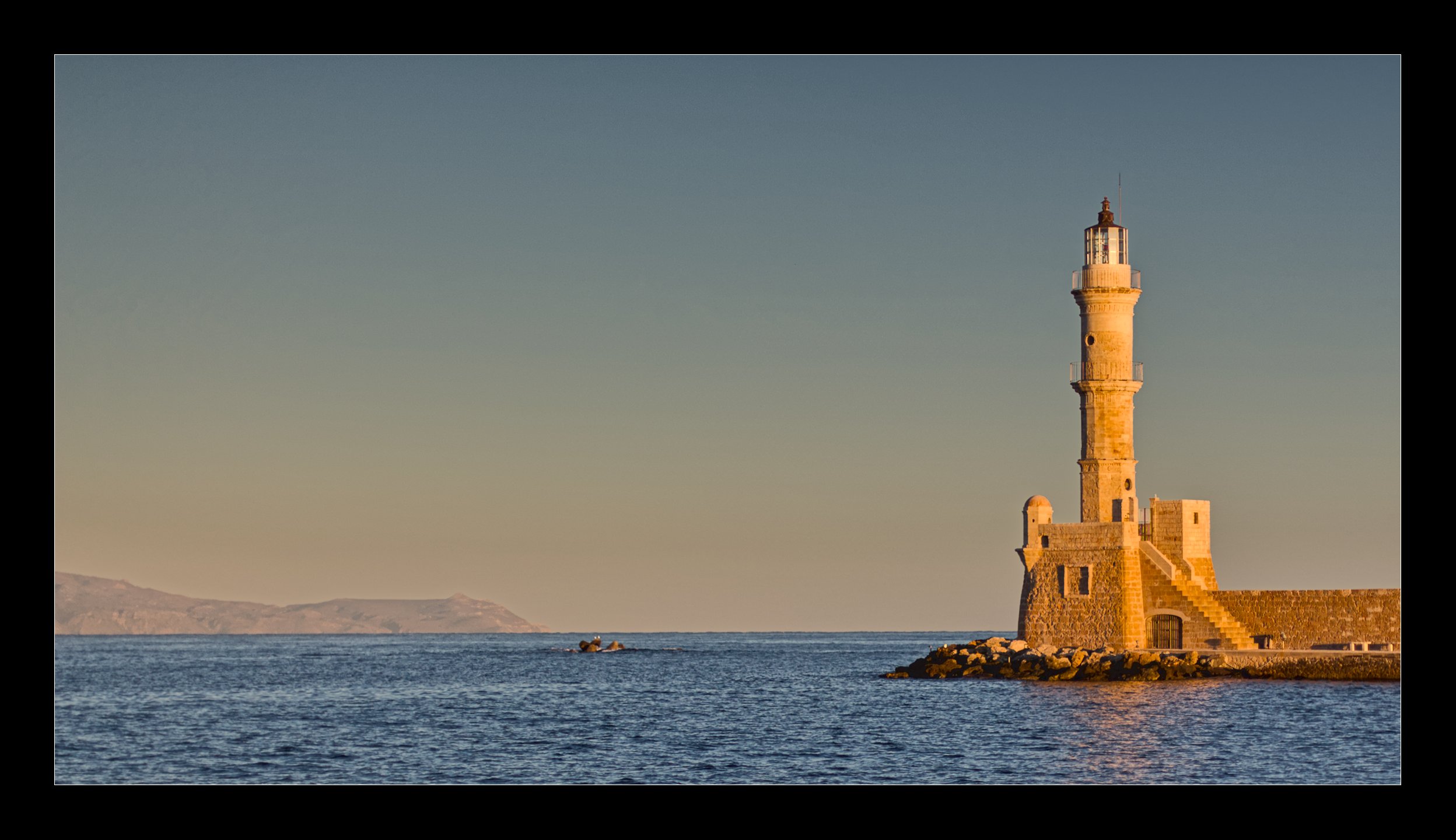
IMG_4310_02.CR2.xmp (47.5 KB)
1 Like
Hard to please!  You are right, Play Raws are supposed to be fun, it was just a joke!
2 Likes
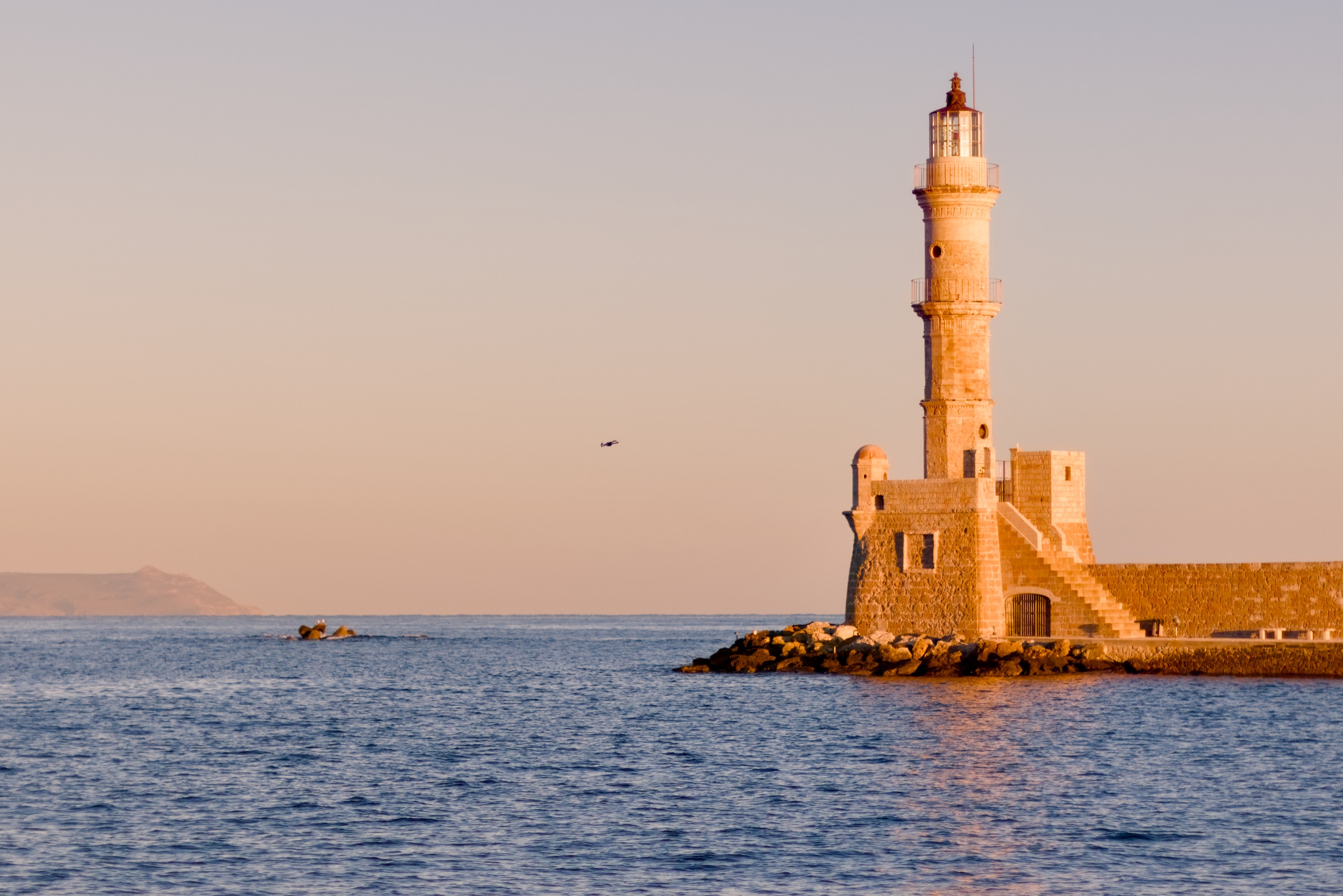
Sorry for the delay, the last 36 hours got away from me. I’ve studied your edits and realized I missed a few things. I hadn’t added global contrast via AgX, and I’ve now introduced some contrast using the contrast equalizer as well as global saturation.
Attempt 2 is up. I still need to look into how the color harmony module works, and I definitely need to brush up on my masking technique. I’ll probably darken the sky too. Oh yes, the tone equaliser made sense as well so I did the same on mine.
1 Like
IMG_4310.jpg.out.pp3 (25.8 KB)
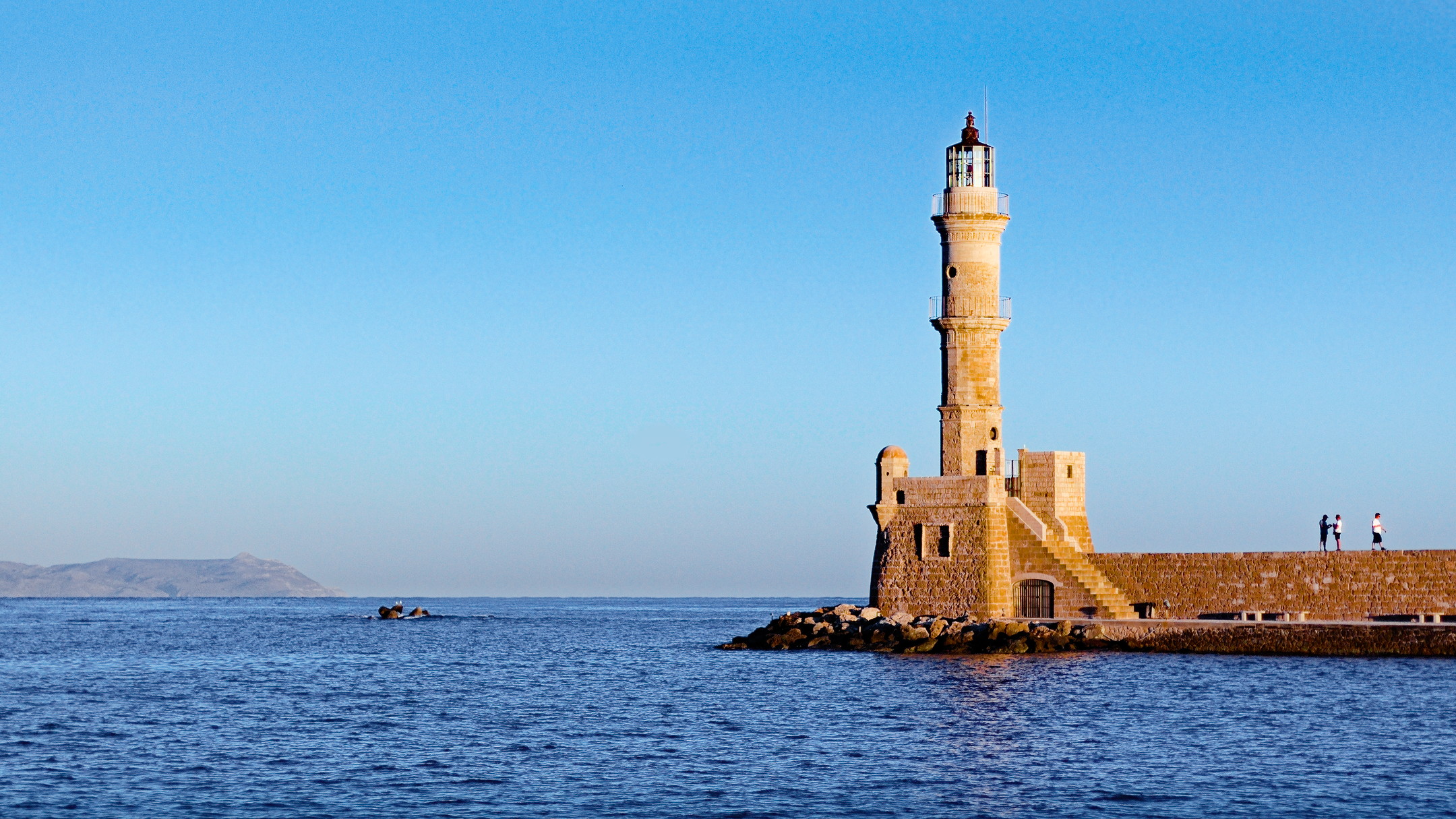
I used the Local Adjustment spot in RawTherapee to blur out the drone.
White balance picked from the one dude’s white t-shirt. A dehaze spot or two were also applied.
2 Likes
That’s life as it goes… I was not impatient - rather curious… 
And please do be aware that I have somehow a ‘difficult’ relation with AgX. I started using it and then ‘turned away’ as I found that a lot of pictures - having less overall contrast - don’t need AgX that much. Instead I started using tone equalizer to manage overall contrast. Besides that I’m not overly sensitive to colors and AgX is besides managing contrast very much about fine tuning colors as well. Feel very much the need to re-assess my position about AgX!
This is a fundamental skill in dt. And being fluent in using mask is a great joy as it opens lots - and I really mean lots - of possibilities! It’s such joy to combine parametric channels with shapes. And using feathering, blurring mask opacity and mask contrast settings to fine tune the result.
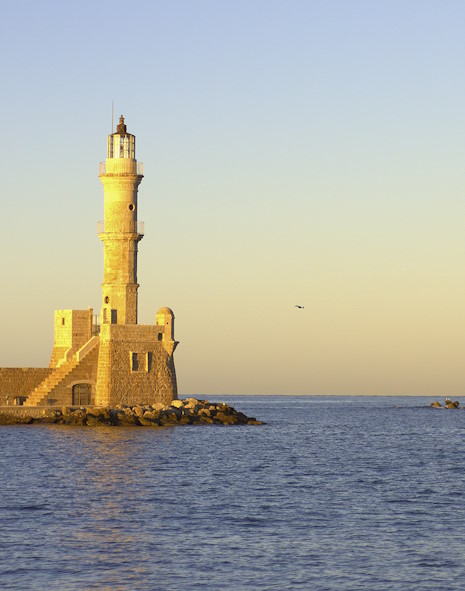
The sharpening… looks blurry.
Yes, as a new user, I was not sure about the size allowed for posting Jpg’s so I posted a thumb and shrinking made the picture awfully blurry.
1 Like
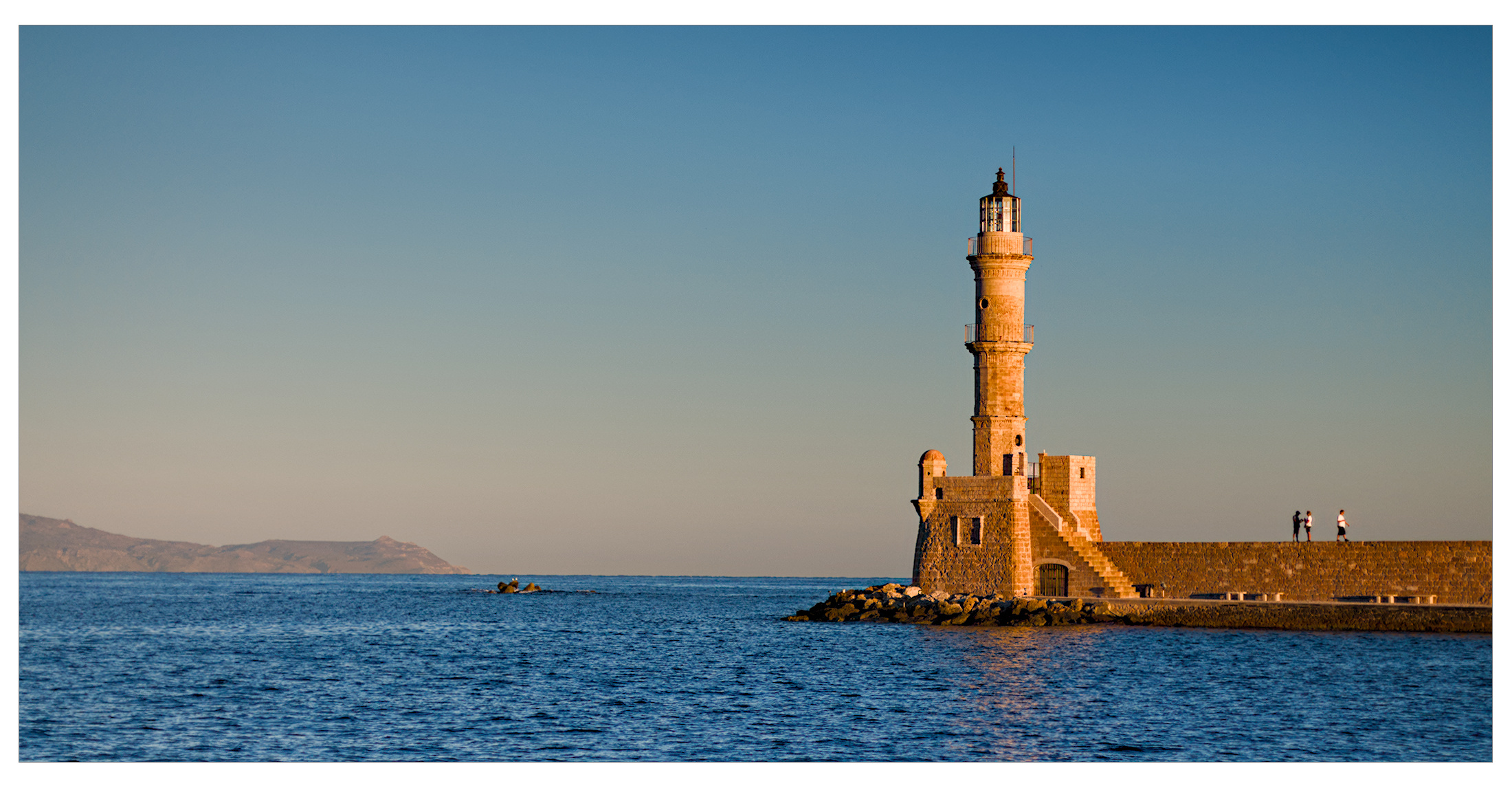
IMG_4310.CR2.xmp (26,2 KB)
3 Likes
Here is the guideline. I think most people try and keep things under 1MB where at all possible.
1 Like
@LaurentFromSF I was about to comment that it is quite a nice edit. If you follow the general quoted guideline, you should be fine. Thanks for sharing!
1 Like
The pixel dimentions of the image don’t matter.
What matters is filesize.
My suggestion to you is to repost the work using a 2160px version using 70% jpeg compression. The result will be crisper and less than a megabyte.
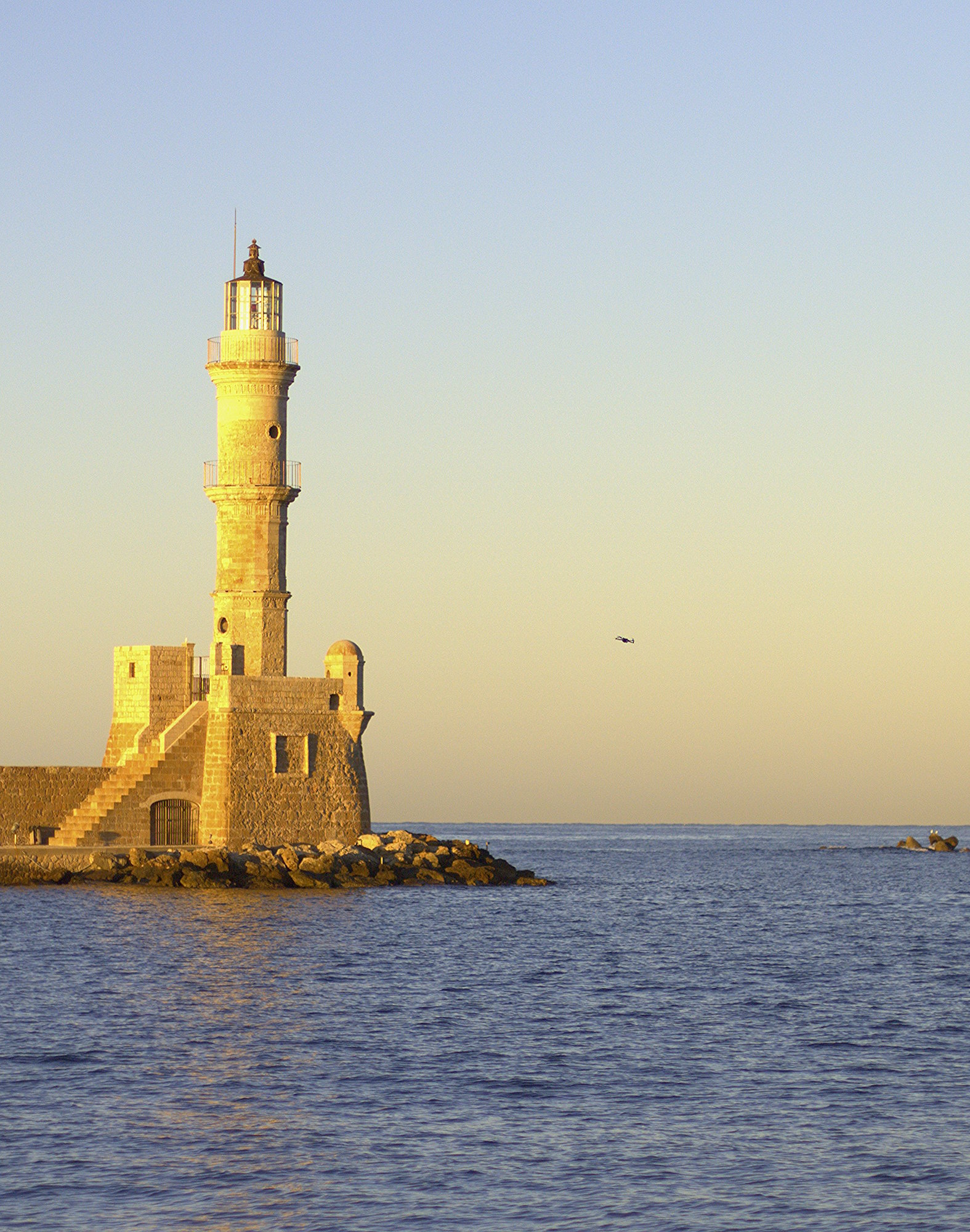
Now we are talking! Welcome here and have fun!
The next step: sharing your .xmp file so we may see what you’ve done…
1 Like
No XMP because I am using my very own code to edit.
I mirrored the image so that it could be read from left to right, massive cropping and a lot of sharpening. No colour adjustments.
1 Like
Is it FOSS?