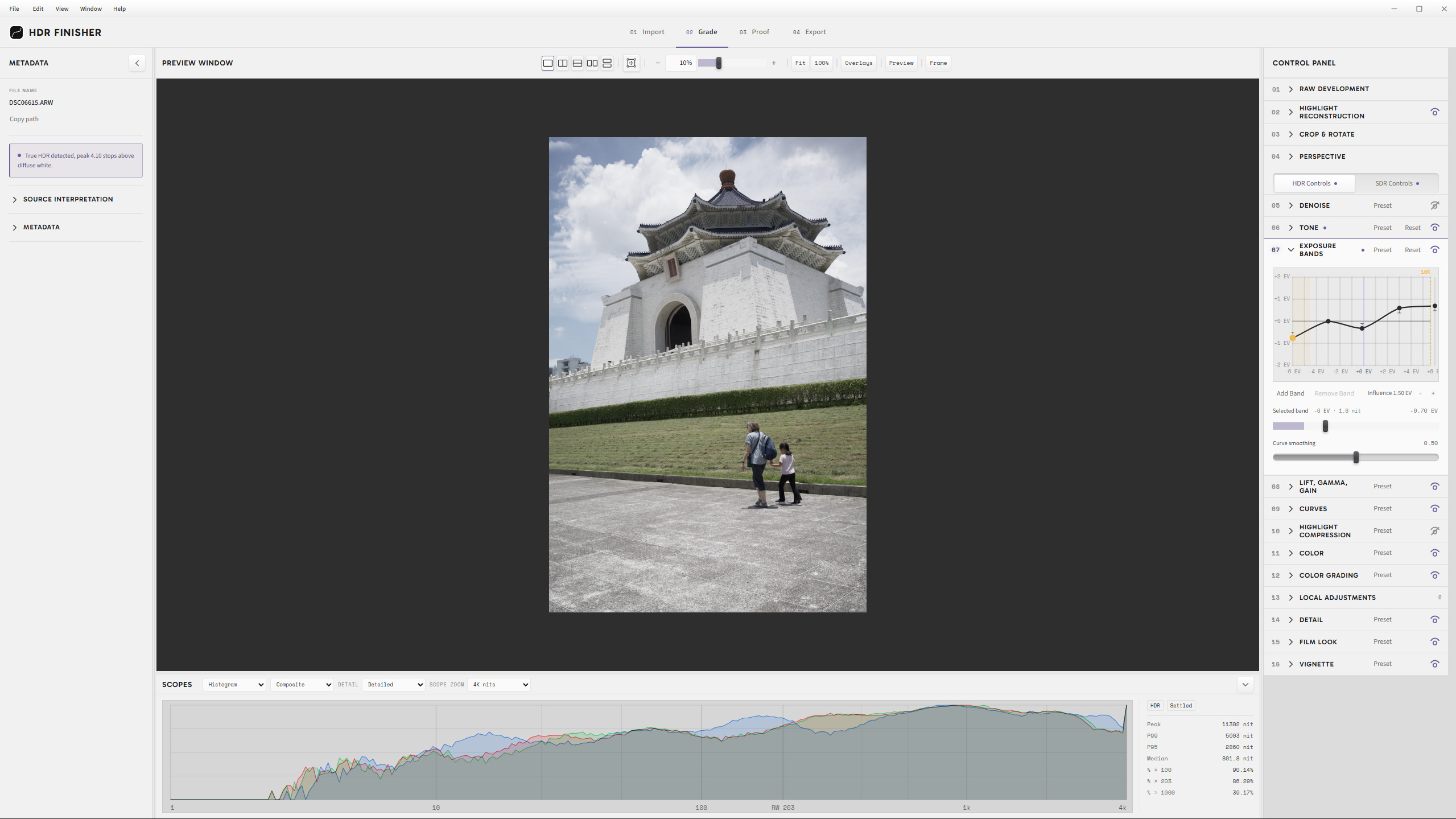
Looking for feedback on my HDR Finisher app

As the title states, I’m wondering if any of the color experts here might be interested in providing some feedback on this project.

It’s a finishing app, designed to import a corrected TIFF file and then allow HDR and SDR editing of that image with export options including AVIF + gain map, JPEG Ultra HDR, or JPEG XL. My personal use case is that I want to be able to create HDR images I can publish on the web without relying on Adobe. :slight_smile:

The app runs using electron, so HDR is displayed via its bundled Chromium, which suits my intended web publishing goals. HDR scopes will work on an SDR display, but obviously you’ll need an HDR monitor in order to see the HDR results. ACEScg is the working color space. You can directly import RAW files and some DNG files, but technically it’s probably better you correct in an appl like Darktable and then export a TIFF. There’s a readme with source export details for a few popular apps.

In case you are anti-AI, I will warn you that this is vibe coded. I’ve personally stress tested against files from Affinity, Photoshop, DXO Photolab, and Darktable and am currently pretty happy with the capabilities. However, I’m hoping some discerning minds might be able to recognize areas where the color science and/or controls might be better implemented. I’m also curious to know if I missed any critical controls or visualizations that one would need for a finishing app.

Windows and MacOS installers are available on github here: GitHub - LucienMidnight/hdr-finisher: Open-source HDR finishing - AVIF + gain map, JPEG Ultra HDR, JPEG XL for web publishing. · GitHub

If you have any suggestions, questions, or feedback, please feel free to let me know.

Cheers!

Edit: Here’s a video overview of how the app works. Not sure when YouTube will show it in HDR (if at all), but hopefully this walkthrough helps someone! https://youtu.be/hXmW3yf1eXs
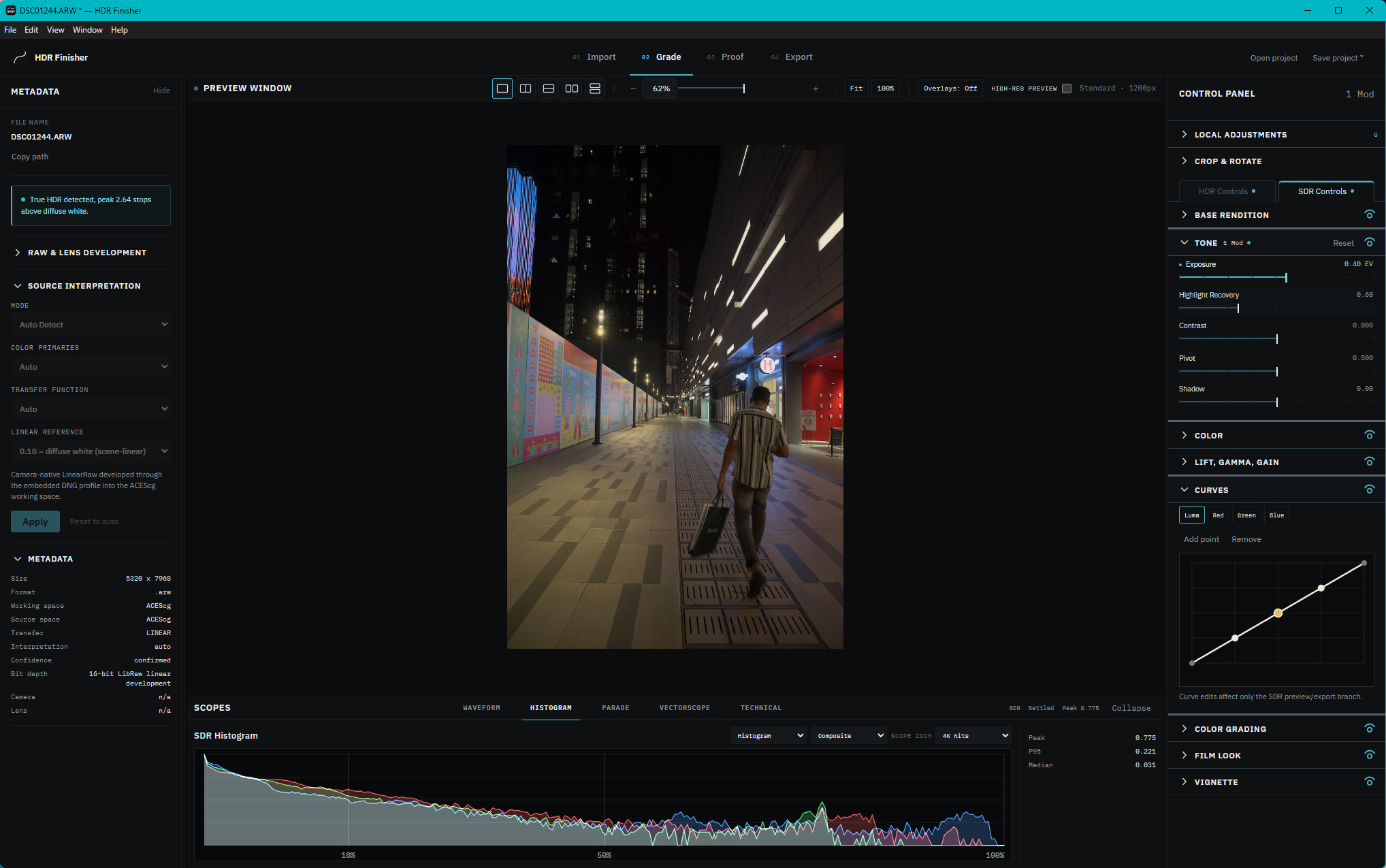
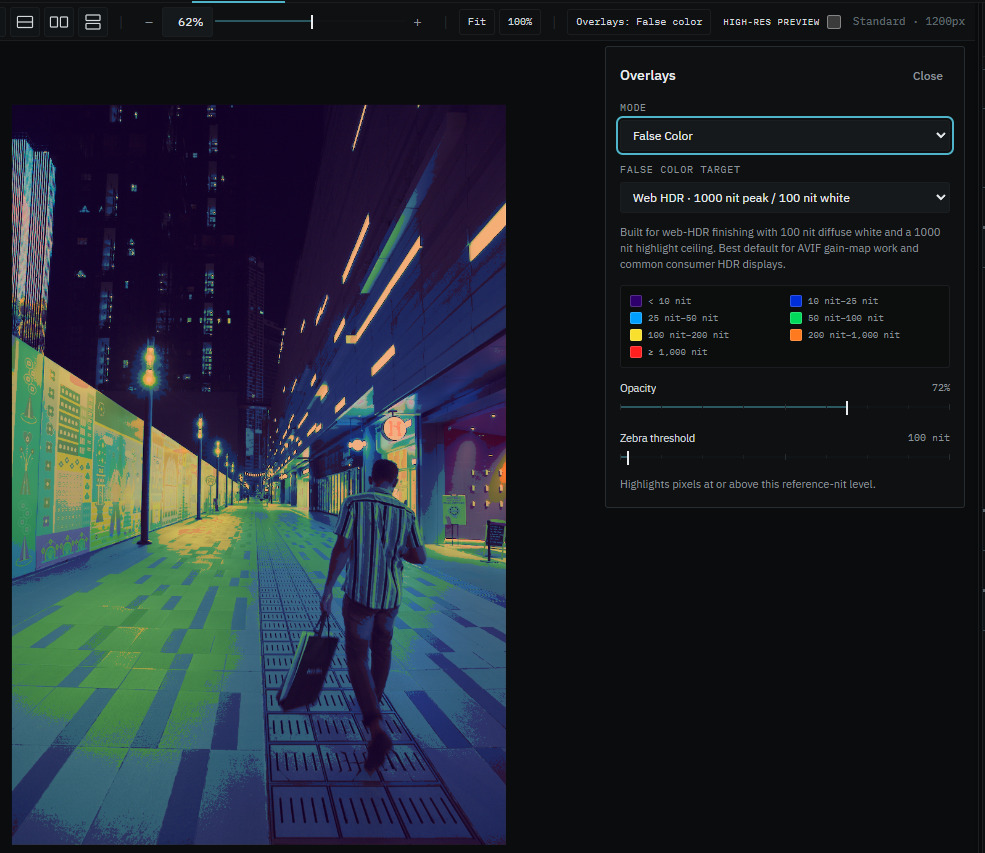
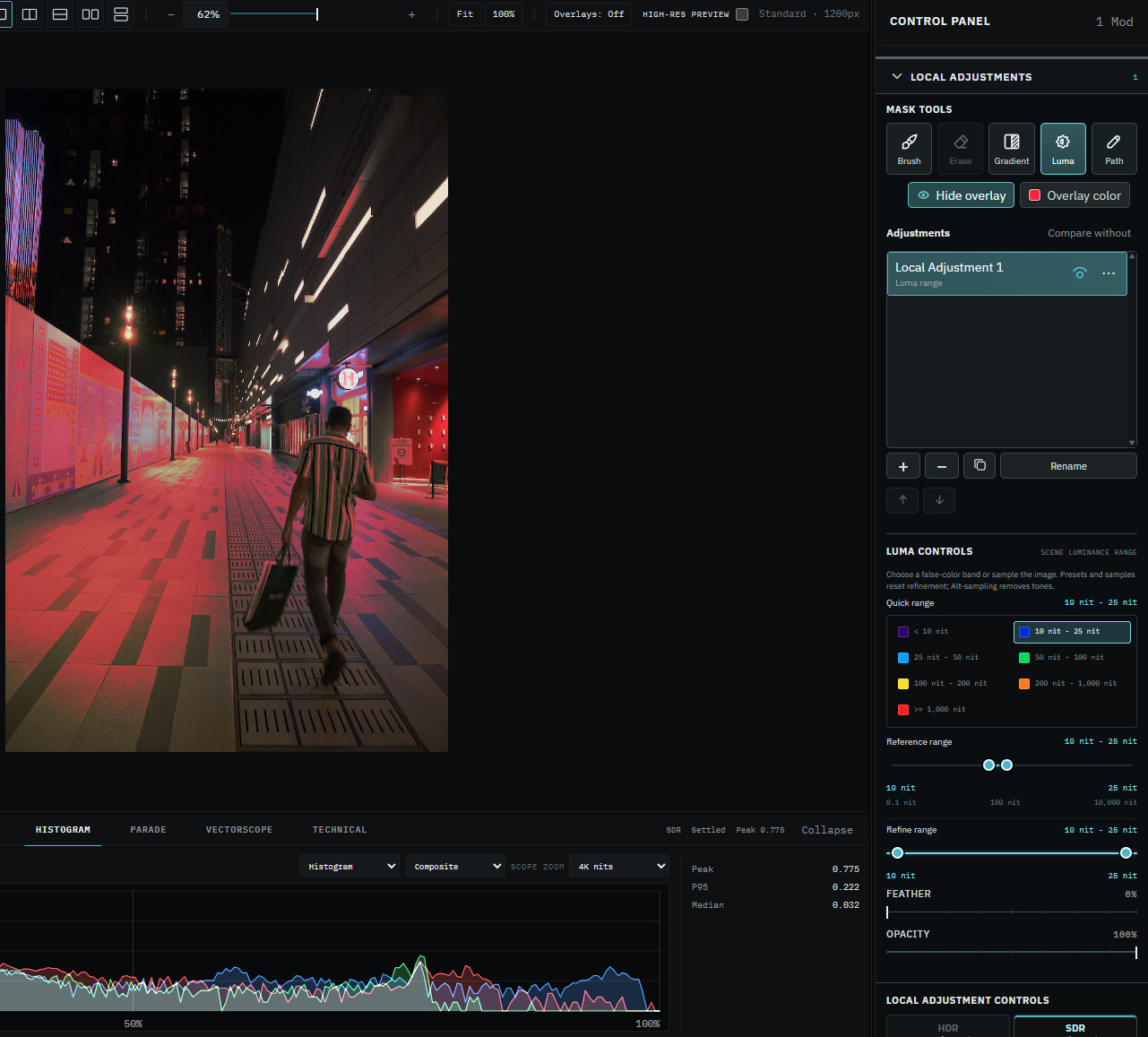
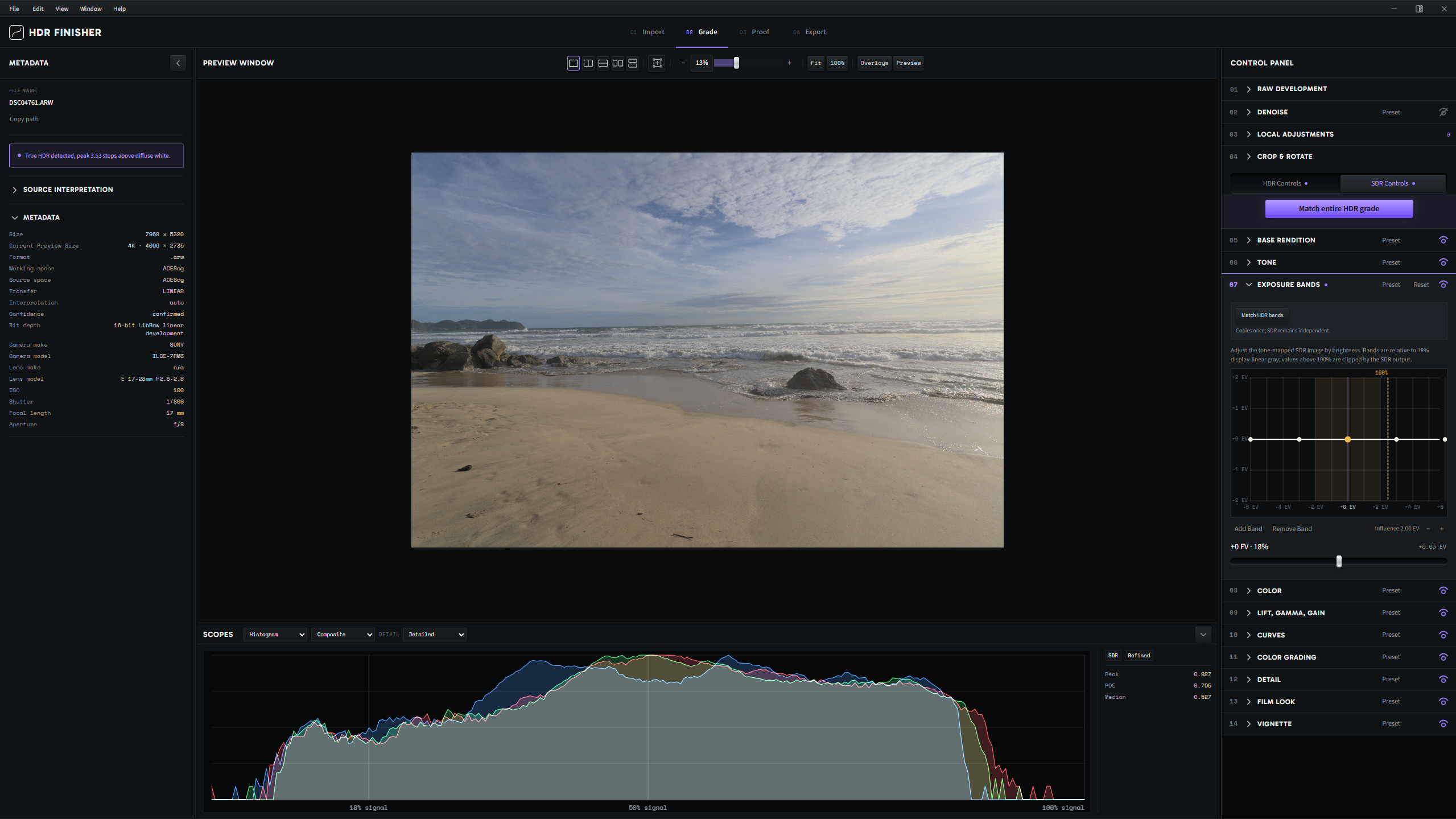
1 Like

Hi!

Thanks for working on and releasing this! I seems very ambitious and comprehensive, certainly filling a gap in this space. I have only worked with it briefly (on my Macbook Pro) but am impressed with what I see so far. The local webserver for proofing is a nice touch!

Generally, I find HDR for photography super tricky to get right, and by right I mean aligning it with my own ideas and preferences about how a photo “should” look. Everything I do in SDR that is to my tastes (usually AgX and more recently Spektrafilm) seems to go out the window, and I still almost always find the switch between the HDR versions and the SDR fallback jarring. So far, SDR fallback is always too big a compromise. Making sure HDR looks good in any other environment than my own also seems a total crapshoot.

I work a lot with digitized analog material and one of my objectives is to find a reliable workflow that provides HDR output of that that feels like a richer representation of the source material and not a HDR upscale in the bad sense of the word, if you know what I mean.

Your app seems to help a lot with making these comparisons, and I’ll make sure to read more of the documentation, which seems genuinely helpful in guiding me.

Again, thanks!

2 Likes

Totally know what you mean! I’m trying my best to expose useful settings to help keep thing natural, while also allowing flexibility for all kinds of files. Please do let me know if you find any bugs or have any suggestions while playing around with it. A substantial update is coming probably later today with loads of changes and a cleaner UI. :slight_smile:

Massively updated since originally posting.

  • Added one-click “match entire HDR grade” button, which takes all of your HDR edits and transfers them to the SDR version, making gain map exports a breeze
  • Improved SDR gamut clipping via OKLCh mapping
  • Added detail section with texture, clarity, and sharpen tools
  • Upgraded UI with stylized rails and handles, better hierarchy, and improved editing group organization
  • Fixed bugs!

I finally checked your Github repo, and realized this was for Mac and Windows only. That seems appropriate. But on the desktop I use only Linux, so I’m of no help. Sorry.

@Doug-Phoenix HDR Finisher is now on Linux. Hope the deb or flatpack works for yah!

2 Likes

Hi @oldtrainwrecks

It took me a while - I’m on a fork of Fedora so I needed to try flatpak, and I had never built one before. Several typical dependency issues…

But I must say, this is already a very sophisticated app! My goodness. I had expected something more rudimentary.

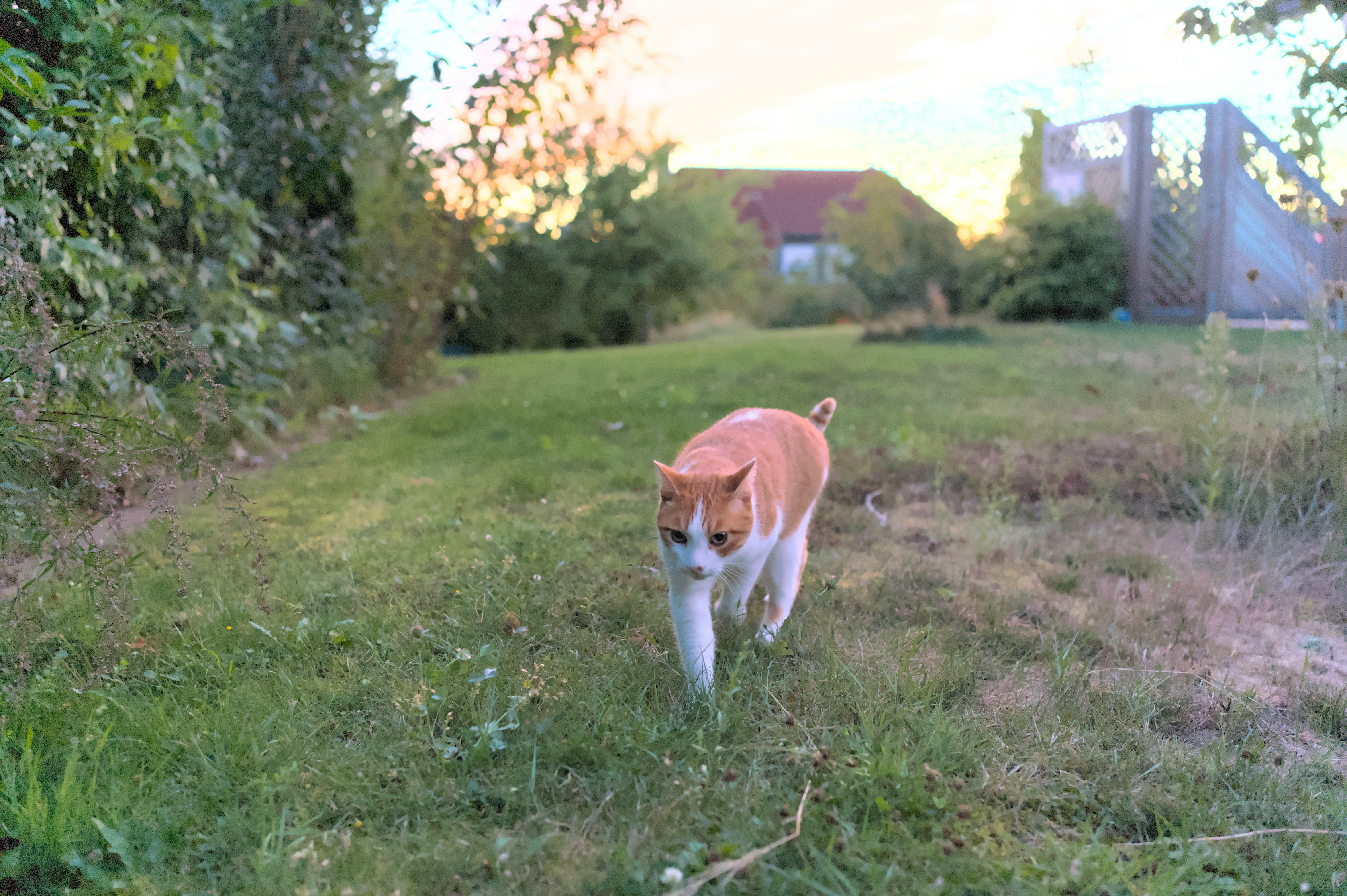
For darktable export I selected output color profile of linear Rec 2020 with no tonemapper. I exported to exr. The format was recognized as an HDR image automatically (!), and processing was easy. My pc has an SDR monitor, so I exported a test image for preview on my iPhone. AVIF with gain map worked well. I’m not sure how Apple handles other formats.

I have attached a sample image from a recent PlayRay in AVIF format. It looks very HDR on my iPhone. Nice!
260824_203703_DSC07493_finished

Reference image: https://discuss.pixls.us/t/hdr-c-high-dynamic-range-cat/60136

2 Likes

I’m really glad to hear it worked for you! I’m also surprised to learn that AVIFs work directly on this forum - because your image looks very HDR on my phone too. I guess I can post in HDR now instead of zipping jpgs, awesome!

1 Like

Thank you, Steve,

Yes I’m glad AVIF is supported. I like the concept of using gain maps with content delivered to both hdr and sdr formats.

I do need practice getting both hdr and sdr to look right. But I have a start with my first attempt. :slightly_smiling_face:

1 Like