Since I’ve been using nind-denoise in my own script, I tested out the raw-denoise as it has the advantage of having much more data to denoise from RAW than a demosaiced JPG/TIFF.
I guess it’s still early and improvements are still being made. It’s still not handling X-Trans correctly (sadly I have X-H1, X-T2, and X-T20), LinearRAW DNG pathway still has blotchy blobs with wrong colors.
The strength slider might not be the best approach as it simply leaves uniform chroma noise to be addressed later. I haven’t found an easy way in darktable to achieve the effect of Richardson-Lucy deconvolution, it’s super helpful to bring the most details out of the lens. But it tends to accentuate noise, so a completely clean image is needed, the strength slider need to be at 100% for me.
Compared to my nind-denoise workflow, instead of blending noise uniformly, my script does:
- RGB-version of nind-denoise then RL-deblur to sharpen up details
- use darktable’s
denoise profiled to create a grainy/luma-noise image (retaining details)
- diff the grainy against the denoised to determine noise level
- selectively blend the grainy image in (e.g. more noise in midtone, less noise in shadow and highlight, simulating film grain). Amount of blending can also be adjusted as an S-CURVE approximation, e.g.
alpha = 0.65 * log10(1 + (noise / 150)**2)
Anyway, the neural restore module and ONNX approach is a huge achievement in the right direction. I’m excited for upcoming development and improvements.
A few test cases for comparison (identical history stack except demosaic):
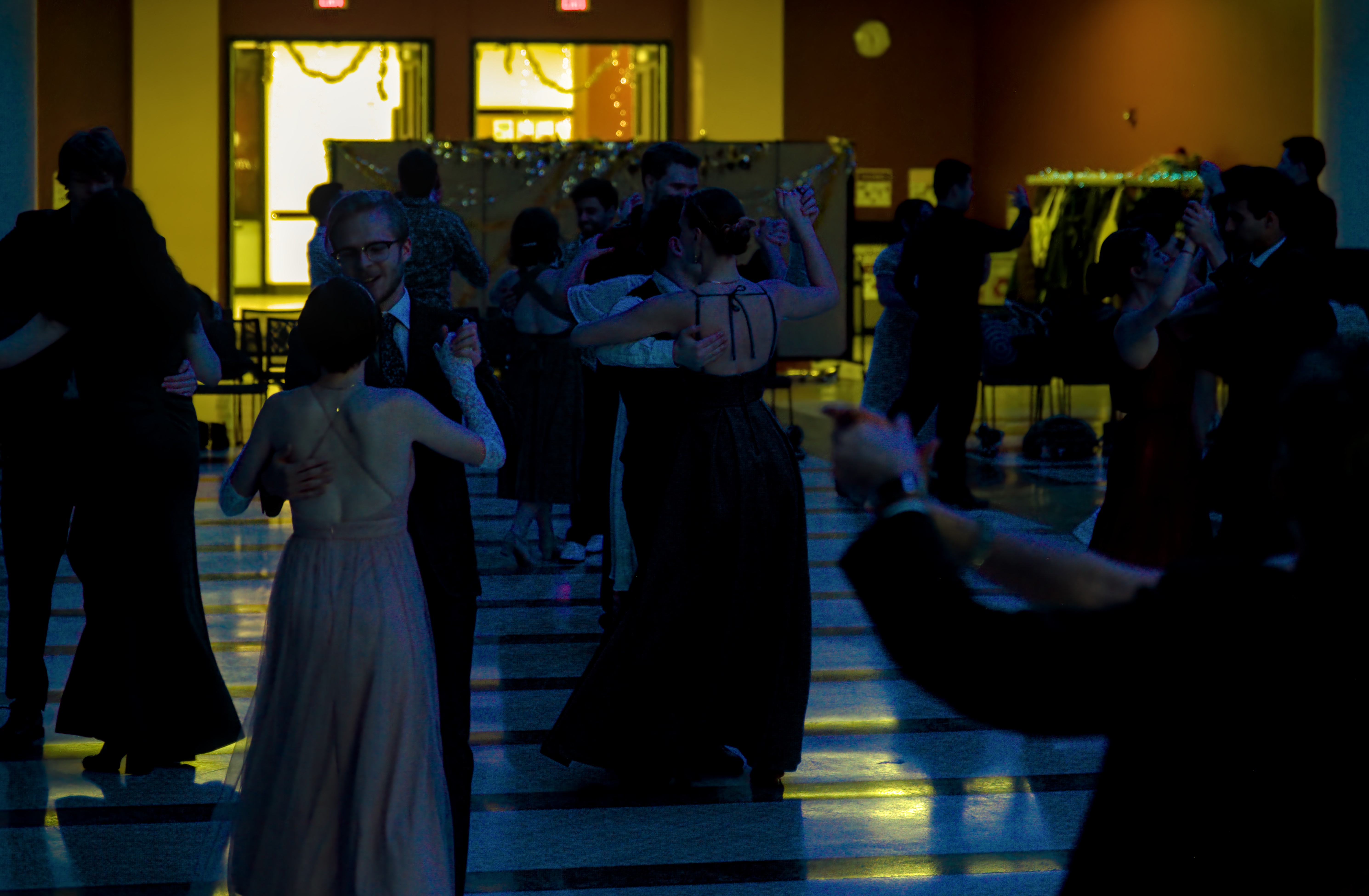
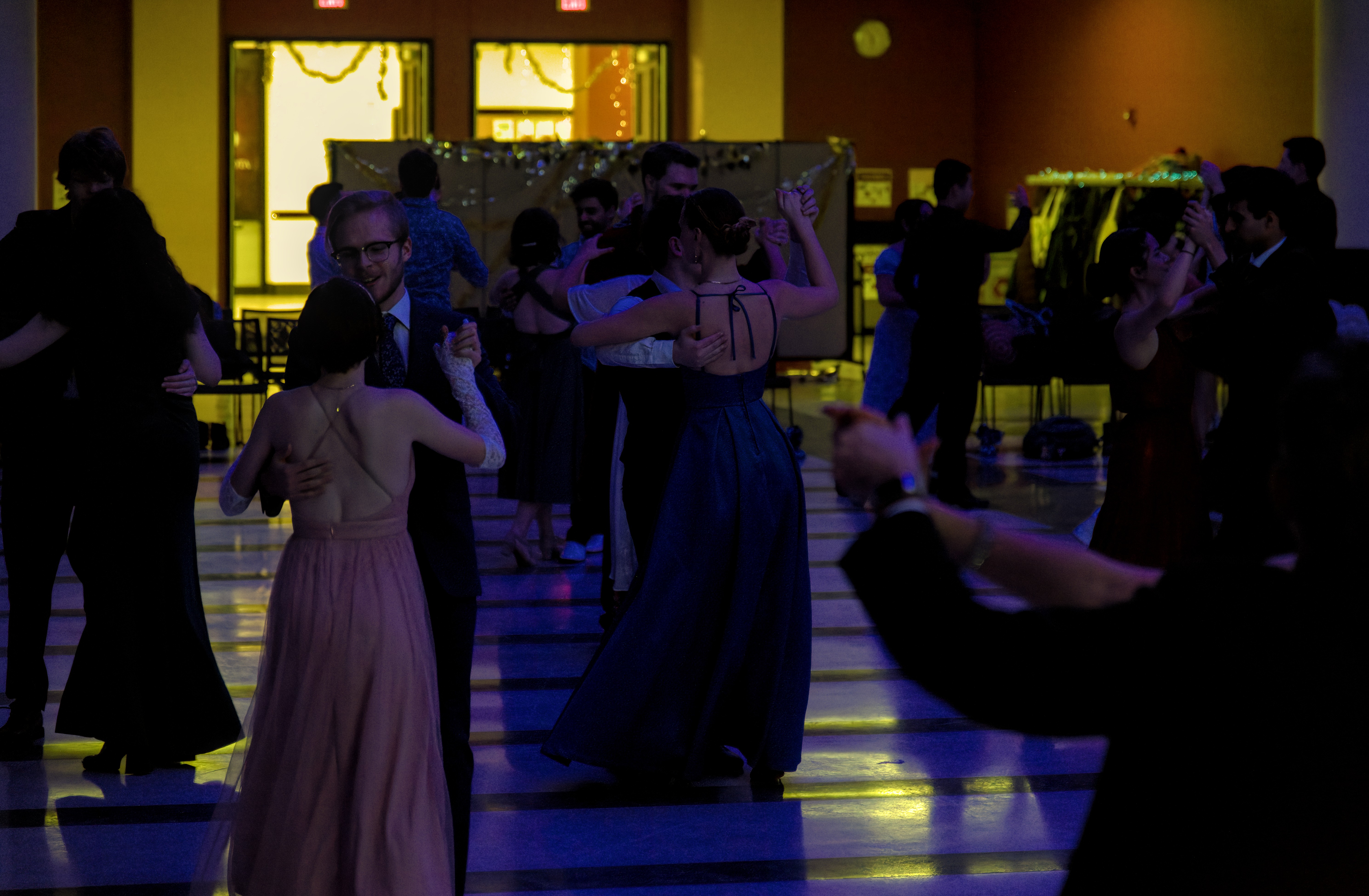
Ballroom dancing under blue light - DSCF6882.RAF (16.1 MB)
Creative Commons, By-Attribution, Share-Alike.
For X-Trans, Markesteijn has been the best demosaic, even better than Fuji’s algorithm. The generic LinearRAW DNG pathway might not be making use of it yet.
raw-denoise: blotchy/wrong colors, grid-pattern, artifacts
nind-denoise + RL-deblur, with grain blended in dynamically
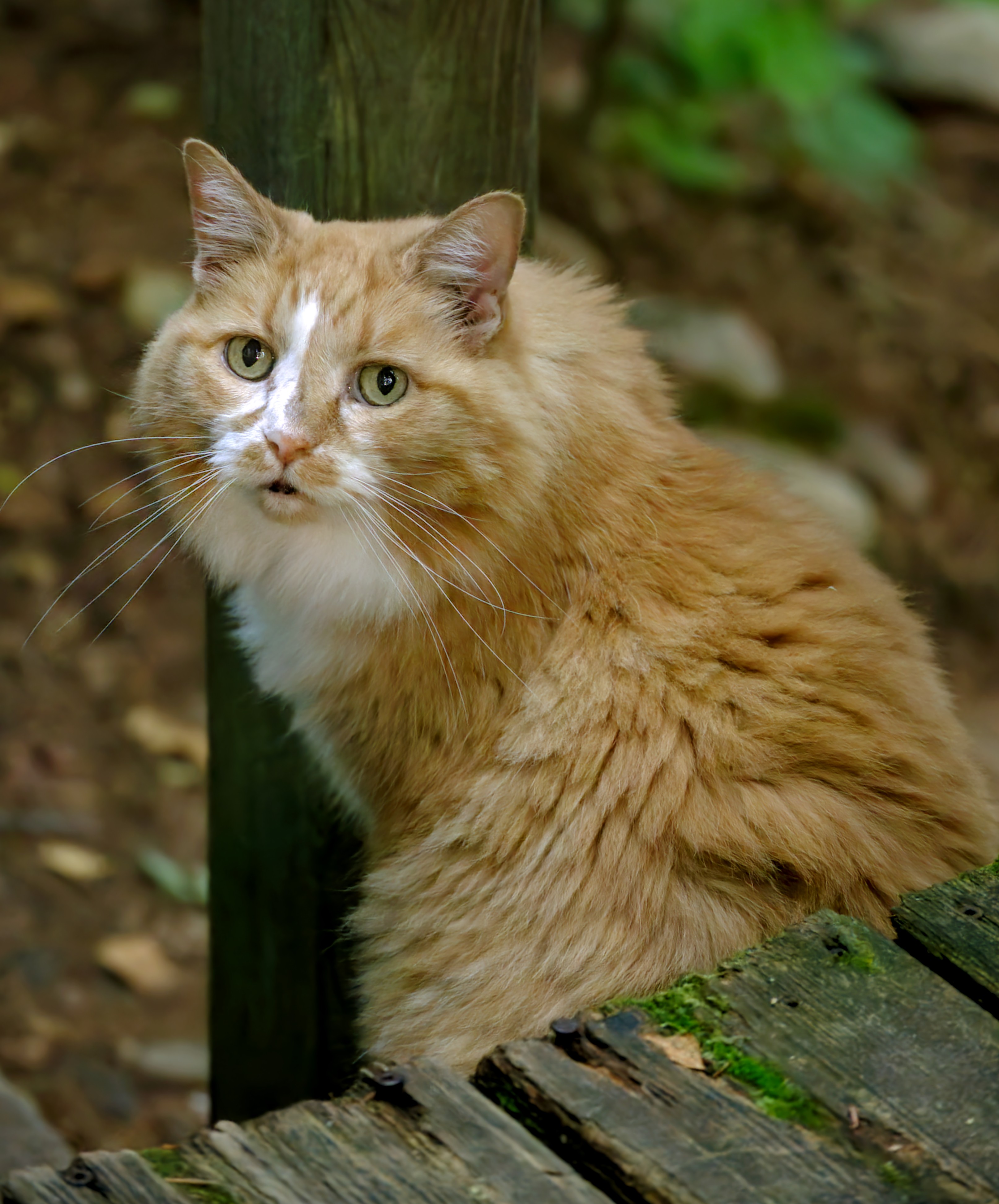
raw-denoise: 100% strength, no sharpening, bokeh is real smooth, image has slight green cast (some existing nind-denoise models also have red/green color cast)
nind-denoise + RL-deblur, with grain blended in dynamically
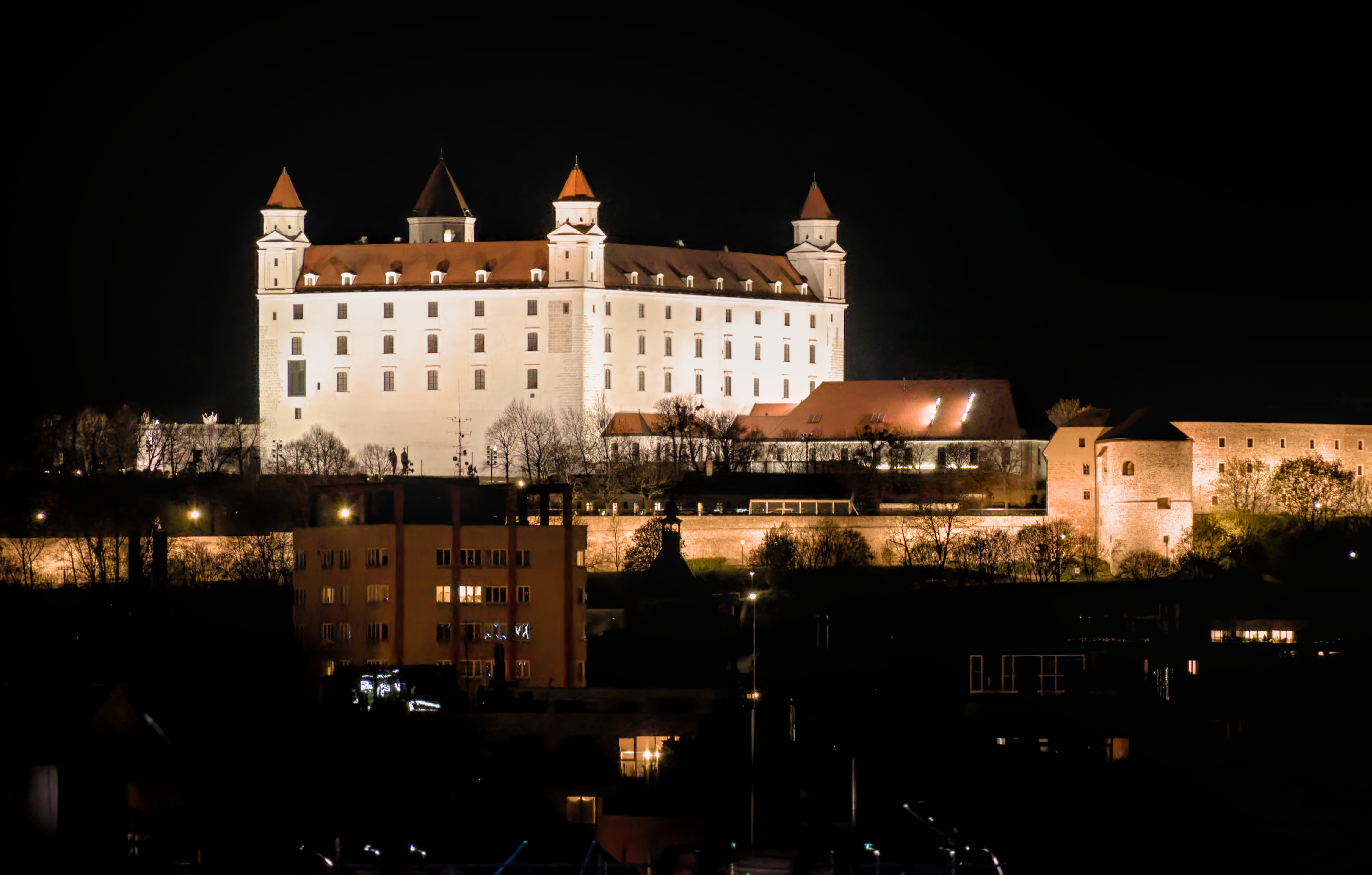
raw-denoise: 100% strength, no sharpening, blotch/artifact near high-contrast (wall edge, light bulb, …), visible circular steps of gradient near the top-center
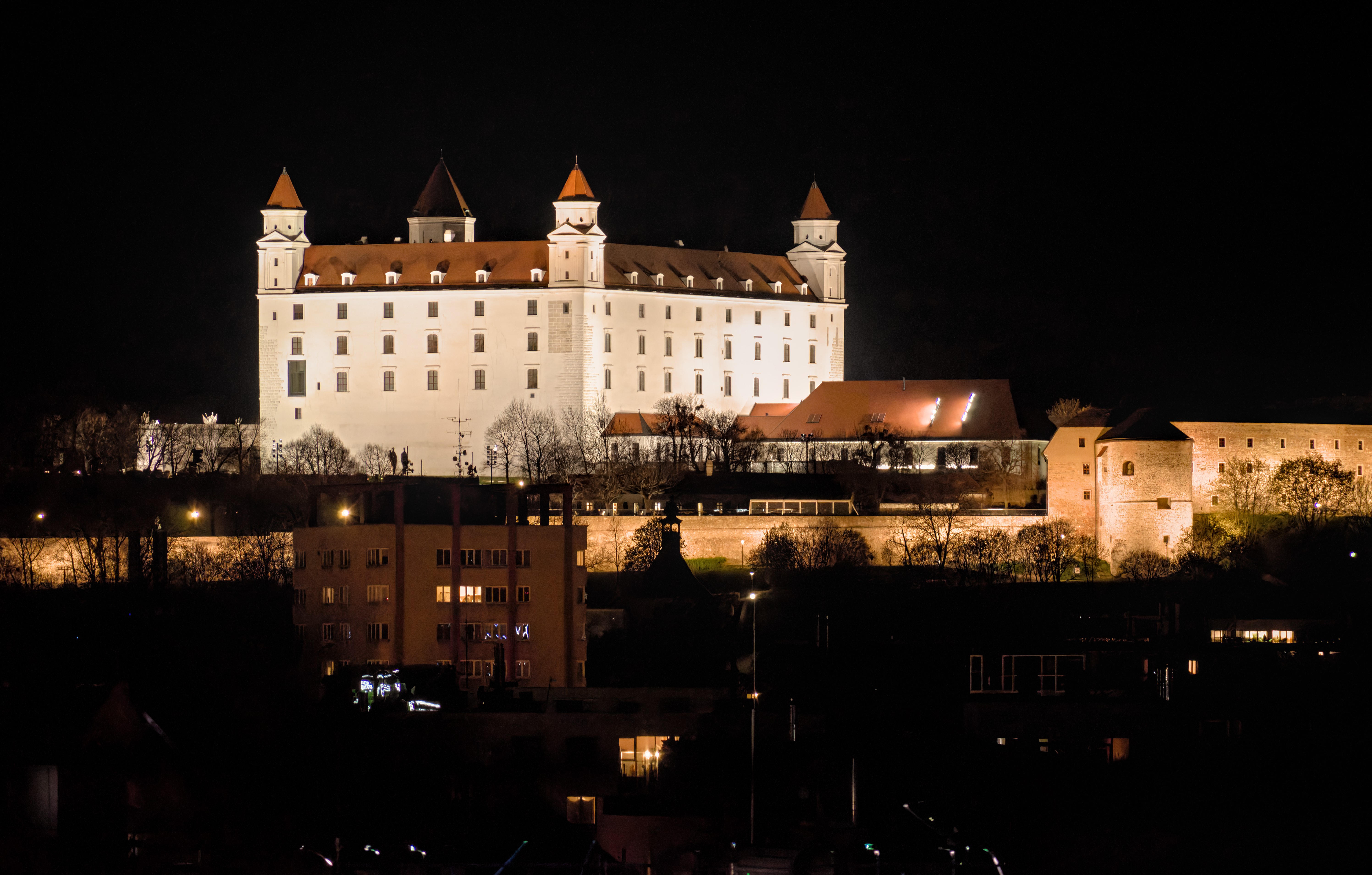
nind-denoise + RL-deblur, with grain blended in dynamically