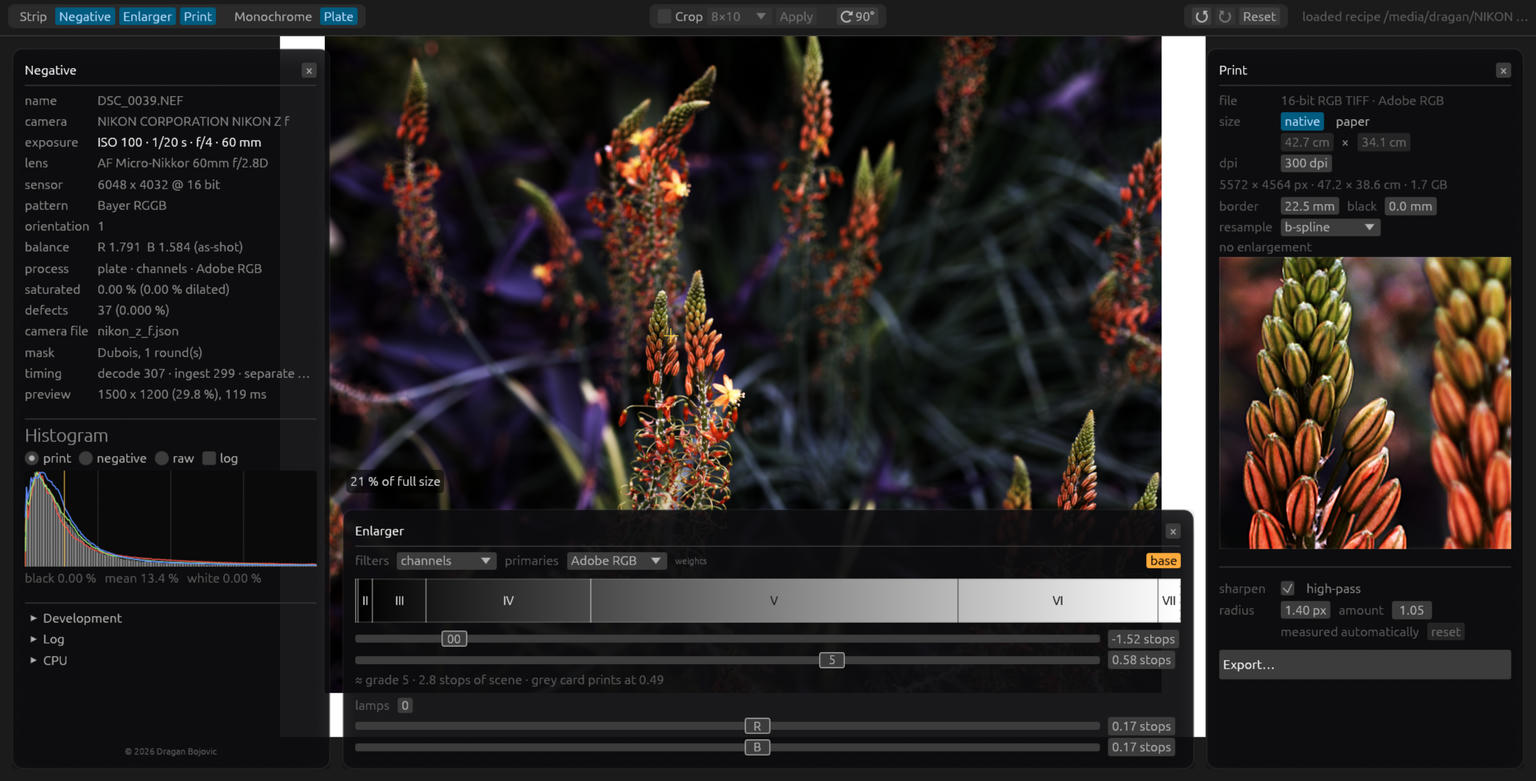
I’ve been working on Mimizan Lab over the last month, and this is the first time I’m showing it anywhere.
Mimizan Lab turns Bayer RAW files into linear negatives — without demosaicing. Instead of spatial interpolation, it separates chrominance from the carriers in the frequency domain and keeps what’s left as luminance. Every output pixel is a fixed weighted sum of actual measured photosites.
By mixing these separations three times with different filter weights, it can also create three-color plates (in the Prokudin-Gorsky sense) — still without demosaicing, and perfectly in register by construction.
The best way to see how differently Mimizan renders structure and colour is to try it on a RAW file you know inside out — one where you already know where standard demosaicers usually guess, create artifacts, or smear texture. Look at the 1:1 print view and compare how it draws fine detail, grain, and high-contrast edges.
It’s written in 100% Rust (egui), runs on Linux, macOS, Windows (also in the Microsoft Store), and as a native Android build.
If you feel like taking a look or running your own files through it:
During development, I relied heavily on standardized studio scene RAWs (like DPReview’s test chart files) to tune and benchmark the algorithm. However, copyright and licensing terms prevent me from republishing converted crops of those files publicly.
I am currently in the process of setting up my own high-resolution studio test scene to publish standardized 1:1 side-by-side comparisons soon.
In the meantime, since Mimizan Lab is free and open-source, the best way to see the difference is to open one of your own familiar RAW files (or samples from raw.pixls.us) and inspect the 1:1 print view. Pay close attention to fine high-contrast edges, fine textures, and moiré-prone patterns—you’ll see the complete absence of spatial guessing, zipper artifacts, or color bleeding.
If anyone runs their own files through Mimizan and wants to post 1:1 comparison crops here in the thread, I’d be thrilled to see them!
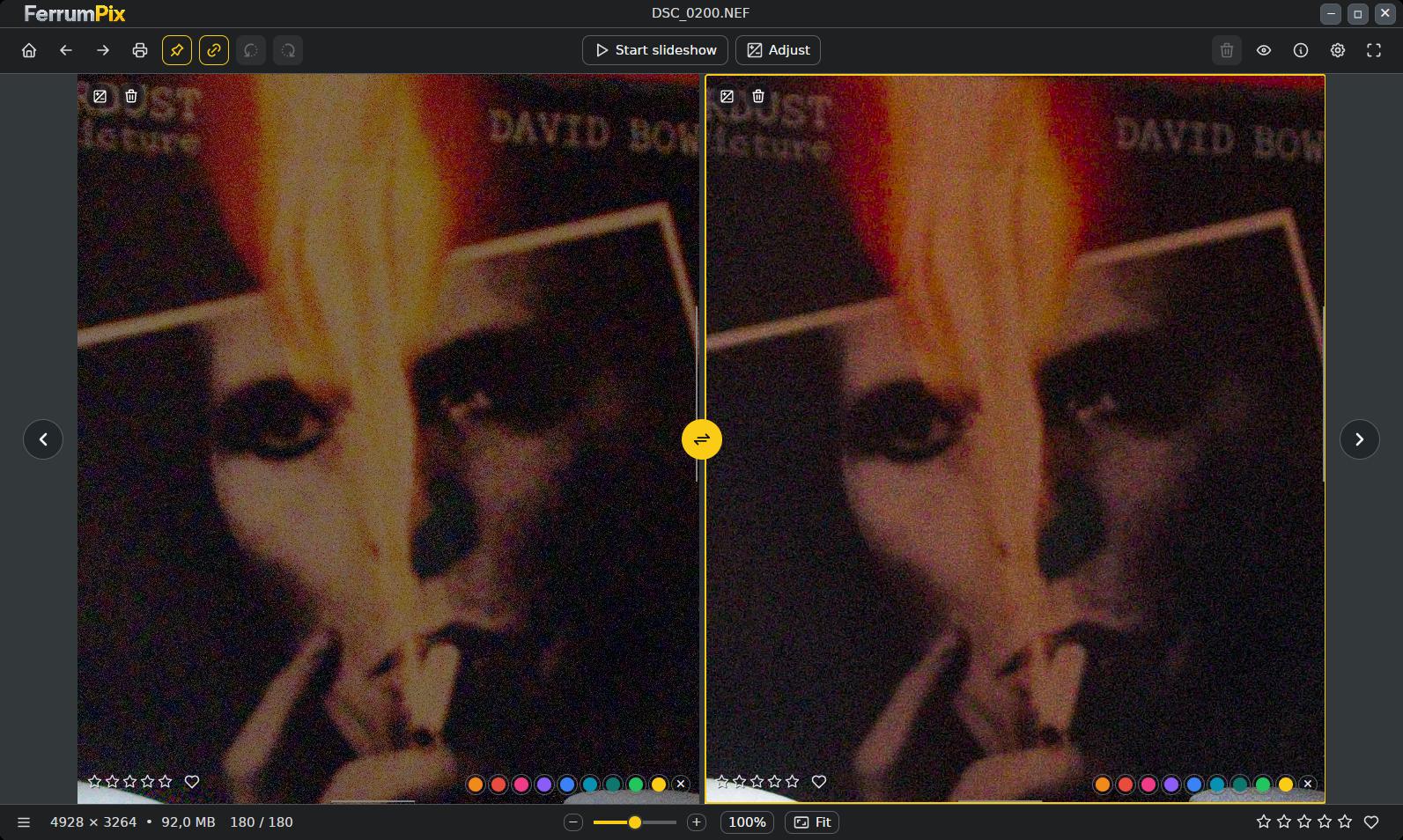
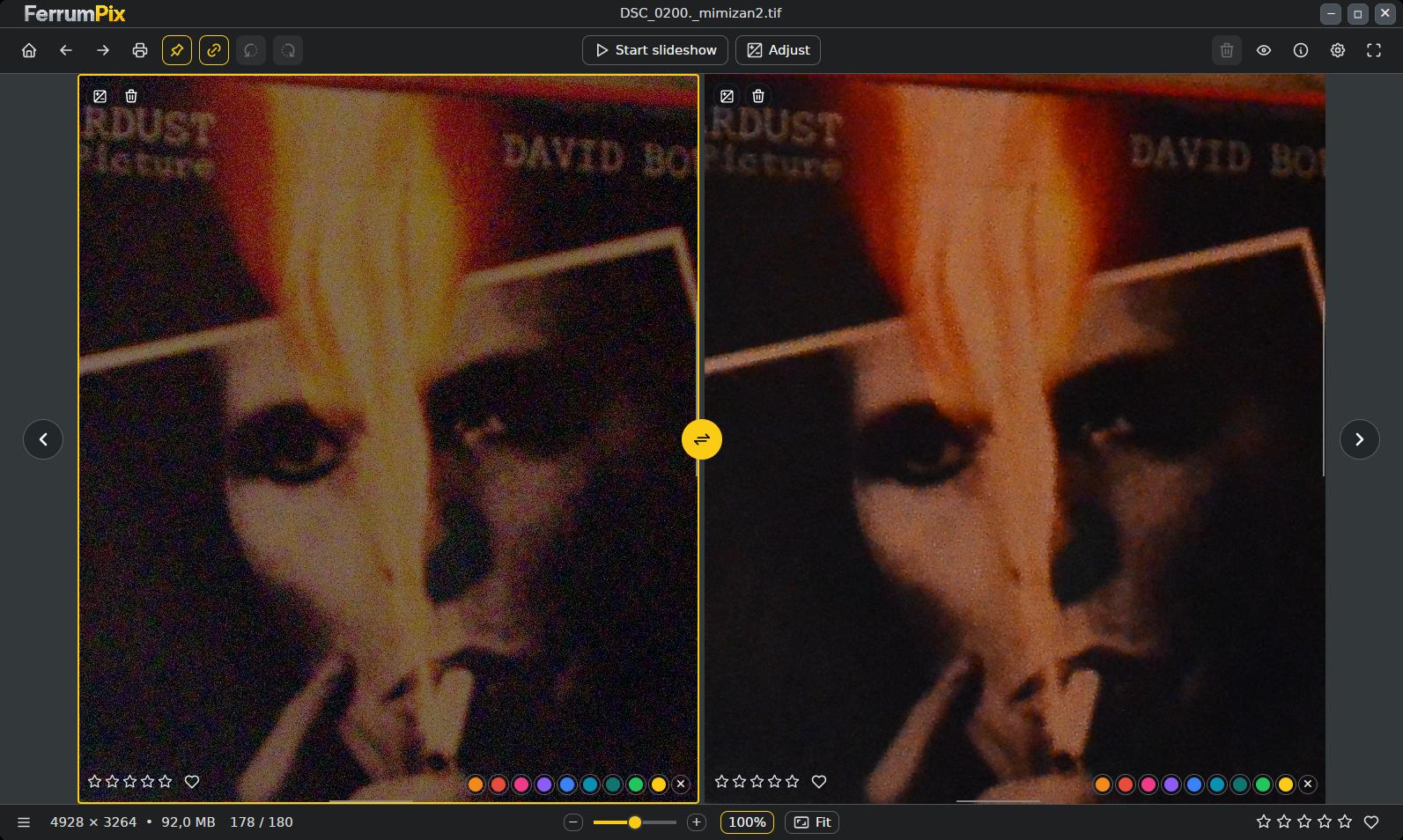
Hello, I tried your app. Your tiff seems to be better at first sight. I notice less noise (this is a 6400 iso shot with an old camera). Here’s a screenshot, on the left the Mimizan tiff, on the right the nef file. The reds and yellows on Bowie’s face differ.
Hey @Dragan thanks for sharing this.
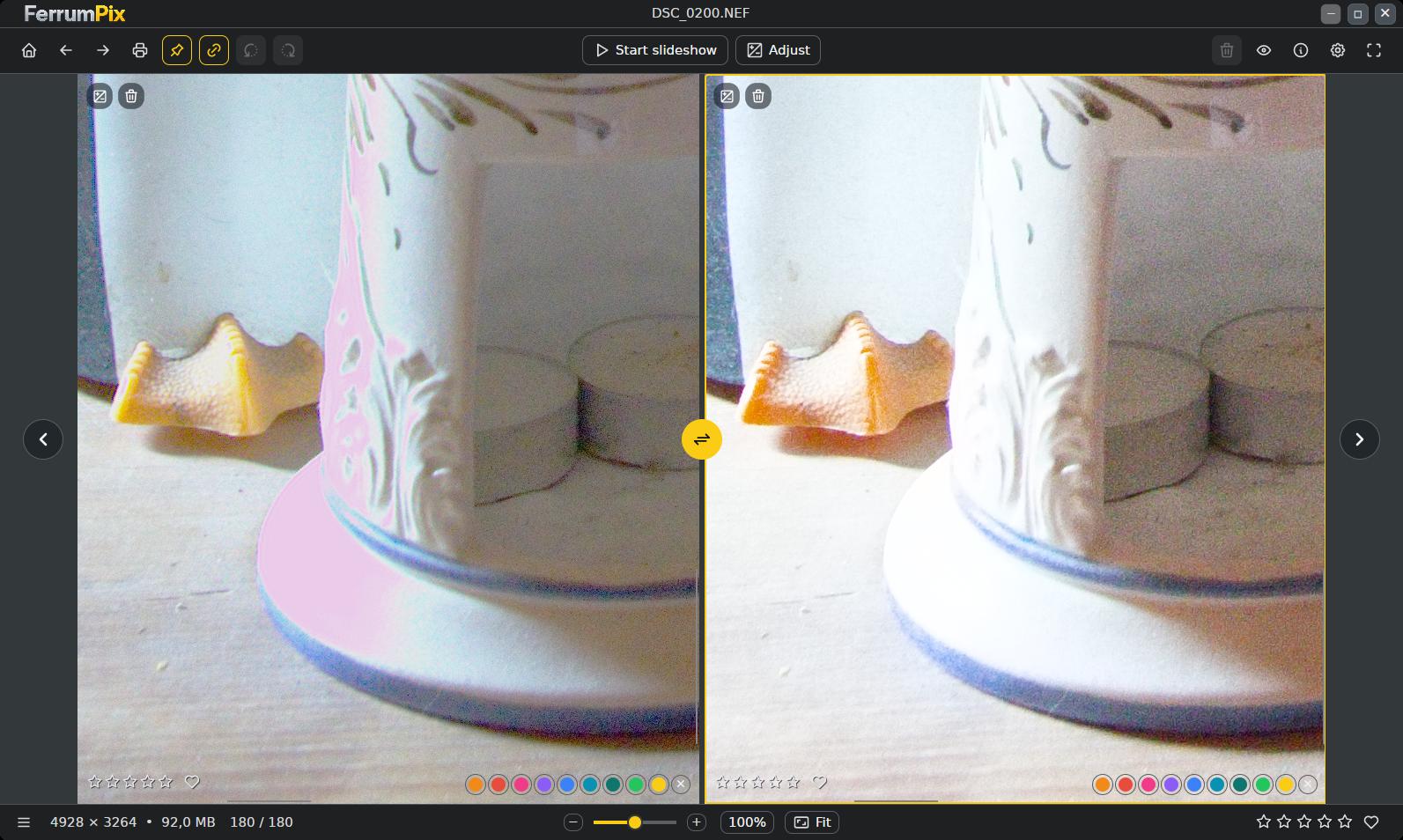
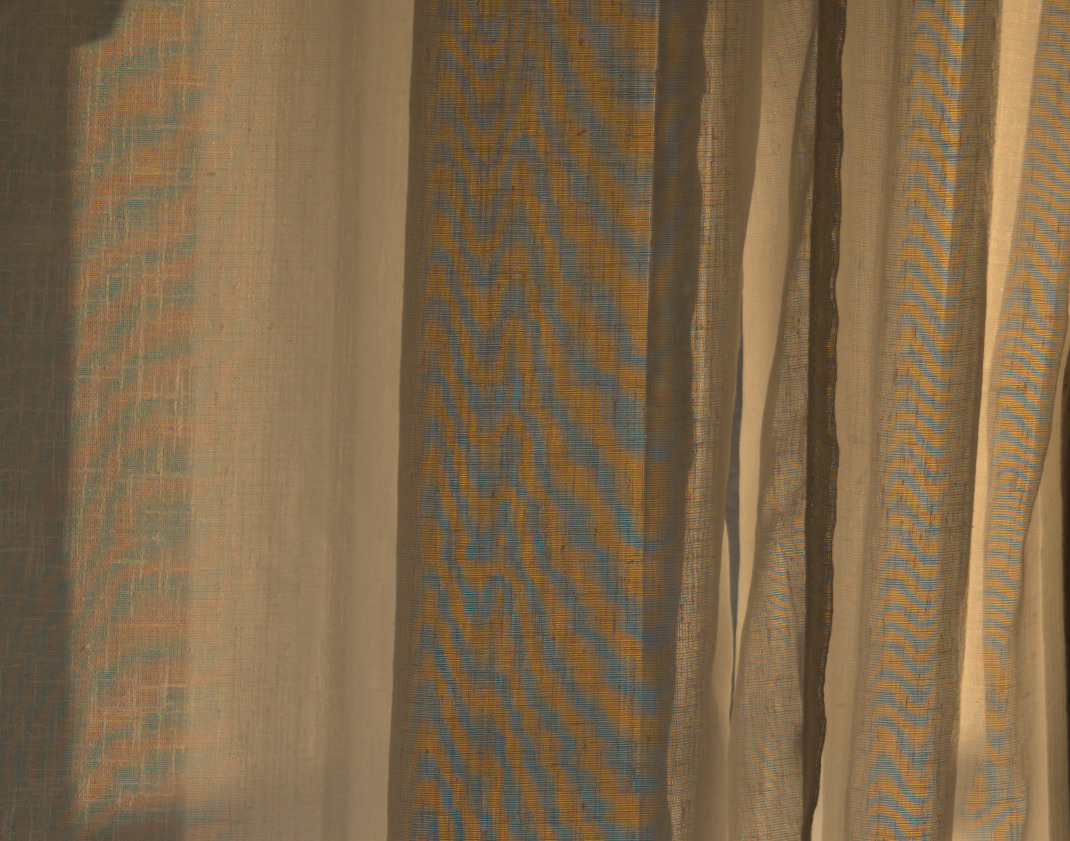
I cannot test it right now, but I’m curious if it works with this problematic image. If I understand correctly, could your software solve this kind of problem?
Thank you, that was a real bug in the plate, not a missing feature. Green clips lowest after the white balance, so a burnt-out green photosite made every colour difference around it false towards magenta. 0.15.6 takes the colour out there and prints the luminance; whites stay white, nothing reconstructed. Wratten hid it because its weights are all positive.
Thanks again for testing. The fix is in 0.15.6: the Linux, Windows and macOS builds are on GitHub (Release v0.15.6 · Draganito/mimizan · GitHub), and the Microsoft Store update has been submitted and will appear once it clears certification.
It is colour moiré, not banding. In the monochrome process it is gone, the weave stays weave. In the plate it is softer than in darktable but still there: at that frequency the sensor cannot tell a weave from colour. Crops attached
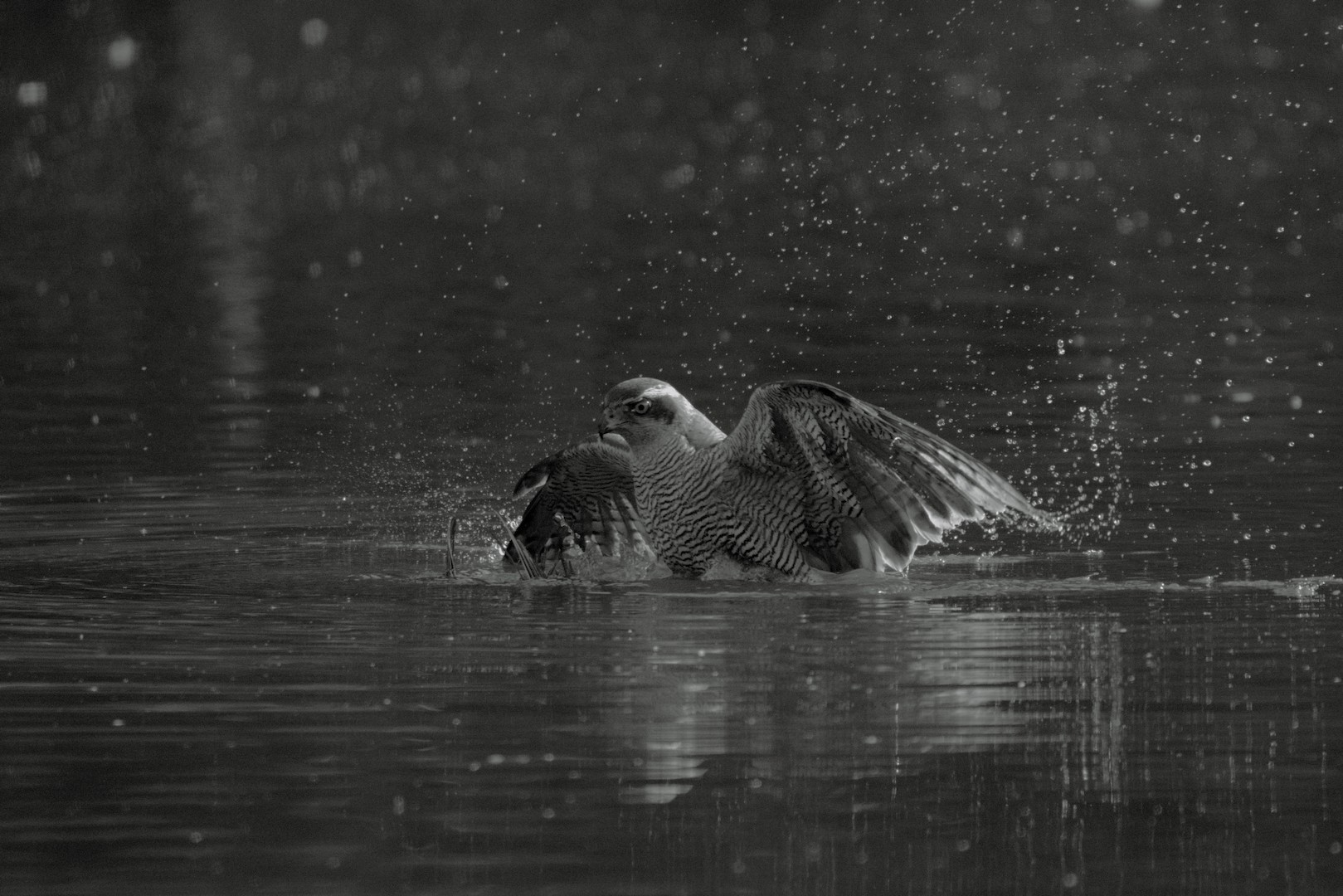
I played a little with the program. I am quite impressed with the monochrome developments. It seems to be quite easy to get pleasing results with “pleasant” noise. As far as color reproduction goes, I’m not entirely convinced.
Comparison with my edits in darktable are difficult, because the final images came out quite different in brightness and contrast. But here is an example just rendered in Mimizan.