module proposal: gamut compression

I have a few thoughts/ideas.

Input and output gamut compression are both useful for different things.
Input gamut compression is for when the camera profile puts colors outside the working space.
Output gamut compression is for when the color grading process results in colors outside the displayable/printable gamut. This is what a display transform does. (does agx limit colors to sRGB?, should it?)

This is what I did for my gamut-fix luts.

  1. maximize the saturation of the input color
  2. convert this to the smaller color space
  3. per-channel distance can be calculated from this new rgb value

For input compression, only having control of cyan, magenta, and yellow can make red too desaturated. Perhaps more control is needed for some colors? I have looked at the gamut compression in dCamProf. It has very little compression of red and cyan, it mostly affects yellow, magenta and blue.

2 Likes

There are some interesting papers on gamut compression, though they are uncommon. Have fun with this.

1 Like

I stopped using a working profile a few years ago; now, I just do all the work in camera space and then do the gamut-crunch in the display/export color transform. I just make sure my camera profiles have a solid black and white line in the .tie file (mostly for Argyll profiles, dcamprof appears to do this automatically). And, my pit-tures look just fine.

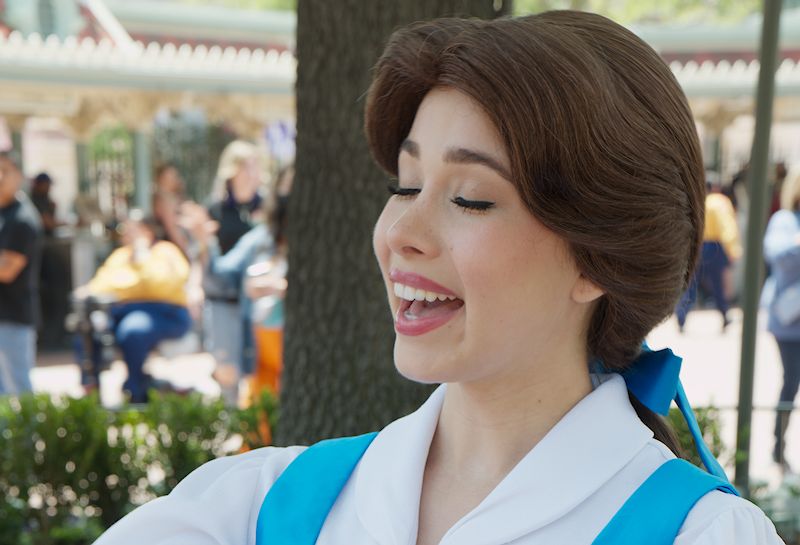
Here’s one, I’ve posted it before, but I haven’t pointed out that I developed this one with my home-measured spectral camera profile, and the transform as described above:

5 Likes

Oh, here’s one with a spectral profile trained with the Lippman 2000 skin tone color reference set:

Compare to the matrix profile - developed equivalent:

I don’t know how it’s going to show up in your browsers, but in my color-managed viewer the matrix profile render is a bit bluer in the skin tones.

4 Likes

Same here on zen browser(firefox). the lippman version simply looks good and like she’s alive: you can see the blush, pink lips, the hair looks ‘browner’. The other version looks like she’s with low blood oxygen, purple lips, dead looking skin, etc.

I am sure if I saw the matrix profile version by itself I would think it was perfectly fine, but having it side by side it’s pretty amazing how such subtle differences can have a huge impact

4 Likes

Ya and maybe a browser thing but in the shirt collar I see the matrix is actually “whiter” and the first image seems to have a blue to it but I see the changes in the skin as you note…

1 Like

I did this for a dpreview thread just a few weeks ago; I’d made the profile some time ago but I only did it for the dE summary, hadn’t actually developed a picture with it. Surprised me, too.

One of the nice things about doing spectral profiles - you don’t use a target shot. From the same SSF dataset, you can make profiles for any white point. All camera profiles are trained against a reference set of colors; for a target shot profile it’s the target shot and its reference file, but a spectral profile can use any dataset. Specifically, you can measure colors in a particular scene, such as a painting, and include those patches in the training set along with R, G, and B reference patches for the rest of the colors. Anders of dcamprof fame includes a dataset of Finnish forest colors, apparently because he was shooting a lot of that.

I still develop the majority of my images with a matrix profile; when I run into a gamut issue I pull out the spectral big-guns…

2 Likes

Are you sure there is a gamut issue in either of these images? Where?

To get back to the original proposal: I think it would be much better to fix out of gamut colors at the beginning of the pipeline, potentially with a nonlinear transformation that can be tuned by the user if necessary. For these, gamut compression at the end of the pipeline is a nostrum.

FWIW, I suspect that all camera makers use such a nonlinear transformation for JPGs these days, finely tuned. Having a tool that would extract an approximation from a RAW+JPG pair would be a simple way of recovering them.

1 Like

Or maybe in “output color profile”?

BTW, what would be the difference with the gamut compression in “color calibration”?

IIRC there’s gamut compression built into “color balance rgb” as well, no?

Maybe (I don’t remember) but there is no control about it. This would have to be checked indeed.

Documentation has

At its output, color balance RGB checks that the graded colors fit inside the pipeline RGB color space (Rec. 2020 by default) and applies a soft saturation clipping at constant hue, aiming to retarget out-of-gamut color to the nearest in-gamut color by scaling both chroma and lightness. This prevents the chroma and saturation settings from pushing colors outside of the valid range and allows more drastic adjustments to be safely used.

3 Likes

I’m not in front of DT on a PC right now but I think it actually defaults to a small amount …ie it goes from zero to a soft limit and can be increased much higher from that but I think the default is 1.

Oh, no out-of-gamut problems in the ‘Disney Princess’ image, that example was about tailoring the color transform to a specific problem. One of the additional advantages of spectral/LUT profiles, in addition to better transforms of extreme hues. BTW, it’s the LUT that enables that; you can make a LUT profile with a matrix, and use extra math to mung that part of the LUT.

In my ‘bear-of-little-brain’ mind, out-of-gamut is the essential problem of producing renditions for media. I’d rather work my data in its original form as long as possible, and leave that gamut transform for the end of the pipeline.

5 Likes

@s7habo Boris

I’m afraid a perfectly hue-preserving gamut compression probably does not exist. Even if it did, and we solved the display profile influencing the histogram, maintaining hue in the Luv (LCH_uv) or JzAzBz scope does not guarantee maintaining perceptual hue (all such spaces are approximations of human vision).

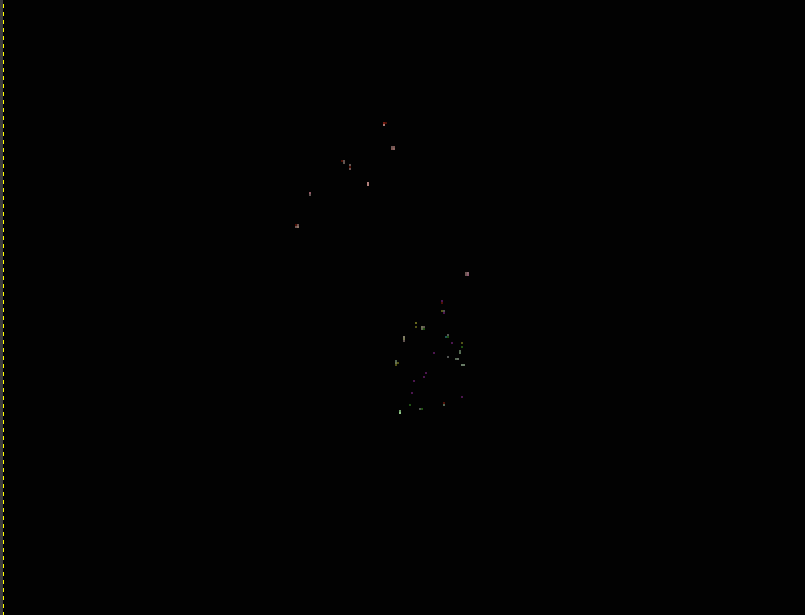
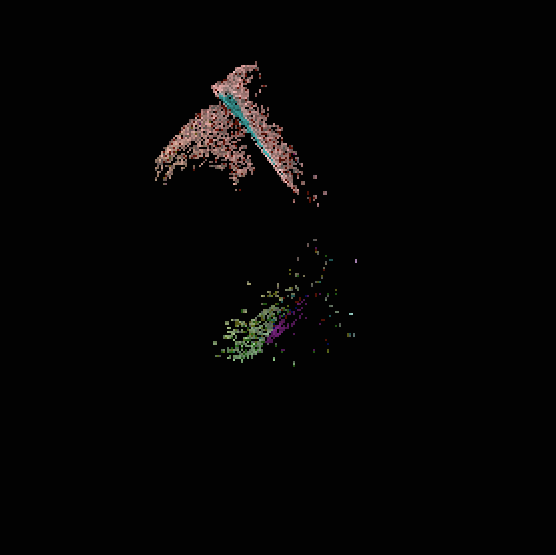
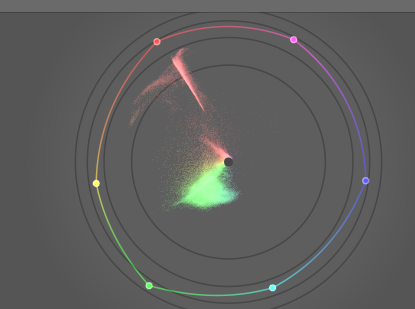
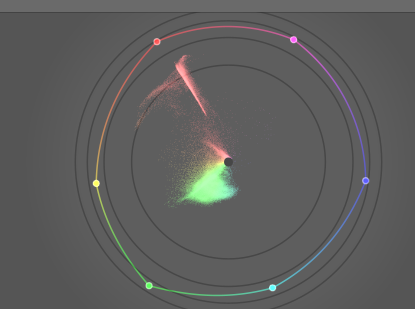
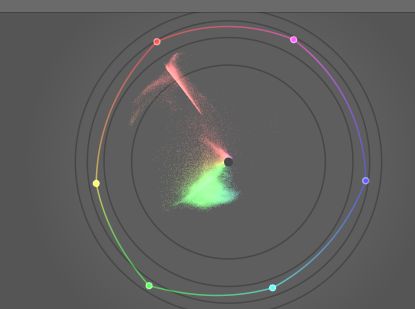
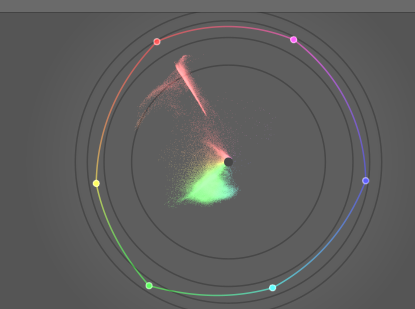
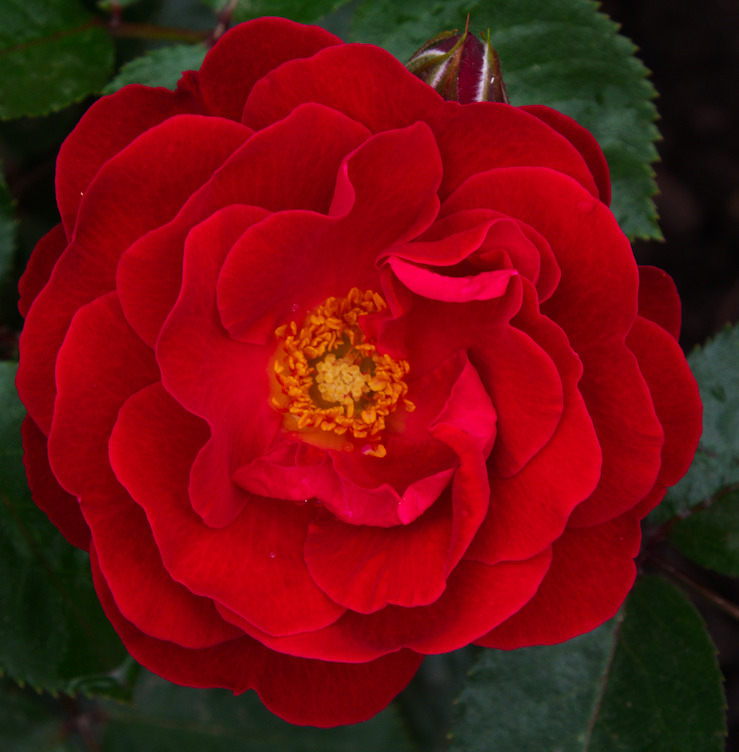
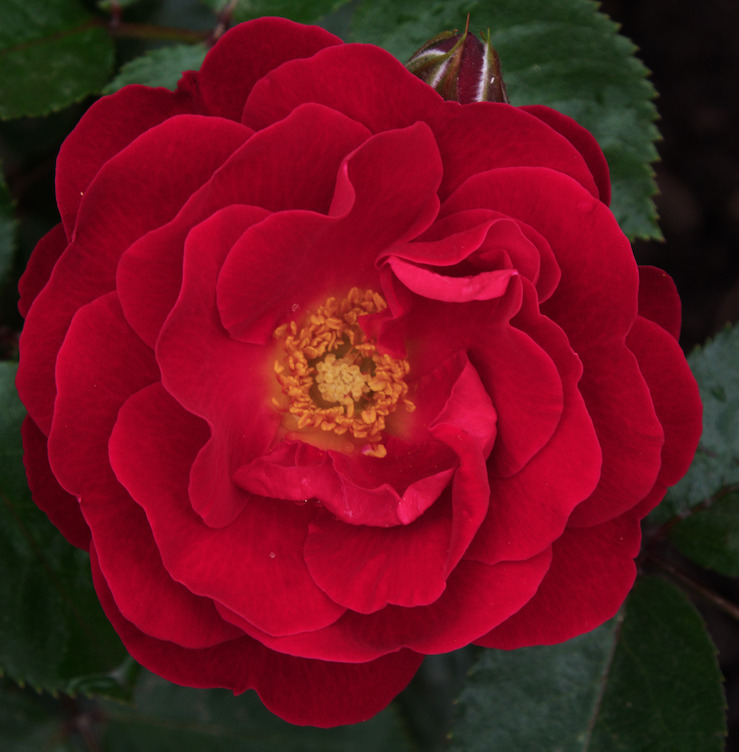
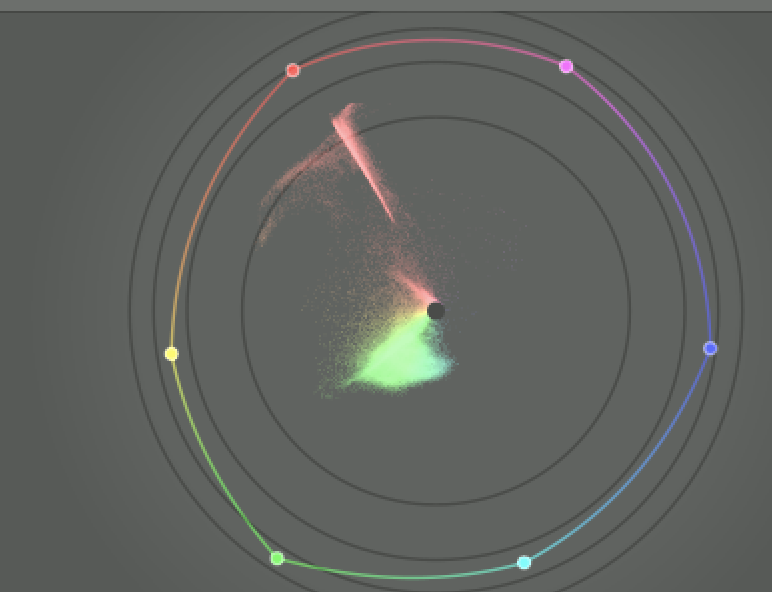
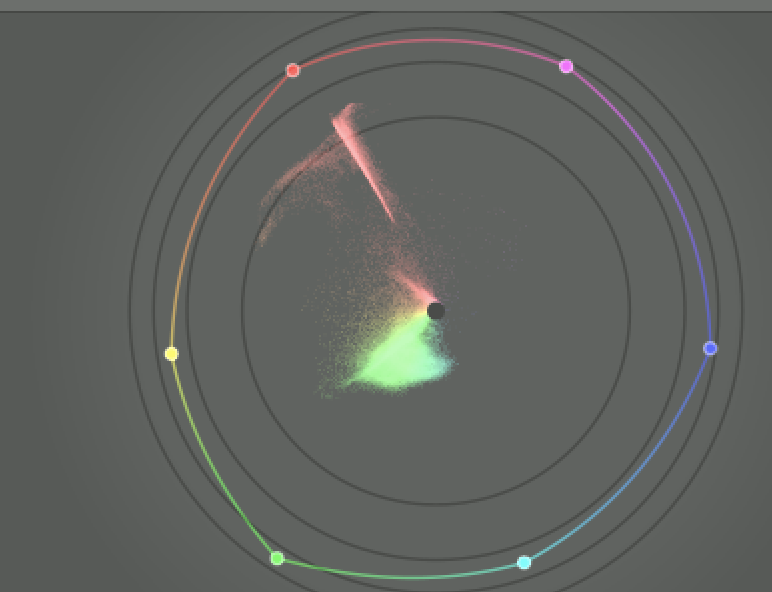
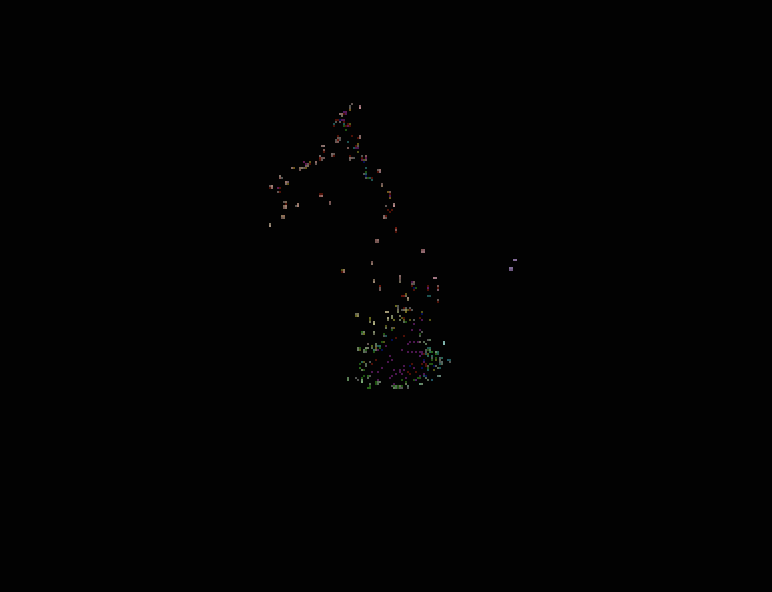
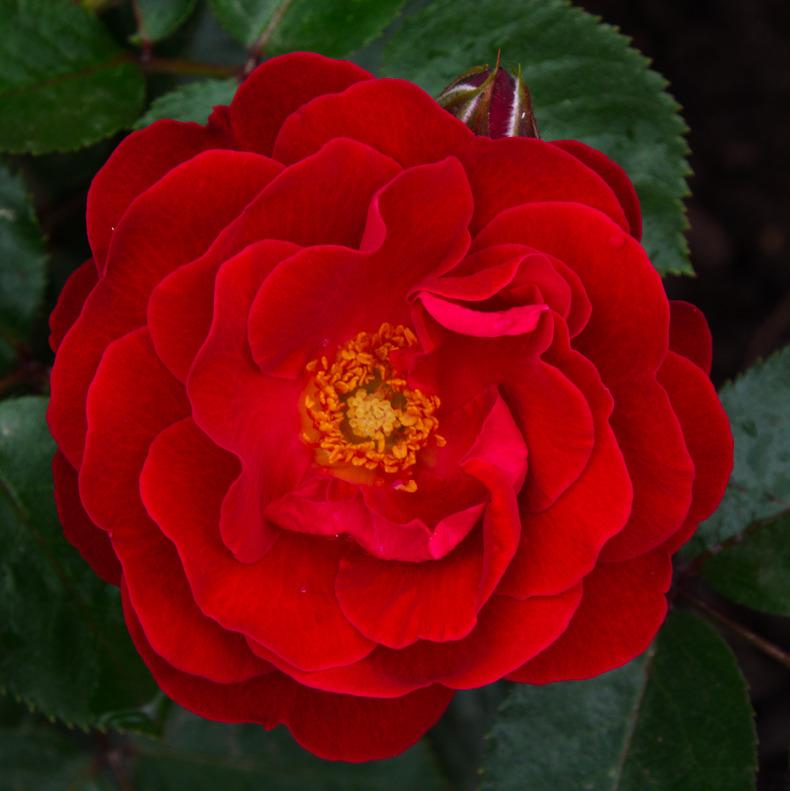
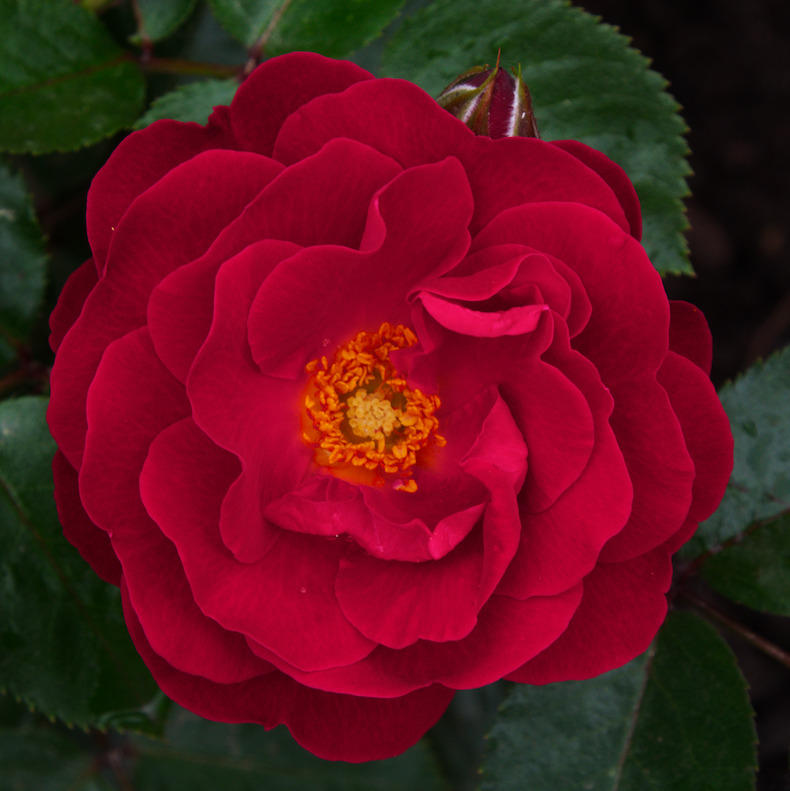
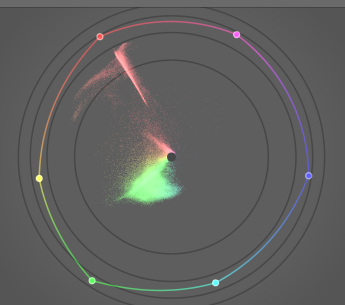
Your rose, after agx, fits nicely into Rec 2020. I’ll set my histogram profile to ProPhoto, and demonstrate the effect of the display profile by merging screenshots of the vector scope in difference mode. ProPhoto vs Rec 2020 as display profile shows a few stray pixels if heavily stretched (same stretch as below for Adobe RGB vs sRGB):


This is as expected: no out of gamut pixels altered by the display profile.

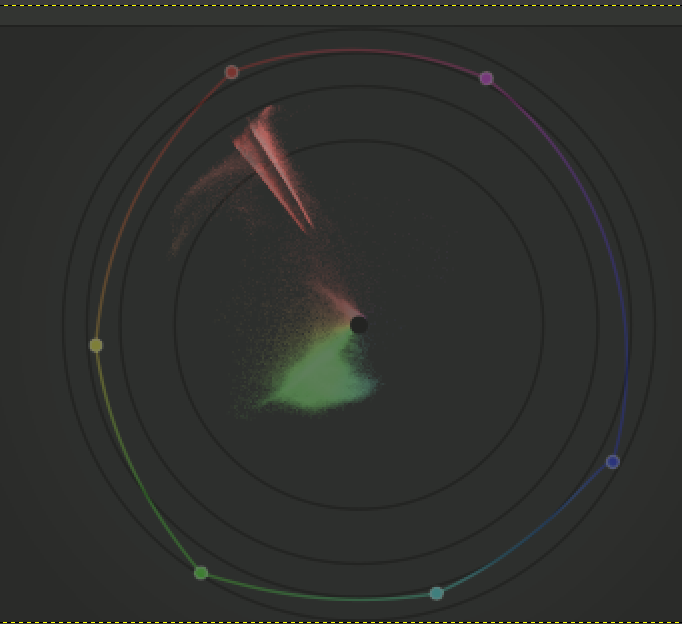
Prophoto vs sRGB as display profile, difference mode at 80% opacity, no stretching:

A slightly larger space, Adobe RGB vs ProPhoto:

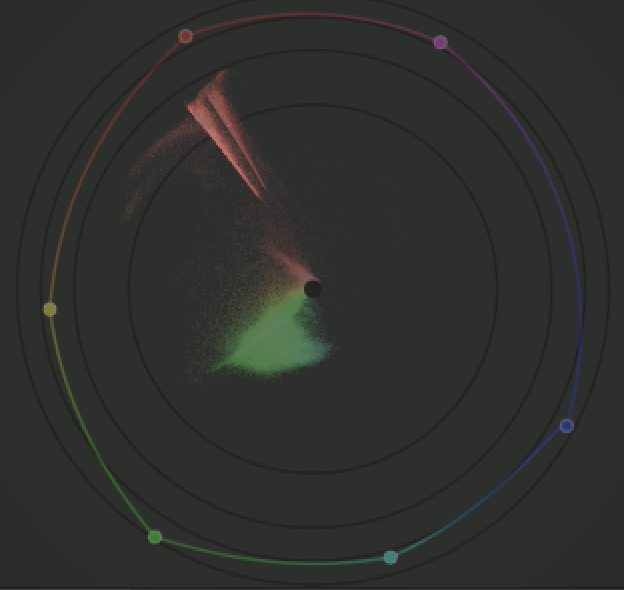
sRGB vs Adobe RGB displays a small difference:

Heavily stretched:

So, even if we managed to find a perfectly hue-preserving gamut compression method, turning it on after you edited your image will shift the colours, as the display profile will no longer modify the hue (either by clipping away the negative values, or by applying a perceptual LUT).

Using JzAzBz in the gamut compression code (note: this currently compresses all colours, not only the most saturated ones), the hue angle is stable if I use Rec 2020 for the display profile (the vectorscope itself is in JzAzBz mode, so that’s expected). No compression vs compression (the compression was set so that pixels were pulled inside the sRGB gamut):

If I restore sRGB as the display profile, then no compression vs same compression as above – the display profile shifts out-of-gamut colours:

Rose without gamut compression (the sRGB display profile clips negatives) vs. fixing negatives by JzAzBz gamut compression:

Comparing hue angles of the gamut-compressed rose, using sRGB and Rec 2020 as the display profiles – since all pixels are within the gamut, the display profile does not clip anything, and the lines coincide:

Difference (histogram profile set to Rec 2020), again very heavily stretched):
1 Like

Sorry that was long. A shorter summary:

  • it is the display/output colour handling that corrupts the hue, if it simply clips negative values to 0
  • if we then employ desaturation that (mostly) preserves the in-pipe (undistorted, previously never observed) hue, e.g. by reducing saturation, the observed hue will change, because the distortion, due to clipping, won’t occur
3 Likes

I’m working on a mixture of scaling the distance between the white point’s xy coordinates and that of the out-of-gamut pixel, to push it inside the gamut triangle. Since that’s not perceptually uniform, I’m experimenting with hue restoration via JzAzBz. Still have bugs to iron out.

@s7habo Boris’s rose, without gamut compression; the intense reds are helped by the sRGB display gamut clipping:

Leaving distances alone, if they are less than 90% of the max WP → gamut boundary distance, then compressing the range 90% - 135% into 90% - 100% (this is still without restoring JzAzBz hue):

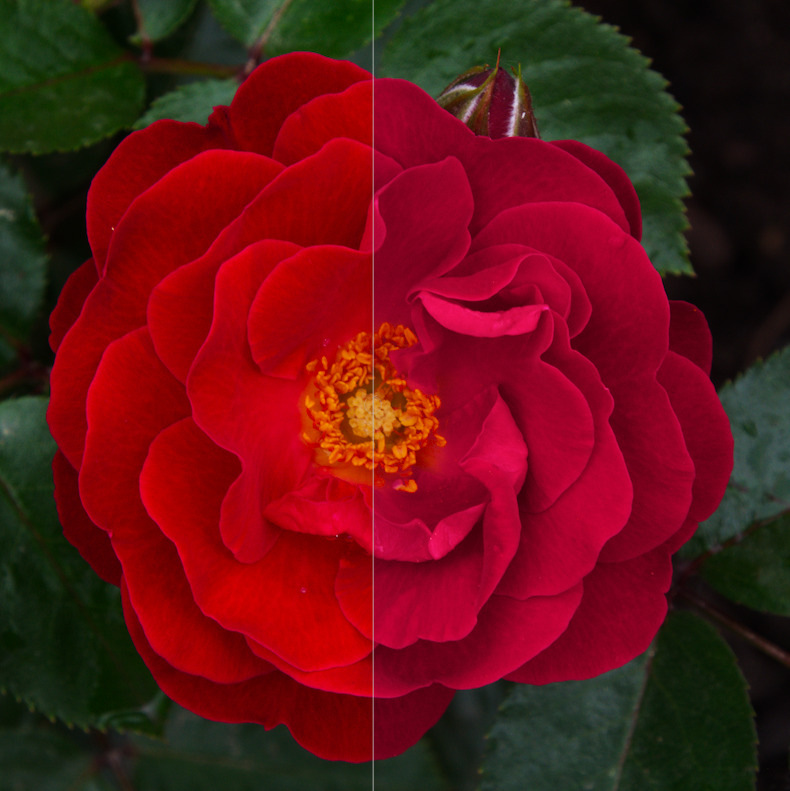
Comparison (clipped vs compressed):

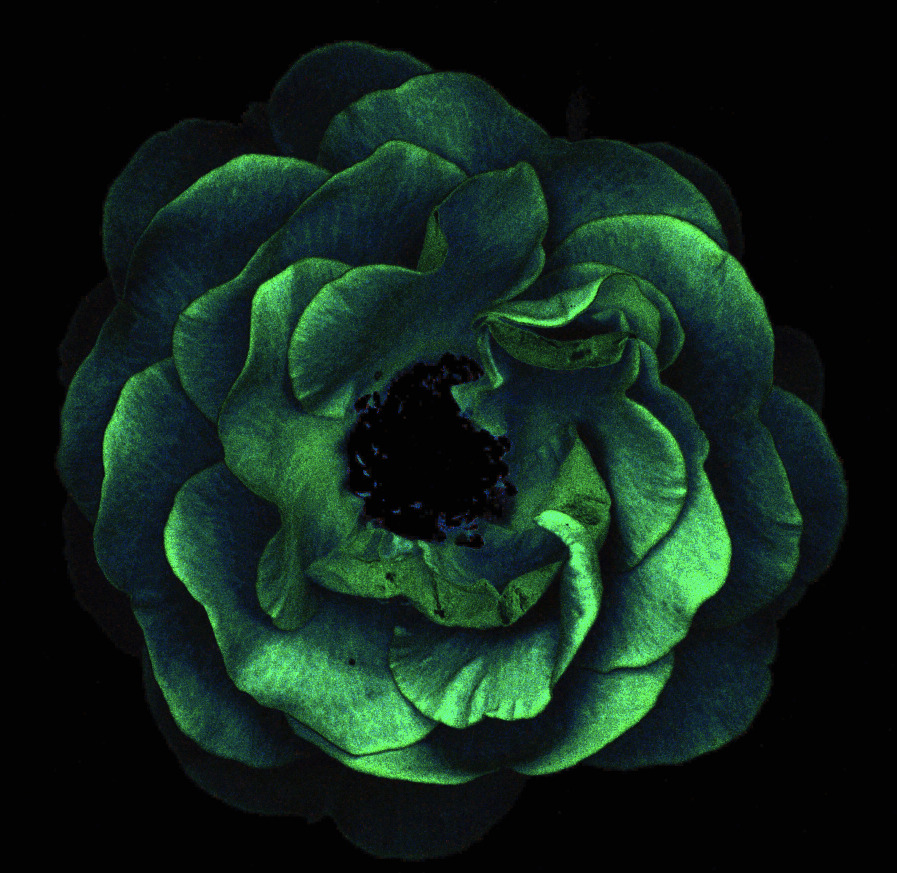
The vectorscope does show a difference between hue restoration and no hue restoration, but I don’t actually see it in the image. It can be shown in Gimp (diff merging the two layers, then using levels to boost the difference) – turning the rose into a lettuce:

No clipping, no compression (native Rec 2020) vs clipping to sRGB vs compressing to sRGB with no hue restoration vs same with hue restoration (we don’t try to restore the clipped hue, but the original hue calculated from the Rec 2020 data before compression to sRGB, of course).

The first (original Rec 2020 data) and last (compressed with hue restoration):

2 Likes

I think I’ve fixed the first round of blatant bugs.
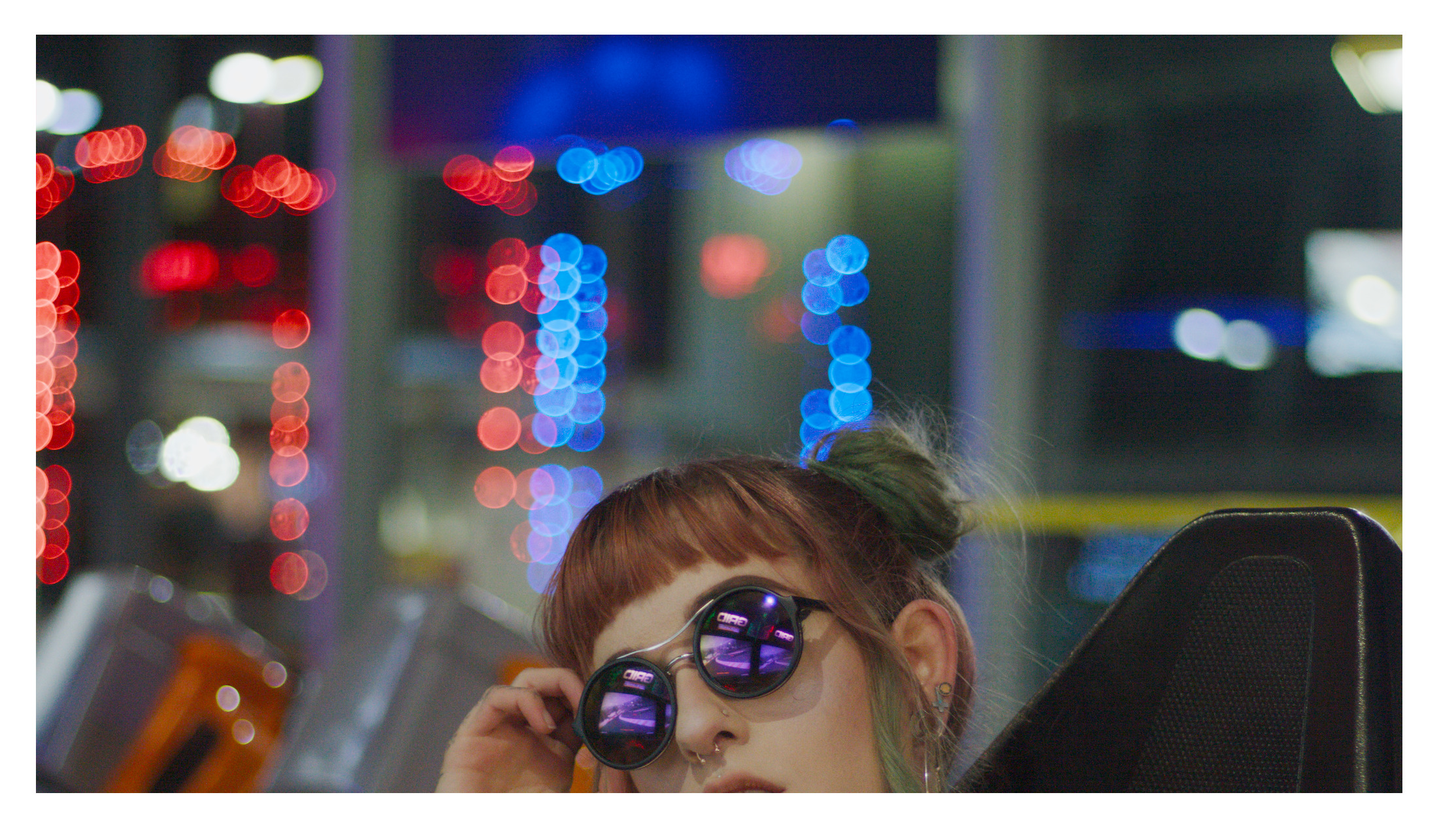
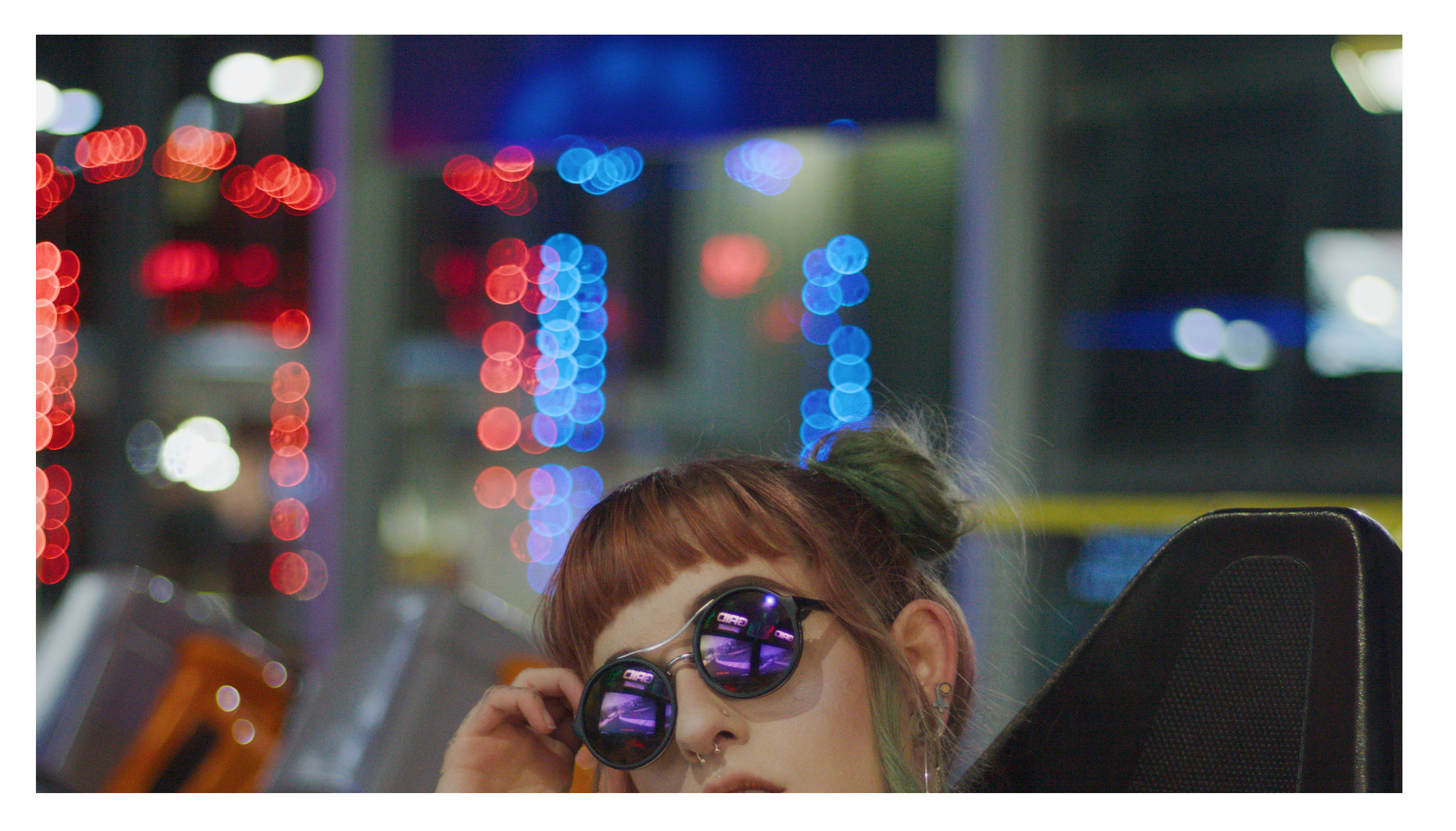
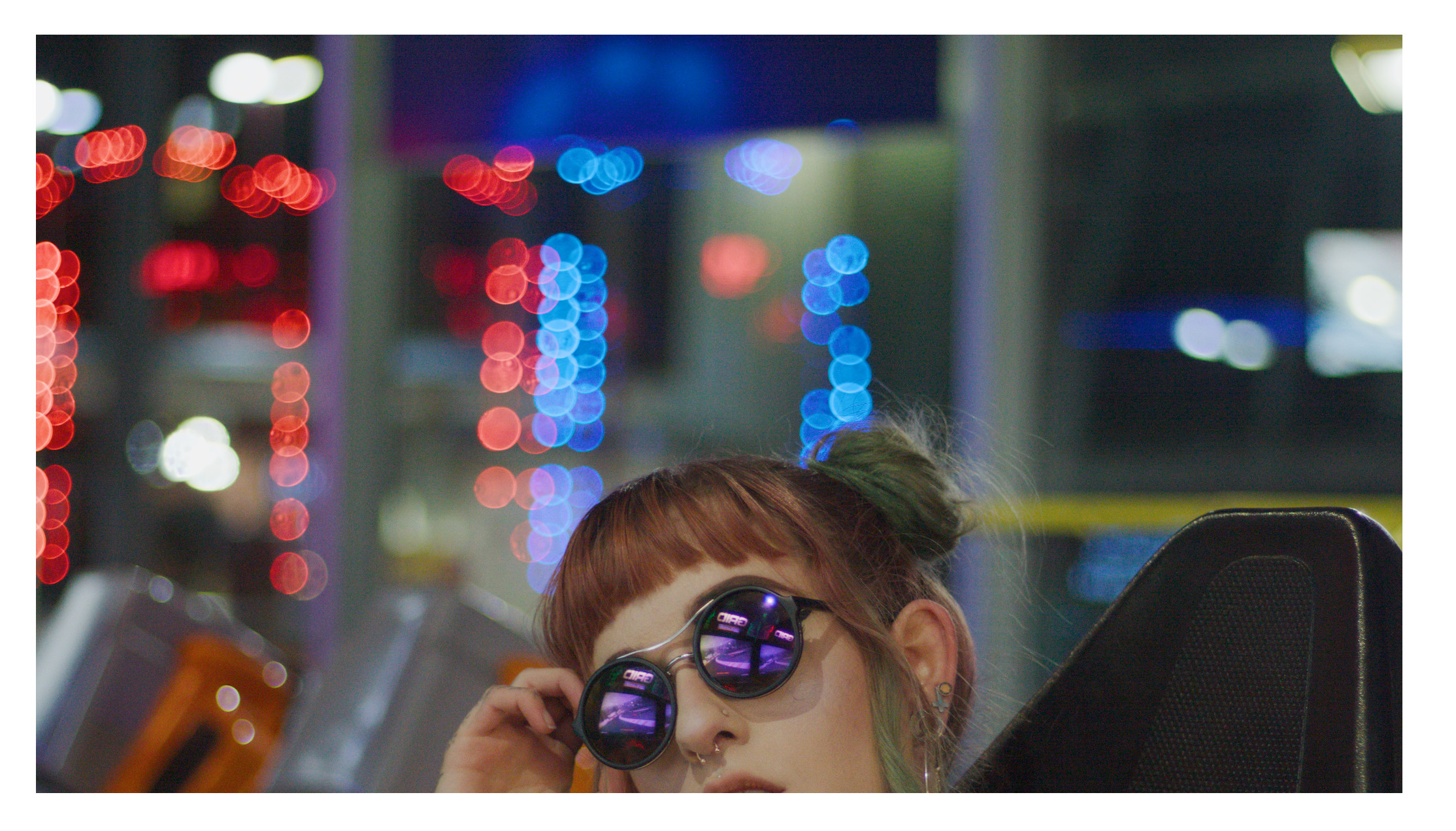
The bright lights in the ‘lady in the city’ picture:

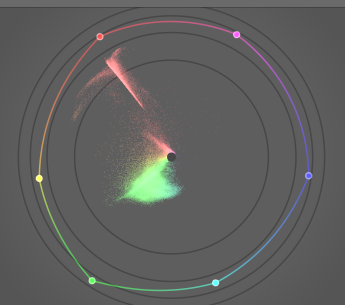
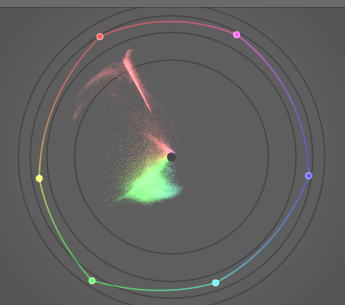
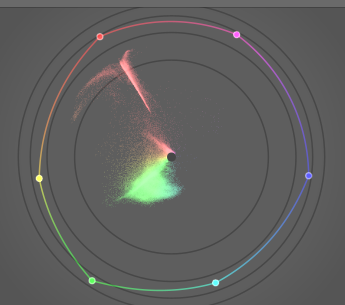
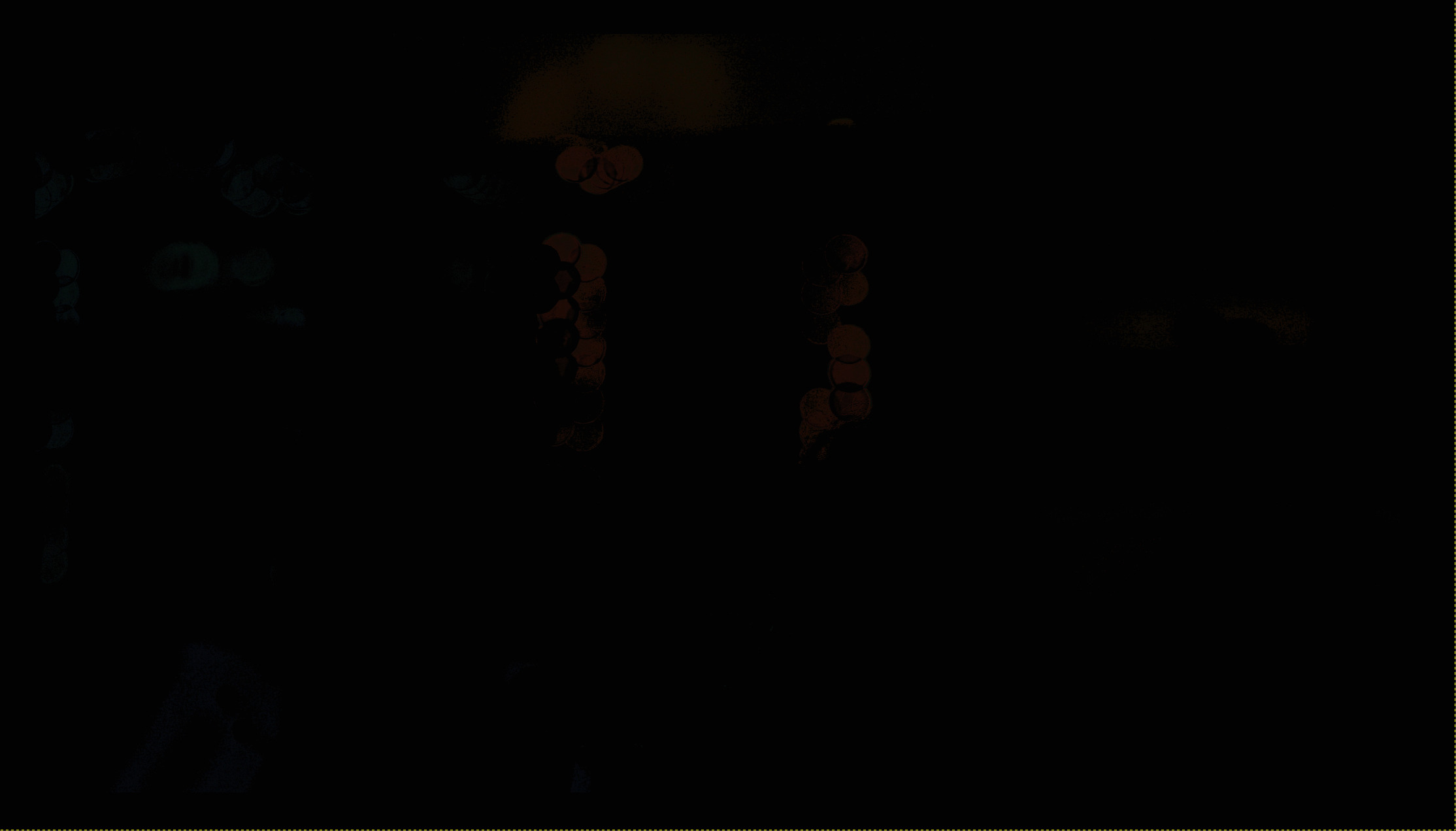
The difference (with and without hue preservation) without stretching the histogram:


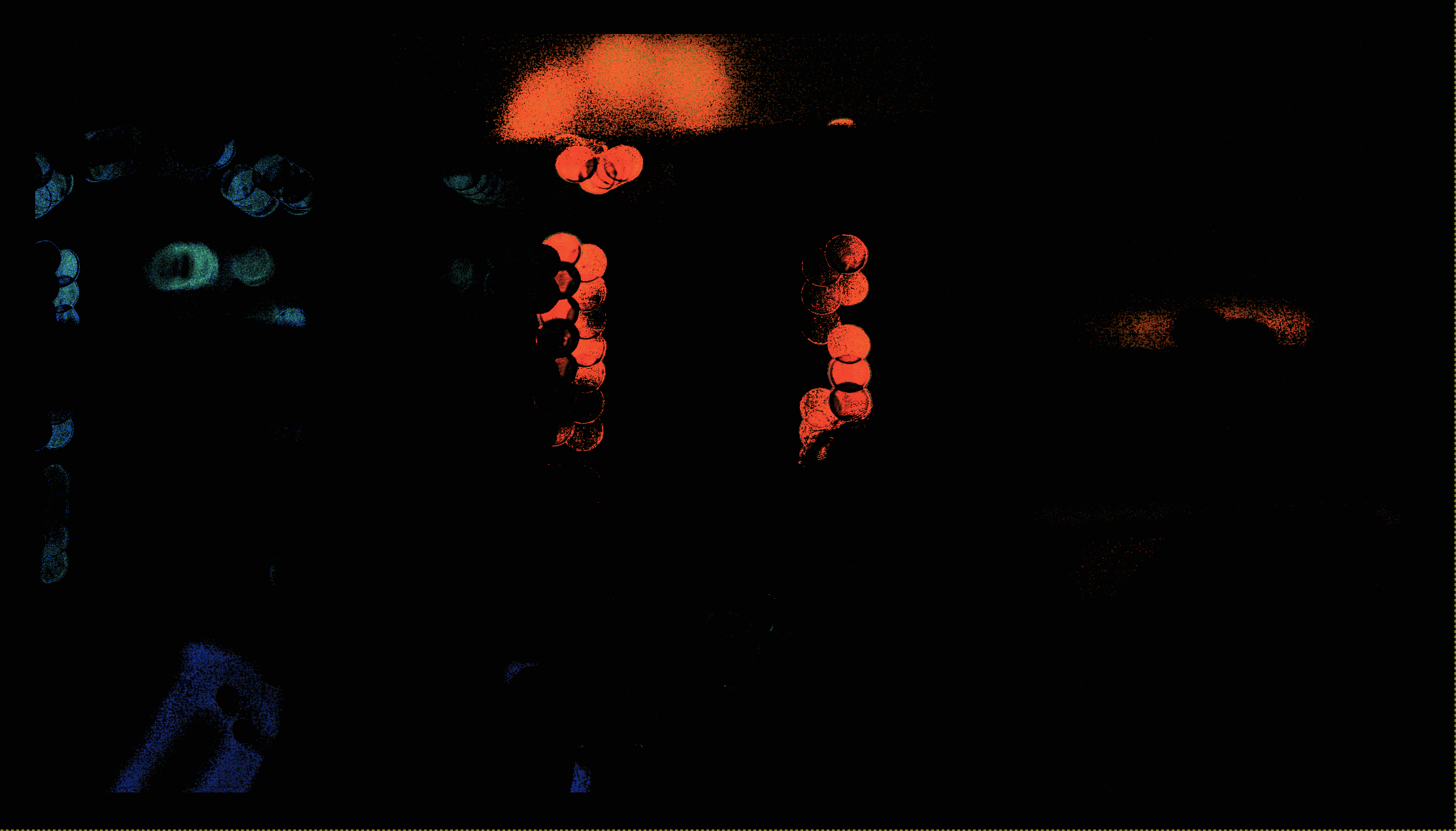
Heavily stretched:

This algorithm is only suitable for output gamut compression, as it cannot deal with thoroughly broken input, where Y (of XYZ) is negative. There the simple RGB compression from Jed is a great option.

5 Likes

@kofa , very nice. I imagine you’ll be considering a new module if the processing all works out ok. If so, how about the module in addition to doing its work, also creates a mask of the OOG areas so that later modules could use it. Perhaps to alter hue, contrast, use in Color Bal RGB etc.

1 Like

Who knows what will happen? For now, it’s exploration. It may go nowhere, or become parts of other modules, or a standalone module. The mask is an interesting idea, thanks, I’ll try to keep it in mind.

1 Like