Ahh, so it is a function of this new module. I’d overlooked that aspect of the module which I’ve not tested yet.
Thank your for the clarification, @Masterpiga, and for all the hard work in improving dt!
Much appreciated. 
Ahh, so it is a function of this new module. I’d overlooked that aspect of the module which I’ve not tested yet.
Thank your for the clarification, @Masterpiga, and for all the hard work in improving dt!
Much appreciated.
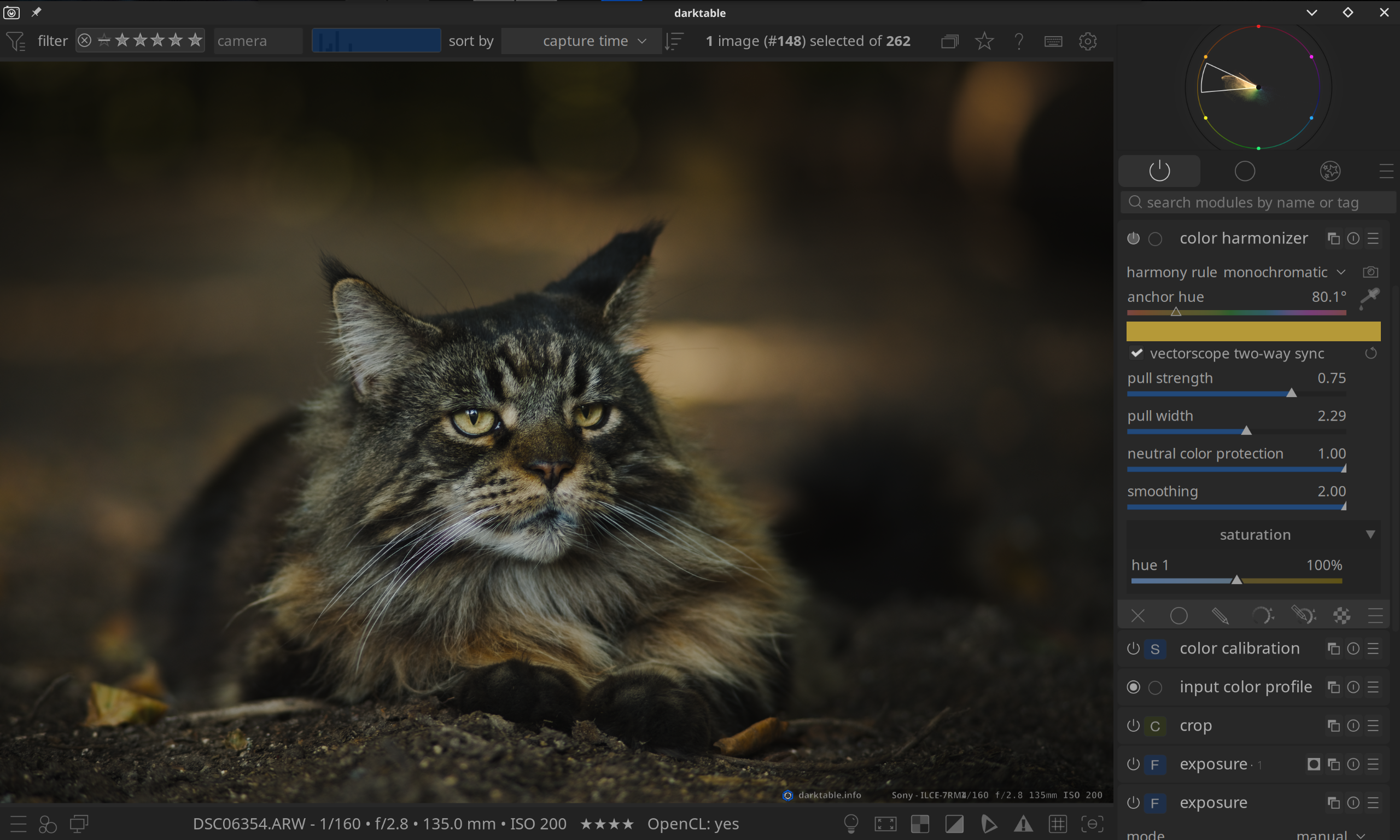
No no, it’s a new mode of the scopes panel, but nonetheless you can see it exemplified in the video 
OK. Thanks, again!
(Since I cannot see that icon overlay in dt 5.4.1, I then believe that I was right in first presuming it is something new in master.)
Correct, it’s in master and it will be in 5.6:
Thanks, Chris! I am very glad to hear that.
It’s also interesting how we use it very differently, I generally keep protection and smoothing at 0, max up the strength and width and play with the hues to avoid artifacts.
Is there a Windows build that has this module in it?
Yup, since it’s merged into master it is included with the nightly builds:
Look into the “Artifacts” section at the bottom of the page.
It is best and far easier to look into the nightly release page created each night:
Had a little look today, very nice @Masterpiga , well done.
I tried to stress it and came up with this…
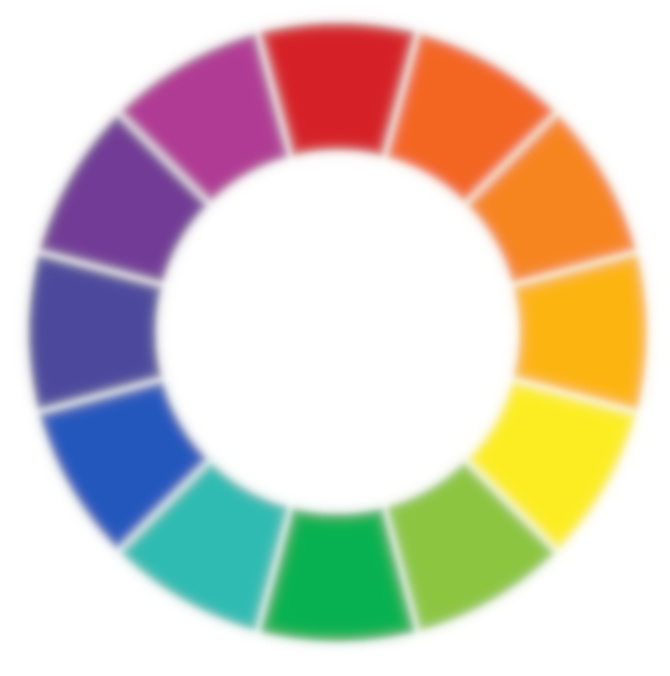
Take this wheel -
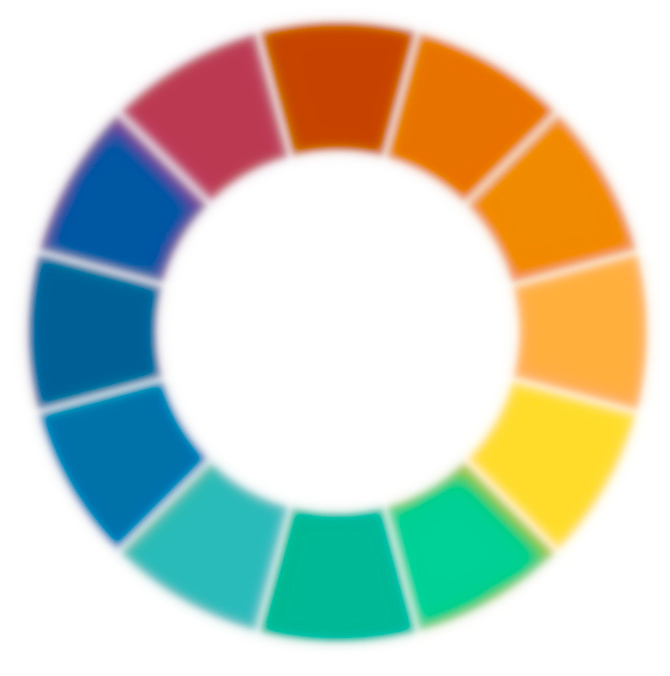
And apply this XMP -
colour-wheel.jpg.xmp (14.2 KB)
And you get some “fringing” on the segment at 10 to the hour -
It’s just an observation, I’m not saying it’s a terrible module!
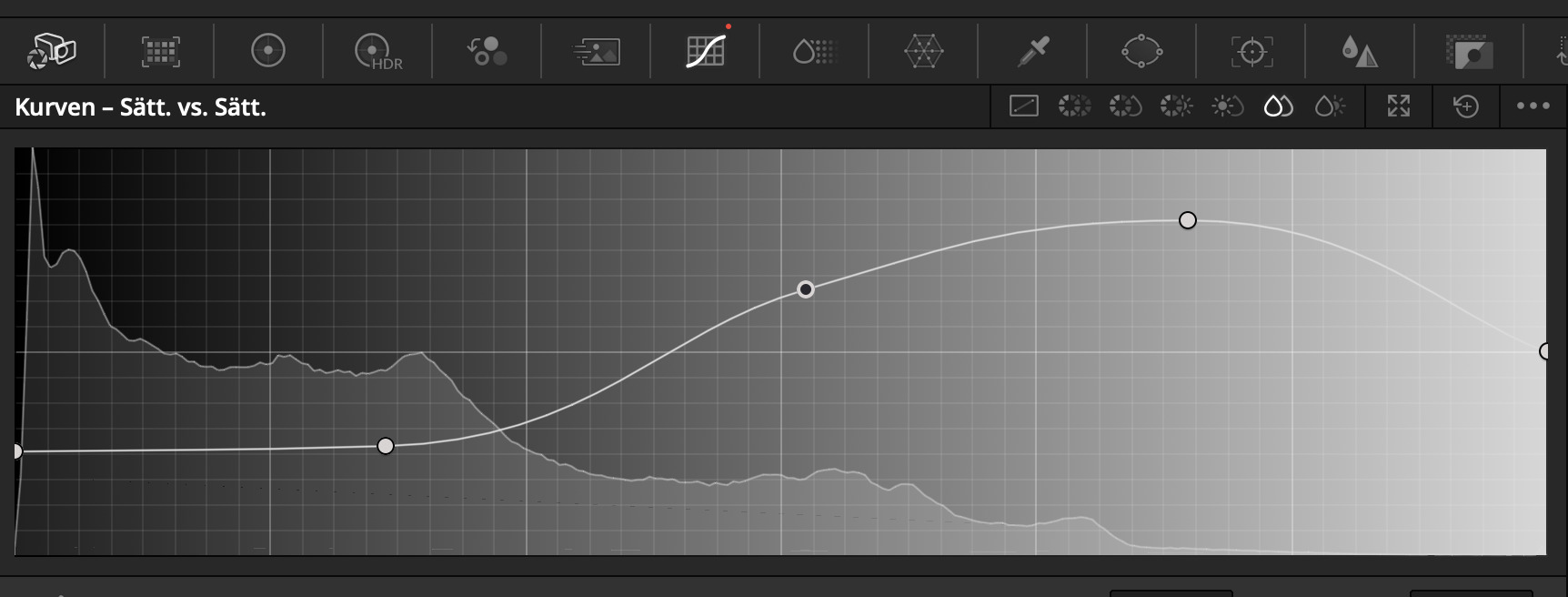
And a thought, for a bit more artistic control… what do you think about putting an editable curve in which maps saturation to saturation? This can be quite nice, e.g. increase low saturation areas whilst decreasing high ones.
Thanks for the feedback, @RawConvert!
You can already to that in Color Equalizer, I don’t think that this module should duplicate other modules functionalities. The module is meant to be used together with all the other excellent modules that darktable already offers
if you think about something like such curve in davinci - thats would be different module (maybe further features from color zones in color equalizer on steroids…)
Ahhh, sorry, I misunderstood. This is a tool to adjust saturation by saturation level instead of hue, right?
Seems like a nice idea for a new module
The module is already present, it is called “color zones”.
or a scene referred variant of color zone module that allowed to do changes over hue ( replaced by → color equalizer) lightness or chroma …
Was it ever explored if Color Equalizer could have the lightness and chroma modes from Color Zones, or is it simply not possible? A full replacement for Color Zones in the scene-referred part of the pixelpipe seems like it would be ideal.
You can use Color Equalizer with a luminosity or chroma mask should be mostly equivalent.
Yes, of course, there are always alternative ways of doing things, but using masks with Color Equalizer is quite a lot more clicks. Color Zones is wonderfully simple where you can just choose your “select by” option and then bump up one node to create a nice curve.
I had always thought that Color Equalizer was supposed to replace Color Zones (as per AP’s original comments and thoughts about Color Zones), so I just wondered if adding the lightness and chroma modes had been explored or not.
no, color equalizer was left as a stub when the creator left the project. So it was completed (a whole bunch of critical topics were open) as to it’s initial scope.
Adding further options is waiting for someone, who contributes to it.
But if you add more controls for luminosity or chroma directly into the module it makes the module UI more complex and only duplicate features already available with masking. All in all, I prefer to keep the module as-is and let people use the highly configurable masking which can do more than just luminosity or chroma.