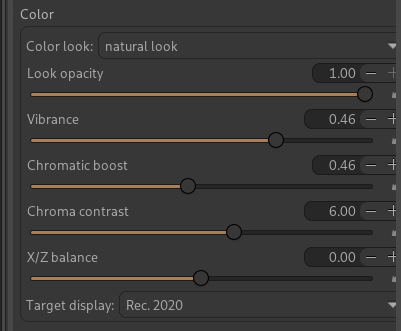
I’m presenting a CTL script port for ART of the “3D Colorimetric Film” (3DCF)" module I developed in my experimental Libre DT-Lab branch of darktable.
The port
The goal was to reproduce the module’s behaviour in ART as faithfully as possible. The heart of the script follows the module’s dt_st_pipeline_eval() function 1:1:
Gamut compression safety net + optional output gamut protection
Color look blend (11 3×3 matrices)
The script works on linear values in ART’s Rec.2020 working space (1.0 = 100 nits), which matches ART’s CTL contract exactly. It’s evaluated as a 64³ LUT sampled in PQ space (@ART-lut: 64), like the other ART scripts.
What couldn’t be ported: the module’s “highlight detail recovery” (guided filter), which isn’t translatable to CTL. It’s simply omitted.
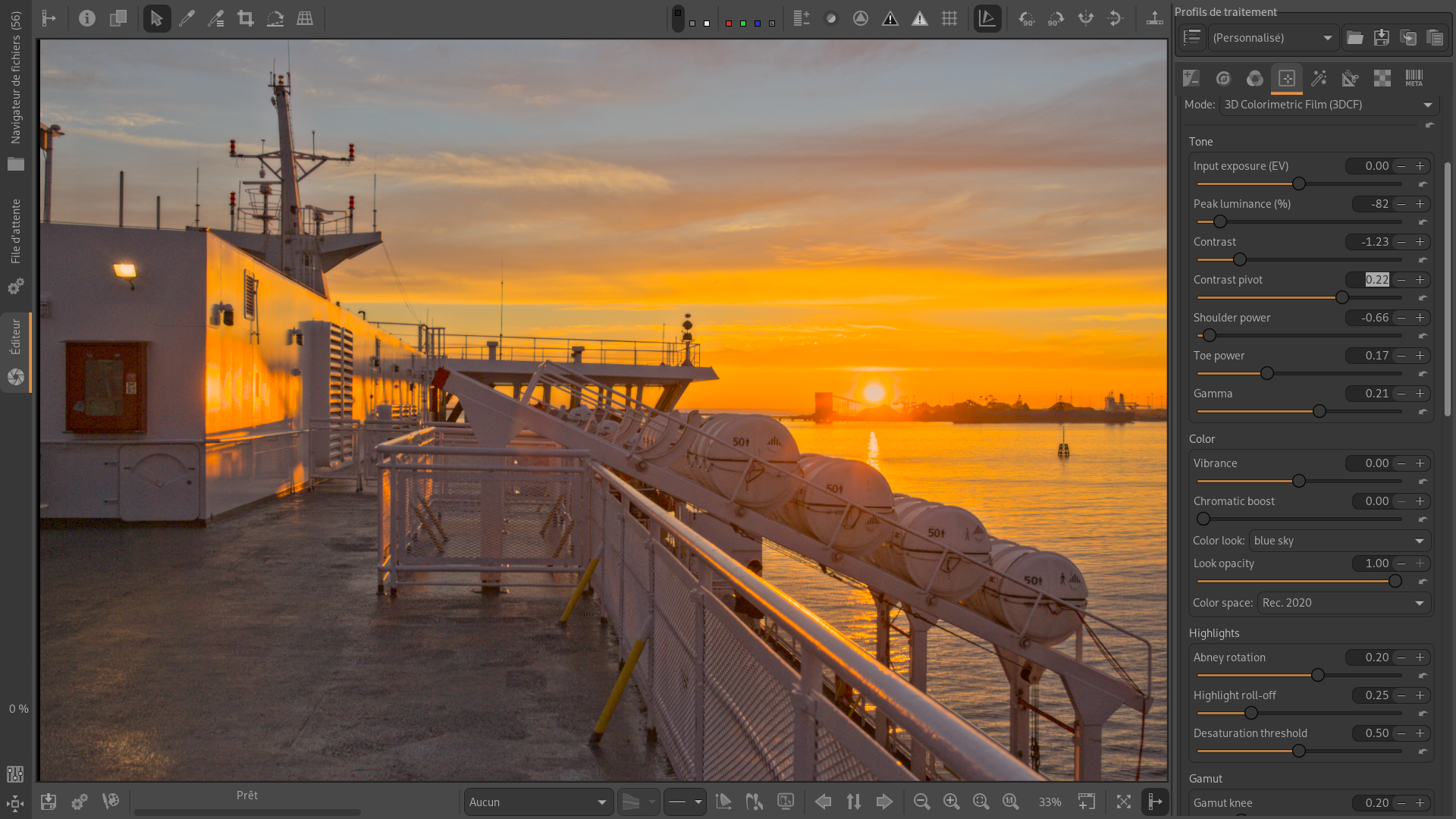
Here’s a screenshot with minimal processing, 3DCF + local contrast. Please keep in mind this is just a quick, minimalist example to illustrate the effect, not a finished edit, and it’s not meant to be a “one-click magic” solution. Not being an ART specialist, but I noticed it’s better to disable the tone curve.
Your script seems to work fine, thanks for sharing. At first sight you may be right in saying that the script works better with the Tonecurve turned off. Need to do some more tests.
Thank you for sharing your experience. In the meantime, it seems to me that it’s best to install it in the CLUT directory so that it appears under “Film Simulation.”
I think this is a reasonable recommendation for general use. The script already handles all the tonal and color adjustments (SSTS, S-curve, gamma, gamut), so it makes sense to place it late in the pipeline as a final transformation, which is exactly what Film Simulation does (Stage 3, after Saturation/Vibrance).
I very appreciate your script that enable us to get natural high contrast images with simple slider adjustment.
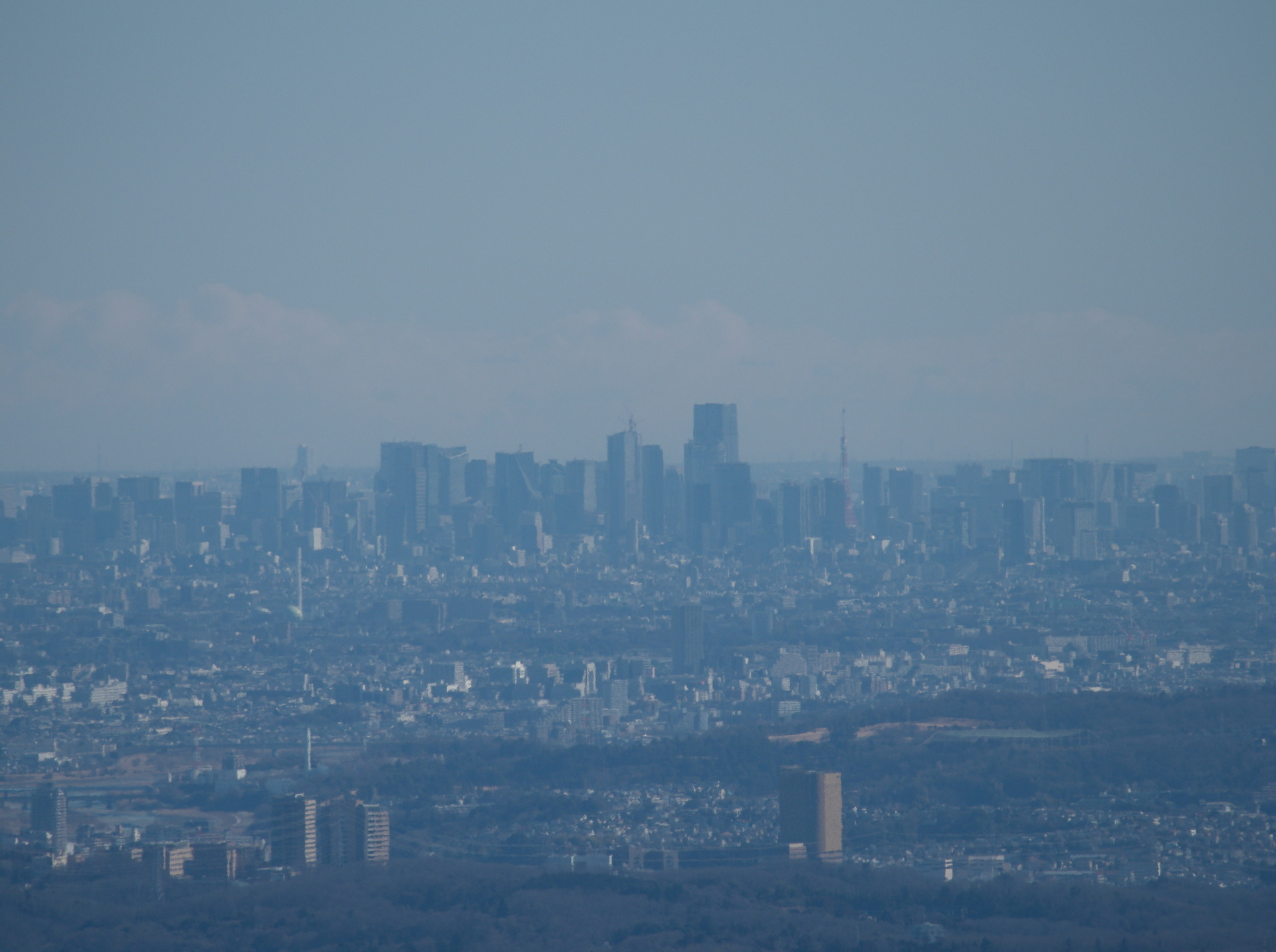
Here is example. This image is Tokyo central, which was captured from the point 70km far using OM System M.ZUIKO DIGITAL ED 75-300mm F4.8-6.7 II. It is hazed and has low contrast.
In your scripts, there are Highlights and Gamut parameters. I think they are mainly useful in images which has artificial lighting like LEDs. Is this my understanding adequate?
Thank you for your feedback. In the meantime, I’ve posted a user guide on my website, which is currently under construction.
The translation was done by AI, so please feel free to let me know if you find any errors.
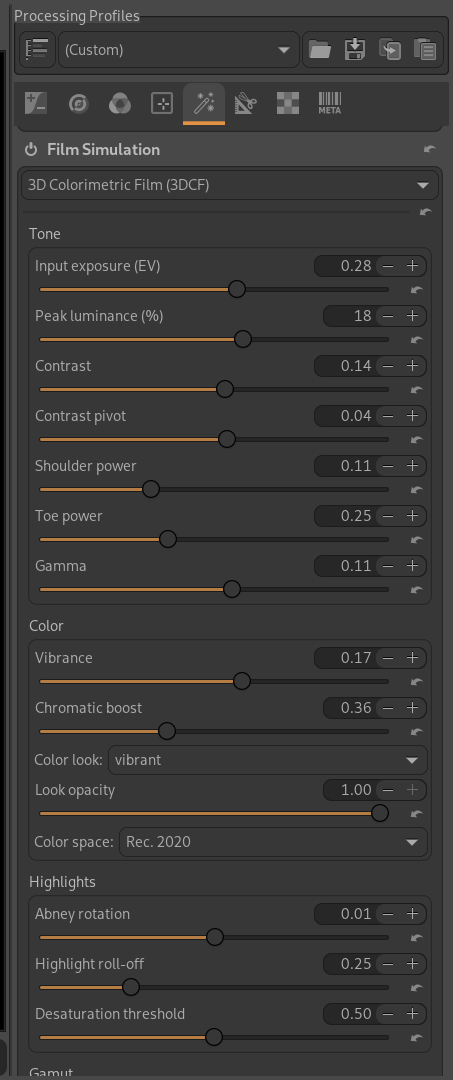
Not really, since the module was already up and running with no known bugs, all I had to do was “translate” it with the help of AI (which did 80% of the work) and then optimize the code so that the sliders would display 0 by default and be positioned in the correct order and sections. And, of course, I made a few minor bug fixes.
Thank you @Christian-B for this new module. I just found out about it.
Even thou I do not understand how each slider works I like the ease of use.
I just testing it with the try and error.
It will be of great help to me and most probably others, if you just give us a short work flow and how to use the module. Or a just dos and don’ts. If I understood it correctly intend is to be more like films. I have lots negatives that I am in process of converting them and want retain the feel and mood of the film in them.
I also want to thank you that you as well as @MStraeten for providing the built in x86 mac. I am glad you have not forgotten us the X86 mac users.