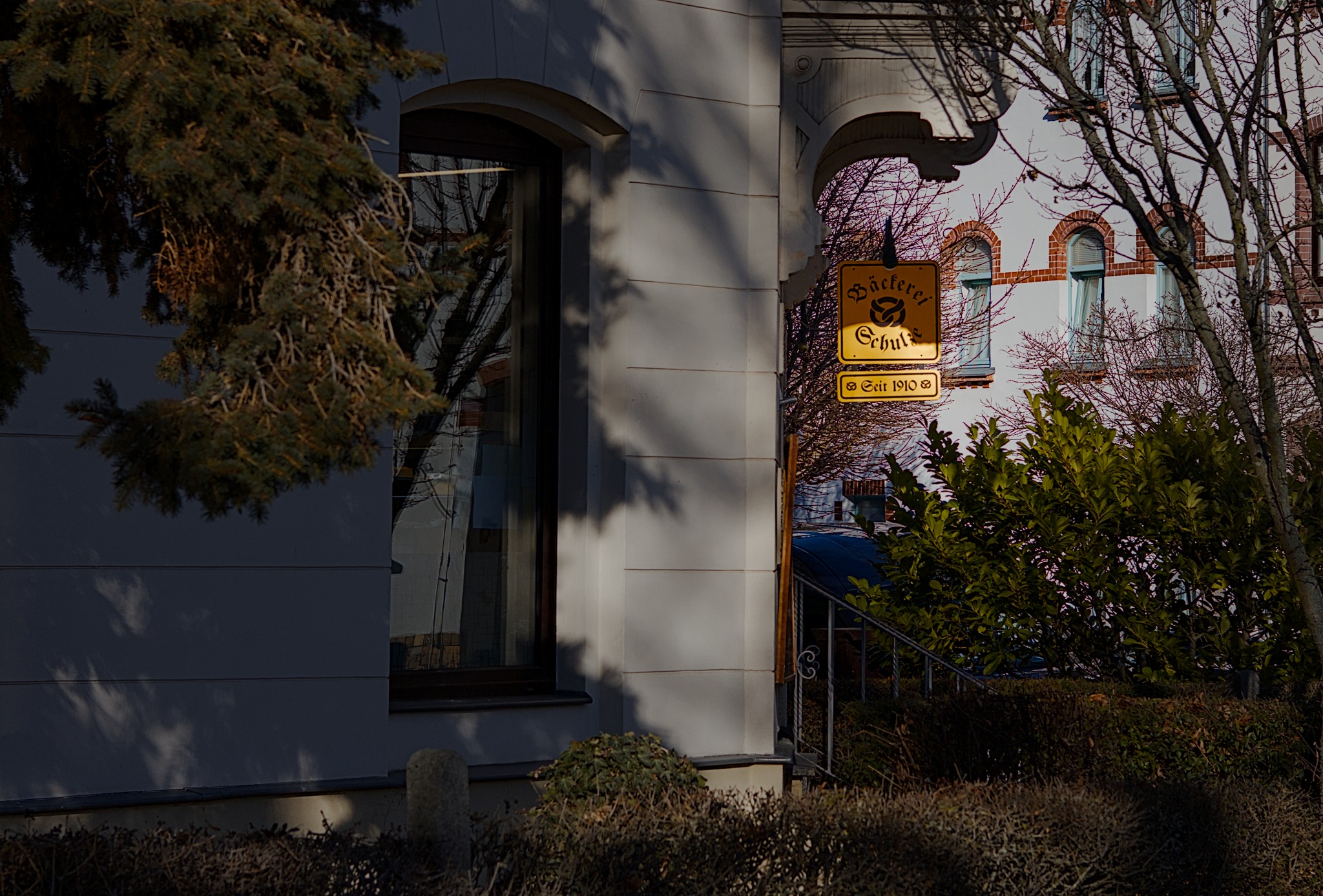
Ich arbeite mit einem Monitor 10bit Farbtiefe und WQHD Auflsöung.
Der Export ist eingestellt: JPEG 8bit, 95%, Profil SRGB, Vorsatz relativ Farbmetrisch.
In der Bildbearbeitung arbeite ich gern mit dunklen und hellen Lichtern. Auf dem Monitor werden dabei noch alle Bereich mit Strukturen dargestellt.
Der Drucker schafft aber nicht die dunklen Bereich gut auszugeben.
Was wäre jetzt das richtige Modul um ein Bild für den Druck in den dunklen Bereichen aufzuhellen. Ich möchte nicht das ganze Bild aufhellen und auch keine Masken verwenden.
Oder schafft ein Standarddrucker mit einem ICC-Profile das Problem zu lösen.
Noch als Nachtrag: Der Monitor ist auf SRGB eingestellt und mit einem Spyder X Pro kalibriert. Durch die Einstellung auf SRGB habe ich keinen Zugriff um die Helligkeit am Monitor bei der Kalibrierung zu korrigieren. Ich kann mich da nur auf den Spyder verlassen, das die Helligkeit richtig eingestellt wird.
you can put the printers icc file into ~/.config/darktable/color/out and use it in softproof display mode.
see: darktable user manual - soft proof
then you can see what happens if you selectively brighten dark areas using any module allowing to handle dark areas separately (e.g. tone equalizer, colorbalance rgb, rgb curve …)
What printer do you use? is it calibrated on your monitor AND the paper you print on?
If you just want to lift the blacks, there a various ways to do that.
You could for example use the black level of the exposure module. Or you can use tone equalizer or shadows and highlight, or AgX…
Anyway, I doubt, that this will lead to a prints which are looking like you want, if there is no (proper) colour management down to the printer. Colour management doesn’t end with the monitor. If it’s weakest part (and that’s usually the printer) is not setup accordingly you will never be satisfied with the results.
On top: If the picture you want to print dosn’t even make halfway use of the limited colour space the printer offers, it will always look dull and boring. Your brightest spots on the shown picture are far away from white. So you cut the dynamic range of your prints on the brighter end, without any need.
Das sind auch meine Gedanken. Ich habe hier einen Canon CP1500. Also auch ein recht einfacher Drucker. Wenn man auf diesem schon ansprechende Bilder drucken kann, dann sollte der Kauf eines semiprofessionellen Drucker auch gute Ergebnisse bringen.
If your shadows look too dark in the print print, but look fine on your screen, your screen is likely too bright or your room is too dark.
Try editing in a lit room instead of a dark room. This will force you to brighten your shadows, as they’re no longer “glowing”. Alternatively, try lowering your screen brightness. In a dark room, you should set your screen quite dim (100 nits), and set its gamma to 2.4. Again, this will prevent your shadows from glowing, and will better match your print. (In a lit room, gamma 2.2 and 200-300 nits are appropriate)
@Popanz Danke für den Link. Kannst du mir bitte sagen wie jetzt das richtige vorgehen ist. Ich habe jetzt in der Dunkelkammer das Profil hinterlegt und bearbeite und exportiere das Bild mit aktivierten Softproff?
@bastibe Ich bearbeite die Bild am Tag mit Tageslicht im Zimmer. Abends ist eine neutrale Deckenbeleuchtung eingeschaltet. Der Monitor ist mit einem Spider X kalibriert und liegt in der Helligkeit um 120
In theory you can activate the softproof profile and the screen (if it is correct calibrated) should simulate the output on your printer. Do you use Canon Photopaper? If not, this is VERY theoretical.
If you have changing surrounding light, I wouldn’t promote to calibrate your monitor strictly for values. But use a test graphic for bightness like this: SF - Display calibration - Black point before printing.
I would expand on @Thomas_Do’s suggestion by saying that it would be an iterative process. Print, match and repeat x times until you converge.
Another albeit unconventional way would be to toggle film emulation for quick fun silly soft proofing. Choose an emulation that absolutely crushes the darks. Ask or search @t3mujin if you require any assistance.
I thought of a few more silly reasons for mismatch. A long time ago, I edited photos for a business client of my late father as a side deal. No matter what I tried, they ended up much darker when she printed them. It turns out that the OS’s gamma was unconventional! So that could be the case, or a more likely scenario would be that your OS and/or video card applied the monitor profile/LUT incorrectly, used the wrong one or used too many.
I may have missed it due to the language barrier, but did you specify the monitor you are using (including whether it is HDR/WCG), or confirm whether you are using a graphics card (and what model it is)?