I already wondered where I have seen this technique before 
Thank you for the credits.
2 Likes
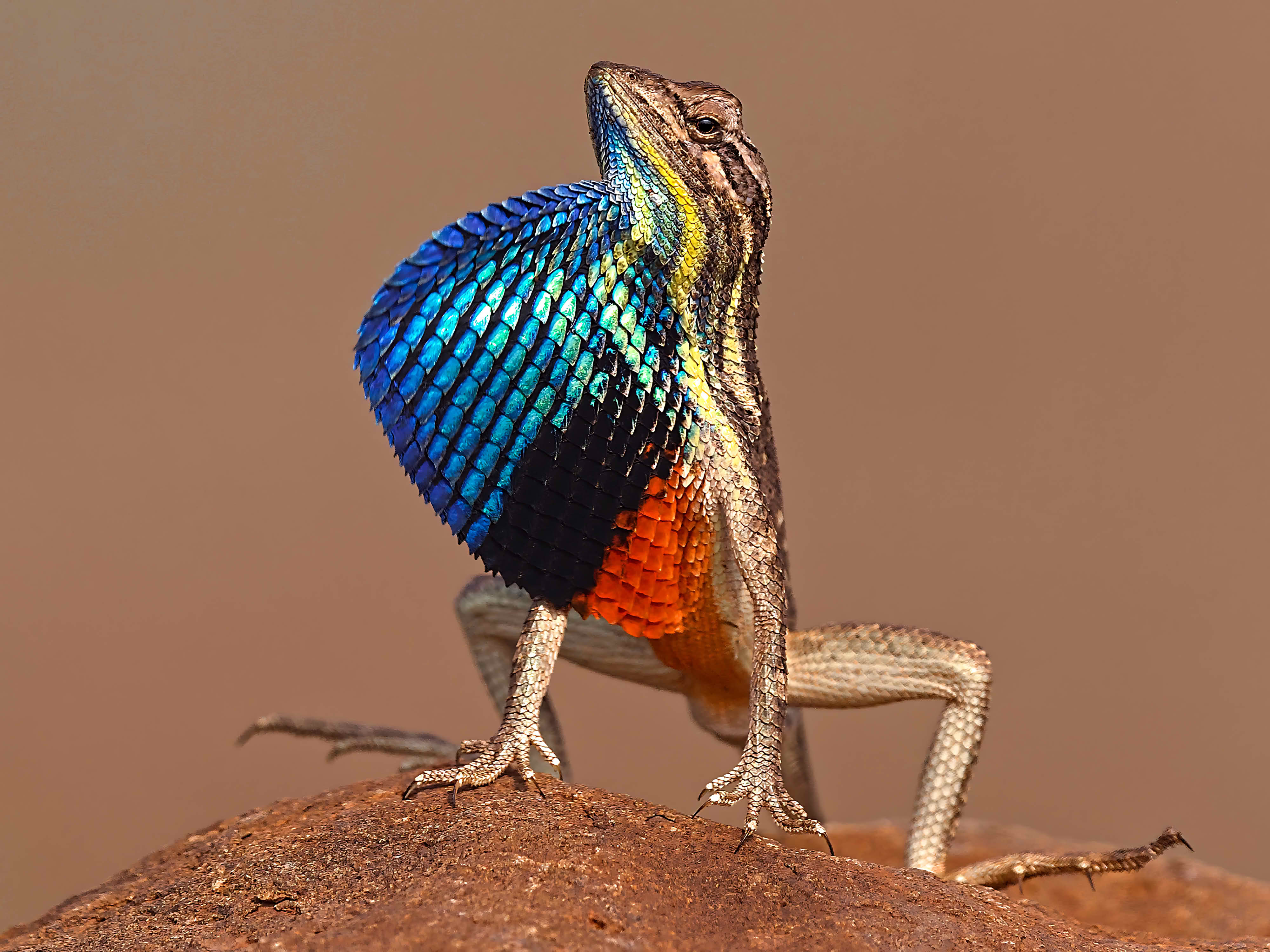
You’re welcome Uli,
I love to learn from you and the others. Since you’ve a nicely recognizable style it’s easy to pic up things and to start trying. I do not look very much in the .xmp files, I’m too lazy for that. But I try to accomplish new things, often failing… But having fun!
1 Like
I’ve given this a go with both sRGB and Display P3, trying to keep clipping indicators to a minimum, but also trying to keep it natural, and not like 250 in the red channel.
Really, most of the clipping indicators I’m seeing is because the blue channel is reaching 0 in the orange areas, or the red channel is reaching 0 in the blue areas.
Nice picture regardless!
sRGB version:
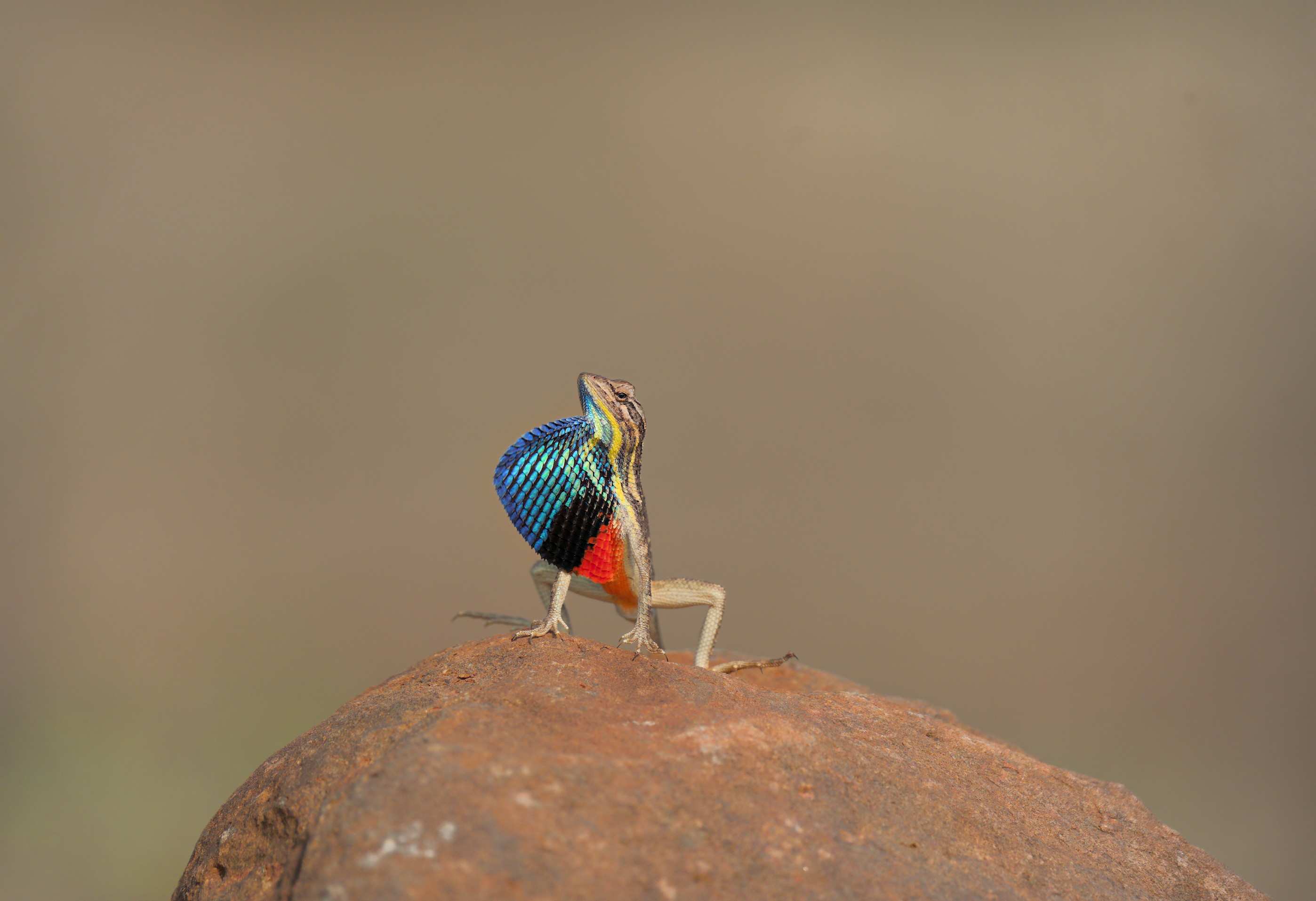
DSC09286_02.ARW.xmp (35.6 KB)
Display P3 version:
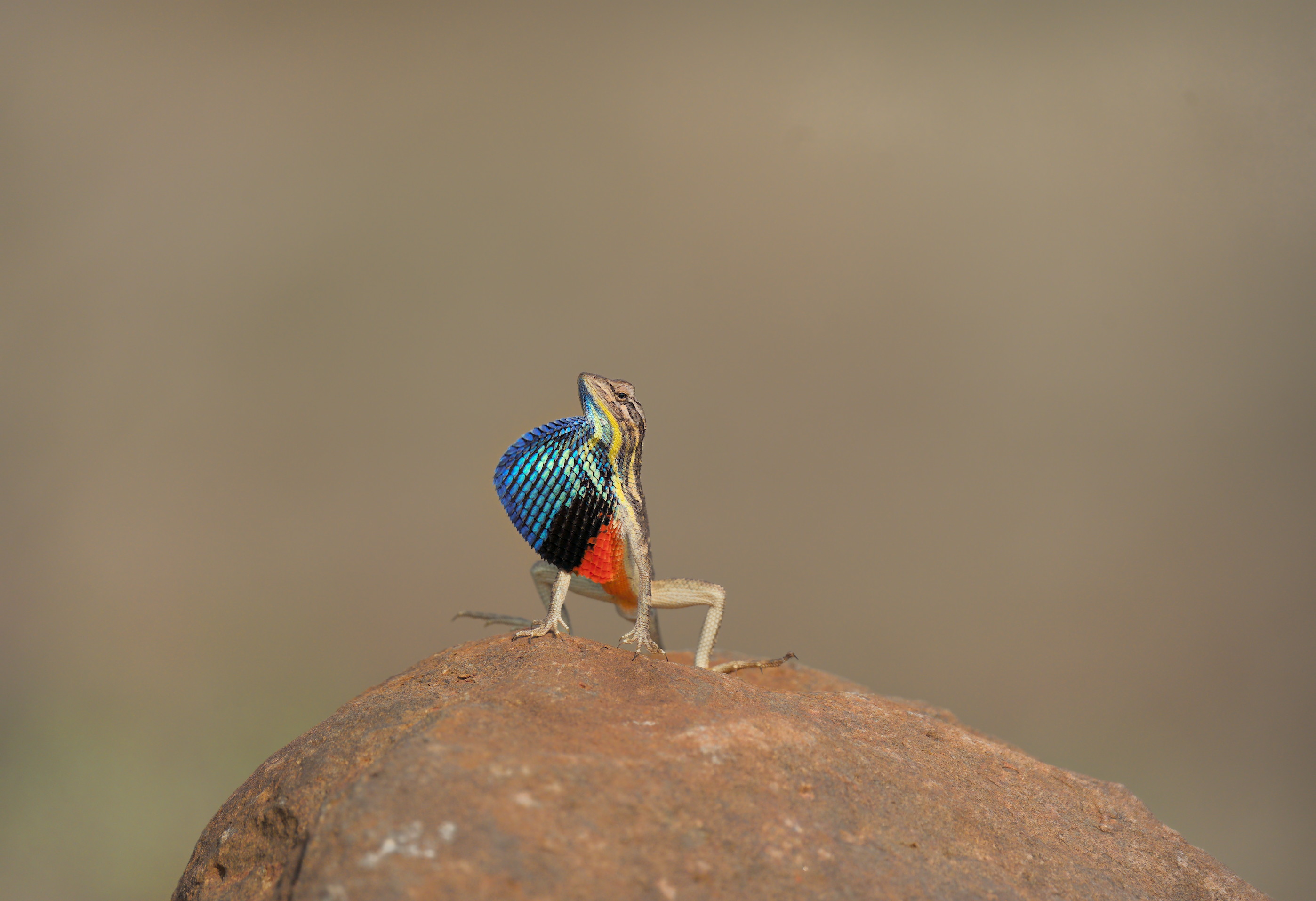
DSC09286_01.ARW.xmp (33.2 KB)
5 Likes
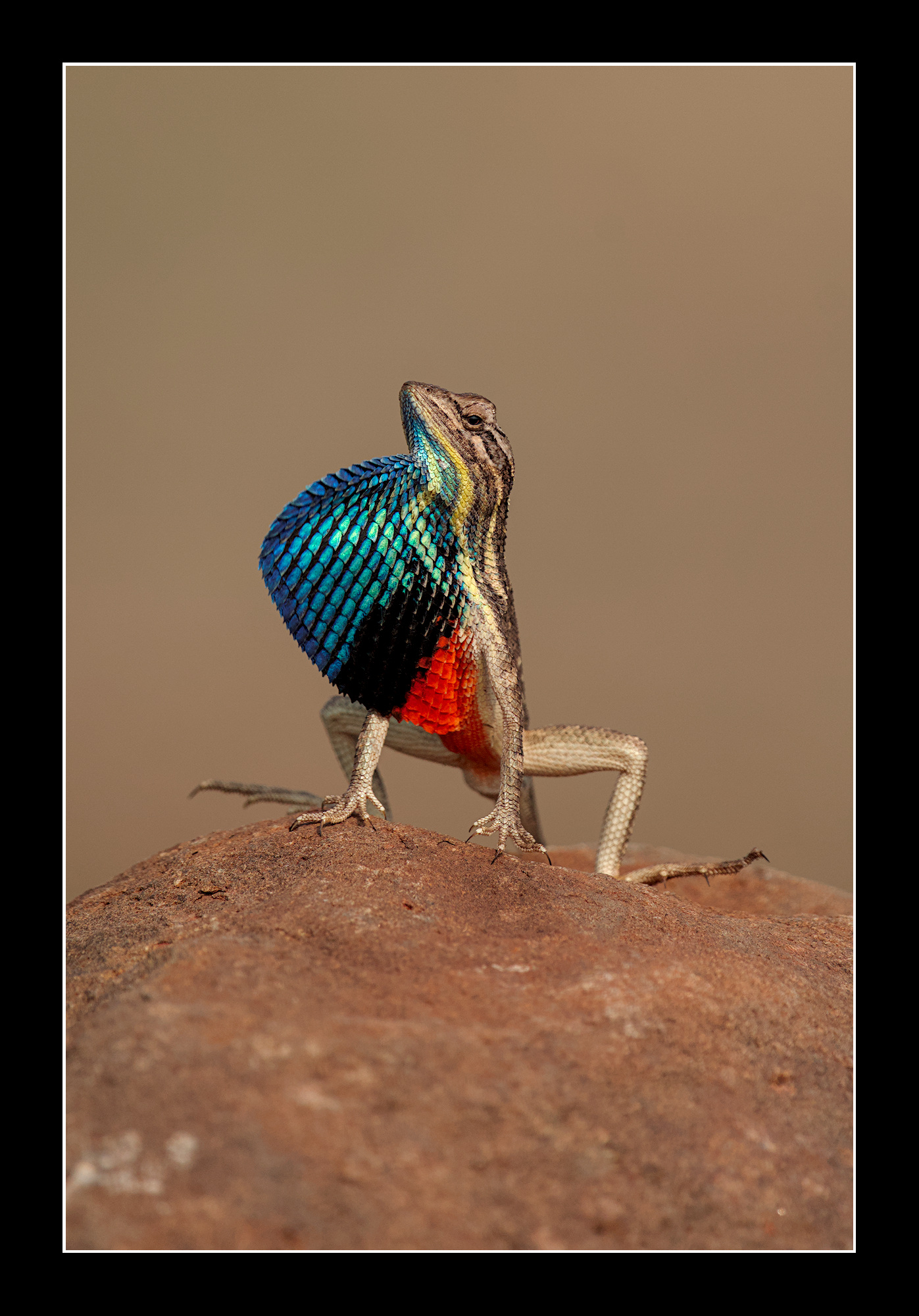
I applied a style I use on my Canon R7 to this shot. Not having seen the lizard in real life I felt the red was not washing out and I don’t use the clipping indicators with the exception of the raw clipping indicator. If it looks good it is good in my view.
DSC09286.ARW.xmp (14.5 KB)
7 Likes
Gorgeous shot, this. They’re such posers 
I went for (hopefully) a balanced edit. Brought up the vibrance and pulled some of the saturation out of the highlights, but lifting it in the mids and shadows so as to preserve the texture as much as possible. Then I went nuts with 4 instances of contrast equaliser. I think it helps keep the deeper blacks and colours, but still reveals something of the texture.
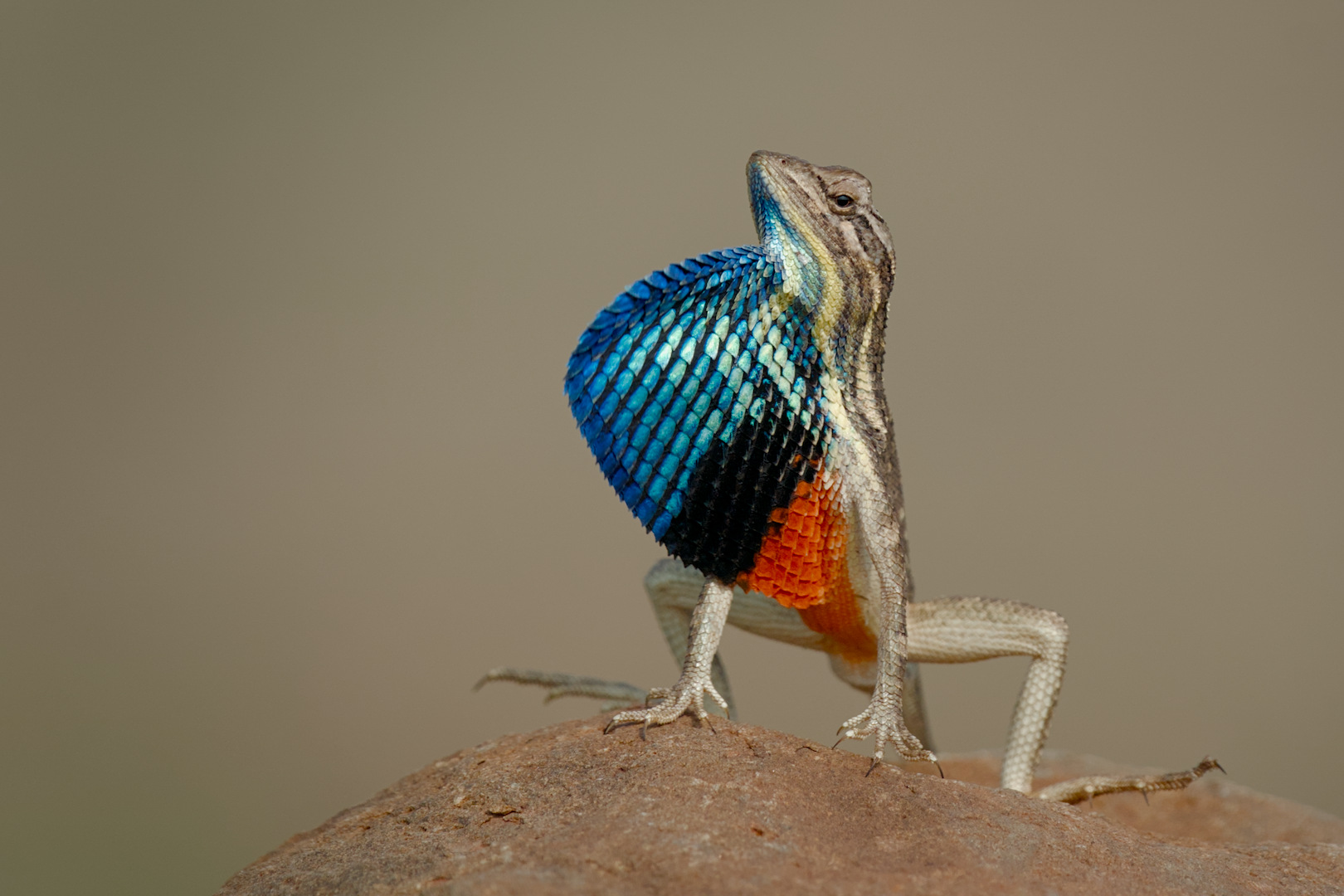
DSC09286.ARW.xmp (19.8 KB)
6 Likes
… and another one:
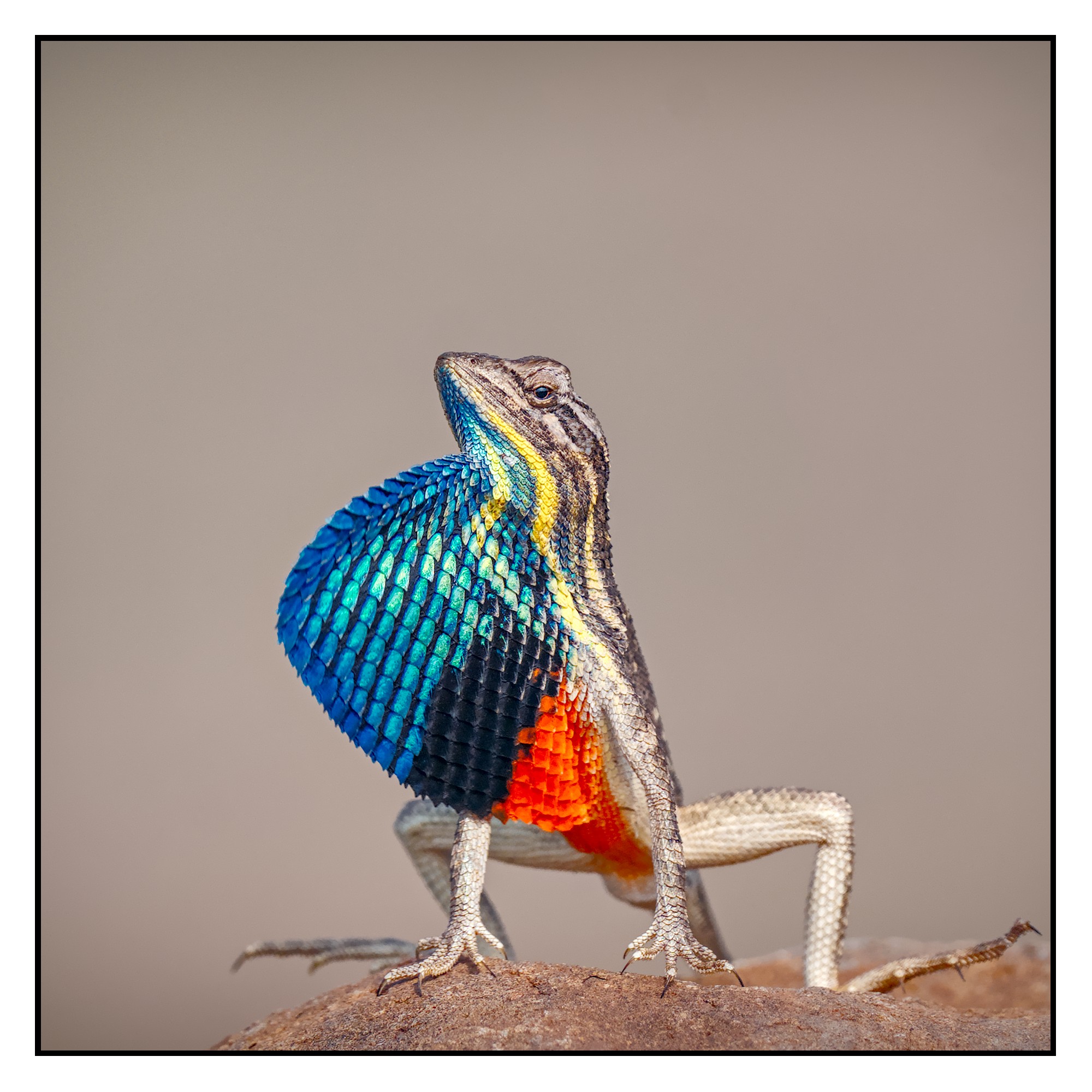
DSC09286_01.ARW.xmp (18,7 KB)
before he became the ultimate poser:
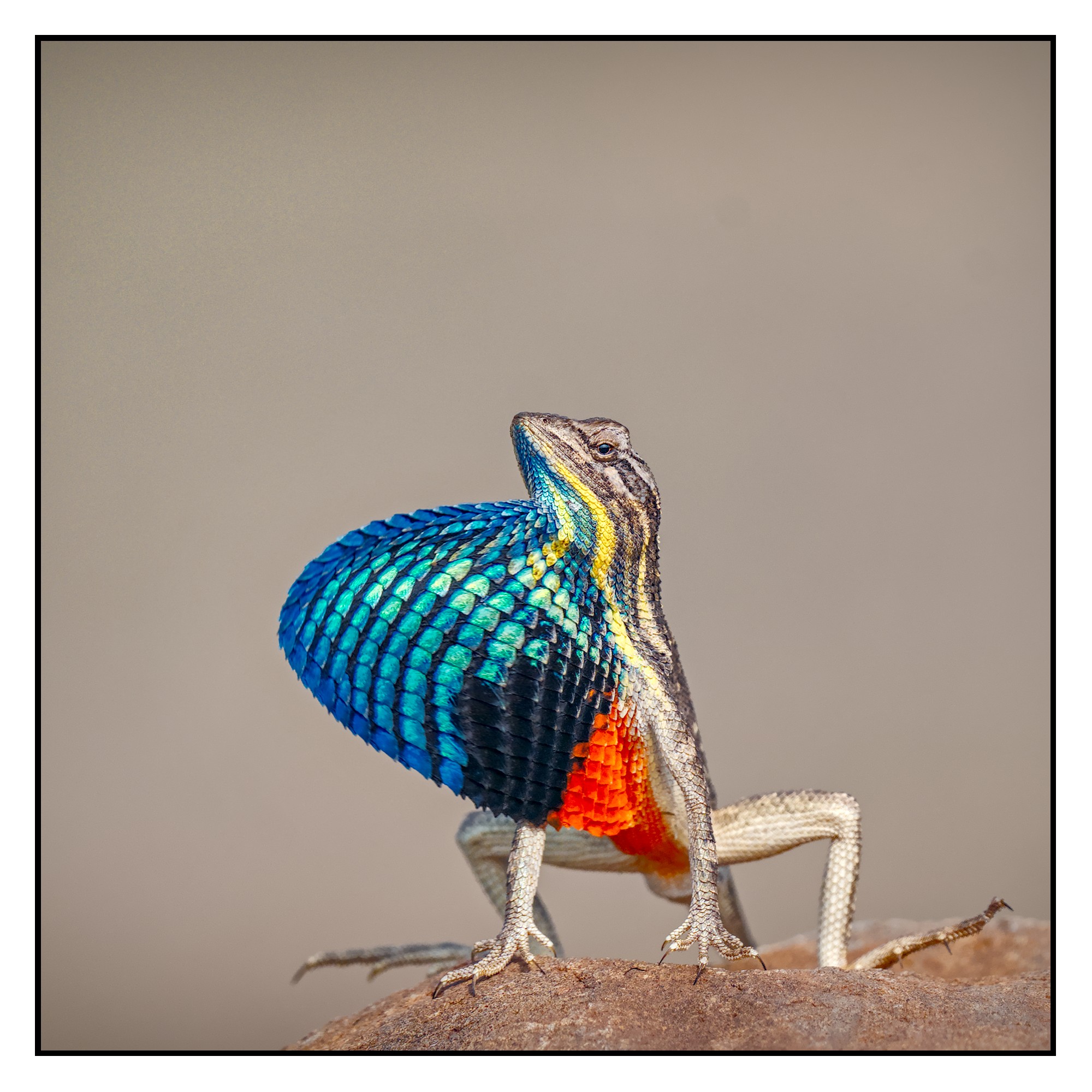
DSC09286_01.ARW.xmp (19,5 KB)
6 Likes
Gosh… Could that be the Liquefier module I see there?
This might be it’s first time on a lizard chest 
3 Likes
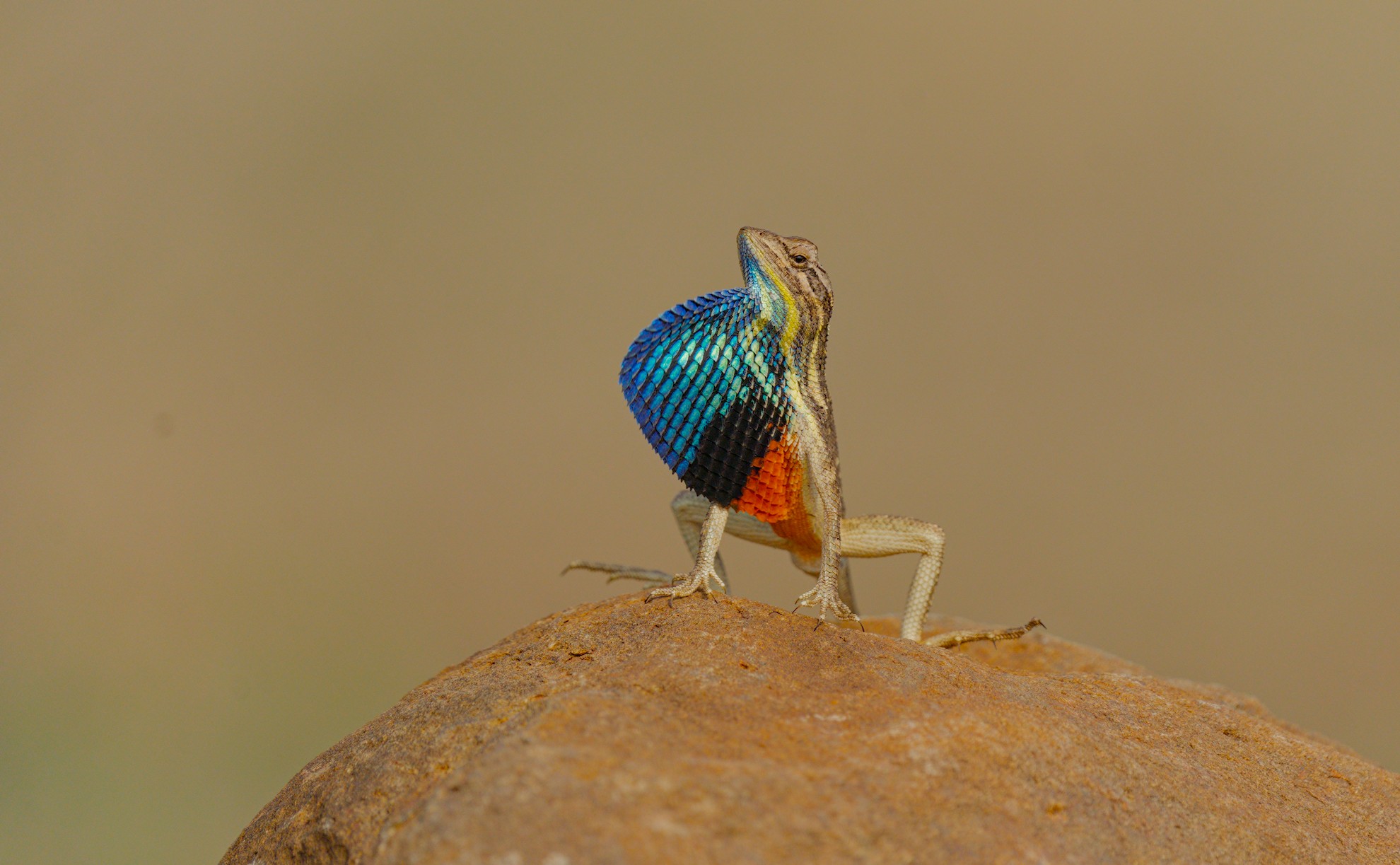
4 Likes
Wow! Thank you @Zbyma72age !
1 Like
Man and he looks so proud! Rightfully so I guess. If I had such a magnificent beard (?) I’d look down on the world like that, too.
3 Likes
Thank you @gwbarn for your edit.
The blue looks a little brighter in P3. My monitor is only 100% sRGB
2 Likes
I doubt, looking down seems to be nearly impossible. 
2 Likes
Well… since everybody seems to like to have a second shot on this beauty I’ll have mine too…
Though I did not use the color clipping indicator at first, I decided his belly reds to be a bit washed out. For fun changed my frame to white…
Used a extra color calib for selecting the proper color and chroma and lessening both colorfulness and brightness of the red channel a bit.
Cheers to all of you!
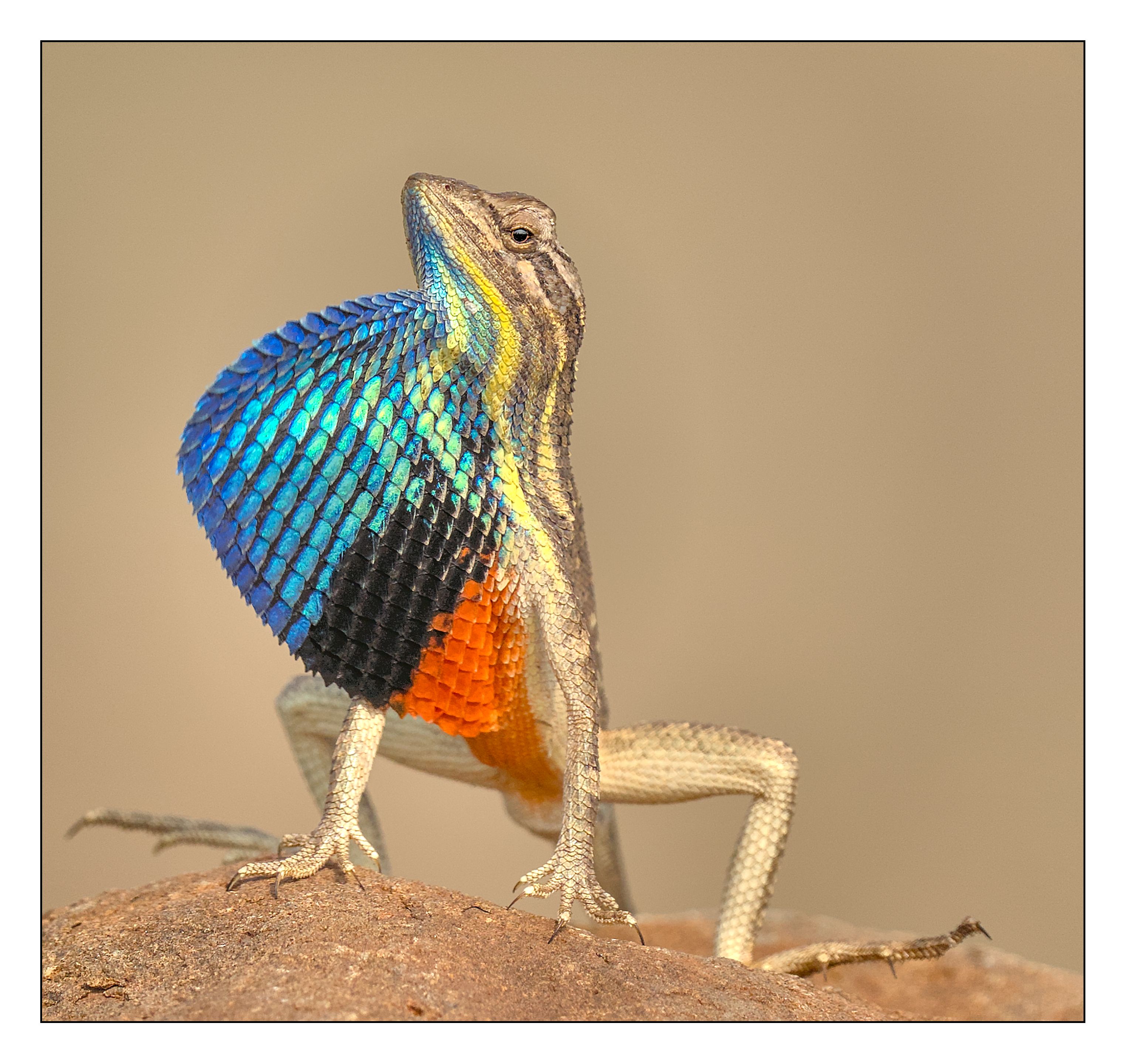
DSC09286.ARW.xmp (30.9 KB)
3 Likes
I guess @mino meant to say “if I had such a magnificent beard and tall stone…”
1 Like

@gopal I think we can all agree that this little kings face needs to be your profile picture from now on ;-).
4 Likes
You could also tweak your edit a little with the agx primaries and/or rgb primaries or color eq… or several other ways…
Likely you might stumble on some of that in the provided edits…
3 Likes
I did try red attenuation on the AgX primaries @priort. But then when I try to bring it back up, the clipping indication comes back on.
The color on the actual lizard is quite striking.
1 Like
Ya I get it and there is some nuance to how the clipping is determined in DT as well…basically you just push until you like it unless it gets so far out of gamut that you start to lose detail…that’s what I look for and some detail is fine to sacrifice to vivid color bit if you go too far you get a bright red blotch so its just about finding a visual sweetspot in your mind… unless you have technical requirements for further processing etc…
2 Likes