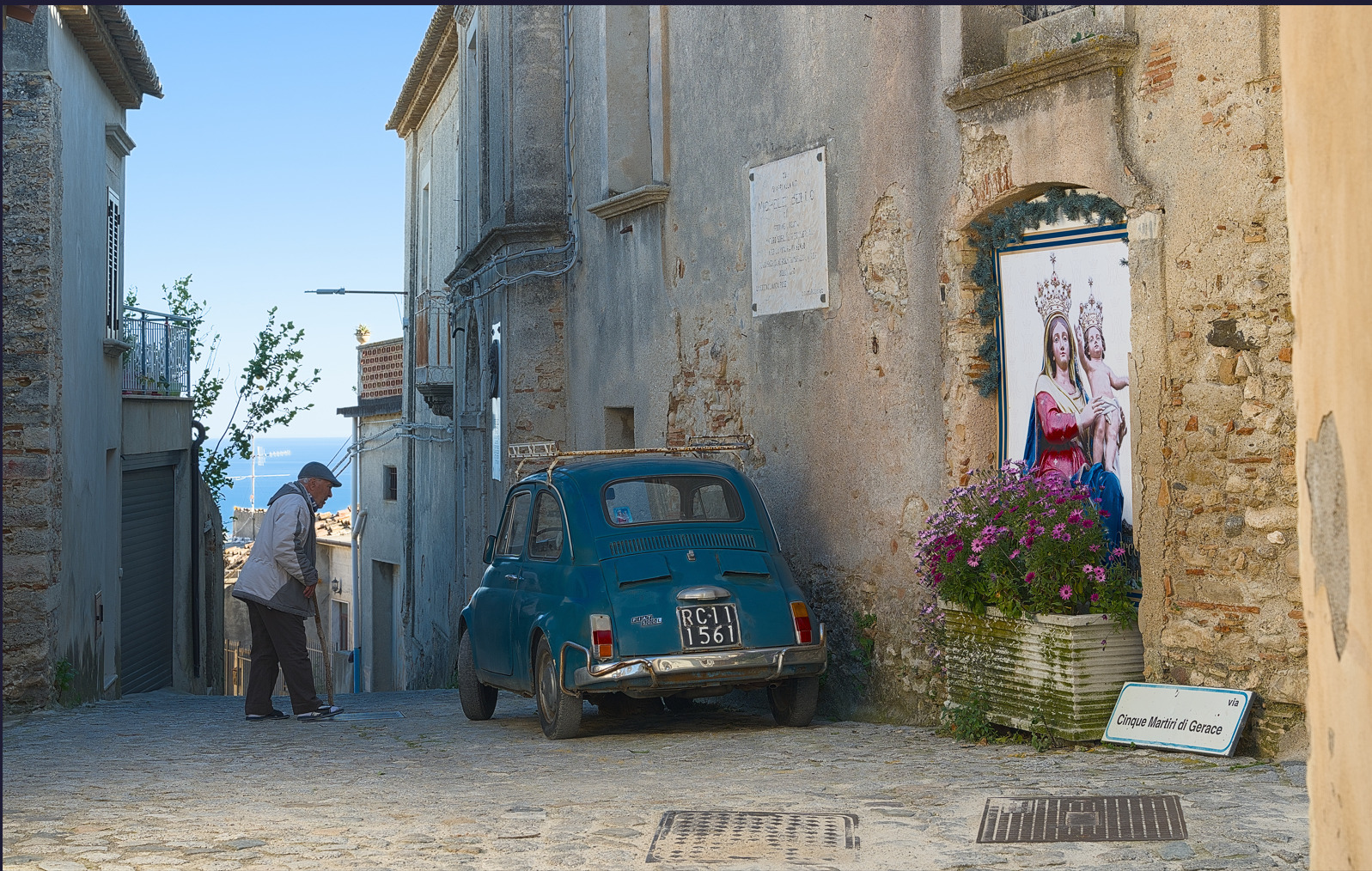
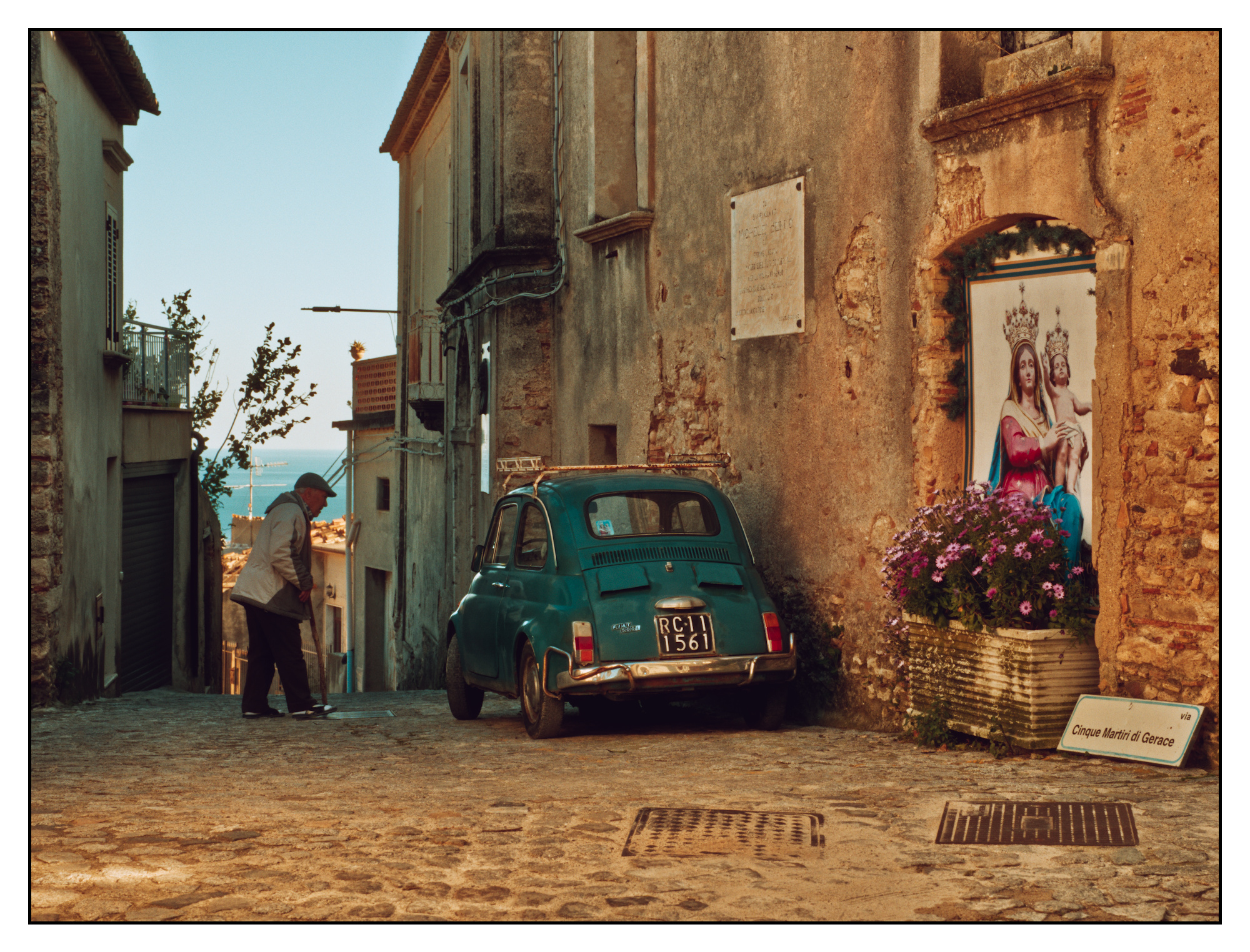
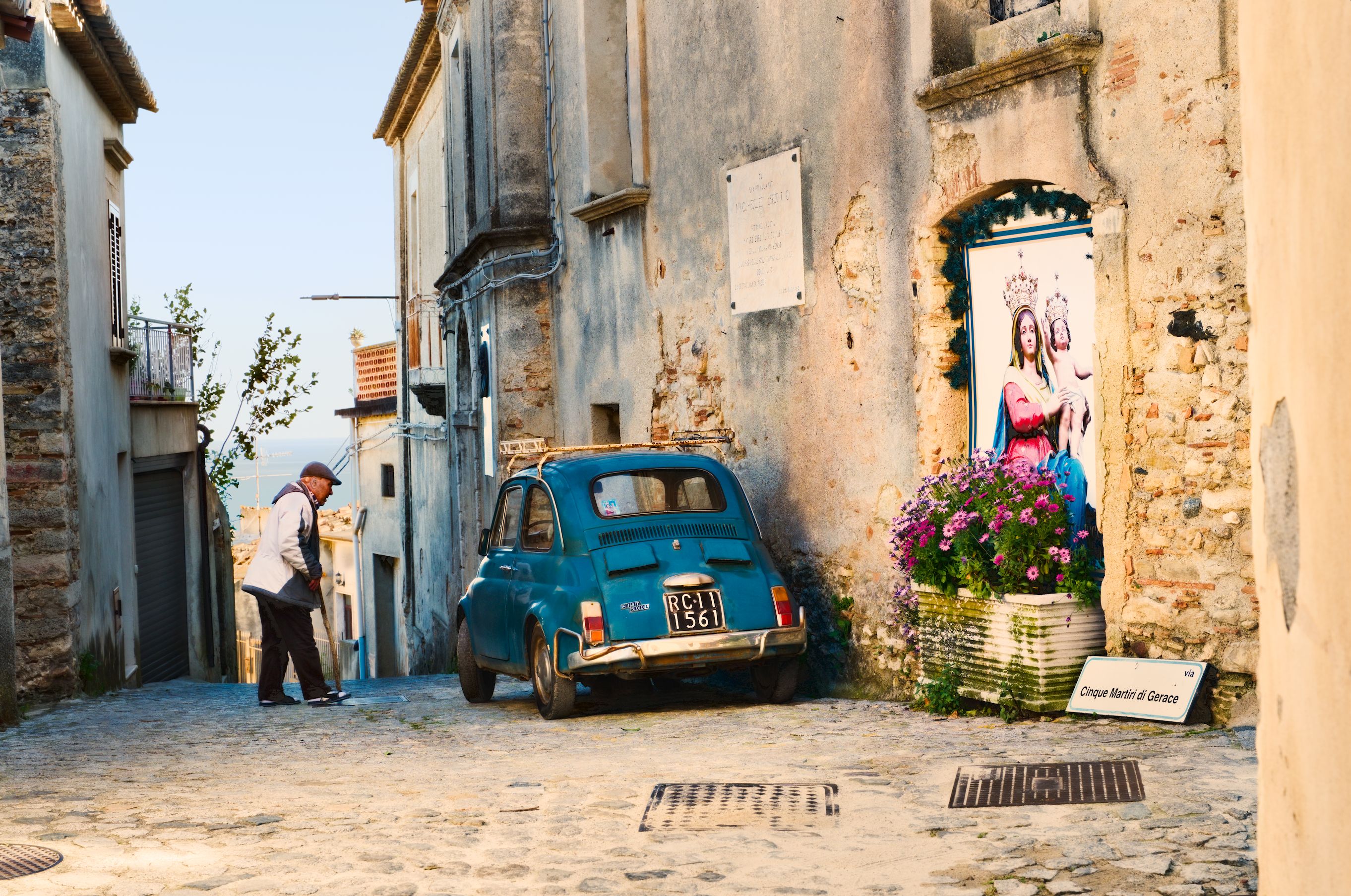
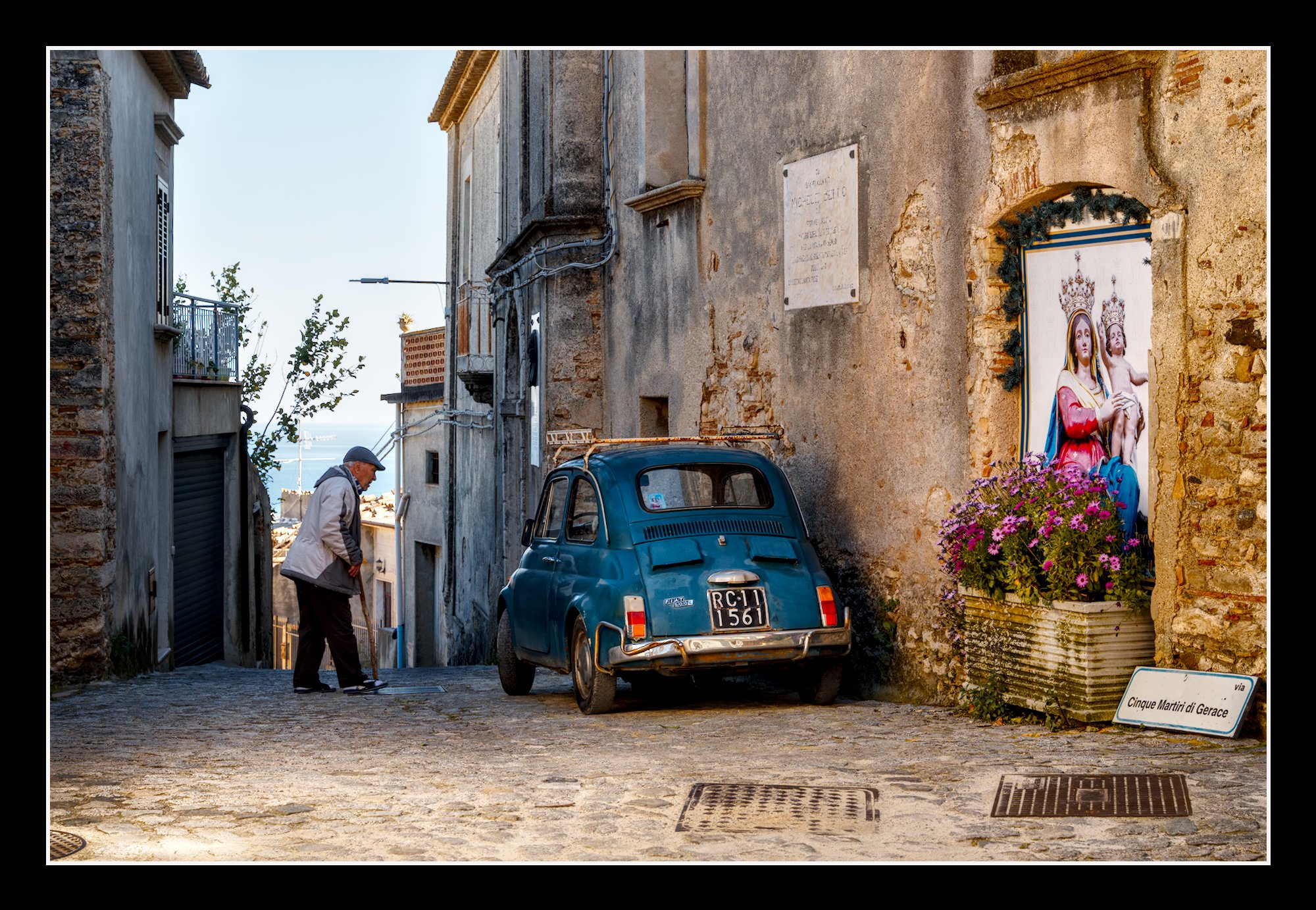
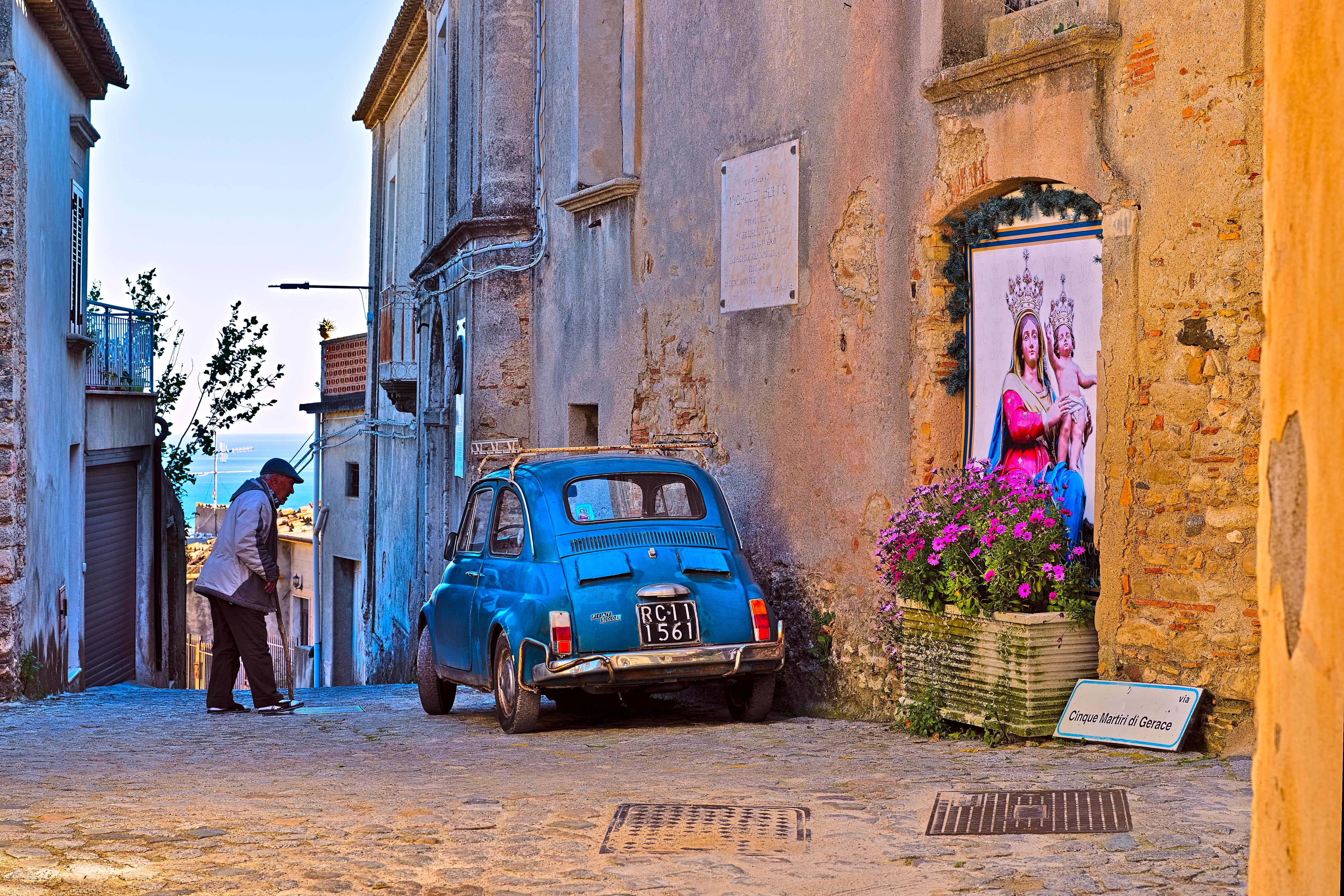
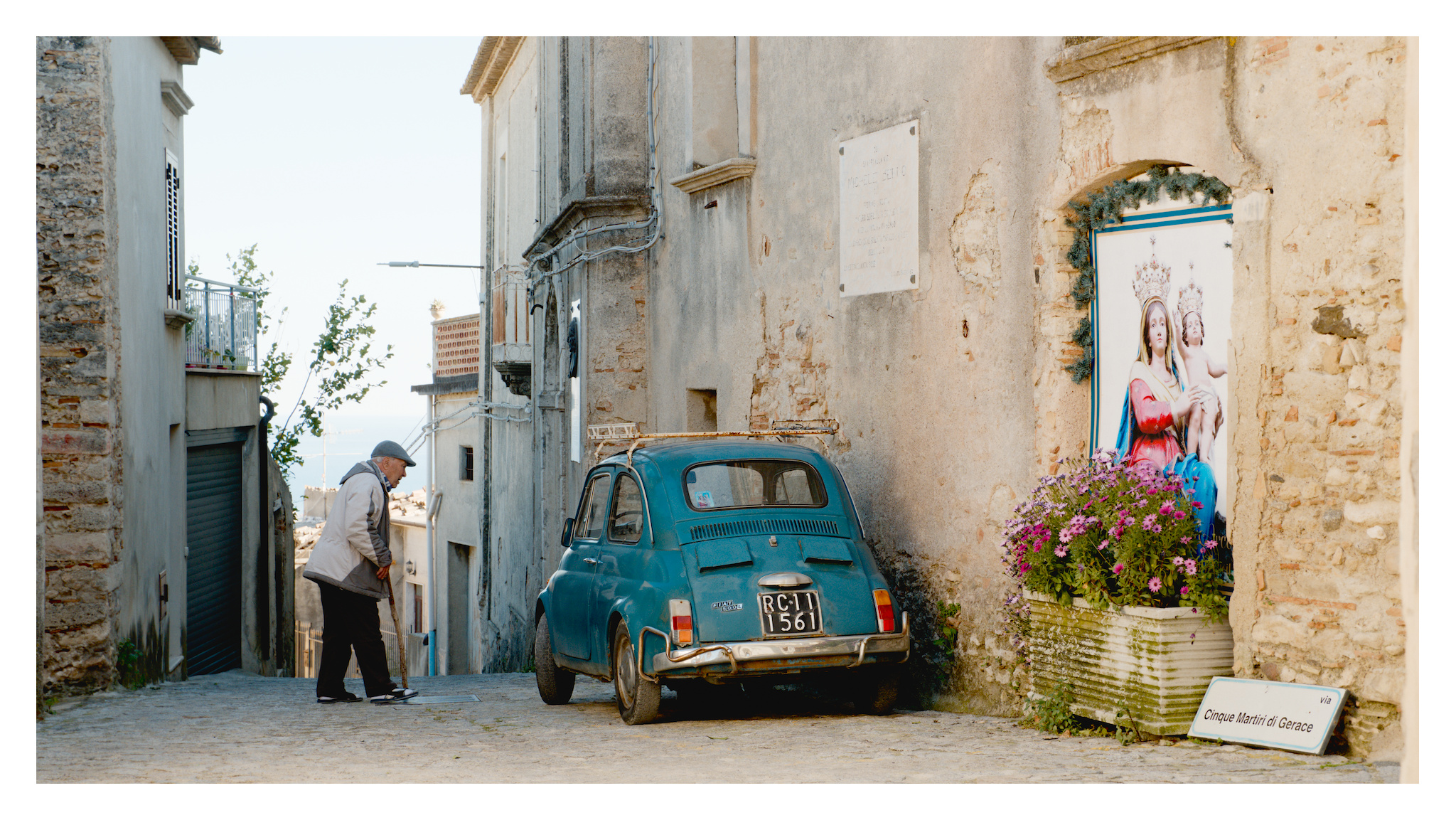
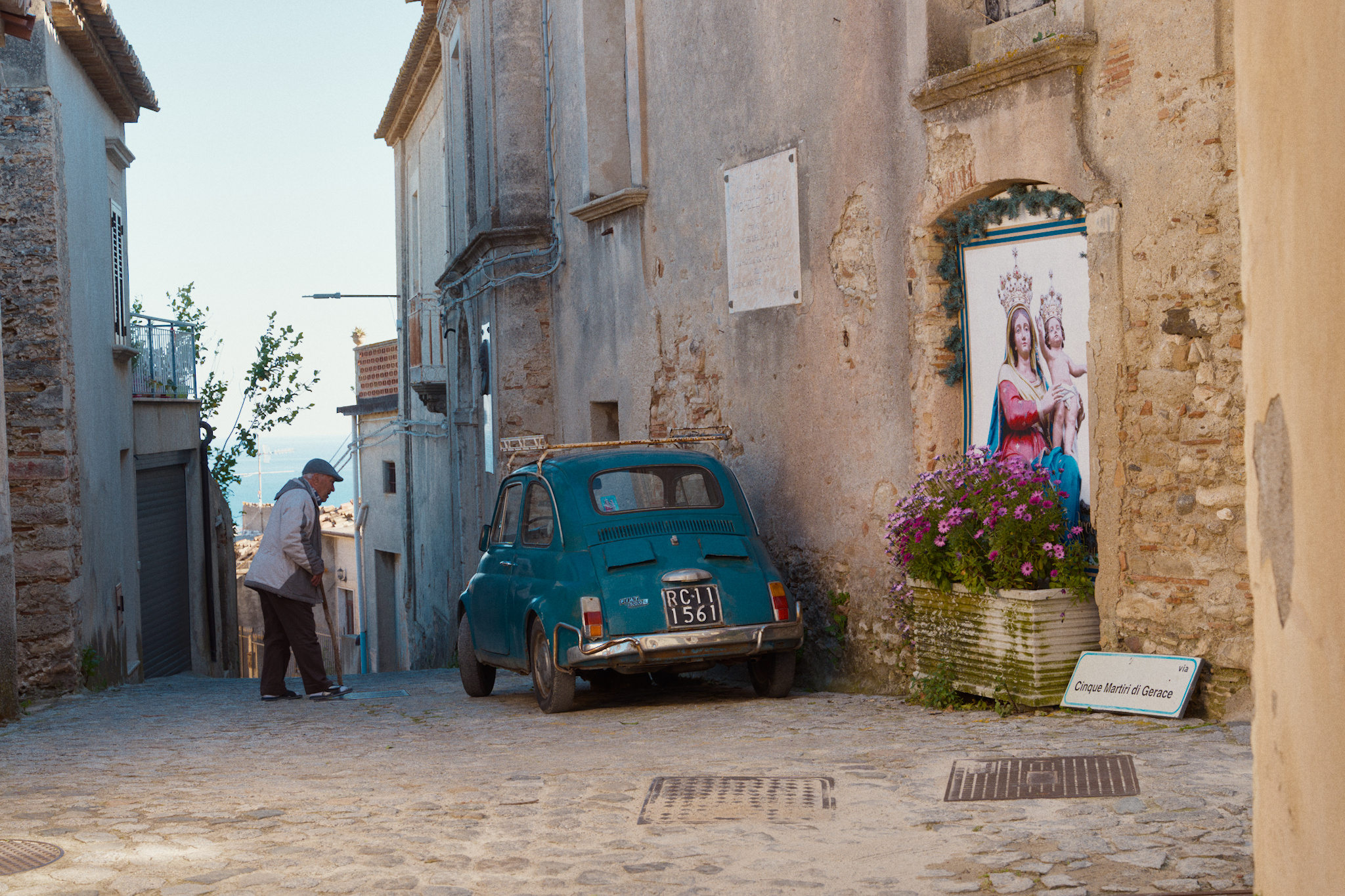
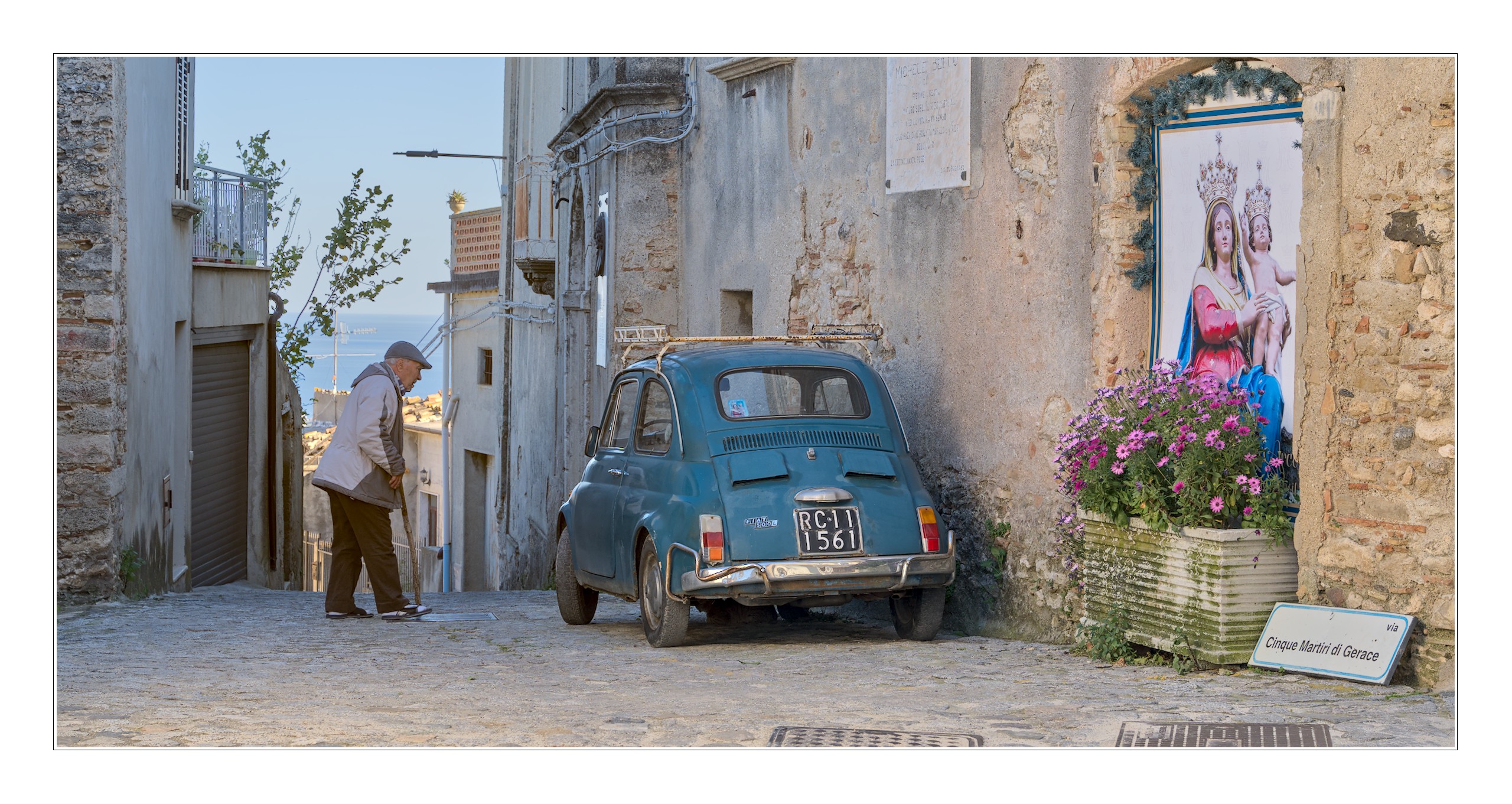
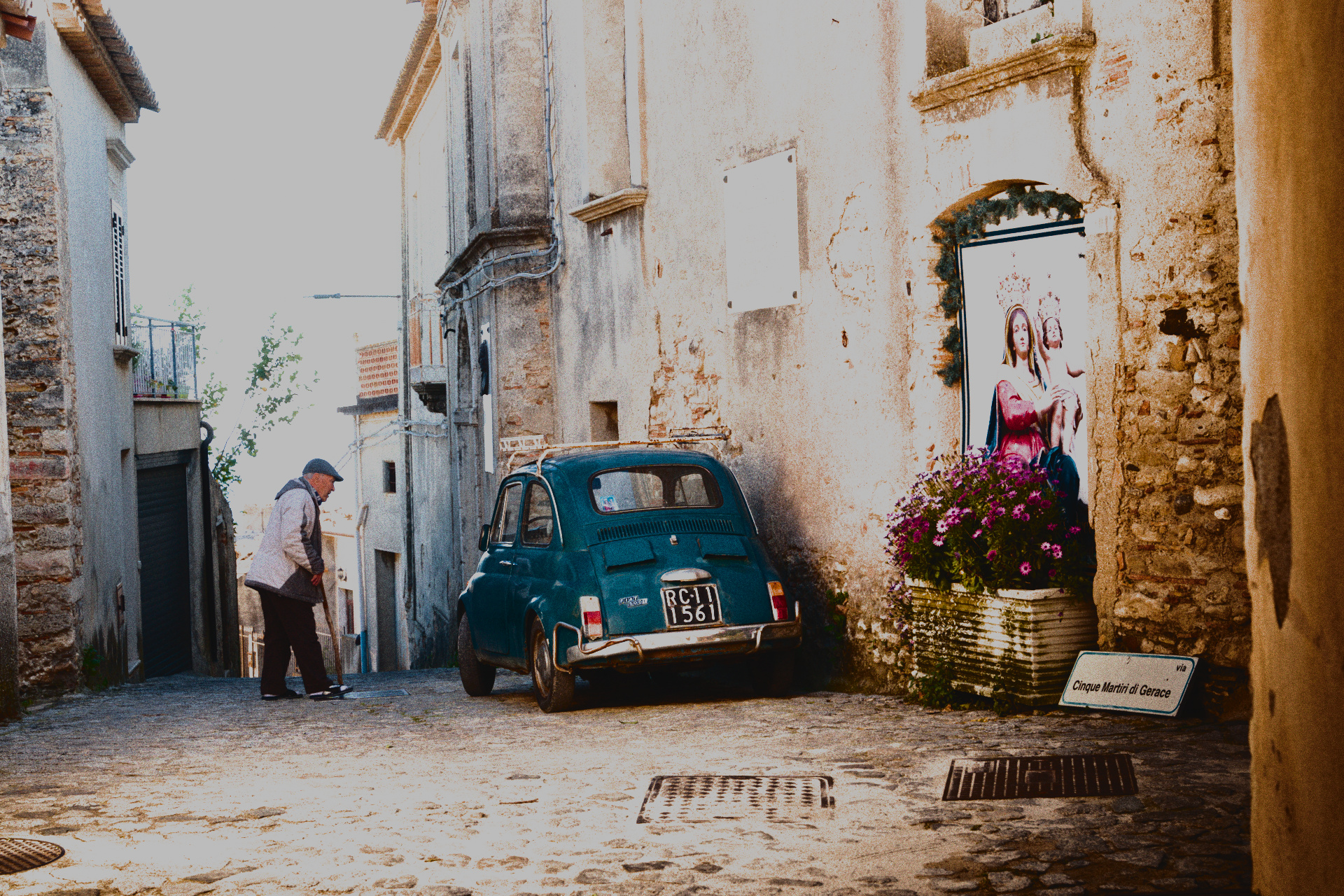
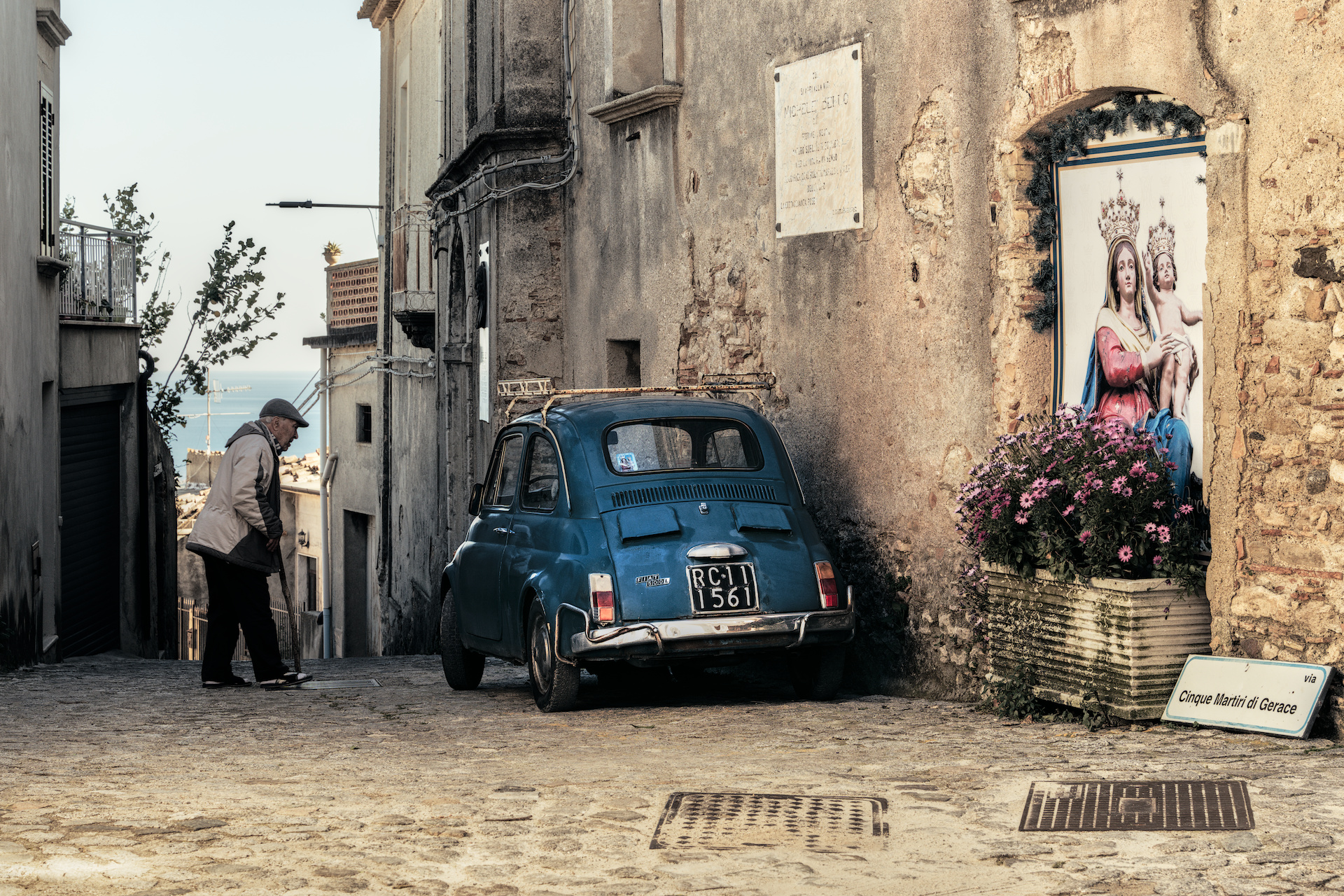
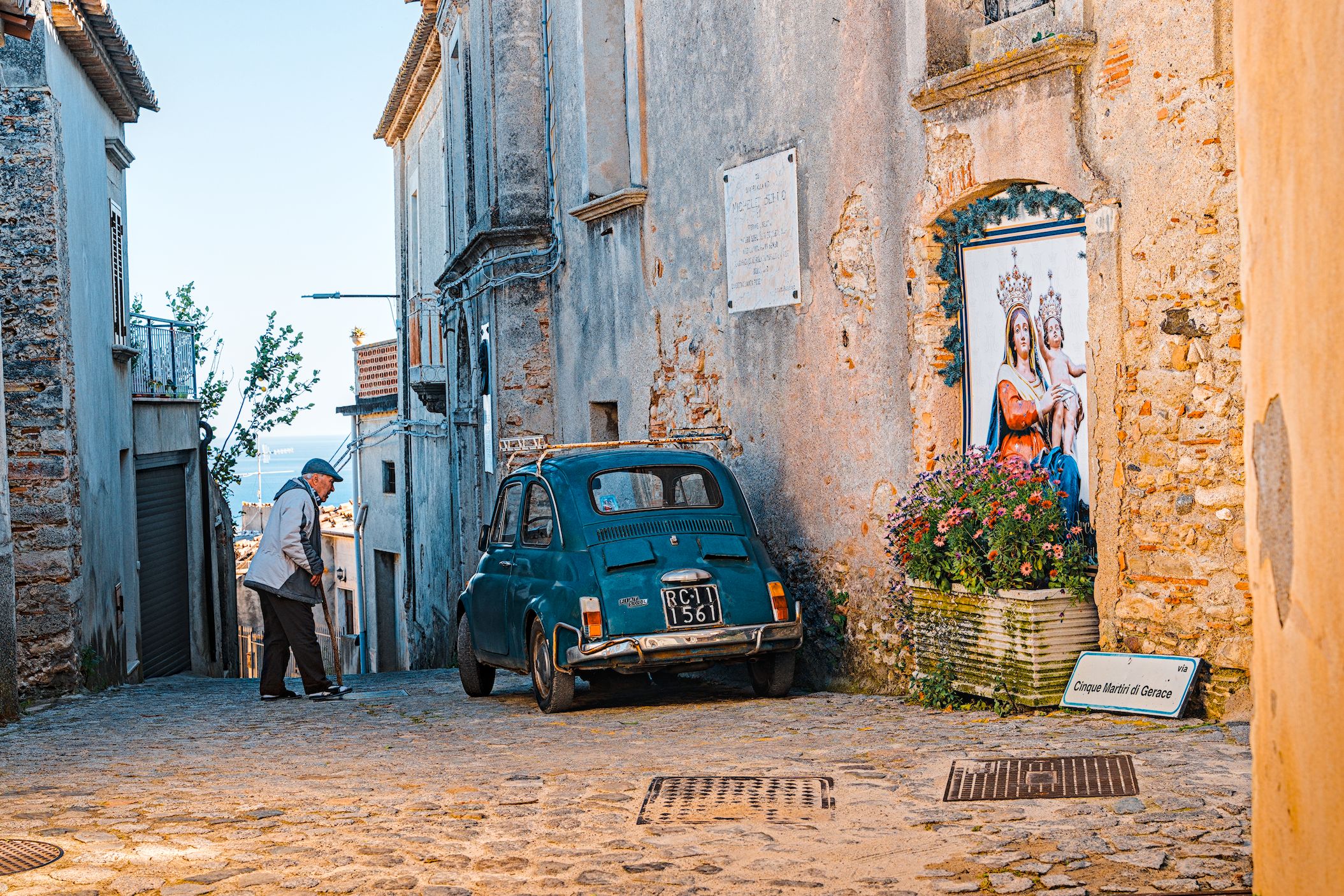
I took this picture in Italy in spring this year. Everything has to go very fast (although the man in the image was not that fast).
IMHO nice, typical Italian elements in the picture.
However I am dissatisfied with my processing: strange colours (it was late afternoon, about 5:30) and the image feels very ‘flat’.
7C_04669.ARW.xmp (33.7 KB)
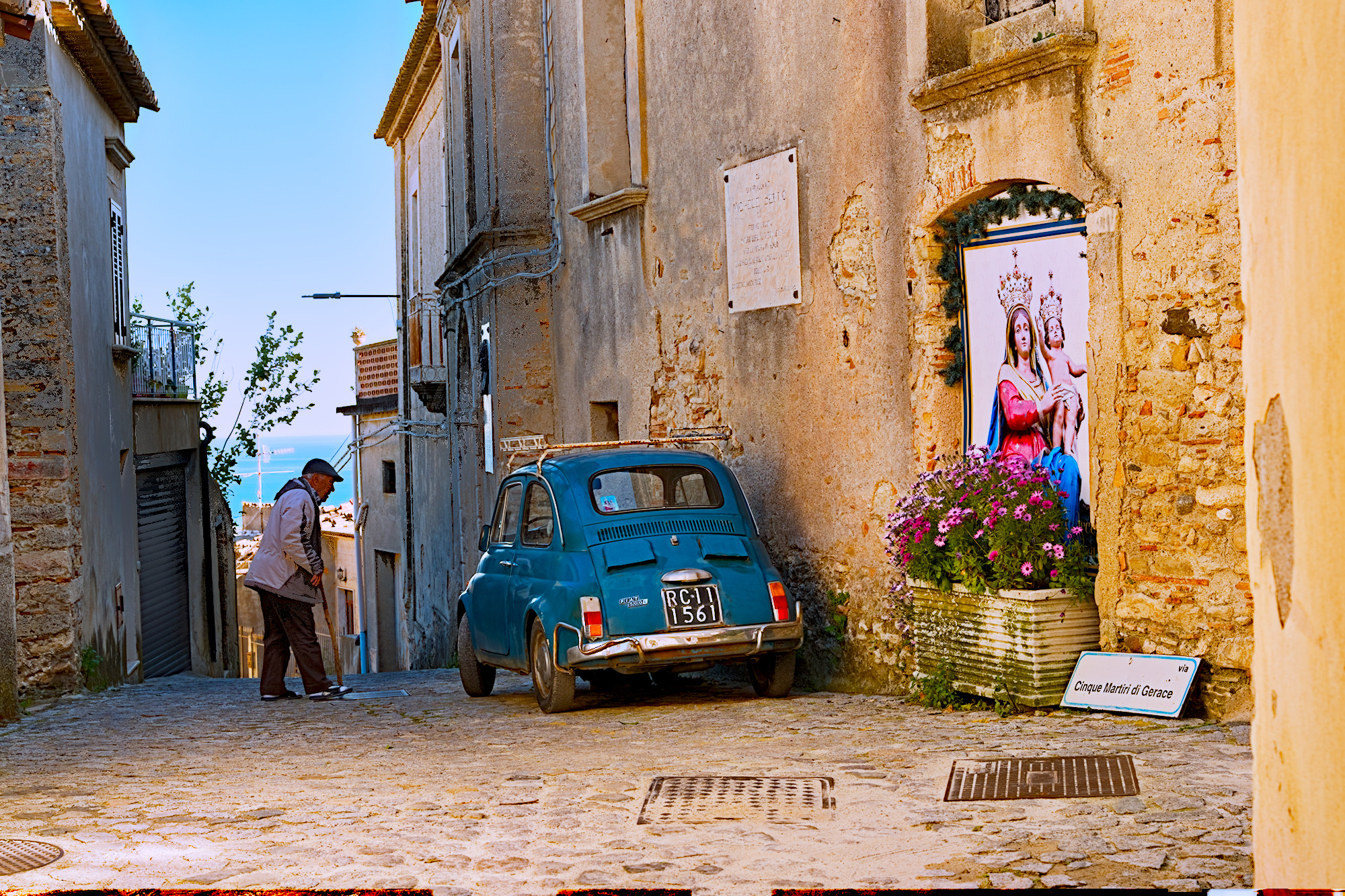
Spektrafilm-dt, two tone equalizers - one to get the highlights in control, second focused on the middle of the frame with a sloppy mask, to give it an extra bump in the shadows; a tighter crop, perspective correction, the usual.
The leaves are making it difficult to darken the sky nicely, so it’s losing some colour there instead.
Edit: I think I made the jacket too bright so I’ve turned that down a bit.
Apart from one edit I can’t see any dodge work on the man. I thought this would be an obvious thing to do. This is one those rare occasions when I’d like join in a playraw. Sadly I’m currently in hospital with a difficult infection. If like to hear people’s views as dodging and burning rarely get mentioned.
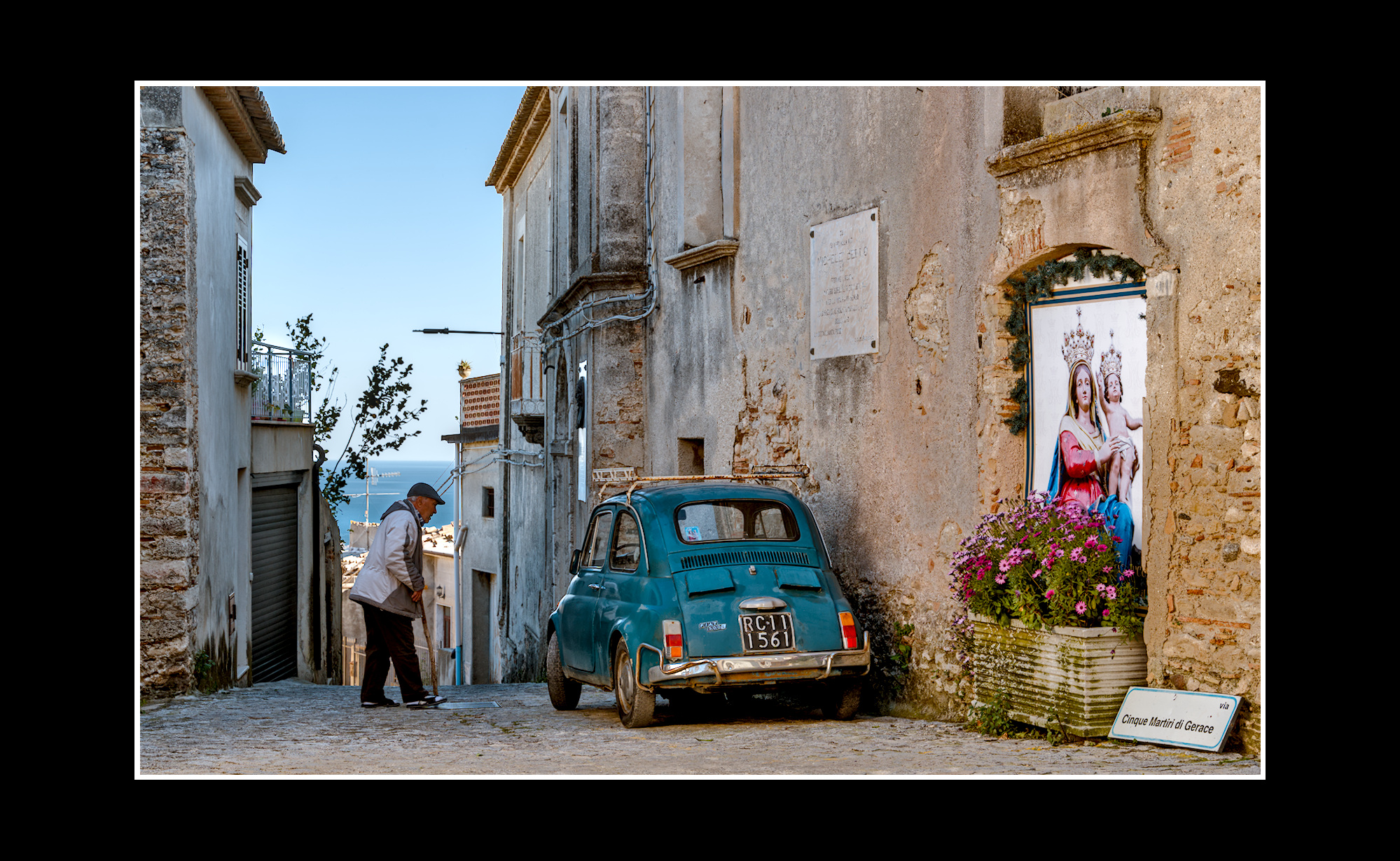
I lightened it a bit and pulled up the shadows with tone equalizer.
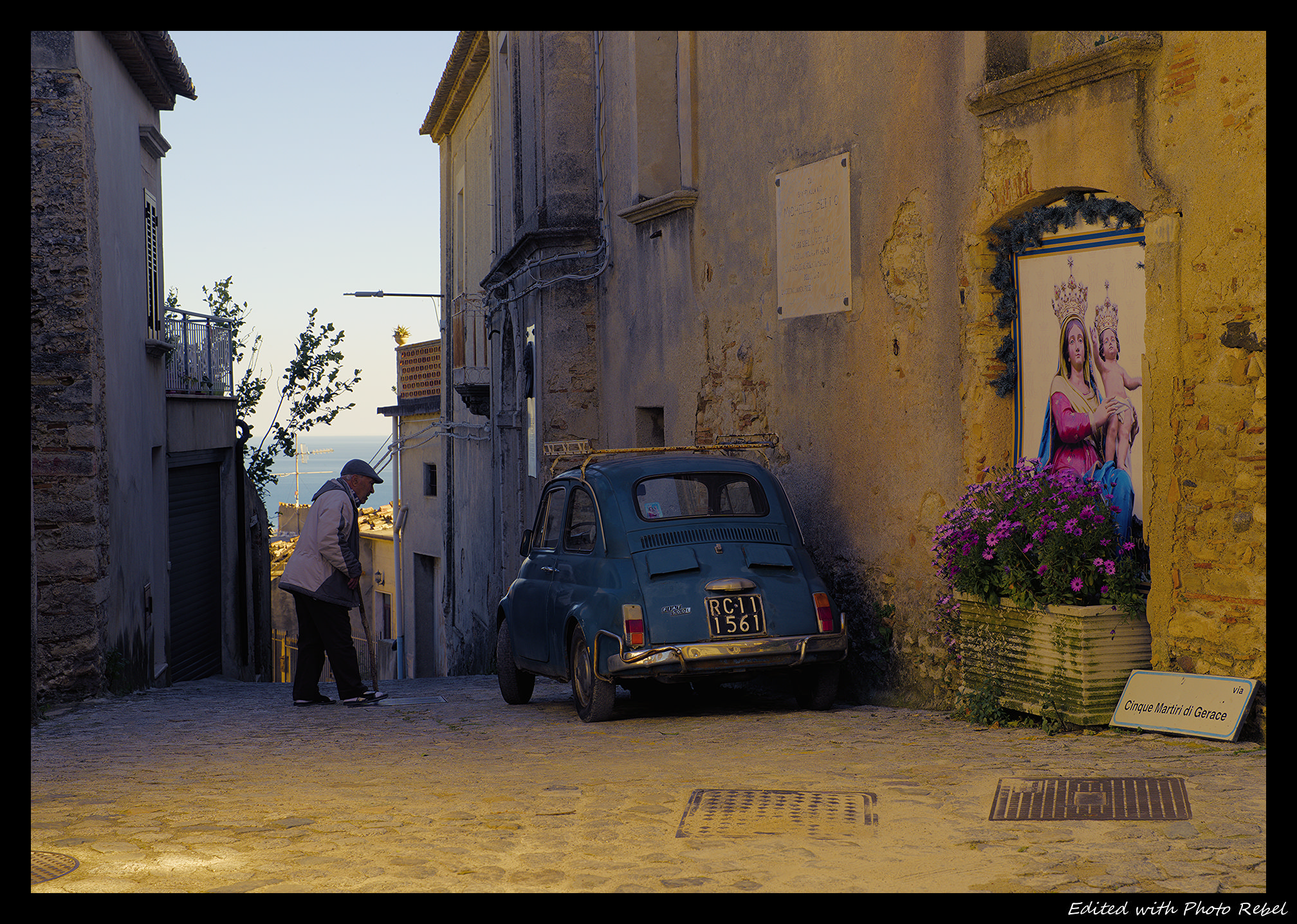
Cropped away to have a wide scene with less disturbances.
Some sharpening and local contrast.
I warmed the shadowed part of the scene in color balance rgb, reduced the blues in the sky and the sea also in col bal rgb. Reduced contrast a bit. Used AgX only on the sky and sea… Frame.
For dodging & burning I regularly use - sometimes multiple - exposure modules masked. Often it is an instance of tone equalizer which suffices to get roughly to were I want to be.
I think it is not mentioned that much anymore because lot’s of present day users never were in an analog darkroom.
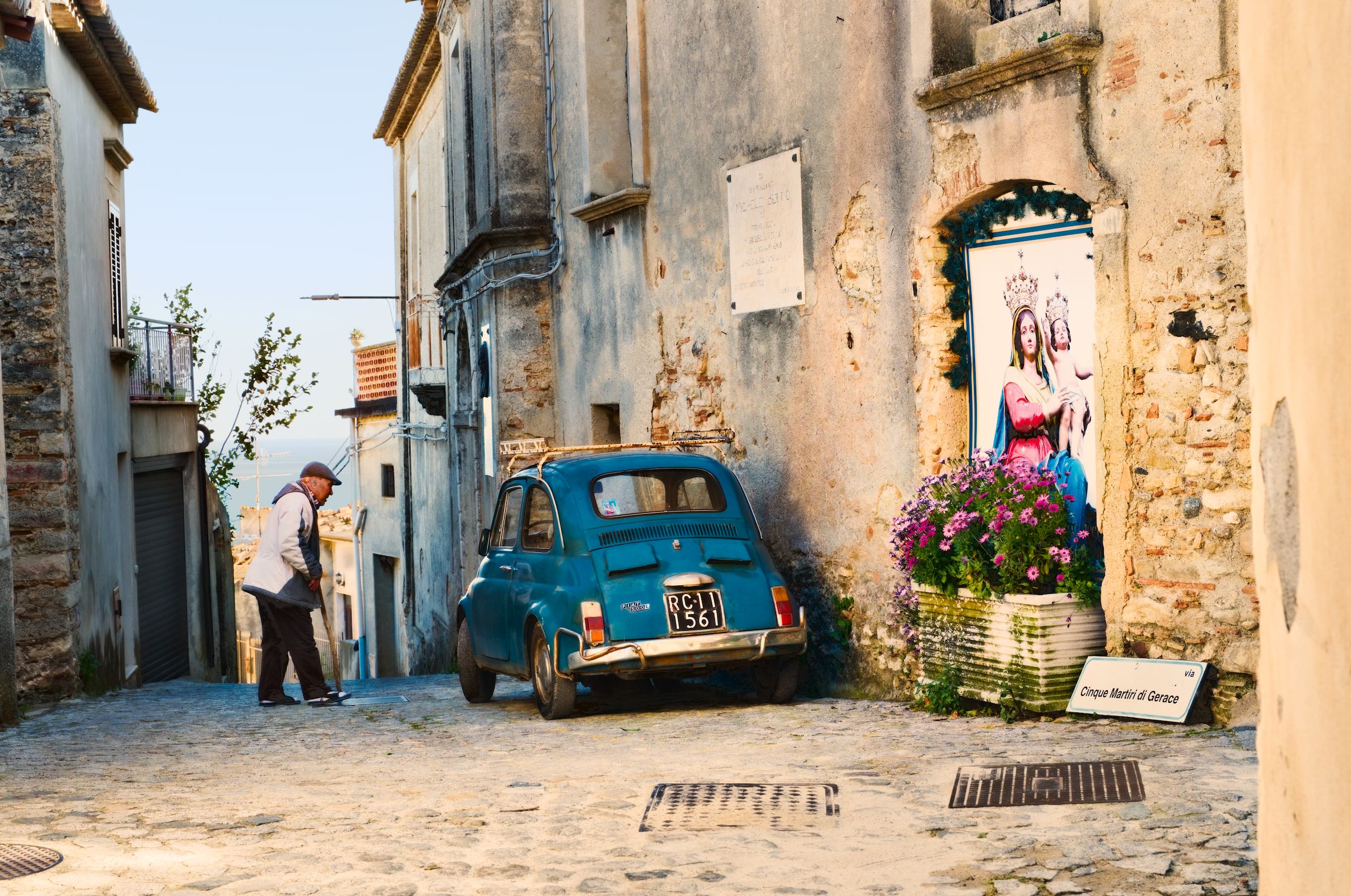
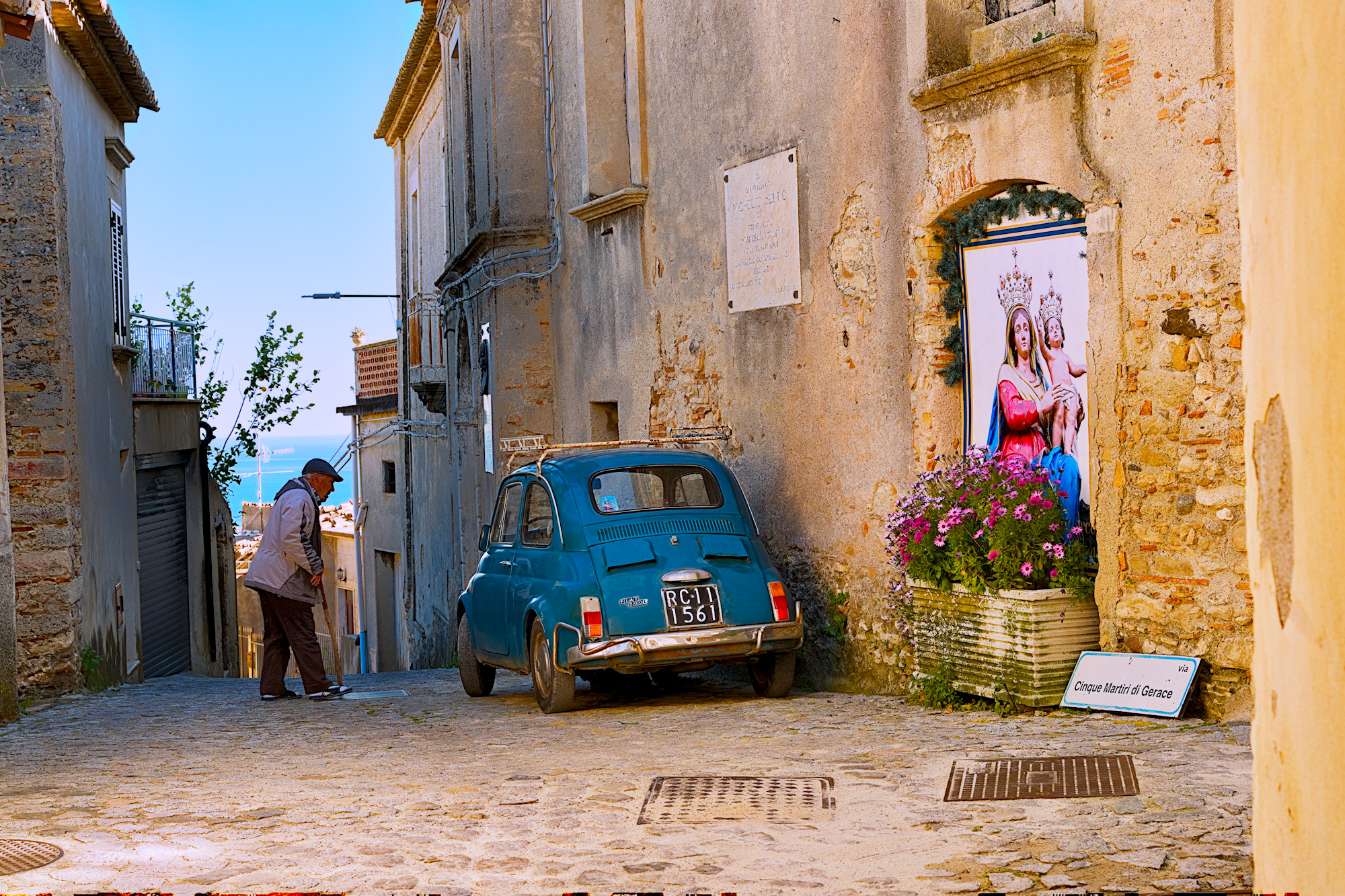
I feel like I’ve been masking subjects less often recently, but it just kinda happened in this one. I think I made the jacket too bright though, it was looking a bit out of place. I’ve copied that masked CB-RGB to my second edit to brighten him again, a bit more carefully.
Also, I forgot about the brightness tab in colour calibration! It helped with the leaves.
Second edit, different approach
I was never into photos that much before digital!
I copied from here someone’s ideas on using brushes for dodging and it works really well. I think I made the comment that dodging was easier in GIMP!
It really sped up my work and made it regular technique to consider.
So in Exposure, select brush mask and clicking enables Add mode (my set up seems to Add by default)
Opacity is set very low and repeated brushing increases opacity. It’s that simple.
I saw a YouTube by Serge? He obviously wasn’t using FOSS but he brought to life a black and white scene in minutes.