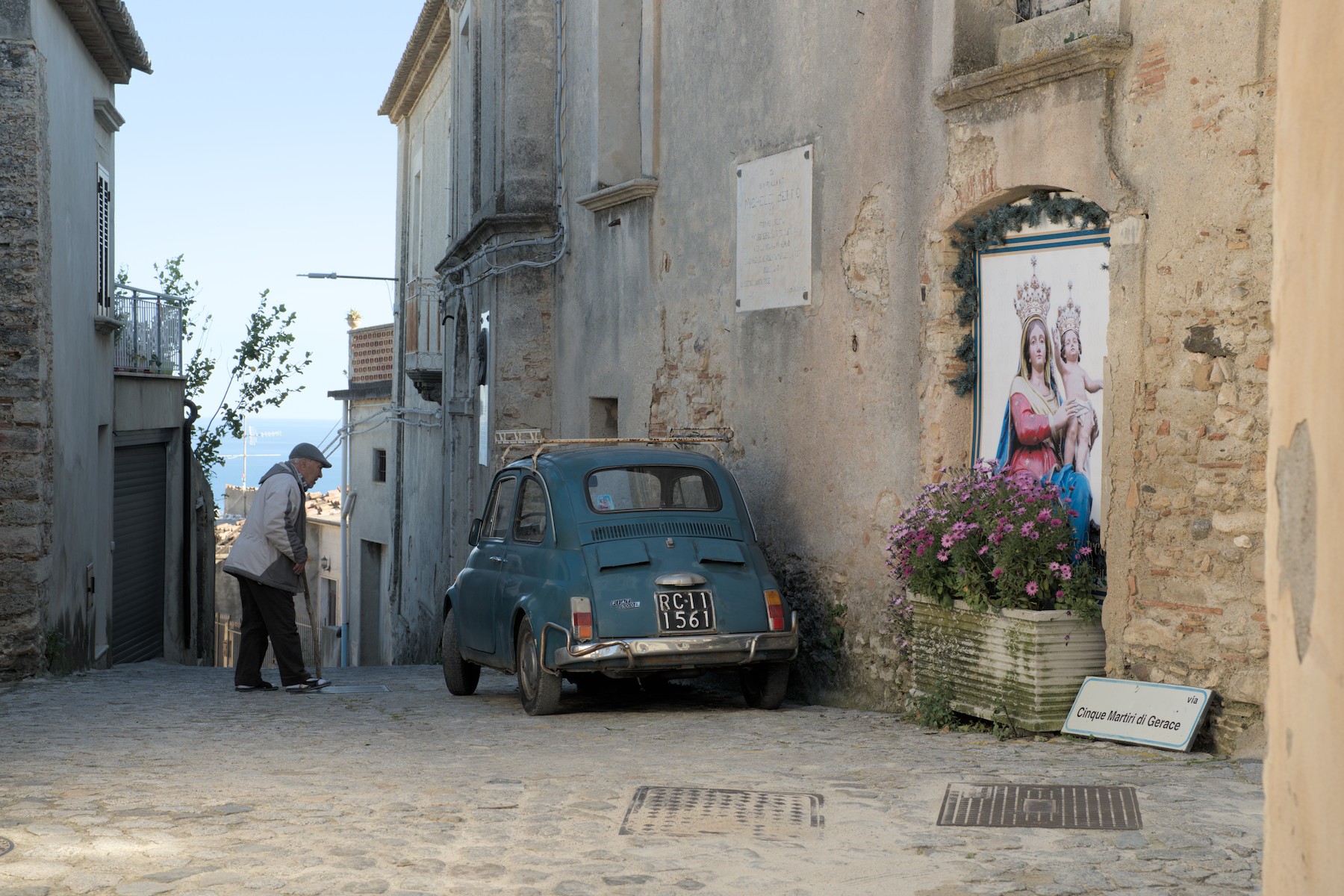
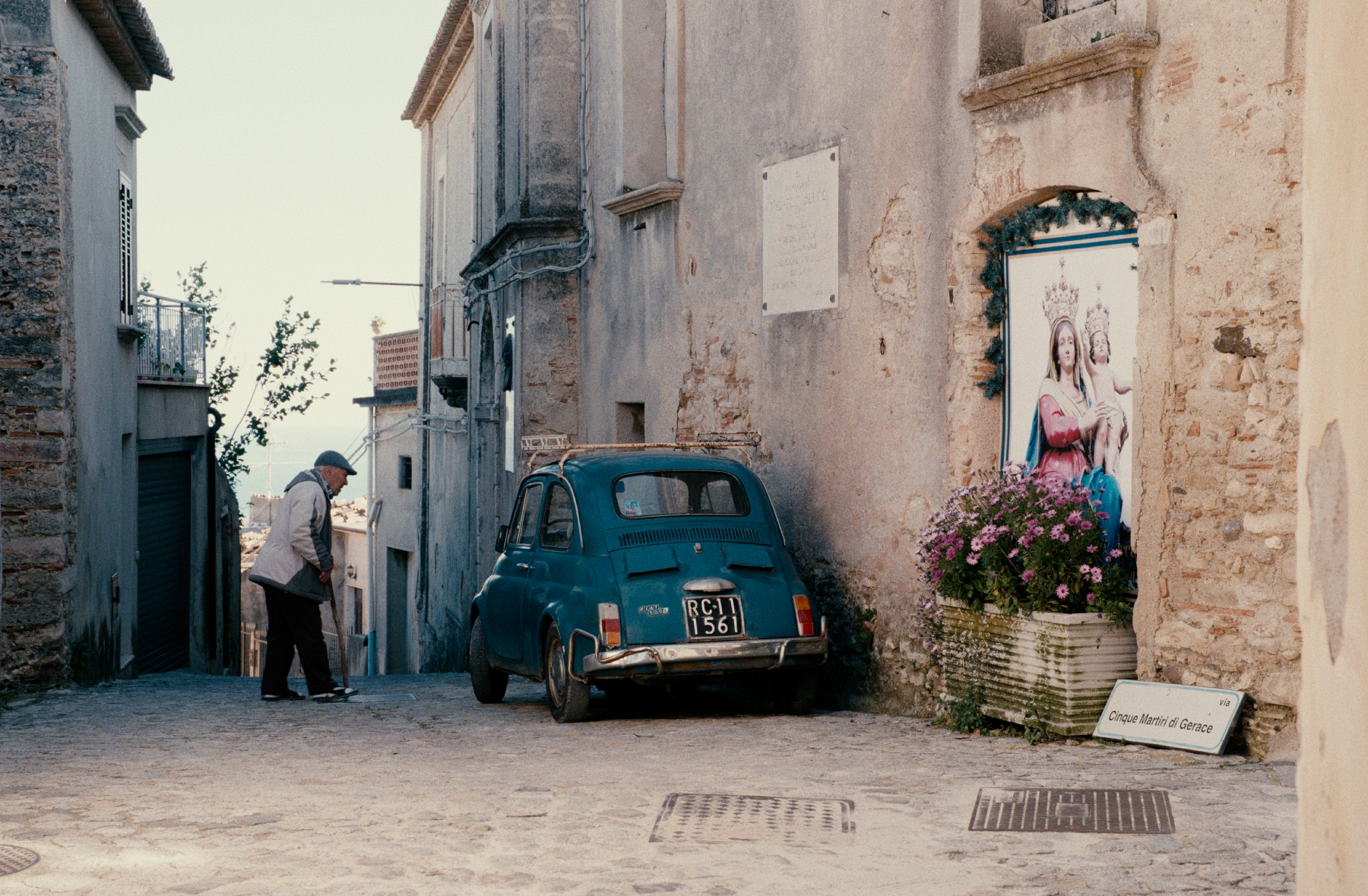
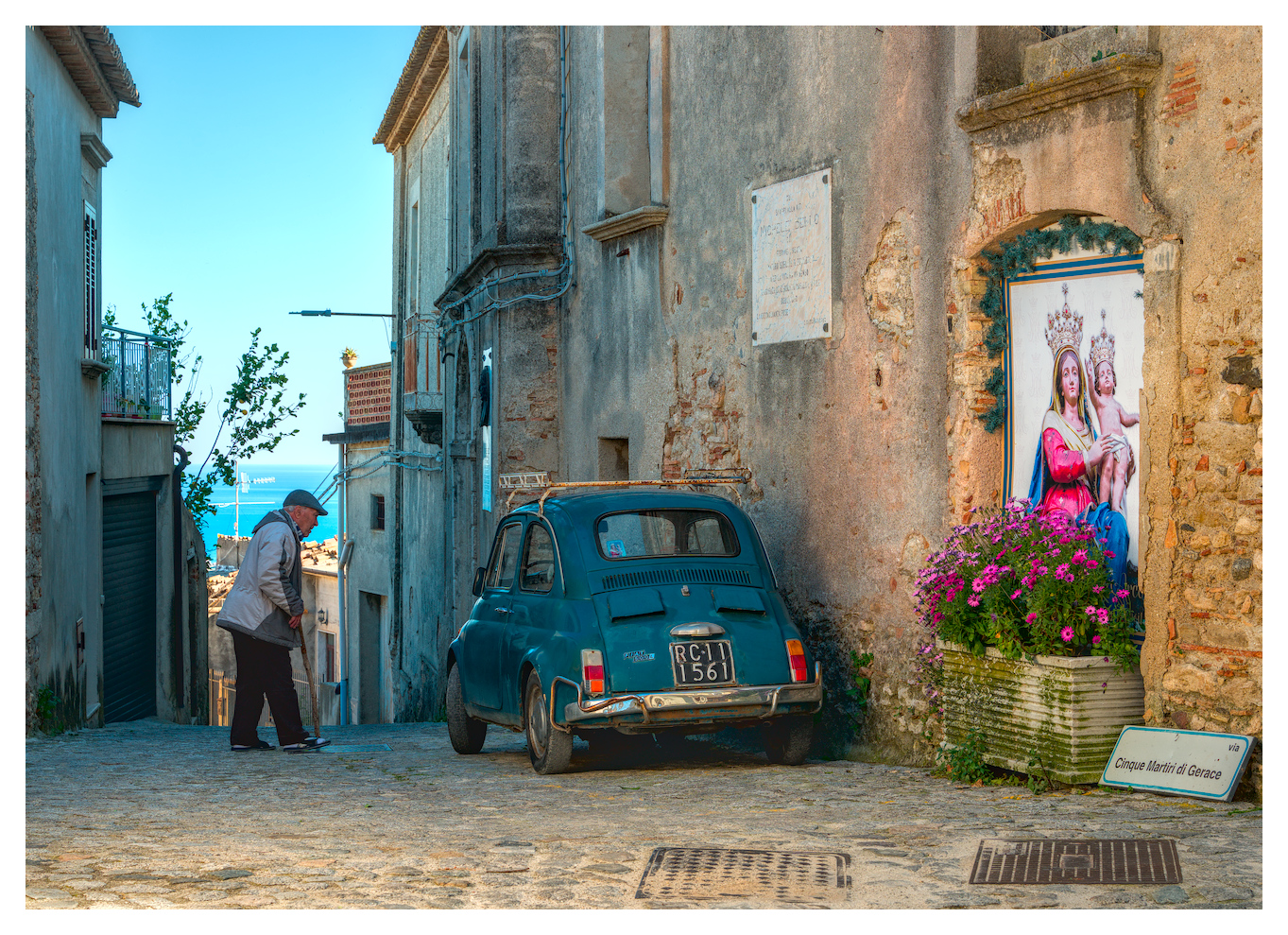
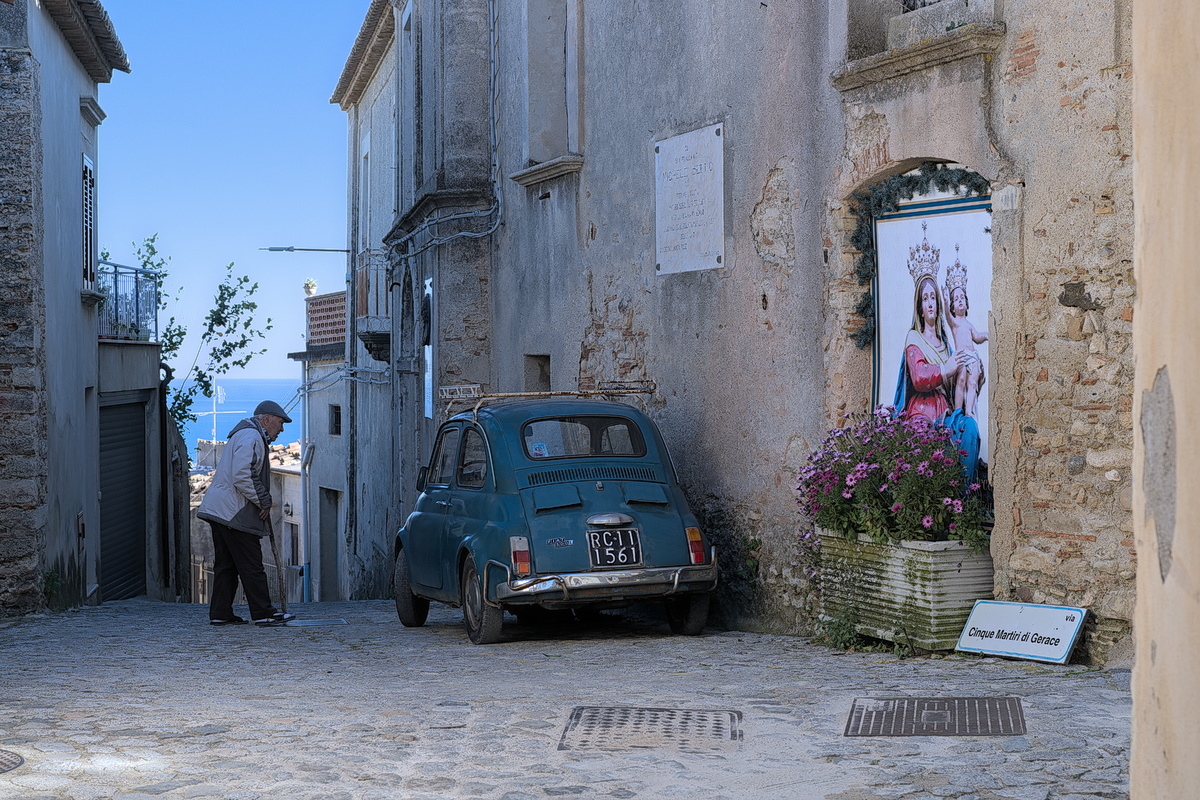
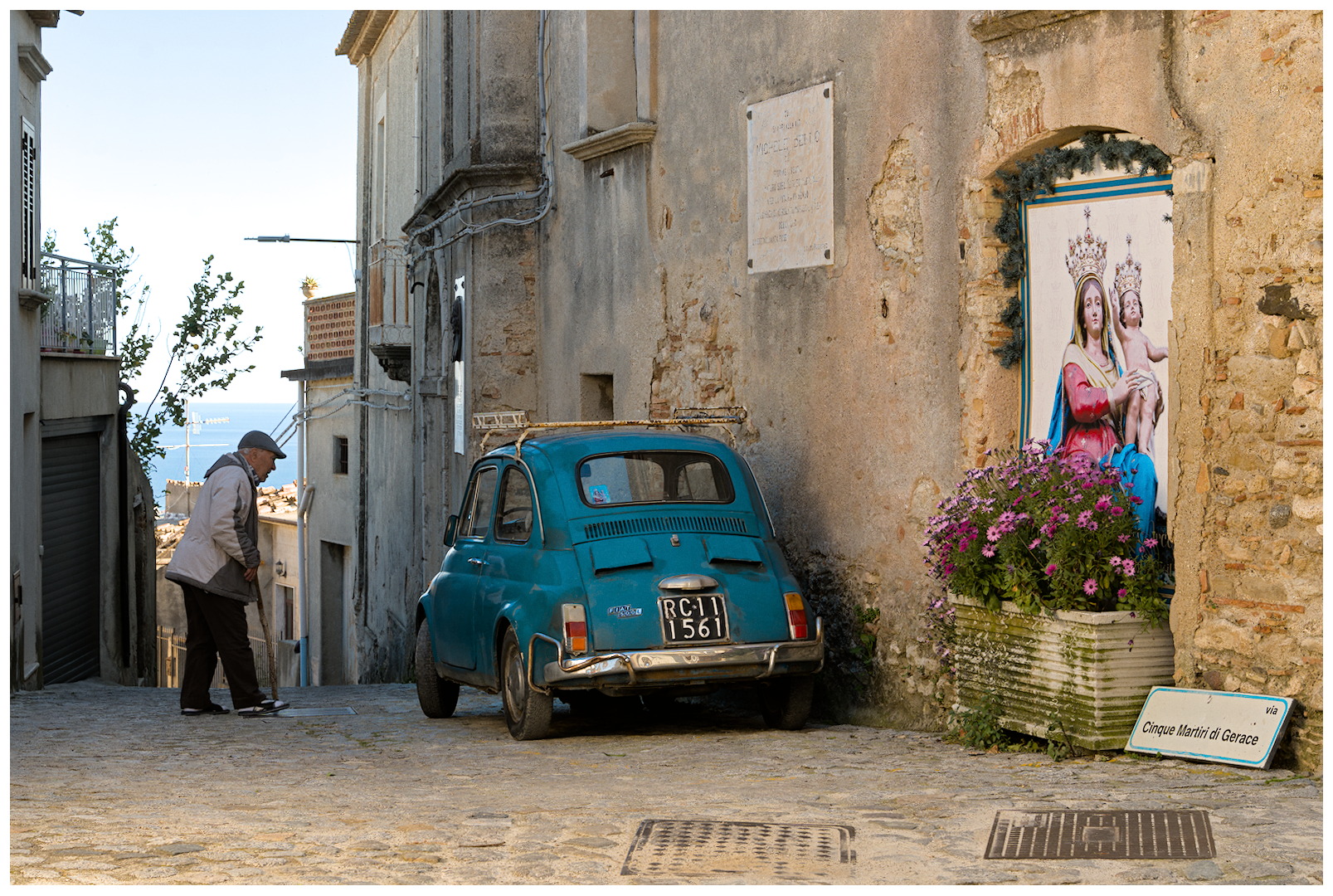
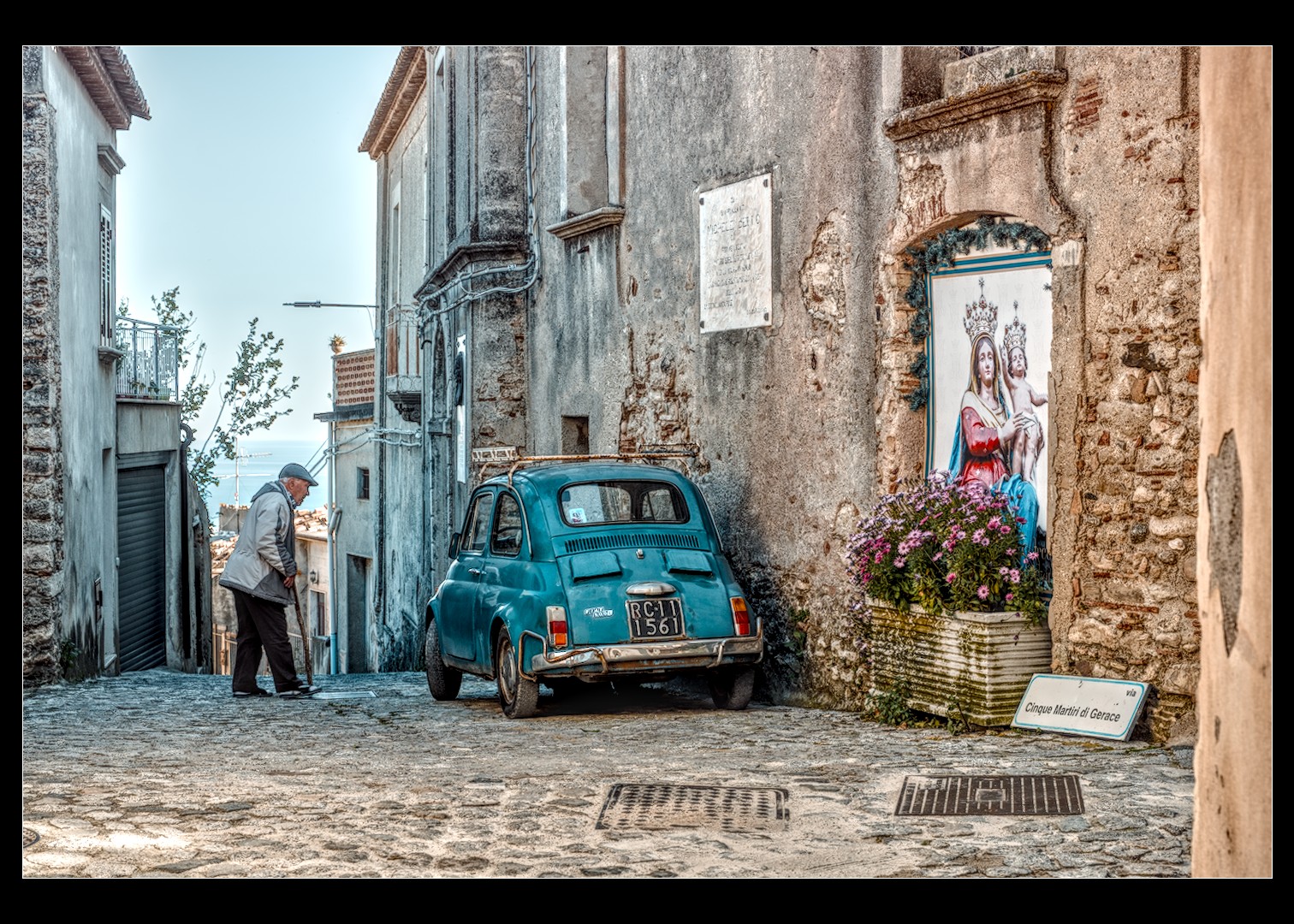
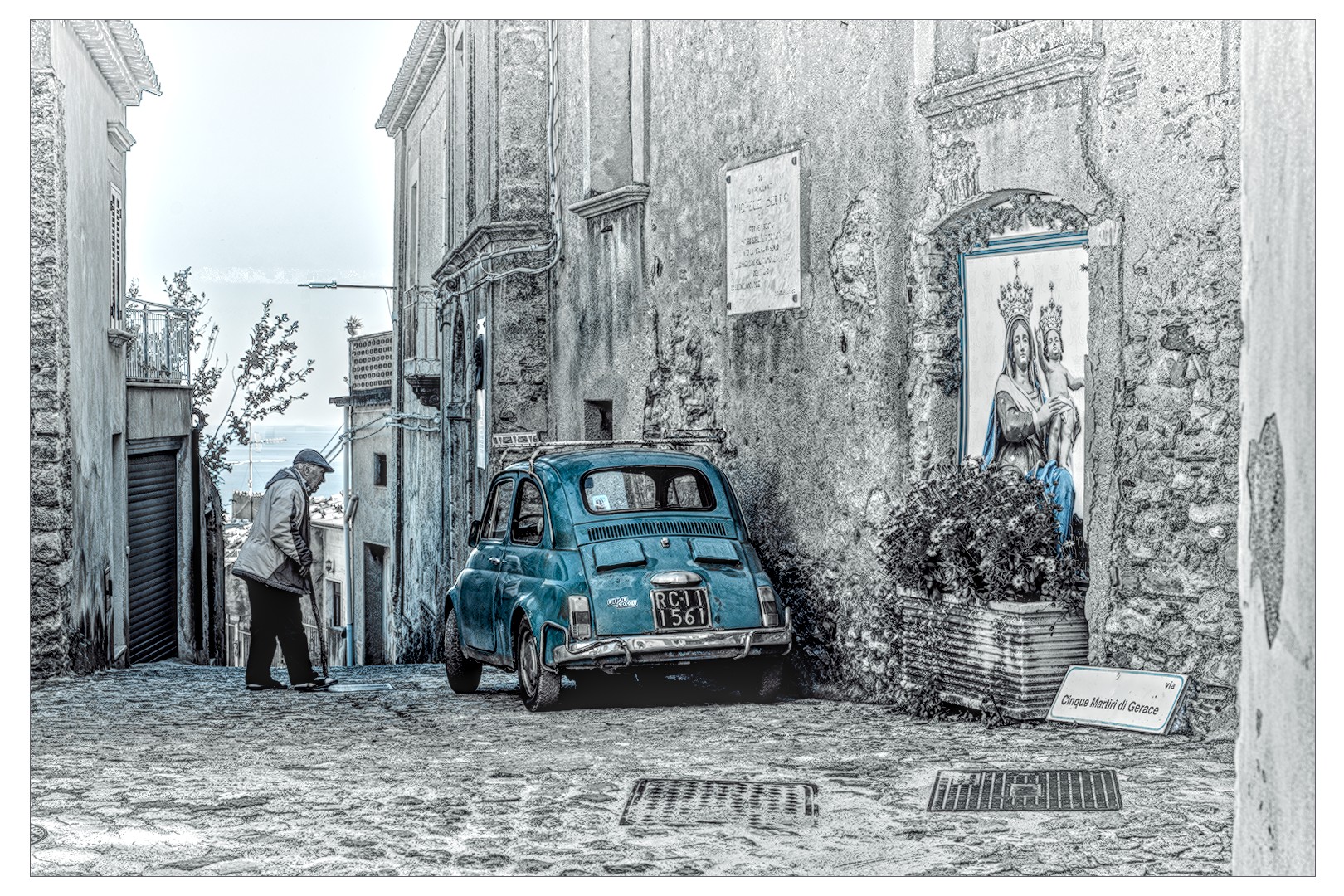
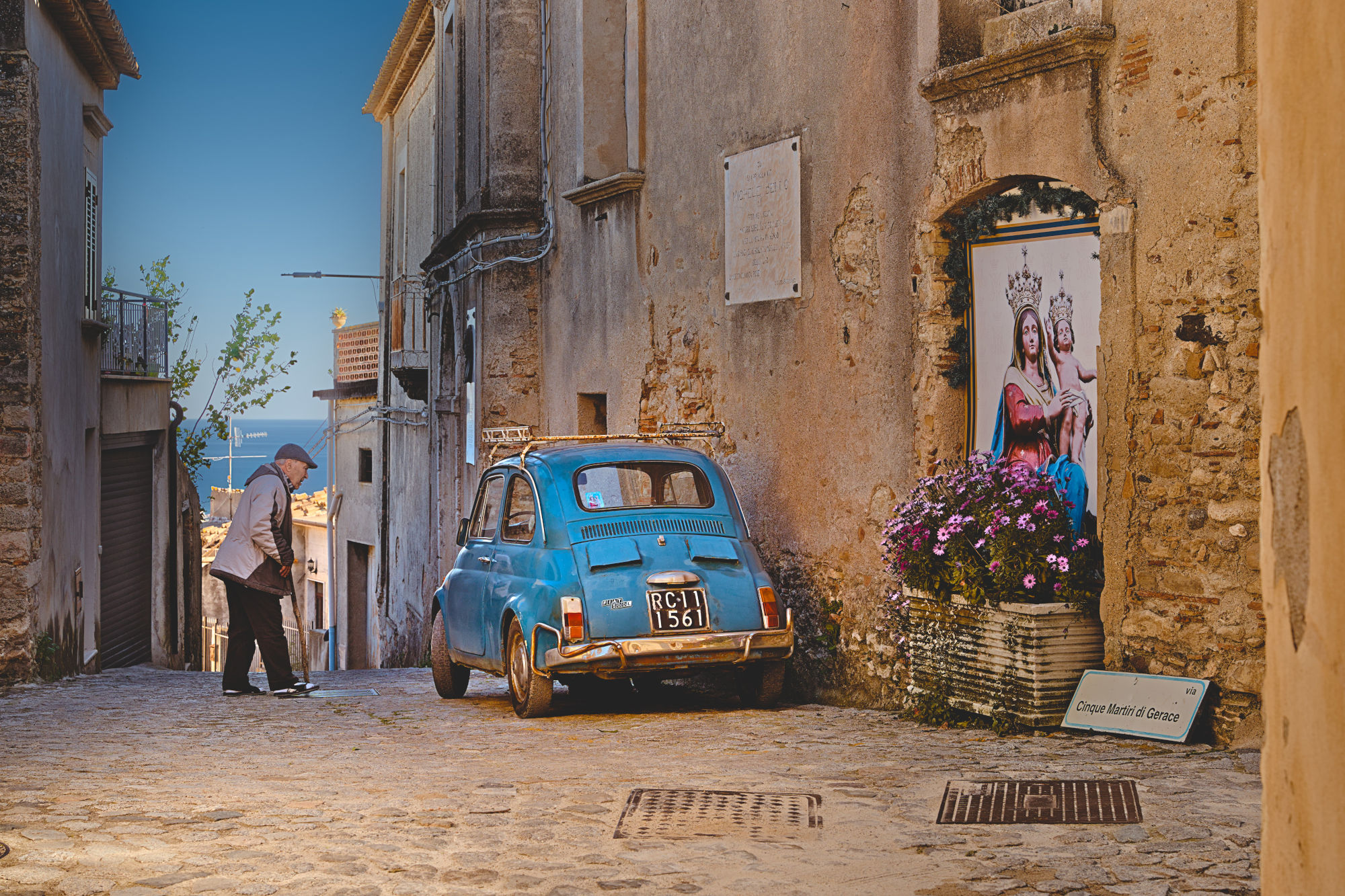
Looks nice. Man’s bright but the trousers’ details are crushed by the Local Contrast instance with Subtract blending.
I wouldn’t have thought the ‘toggle blending order’ button does anything in most blend modes (particularly addition!) and I never try it, but it does make a difference here.
The AgX slope setting is causing clipping to cyan in the sky. I think the sky can look like that sometimes, so it might be okay, but the sky is particularly hard to deal with in this image.
Colour contrast is giving the walls a more pleasing hue in my eyes.
I wanted to see the processing steps used in @dqpcoxeas’s XMP file, so—like many others—I downloaded it and applied it to the RAW file. However, darktable crashed immediately, and from then on, it would close every time I launched it before the loading process finished.
To get darktable working again, I had to delete the downloaded XMP, my original XMP, and the RAW file.
Has anyone else experienced this?
I’m using darktable 5.6.1 on Windows 10.
Yes, it’s a change from newer master builds of darktable making XMPs incompatible with the current release version. I found out how to fix an xmp here:
I’m sorry. Yes, I’m using the development version. If you have any queries or questions, please don’t hesitate to ask.
Thank you @gwbarn for solving this problem.
I thought all .XMP files were compatible, or that otherwise the program wouldn’t accept them or would trigger an alert.
Beginner’s mistake.
From now on, when I upload an .XMP file, I’ll also specify the program and version.
Problem solved by editing the XMP as indicated above.
Thanks, @gwbarn & @dqpcoxeas.