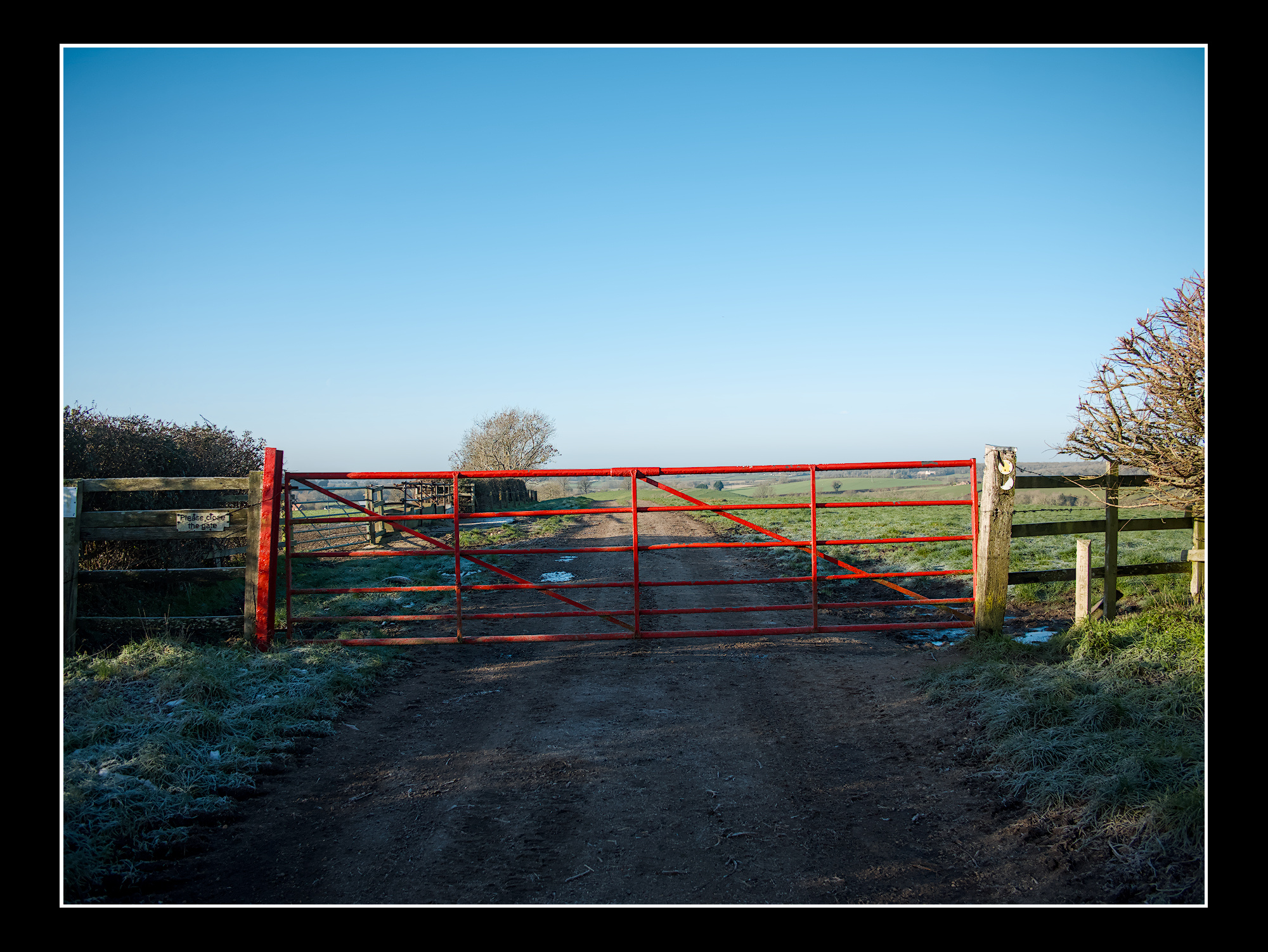
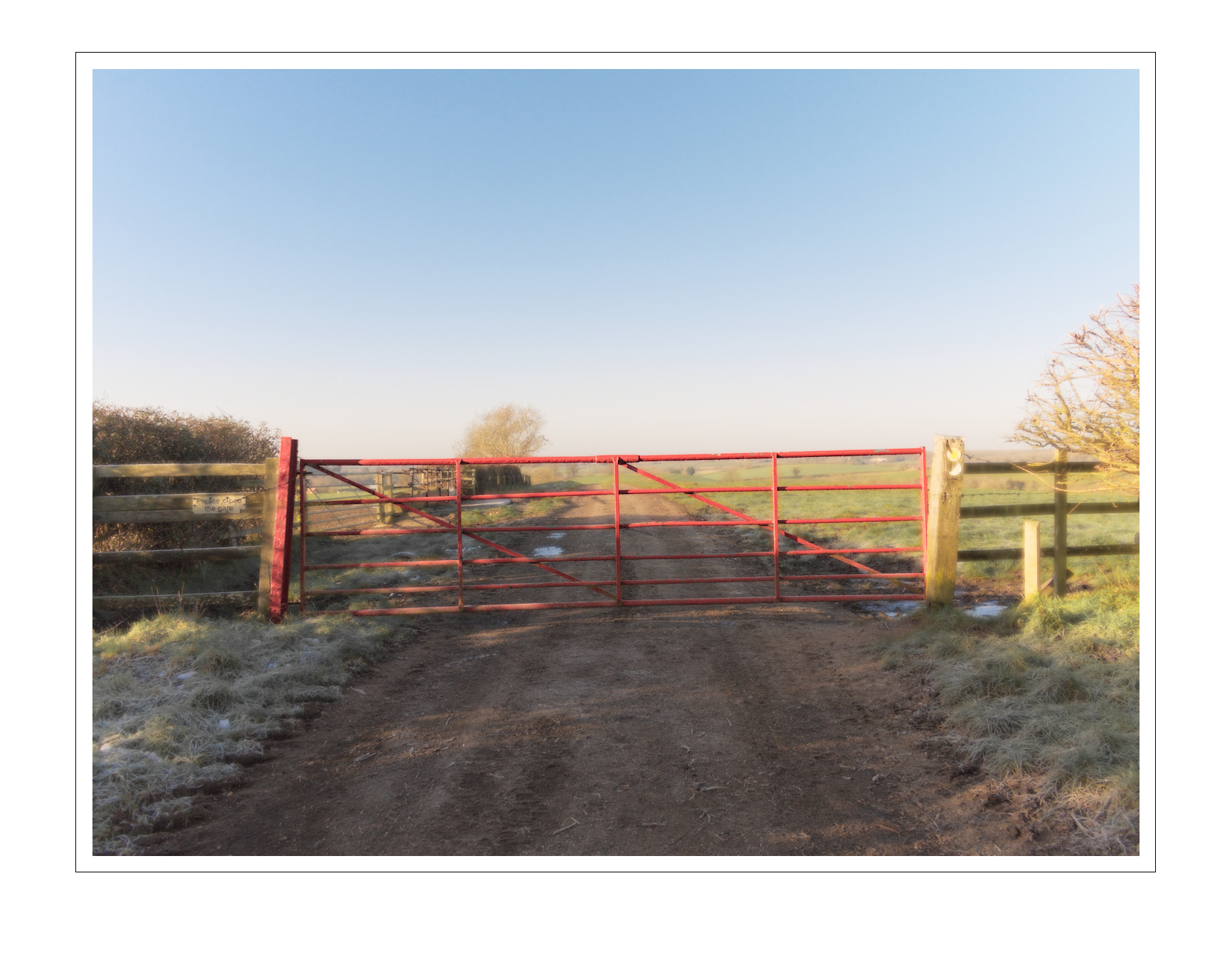
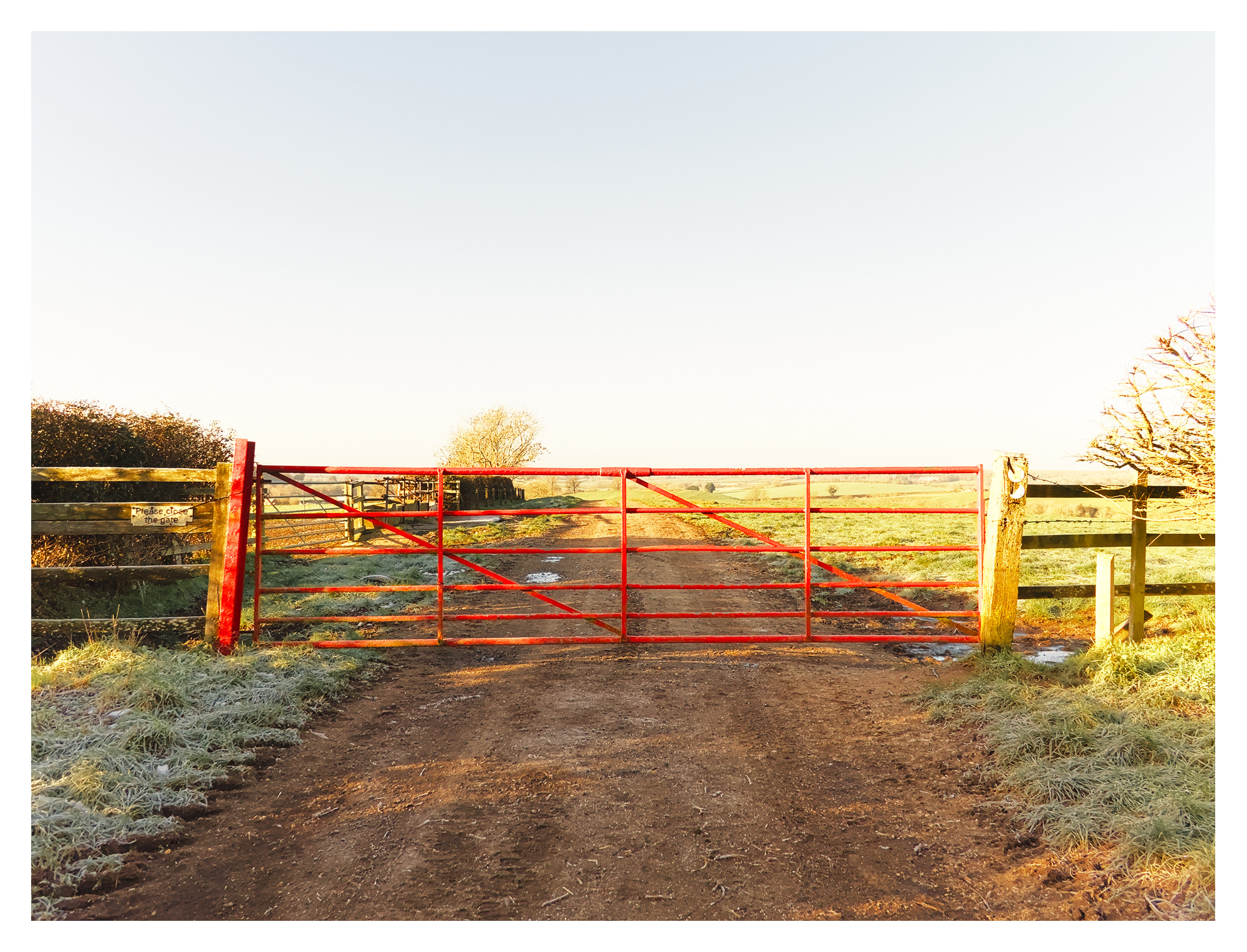
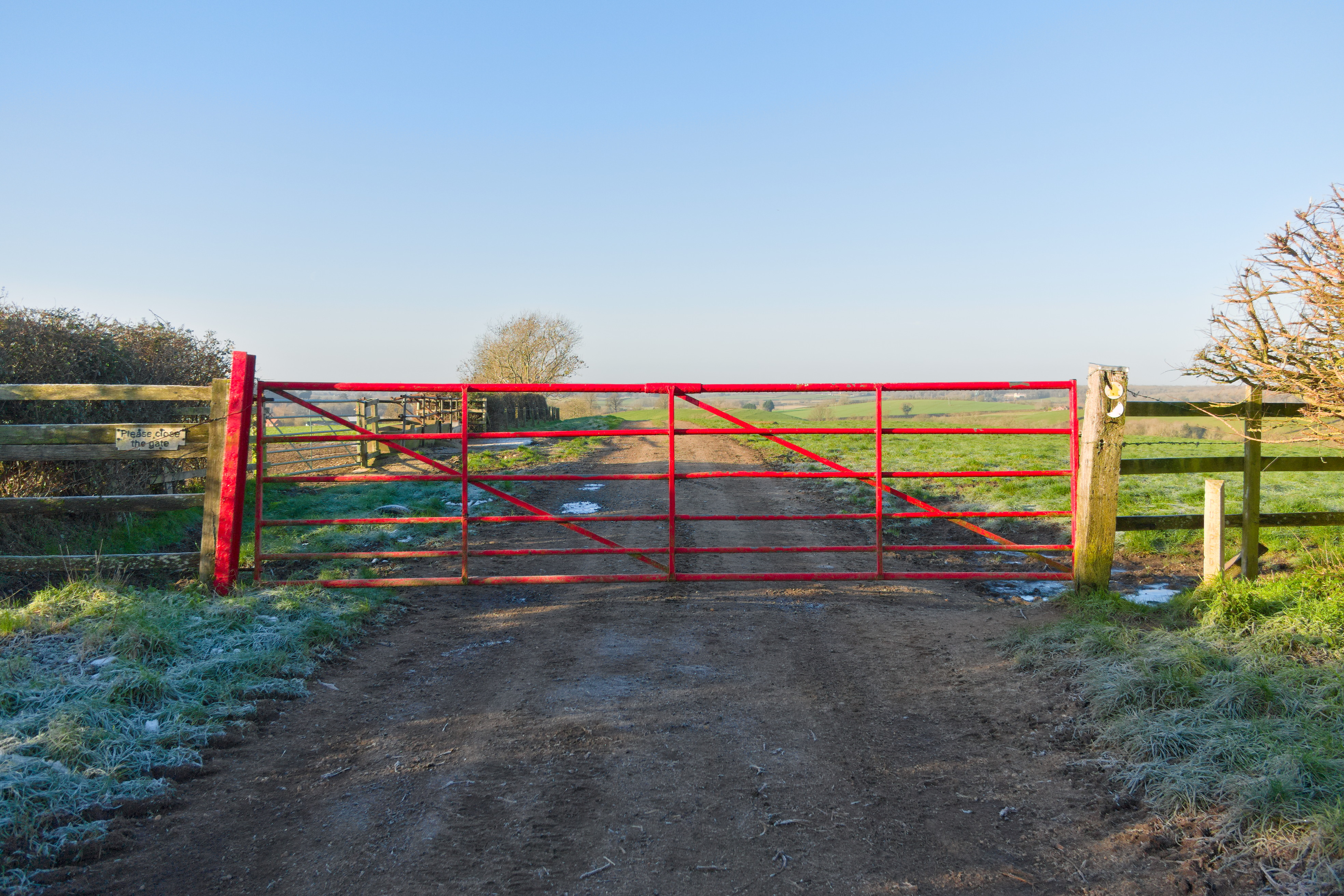
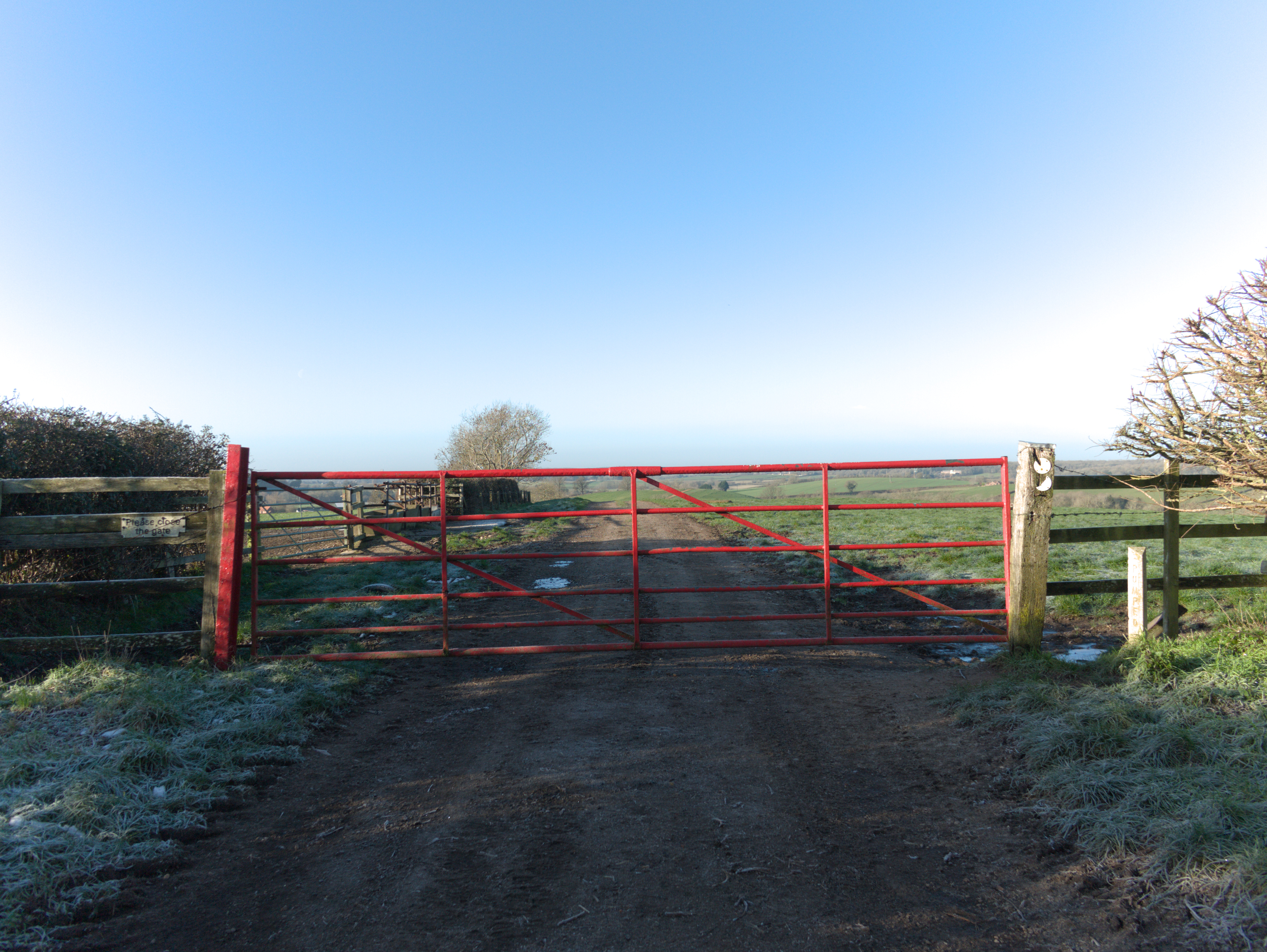
I call this place ‘Red Gate, Top Lane’ (to differentiate between another local place called ‘Green Gate, Bottom Lane’)… It’d be interesting to see others take/approach/versions… thanks
I really like this approach, cf my previous workflow using many different modules (is that what they are called in RT??). Thanks @jdc for the interesting approach.
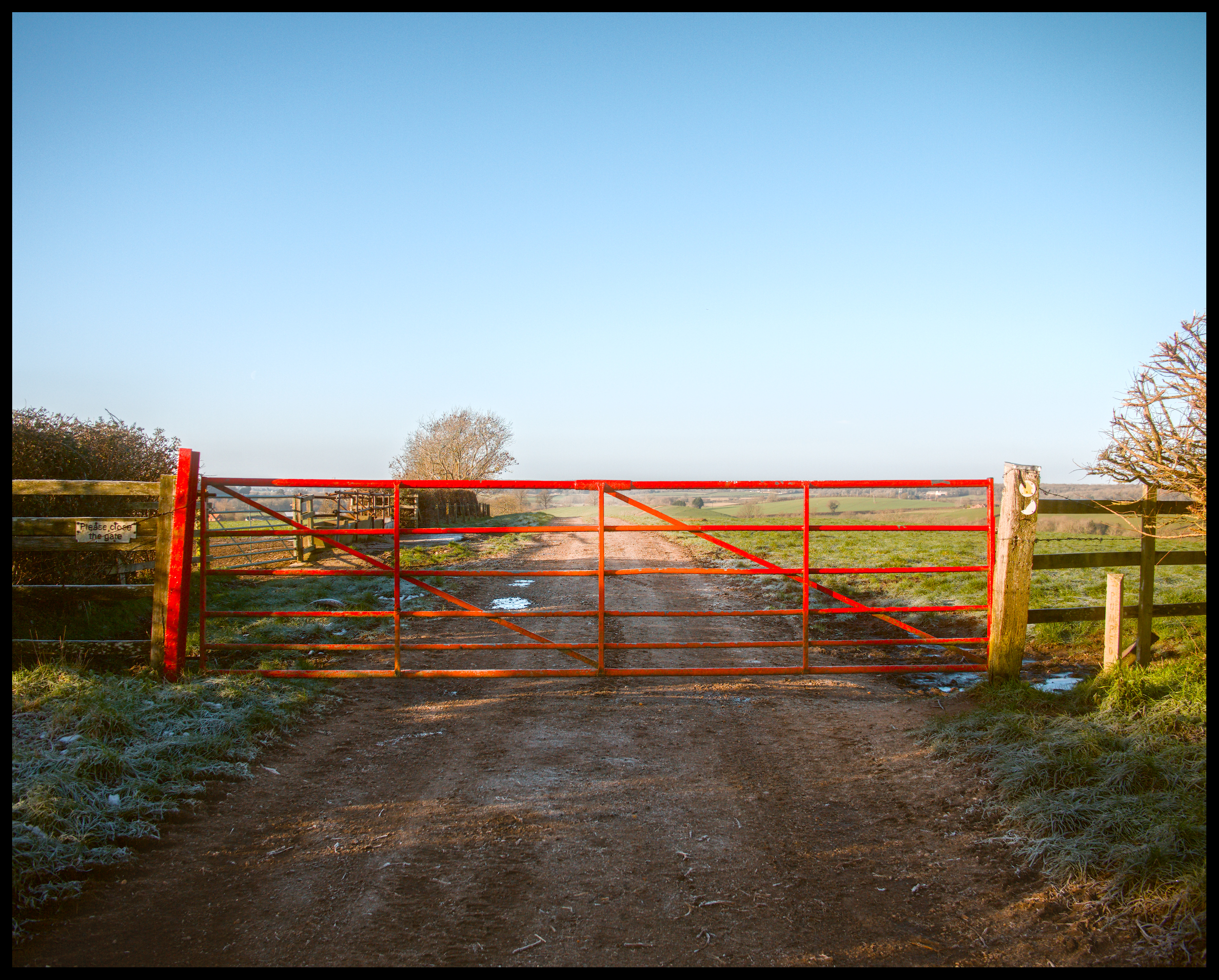
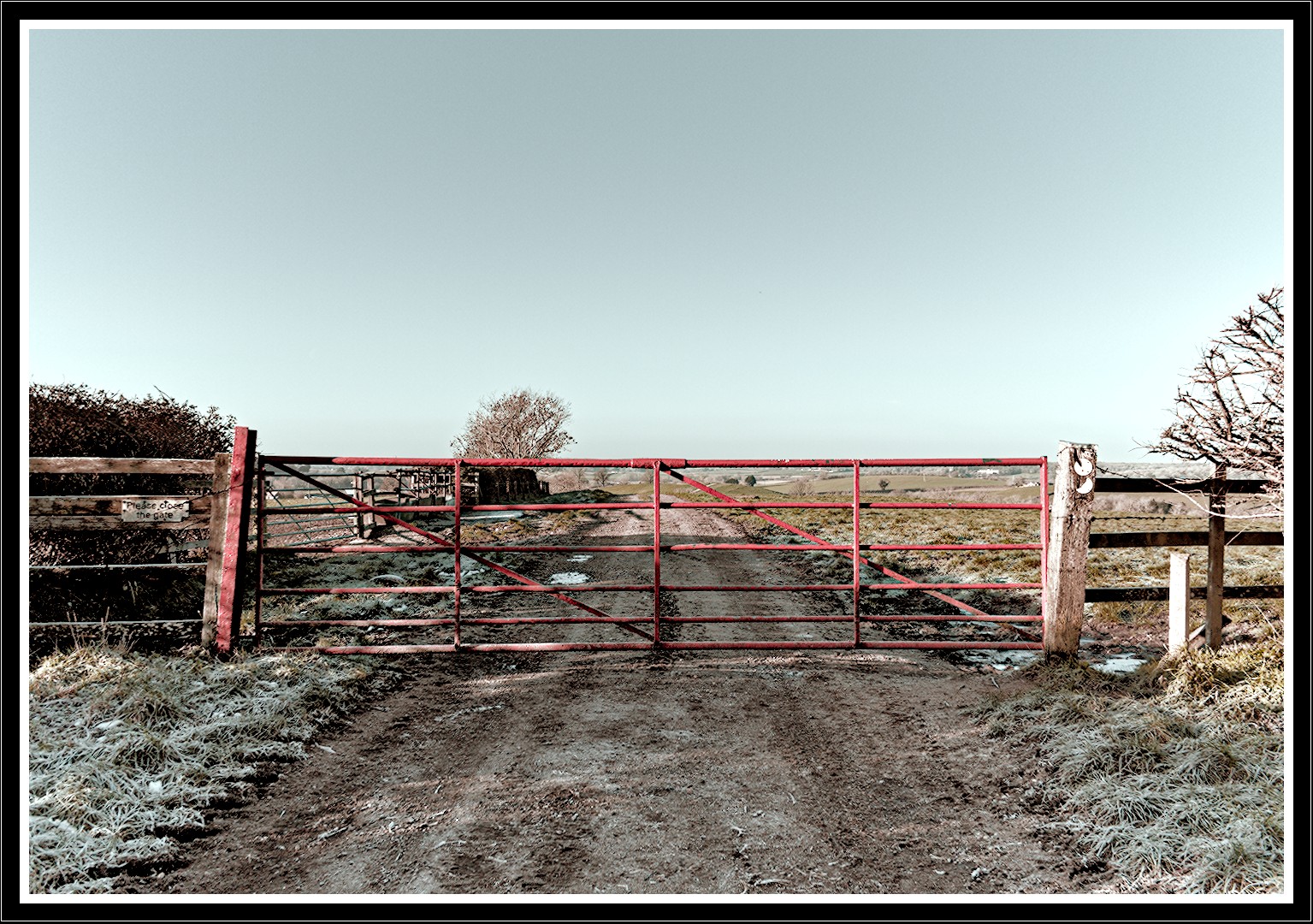
I hope a DT edit is welcome here. This was a straight forward default edit for me using AgX, but in the primaries tab of AgX I boosted both the blues and reds to bring out the colors. P1110795.RW2.xmp (10.9 KB)
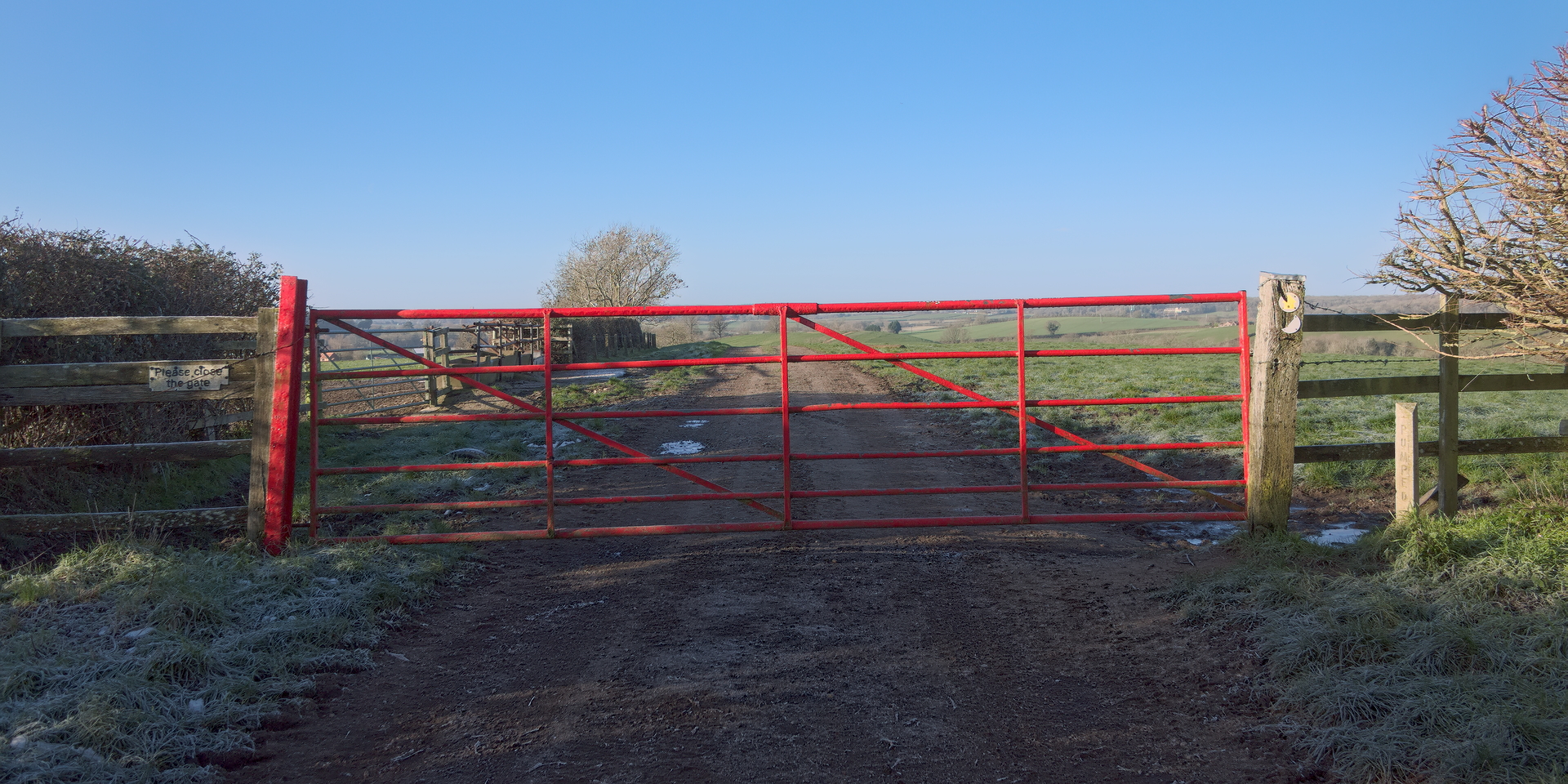
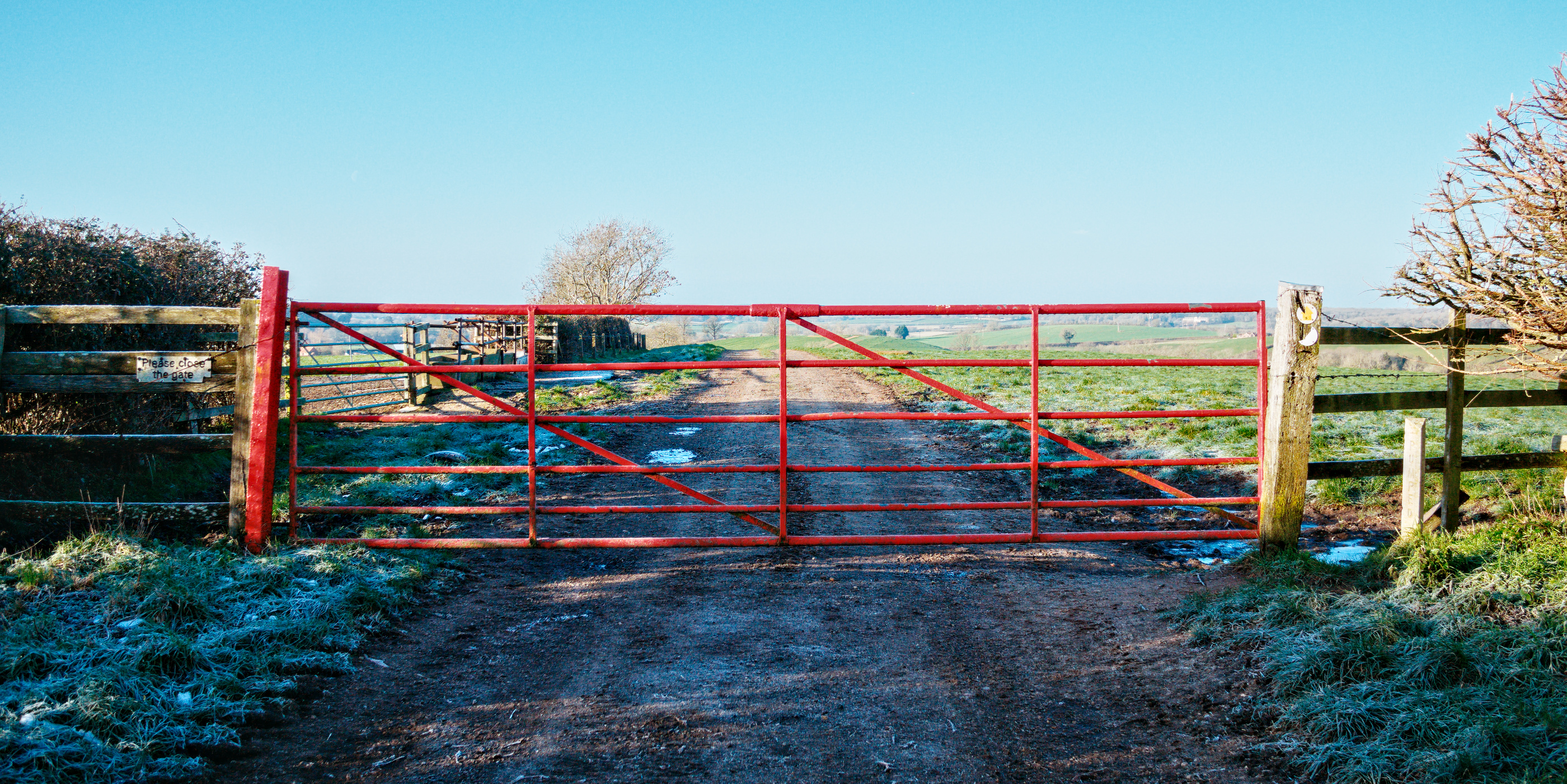
Thanks for the image, @SCHA . I took the same approach you did by largely keeping to Selective Editing and the Game Changer workflow. I did go beyond that a tad by cropping to a 2:1 aspect, reducing the vignetting, and boosting the reds with the CH tool in Lab*. Hopefully, it looks OK; pixls.us is overdoing the blue saturation a bit compared to what I’m uploading.
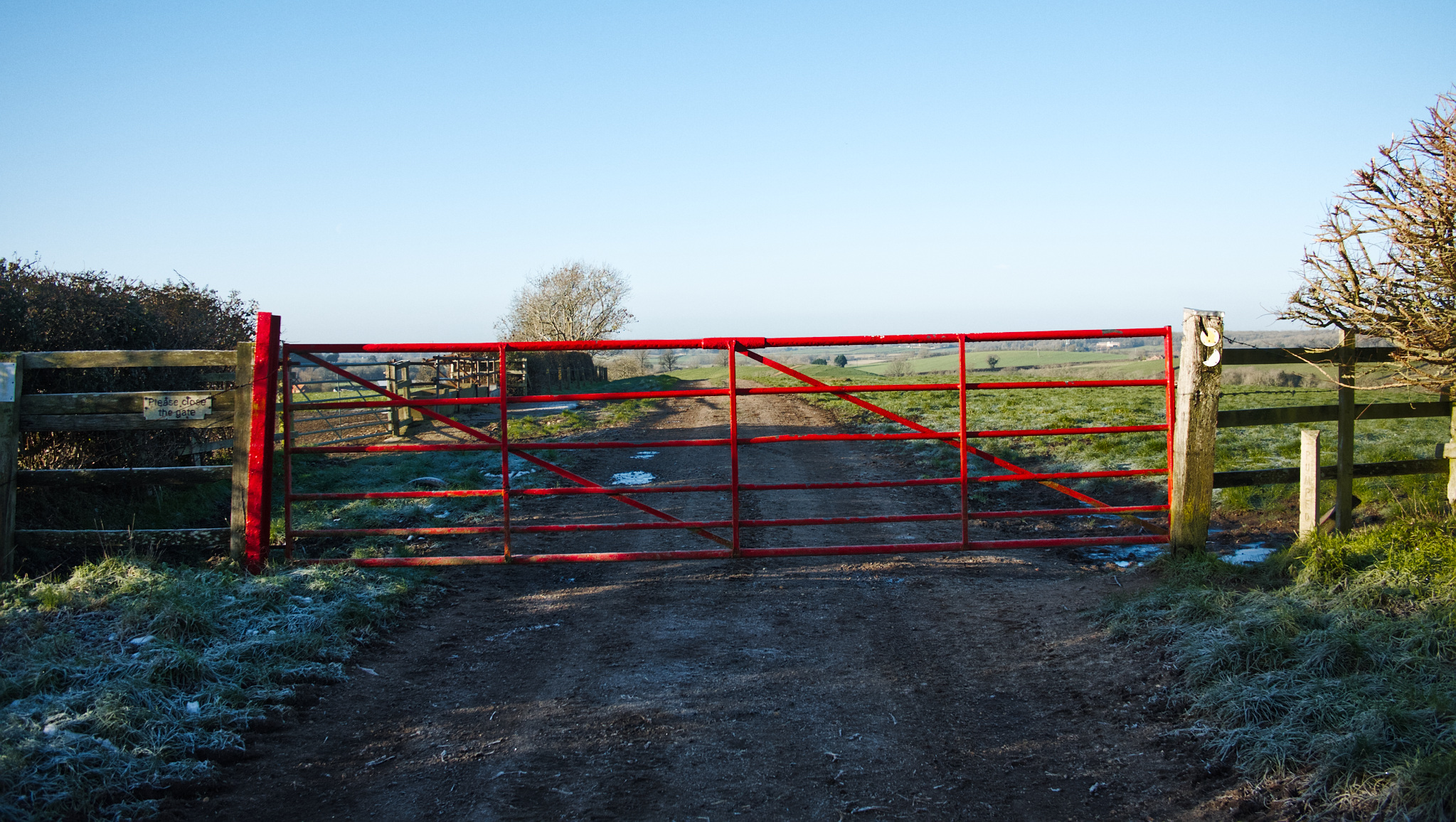
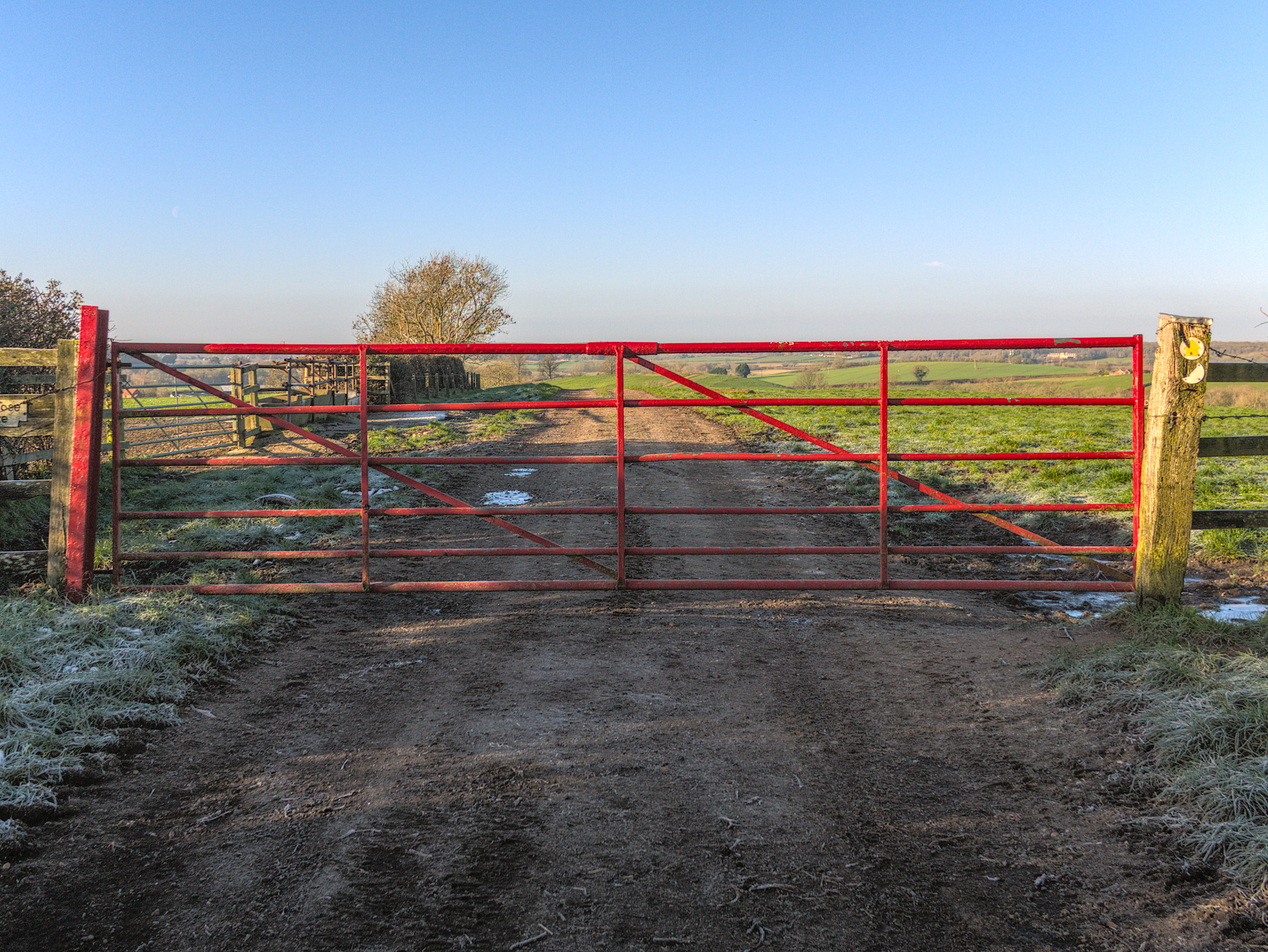
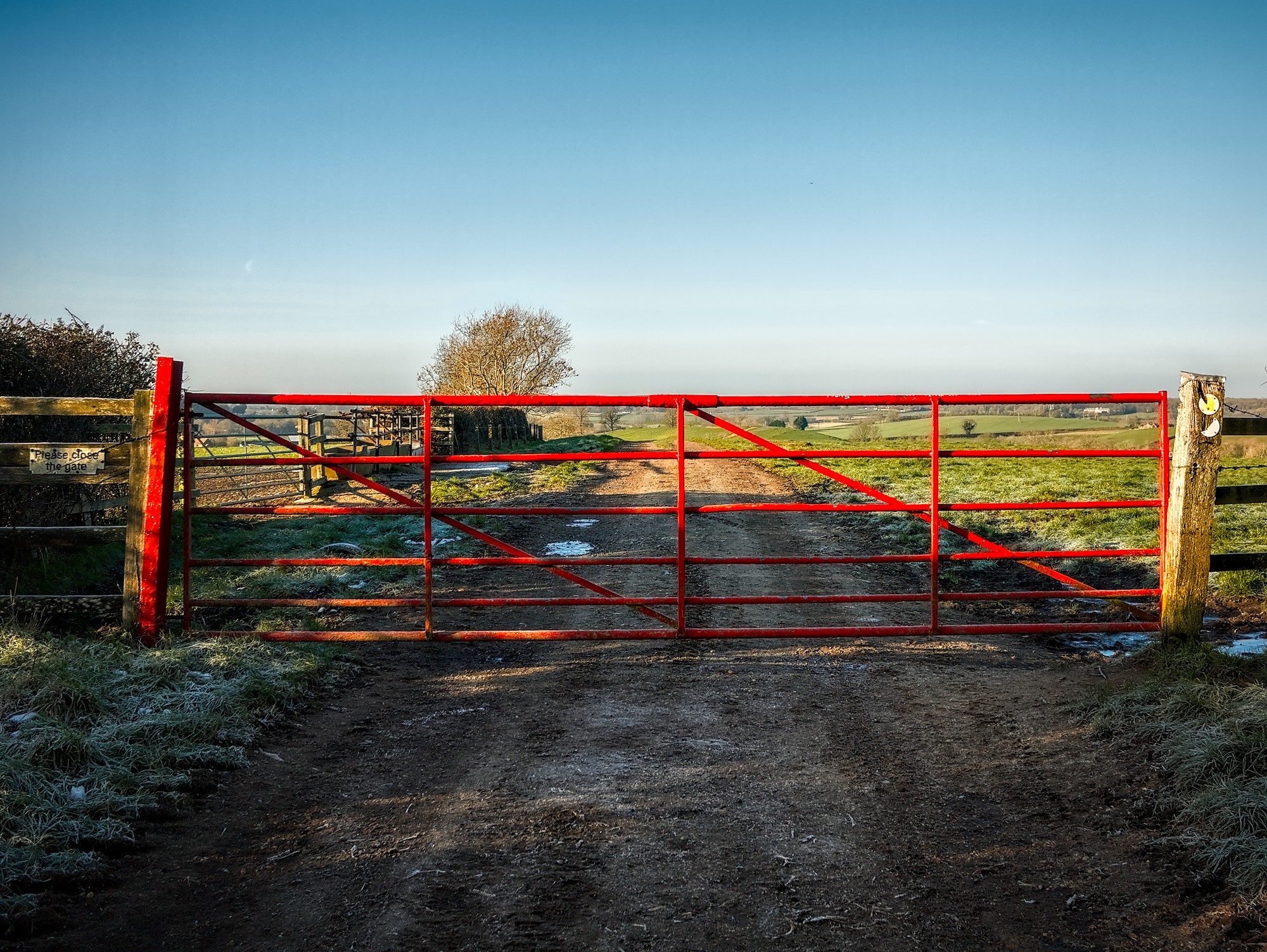
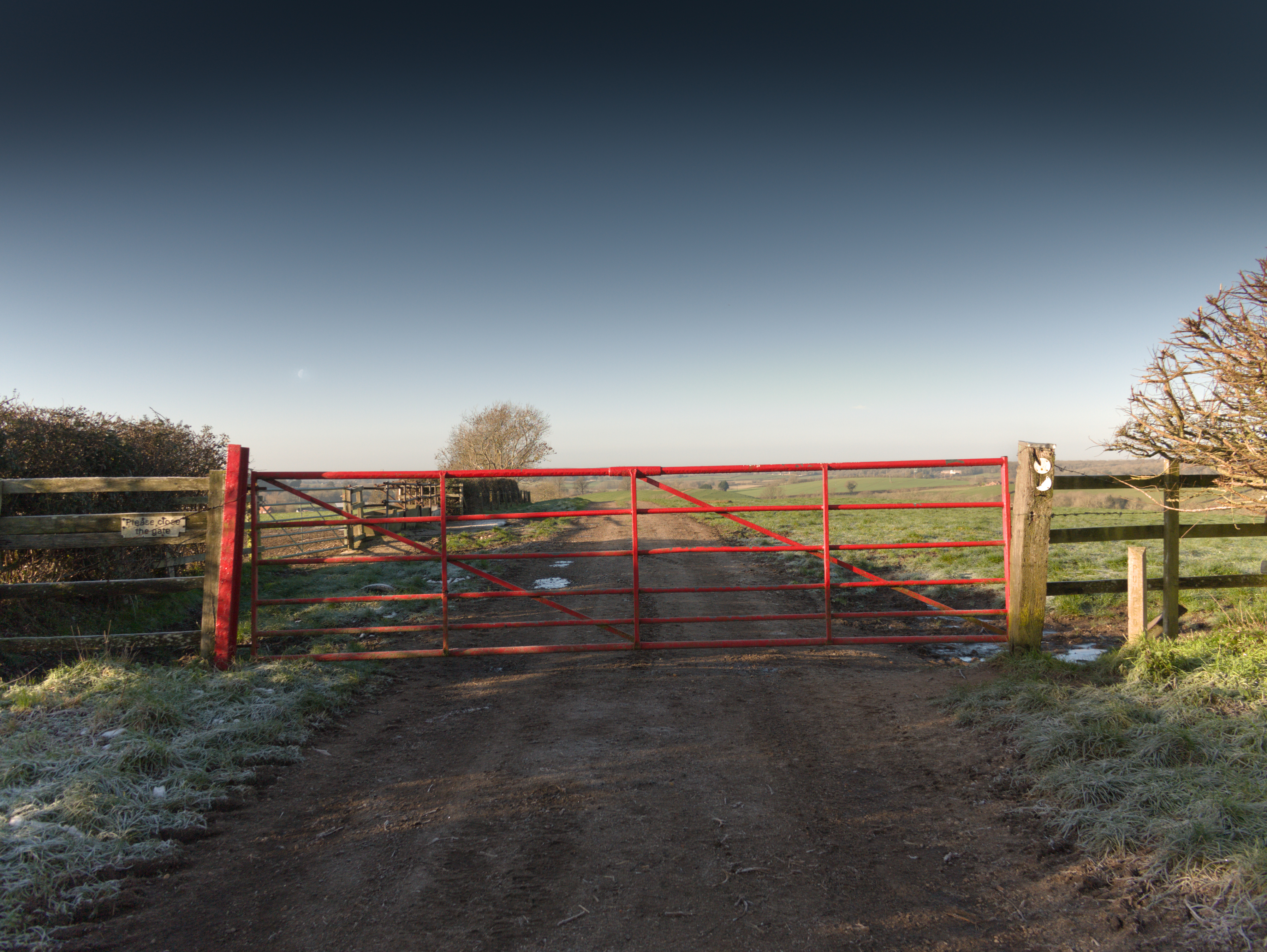
This photo was a challenge. I had to balance the brightness of the sky, dramatize it to highlight the red fence, emphasize the moon visible on the horizon, and deal with the glare from the posts on the right… I see that RT handles it better. Here’s how DT “sees” this image before editing.
Yes, there is a lot going on to sort out. I like your version though; I didn’t notice the moon previously, but I see it now, and managed to edit the raw to get it in. Thank you.