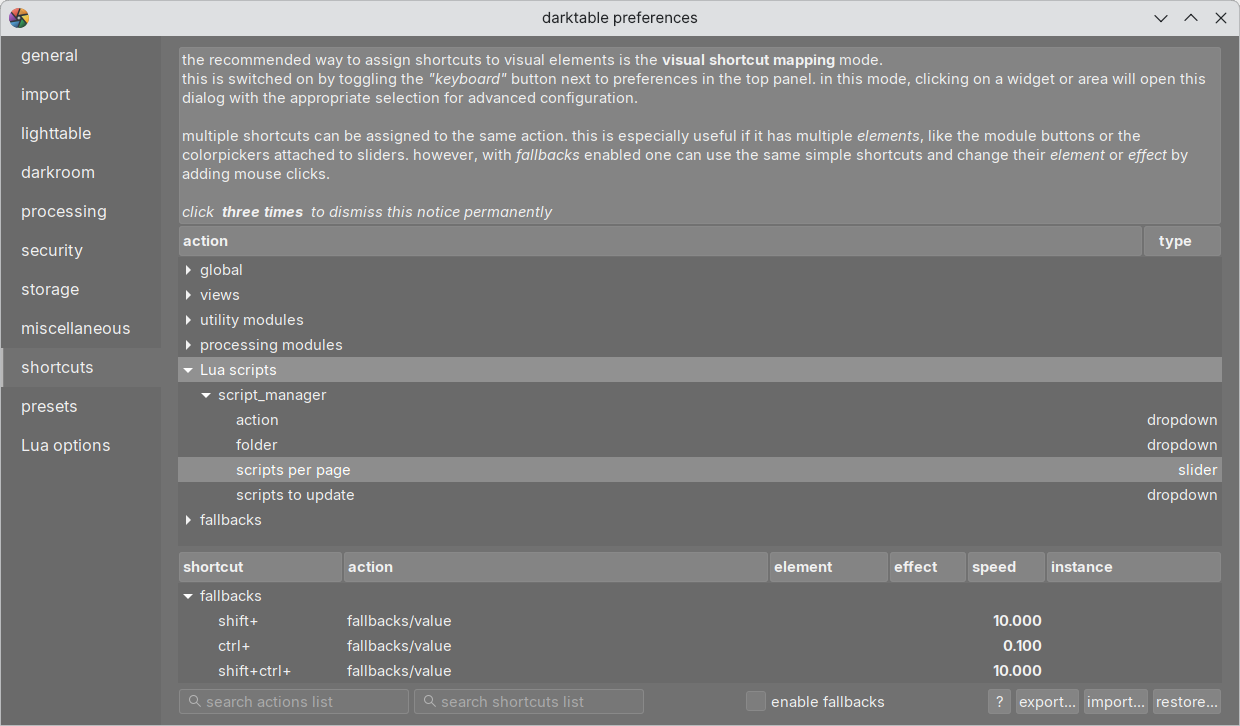
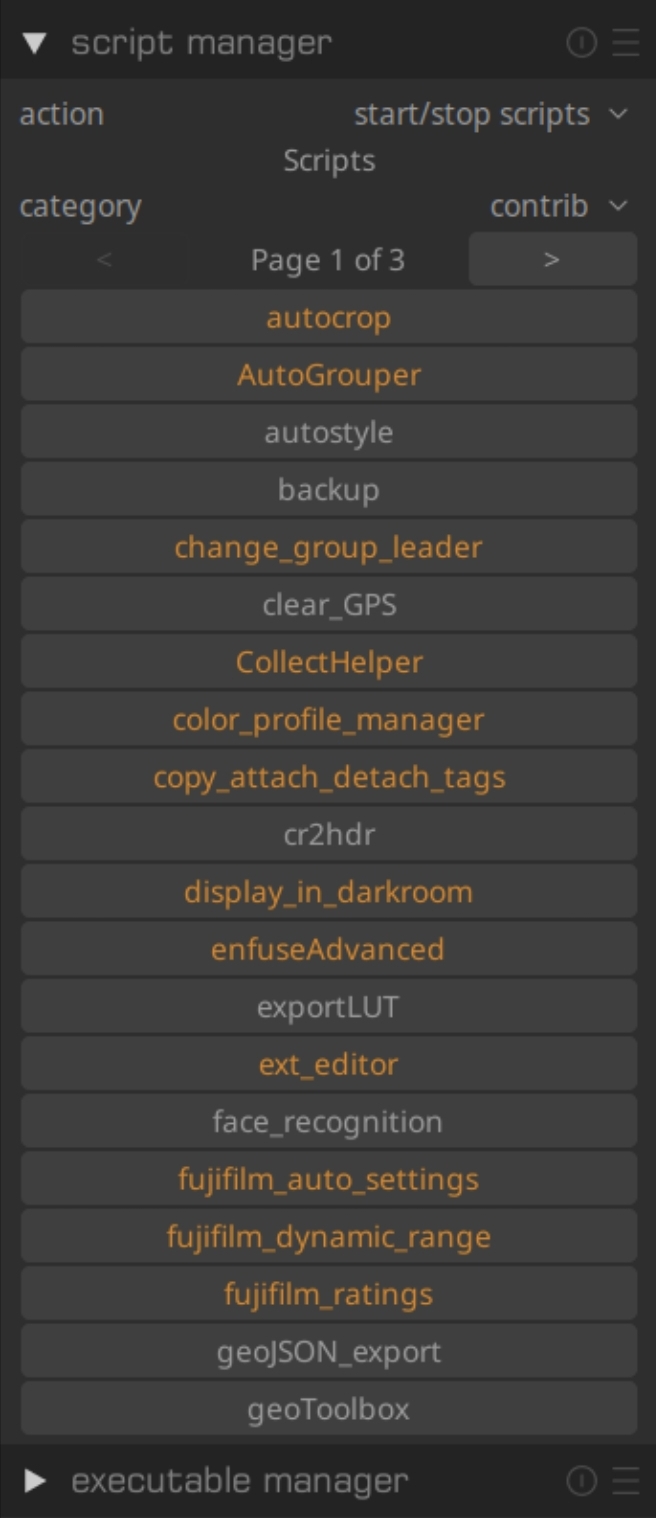
It’s right there at the bottom now:
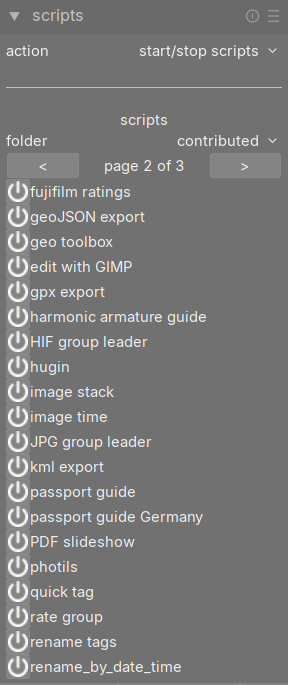
Thanks! It shows up. But I can not understand how assign a shortcut to this specific rename_by_date_time script. Can’t find it among the shortcuts. Is it possible to run it without a shortcut?
It’s right there at the bottom now:
Thanks! It shows up. But I can not understand how assign a shortcut to this specific rename_by_date_time script. Can’t find it among the shortcuts. Is it possible to run it without a shortcut?
You click the power button beside the script to turn it on.
Once you have done that, go back to Preferences->shortcuts and there will be entries under the Lua scripts that you can assign keyboard shortcuts to. Double click on the shortcut you wish to change and then hit whatever keystroke you want to assign it to.
Oh, they all looked enabled. I see now the power button has no “state”. It always looks the same, confused me. Anyways, pressing power shows:
contrib/rename_by_date_time failed to load
If it worked, would pressing power actually run the script in the current filmroll, or would it just make the script “available” to somehow run?
There’s CSS to control the power button look, but it doesn’t appear to be working.
In Preferences->general you can paste this into the CSS tweaks
button#pb_off
{
  opacity: 0.5;
}
button#pb_on
{
  opacity: 1.0;
}
label#pb_label
{
  padding-left: .5em;
}
and hit save and apply and that should fix that.
Can you run the darktable in a terminal with the -d lua flag so I can see what the problem is?
When the script is started, it’s waiting on an event (shortcut or import complete if enabled) to actually process any images.
Thanks!
Hmm, restarted with flatpak run org.darktable.Darktable -d lua and tried to enabled again and it just worked. Restarted darktable without -d lua and it says “loaded rename_by_date_time” at startup.
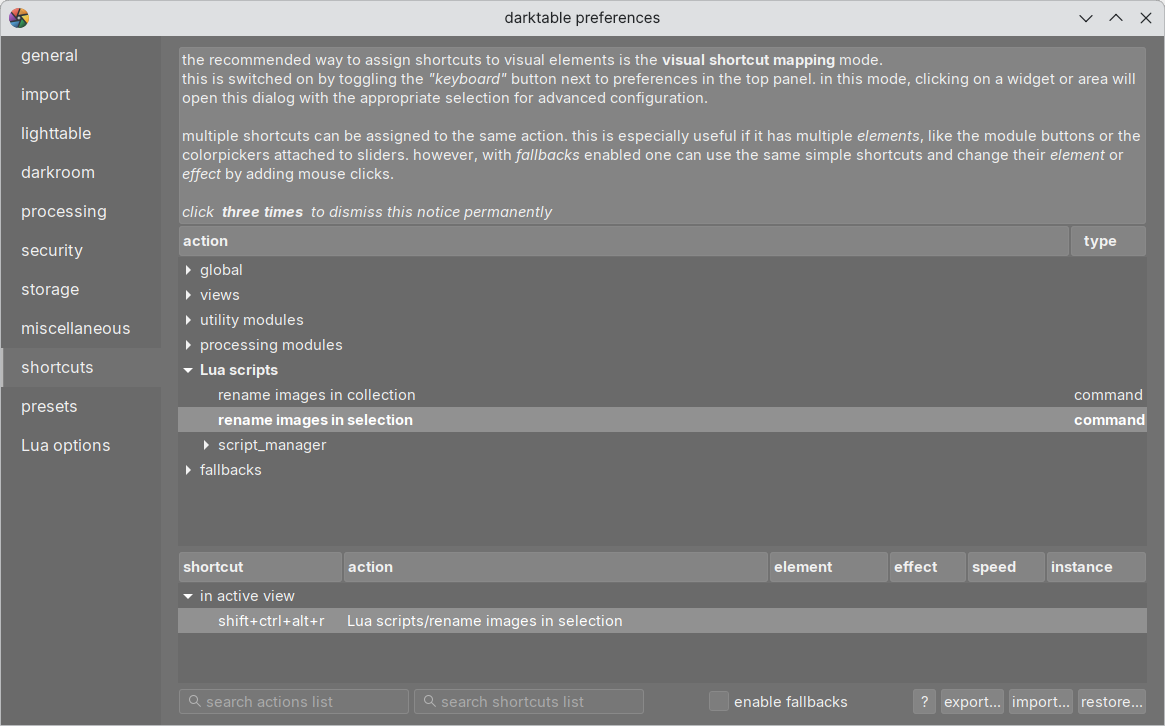
I was no able to give it a shortcut:
To be sure… “rename images in selection” acts on the current selected images on the lighttable?
And regarding “rename images in collection”.
/path/to/collection/originals/2016/ contains:
/path/to/collection/originals/2016/20161223/path/to/collection/originals/2016/20161224If I have used “add to library” for the /path/to/collection/originals/2016/ directory and I’m standing on the filmroll for /path/to/collection/originals/2016/20161224 in the lighttable view. Will “rename images in collection” only act on images in /path/to/collection/originals/2016/20161224 or on /path/to/collection/originals/2016/20161223 and the other directories inside /path/to/collection/originals/2016/ too?
Rename images in selection acts only on selected images.
It looks like you assigned a shortcut to rename images in selection. I see CTRL+SHIFT+ALT+R, so if you have images selected and hit that shortcut they should be renamed. You may have to scroll the lighttable to see the changes as the thumbnails don’t refresh. If you hover over an image and look in the image information module you should see the change immediately reflected.
The collection is the group of images in the lighttable according to the collections module. So if you choose a filmroll in the collections module, then the images in that filmroll are the collection that the script will process. The collection is normally all the images that are currently in the lighttable.
Thanks for confirming! 

 Thank YOU @wpferguson! Seems to be aaalmost working!
The only thing that seems to be missing are the directories.
So basically, the YYYYY/YYYYMMDD/ directories are just missing.
But that’s quite a bit more than just renaming a file.
Correct. I was not the thread starter setting the title. 
I misunderstood, I thought the images were already in the YYYYY/YYYYMMDD/ directories. Where are the YYYYY/YYYYMMDD/ supposed to be located? Under the Pictures folder, or somewhere else?
Thanks again! It’s a long winded path that will probably be unique to me only. /var/home/username/mnt/mountpoint etc etc. Could it perhaps be a variable in the script so that each user can customize it to match their needs?
Got that fixed. One last question, can the date change in a collection? Right now I take the date from the first image and assume the rest of the collection is the same.
I guess so. It’s multiple directories containing hundreds of raw files (often, but not always, with accompanying XMPs) dumped directly from memory card (with original filename). Each of these directories (collections?) contain pictures from a bunch of different dates.
I was really happy with the old look of the actived LUA scripts because it was easy to check the active and inactive status.
But with the new look and the organization to the left with the power button it’s not easy to see the status.
And the .CSS doesn’t modify the colors as the old version.
For me I’d say it’s impossible. But as @wpferguson noted it’s at least possible to remedy with CSS.
You can style the label with
button#pb_off ~ label#pb_label
{
  color: red;
}
button#pb_on ~ label#pb_label
{
  color: green;
}
Here’s the latest, tested against multiple dates in the same collection.
rename_by_date_time.zip (2.7 KB)
Thanks once again! At what line is output dir set?
The output base directory (under which all yyyy/yymmdd directories will be put) is specified in the Lua Options under preferences. In the code the variable is basedir.