I’m getting yellow plate no matter what I do  on both cameras. (The Canon does get much more detail though)
Best I’ve managed is 223 - 223 - 219 RGB (0262 xmp). Usually was getting like 219 - 217 - 212.
I’ve used white balance module on the plate, camera reference, as shot to reference, CAT on plate, no CAT before colour checker, CAT on the grey patches (it’s not ideal because they’re not pure grey), CAT on the whole checker, tone curve to fit the grey patches better, tone equaliser to fit the grey patches better…
IMG_0262.CR2.xmp (12.5 KB)
IMG_0267.CR2.xmp (9.5 KB)
IMG_0268.CR2.xmp (12.2 KB)
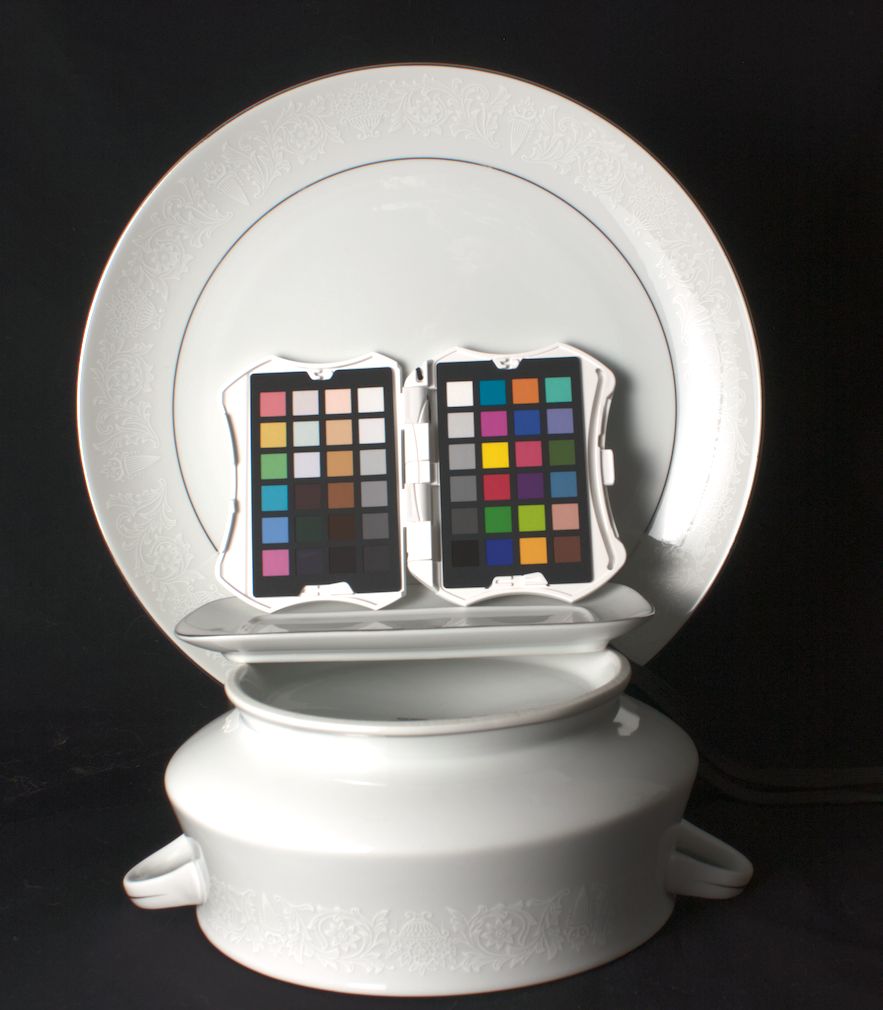
Overall I think WB is working correctly. To get even finer control, I think the next issue is lighting.
The scene appears to be illuminated by a directional light that is off to the left. The rim on the mid/lower right is very bright, and even on the flat base it is not quite even (brighter on the left).
Some diffusion or a bounce might help, or maybe just move the light closer. I’m not the lighting expert, though.