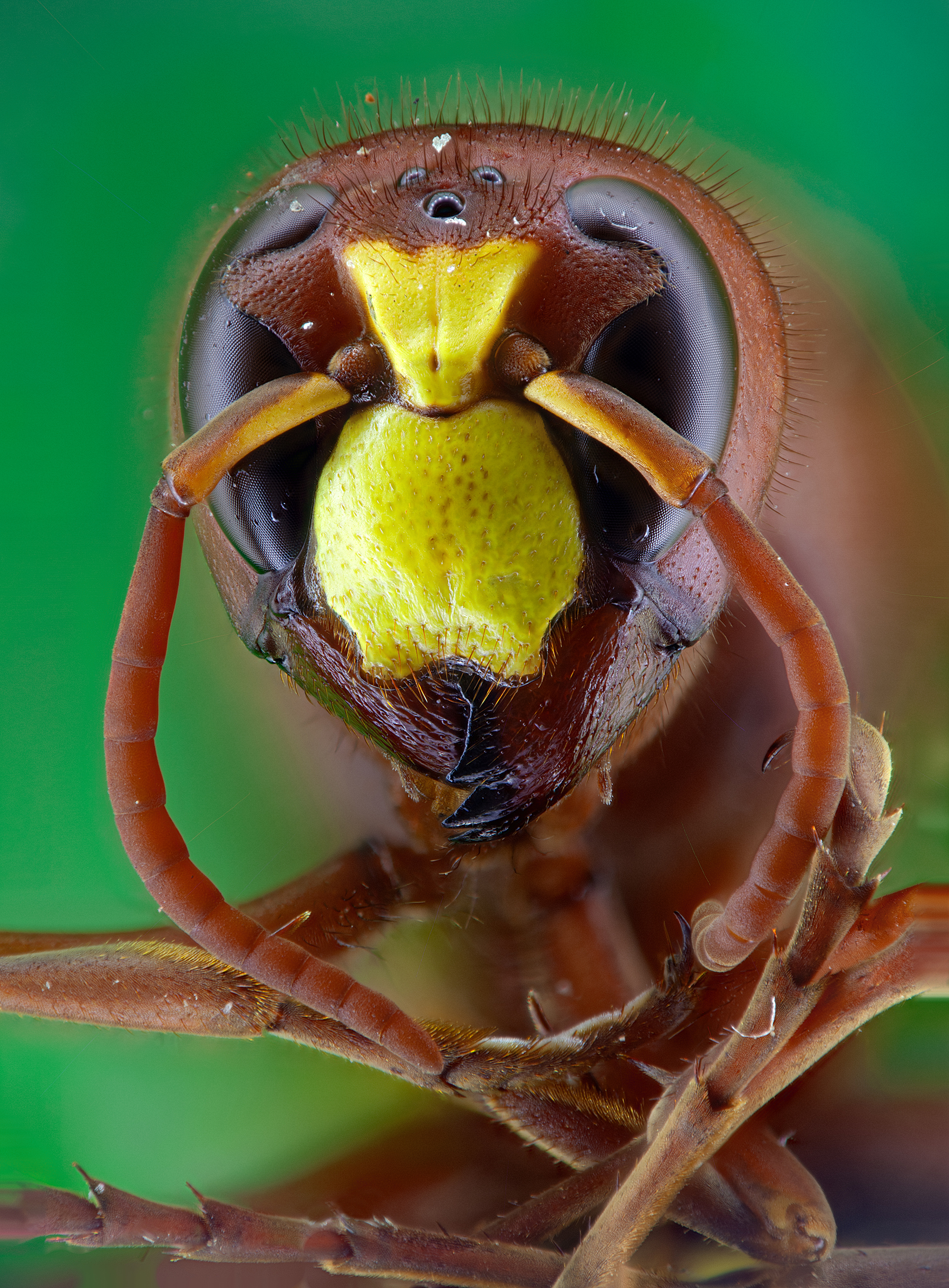
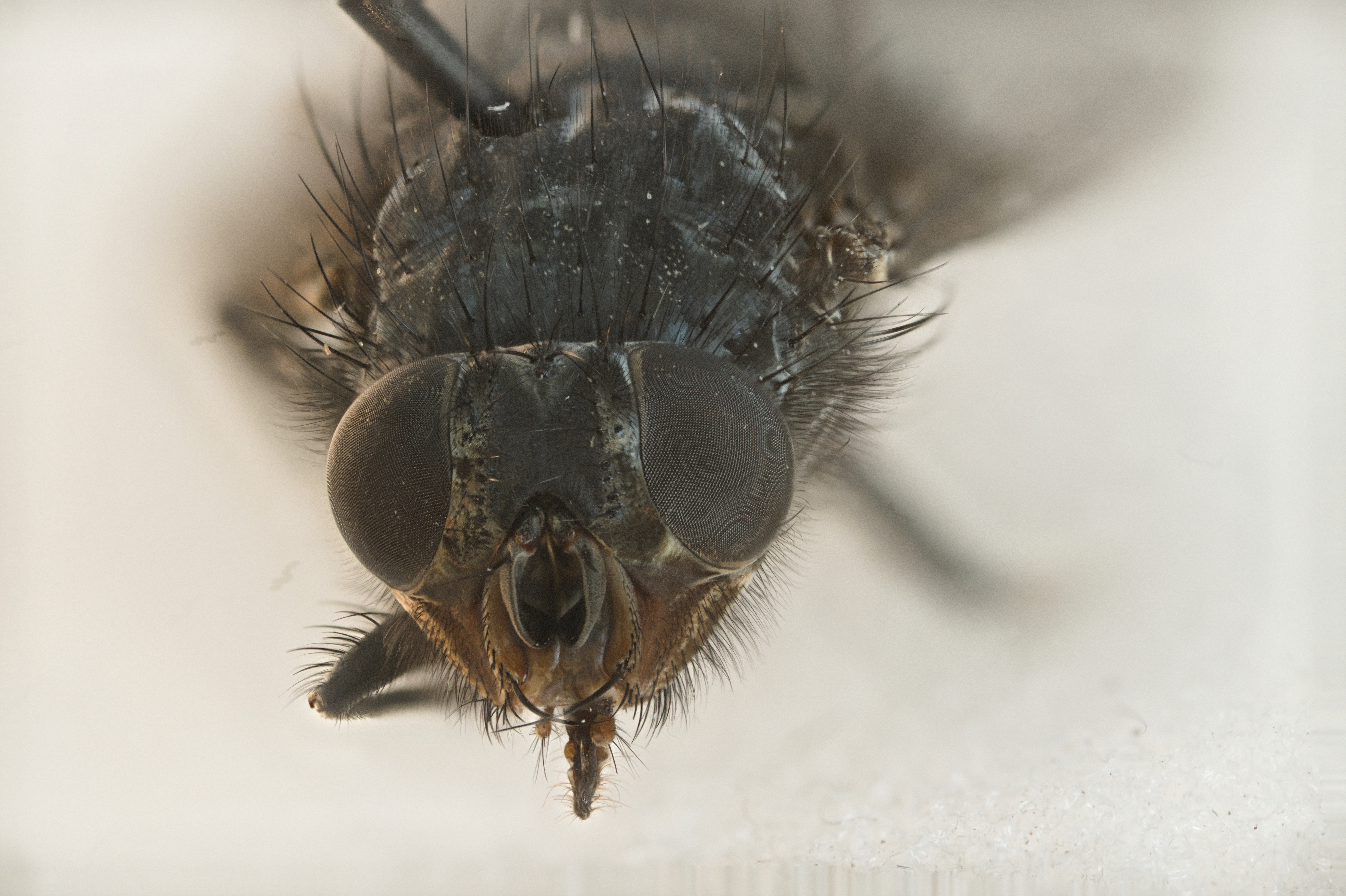
Vespa orientalis.
Camera: Canon EOS 5D Mark II
Lens: EF100mm f/2.8 Macro USM
Reverse lens: Canon EF 50mm f/1.8
Extension tube: 65mm
119 frames stack, just blended with Shine Stacker.
Vespa orientalis.
Camera: Canon EOS 5D Mark II
Lens: EF100mm f/2.8 Macro USM
Reverse lens: Canon EF 50mm f/1.8
Extension tube: 65mm
119 frames stack, just blended with Shine Stacker.
I pass by every now and then just to see the posted pictures. 
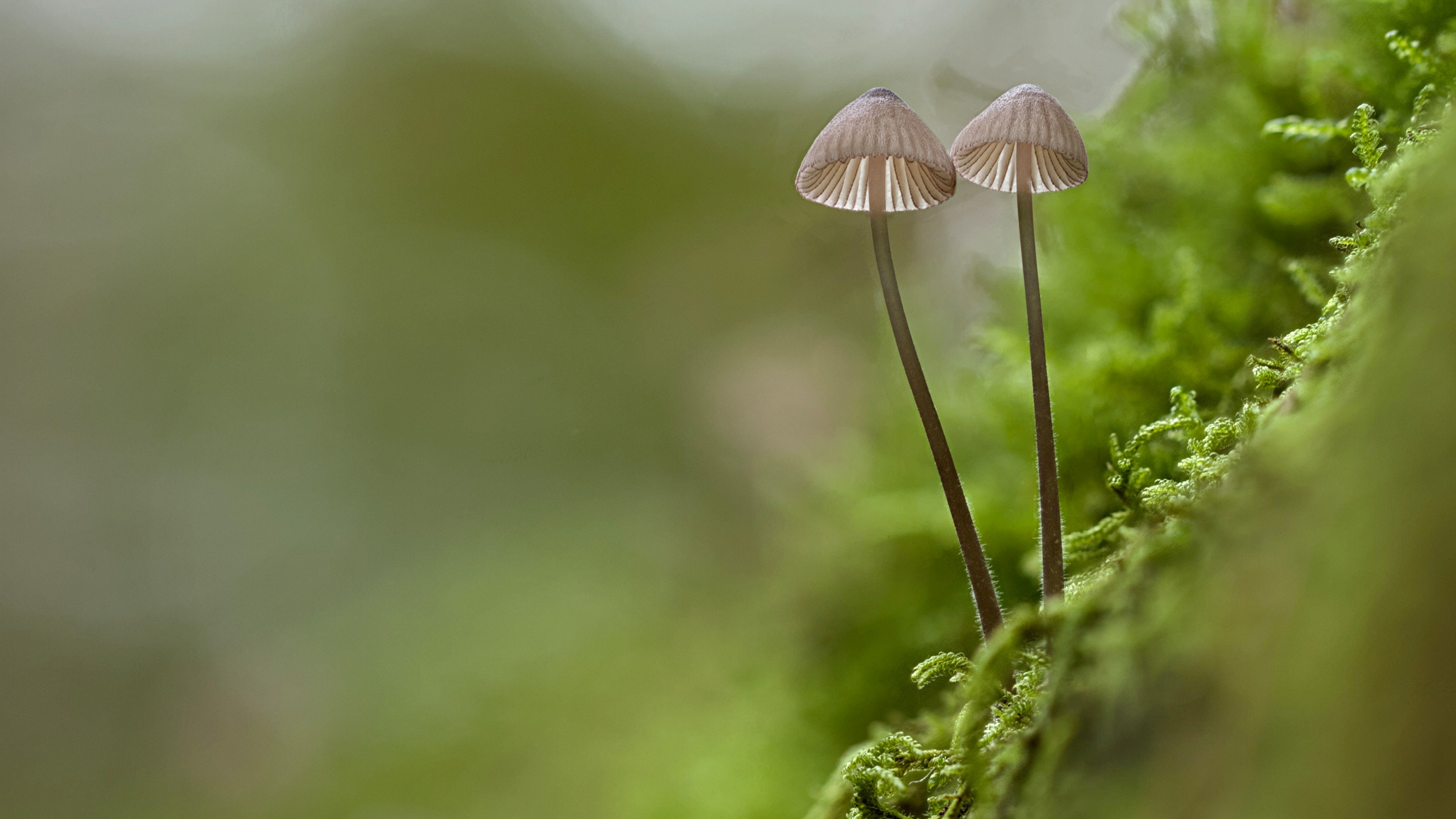
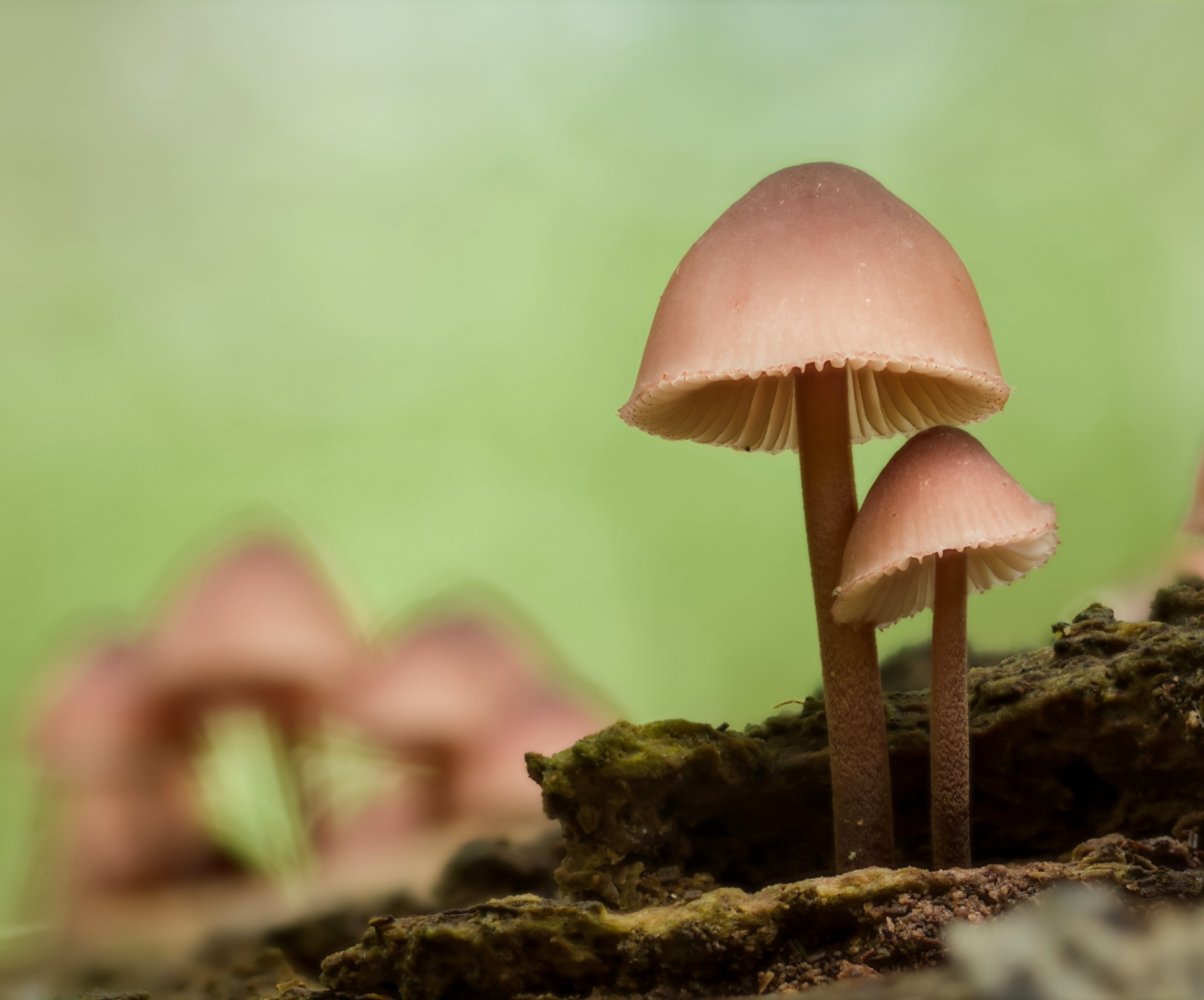
Are macro lenses worthless without focus stacking, or do they still allow to get nice shots as standalone raws?
(By the way, just yesterday, my mom and I freaked out in front of a Wolf spider - Wikipedia. It was carrying its children on its back, which gave it a weird, messy-yet-tessellated, skeletal look, like something straight out of the N64-era Zelda games.  I did what I could with my 24–240 mm lens but it’s not ideal.
  )
)
Luckily it is the second option (also for standalone raws): at least, according to my tests (e.g. photo portraits)
I recently got the Z 105mm macro and have yet to shoot a Marco on it but have been enjoying shooting it as a general 100mm prime. Its real sharp 
Macro lenses are much older than focus stacking. You can do nice shots with just the lens and no stacking, but you may have to do different compromises. For instance to get some depth of field, you have to use small apertures (f/16 and up) with the following consequences:
Thanks.
Sounds like similar issues to what I face when zooming like a brute with my 24–240 mm thingy.  I’m not sure the added value would be significative, unless I spend a lot to get a very high-end macro lens.
Finally got time to play with it, it’s really nice! Did some retouching on the edges. And retouched the background to the last image of the stack as it creates a lot of noise in the stuff that’s never in focus.
And another one. I’m really happy with it. Used depthmap now, didn’t even need to retouch.
Couple of things i’ve noticed so far.
(Yes, i enabled expert mode whilst being clueless, but then again, i’m expert in being clueless  )
)
The color issue with tiff export may be related to color space. Try to convert it to sRGB.
Hi All,
if you download release 1.8.1, many of the issues reported in this thread are fixed:
No more memory problems, perfornances are improved, parallel processing is exploited, More options and featurea are available, GUI has become much more fluid, and many fixes have been implemented.
Please, give a try, and report me any remaining issues!
Hello Luca!
First off, thanks a lot indeed for this update of Shine Stacker!
I really appreciate it!
Believe it or not, I was following your work on github and was waiting for this pubblic “announce” on this forum
To make it short:
I have just tested the new version 1.8.1 on Windows 11 with my “usual” stacks regarding my previous tests on this forum (wasp and fly heads; dropbox links abovementioned)
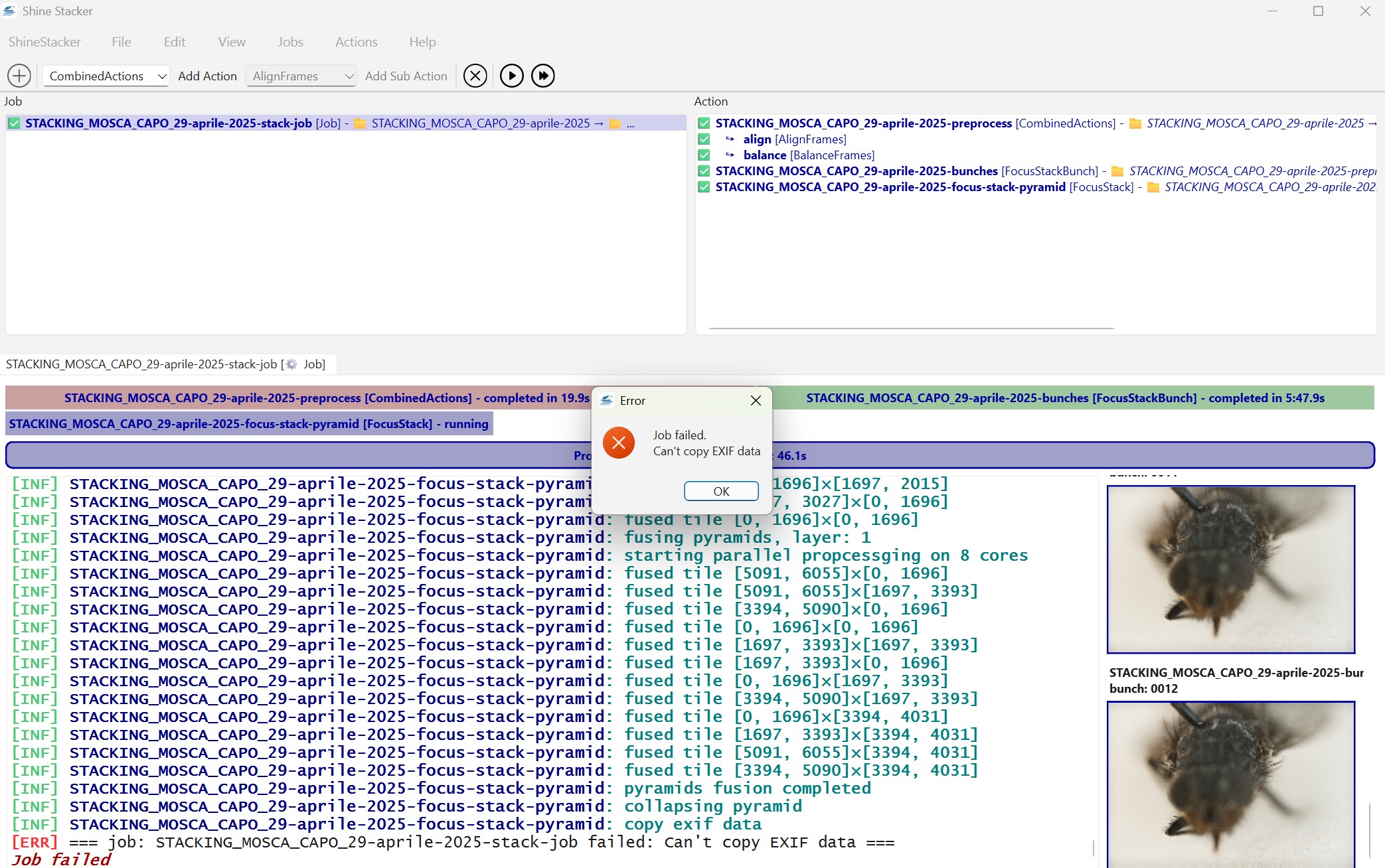
Both stacks fail due to some exif problem during the process.
See this screenshot:
Aside from this exif bug which might be expected due to the many changes you have done these past weeks, here are 2 questions?
Anyhow, thanks again for all your efforts on this software
For the moment you can double-click on STACKING…focus-stack-pyramid and delete Exif data path.
I will look closely and will let you know, hope to fix it soon.
In release 1.8.1 you can double-click on STACKING…preprocess and check “Delete output at end of job”, and all intermediate files will be deleted.
Same on STACKING…bunches.
Concering the PDF manual, I can work on it. At the moment, I admit, the documentation is rather tecnical.
I am not sure about why EXIF data fail in your case, but next release will not crash in case of problems, will just report a warning and will continue without saving EXIF data.
Looking at the warning in the log we can understand why EXIF data don’t work in your case (or you can send me some files and I will give a look).
I found your images, and I could run without problems, so probably there is some local issues.
Anyway, it’s good that such problems with EXIF data don’t stop processing, so next releaes will not crash in case of failures.
Hello Luca,
Where can I look for the log file?
I suppose it is a .txt file.
I searched into the “root folder”, with all the jpeg images of the stack, but there was nothing inside.
Maybe, It suffices to manually copy the text inside the window with all the process to get this log?
BTW, I have tried another stack.
They are all TIFF images.
The stack worked fine this time: no error whatsoever.
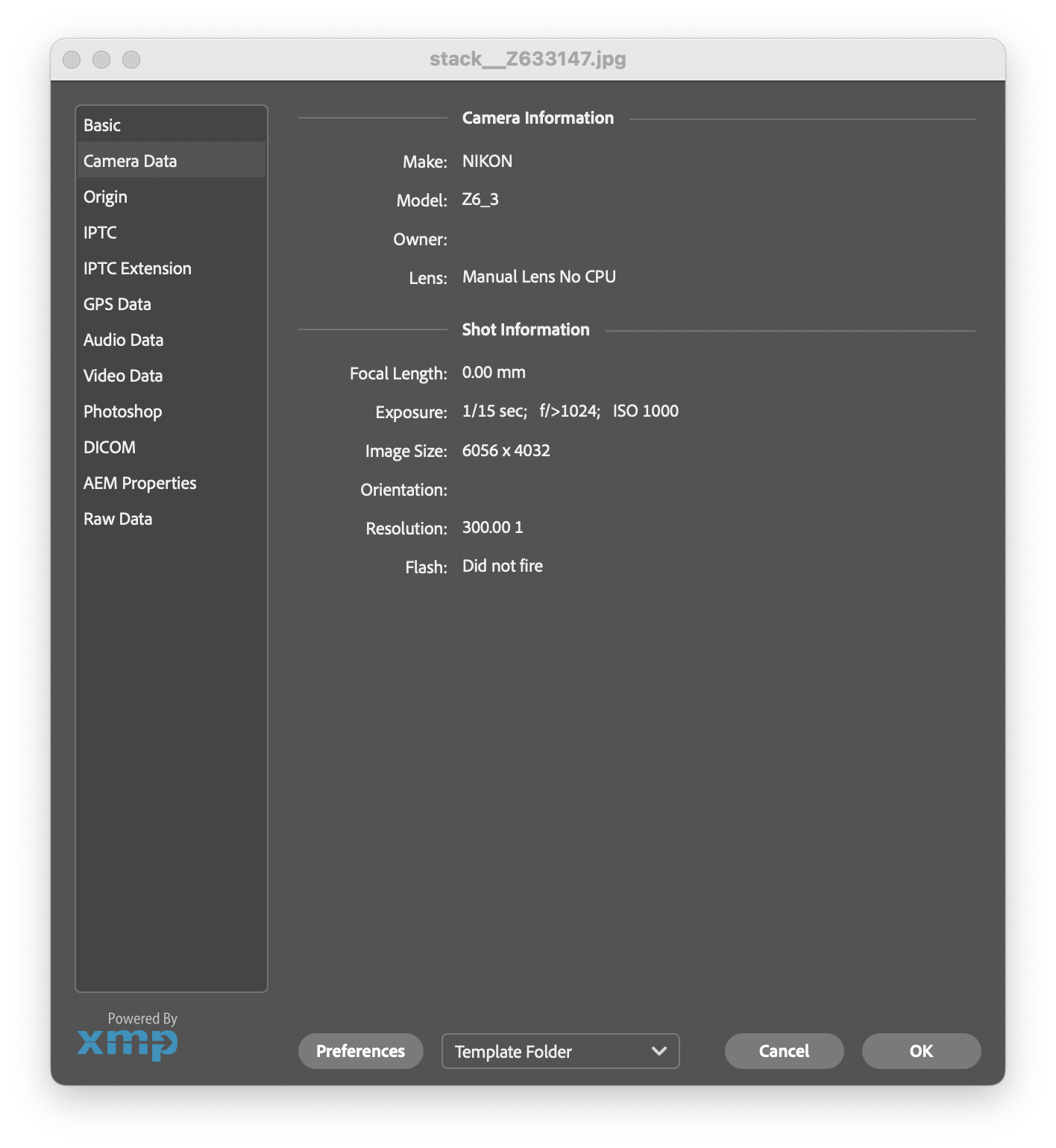
I have noticed that the exif data are lost (e.g. Nikon camera, iso, f etc) when I save this final stack as Tiff.
I suppose this Tiff should “inhterit” the same information (exif) of the images of the stack (in essence, copy the exif from whatever image of the stack and paste this exif data into the final total image of the stack)
Hi Silvio,
the log is what you see on the run window. There is actually also a log file hidden in a system folder, but it does not contain more information.
Below the EXIf data I get from your image in JPG format.
I tested EXIF data on TIFF as well using images taken with a Canon, and it seems to works.
If you send me some of your Nikon TIFF I can give a look.
The way EXIF work in Shine Stacker is is via the parameter “Exif data path”. When you create a new project, it is set to the main input folder , but you can also set it to a different folder manually, if needed.
The EXIF data are taken from the first file, in alphabetic order, in that folder. If the folder is not specified (i.e.: left blank in the configuration dialog), no EXIF data is copied.
If you lost completely EXIF data, you can copy them using the following online tool (JPEG format only):
Hope this helps.
Hello Luca!
Here is the log file concerning the exif bug (usual dropbox jpeg stack of the fly’s head):
https://www.dropbox.com/scl/fi/tjw1niuc1d1s71o6zgl81/SHINESTACKER_LOG_EXIF_BUG.txt?rlkey=yijz5aucb0584ob3d68mo3r6c&dl=0
Here is a the first Tiff of the stack where the exif data are not “pasted” into tha final total image:
Btw, since I am testing over and over the same stack (fly head) I have noticed a bug which occured also with previous versions.
Usually it occurs very on random:
“index out of range”
This time, however, it was always occurring so the job always failed.
In the end:
I suppose there are maybe some settings which are saved (into windows register?) during the stack and if the project fails (“index out of stack” bug) they are used again later on when Shine stacker tries to stack again the same stack…?
For instance, I have even tried to delete all the images of the fly except a dozen of them (first ones) and this error occured again even with so few images left (index out of range error)
Feature request:
I would like to propose a video tutorial (nothing complicated) where you show how to import a frame and use it to clone (correct) some part of the final image.
I have tried the import frame option but I don’t understand how to use it
Needless to say, there is no hurry whatsoever for this video (and I only need a simple recording; no audio or fancy effects on it).
At work, for my colleageus, I work with OBS studio and I usually record some videos for them (Excel stuff, usually)