Show Your Best Shadow & Highlight Techniques

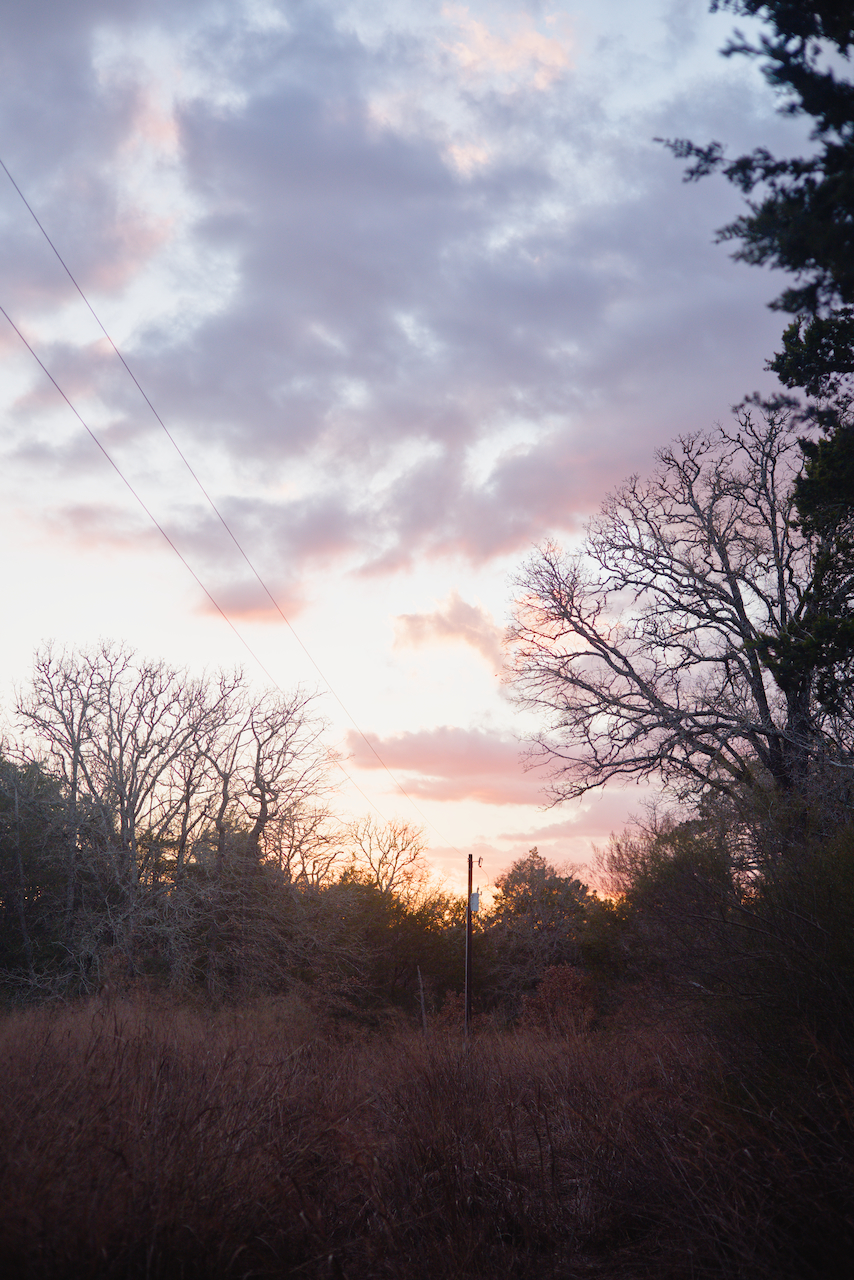
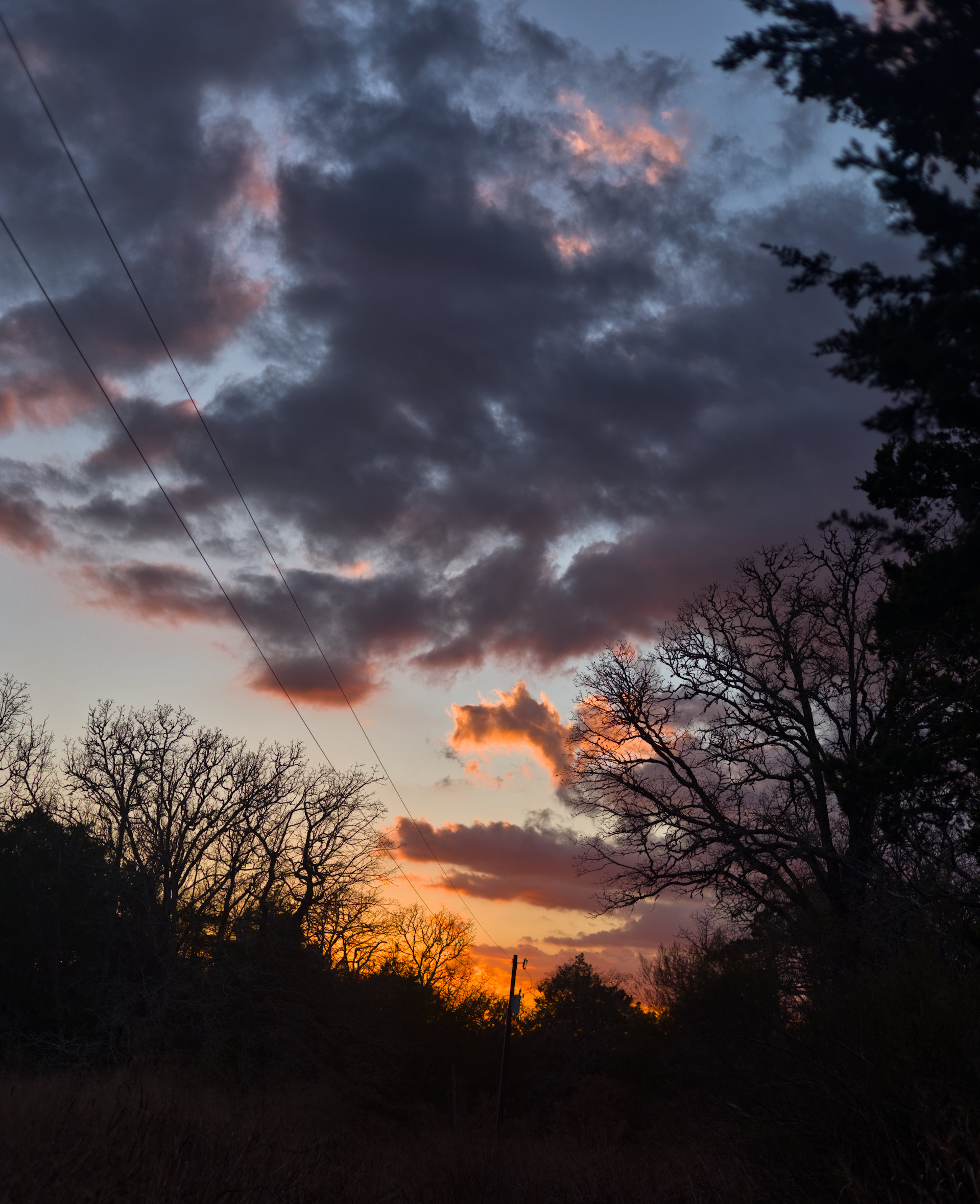
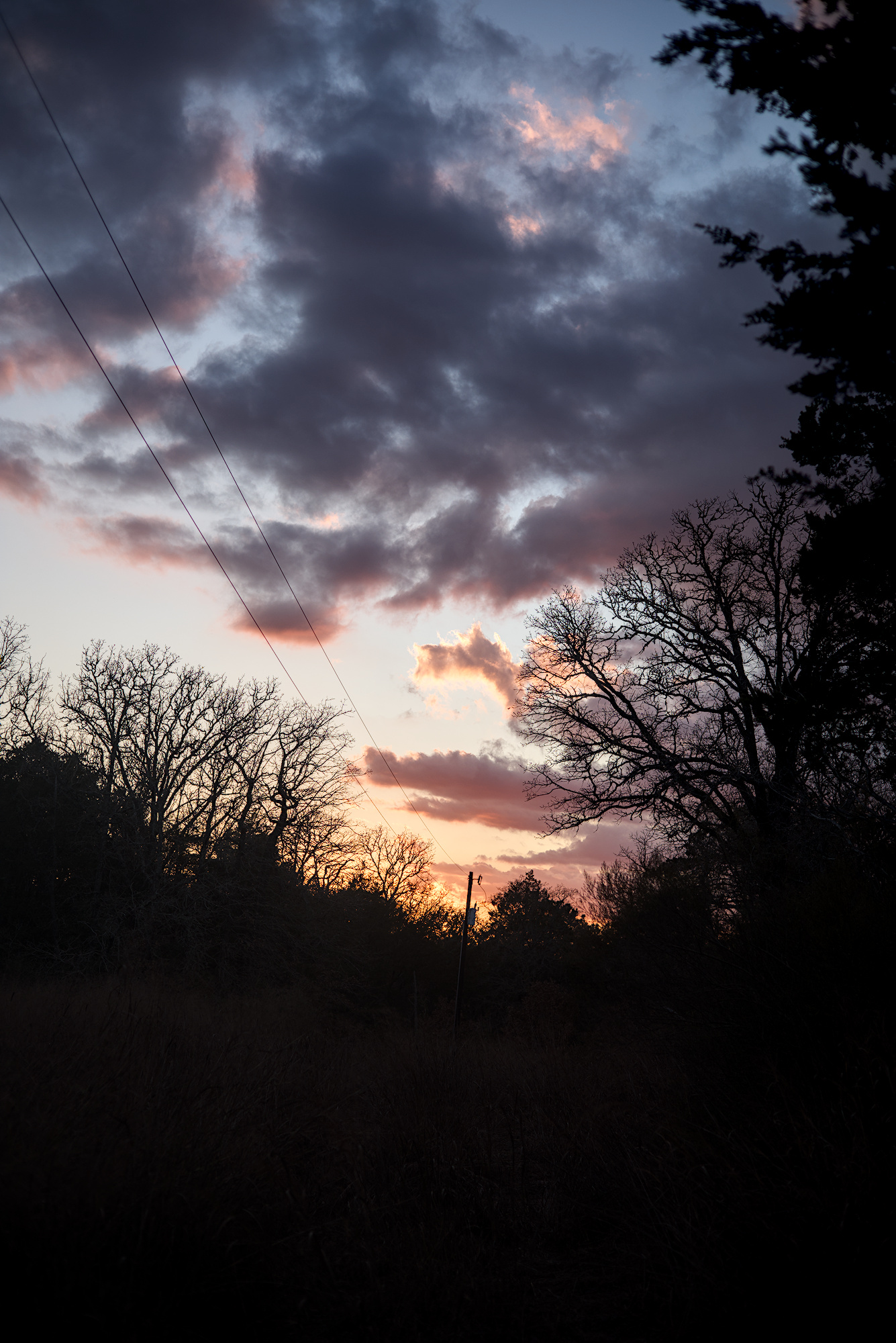
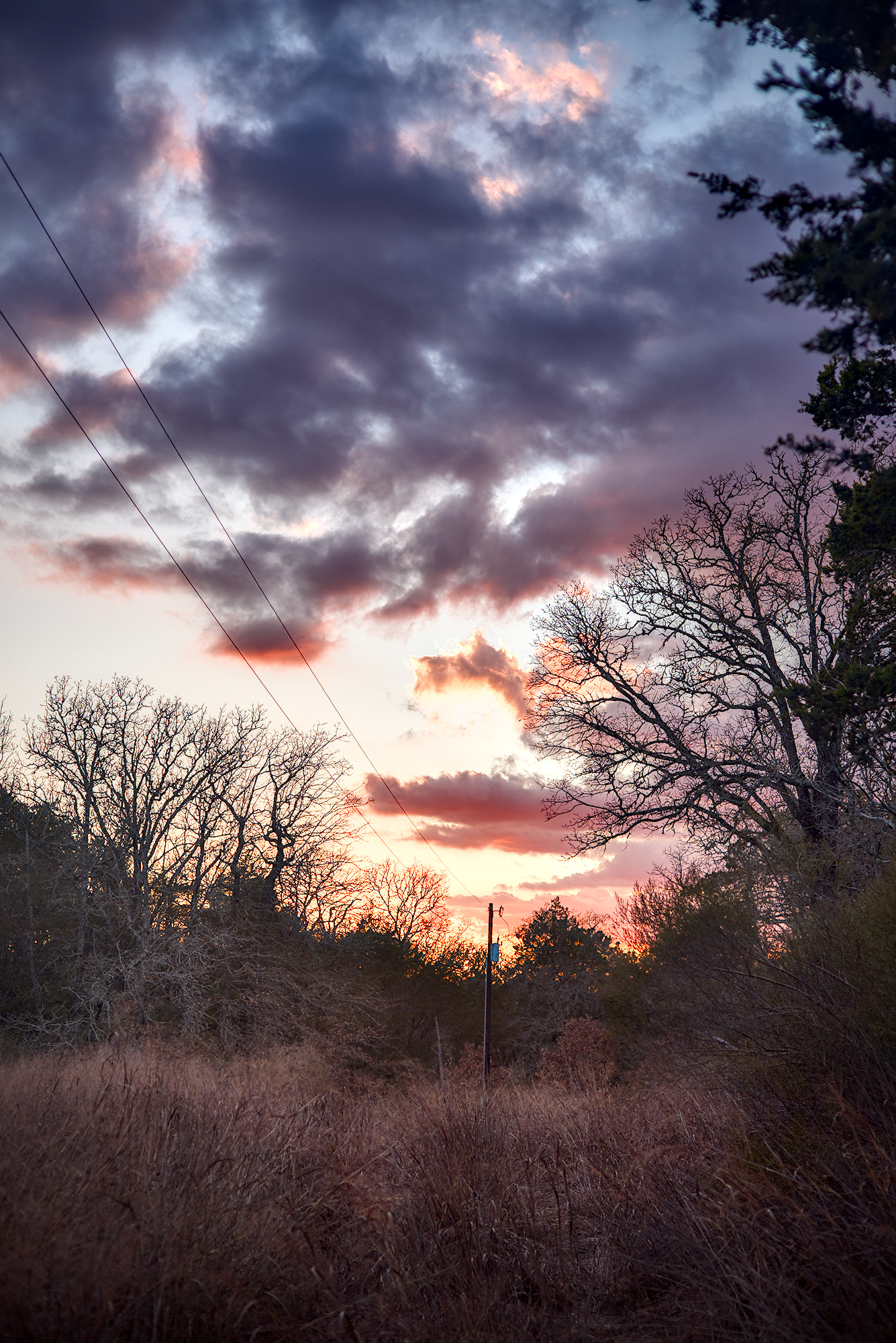
This image is a good one for testing Highlight & Shadow compression techniques. I personally use tone equalizer, and feel like it works very well, But I would love to see what other can accomplish. I use darktable, but I would love to see edits from any software.

My goals with my edit were: keep the focus on the sky as the main subject, but make the foreground somewhat enjoyable to look at (ok amount of contrast and saturation). I also tried to avoid overbaking the saturation and contrast (I didn’t want the lightroom overdone-clarity issue).

Feel free to have different goals, or see if you can do even better at my goals (I’m sure you can).

My edit:


This file is licensed Creative Commons, By-Attribution, Share-Alike.

Raw File:
1Q8A5461.CR3 (18.0 MB)
My edit’s xml:
1Q8A5461.CR3.xmp (41.1 KB)

6 Likes

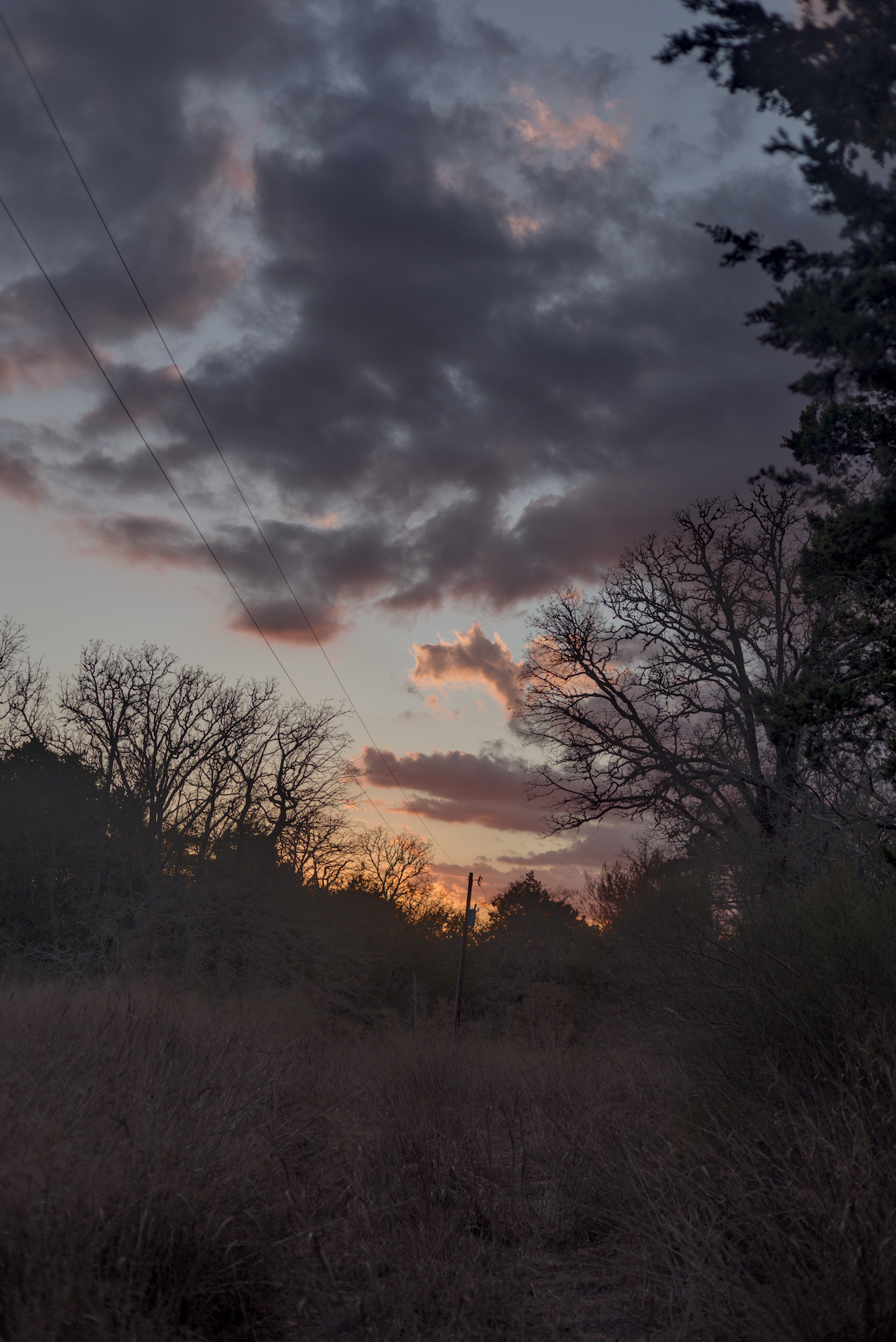
I wanted to keep the dramatic sky, so I didn’t do so much with the foreground.


1Q8A5461.CR3.xmp (9.1 KB)

6 Likes

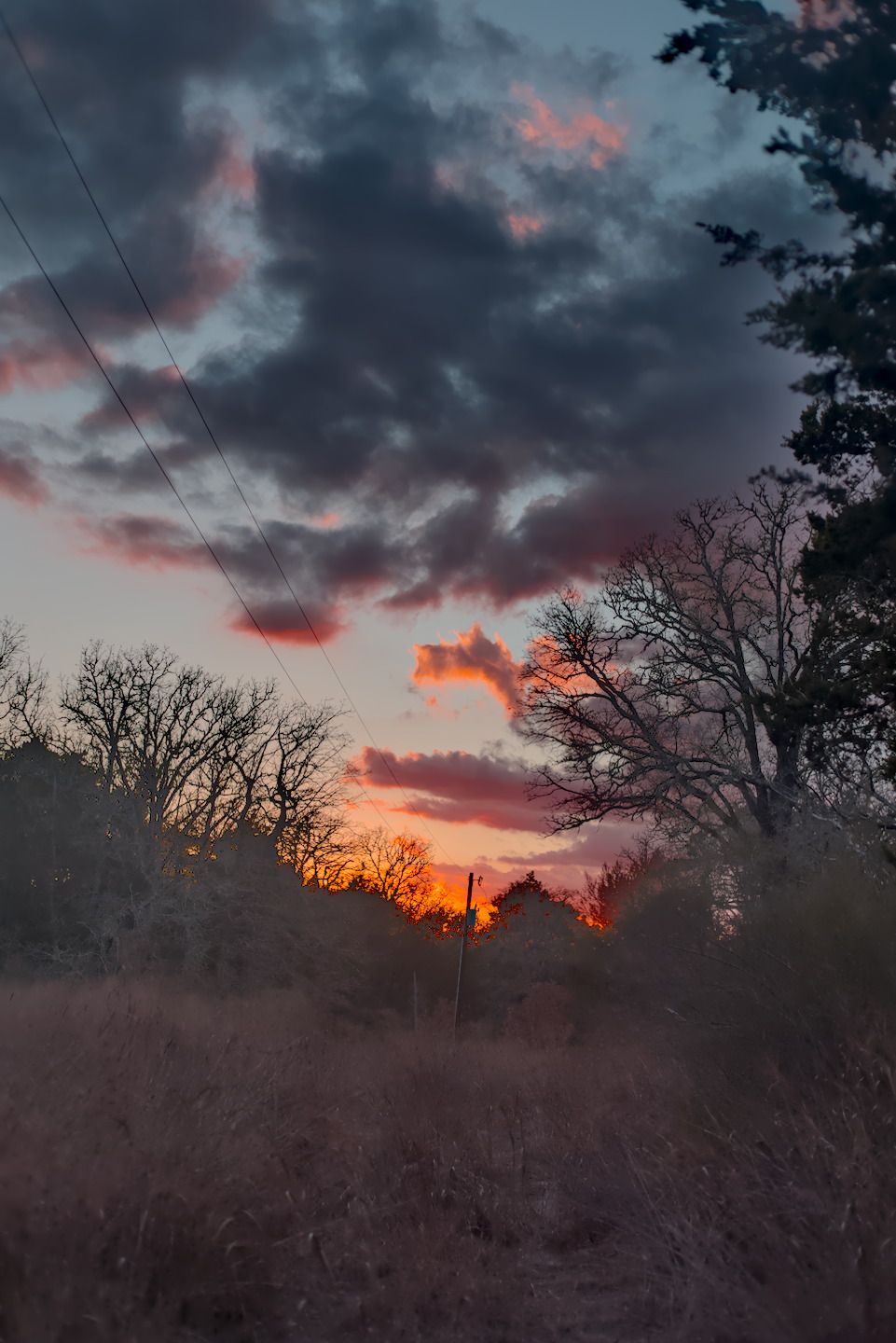
Personally I preferred the silhouette look, but since you wanted the foreground brought out I just used multiple instances of the shadow and highlights module. I often prefer this module over tone equalizer or I use both together. I know some people refuse to use it because it is display referred, but I don’t have that bias. If it looks good it is good in my view.
1Q8A5461.CR3.xmp (16.9 KB)

7 Likes

ART with AutoMatched curve, Tone Equalizer and Dynamic Range Compression:


1Q8A5461.CR3.arp (12.1 KB)

3 Likes

I would love to see your preferred edit! I like the one you shared also. I also secretly like the shadows and highlights module for its ease of use.

Really nice! I love the smooth pastel colors near the sun.


Used the new local contrast tools under development…

8 Likes

I am so so so looking forward to that hitting the master. :yum:

3 Likes

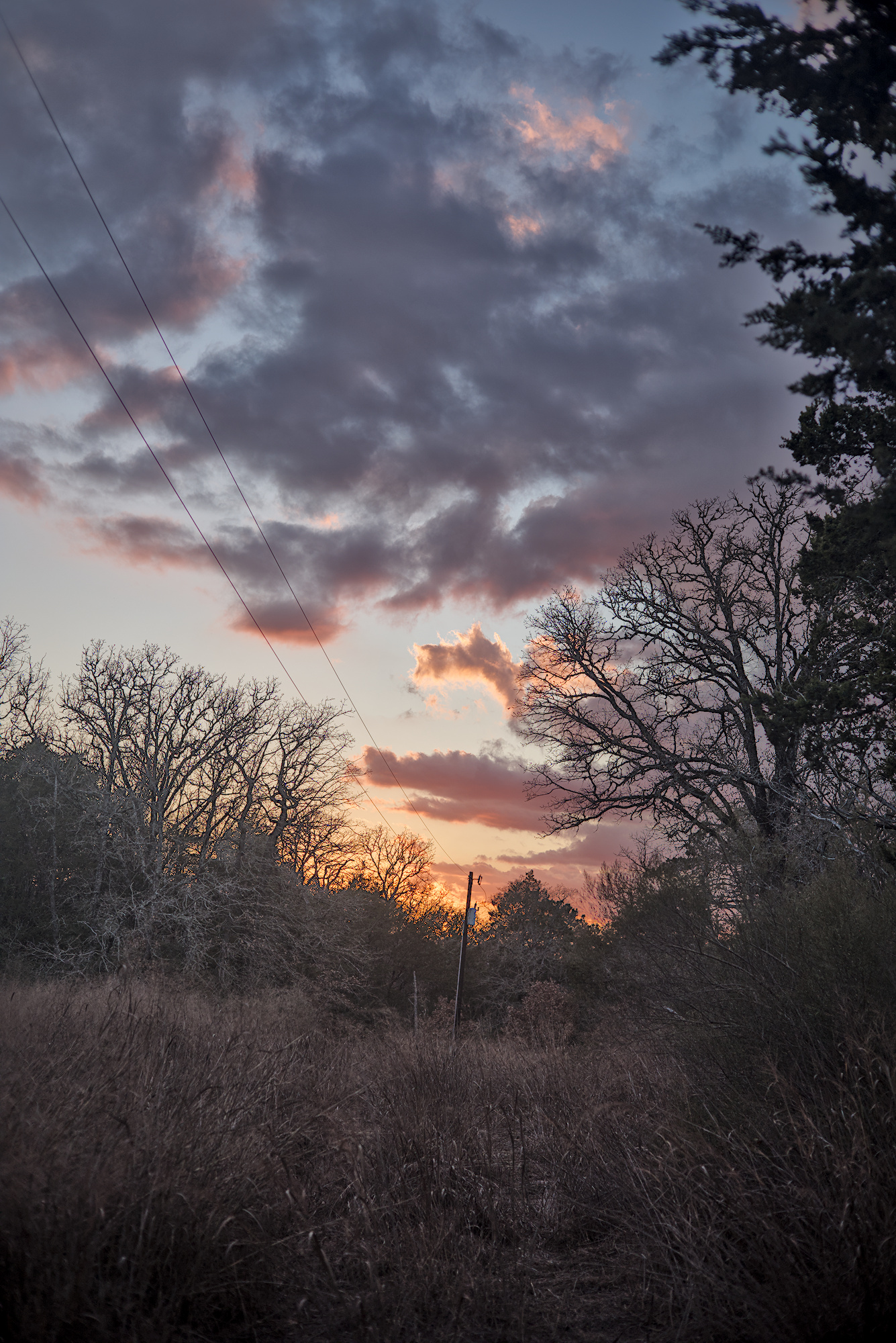
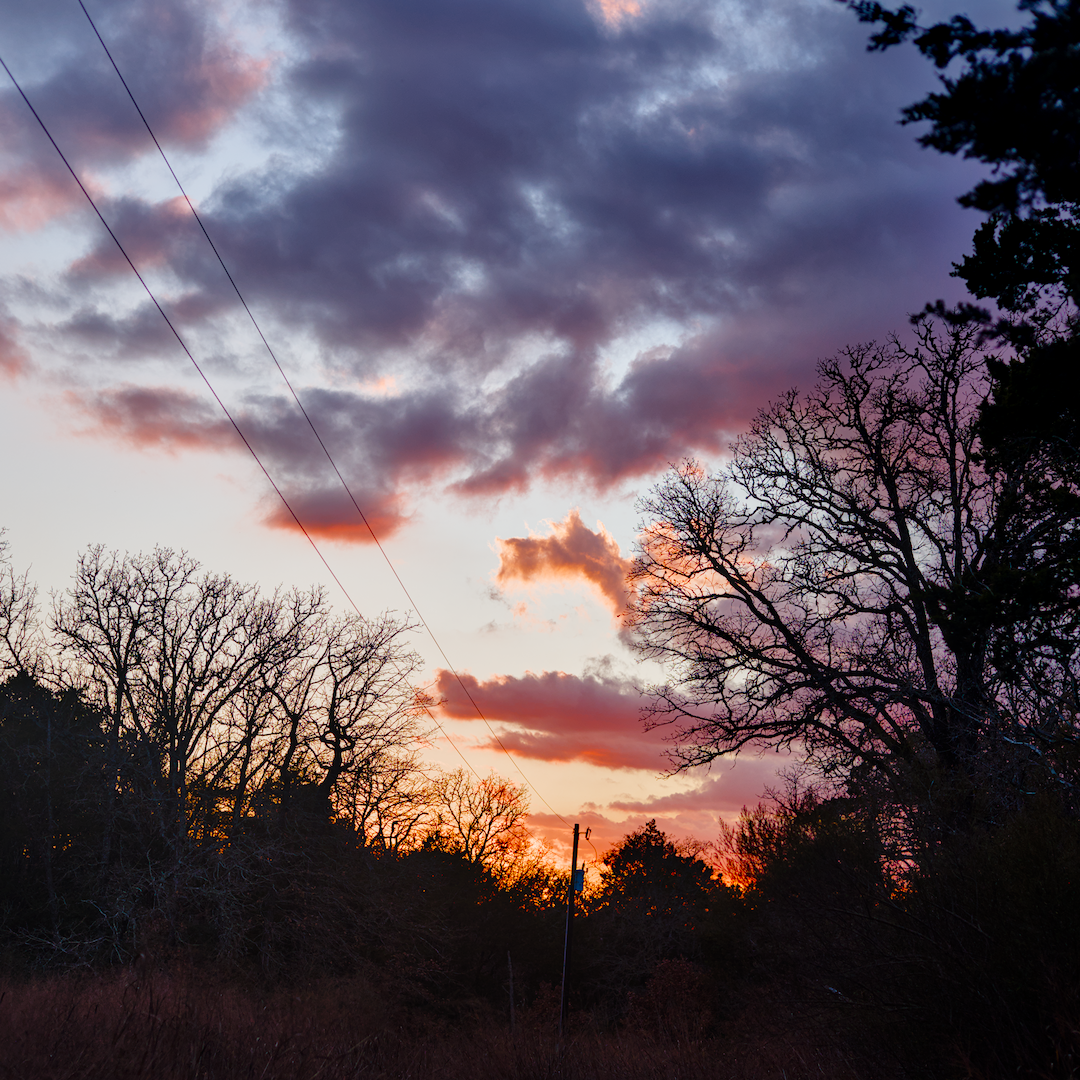
Here is my preferred edit. I like the silhouette.
1Q8A5461.CR3.xmp (11.4 KB)

5 Likes

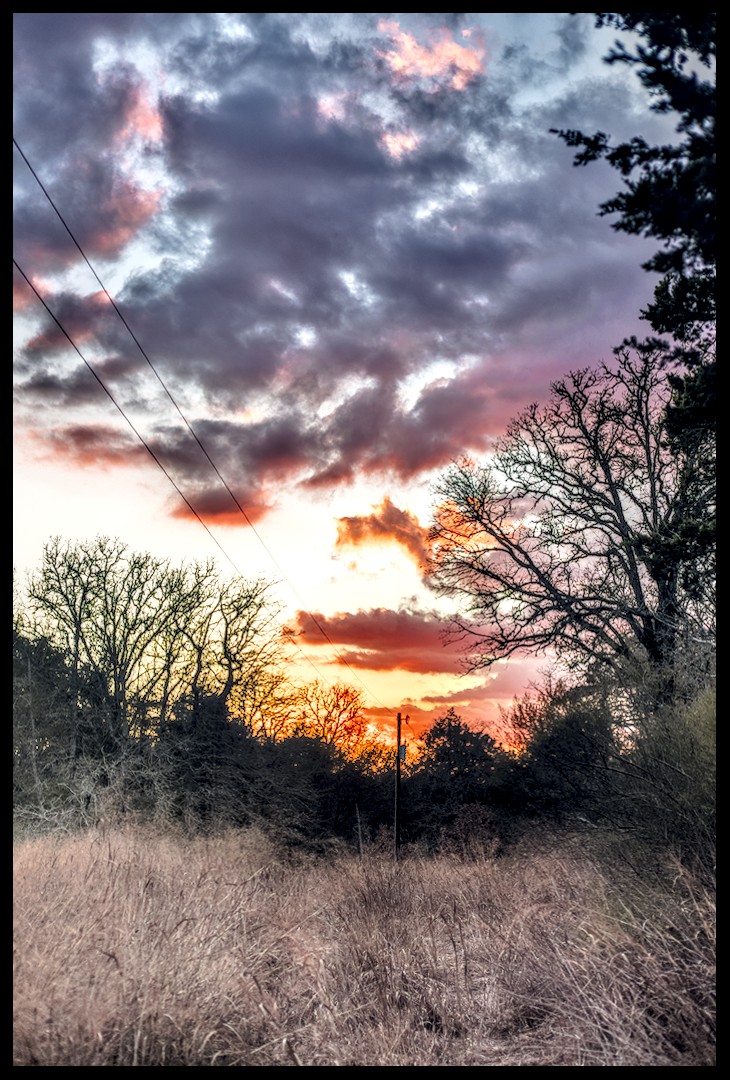
Here’s my try with a app like GIMP

and this one using DT

Shadow & Highlights 1Q8A5461.CR3.xmp (18.7 KB)

2 Likes

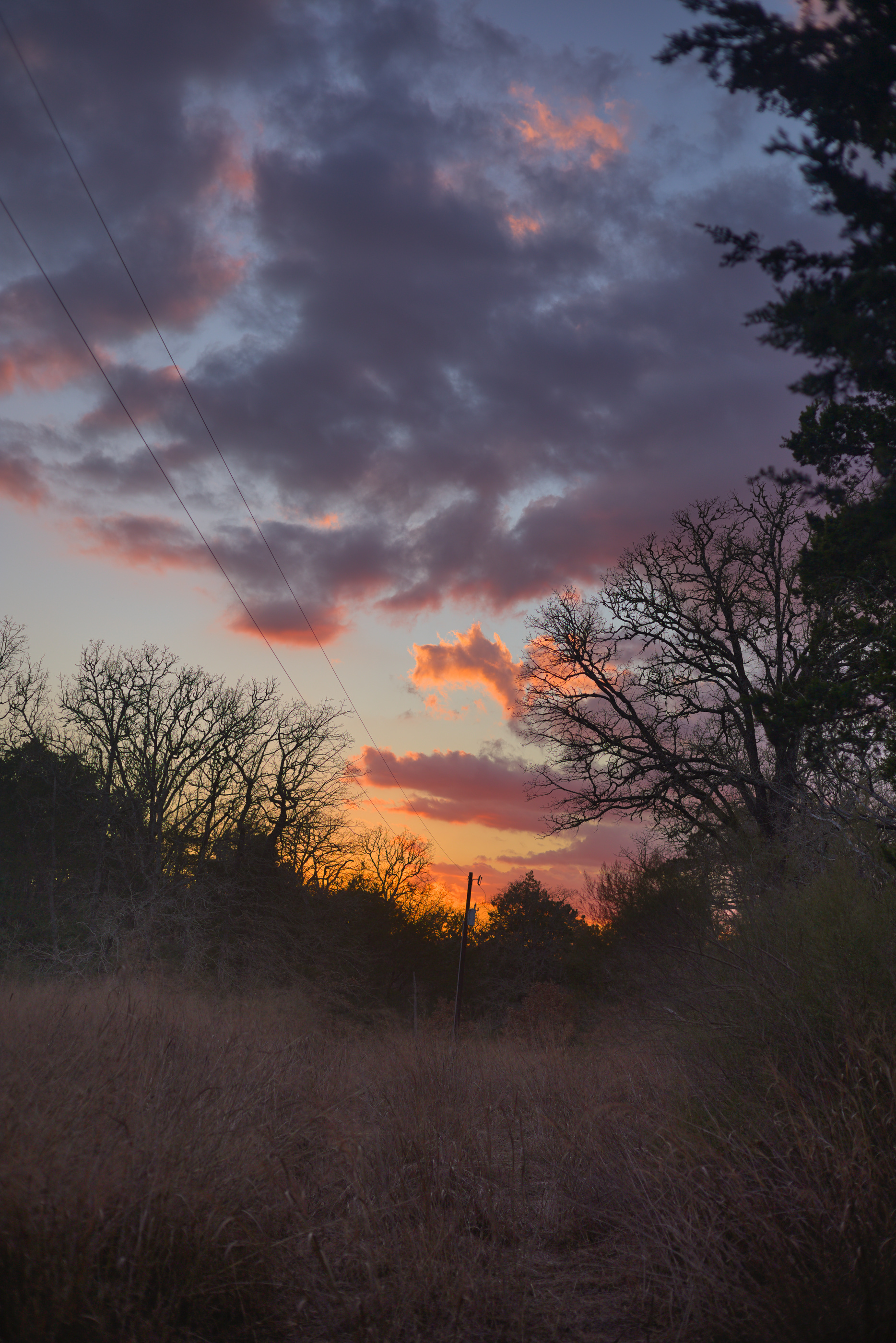
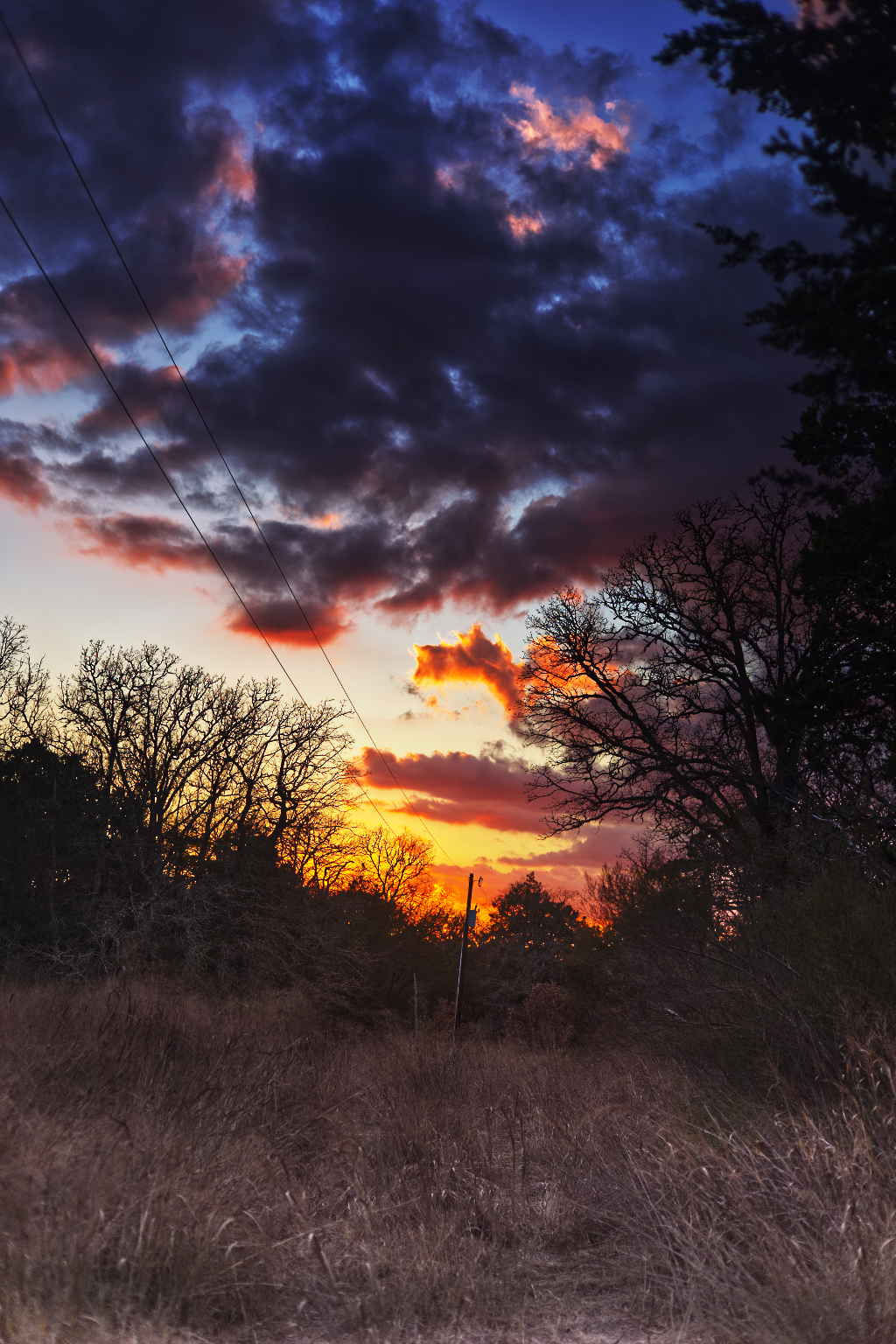
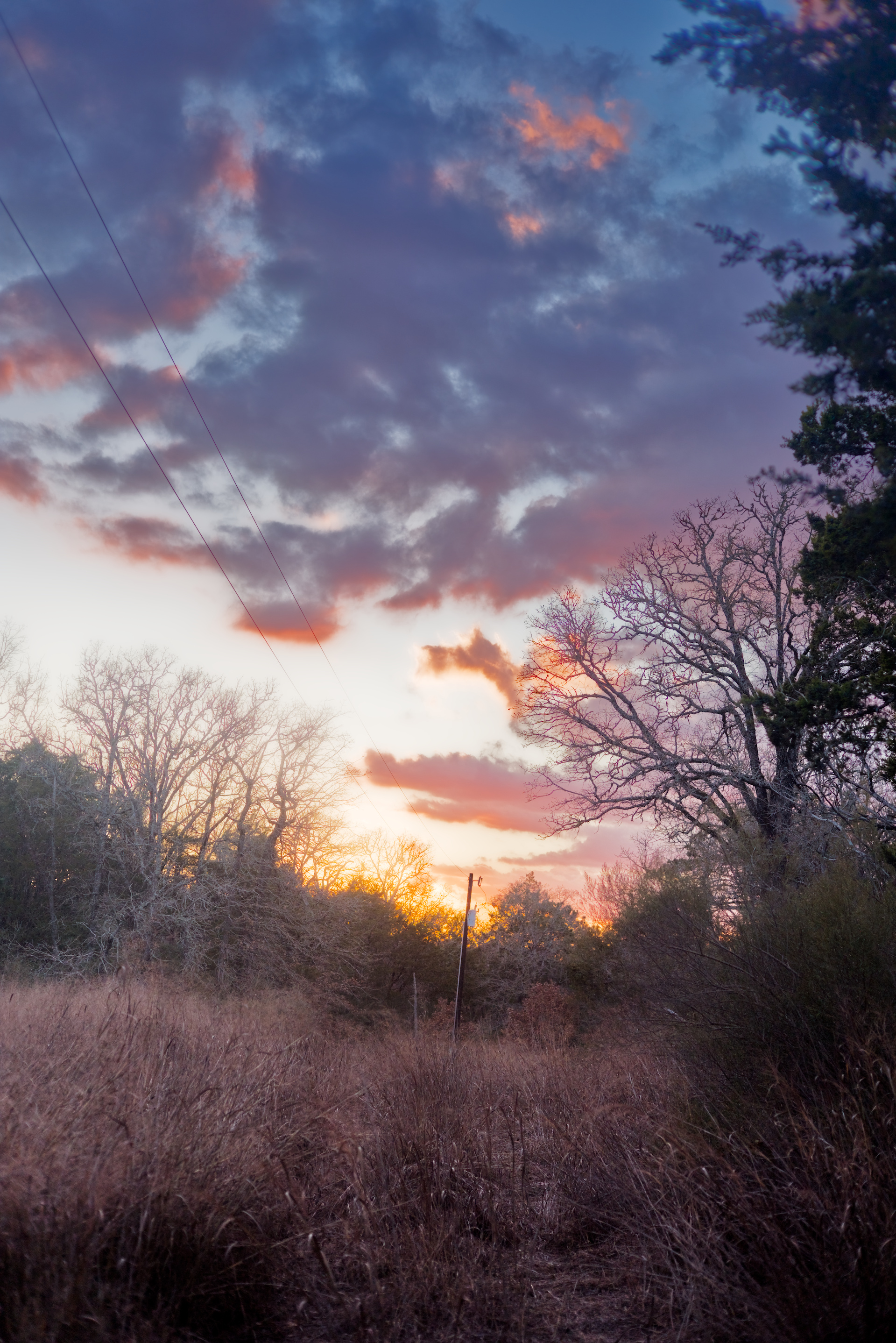
As usual I like it contrasty and colourful, while trying to keep it yet somehow natural.


1Q8A5461.CR3.xmp (20,1 KB)

9 Likes

That might be some time….

There is no need to wait and there is a lot of development that is interesting to experiment with…It very easy to run multiple DT versions…just turn off xmp writing and use a separate config folder.

1 Like

Very nice! I am excited to see how that module evolves on it way to hopefully being in master!

Very classy. The silhouette is nice!

Nice job with the colors! They are really saturated without the sun turning into a blob :+1:

My version…

1Q8A5461.CR3.xmp (39,4 KB)

2 Likes

Woah! You get the award for high saturation high contrast awesomeness!

1 Like

darktable 5.4.0
I also like the silhouette of the trees.


1Q8A5461.CR3.xmp (12.8 KB)

3 Likes

Nice photo. Here is my try.


1Q8A5461.CR3.xmp (47.0 KB)

1 Like

Could you please provide link to issue/PR under which is the “new local contrast tool” being developed? I tried to search GitHub, but no luck there. Thank you.