I’m currently working on a photo calendar for next year. So far, I’ve always used the software provided by the printing company but it’s quite cumbersome to use and not very flexible.
Therefore, I was wondering if it would be better to completely create the calendar pages (i.e. including the month name and days with weekdays and everything) on my own instead of using one of the layouts provided by the print shop.
Does anyone know a good software for doing this? Ideally it would have some functionality to create the calendar part automatically, so that I don’t need to manually align dates with weekdays, etc.
I think there are various web pages with calendar generators on, I think it’d be easiest to generate the text part then insert it into scribus with photos
Scribus is really great. I recommend installing the latest version in any case (i.e. at least 1.64).
Working with Scribus is simply fun and you get very good and printable results. There are many who use it professionally. However, there are restrictions where collaboration with customers or other partners is inevitably required in the Adobe cloud.
By the way, there is nothing against using prefabricated calendars or other suitable software specifically for this. I’ve done it myself, even before many years ago in Indesign. Resulting PDF or graphics can usually be loaded and edited easily in Scribus.
Here is another well-used script for faster creation of pages for photo books.
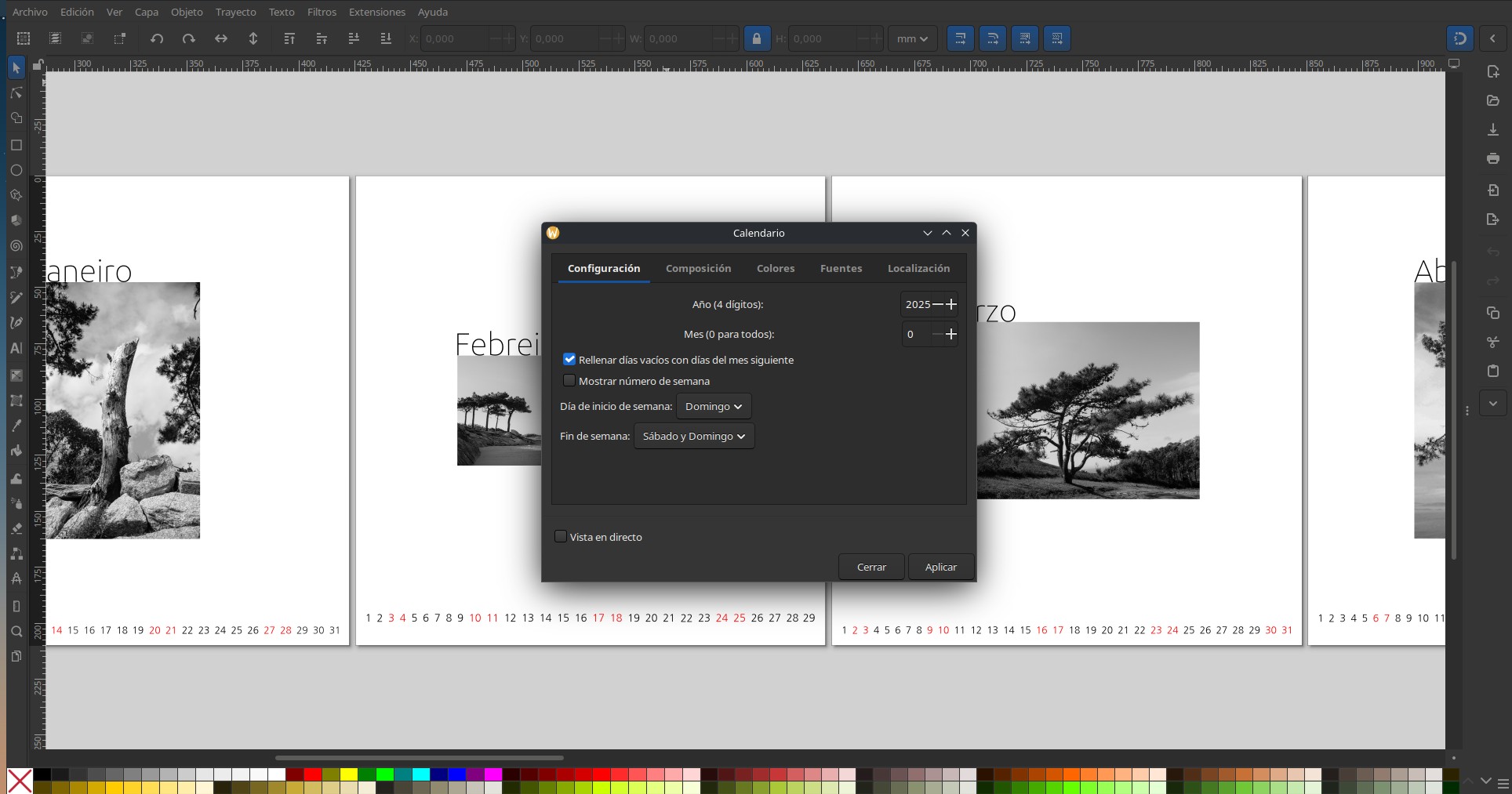
Another useful option is use Inkscape with the extension calendar. The tedious task of makin the text of months is done with this extension, and you coud concentrate on the design using an excelent tool like Inkscape.
I now gave Scribus a try. It could even load the InDesign template provided by Saal Digital, so I had a nice starting point with the document size and number of pages already set correctly.
Now a question to the Scribus experts here: I saw that Scribus has various colour management settings. Should I enable them/set anything specifically here? I’m a bit afraid to do more harm than use if I set anything there wrongly.
The workflow will be this: Images are inserted as TIFFs exported from darktable with sRGB. In the end, I’ll probably export the whole calender from Scribus as PDF (this step also has some colour management options), which I can then upload directly to Saal Digital for printing.
Given that the images are sRGB, which iirc is the recommended colour space for Saal Digital, maybe it is fine if I don’t set anything in particular in Scribus?
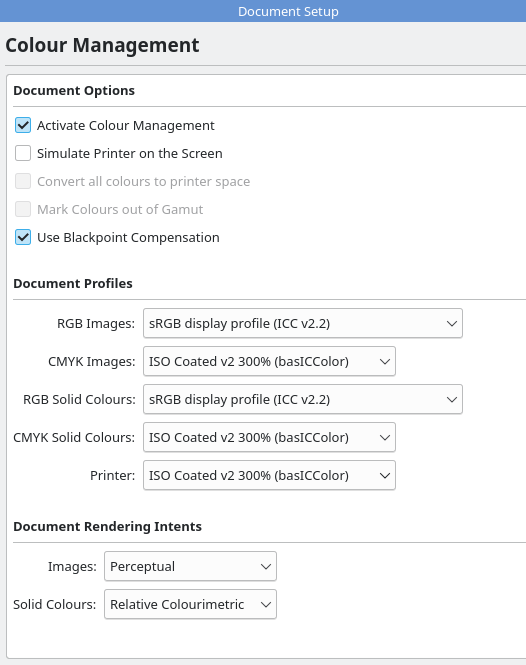
These are the default settings when I activate colour management. Probably all fine regarding images and colours but I’m unsure about the “Printer” profile. The whole colour management stuff is still a bit over my head.
 [quote=“Donatzsky, post:10, topic:53998”]