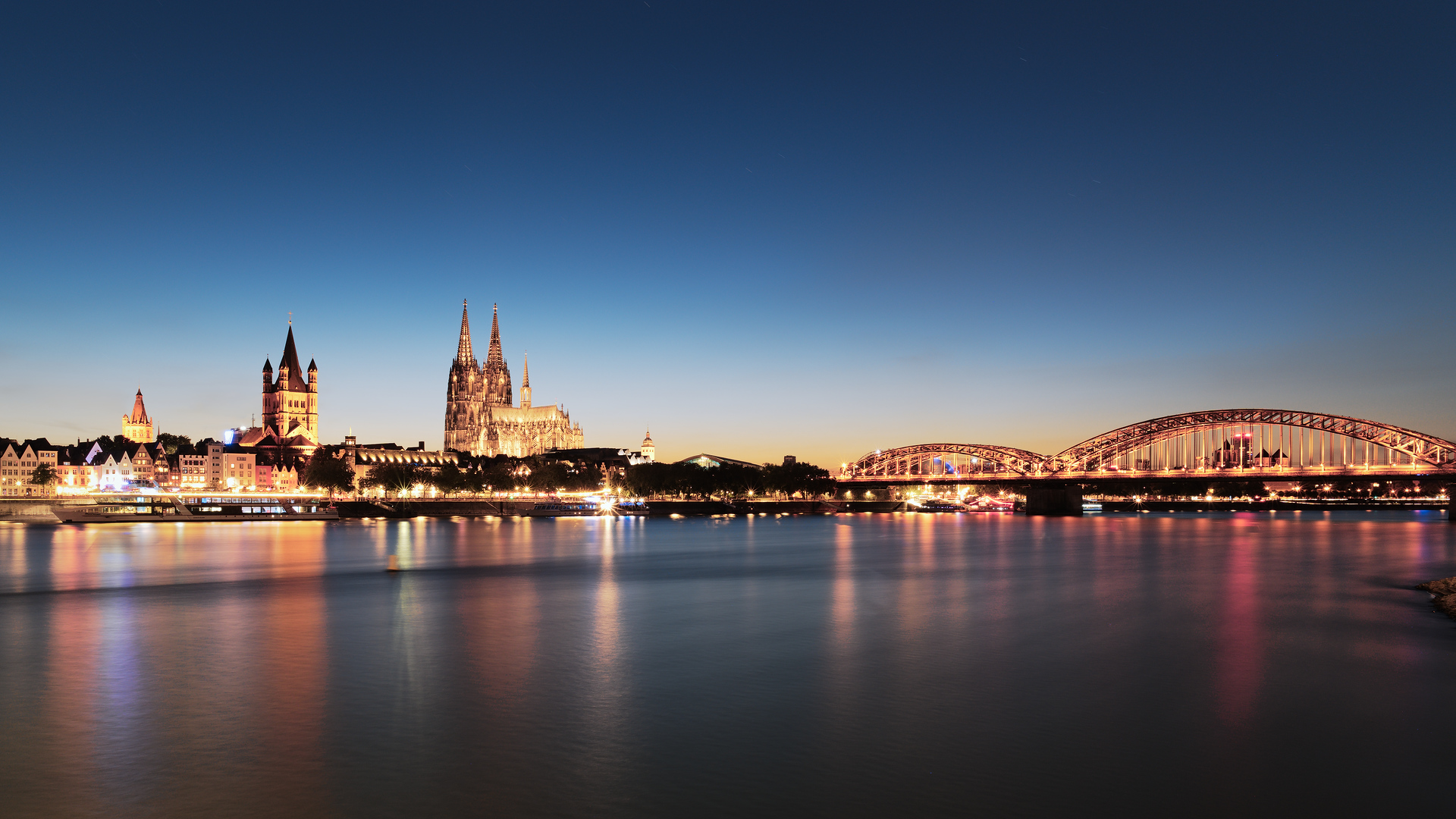
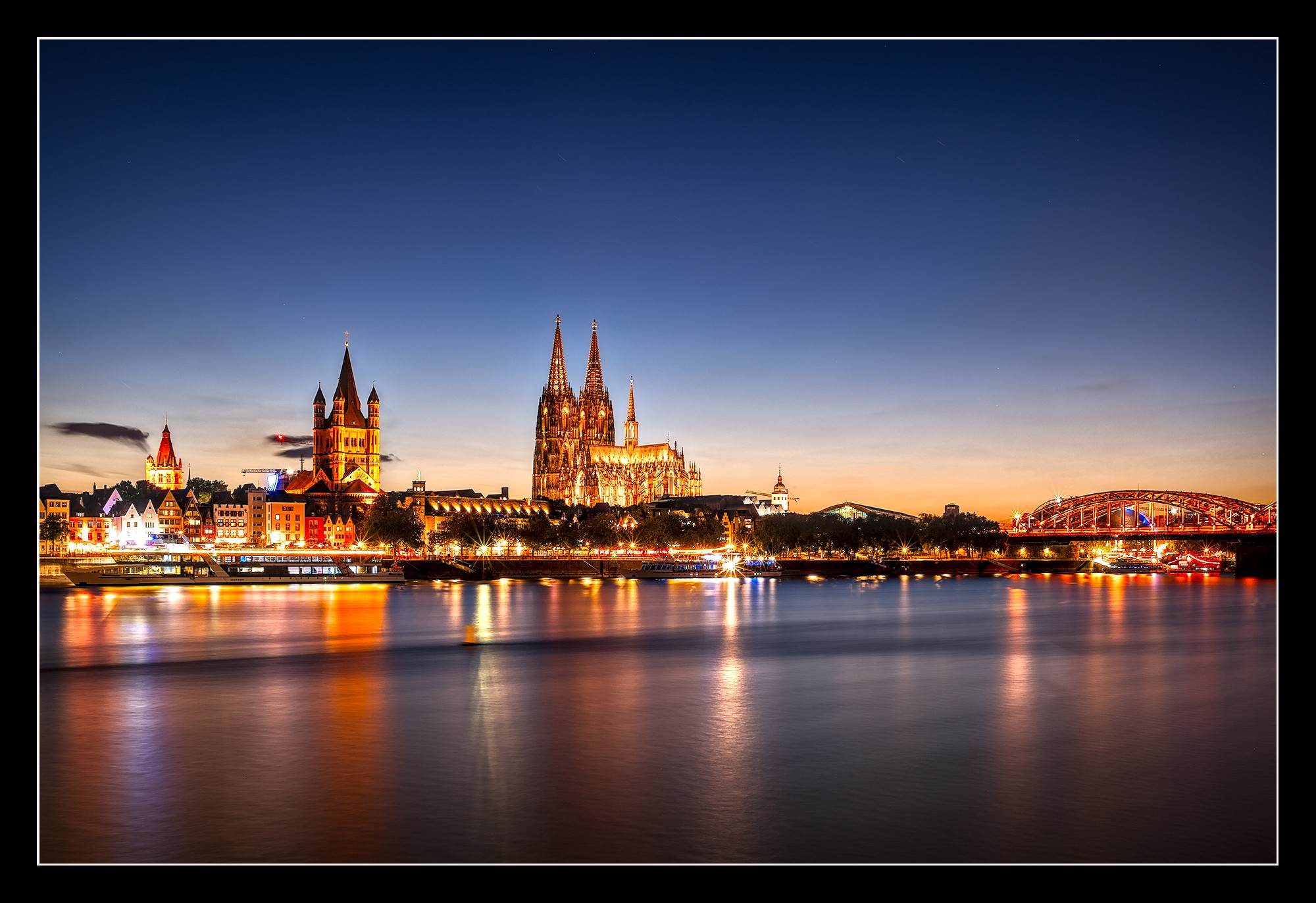
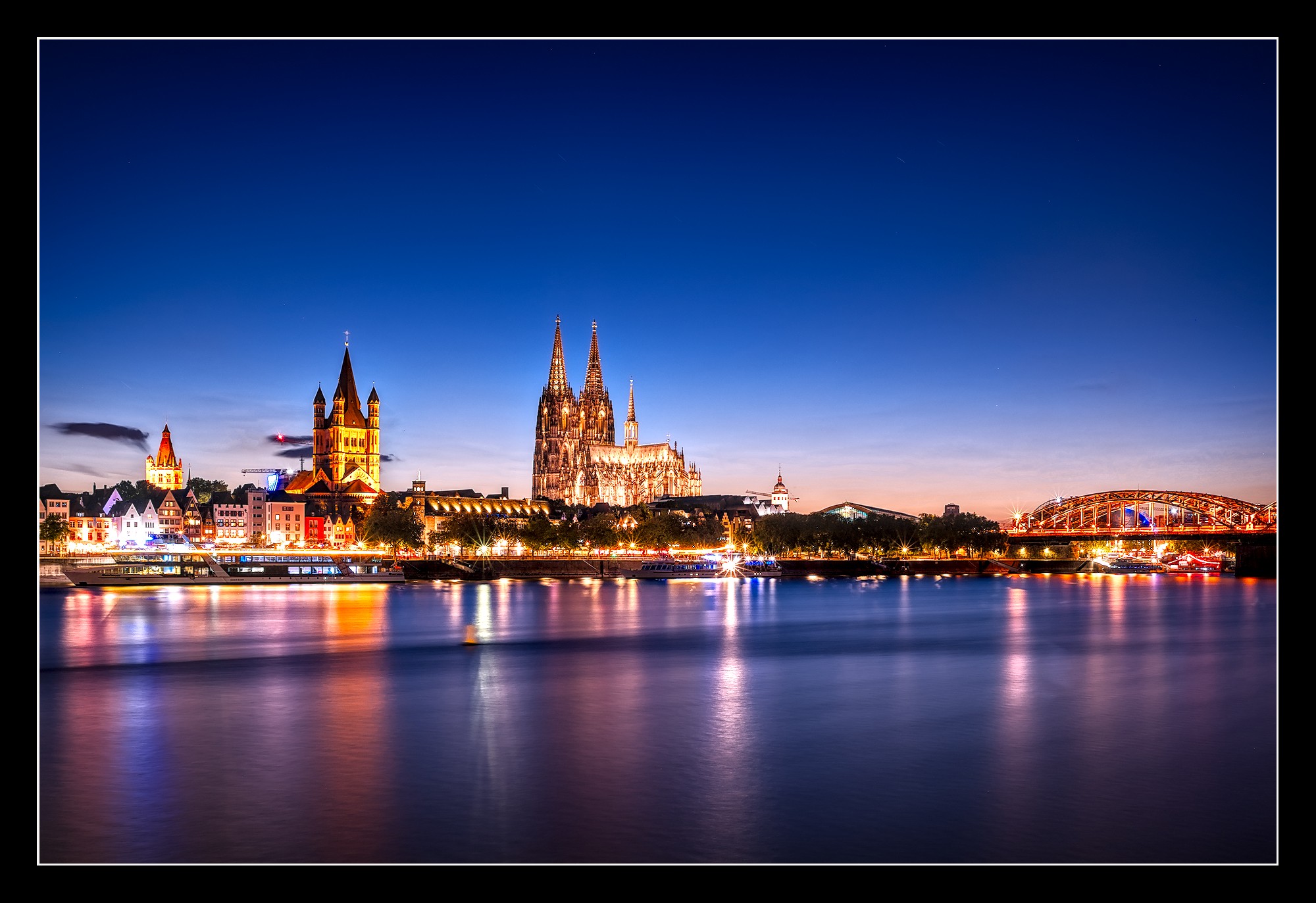
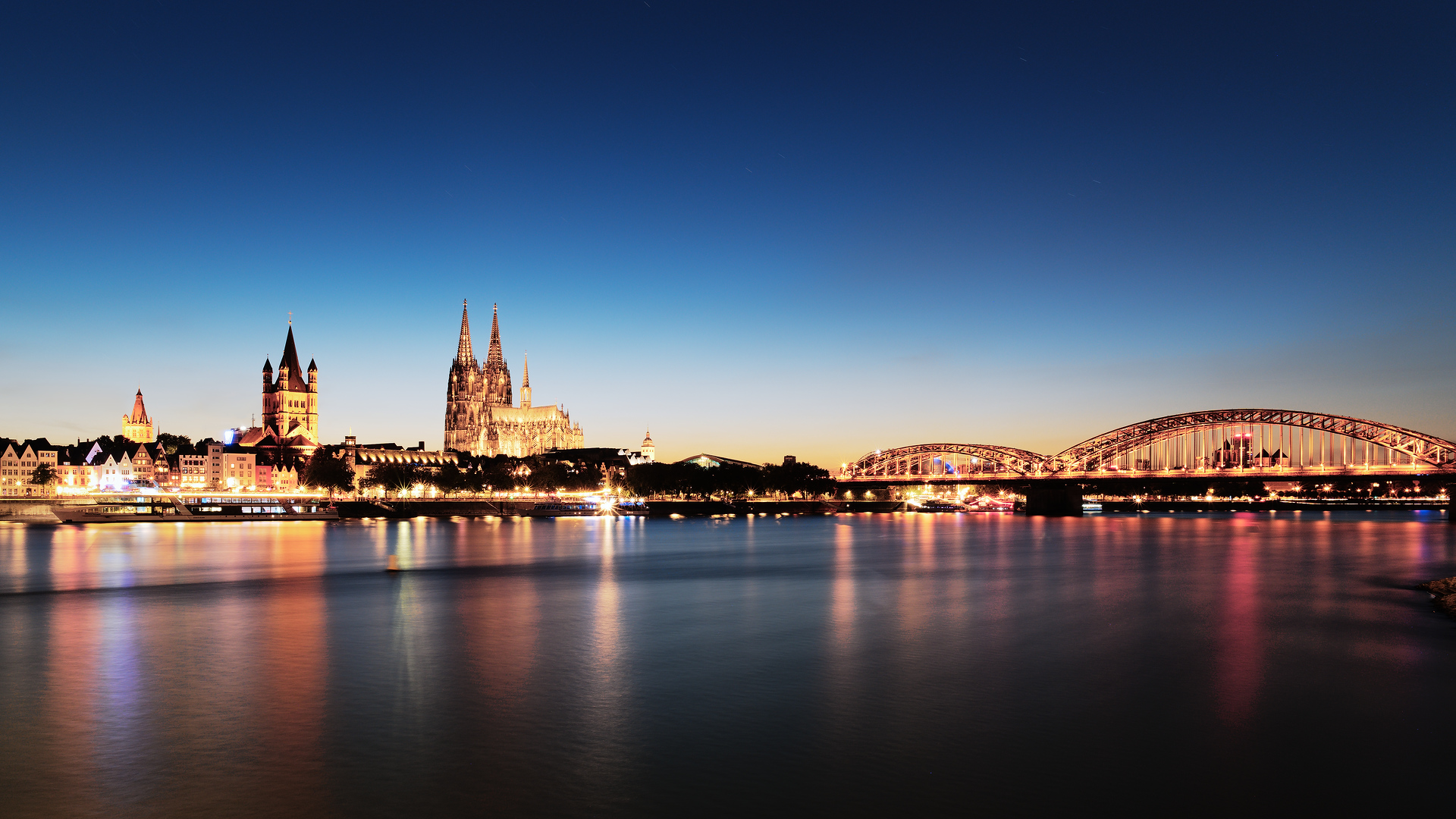
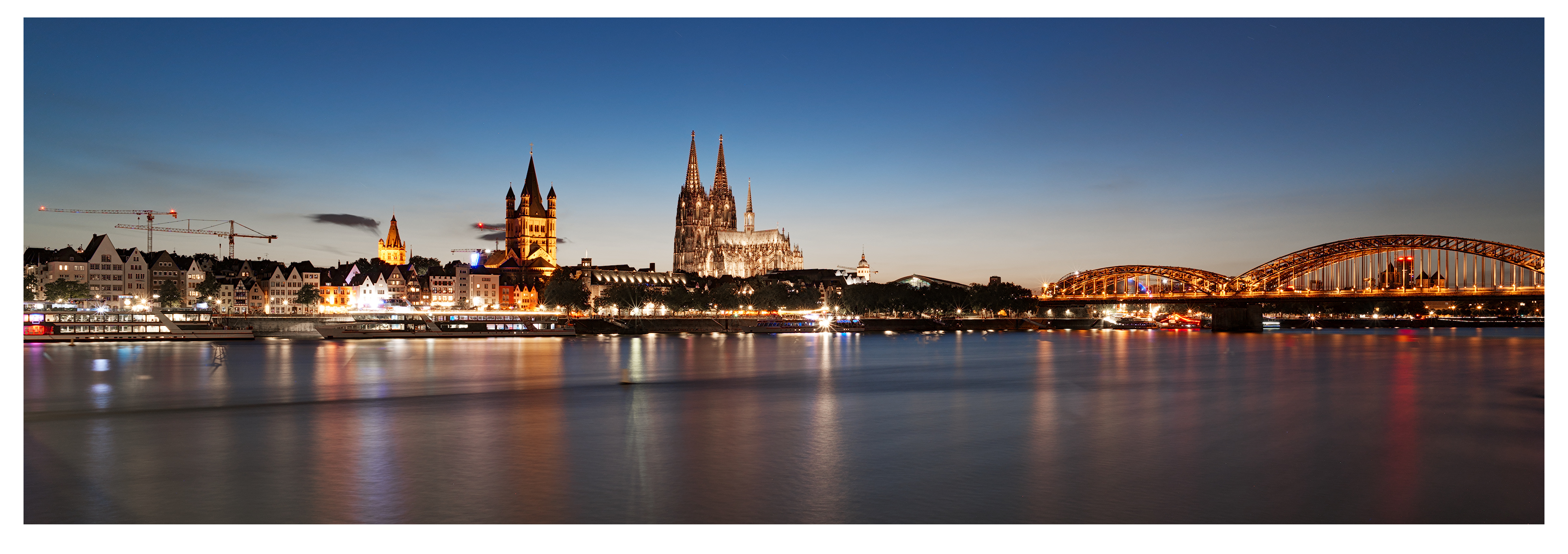
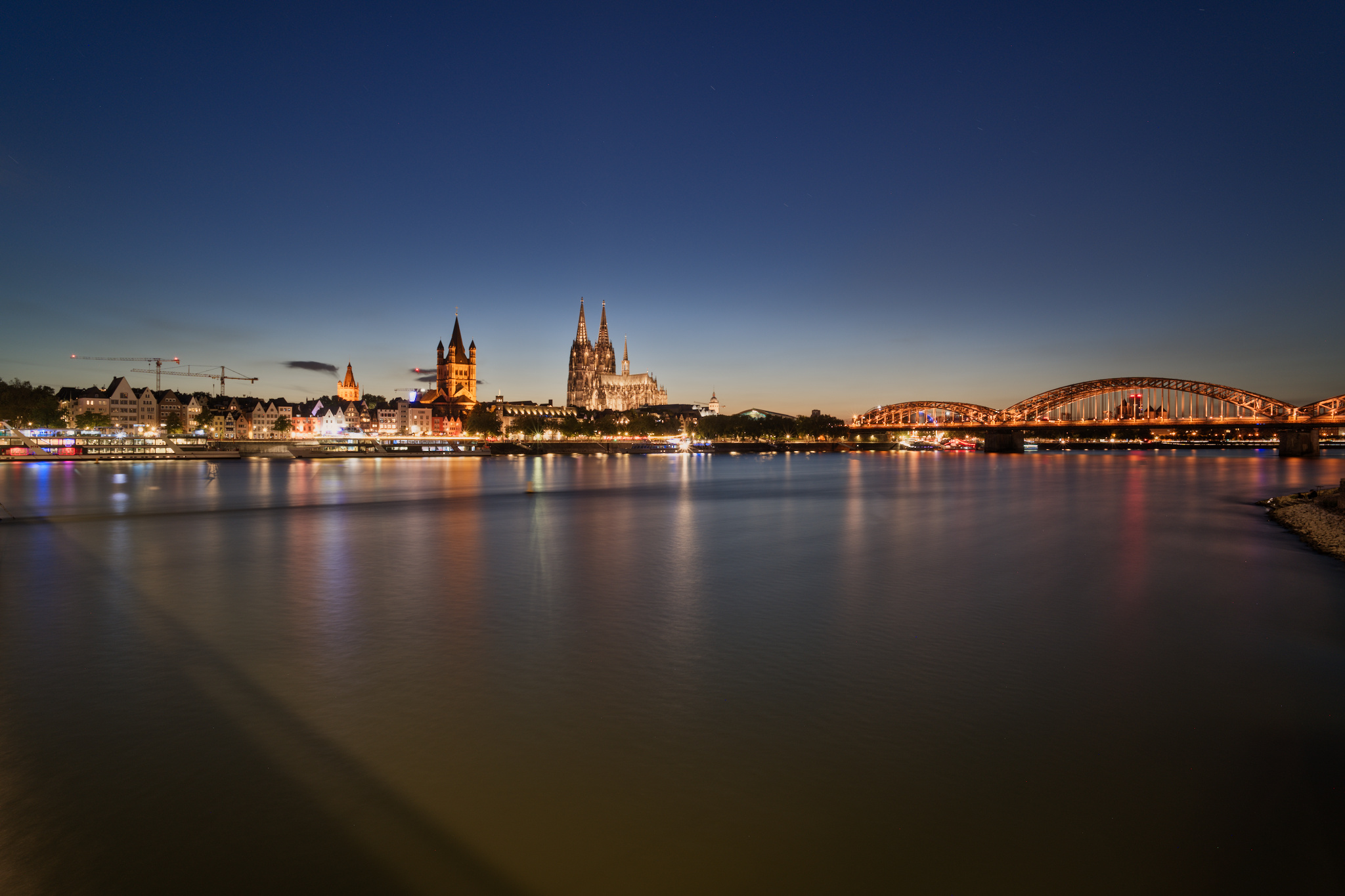
This one went through one of my rather typical lengthy editing journeys. The current version is the result of an RT PNG export (see DSC07023 RT-out-1.png.out.pp3 below) which then underwent some GIMP editing and was exported to a TIF, and then some more (minor) RT editing of the TIF and a final JPG export (DSC07023 RT-out-2.pp3).
The aspects I struggled with most are brightness & saturation of the sky, white balance, and overall saturation. JPG out of cam was not a good editing guide (as usual with long exposures in my experience, but also because I had some experimental JPG settings at the time of shooting).
I’ve spent quite some time on this image so I’m not trying to optimize technical quality by redoing the entire edit in RT and then editing in GIMP. It’s good enough for what it is and I took care to only export non-lossy 16-bit files until the final export.
The crop and the 16:9 aspect ratio were early choices, due to the shadow of the bridge to the immediate left of the frame. The dark “trail” you can see on the water is caused by one of the bridge pillars, the Rhine is flowing from the left (south) to the right (north). If someone happens to have some C4 to spare, maybe I can redo the shot without the shadow and trail at some point in the future.
More than anything, this image is (1) a redo of the image I posted in PlayRAW first and which caused me to join Pixls, and (2) a nice demonstration that expensive lenses are not always necessary. This was captured with the cheapo Viltrox 20mm lens, which has some fairly terrible distortion issues for a prime and neither the best contrasts, color rendering or sharpness. Nonetheless, it never felt like I was polishing the proverbial turd here as I did with the other image; I quite like this one.
Supply and use of that number 4 compound will get you and the supplier into another compound for a very long time. Alas, I have insufficient years still ahead of me to allow for such long incarceration, so the shadow on the Regal Rhein must remain.
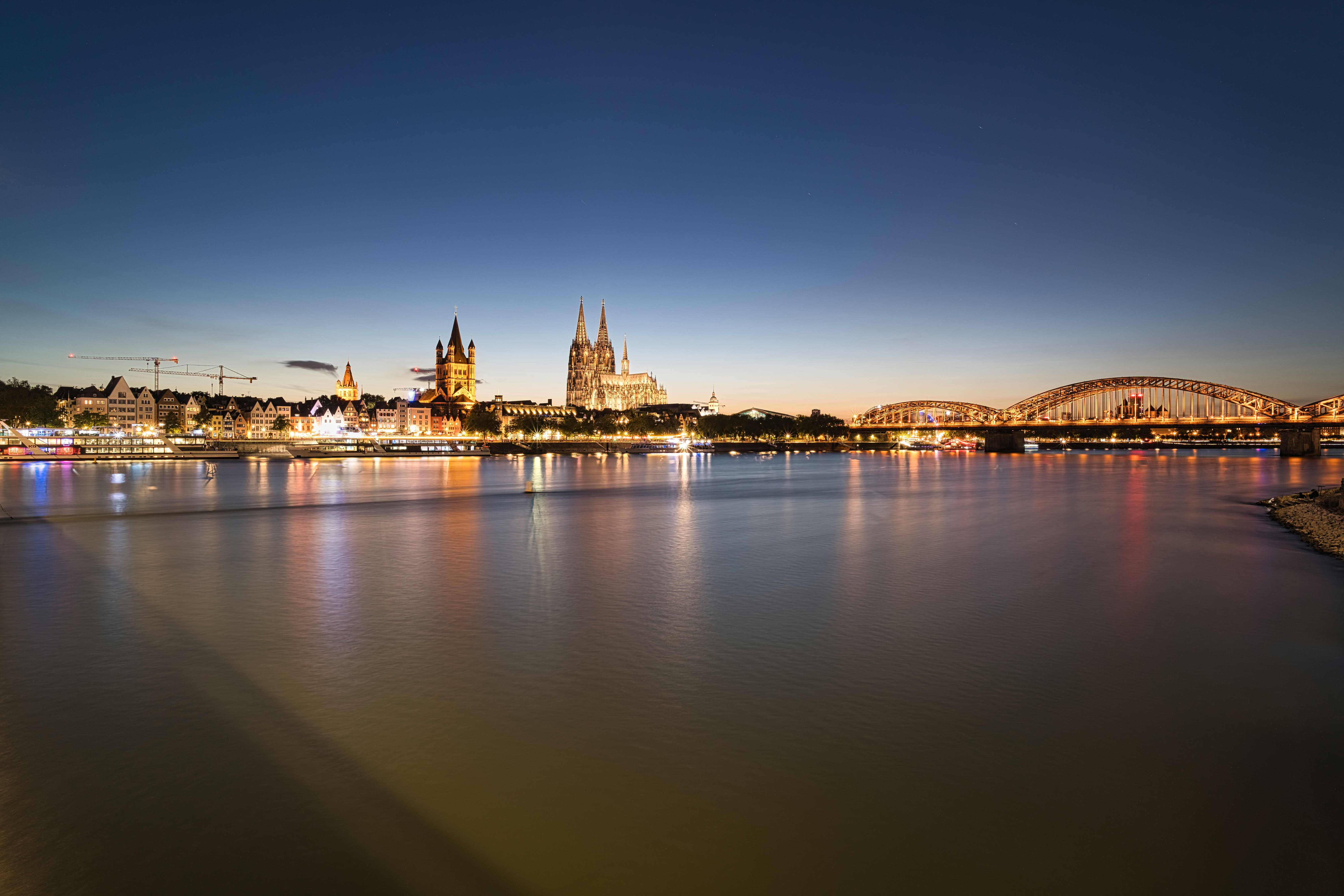
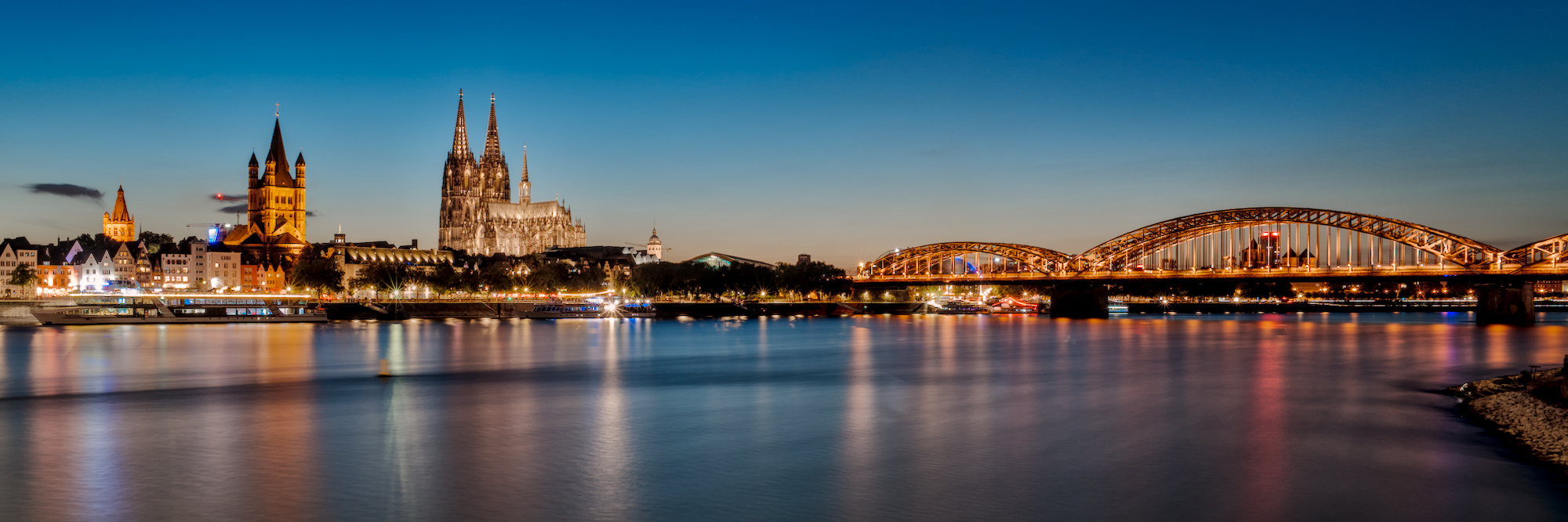
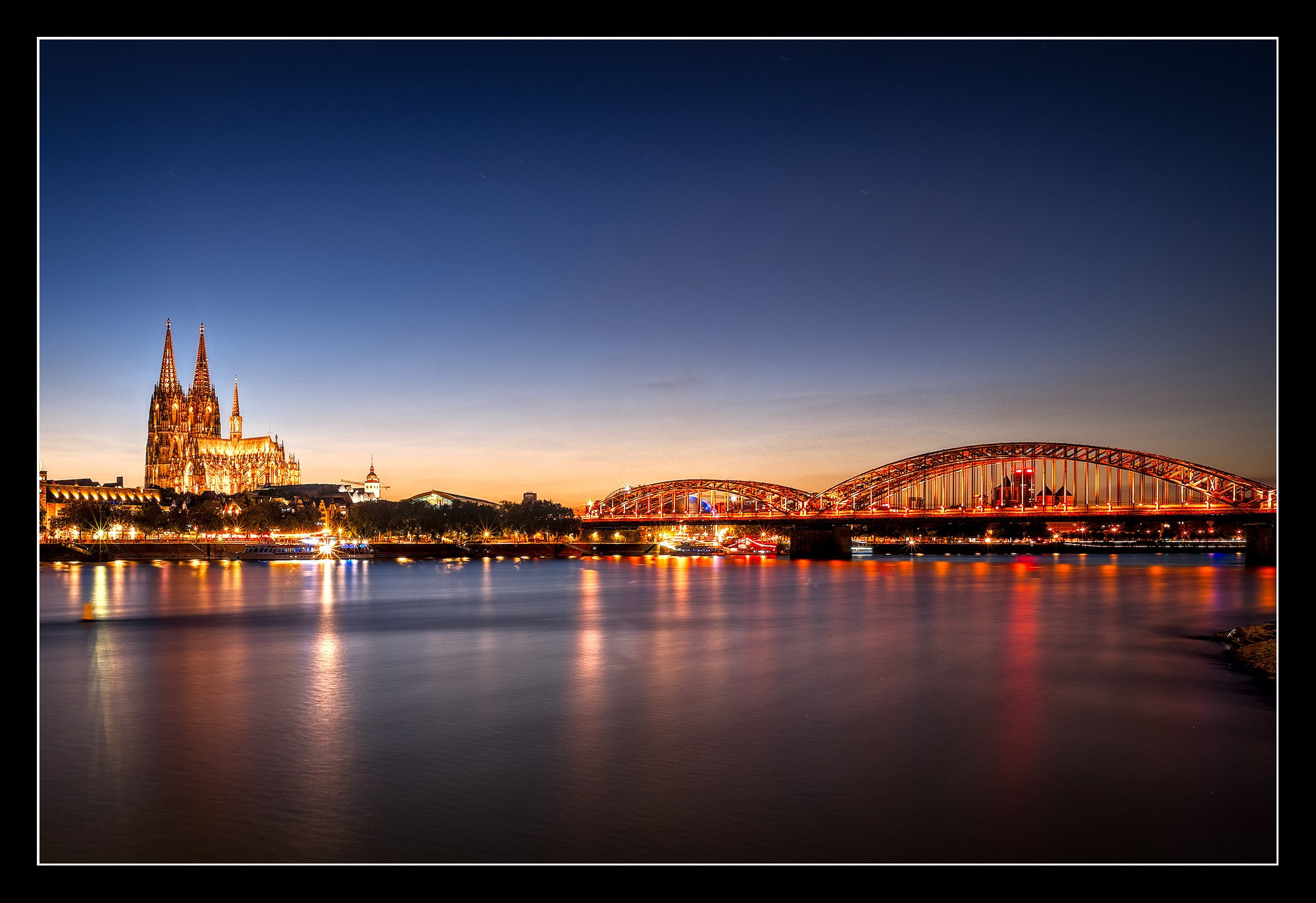
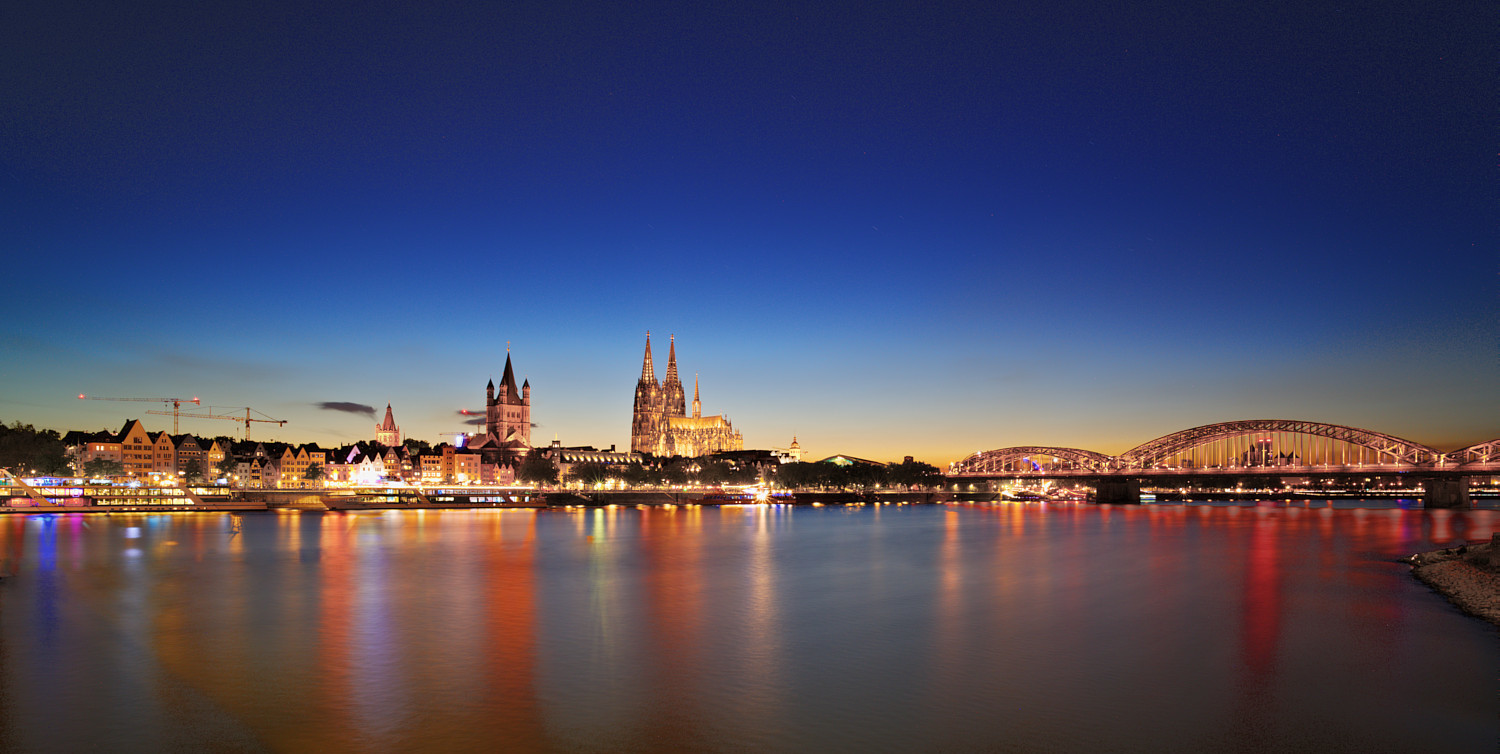
For me the shot is too wide and forces one somehow to choose a panoramic format. Just like @Terry did.
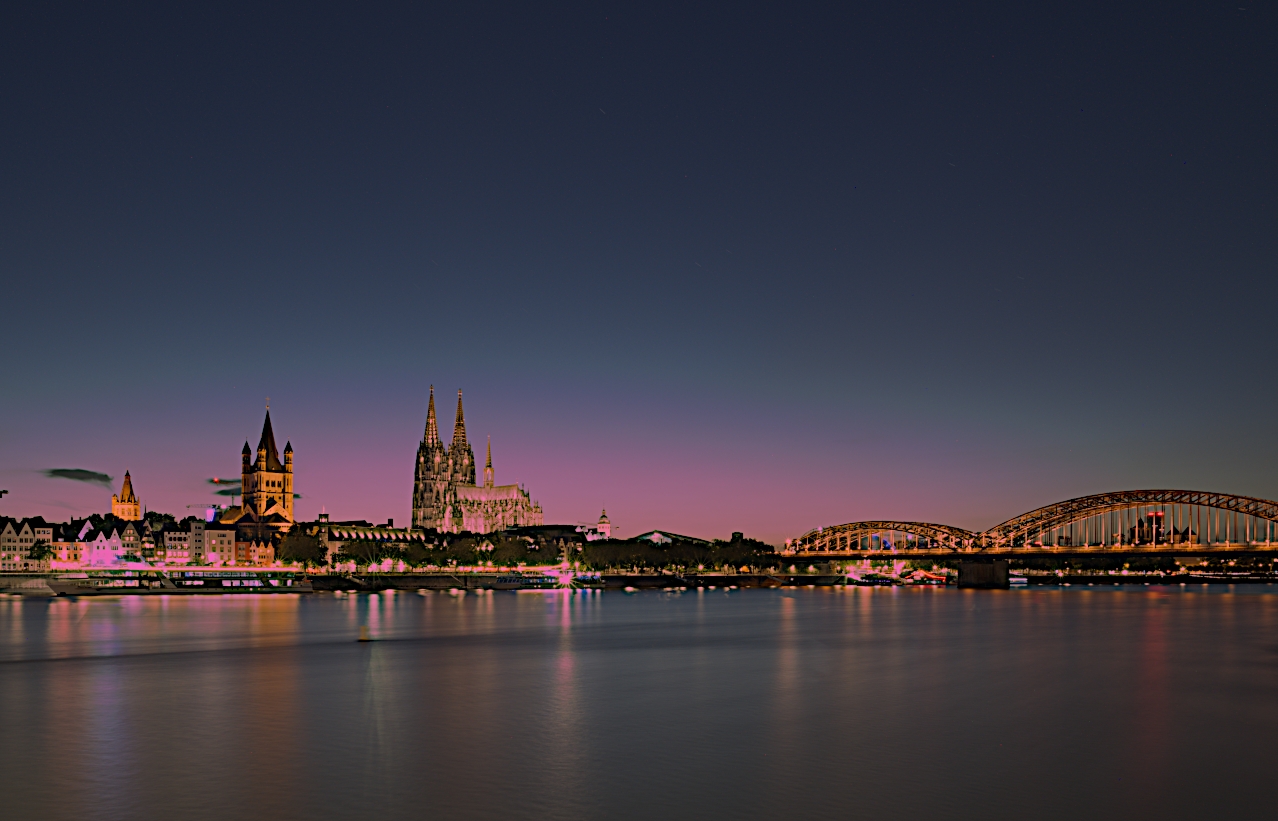
I tried to go a different way. Therefore, two suggestions with more ore less the same treatment:
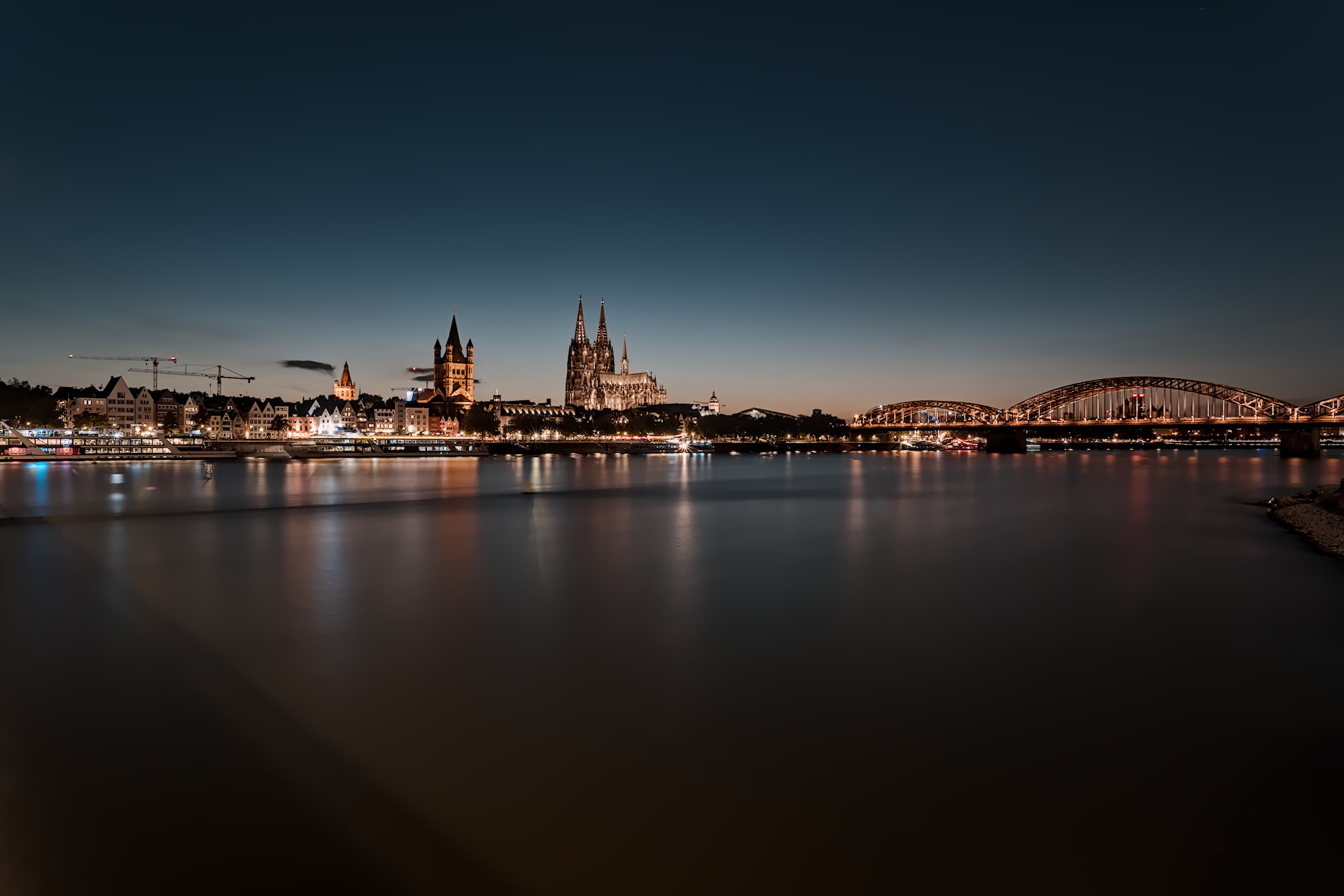
Kept in on the darker side as it was dusk. Kept the entire photograph without cropping to avoid making it look like a strip. AgX is my default tone mapper now. My version
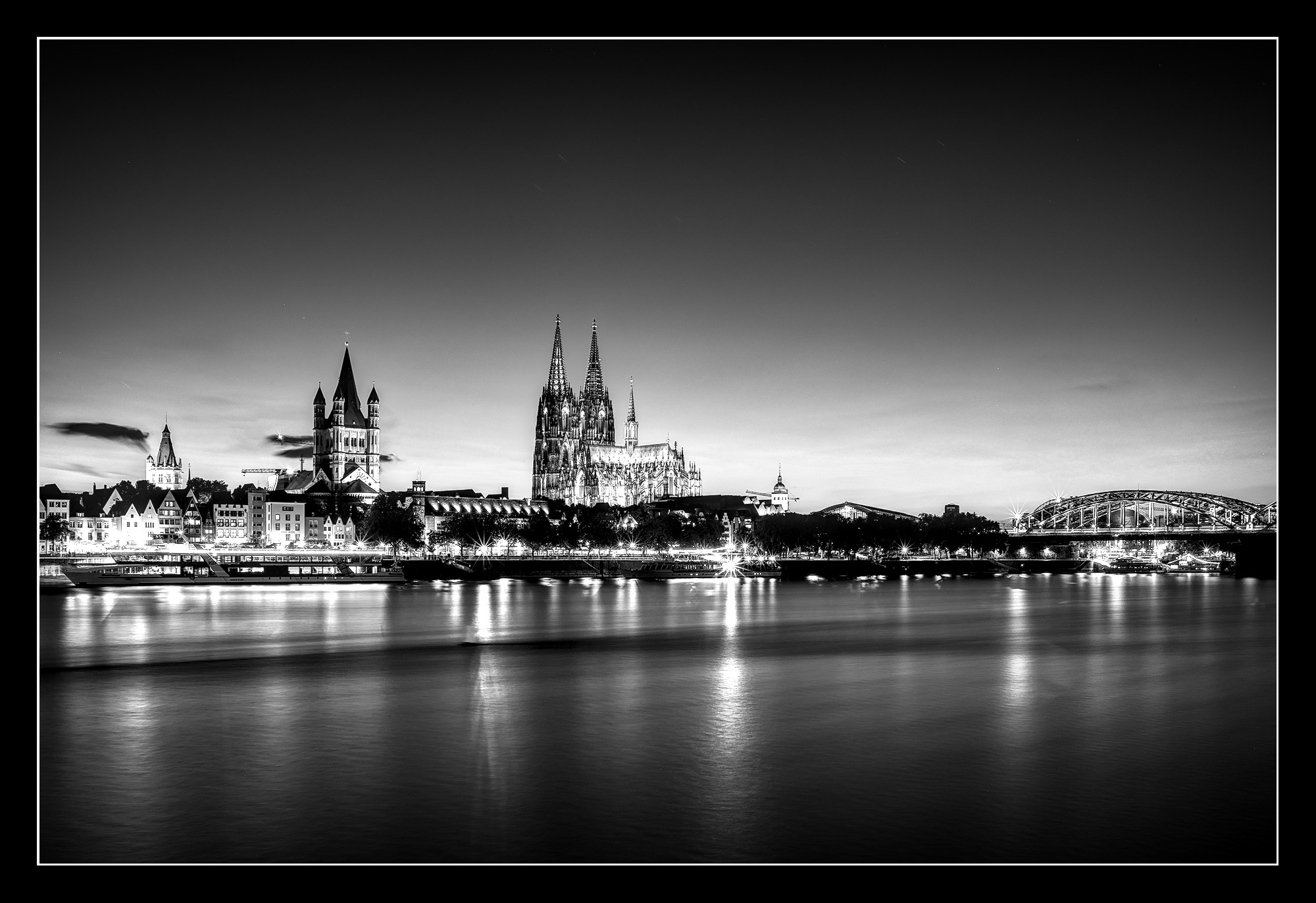
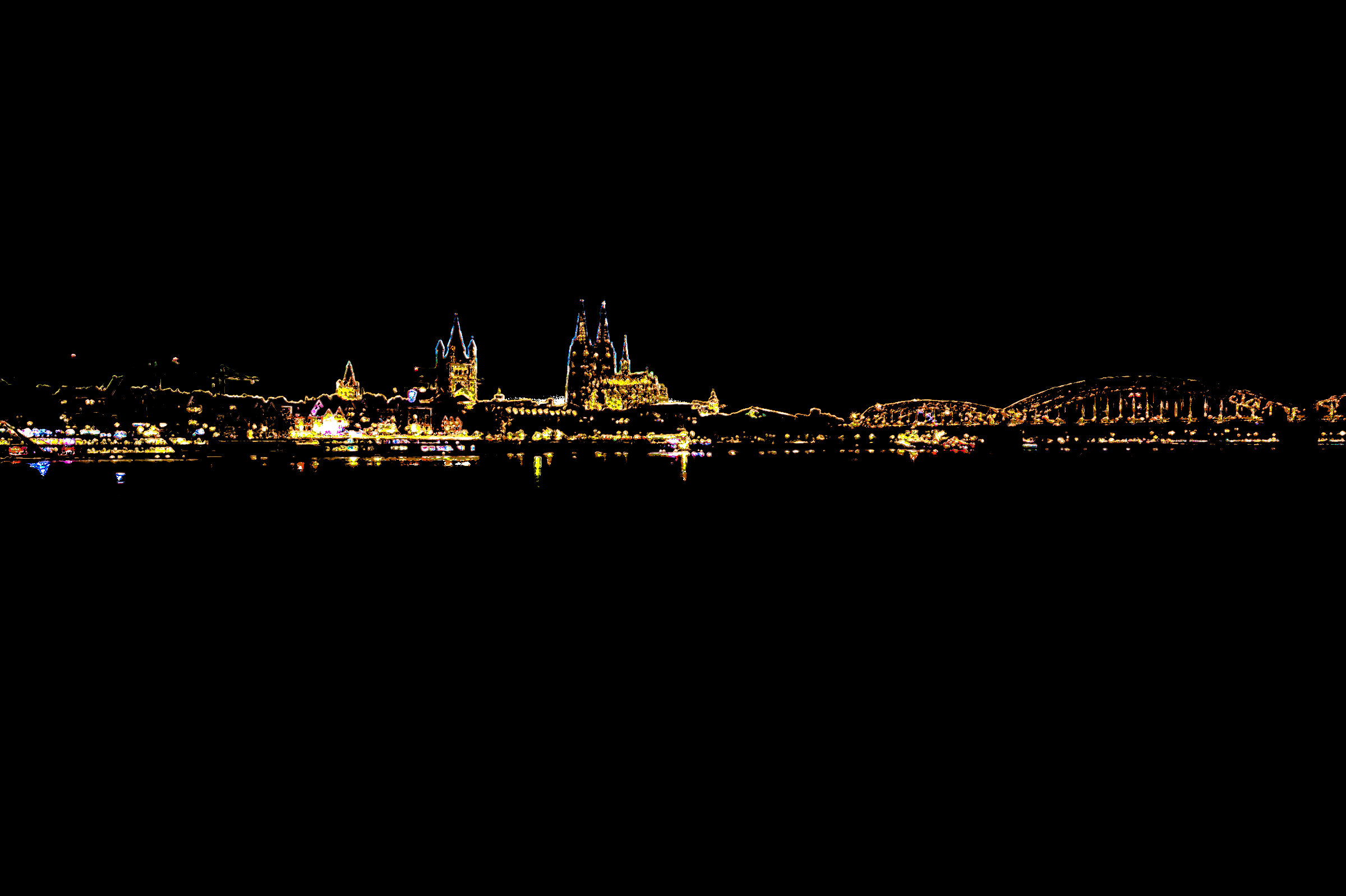
Blended Grain Merge on a duplicate layer which I ran G’MIC’s Gradient Norm preset for starters. Did some cleanup work as well. A lot of other things as well, but I do a lot of stuff at the seat of my pants (i.e, gonzo editing) since retouching is my hobby. Rarely do any edit by rote; just a pattern of similarities.
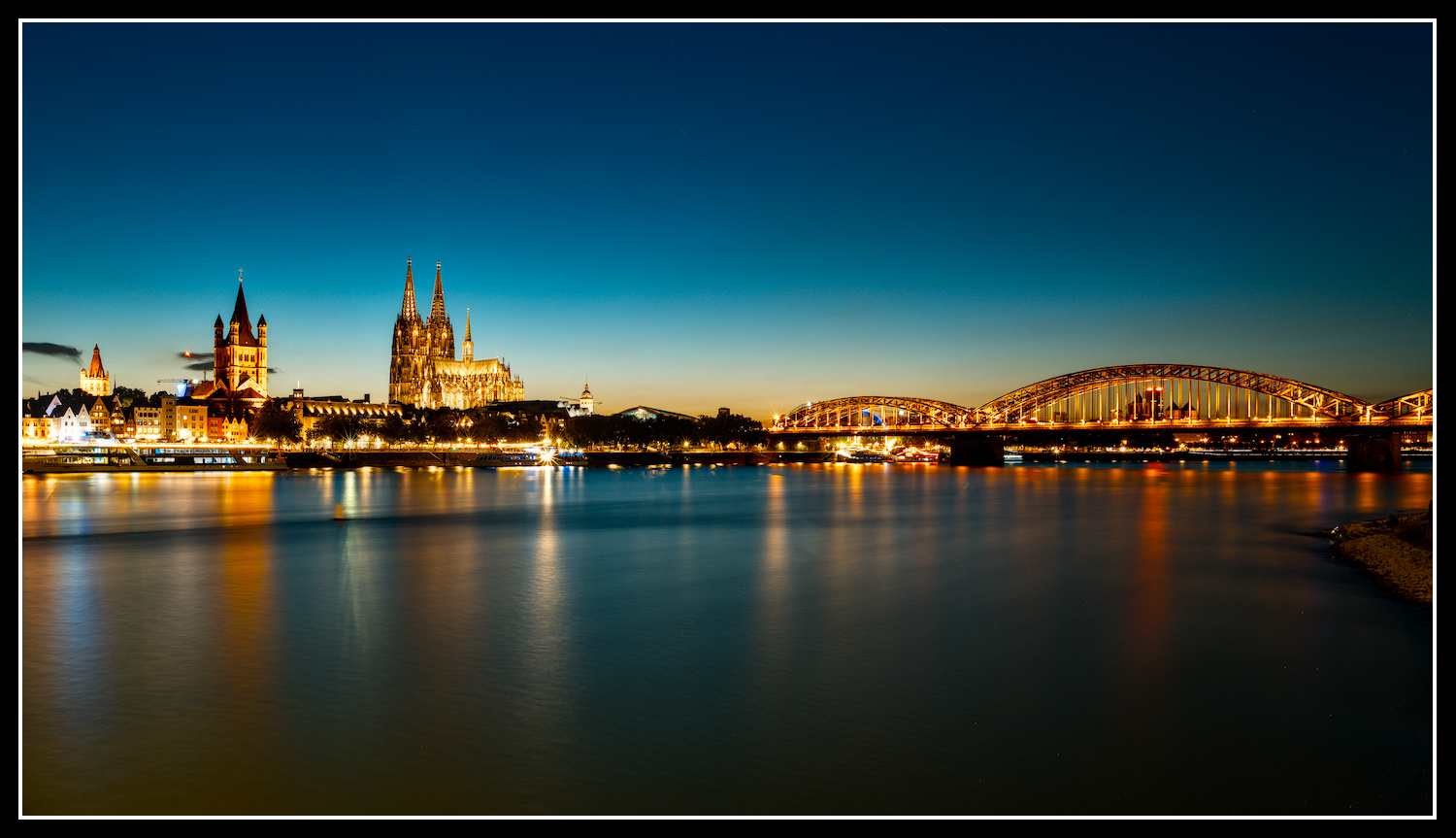
Slightly warmed up WB and deepened the contrast in GIMP with a layer mask (duplicated the base layer, increased contrast on the copy by 0.1, added an inverted greyscale layer mask and settled on 50% opacity for the copy layer).
I didn’t like the big cranes to the left. And any crop I did to keep the bridge in, just felt lopsided to me, so cropped for what I liked most in the scene.