While travelling and trying out a couple of relatively new lenses including a 9mm f2.8 AstrHori lens I thought about this post. I feel some of the look of film stock was not just the film itself but the softer lenses that were around at the time. Now with digital we have very sharp lenses and editing options to sharpen the images even further. The classic USM mask used in digital editing is based on a concept designed in the days of sheet film. I wonder how many if any film photographers here ever made a unsharp mask for printing their film stock. I will be surprised if anyone says they made one to sharpen there film images.
2 Likes
Been reading this thread for some time and have been using the software for some professional. Game changing stuff! I actually shoot mostly on film and ra4 print, Andrea if you need any real world testing let me know! I have acess to endura but mostly print on DPii paper.
8 Likes
Thanks for sharing…I love the photo that comes up under the “pride not hate” menu… the expression on your subject and the scene are just amazing…
Welcome to the forum…
Great photos!
1 Like
Support for some positive films was added recently to spektrafilm and ART.
Get latest spektrafilm repo and switch to the dev branch:
git clone --recursive https://github.com/andreavolpato/spektrafilm.git
cd spektrafilm
git switch dev
Follow installation steps at https://github.com/andreavolpato/spektrafilm/tree/dev
I used the conda method on my Fedora 43/Gnome OS.
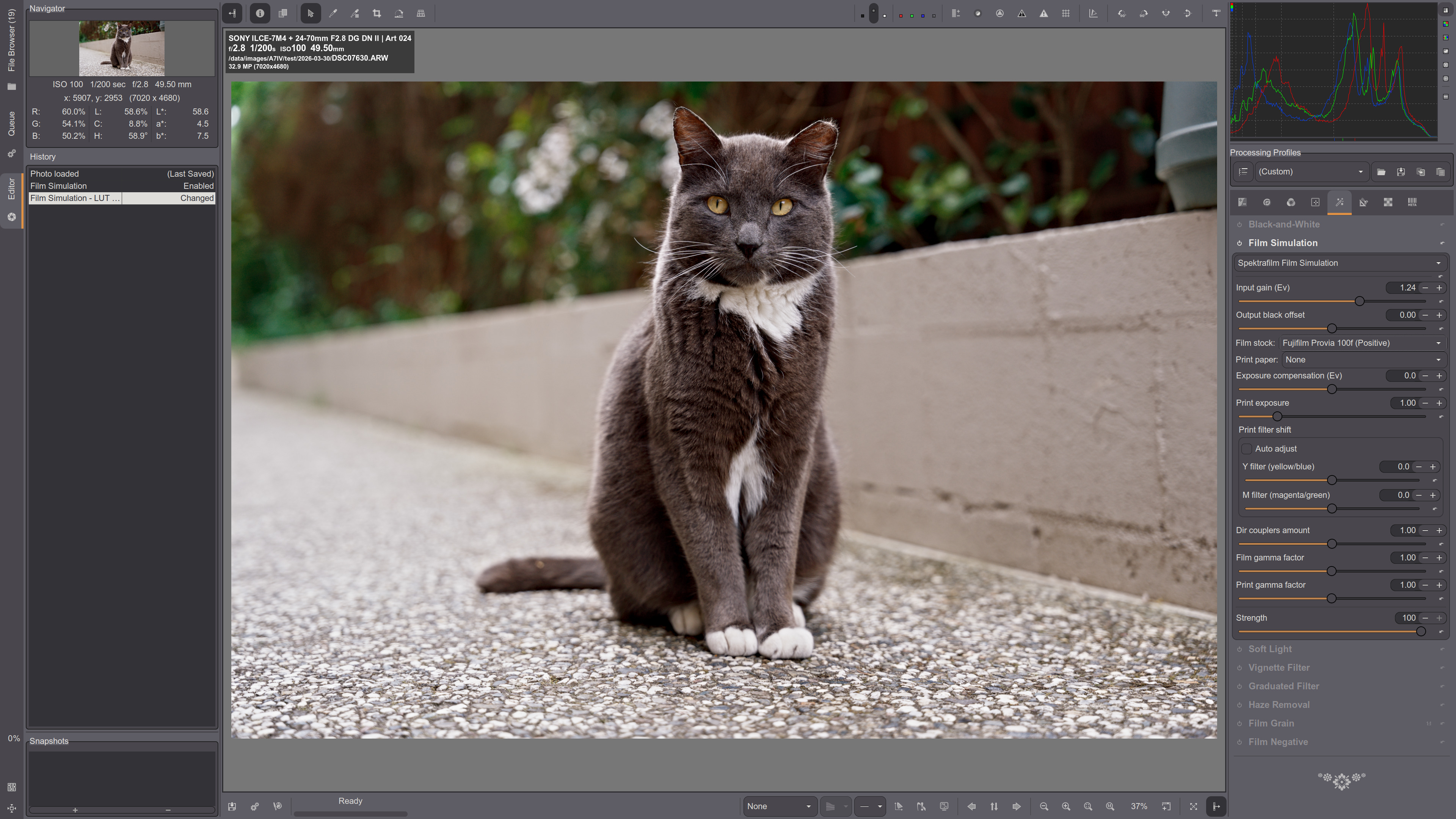
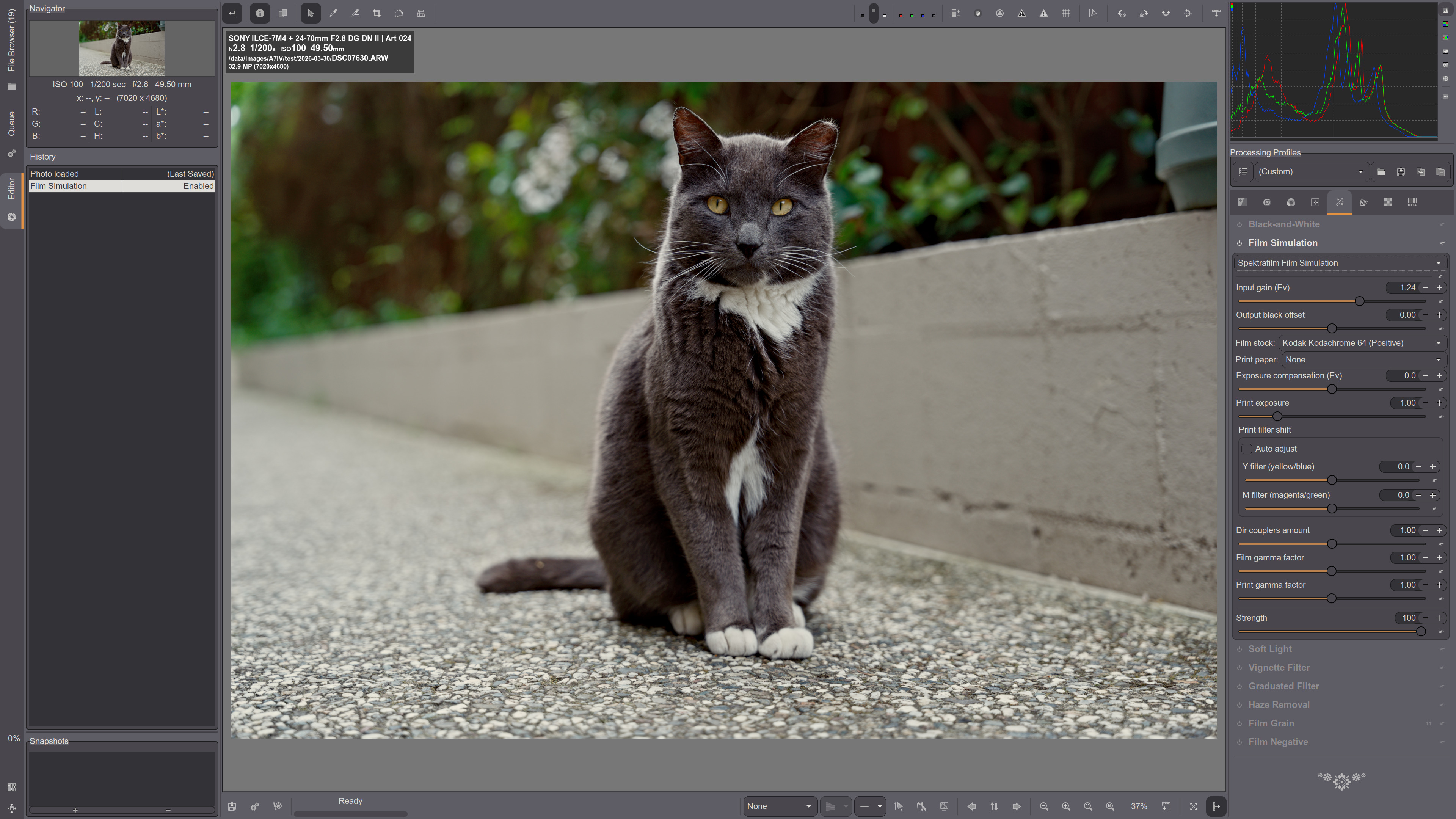
Get latest changes in ART repo and update the command line in ART_agx_film.json for your system. E.g. I have:
"command" : "/home/andrew/.conda/envs/spektrafilm/bin/python3.13 spektrafilm_mklut.py --server",Here are a couple of examples:
Provia 100F:
Kodachrome 64:
4 Likes
I’m trying this with 1.26.3 on windows…I grabbed the new scripts but I haven’t built ART in a very long time so I was wondering if that might be my issue??..Spektrafilm is installed and runs the gui but either I can’t land on the right command syntax for the Python line in the JSON file or I need an updated build for ART but I can’t get the integration to work in ART.
A cool feature to add would be enlarger diffusion! When you put a diffusion over the enlarger lens you can get the shadows to bloom instead of highlights because everything is inverted, its a very interesting look and tons of folks i know who work in editorial and fashion use it. Will link an example by Jack Orton who uses this method.
7 Likes
Gosh, love your photos! 
And thanks for the appreciation!
One of the weak point of the full simulation is the calibration of the saturation through the amount of inhibition couplers, they are literally eyeballed (or we let the user adjust as they like). It would be interesting to find a way to anchor sound starting points for saturation levels. I guess fine tuning from experts that work with real ra4 prints should be the best input. 
I’ll experiment and report back! Looks very cool
2 Likes
Does DT have a module that will let me invert the image to try and replicate this suggested technique?
Hi does anyone know why this happens "An executable named spektrafilm is not provided by package agx-emulsion.
The following executables are available:
- agx-emulsion.exe"?
look at the dev branch, with the heavy refactoring I was scared to merge to the main branch, but maybe I can do it now that I feel a bit more confident that I haven’t messed up too much and tested a bit more the current state
1 Like
Sorry also posting this here, besides the Spectral film in Art thread!
If anyone wants an easy way to install this (on Linux), I wrote a Nix derivation for it: GitHub - rafaelcgs10/spektrafilm-art: Spektrafilm and Art bundled together · GitHub
5 Likes
I had mentioned the same to someone working on a branch awhile back. I played around with approximating it but its just based off the “scan neg” feature and then roundtrips through photoshop and negative inversion software like NLP. Not worth the effort.
Would love to see a version in spektrafilm! Or even a simple “Print Neg” toggle that bypasses the initial negative conversion.
(Remember your work from a lightlurking post btw. Websites looking better!)
I had created highlight blooms through the halation feature. Could maybe build that feature off the halation script in the print stage? Pin the CMY to white/neutral and add in a sigma for gaussian blur? Its usually a two step exposure in real life so it might complicate things. Typically something like 15-30% exposure time with anti-newton glass/cigarette wrapper plastic/Black Pro Mist filter in front of the lens and then the remaining image forming time normal.
ps. just tested todays dev branch, please dont get rid of “Print Density Min Factor”!
How would I run the spektrafilm branch using uv? For agx-emulsion I’ve used this script:
#!/bin/bash
cd ~/Python/agx-emulsion/
uvx --from git+https://github.com/andreavolpato/agx-emulsion.git agx-emulsion
I just tried to create:
#!/bin/bash
cd ~/Python/spektrafilm/
uvx --from git+https://github.com/andreavolpato/spektrafilm/tree/dev.git spektrafilm
But got:
Updating https://github.com/andreavolpato/spektrafilm/tree/dev.git (HEAD)
× Failed to resolve `--with` requirement
  ╰─▶ Git operation failed
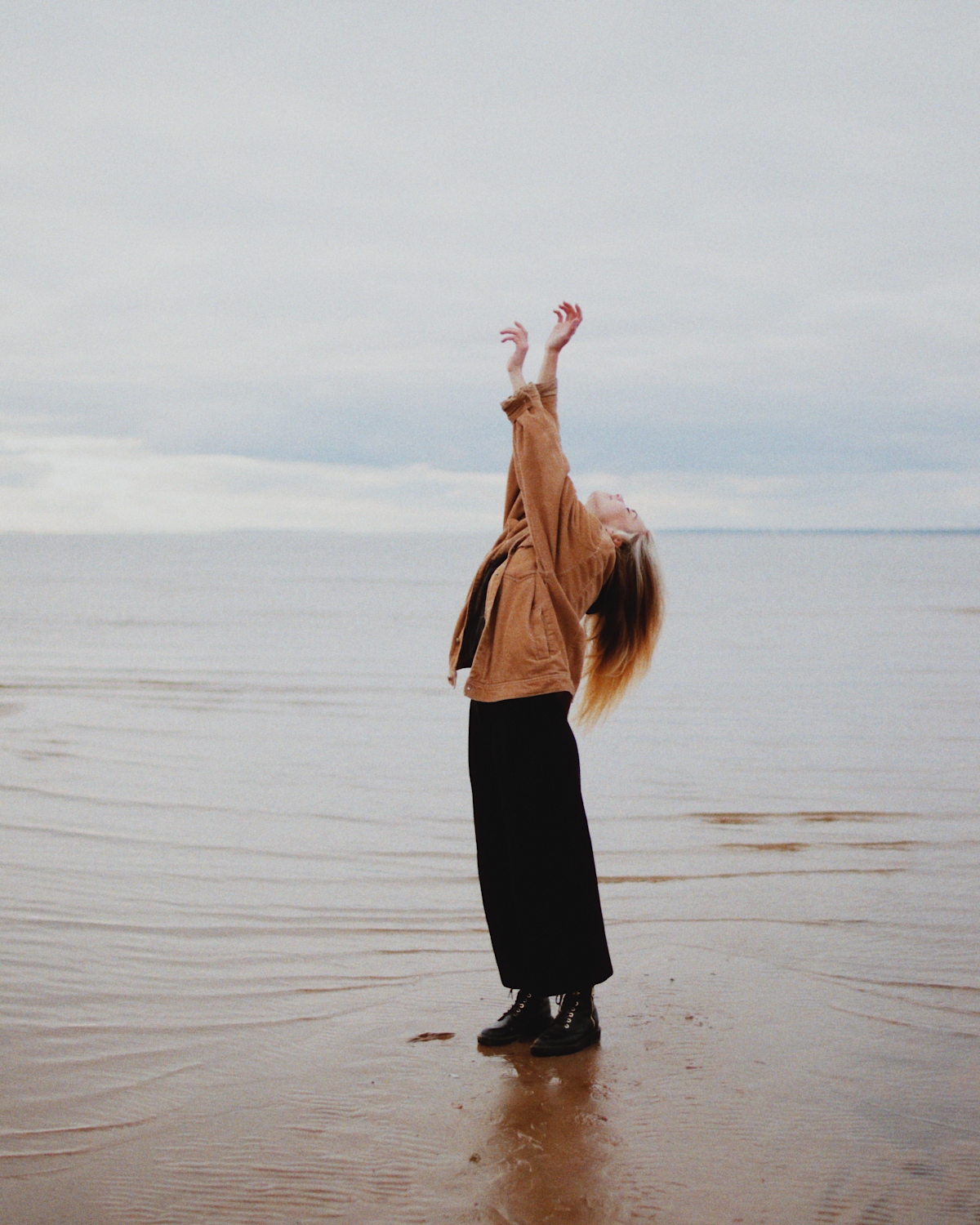
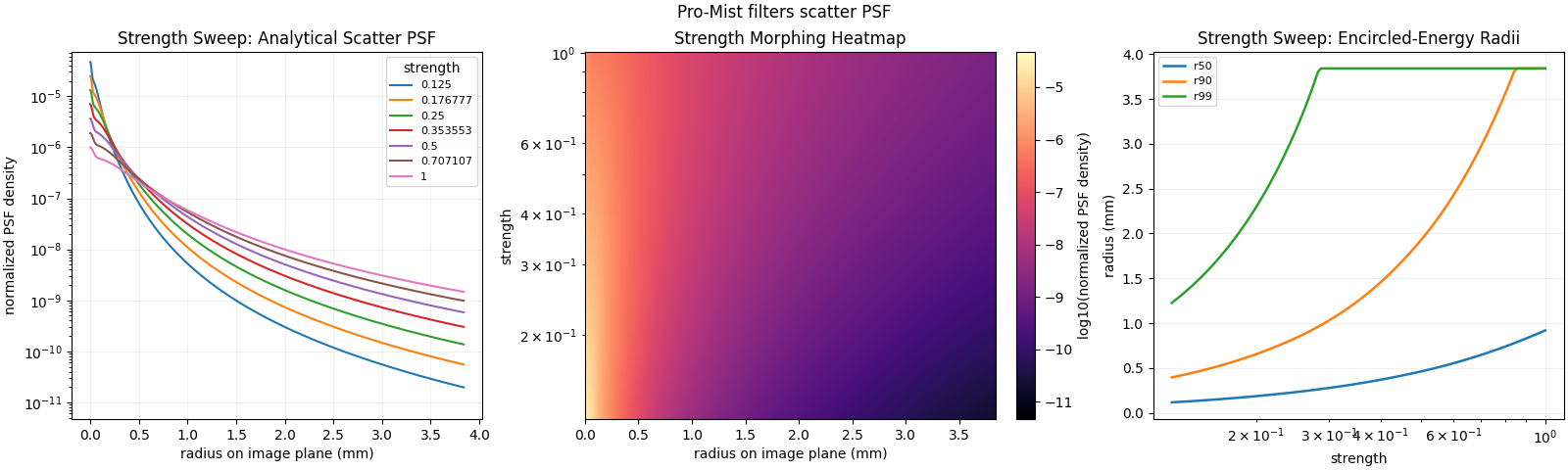
I tried a quick implementation of the enlarger diffusion. of course it can be tuned to change the shape of the blurring kernel, boosting halo or the bloom tail
no filter
filter strength 1/4
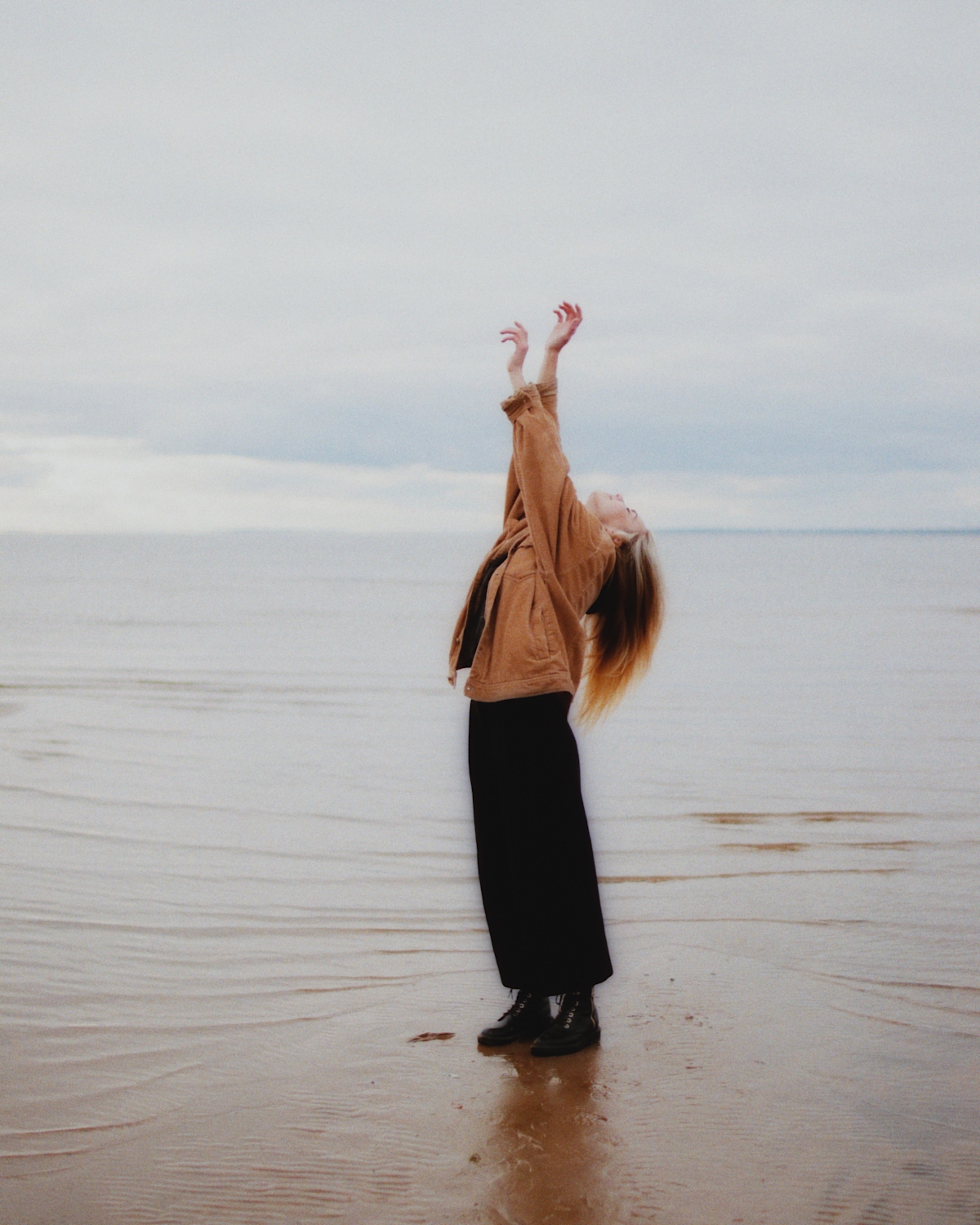
other filter strengths 1/8, 1/2 and 1
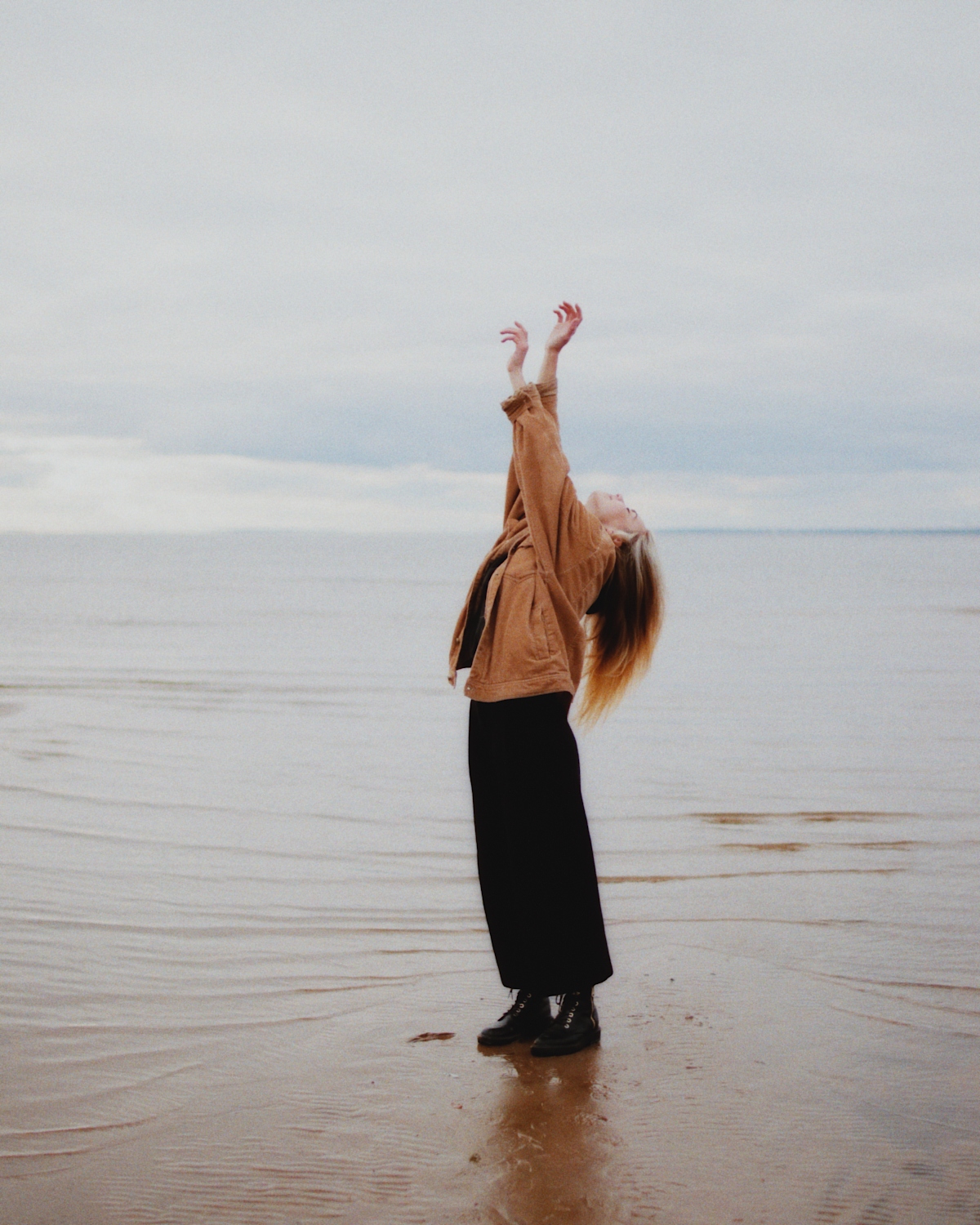
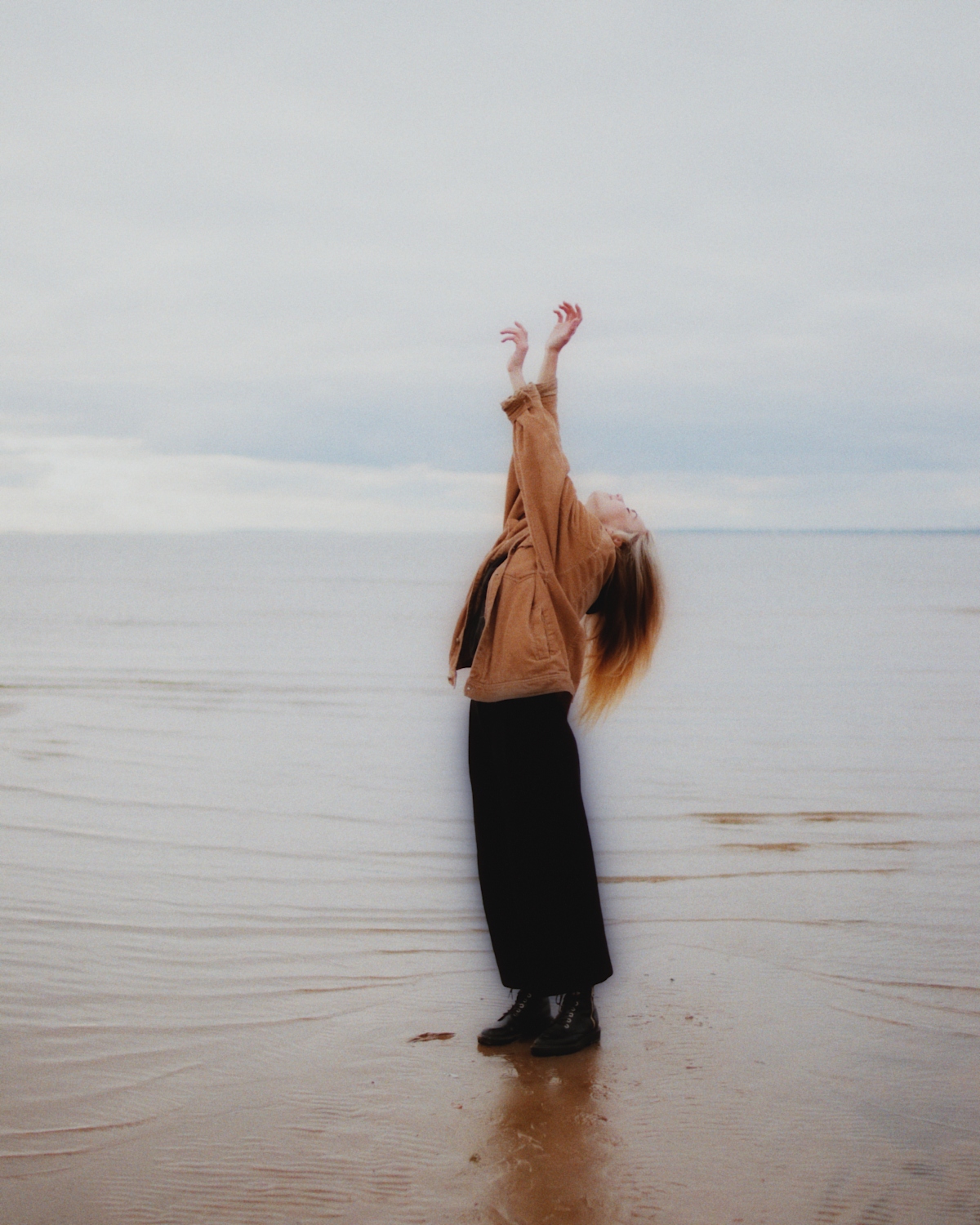
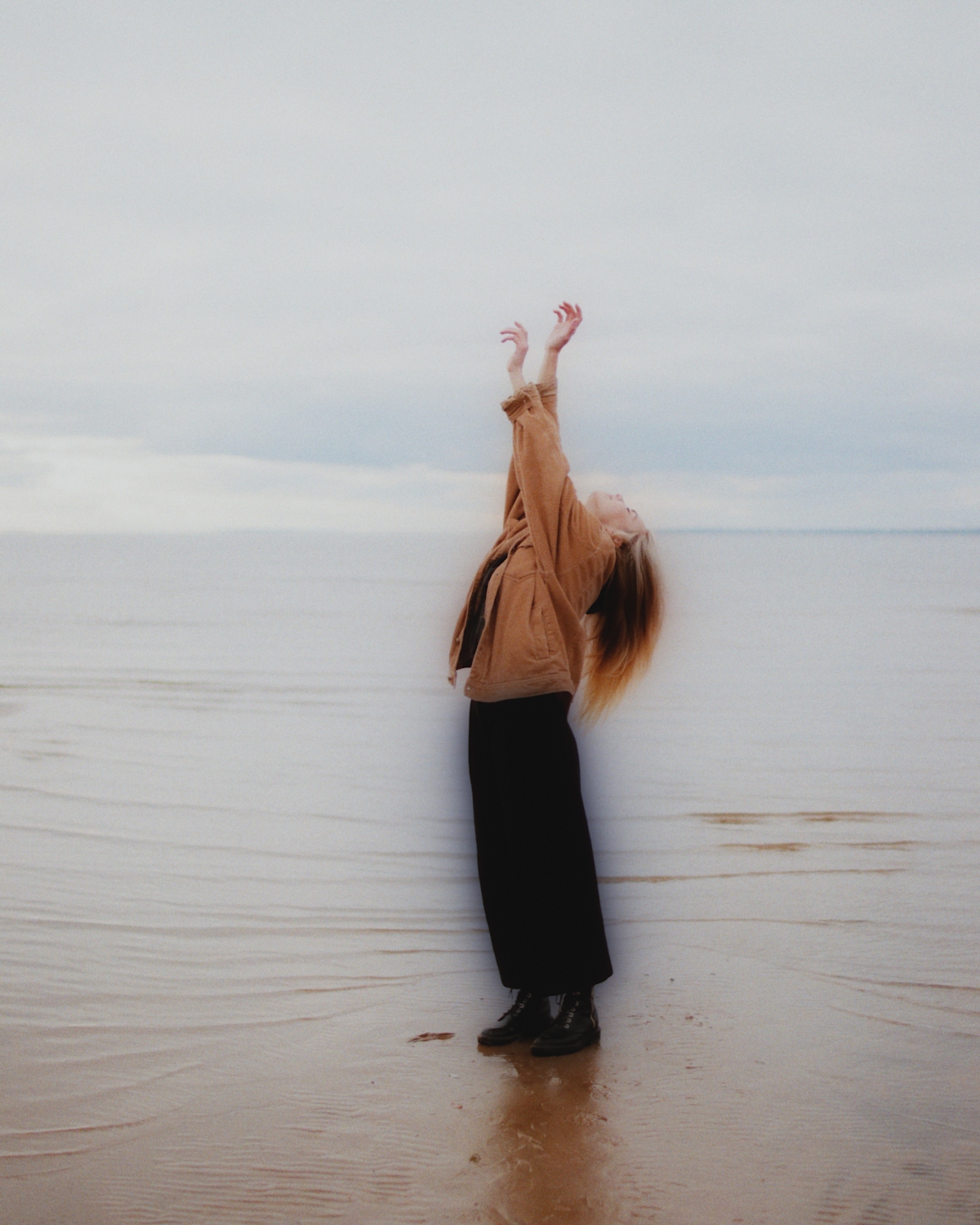
here the diffusion kernel that we might wanna tune

9 Likes
my idea was to use the new black and white correction control now in the scanner to act in a similar way. my main gripe about print density min factor is that the base spectral density might not be color neutral, thus it might mess a bit with color balance.
haven’t tested uv  I will have a look to that
I am the maintainer of ART in nixpkgs and I wouldn’t mind having this in there at all 
6 Likes
And just like that you got it! Awesome man!!!
2 Likes