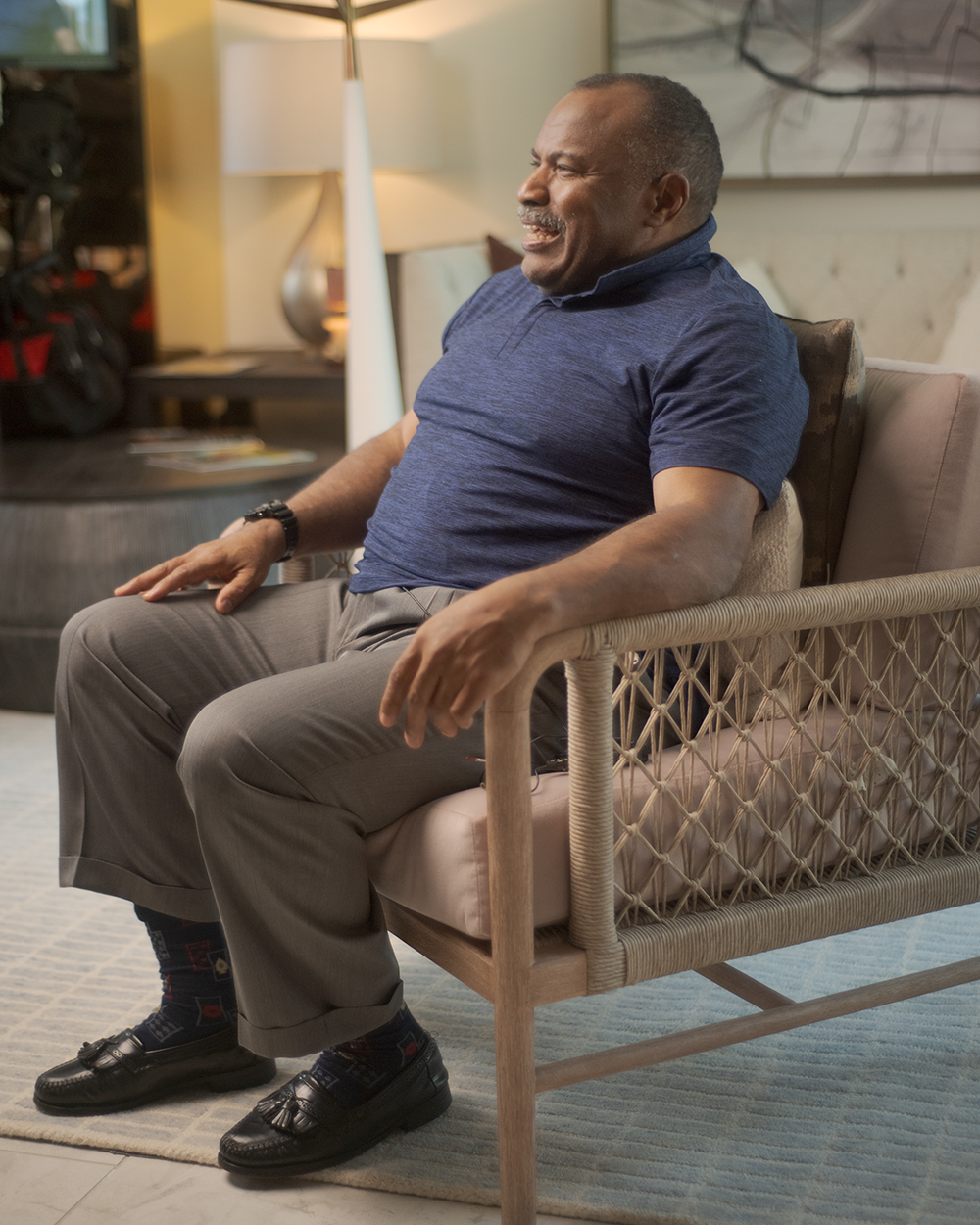
Couldn’t have said it any better Sargent, Vermeer, Eakins, Manet are such huge inspirations for how I print and compose!
1 Like
I was looking on it on my calibrated monitor and several of the faces are essentially in total darkness…so maybe issues on my end, or the chosen brightness of your monitor is high or at least higher than mine, or its exactly as you intend and that is that… it was just an observation…
All faces are visible on my screen. It does sound like an issue at your end.
1 Like
Ya I will have to check I run a pretty standard 120 cd/m2
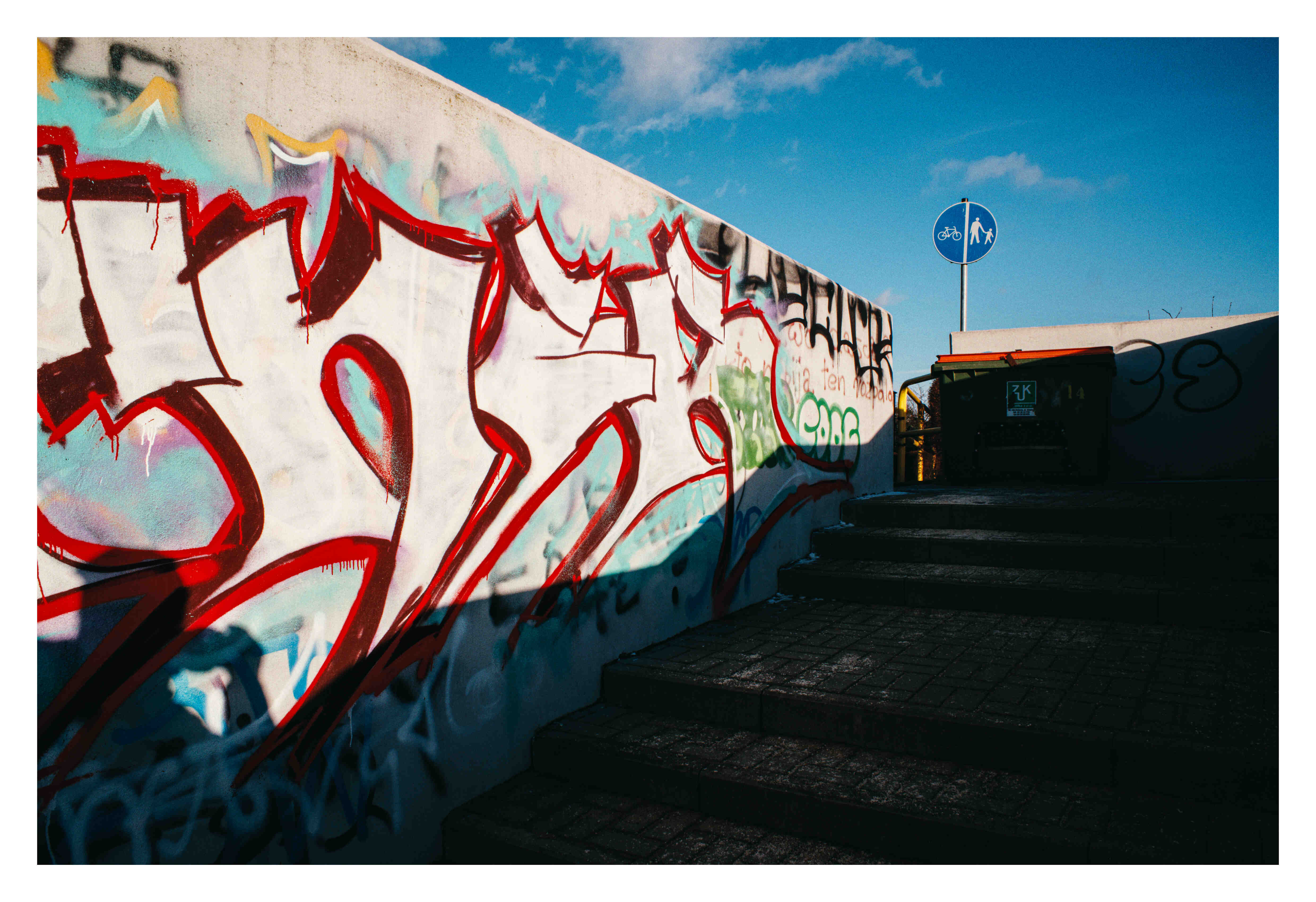
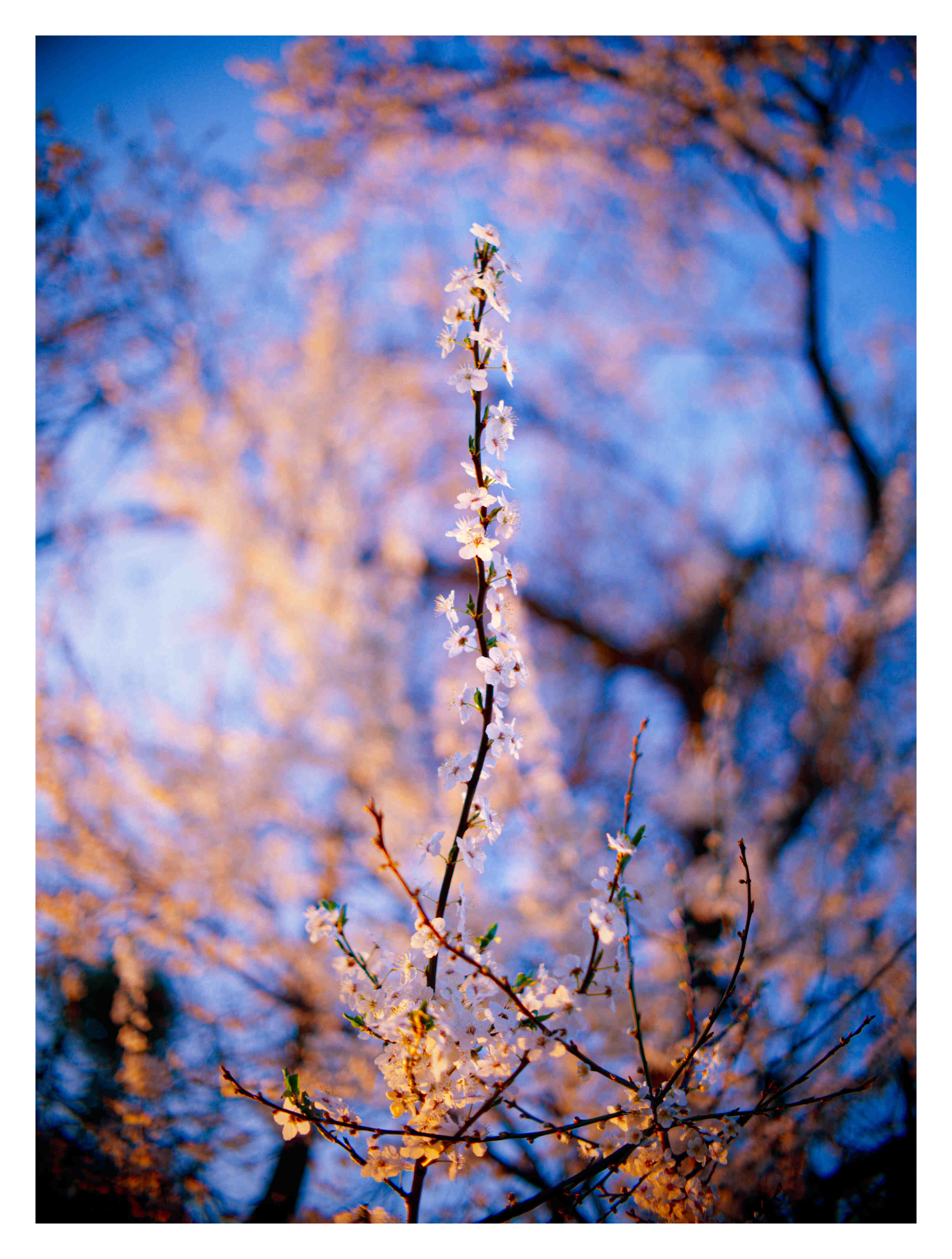
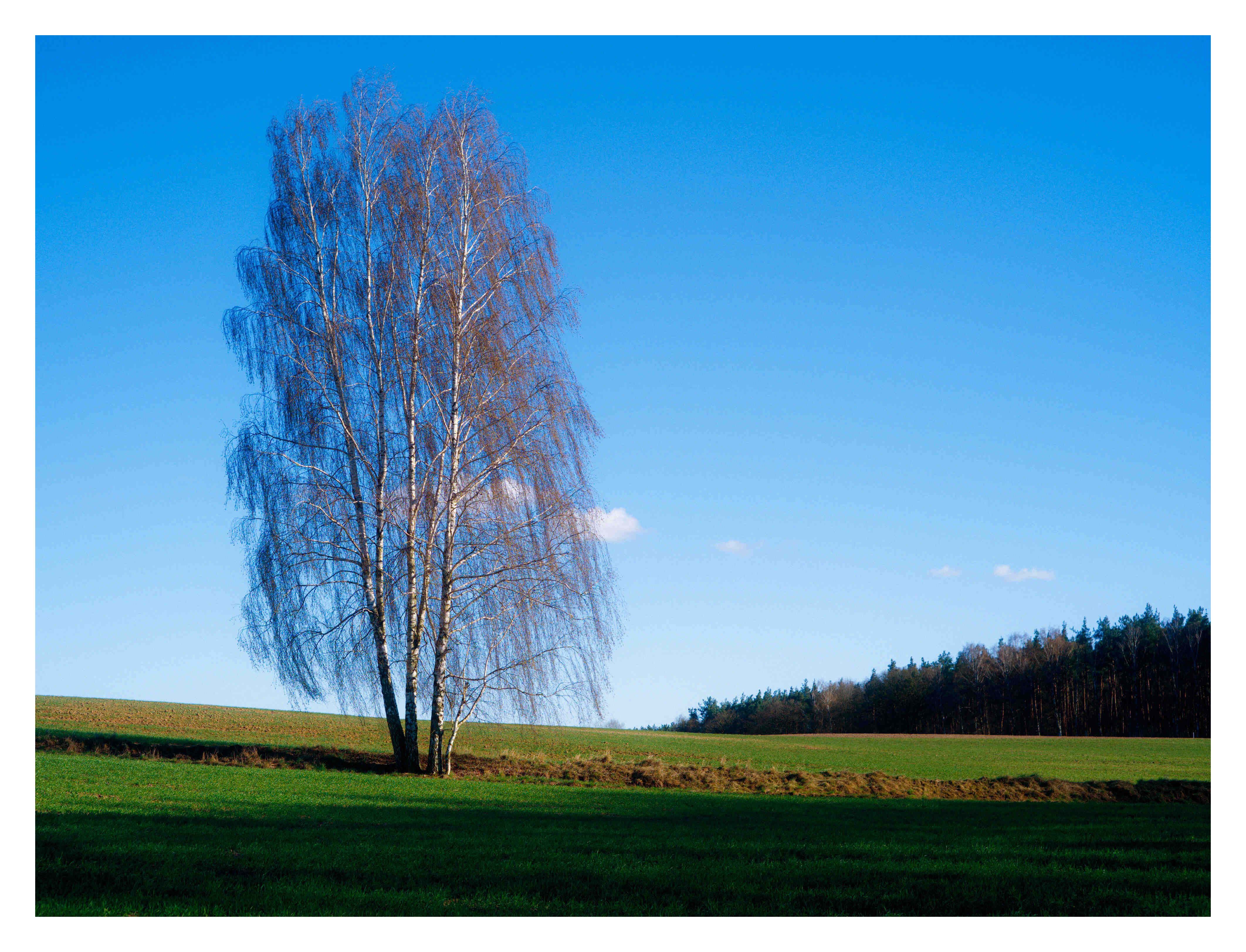
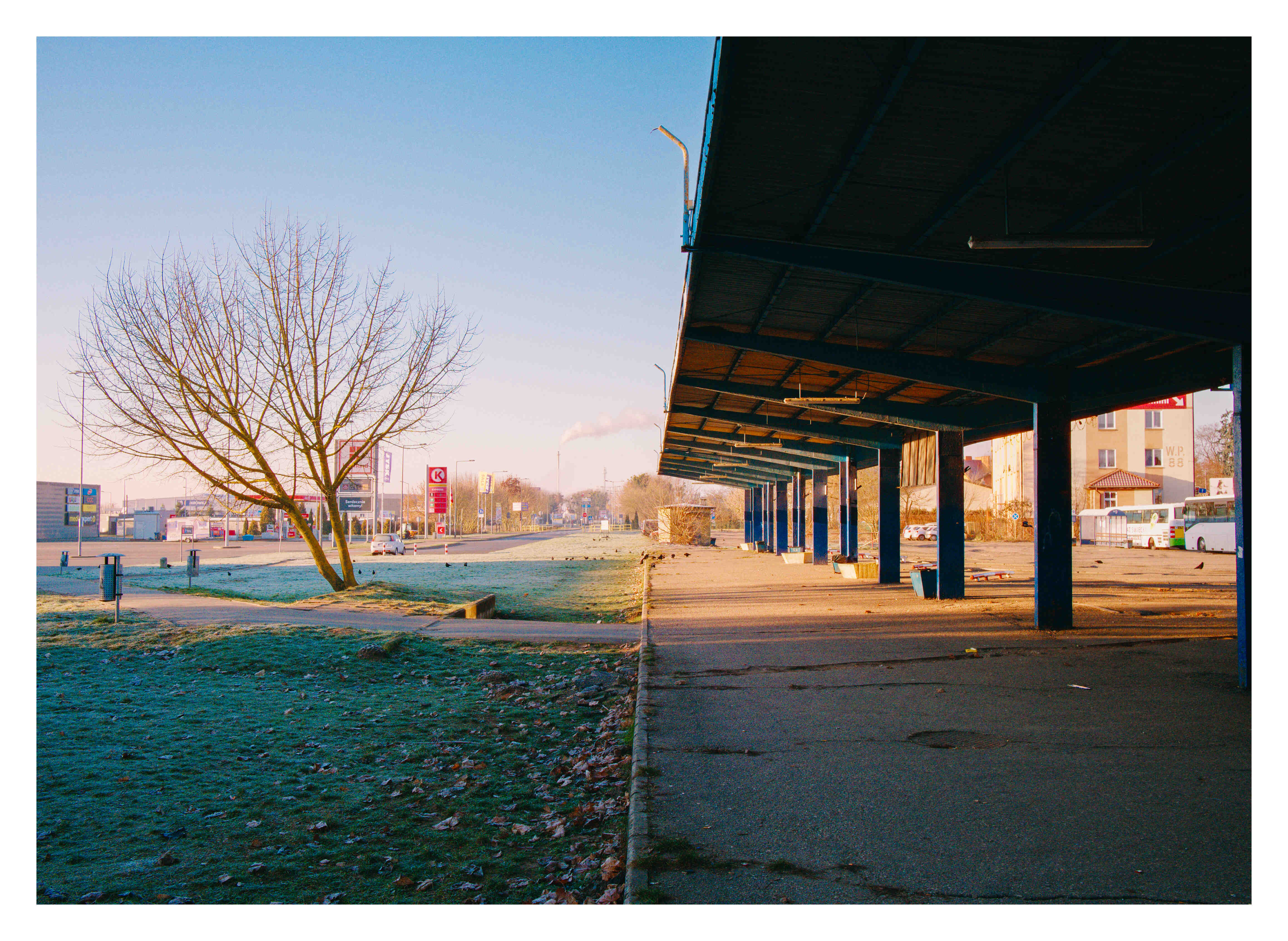
Wanted to share some of my photos edited using spektrafilm  Some are 6 months old! It is unfortunate that I dont have raw files for some of them so we could check how the simulation has improved.
My goal was to create look of a high quality medium format film scans with very little grain rather than authentic darkroom prints. Enjoy!
11 Likes
Those are beautiful, thanks for sharing :-)! The urban shot is 100% from the level Venice from Tony Hawks Pro Skater 2 ;-).
4 Likes
I would post more but since I am a new member on this forum I can’t hah!
1 Like
i will try to work on the grain in the future, it hasn’t received the same love that other part of the model had. you can try to boost grain >> density_min that will add more fog, i.e. grain in the unexposed part of the image. although, when printing on the virtual paper you might not see a big change because in a correctly exposed negative and print the dynamic range fits more or less in the linear part of the negative curves.
yeah, i will post a couple of problematic images that might show a difference in a before/after comparison
that look stunning, i am very grateful for the suggestion of exploring the diffusion filter in the enlarger.
i am very grateful for all the feedback in general by everyone here, it that has sprouted a ton of great ideas.
that sound very useful, i am curious to see more comparisons!
i am absolutely flattered by this comment
cool pictures, thanks for sharing. theoretically speaking, changing the film size from 35mm to 70mm (or the size of the film you are aiming for) should take into account the scaling of the grain, in a physically meaningful way. in the sense that if you think the 35mm grain is plausible with a certain set of parameters then changing film size will give you that rendering for the bigger film.
3 Likes
Hey all,
this looks like an amazing project! Coincidentally I was pondering developing a very similar tool myself, seems I may just hop onto the bandwagon here!
Right off the bat, I wanted to say hats off, this looks really incredible! Thank you so much for putting in the work and dedication to make such a precise and true-to-reality tool!
One thought I had was, you could possibly improve the accuracy of the grain simulation. “Realistic Film Grain Rendering” and “A Stochastic Film Grain Model for Resolution-Independent Rendering”, both by Newson et al. came to mind here. They have a very grounded approach. I haven’t gotten too deep into your code but it seems you may already be taking some elements from those papers, however the costly Monte Carlo estimation is left out as it seems? Adding that for a “final quality” render might improve grain results?
The second thing that came to mind was porting this over to C#/C++ for faster inference. Python is a great language and super fast to set up, however it comes at the cost of memory bloat and slower execution.
With your permission I would like to attempt to port this awesome tool over to a C variant and try my luck to maybe even get this running for video as a true film simulation tool for lets say Davinci Resolve or other video editing programs?
All the best,
Aedan
3 Likes
VKDT works beautifully! Those GPU shaders are FAST . You might have wanna have a look at filmsim which is the ported module there.
5 Likes
I’ve been working on little tool that exports a LUT (taken from ART’s spektrafilm_mklut.py script) from a json preset made in Spektrafilm if anyone wants to give it a crack. I wanted to use them on some upcoming video shoots.
Could be a cool feature to add within Spektrafilms GUI 
3 Likes
Yes LUT export is very much needed in my opinion. I have managed to create haldclut and convert it to cube lut but only in srgb colorpsace so far. Looks great on videos in Davinci Resolve!
Also, it would be nice to bypass film simulation and leave print simulation only. I do shoot film and had an idea yesterday that it would be great to import linear DSLR scan of a negative into spektrafilm and just use print paper simulation!
That or ability to export just print lut and apply it in other software
Of course ability to export just the film lut without print would be much appreciated  maybe in Cineon Film Log as well.
3 Likes
keep in mind that a lut can’t encode some of the non-global effects (couplers, halation, grain).
thanks vkdt takes 15ms with couplers, grain, and halation on a 16MP image (RTX 4080S). not sure what output video res you’re targeting, at 2k this is single-digit milliseconds. vkdt has ffmpeg/prores input and output, if you encounter any hickups with specific video formats let me know.
4 Likes
I really tried to get HALDs to work too, but couldn’t figure out the colourspace thing. Also I believe you can bypass the print and just grab a LUT of the film stock (not vice versa though).
I hereby present - the Queen of Norway on spectral film simulation.
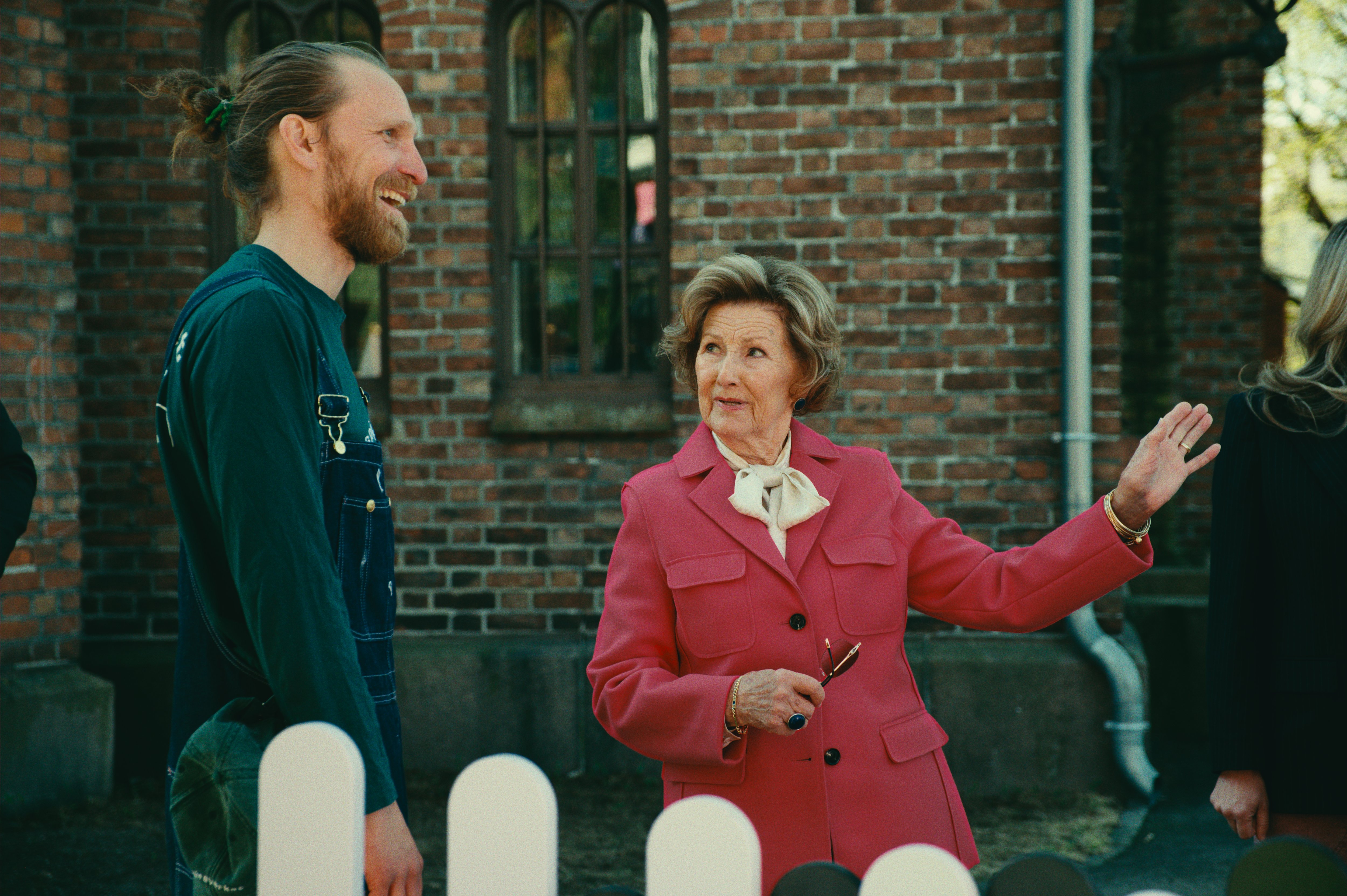
(Her jacket was a nuissance, overexposing the red channel like crazy. Helped to pull it back with the ych chromacity vs chromacity curves in VKDT).
7 Likes
seems like @arctic earned the badge “internationally and royally recognized”. Neat photo !
4 Likes
Are all the coupler parameters non-global? I assumed that the “amount” slider (DIR Global Multiplier) was LUT encodable (As in ART)?
Grain, halation and diffusion are already not being taken into account.
I do really need to test out video in VKDT!
There are some parameters that affect sharpness. I just set them to 0 and luts seem to work perfectly fine. I haven’t stress tested them though.
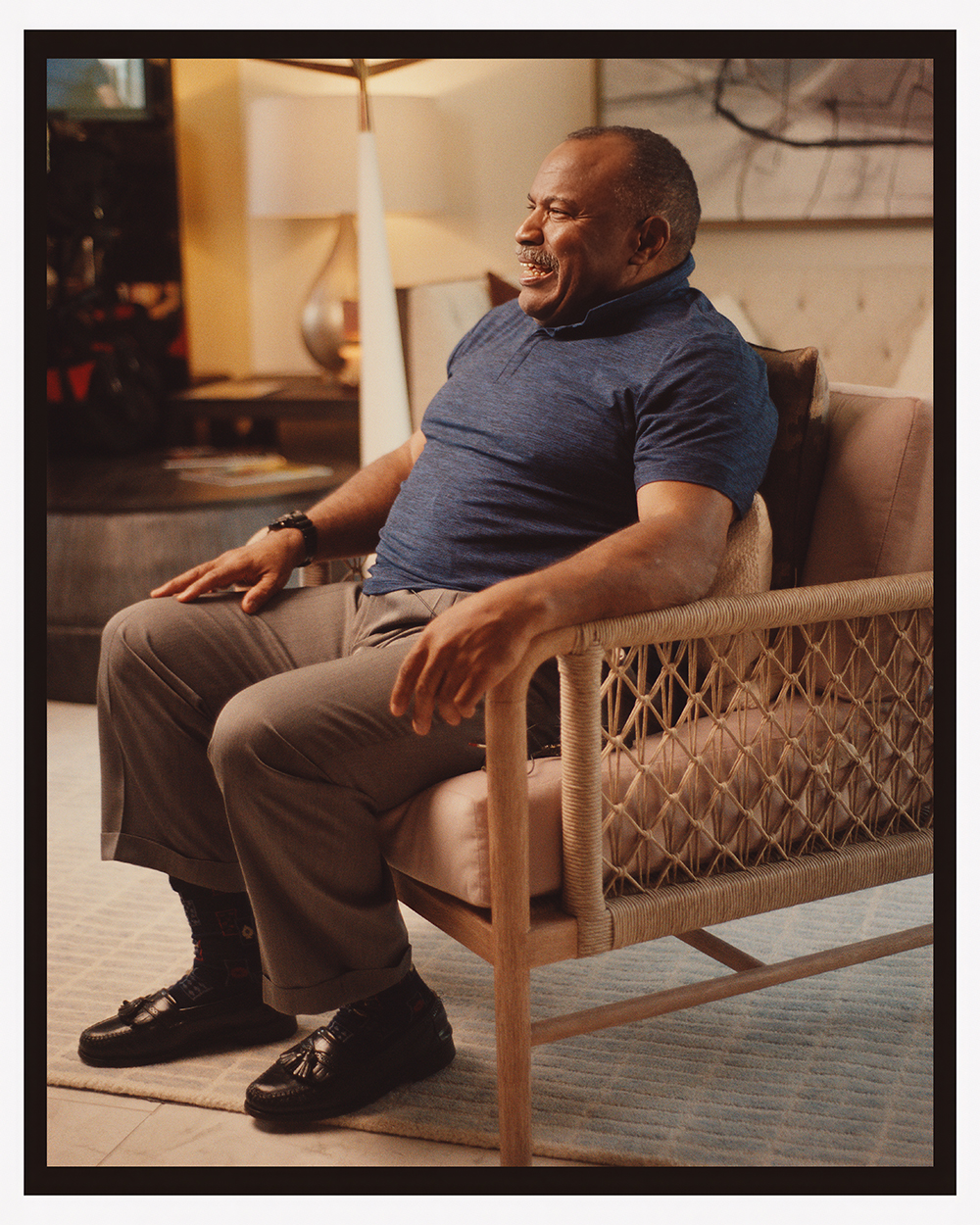
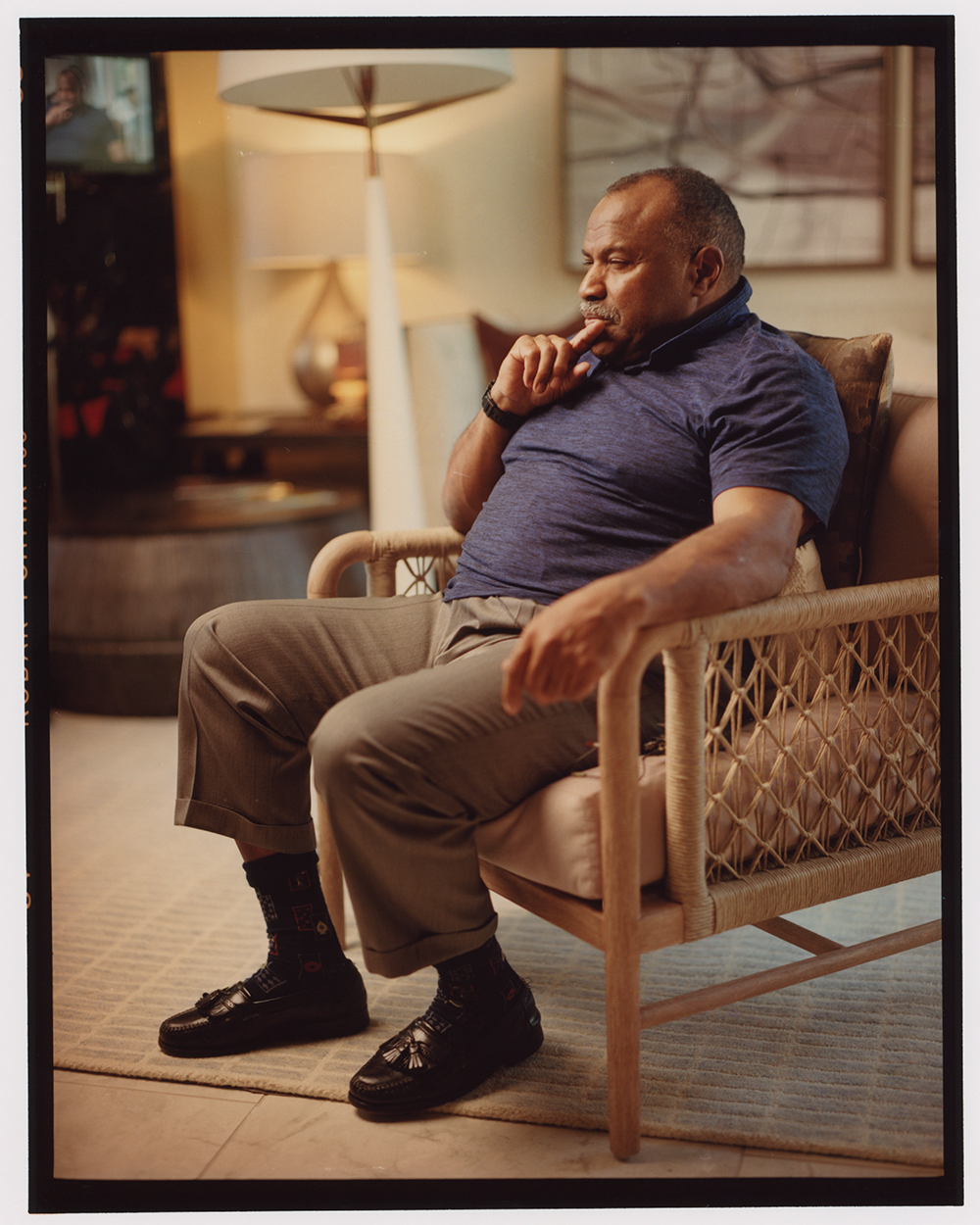
one is digital raw than spektral, one is a film darkroom print, all adjustments for the digital were made in program with some minor split tone tweaks in photoshop! this is jawdropping stuff
10 Likes